
High Resolution Vanilla Pbr Resource Pack Wiki

High Resolution Vanilla Pbr Resource Pack Wiki & Guide
Java EditionResource Pack
wiki.9minecraft.net/high-resolution-vanilla-pbr-resource-pack/
The community wiki and guide for High Resolution Vanilla Pbr Resource Pack — guides, recipes, items and mechanics.
What this pack changes
Every texture group the pack replaces, counted from the pack itself.
| Area | Textures replaced |
|---|---|
| Blocks | 114 |
Pack format 101–1000 (Minecraft 1.21.9)114 texture files in total
Guides
Step-by-step, in-game.
Build a Shiny Vault That Shows Off Metallic ReflectionsCheck Which Blocks the Pack Changes Before You BuildKeep the Game Running Smoothly with 256x TexturesTurn On the Pack and See the PBR Effects with Shaders
Blocks
A
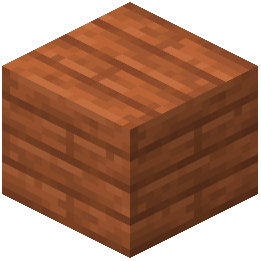 Acacia Planks
B
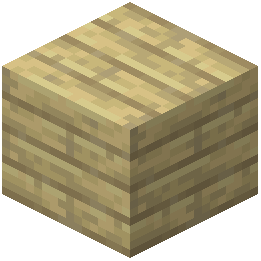 Birch Planks
 Black Concrete
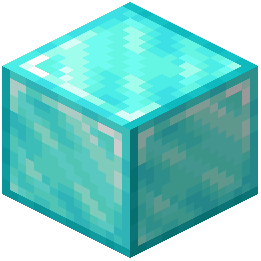 Block of Diamond
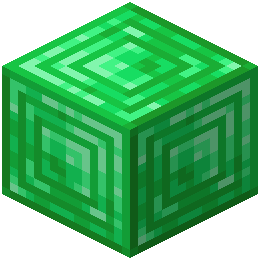 Block of Emerald
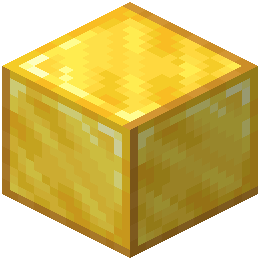 Block of Gold
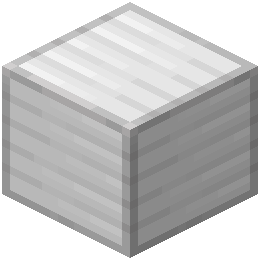 Block of Iron
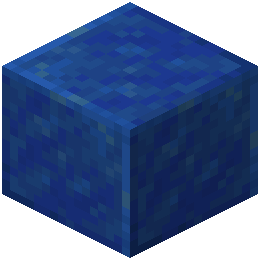 Block of Lapis Lazuli
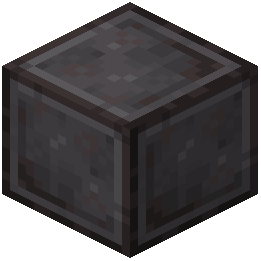 Block of Netherite
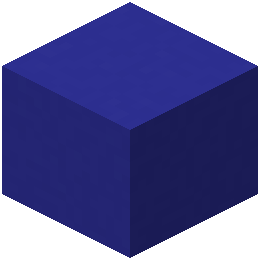 Blue Concrete
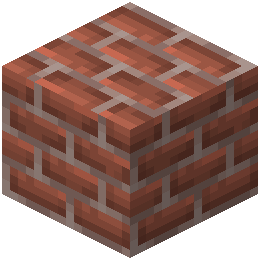 Bricks
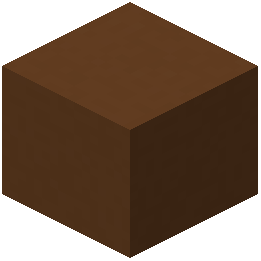 Brown Concrete
C
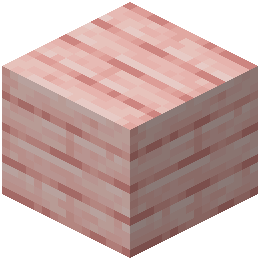 Cherry Planks
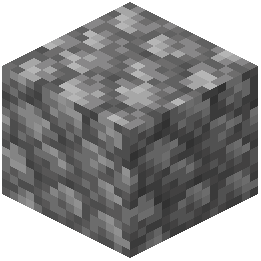 Cobblestone
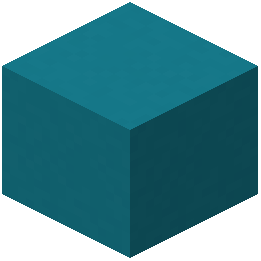 Cyan Concrete
D
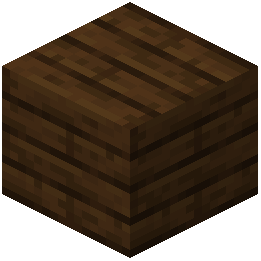 Dark Oak Planks
G
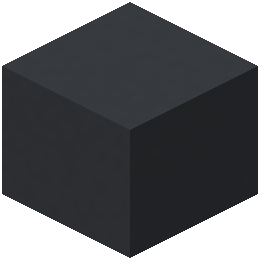 Gray Concrete
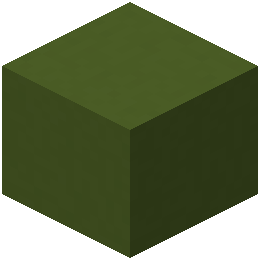 Green Concrete
J
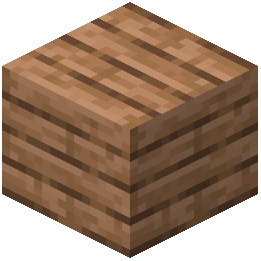 Jungle Planks
L
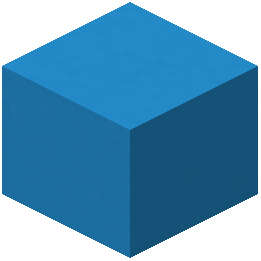 Light Blue Concrete
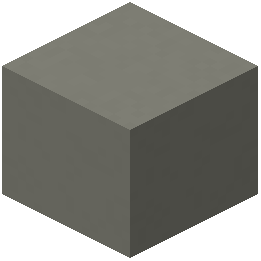 Light Gray Concrete
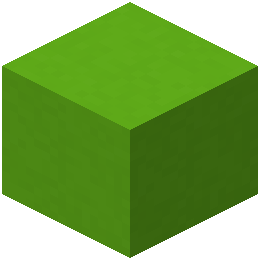 Lime Concrete
M
 Magenta Concrete
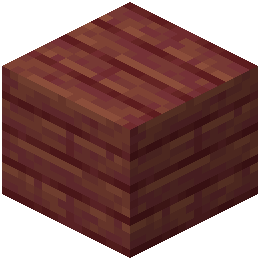 Mangrove Planks
O
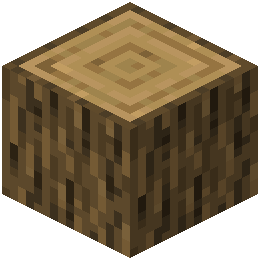 Oak Log
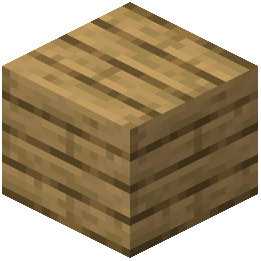 Oak Planks
 Orange Concrete
P
 Pink Concrete
 Purple Concrete
R
 Red Concrete
S
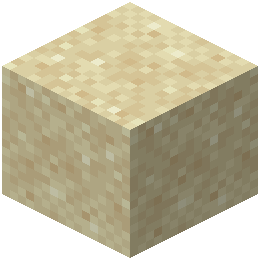 Sand
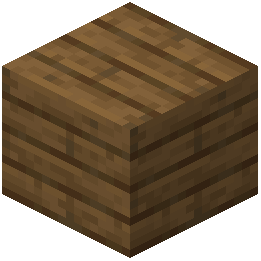 Spruce Planks
 Stone
W
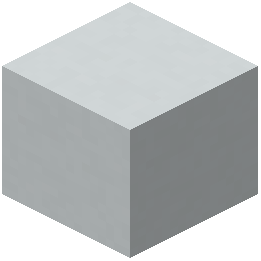 White Concrete
Y
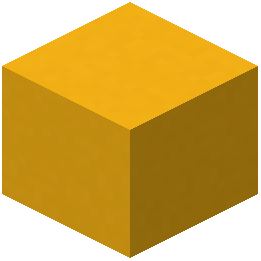 Yellow Concrete
Frequently asked questions
How do I turn this pack on?
Open Options, then Resource Packs, move High Resolution Vanilla PBR Resource Pack into the selected column, and click Done. The game reloads its textures, which can take a little longer than usual because the textures are 256x.
Why do my blocks look sharper but not shiny or 3D?
The PBR surface maps only react to light when a compatible shader is running, such as Kappa or Sparkle. Without a shader you still get the crisp 256x textures, but no reflections or surface depth.
Which shaders work with this pack?
Kappa and Sparkle are named as compatible. Enable the resource pack and the shader together, then look at metal blocks in sunlight to confirm the reflections are working.
What blocks does this pack actually change?
It covers Iron, Gold, Diamond, Emerald, Lapis, and Netherite blocks, all overworld wooden planks, standard Oak logs, every colored concrete block, sand, and the top face of grass blocks. Anything not on that list keeps its normal texture.
Why do my birch and spruce logs look normal when the planks are upgraded?
The pack updates all overworld planks, but only standard Oak logs are covered on the log side. Other log types keep their usual textures, so use Oak logs if you want matching high-resolution detail.
The sides of my grass blocks didn't change, is the pack broken?
No. The pack only updates the top face of grass blocks, so the sides stay as they normally are.
Does this pack change how vanilla blocks look or their colors?
No. It keeps the original colors and art patterns and only adds resolution and surface detail, so your existing builds keep their familiar look.
What's the best block to show off the metallic reflections?
The precious mineral blocks show it best, especially Iron, Gold, Diamond, Emerald, and Netherite blocks under a compatible shader in open sunlight. Placing them next to concrete or planks makes the contrast between shiny and matte surfaces obvious.
My game is lagging or slow to load with this pack, what can I do?
256x textures use a lot more graphics memory than default textures, especially with a shader on top. Lower your render distance or shader quality settings, and close other demanding programs if loading takes a long time.
Can I use this with another resource pack or on a server?
Yes. It is a client-side resource pack, so it works on any server without the server needing it. Place it above other packs in the selected list if you want its versions of the covered blocks to win, and the other packs will still handle everything else.
Related mods
Other wikis you may find useful.