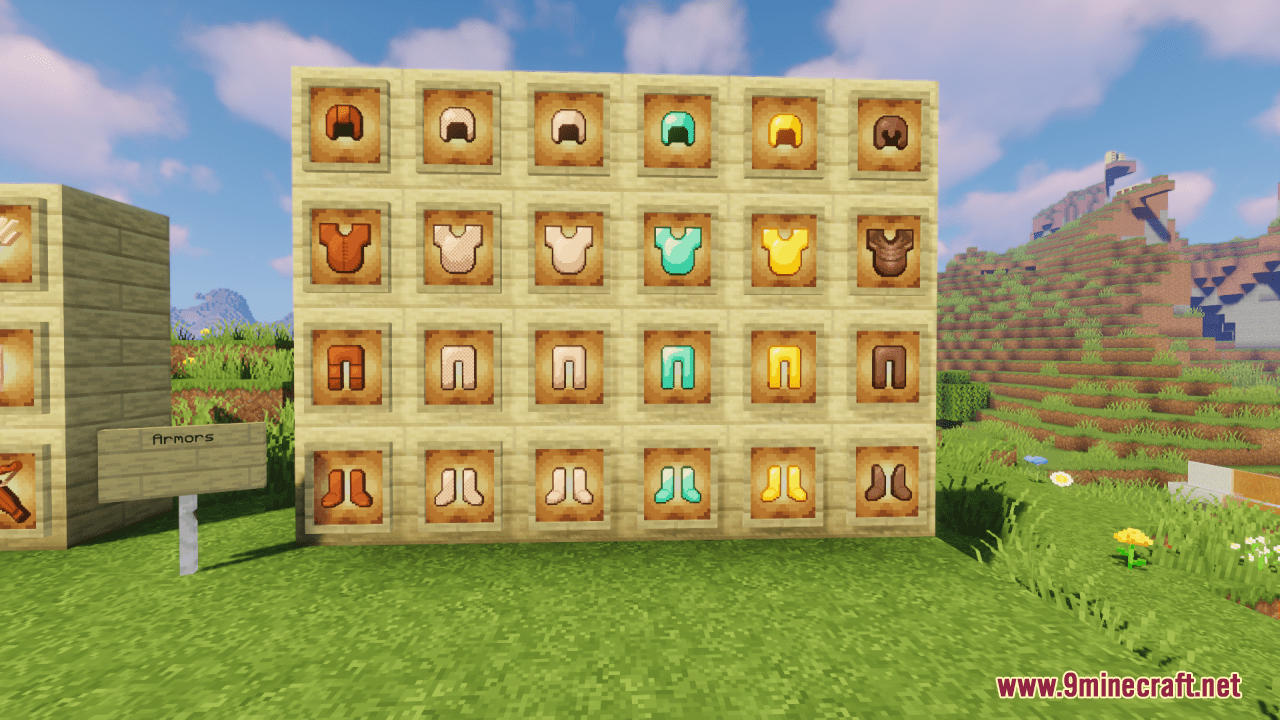
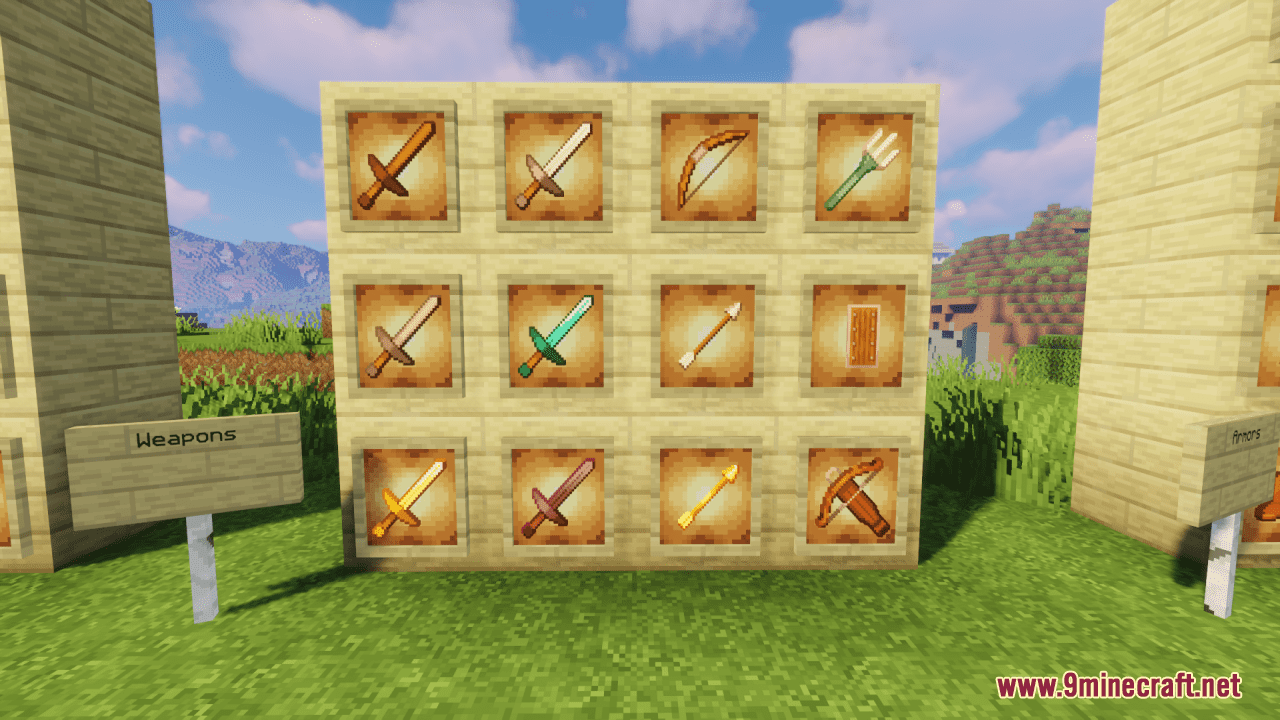
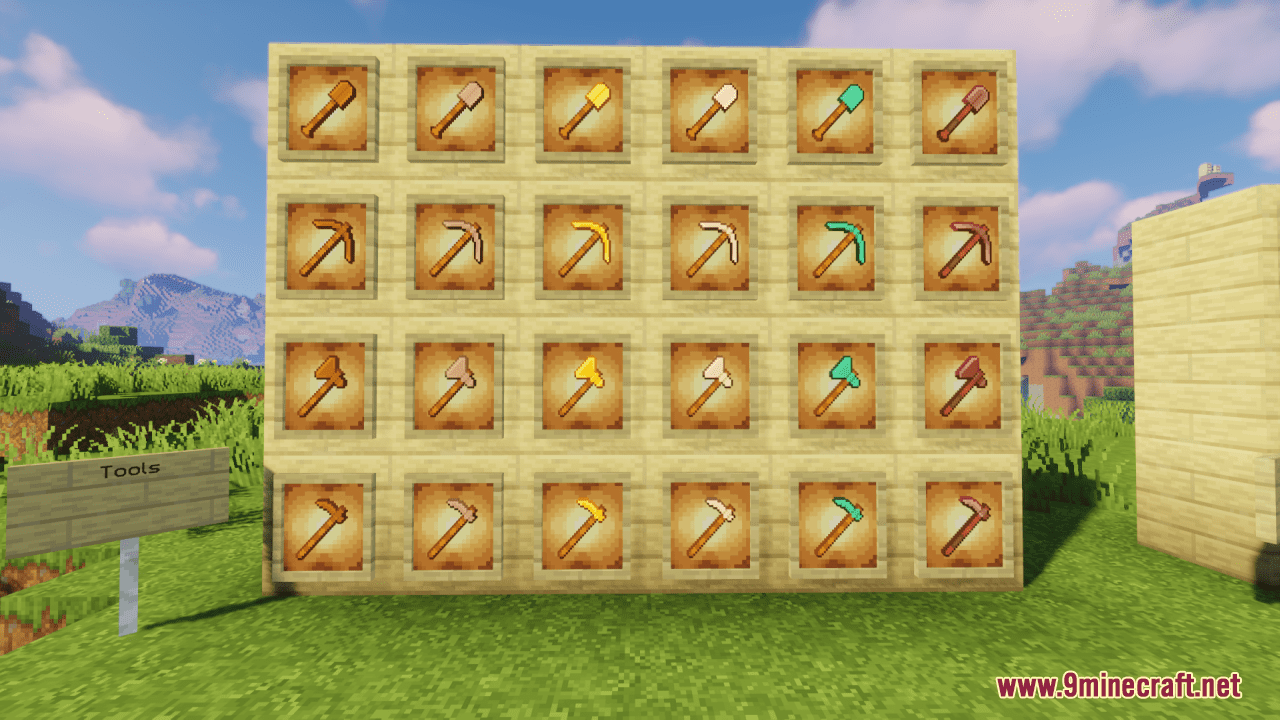
DownloadClassic Faithful 32X Jappa Resource Pack
Get the files on 9Minecraft
Contents (8)
Guides
Step-by-step, in-game.
Activating the Resource Pack in Your WorldLoad the Pack into Minecraft Once you've downloaded Classic Faithful 32x Jappa, the resource pack file needs to be…Adjusting Texture Quality and PerformanceUnderstand the 32x Resolution Classic Faithful 32x Jappa uses 32×32 pixel textures, which is four times the…Customizing Textures for Specific Blocks or ItemsAccess the Pack Files To customize individual textures, you need to edit the resource pack directly. Locate the…Ensuring Compatibility with Mods and ShadersCheck Mod Compatibility Classic Faithful 32x Jappa is designed to work with vanilla Minecraft and most mods that…
Items
518 items · showing 24. Browse all →
 Acacia Boat
 Acacia Boat with Chest
 Acacia Door
 Allay Spawn Egg
 Amethyst Shard
 Angler Pottery Sherd
 Apple
 Archer Pottery Sherd
 Armadillo Scute
 Armadillo Spawn Egg
 Armor Stand
 Arms Up Pottery Sherd
 Arrow
 Axolotl Spawn Egg
 Baked Potato
 Bamboo
 Bamboo Door
 Bamboo Raft
 Bamboo Raft with Chest
 Banner Pattern (Flower)
 Banner Pattern (Flow)
 Banner Pattern (Skull)
 Banner Pattern (Creeper)
 Banner Pattern (Guster)
Blocks
555 blocks · showing 24. Browse all →
 Acacia Hanging Sign
 Acacia Leaves
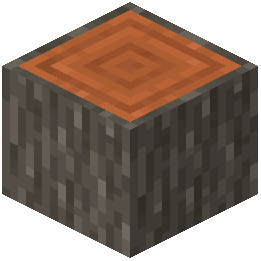 Acacia Log
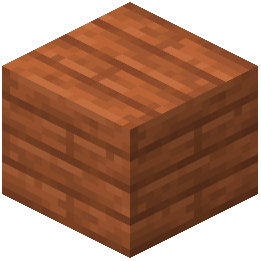 Acacia Planks
 Acacia Sapling
 Acacia Shelf
 Acacia Sign
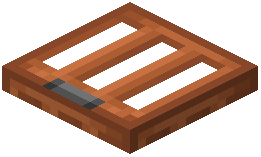 Acacia Trapdoor
 Activator Rail
 Allium
 Amethyst Cluster
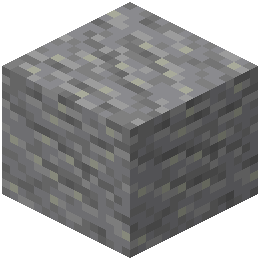 Andesite
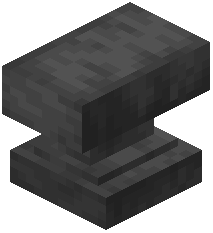 Anvil
 Attached Melon Stem
 Attached Pumpkin Stem
 Azalea Leaves
 Azure Bluet
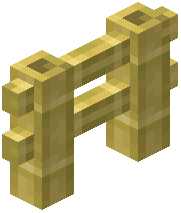 Bamboo Fence
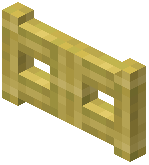 Bamboo Fence Gate
 Bamboo Hanging Sign
 Bamboo Mosaic
 Bamboo Planks
 Bamboo Shelf
 Bamboo Sign
What this pack changes
Every texture group the pack replaces, counted from the pack itself.
| Area | Textures replaced |
|---|---|
| Blocks | 1,295 |
| Items | 833 |
| Mobs & entities | 739 |
| GUI & menus | 544 |
| Particles | 298 |
| Paintings | 52 |
| Maps | 42 |
| Status effects | 40 |
| Armor trims | 40 |
| Sky & weather | 12 |
| Misc | 6 |
| Font | 5 |
Pack format 98 (Minecraft 1.21.9)3,907 texture files in total
Extra features
Custom font
Custom block/item models
Reworked GUI
Frequently asked questions
How do I activate this resource pack in my world?
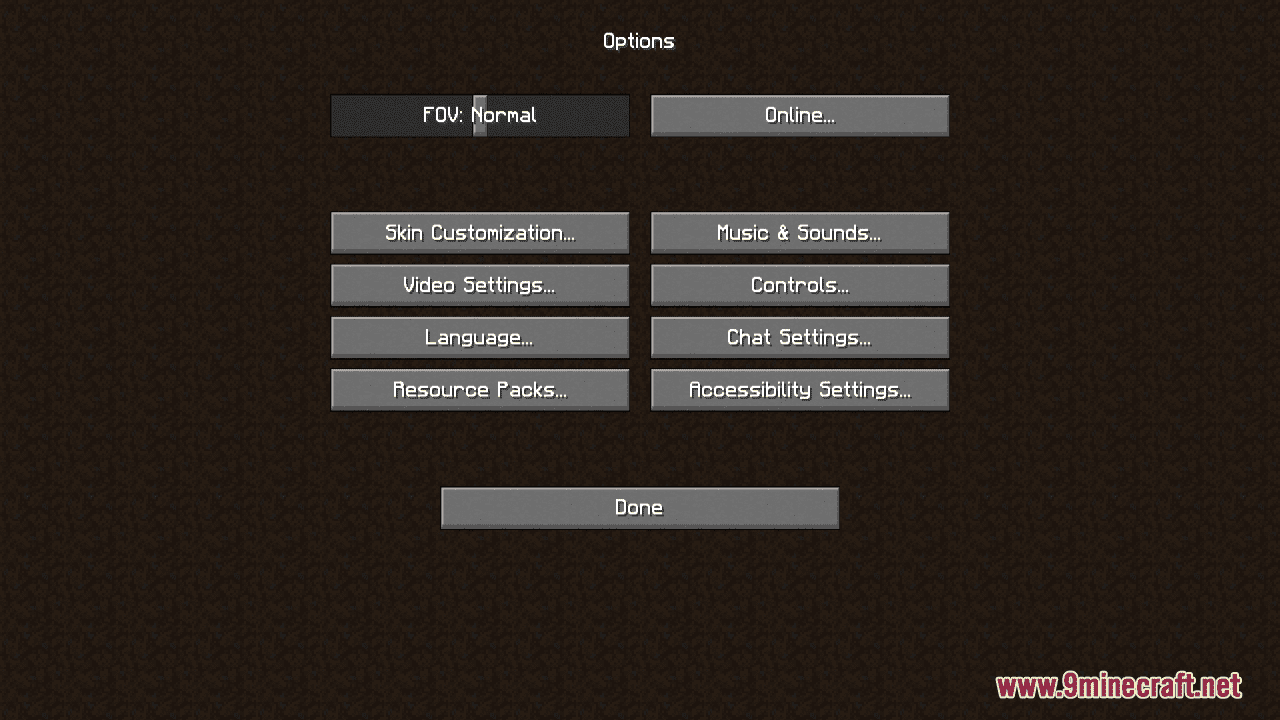
Open your world, go to Settings > Resource Packs, find Classic Faithful 32x Jappa in the Available list, and click the arrow to move it to Active. Make sure it's positioned above the Default pack, then apply and save.
Will this pack work with my shader mod?
Yes, Classic Faithful 32x Jappa is compatible with most shader mods like Optifine and Sodium. Load the resource pack first, then enable your shader—the textures will render with the shader effects applied.
My game is lagging after installing this pack. What should I do?
The 32x resolution requires more VRAM than the default textures. Try adjusting your render distance lower, disabling mipmaps in your video settings, or allocating more RAM to Minecraft in your launcher.
Does this pack change mob textures and animations?
No, this pack only updates block and item textures to a higher resolution while keeping the original Jappa art style. Mob models and animations remain unchanged.
Can I use this with mods that add new blocks?
Yes, but new blocks from other mods will use their default textures unless those mods include their own texture files. The resource pack won't affect blocks it doesn't have textures for.
How do I customize specific textures in this pack?
Extract the resource pack folder, navigate to the assets folder, find the texture file you want to edit (stored as PNG files), modify it with an image editor, then save and reload the pack in-game.
Is there a performance difference between this and the default textures?
Yes, the 32x resolution uses more video memory and processing power than the default 16x textures, so you may see slightly lower frame rates depending on your hardware.
Why do some textures look blurry even with this pack installed?
Make sure your video settings have mipmaps disabled or set to the lowest level, and check that the resource pack is actually active and positioned above the Default pack in your list.
Can I use this pack on a multiplayer server?
Yes, resource packs are client-side only, so you can use this pack on any server without affecting other players or requiring server-side installation.
Does this pack include textures for the Nether and End dimensions?
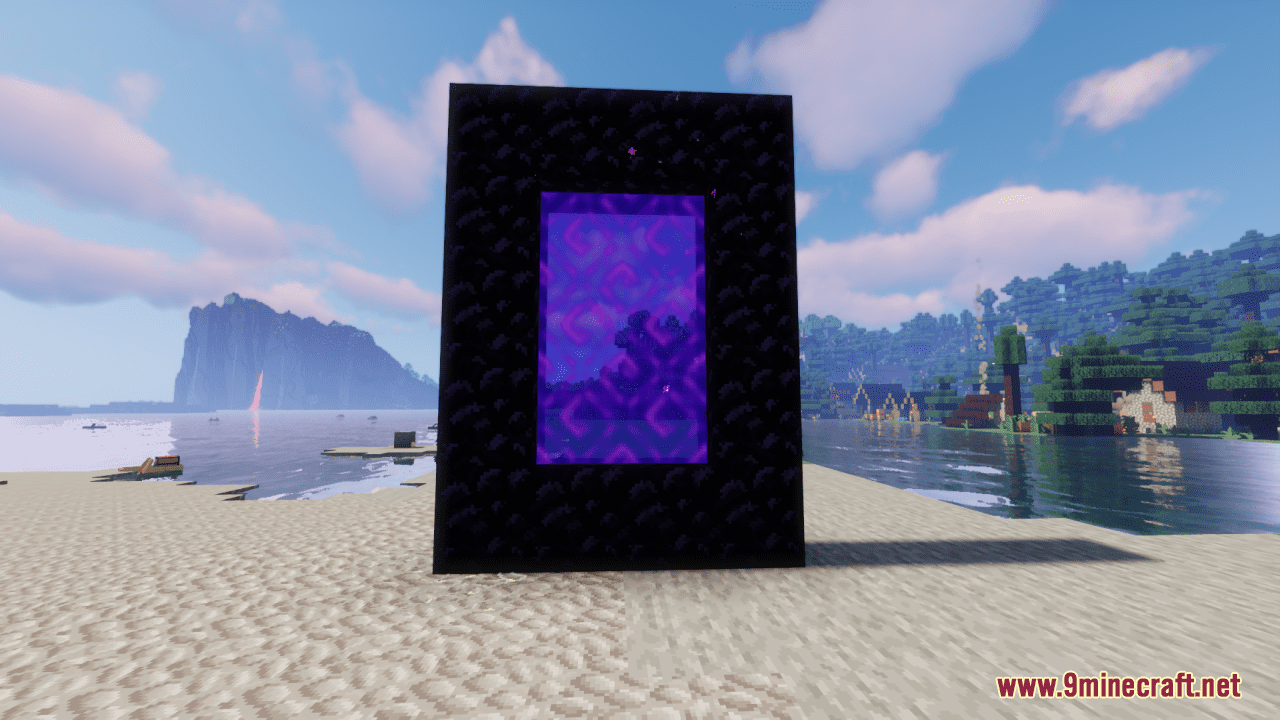
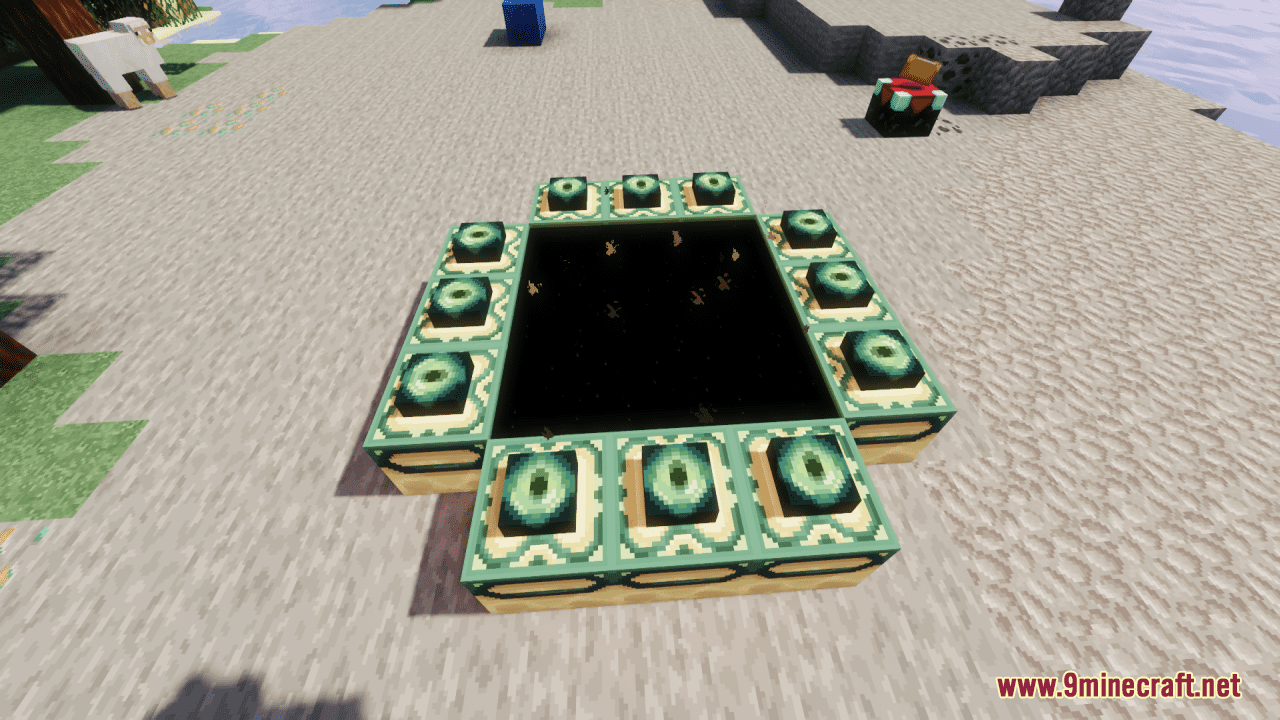
Yes, all blocks and items across all dimensions receive the 32x texture upgrade, including Nether and End blocks.
You May Also Like
Wikis that share the most with this one
More resource pack wikis on the site
Classic Earth And Modern Rubies Resource PackClarityClarity 9Minecraft Resource PackCivilizations Roma Invicta Classical Civilizations Texture Pack Resource PackCIT for Roguelike Dungeons Resource PackChristmas Spirit Resource PackChipote Chillon Resource PackChinese Mythology Mash Up Resource PackChicknTurtle’s Better Shield Resource PackChicknTurtle’s 3D Tools Resource PackChickens to Turkey Resource PackChests Reimagined Resource Pack
The most downloaded mods that have a wiki here
A few wikis from each of the other kinds
Gallery
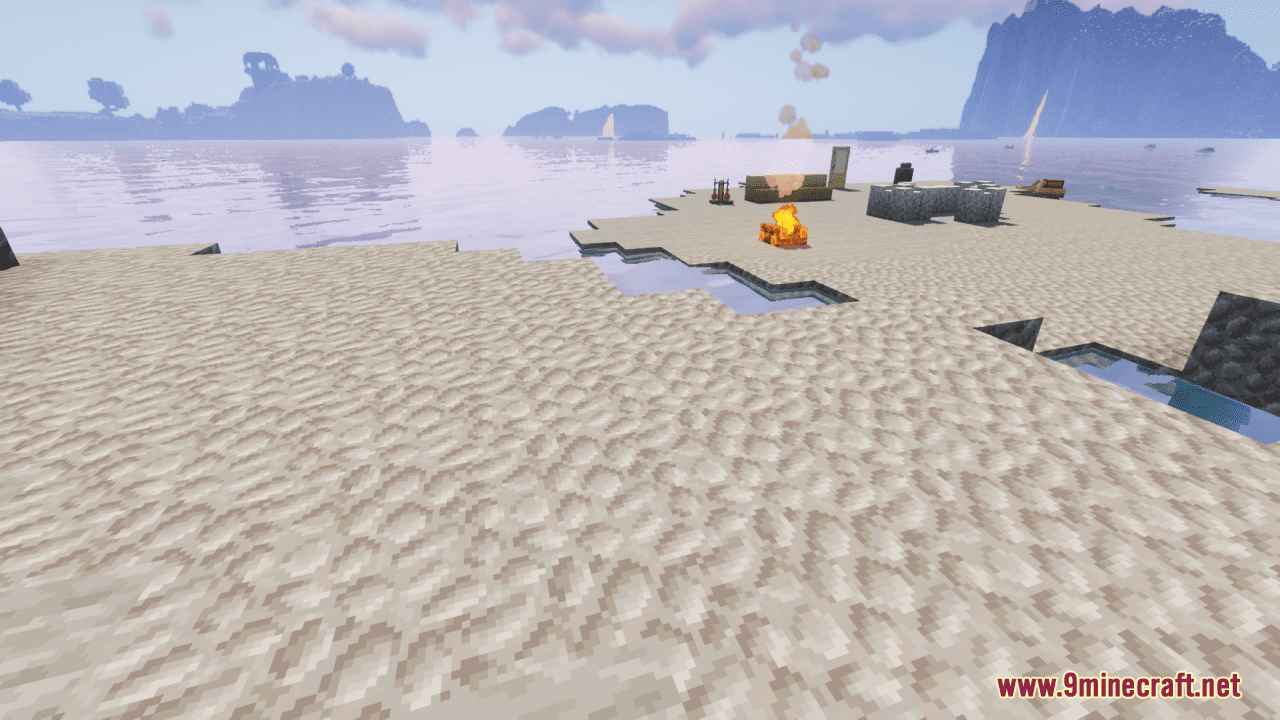
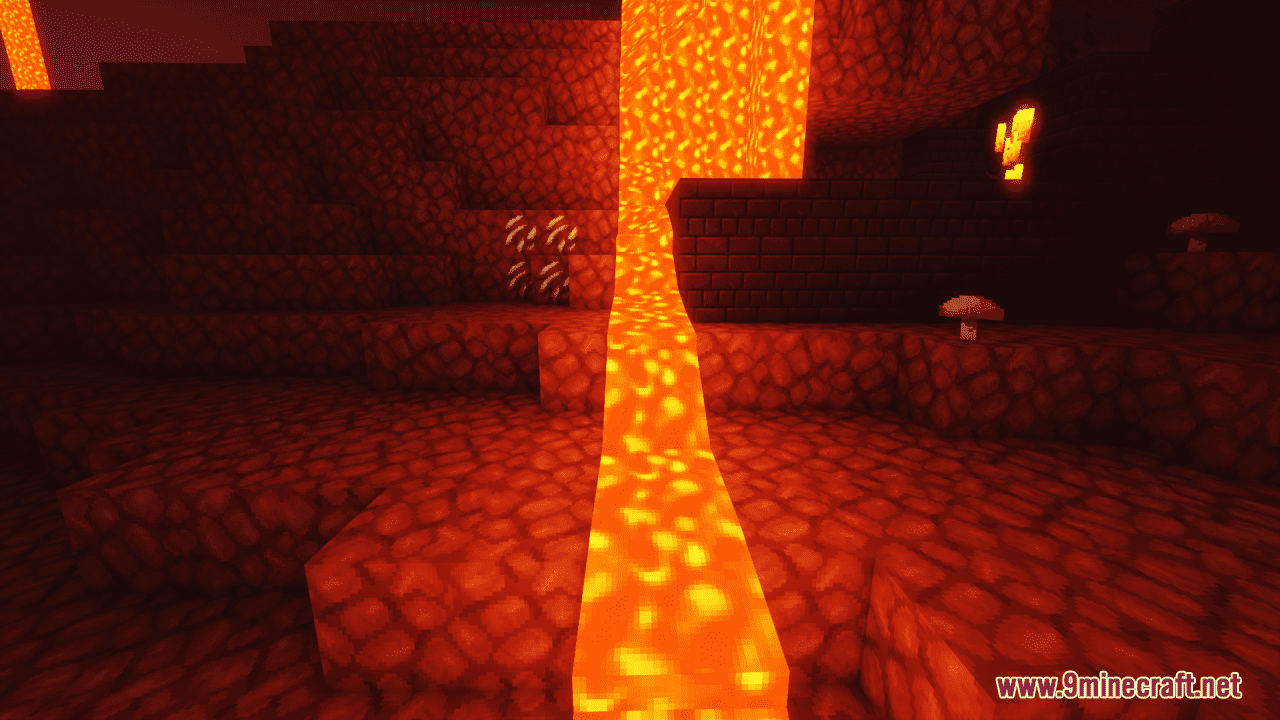
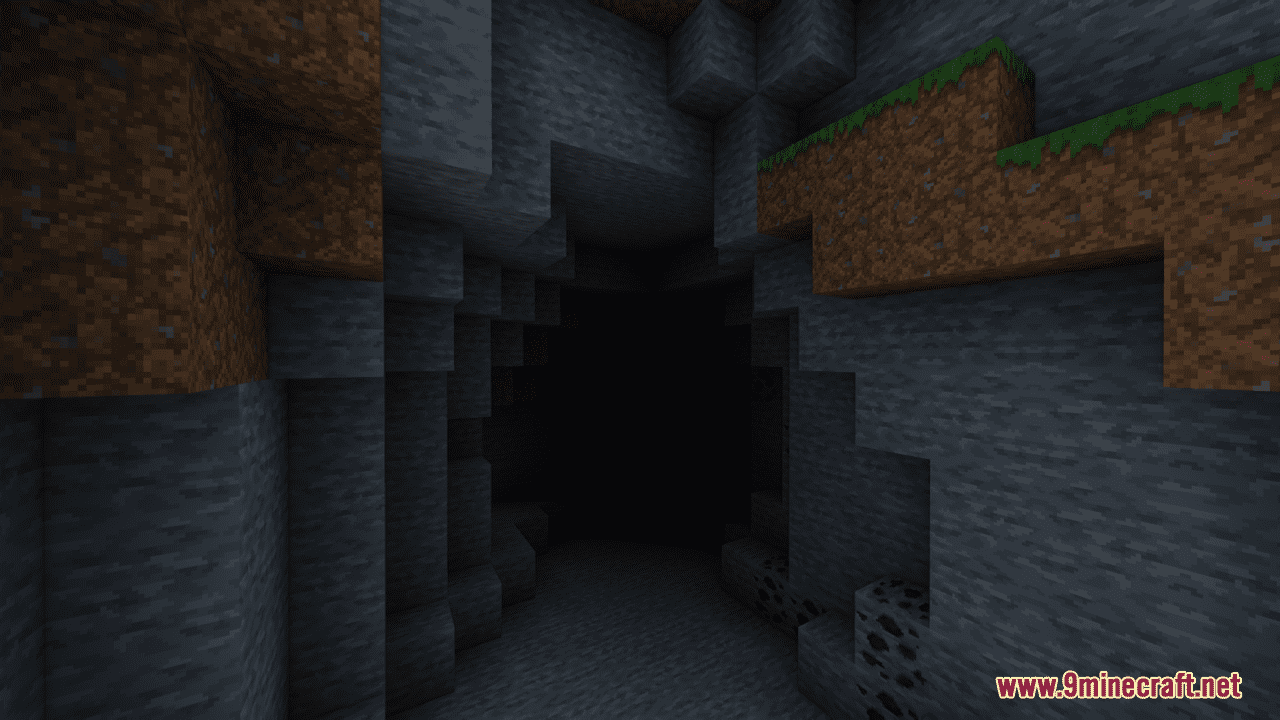
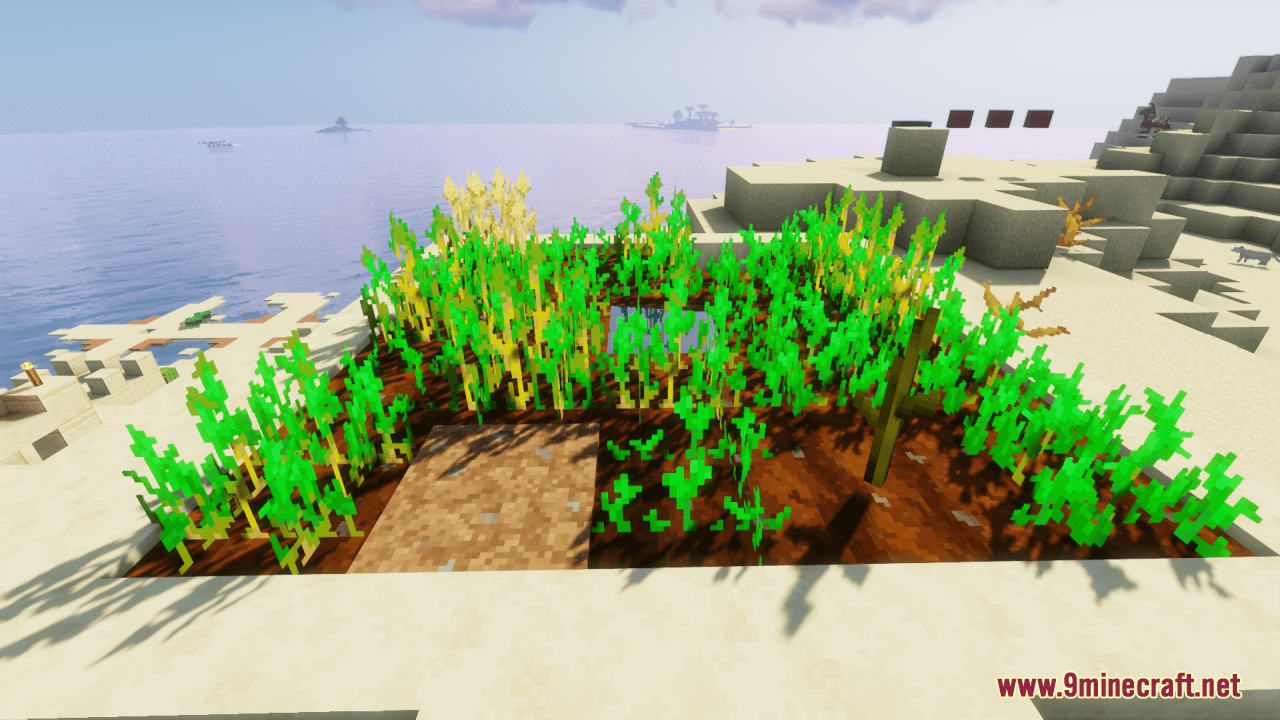
12 images from the Classic Faithful 32X Jappa Resource Pack page.