

 DownloadAdvanced Set Spawn Plugin
Get the files on 9Minecraft
Guides
Step-by-step, in-game.
Customize Chat Messages and Spawn NotificationsConfigure Message Appearance Every time the plugin sends a message—whether for teleportation, void rescue, or…Rescue Players Falling Into the VoidAutomatic Void Protection The void is a constant danger in Minecraft. This plugin automatically catches players who…Set Up a Safe Landing Zone for New PlayersCreate a Welcoming First Spawn New players often need a controlled environment to learn server rules and collect…Teleport Everyone to Spawn at OnceMass Teleport All Players Server events, maintenance, or gathering the community often requires moving everyone to…
Frequently asked questions
How do I set up spawn for the first time?
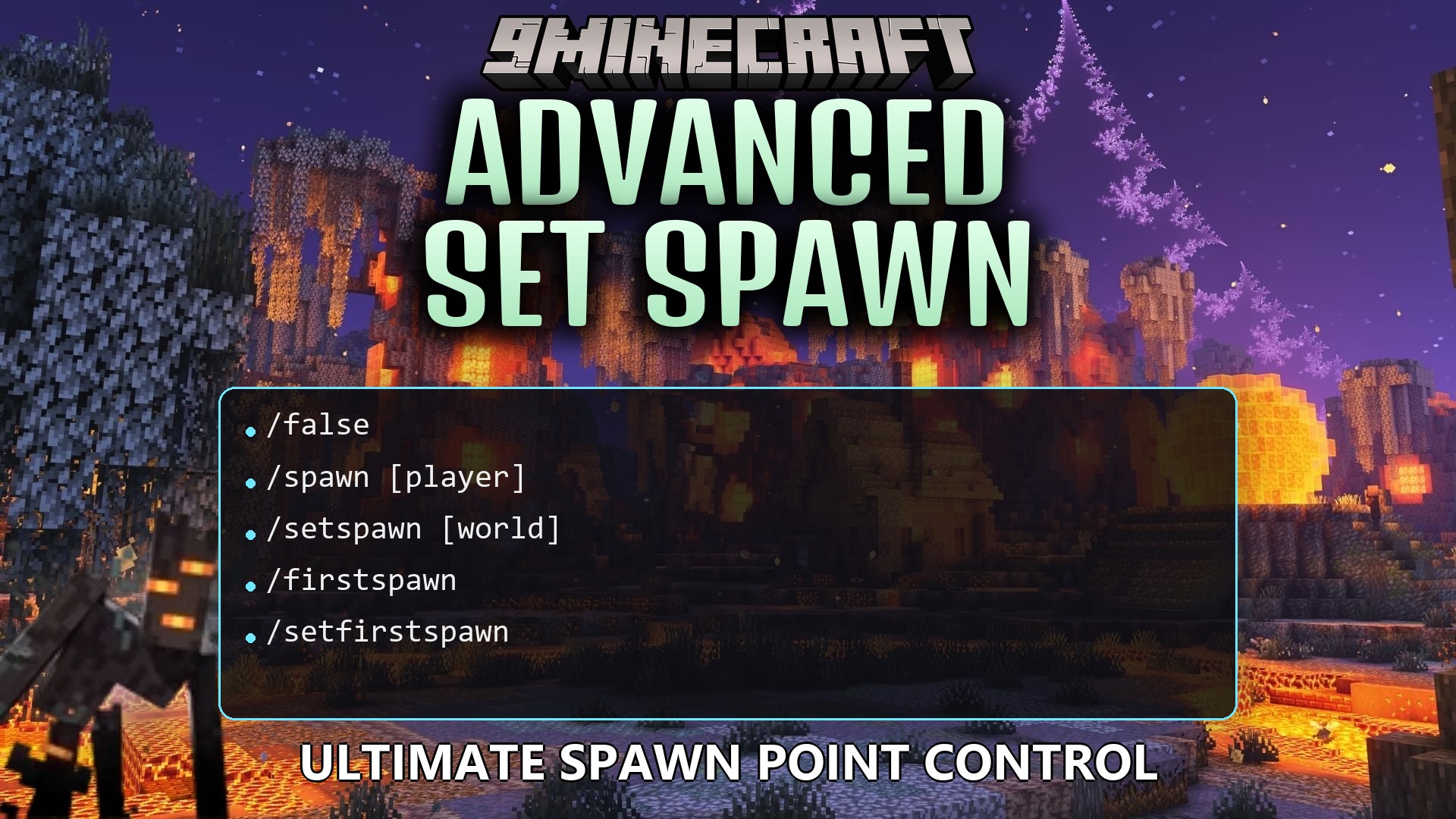
Stand at the location where you want players to appear and type /setspawn in chat. That's it—all players will now travel to that spot when they join or die. You can change it anytime by standing somewhere else and typing /setspawn again.
Can I have different spawn points for different worlds?
Yes, the plugin supports per-world spawns. Simply travel to a different world or dimension, stand where you want that world's spawn to be, and type /setspawn. Each world remembers its own spawn location independently.
What happens if someone falls into the void?
The Smart Void Rescue feature automatically catches them and teleports them safely to the main spawn point instead of letting them die. No commands needed—it happens automatically.
How do I set up a special area just for brand new players?
Stand in the area where you want new players to start, then type /setfirstspawn. First-time visitors will appear there instead of the main spawn, while returning players use the regular spawn point.
See all 10 Advanced Set Spawn questions ›
Gallery
1 image from the Advanced Set Spawn Plugin page.
You May Also Like
Wikis that share the most with this one
 Job X Plugin
More plugin wikis on the site
Aj Leaderboards PluginAli Cushions Plugin All in One Vein Miner & Tree Feller PluginAll Items Mini Mini All Items Challenge PluginAltarsmp by Dnmanpo PluginAnimal Pens Paperized PluginAnti Auto Fishing PluginApex Mortal Ascension PluginAuraSkills PluginAuto Item Reload PluginAx Inventory Restore PluginAx Player Warps Plugin
The most downloaded mods that have a wiki here
A few wikis from each of the other kinds