DownloadImproved Create 32X Model
Get the files on 9Minecraft
Contents (8)
Guides
Step-by-step, in-game.
Customizing Models Using Blockbench Project FilesLocate and Open Source Files The mod includes 5 Blockbench project files (.bbmodel format) that contain the source 3D…Understanding Wall and Ceiling Placement VariantsHow Placement Variants Work The Improved Create 32x Model pack includes distinct 3D models for different mounting…Viewing Animated Textures on Operating MachineryEnable Animated Textures in Video Settings Animated textures require the appropriate video setting enabled. Open…Viewing Custom 3D Models on Mechanical BlocksActivate the Resource Pack First, ensure the Improved Create 32x Model pack is enabled in your Resource Packs…
Items
 Brush
 Copper Door
 Copper Ingot
 Exposed Copper Door
 Gold Ingot
 Oxidized Copper Door
 Raw Copper
 Weathered Copper Door
Blocks
B
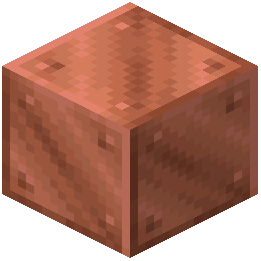 Block of Copper
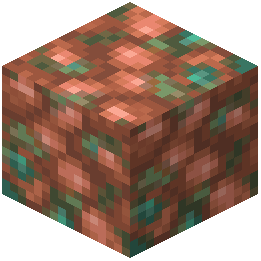 Block of Raw Copper
C
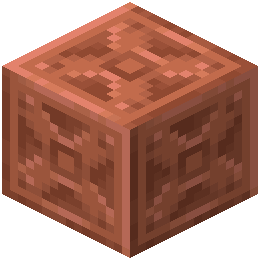 Chiseled Copper
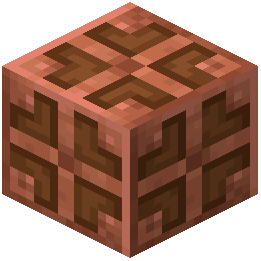 Copper Bulb
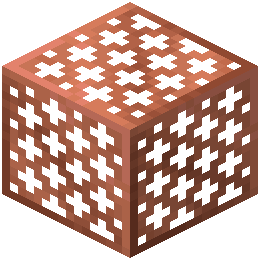 Copper Grate
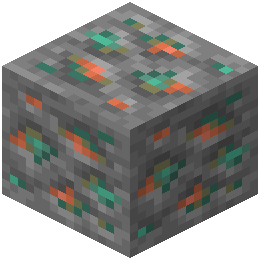 Copper Ore
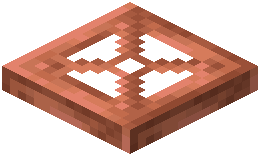 Copper Trapdoor
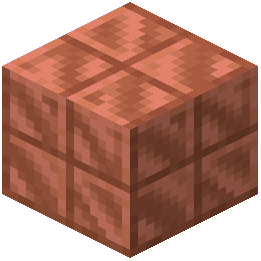 Cut Copper
D
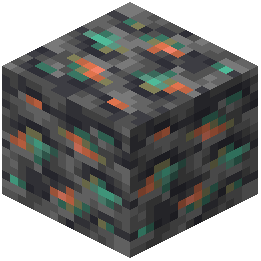 Deepslate Copper Ore
E
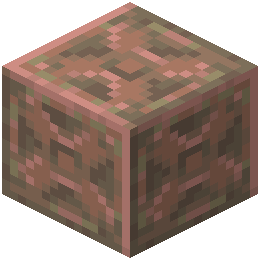 Exposed Chiseled Copper
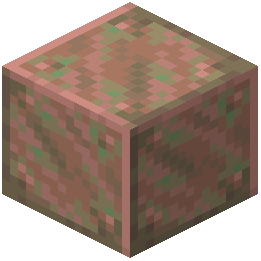 Exposed Copper
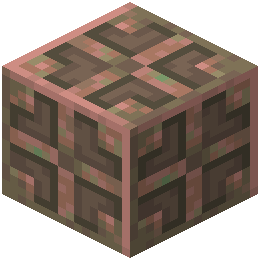 Exposed Copper Bulb
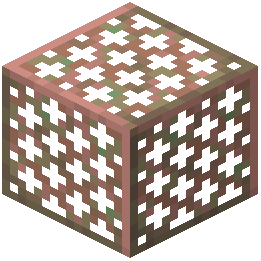 Exposed Copper Grate
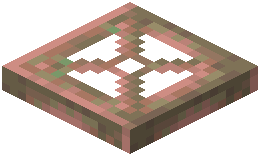 Exposed Copper Trapdoor
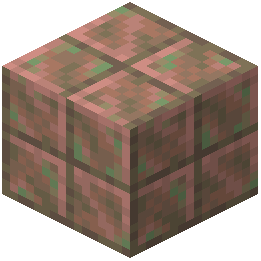 Exposed Cut Copper
L
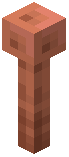 Lightning Rod
O
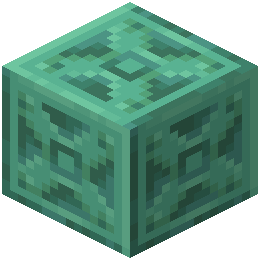 Oxidized Chiseled Copper
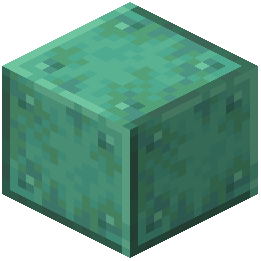 Oxidized Copper
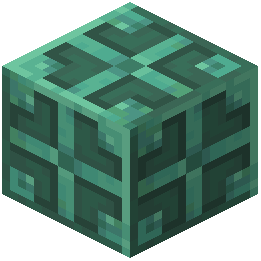 Oxidized Copper Bulb
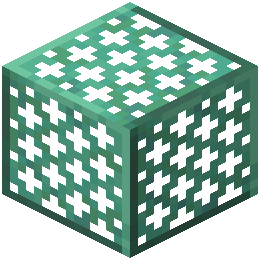 Oxidized Copper Grate
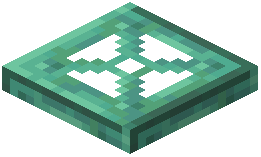 Oxidized Copper Trapdoor
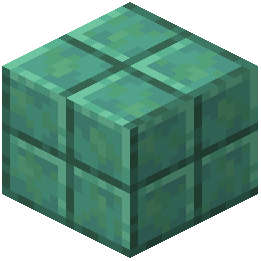 Oxidized Cut Copper
W
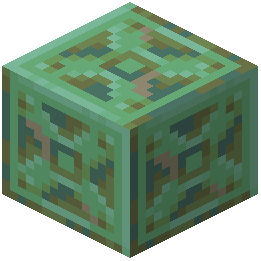 Weathered Chiseled Copper
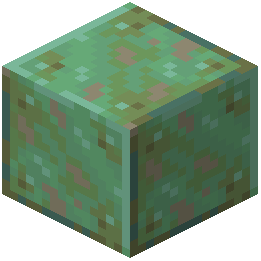 Weathered Copper
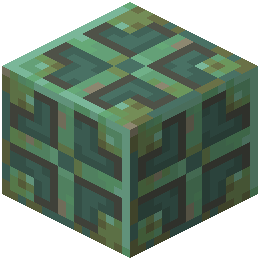 Weathered Copper Bulb
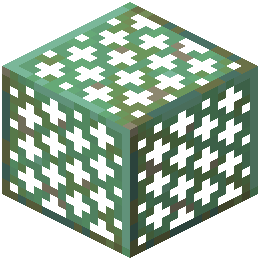 Weathered Copper Grate
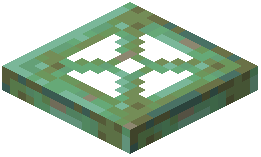 Weathered Copper Trapdoor
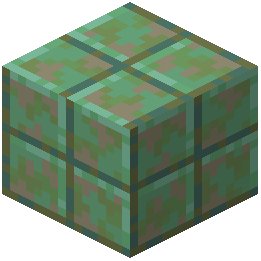 Weathered Cut Copper
What this pack changes
Every texture group the pack replaces, counted from the pack itself.
| Area | Textures replaced |
|---|---|
| Blocks | 1,096 |
| Items | 130 |
| Particles | 84 |
| Armor trims | 40 |
| GUI & menus | 38 |
| Fluid | 10 |
| Mobs & entities | 7 |
| Special | 7 |
| Models | 6 |
| Maps | 1 |
Pack format 15 (Minecraft 1.20)1,421 texture files in total
Extra features
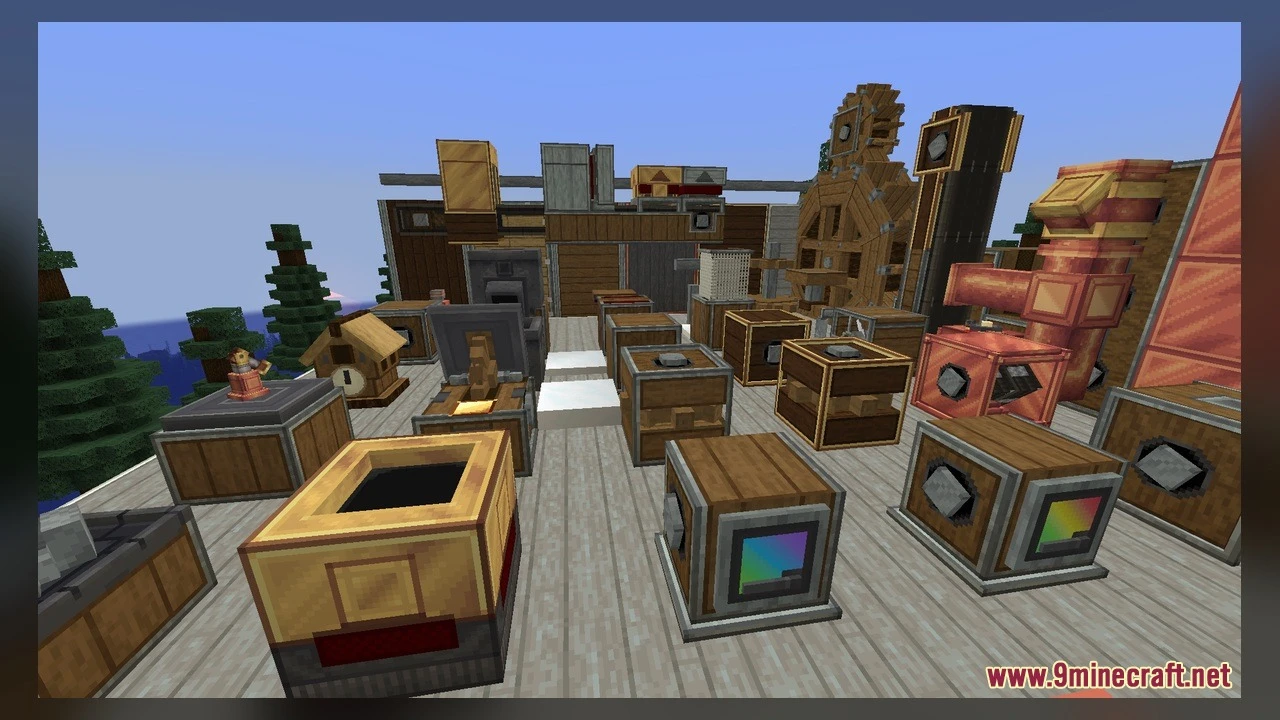
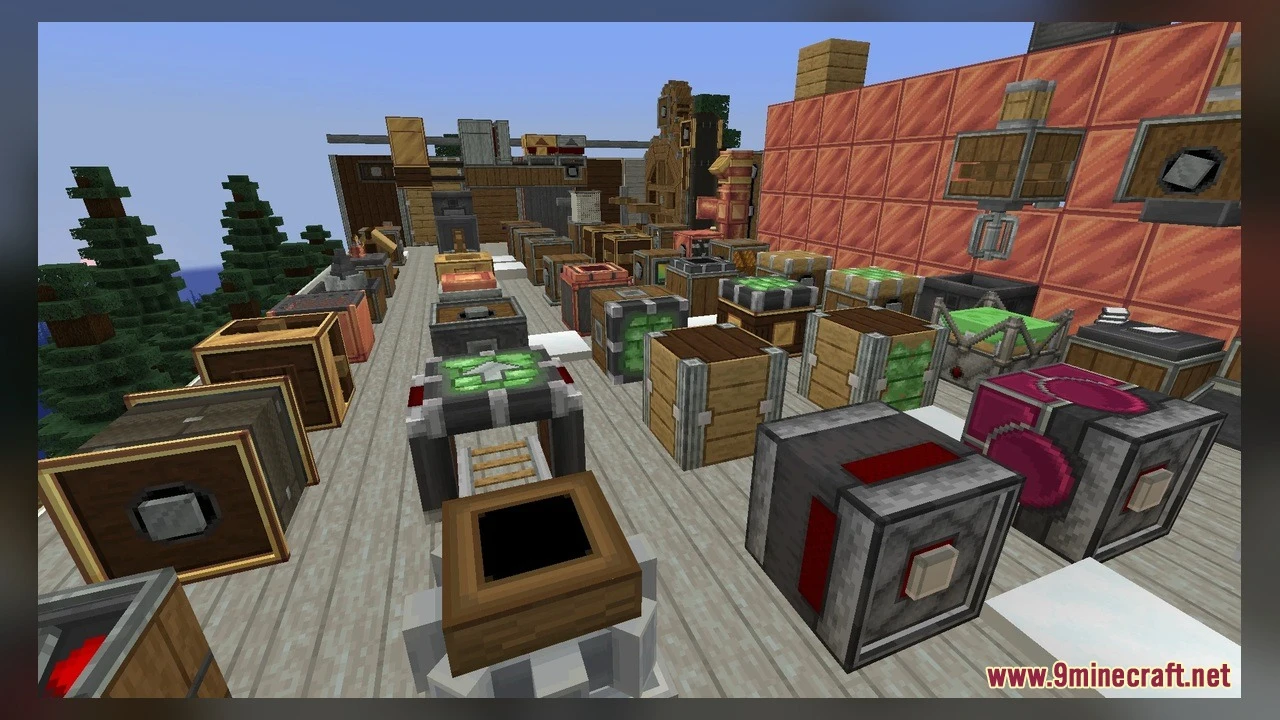
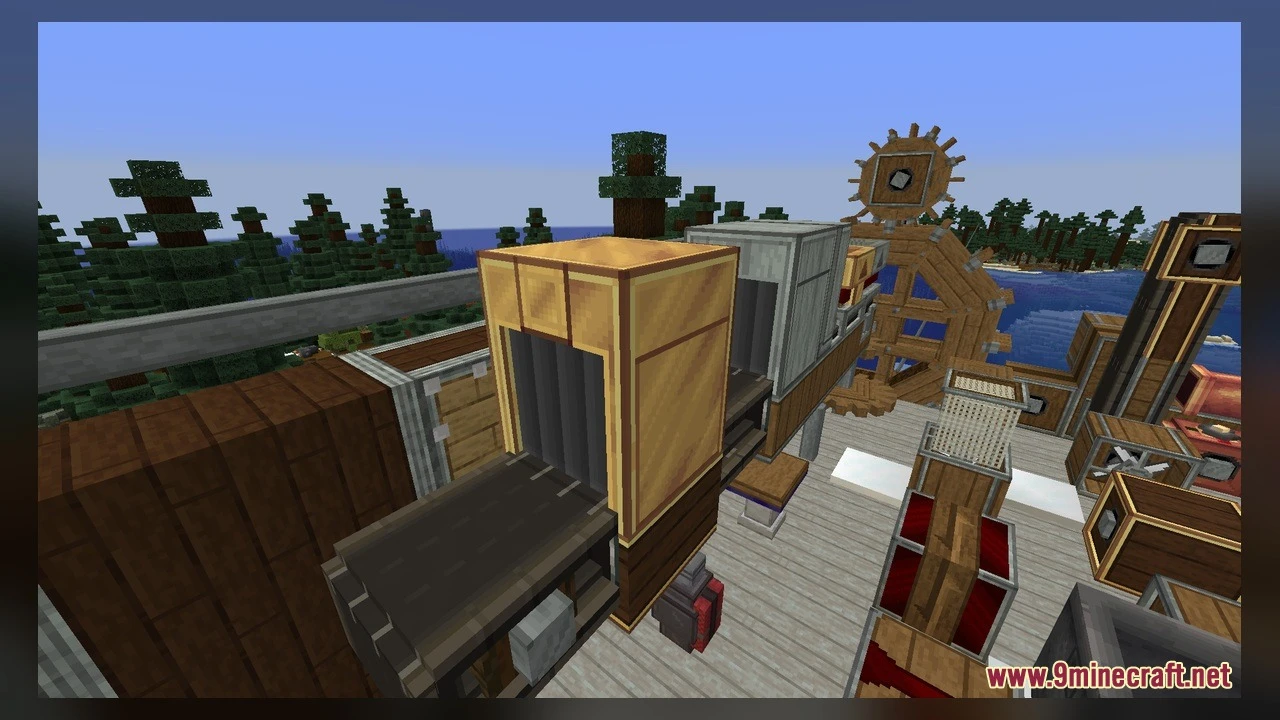
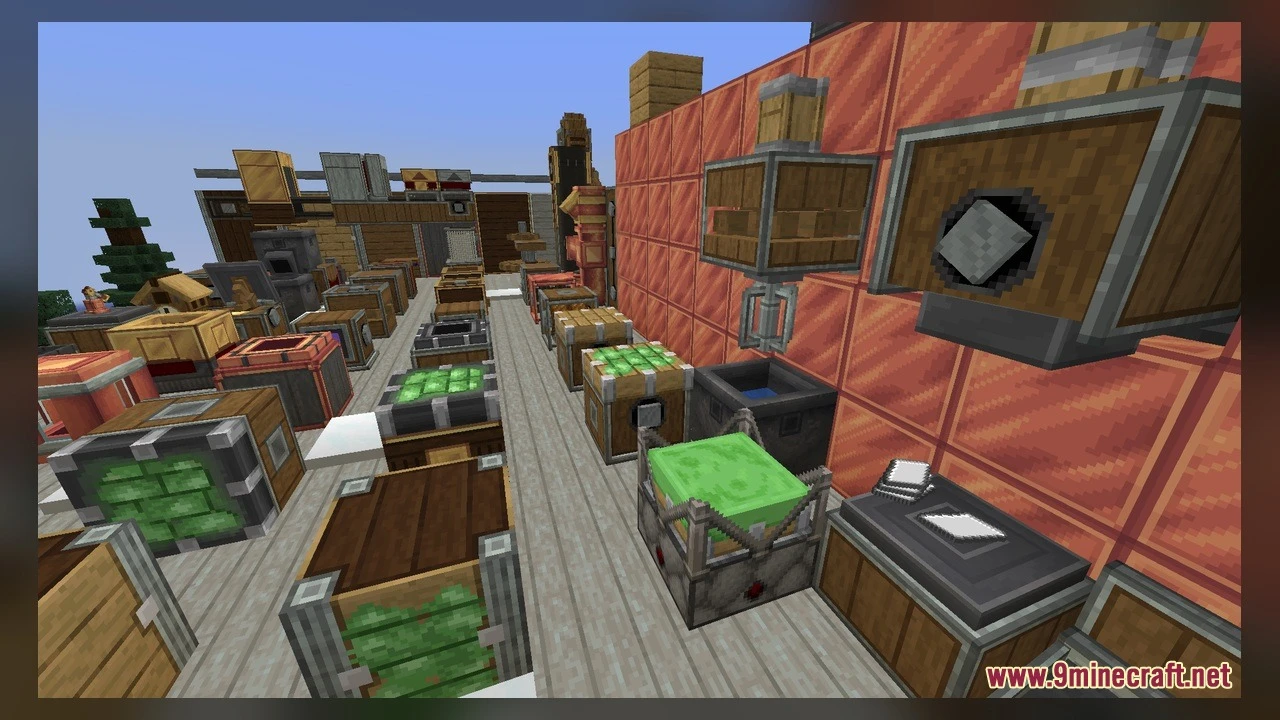
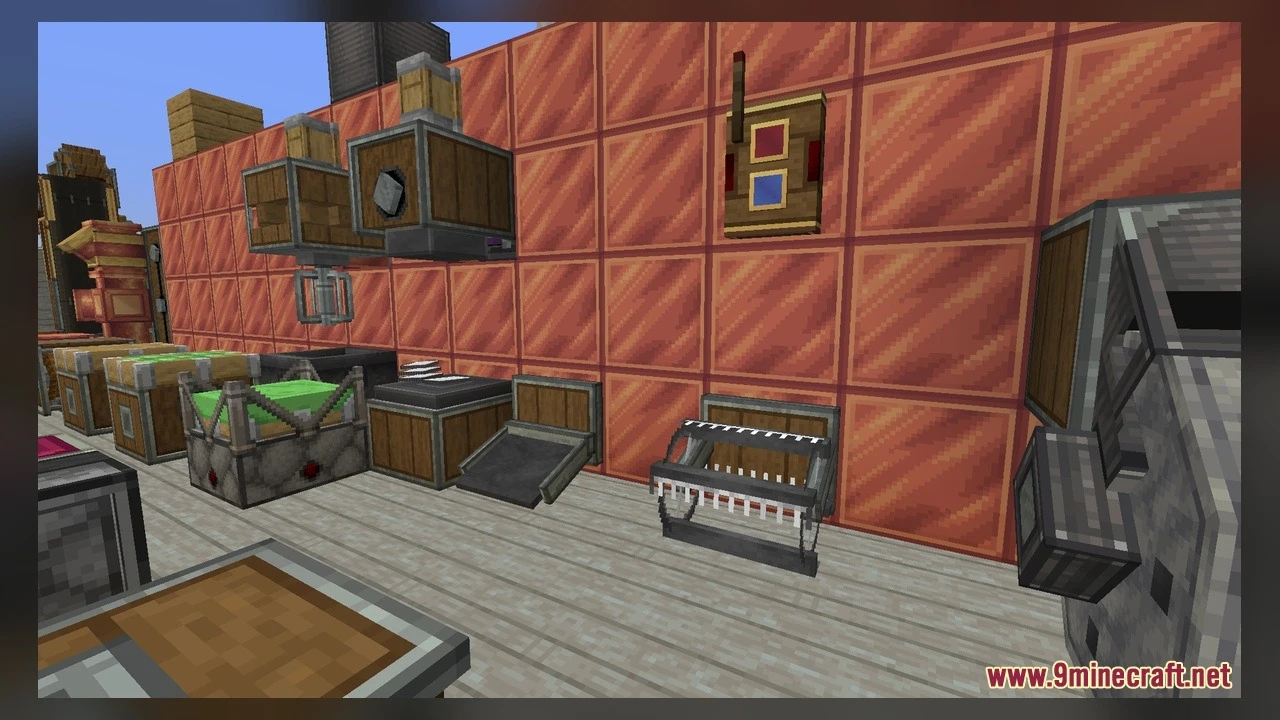
Custom block/item models
Reworked GUI
Frequently asked questions
Why do my Create blocks still look like the default textures?
Make sure the resource pack is activated in your Resource Packs menu—it won't apply automatically after you place it in the folder. Check that no other resource pack is ranked higher and overriding it.
How do I see the 3D models on my mechanical blocks?
Place directional blocks like shafts, gearboxes, or mechanical components and orient them in different directions; the 3D models will render based on how the block faces and what's connected to it. Wall, ceiling, and floor variants only appear when the block is actually mounted on those surfaces.
Do the animated textures work on all Create blocks?
Animated textures are included for moving machinery and indicator elements, but they only animate when those machines are actively operating—idle blocks will show the static frame.
Can I edit the models to make my own custom designs?
Yes—the pack includes 5 Blockbench project files you can open and modify; after editing, export your changes and the resource pack will use your custom models instead of the defaults.
What's the difference between the floor, ceiling, and wall variants?
These are separate 3D models that automatically display depending on where you place the block; a post on the ground uses the floor model, the same post on a wall uses the wall model, and on a ceiling uses the cap model.
Do diagonal tracks and shafts have special models?
Yes—diagonal pieces use distinct start, middle, and end models to create smooth visual transitions when you align them diagonally across your build.
Will this pack work with other Create add-ons and mods?
It's designed for the base Create mod; compatibility with add-ons depends on whether those mods add their own textures or models that might conflict, so test in-game to be sure.
Does this mod affect performance or FPS?
Since it's a resource pack (not a code mod), it has minimal performance impact, though 661 custom 3D models may use slightly more memory than default textures on lower-end systems.
How do I view the updated UI textures?
Open any Create machine inventory or container menu and you'll see the refreshed 32×32 pixel art interface automatically applied.
Can I use this pack on a multiplayer server?
Yes—resource packs are client-side only, so you can install it locally and see the improved textures and models without affecting other players or requiring server changes.
You May Also Like
Wikis that share the most with this one
Wikis on the same theme: copper
More mod wikis on the site
The most downloaded mods that have a wiki here
A few wikis from each of the other kinds
Gallery
6 images from the Improved Create 32X Model page.