

 DownloadImproperUI Mod
Get the files on 9Minecraft
Guides
Step-by-step, in-game.
Add Interactivity with Buttons and Event HandlersCreating Interactive Buttons Buttons are one of the most common interactive elements. Define a button element in your…Build a Scrollable List or PanelSetting Up Scrollable Content Scrollable panels let you display more content than fits on screen. Create a container…Create a Basic Custom UI WindowSetting Up Your First UI To create a custom UI window, you'll need to define a script using the CSS-inspired syntax.…Save and Load UI Configuration ValuesUsing Configuration Keys ImproperUI supports saving UI state through modular config keys. This lets you persist user…
Frequently asked questions
How do I start creating a UI with ImproperUI?
Initialize the ImproperUI API in your mod, then create a script file using the CSS-inspired syntax to define your UI structure with elements like buttons, labels, and panels. Load the script when you want the UI to appear, and it will render on screen.
Can I make buttons that actually do something when clicked?
Yes—attach event handlers to buttons by linking them to callback functions in your script. When a player clicks the button, the callback fires and you can execute any code, like opening inventories, sending commands, or updating UI values.
What's the difference between ID and class selectors in ImproperUI?
IDs are unique identifiers for individual elements (use them to target one specific button or input), while classes are reusable labels for multiple elements (use them to style or query groups of similar elements at once).
How do I make a list that players can scroll through?
Create a scrollable panel or container element in your script and populate it with child elements like labels or buttons. ImproperUI handles the scroll behavior automatically—players can drag or use the scroll wheel to navigate the content.
See all 10 ImproperUI questions ›
Gallery
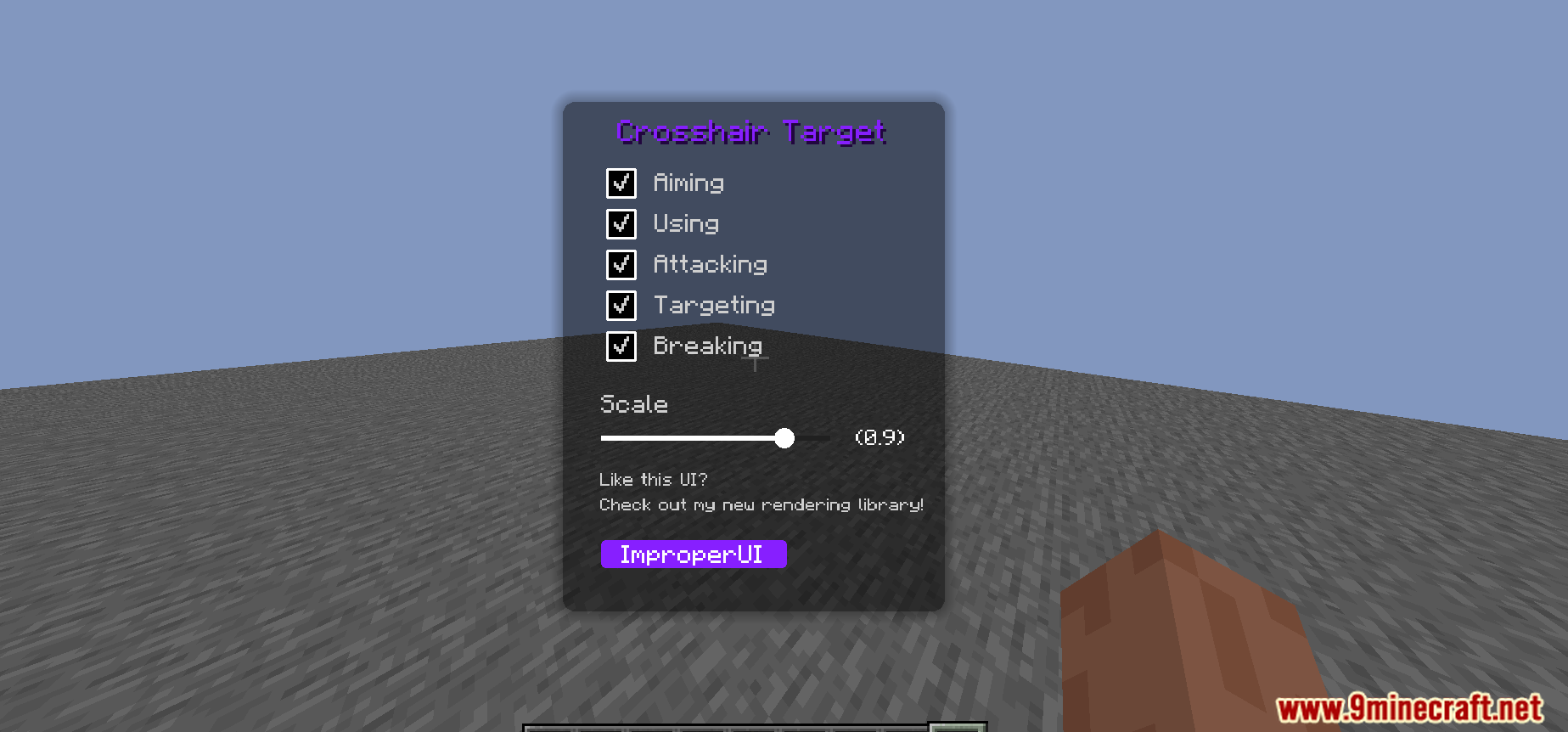
5 images from the Improperui Mod page.
You May Also Like
Wikis that share the most with this one
More mod wikis on the site
Immersive Weapons ModImmersive Weapons Compatibility BridgeImmersive Vehicles Trin Part Pack ModImmersive Vehicles Official Content Pack ModImmersive Vehicles Official Automobile Pack ModImmersive VehiclesImmersive UI ModImmersive Storms ModImmersive Railroading ModImmersive Posts ModImmersive Portals ModImmersive Pillagers
The most downloaded mods that have a wiki here
A few wikis from each of the other kinds