

 DownloadHQ Tiers Mod
Get the files on 9Minecraft
Guides
Step-by-step, in-game.
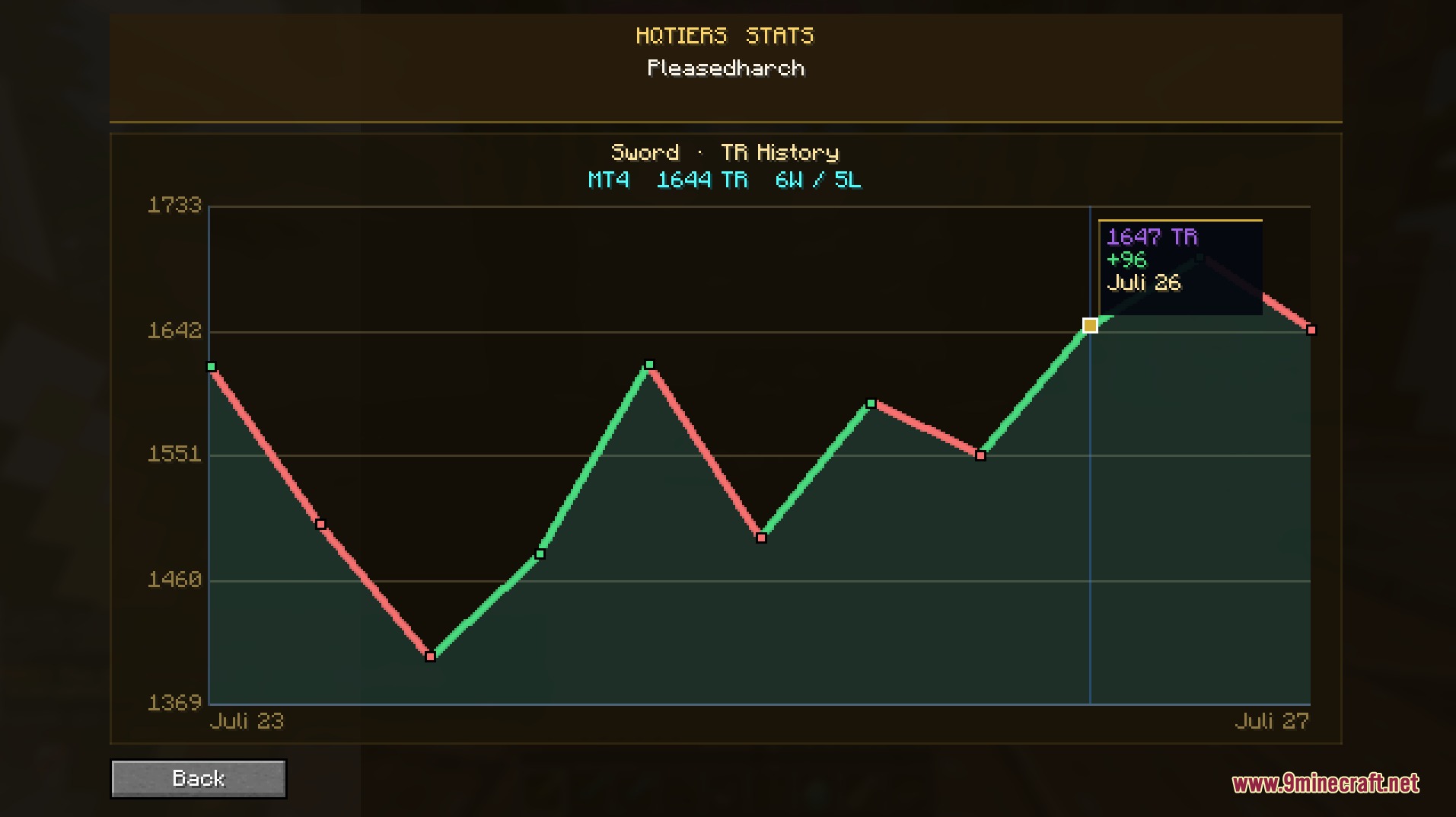
Check the Leaderboard and Top-Ranked PlayersOpening the Leaderboard Press L to open the in-game leaderboard interface. This displays the top-ranked players…Switch Between Showing Individual Ladder Ratings or Highest TiersUnderstanding the Display Modes The mod can show either a player's current ladder rating for a specific mode or their…Track Your Win-Loss Record and Match HistoryAccessing Your Stats Use the command: ` /hqtiers stats <your_username> ` This displays your personal combat…View a Player's Combat Stats During a MatchQuick Lookup in Tab List While in a multiplayer match, open your tab list (default: Tab key). You'll see player names…
Frequently asked questions
How do I turn on the mod after installing it?
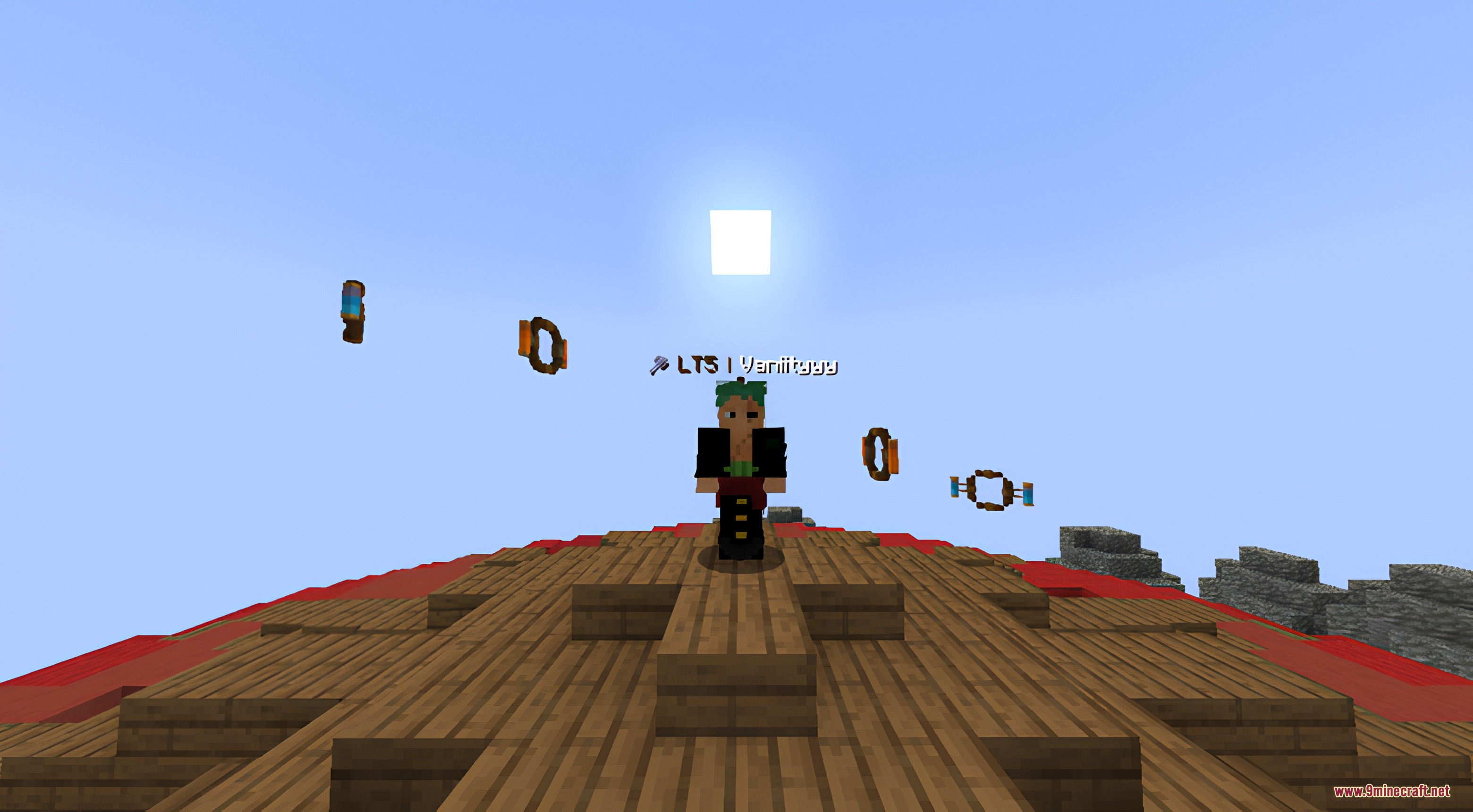
The mod activates automatically once installed. You'll see tier badges above player heads in multiplayer matches and in the tab list. If you don't see them, check that the mod is enabled in your mods folder and that you're on a compatible server.
What does the tier badge above a player's head mean?
The tier badge shows that player's current PvPHQ competitive rank, which reflects their skill level in PvP combat. Different tiers represent different skill brackets, so you can quickly gauge how experienced an opponent is during a match.
How do I look up a player's stats if they're not in my current match?
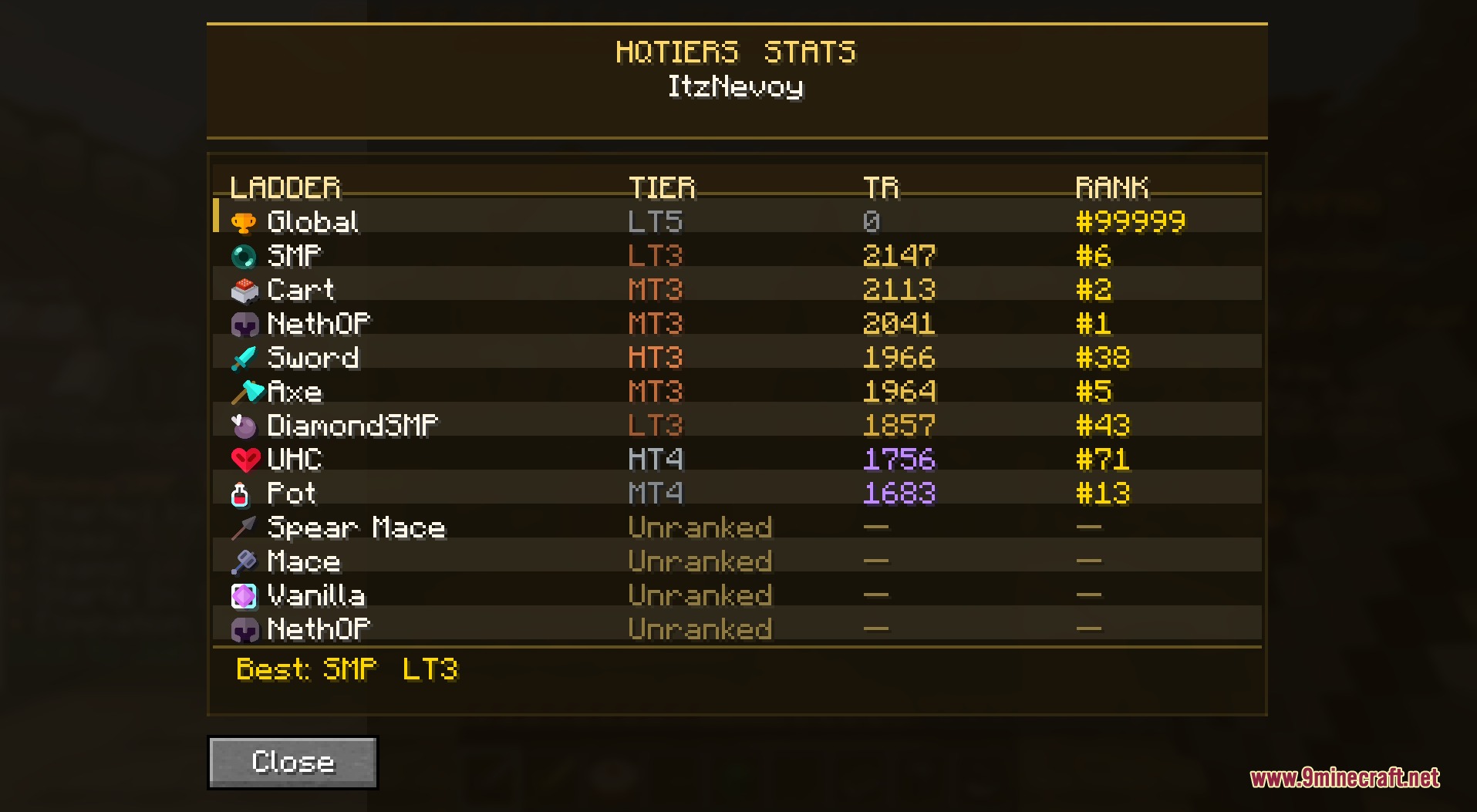
Use the command `/hqtiers stats ` to search for any player and view their combat statistics, including their tier rating and match history.
Can I see the leaderboard in-game without leaving the match?
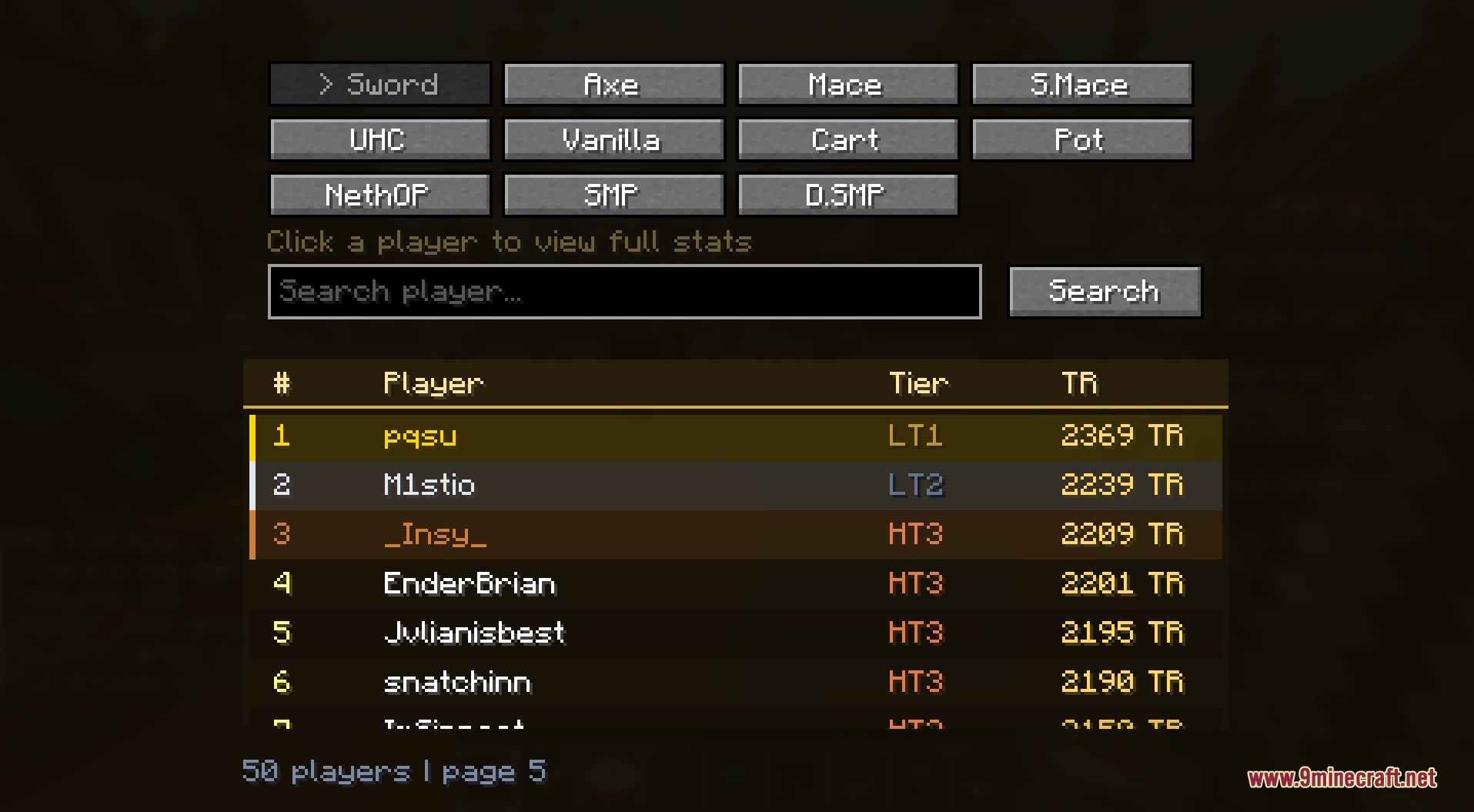
Yes, press L to open the in-game leaderboard, which shows top-ranked players across different game modes. You can view standings without opening a web browser or alt-tabbing.
See all 10 HQ Tiers questions ›
Gallery
6 images from the Hq Tiers Mod page.
You May Also Like
Wikis that share the most with this one
More mod wikis on the site
The most downloaded mods that have a wiki here
A few wikis from each of the other kinds