

 DownloadSilence Mobs Mod
Get the files on 9Minecraft
Guides
Step-by-step, in-game.
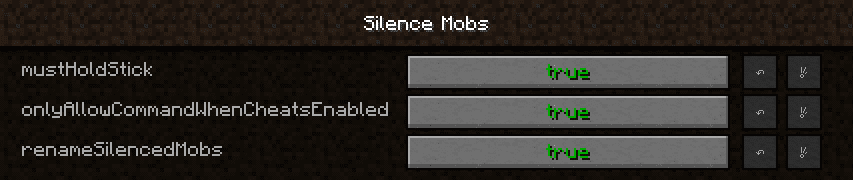
Configure Silence Mobs Mod SettingsAccessing the Config File The Silence Mobs Mod is highly configurable. Configuration files are typically located in…Silence a Mob's SoundsGetting the Silence Stick Before you can silence any mob, you need to obtain The Silence Stick. While holding a…Silence Multiple Mobs EfficientlyCreating Multiple Silence Sticks If you need to silence many mobs, prepare several Silence Sticks in advance. Gather…Use Silence Sticks in Survival ModeObtaining Sticks In Survival mode, you'll need to gather regular sticks before you can create Silence Sticks. Break…
Frequently asked questions
How do I get The Silence Stick?
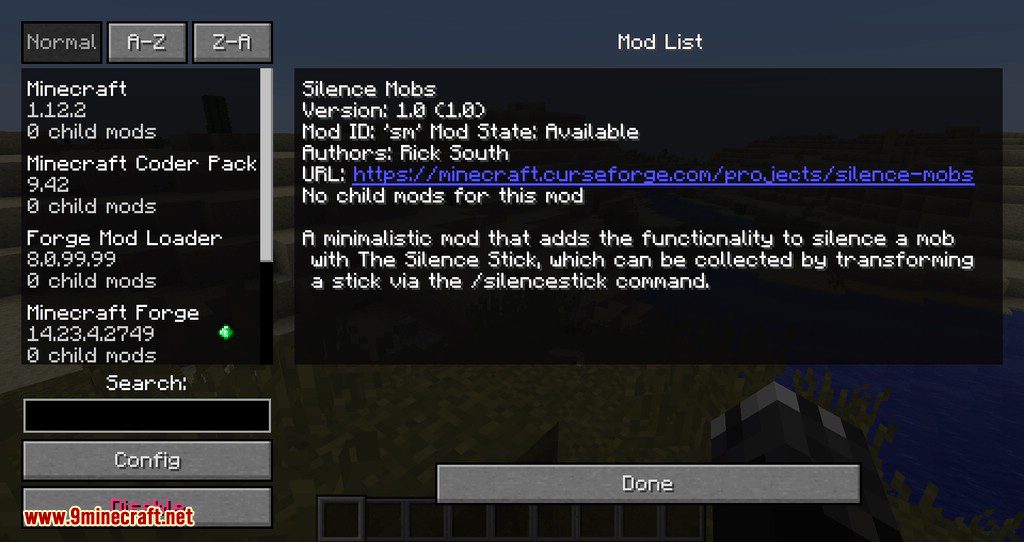
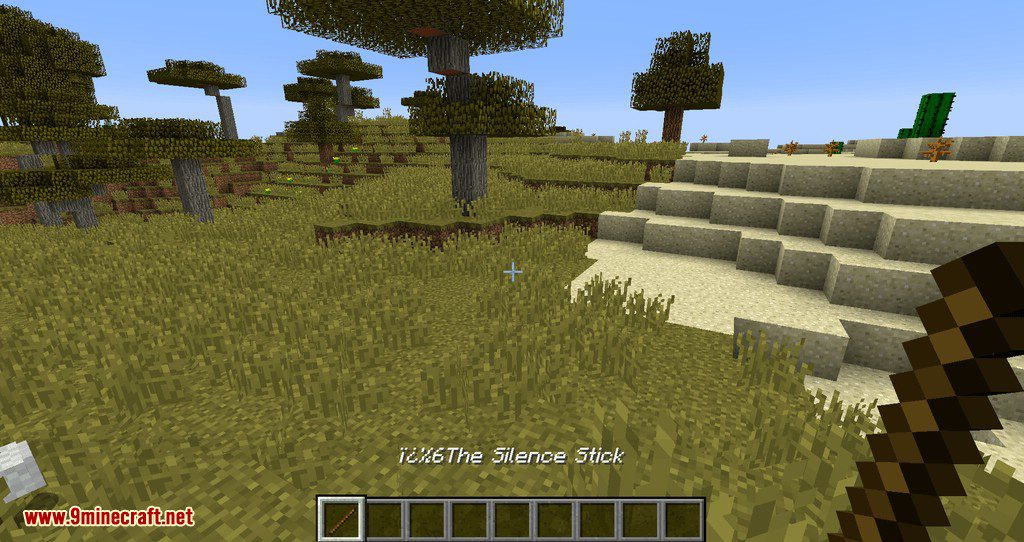
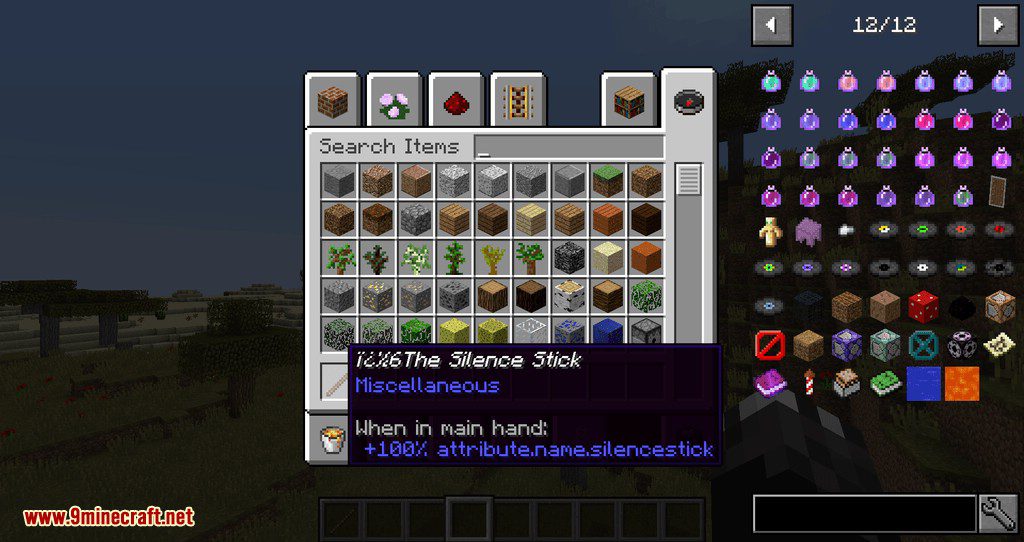
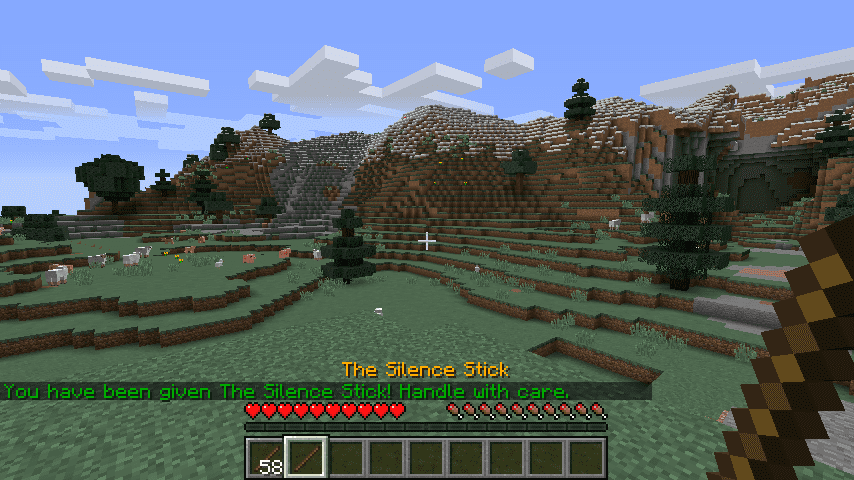
Hold a regular stick in your hand and run the command /silencestick or /st to transform it into The Silence Stick. You'll receive it in your inventory immediately.
What happens when I hit a mob with The Silence Stick?
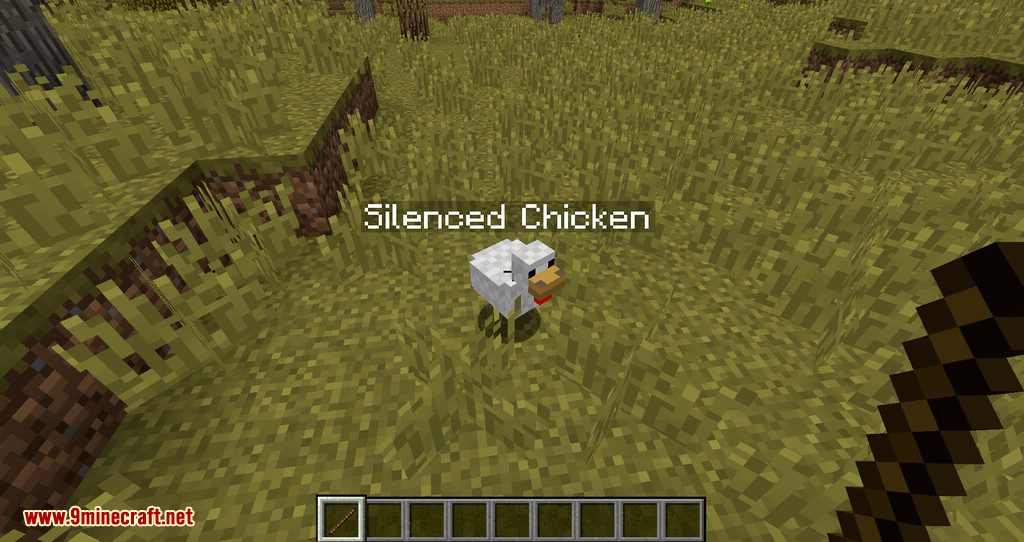
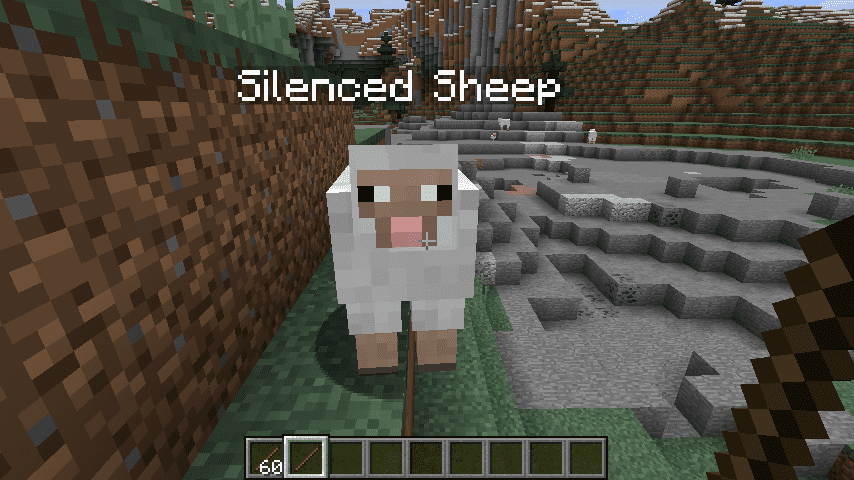
The mob becomes silenced and will no longer produce any sounds, including ambient noises, hurt sounds, and death sounds. The silencing effect is permanent until you remove it.
Can I unsilence a mob?
Yes, hit the silenced mob again with The Silence Stick to toggle the silencing effect off and restore its sounds.
What's the 'Silenced Entity' name feature?
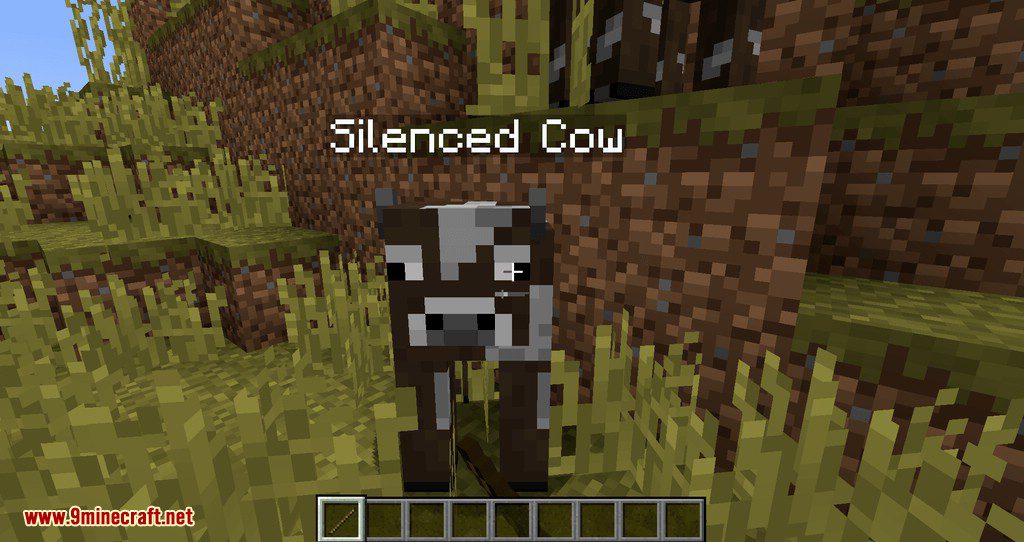
When enabled in the config, silenced mobs will display a 'Silenced Entity' label above them so you can easily identify which mobs have been silenced. You can toggle this feature on or off.
See all 10 Silence Mobs questions ›
Gallery
12 images from the Silence Mobs Mod page.




You May Also Like
Wikis that share the most with this one
Wikis on the same theme: mobs
More mod wikis on the site
The most downloaded mods that have a wiki here
A few wikis from each of the other kinds