

 DownloadReplayMod
Get the files on 9Minecraft
Recording is the core function of the mod. By default, the mod is set to automatically record all Singleplayer and Multiplayer sessions.
Recording Indicators
When a recording is active, a "Recording" indicator appears in the top-left corner of the screen. This can be toggled in the settings. Upon joining a world or server, a chat message will confirm that the recording has started.
Event Markers
While recording, you can press the M key to set an Event Marker. These markers act as bookmarks, allowing you to easily find specific moments (like a boss fight or a build completion) when you later open the Replay Viewer. Markers save your current coordinates and the exact timestamp.
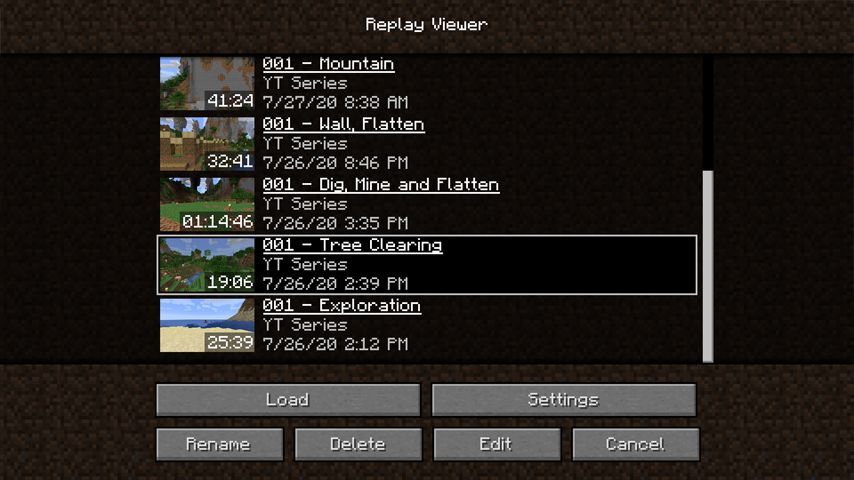
Saving Replays
Replays are saved as .mcpr files. When you leave a world or server, the mod will finalize the file. Larger sessions may take a few seconds to save. These files are stored in the /replay_recordings folder within your Minecraft directory.


