

 DownloadReliable Remover Mod
Get the files on 9Minecraft
Guides
Step-by-step, in-game.
Ban an Item from Your WorldCreate or Edit Your Ban List Locate your mod's configuration folder. Inside, you'll find or create a text file where…Hide Items from Recipe Viewers Like EMIAdd Items to Your Ban List Open your configuration file and list every item you want hidden from recipe menus. Use…Remove Items from Loot Chests and Monster DropsAdd Items to Your Ban Configuration List the items you want to remove from loot in your text configuration file. Use…Stop Villagers from Trading Banned ItemsBan the Item First Add the item to your ban list in your configuration file using its full identifier. This single…
Frequently asked questions
Where do I put my ban files?
Create a folder called `reliableremover` inside your `config` directory, then place your text files there. The mod reads all `.txt` files in that folder when you load the game or run `/reload`.
What's the correct syntax for banning an item?
Use the item's full namespace ID on a new line, like `minecraft:diamond_sword`. You can find the correct ID by hovering over an item in creative mode while holding F3 (or using a recipe viewer).
Do I need to restart Minecraft after editing my ban list?
No—just run `/reload` in-game and your changes take effect instantly. This saves you from closing and reopening the entire game.
Can I ban items only in specific dimensions?
Yes, you can organize your ban files by dimension folder (like `nether/` or `end/`) so items are only removed in those worlds while remaining available elsewhere.
See all 10 Reliable Remover questions ›
Gallery
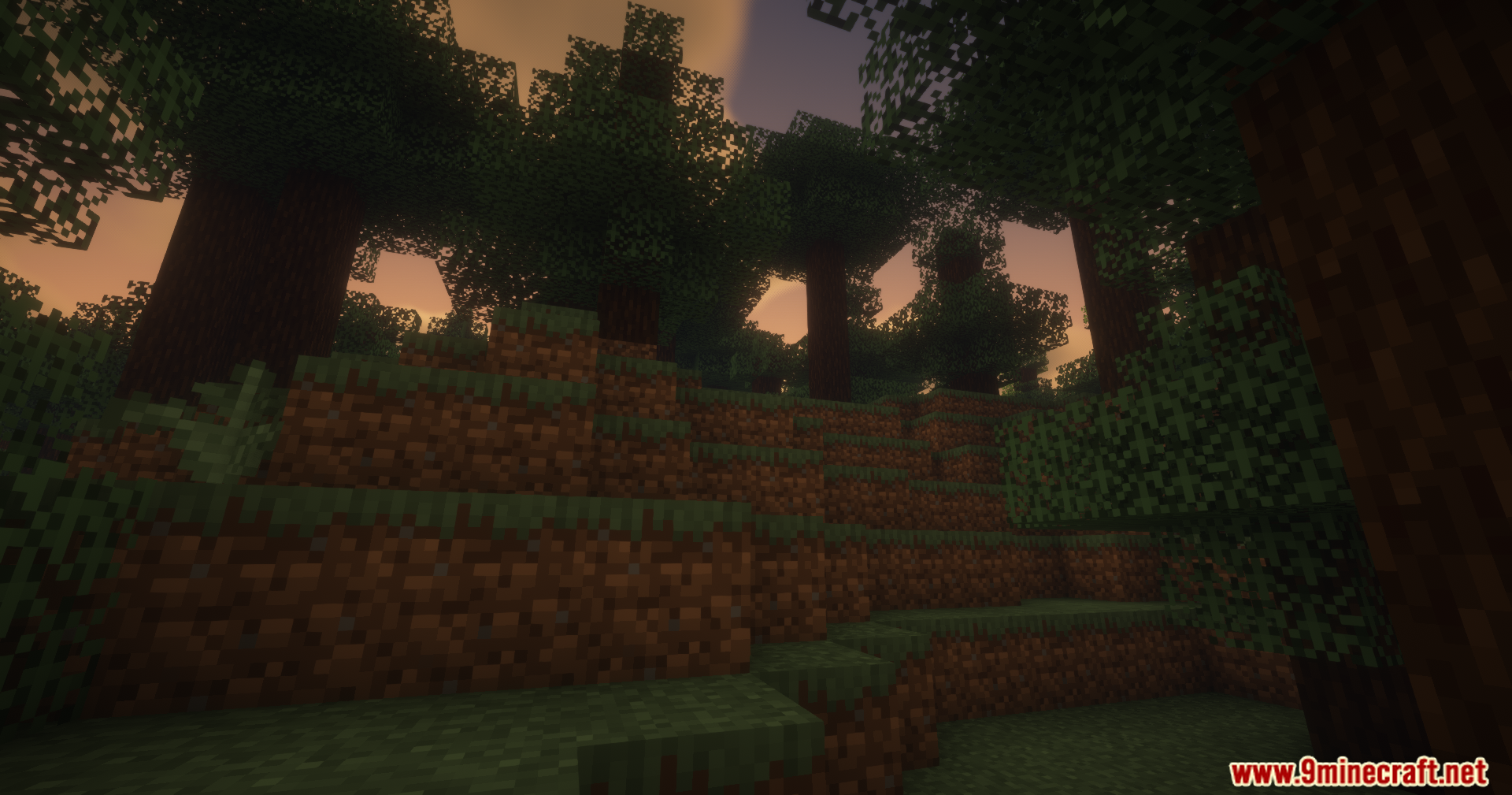
10 images from the Reliable Remover Mod page.

You May Also Like
Wikis that share the most with this one
Wikis on the same theme: tool
More mod wikis on the site
The most downloaded mods that have a wiki here
A few wikis from each of the other kinds