

 DownloadProvi’s Health Bars Mod
Get the files on 9Minecraft
Guides
Step-by-step, in-game.
Configure Damage and Healing Particle EffectsAccess Particle Settings Open the mod configuration and find the section dedicated to particles or visual effects.…Customize the Health Bar Display Position and SizeOpen Configuration Settings Access the mod's configuration panel through your mod manager or in-game settings menu.…Disable Health Bars for Specific Mob TypesAccess the Configuration Menu Open your mod configuration settings. Most mod loaders allow you to access this through…Enable Overhead Health Indicators Above MobsLocate Display Options Open the mod's configuration settings and navigate to the display or rendering section. Look…
Frequently asked questions
How do I make the health bar appear?
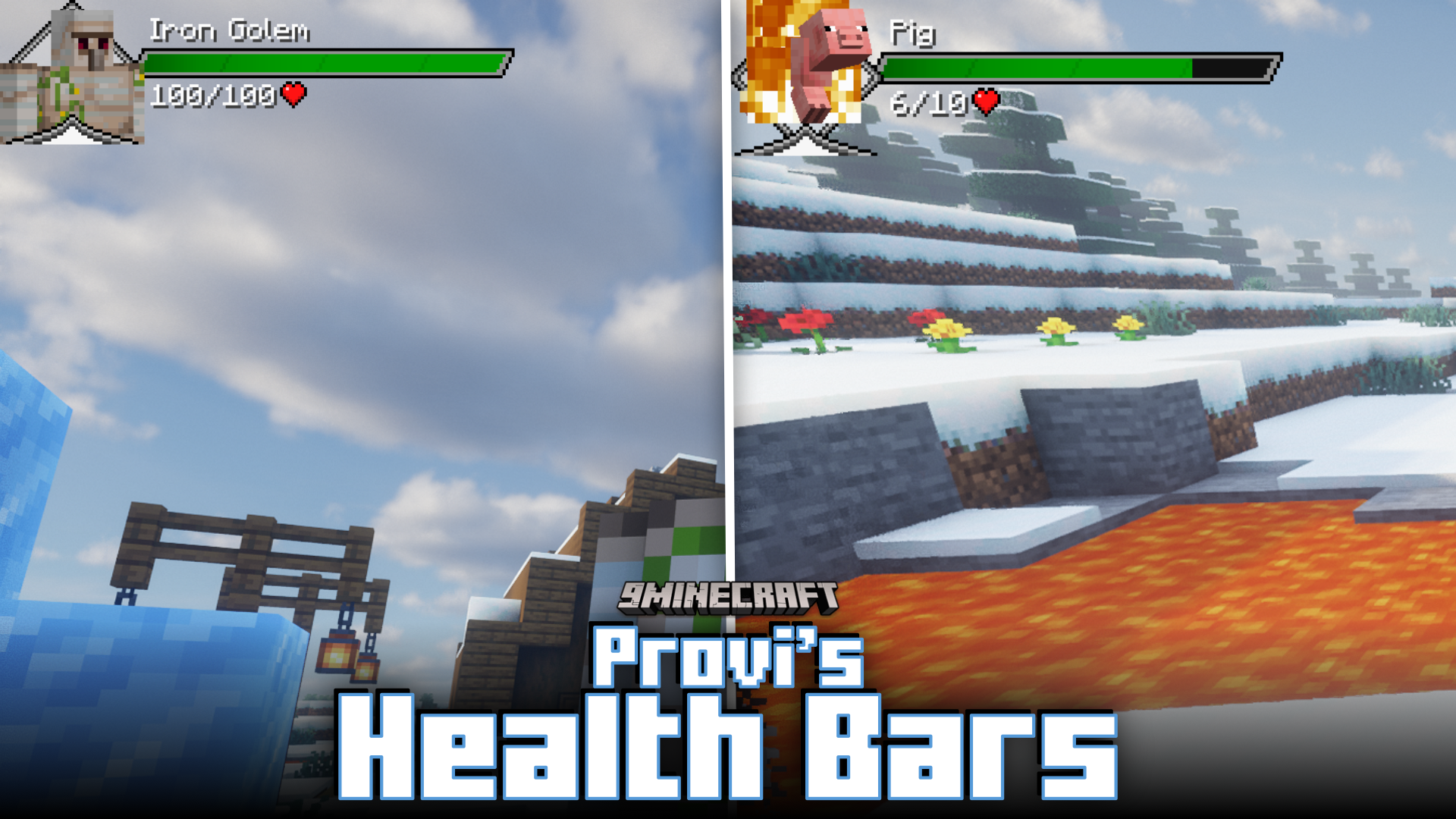
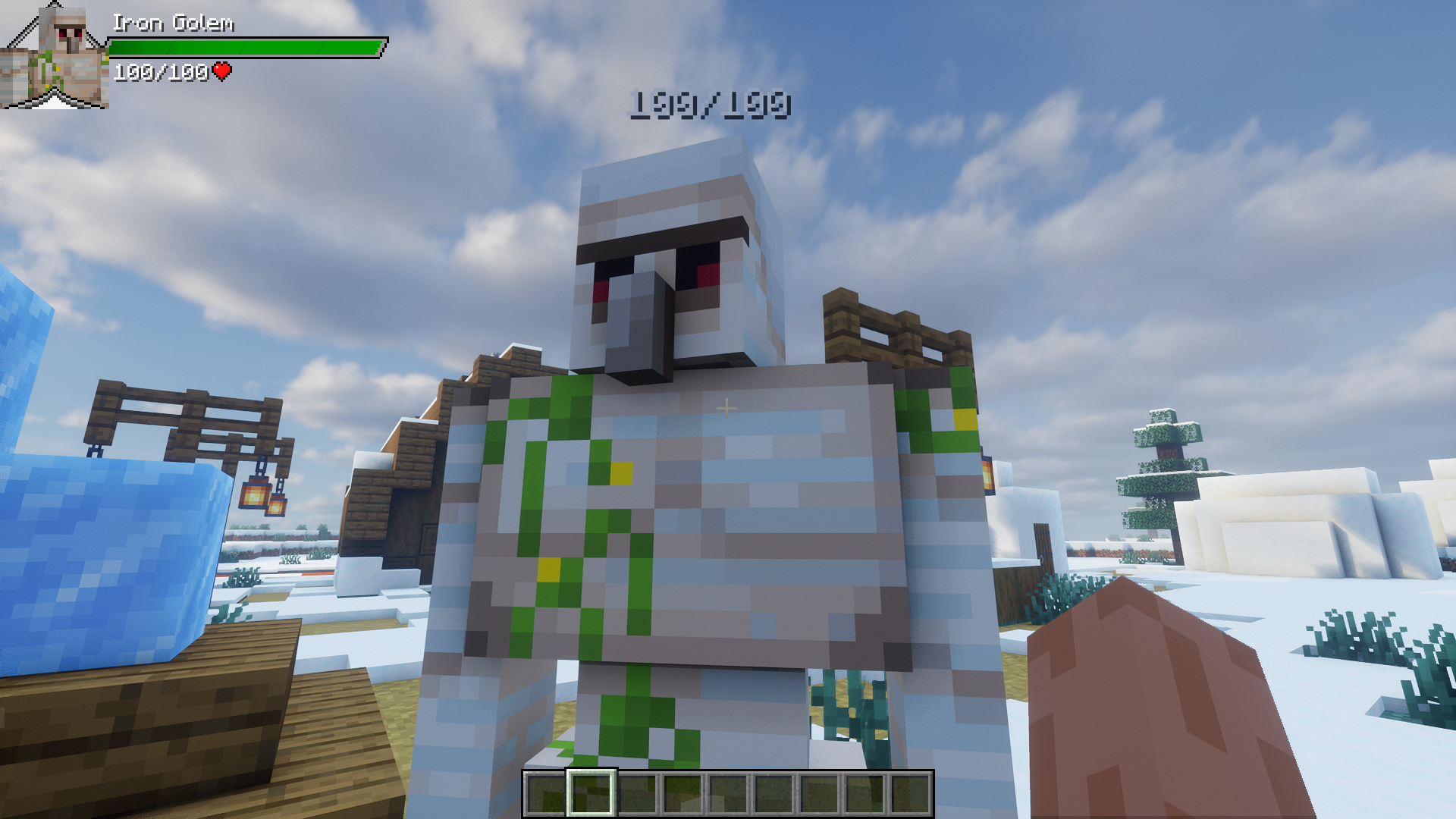
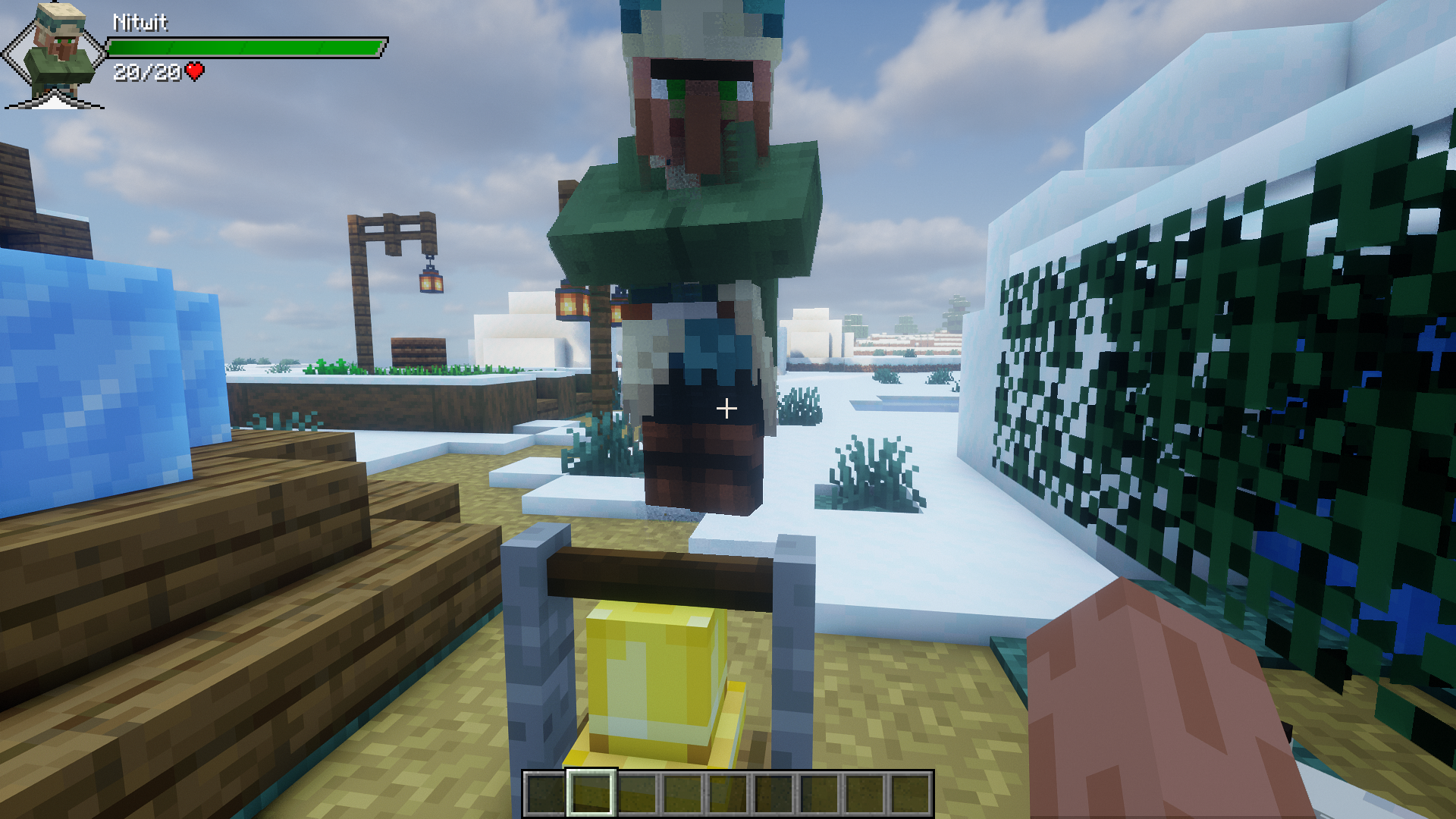
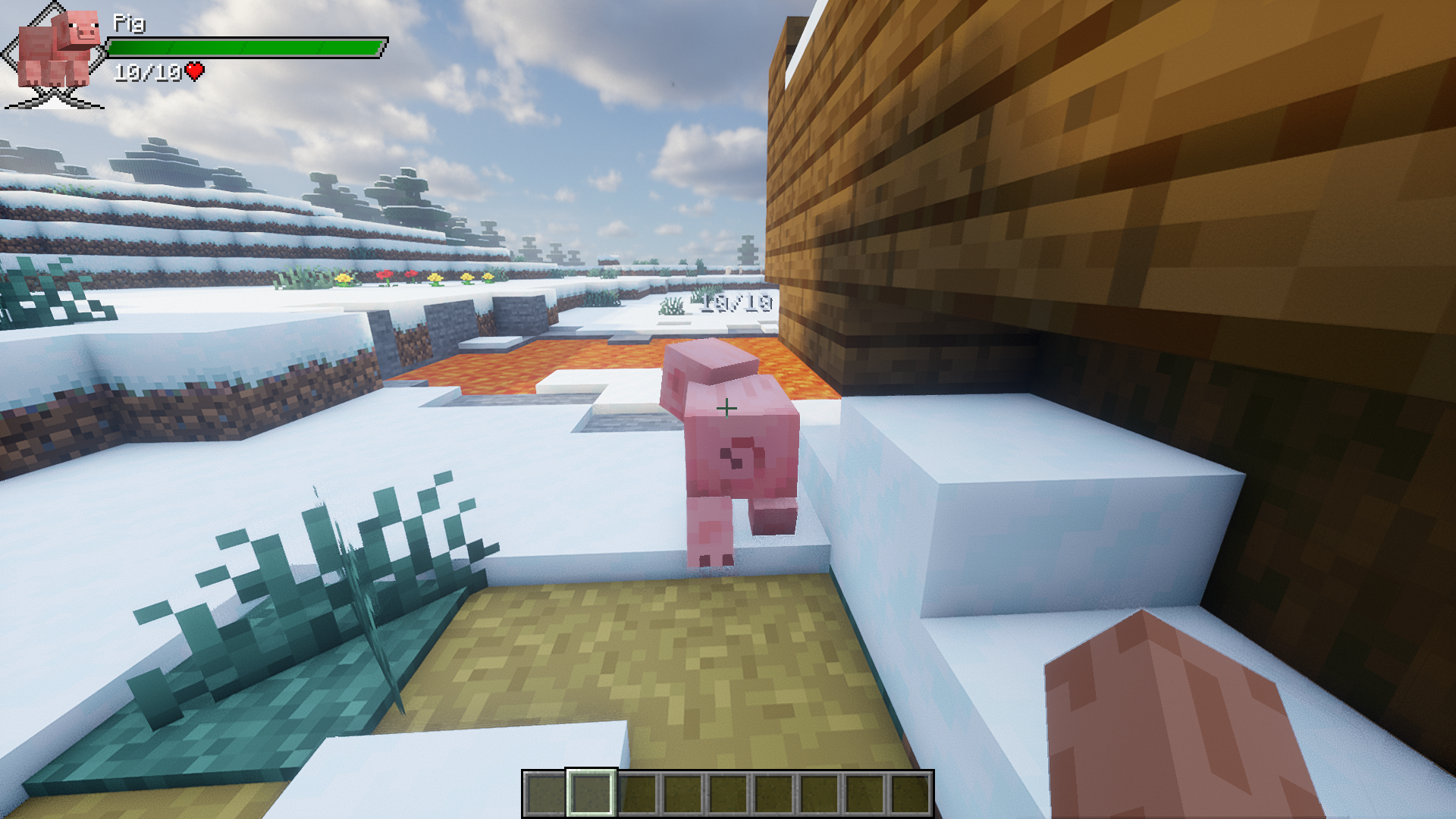
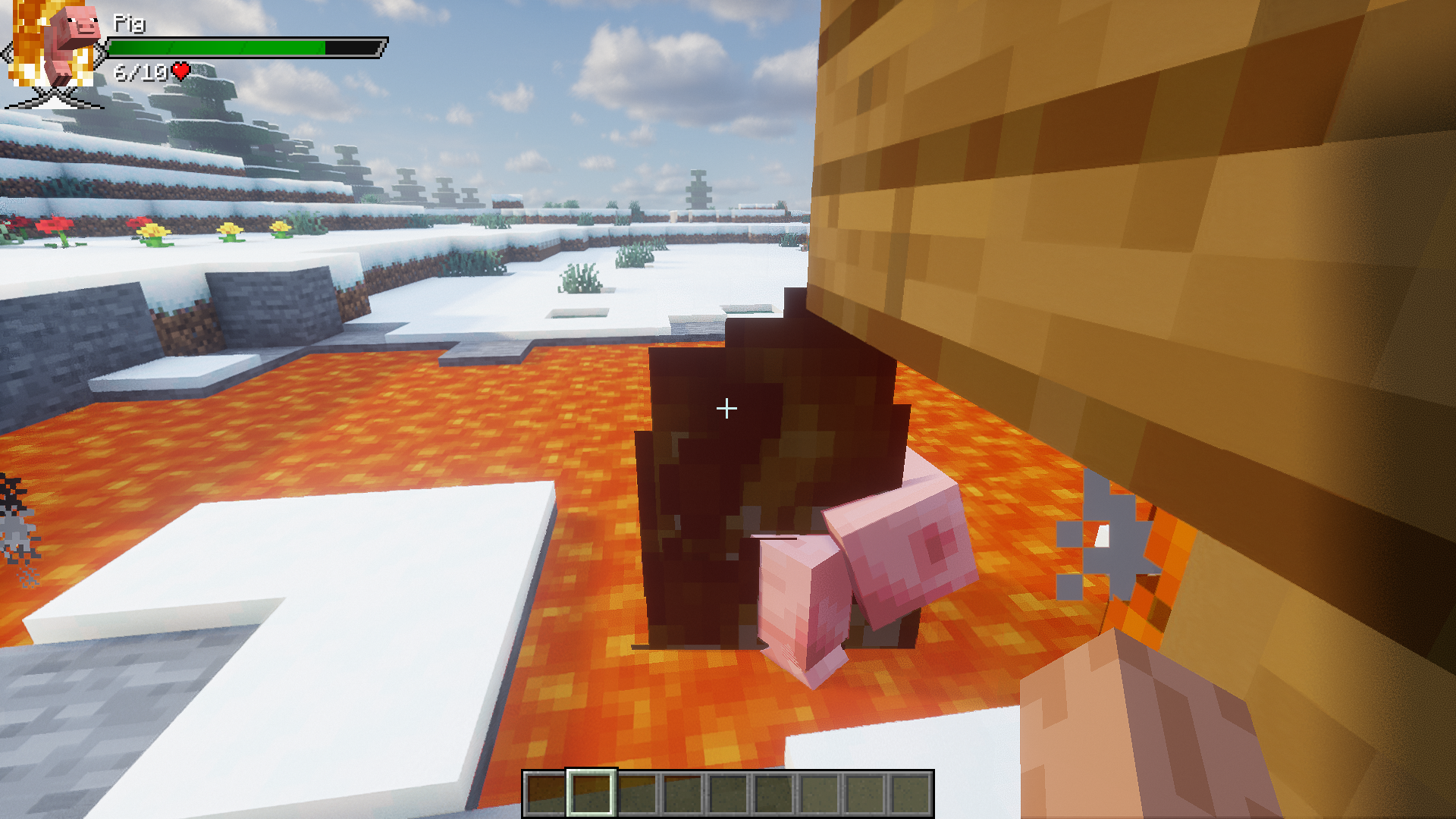
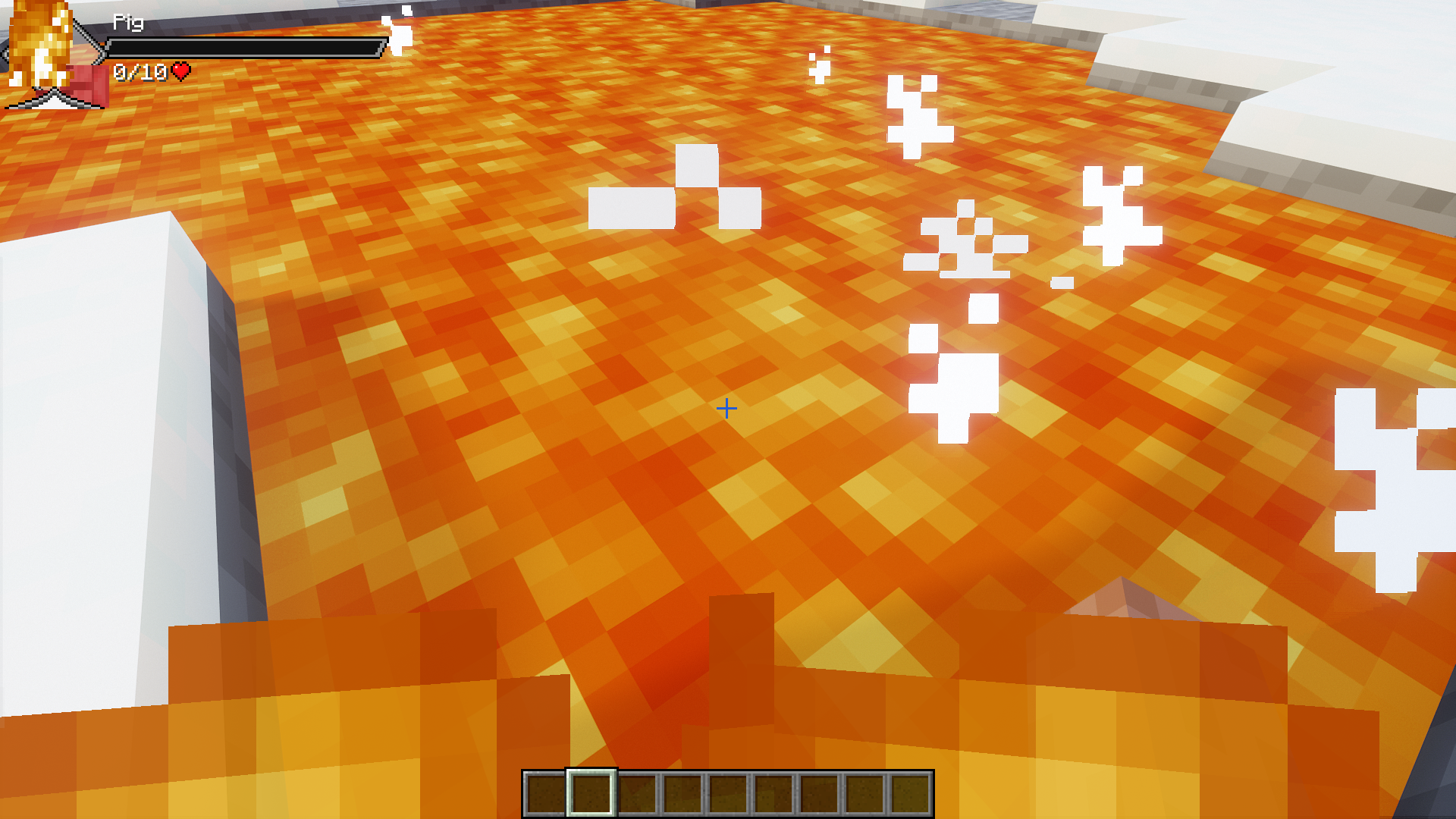
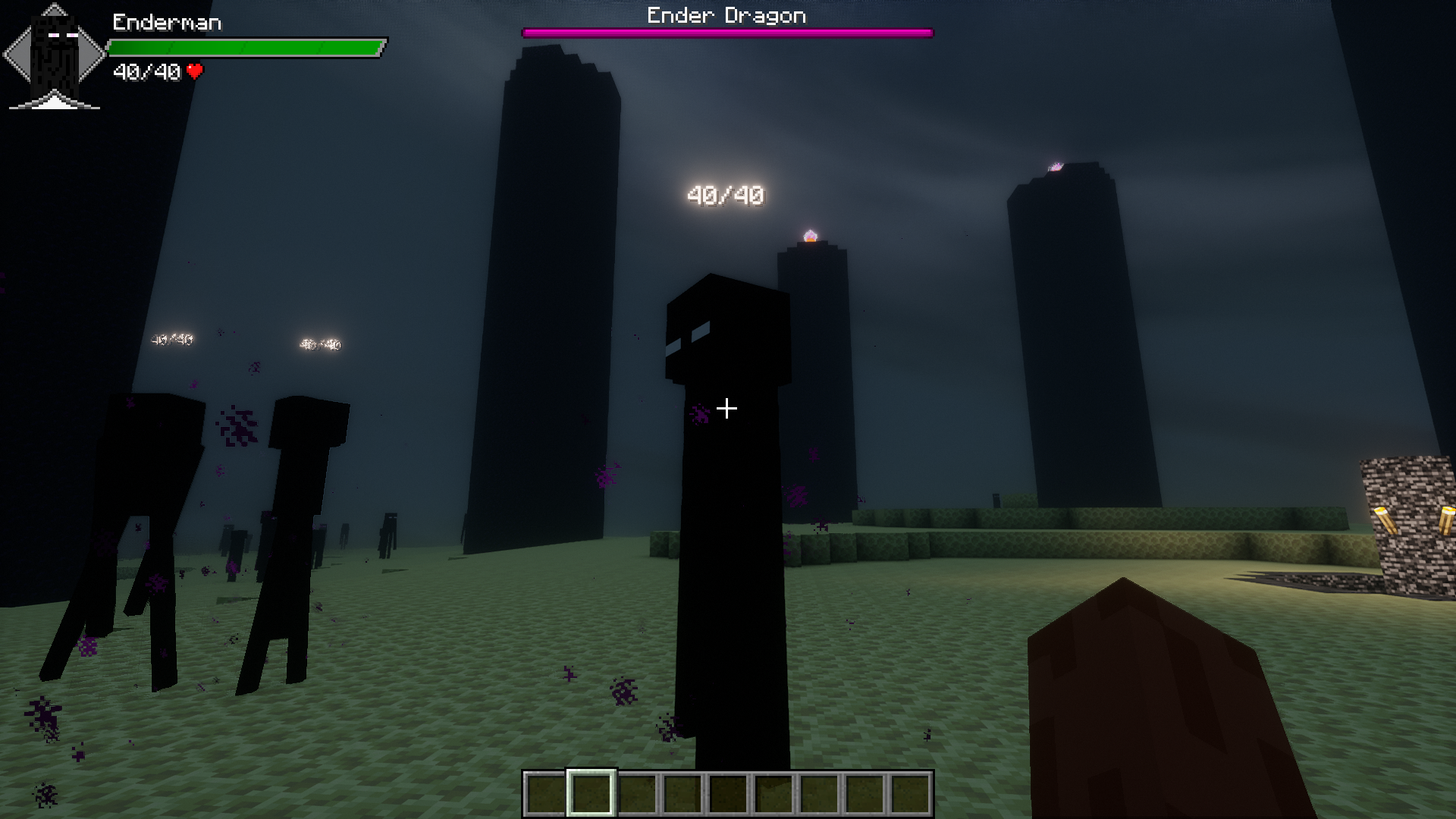
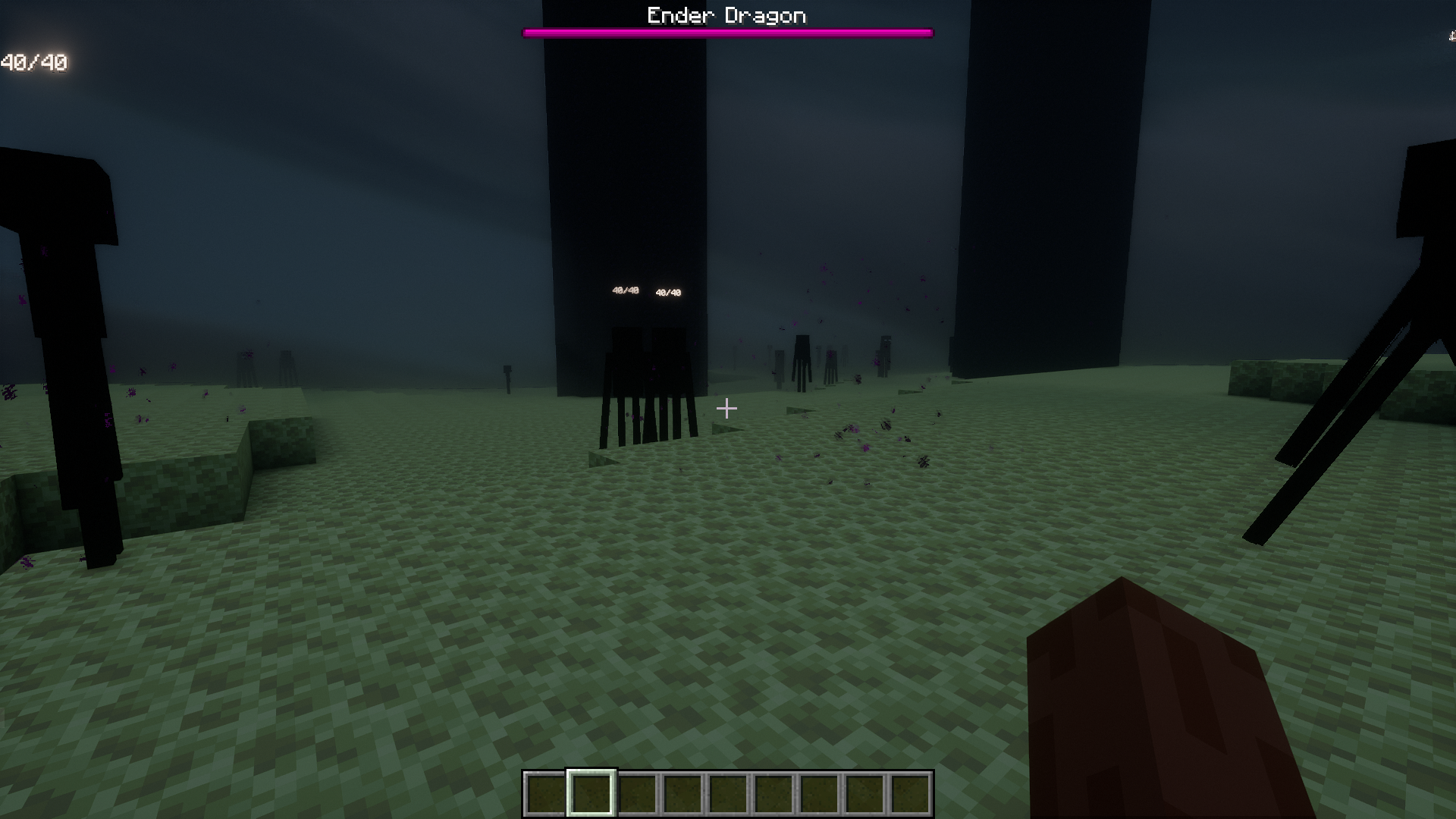
Point your crosshair at any mob and the health bar will automatically display in the top-left corner of your screen. The bar shows both a visual health indicator and the mob's remaining health as a number.
Can I move the health bar to a different position on my screen?
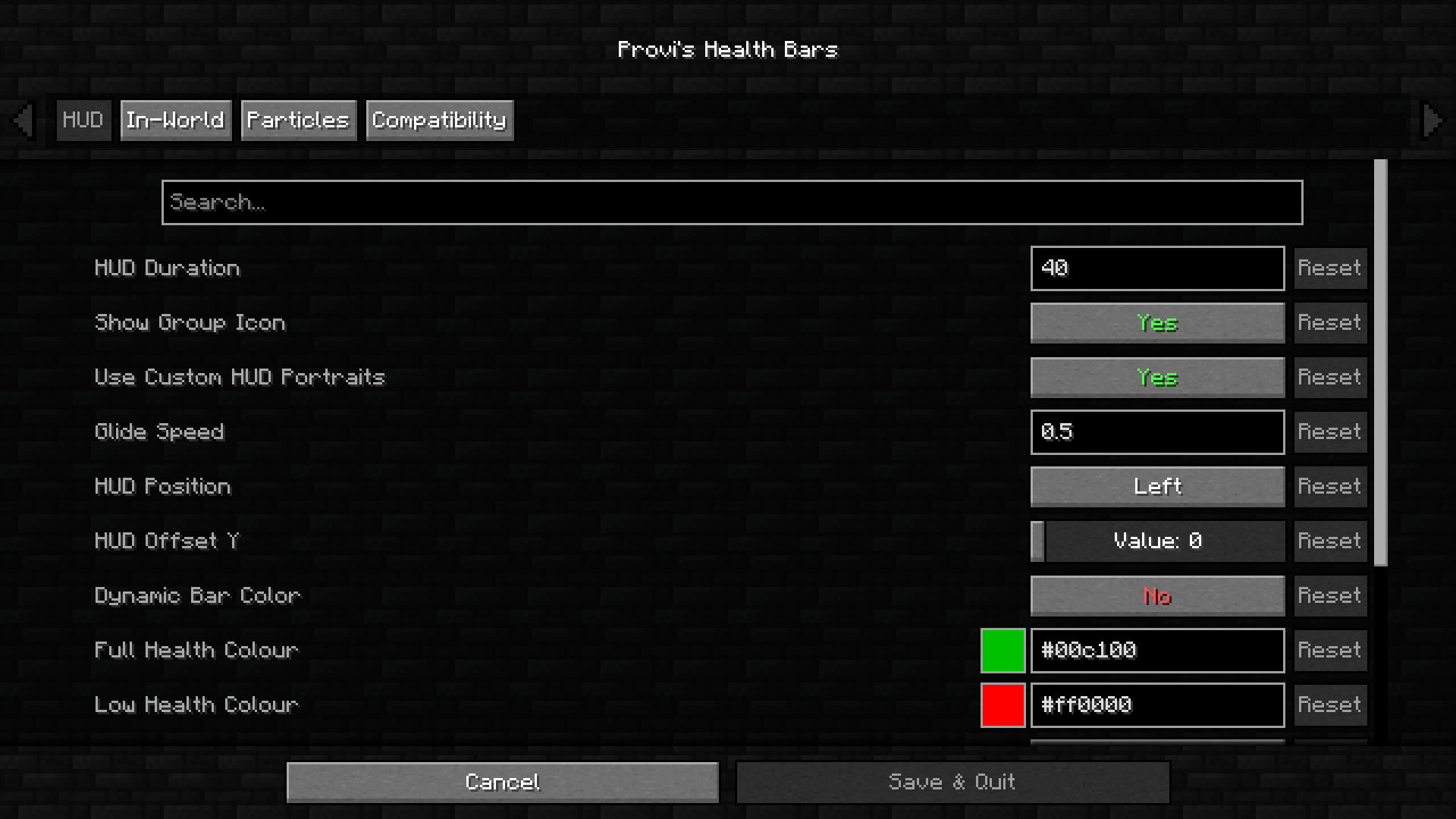
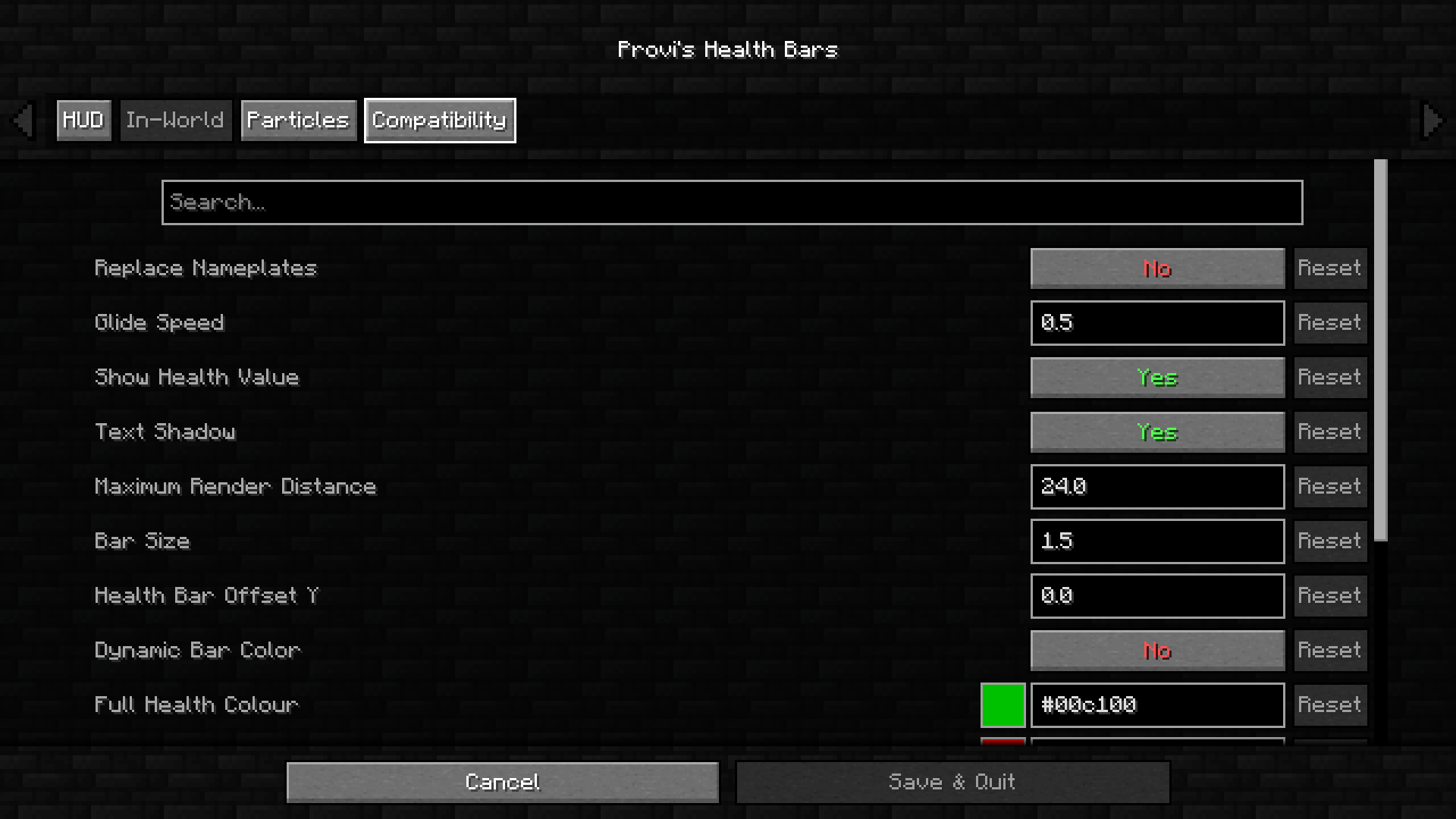
Yes, open the mod's configuration options and look for the display position settings. You can adjust the X and Y coordinates to place the health bar anywhere on your screen.
Why isn't the health bar showing up for certain mobs?
Some mobs may be disabled in the configuration by default. Check the mod settings to see which mob types have health bars enabled, and enable them if needed.
How do I turn off health bars for specific mobs?
Open the mod's configuration file and find the list of mob types. You can disable individual mobs by toggling their settings or removing them from the enabled list.
See all 10 Provi’s Health Bars questions ›
Gallery
10 images from the Provis Health Bars Mod page.
You May Also Like
Wikis that share the most with this one
More mod wikis on the site
The most downloaded mods that have a wiki here
A few wikis from each of the other kinds