

 DownloadPro Placer Mod
Get the files on 9Minecraft
Guides
Step-by-step, in-game.
How to Build a Flat Roof Quickly with Pro PlacerWhy Roofs Are Painful Without This Mod In vanilla Java Edition, holding right-click while walking places blocks with…How to Build Walls and Bridges Faster in Creative ModeWhy Creative Players Benefit Most In creative mode you have unlimited blocks , so the only bottleneck is placement…How to Place Blocks Without Gaps or Double PlacementsThe Two Problems You Are Fixing Gaps happen when you walk faster than the vanilla placement delay allows. Double…How to Stop Accidentally Placing Blocks on the Wrong FaceWhat Causes Misplacement In vanilla, the face you place on is recalculated every tick based on where your crosshair…
Frequently asked questions
How do I turn on the fast block placement?
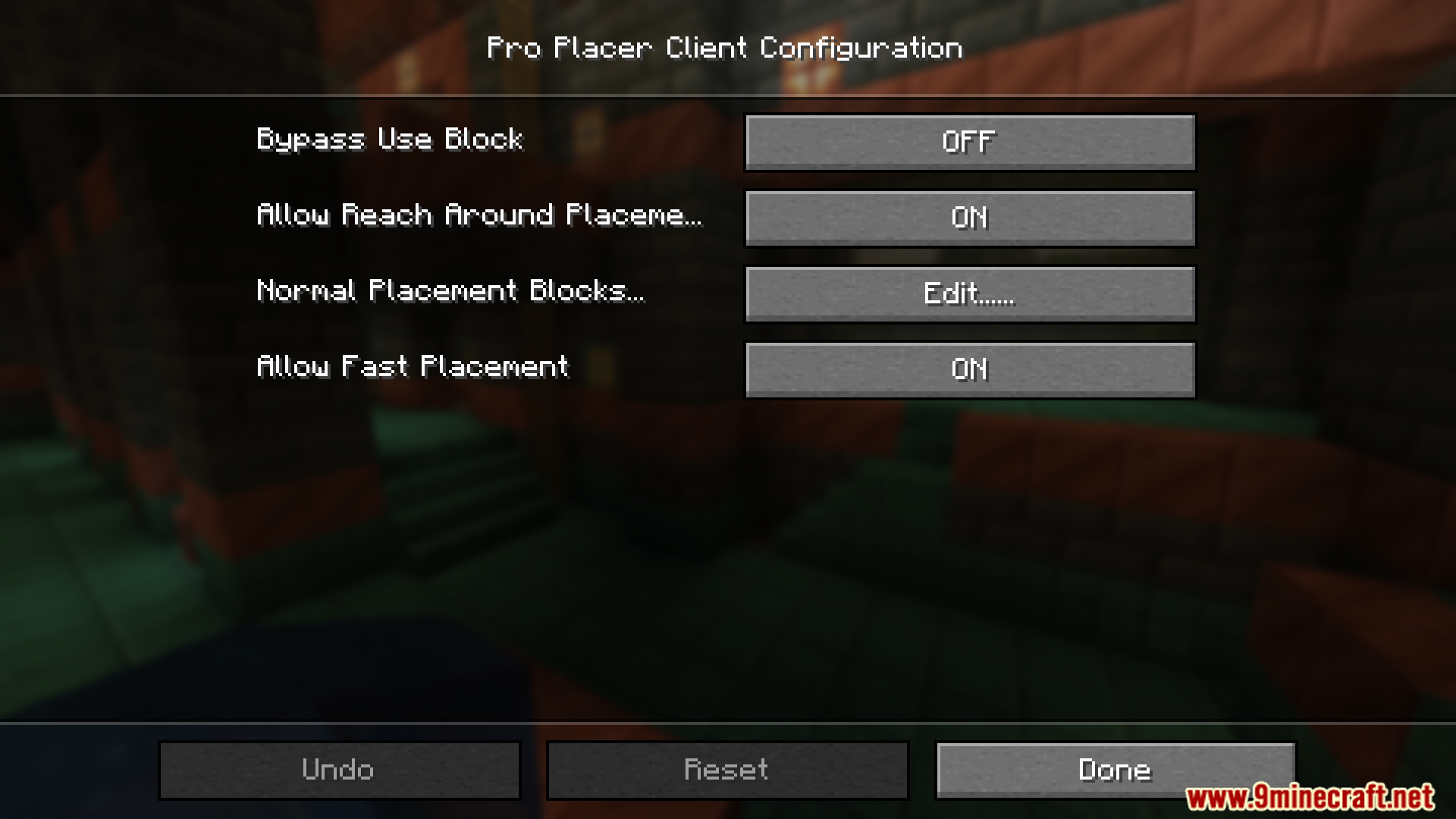
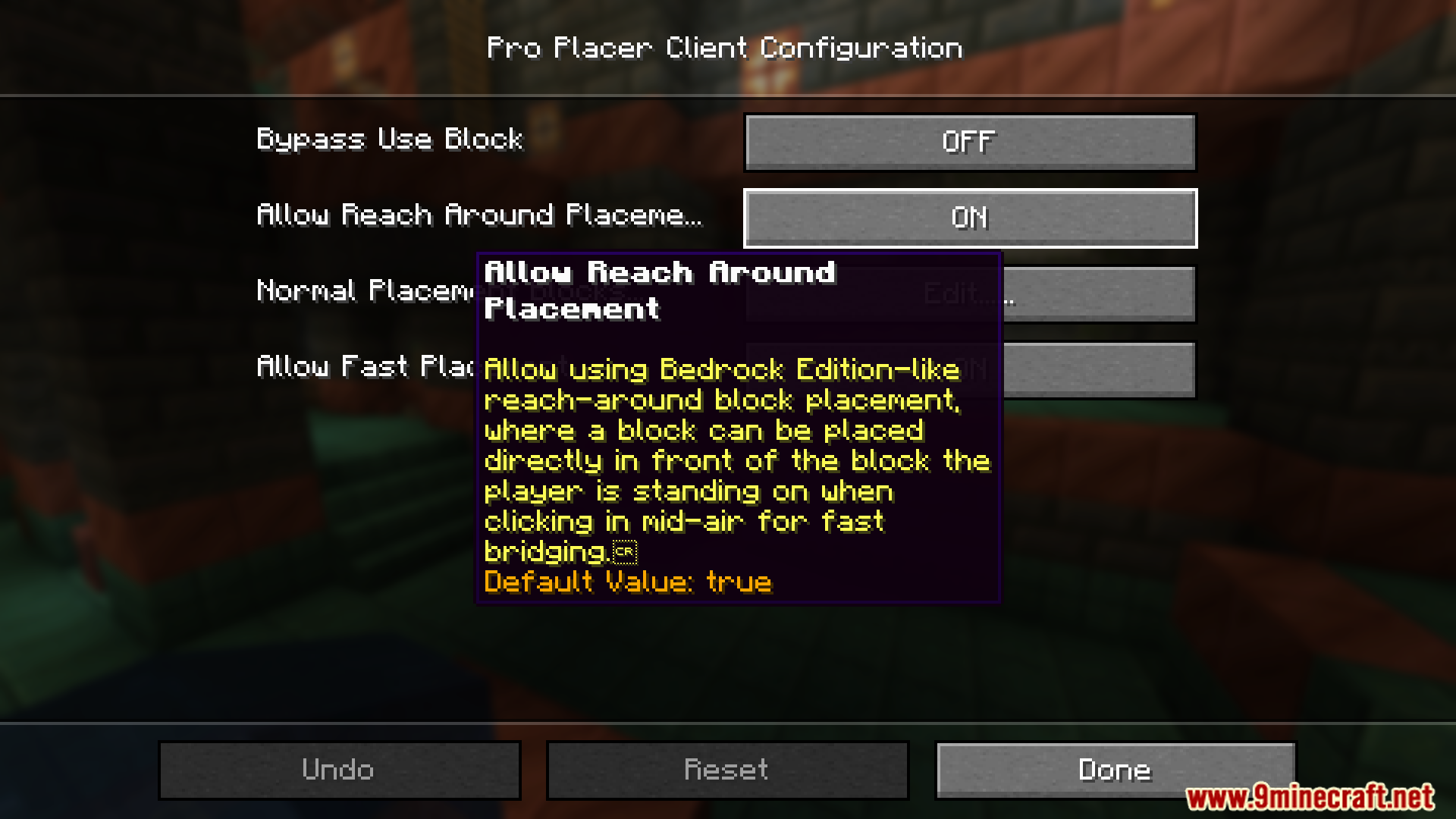
The mod works automatically once installed — there's nothing to enable. Just hold down your place button and blocks will be placed continuously without the vanilla delay.
Why does it feel like I'm placing blocks too fast now?
 too fast
How do I place blocks in the air like Bedrock Edition?
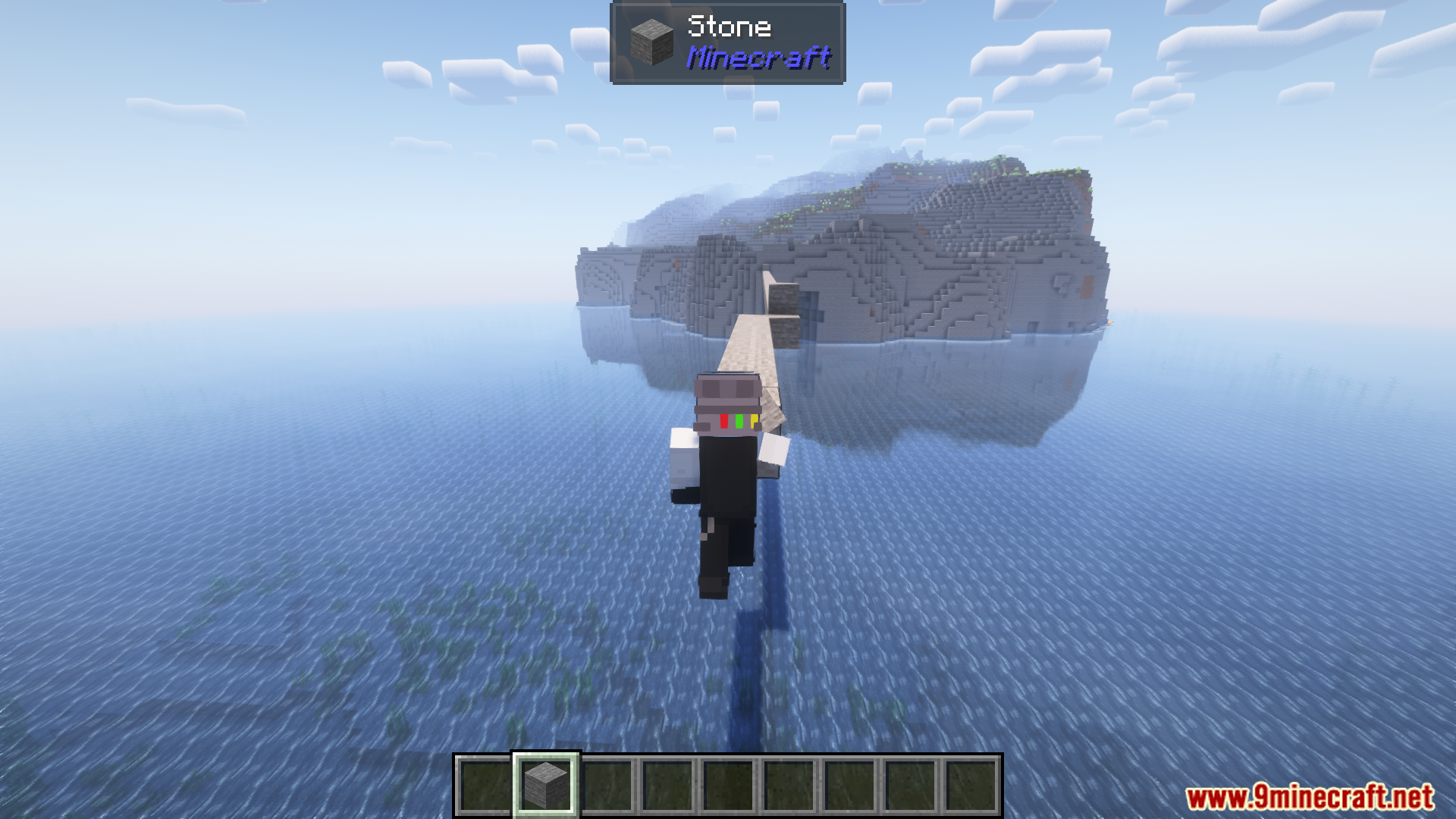
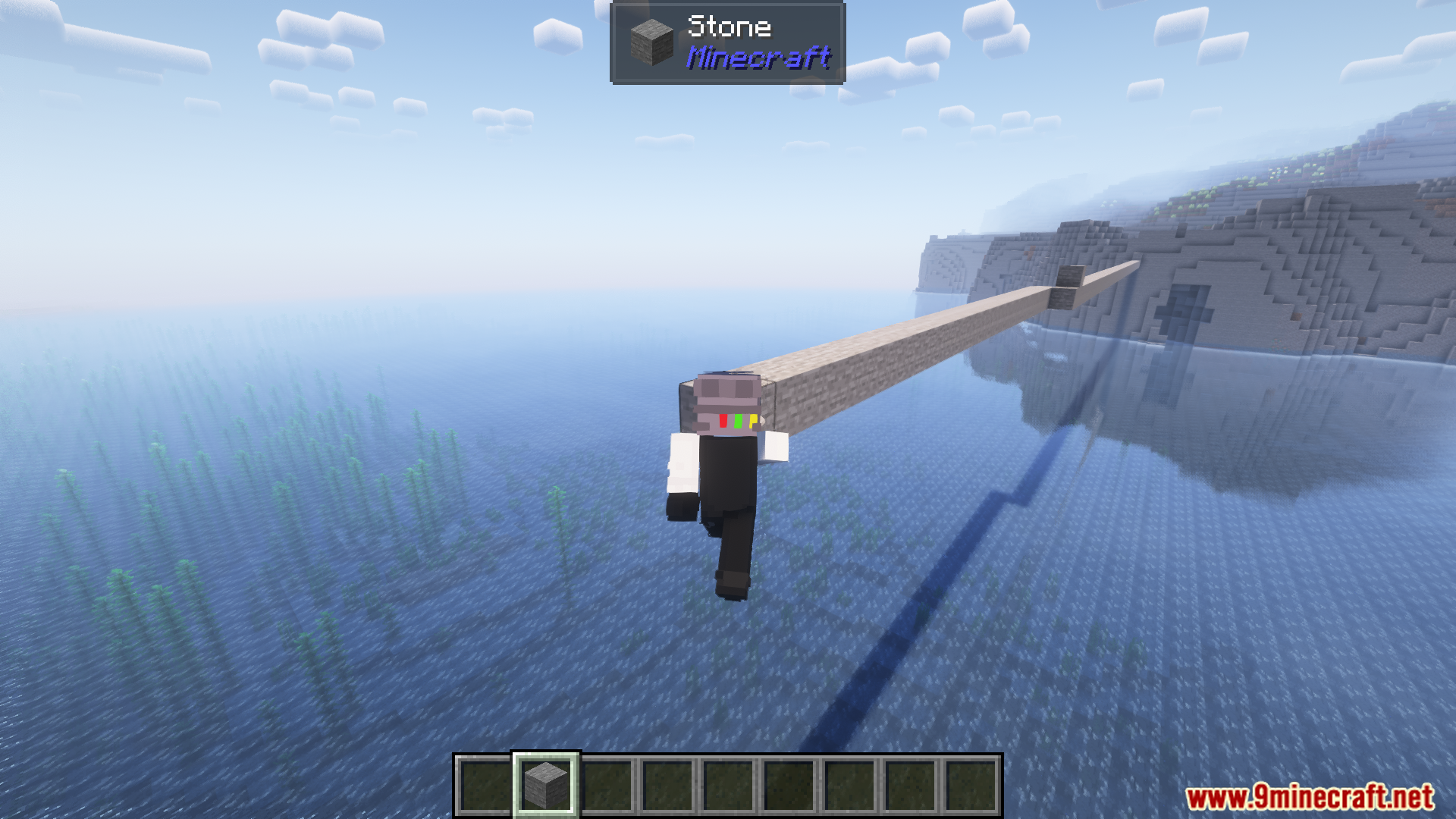
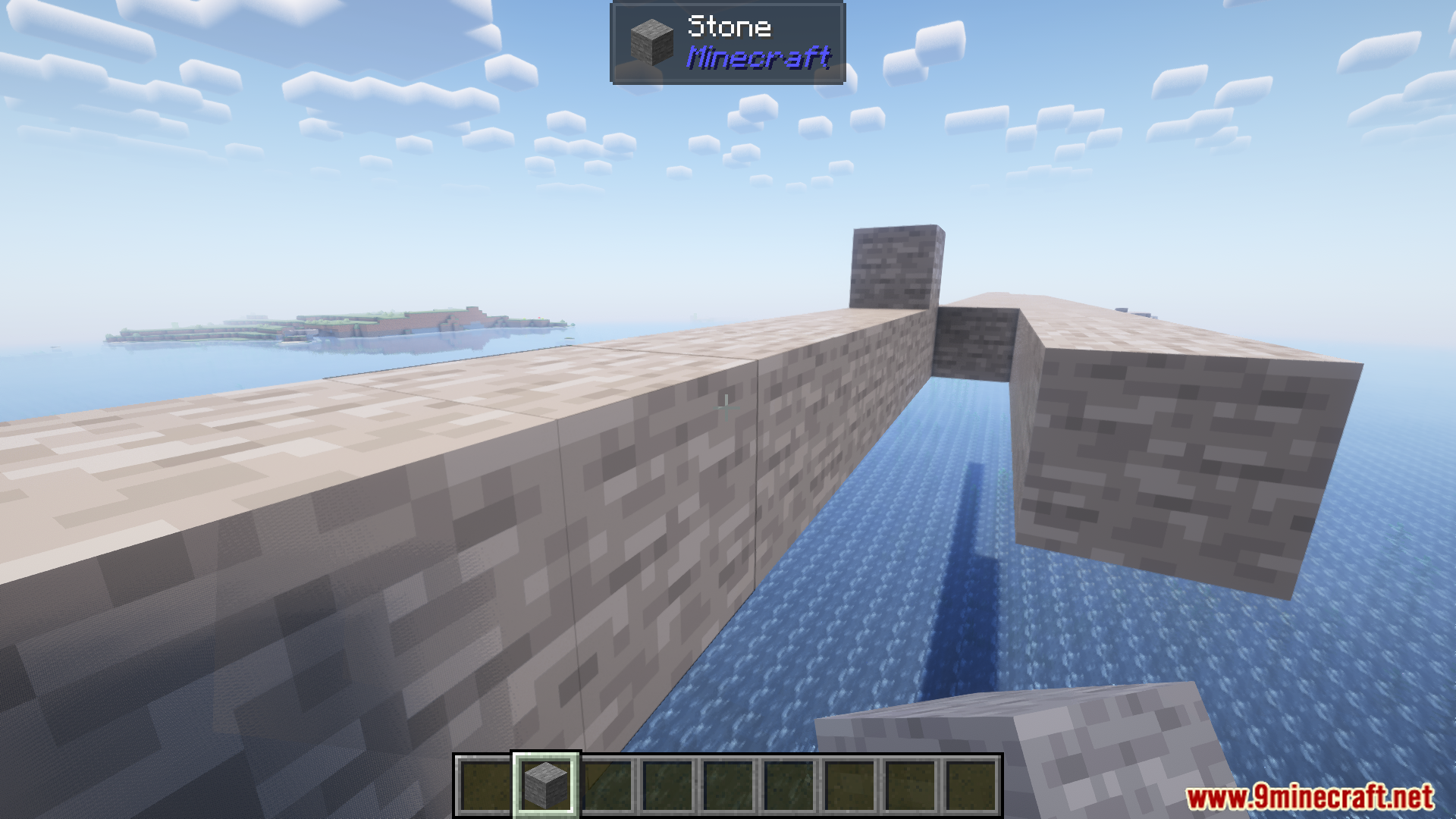
Aim at the air block where you want the new block to go and click — the mod places it in the direction you're facing. This works best in creative mode and when building roofs where there's no adjacent surface to click.
How do I stop placing blocks on the wrong side of a block?
Keep holding the place button while you move — the mod locks the placement direction to the face you first clicked. Release and re-click to change which face you're building against.
See all 10 Pro Placer questions ›
Gallery
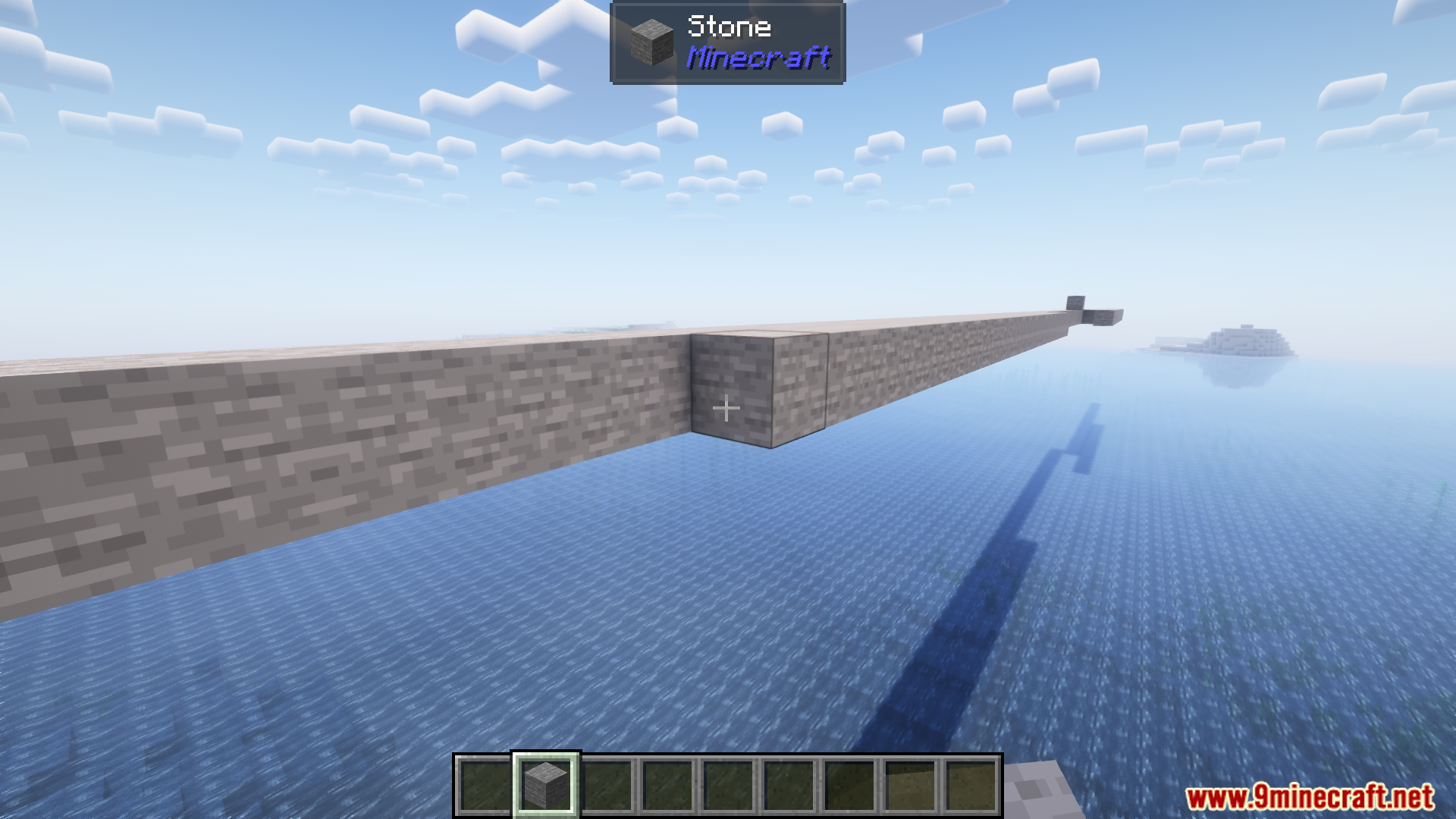
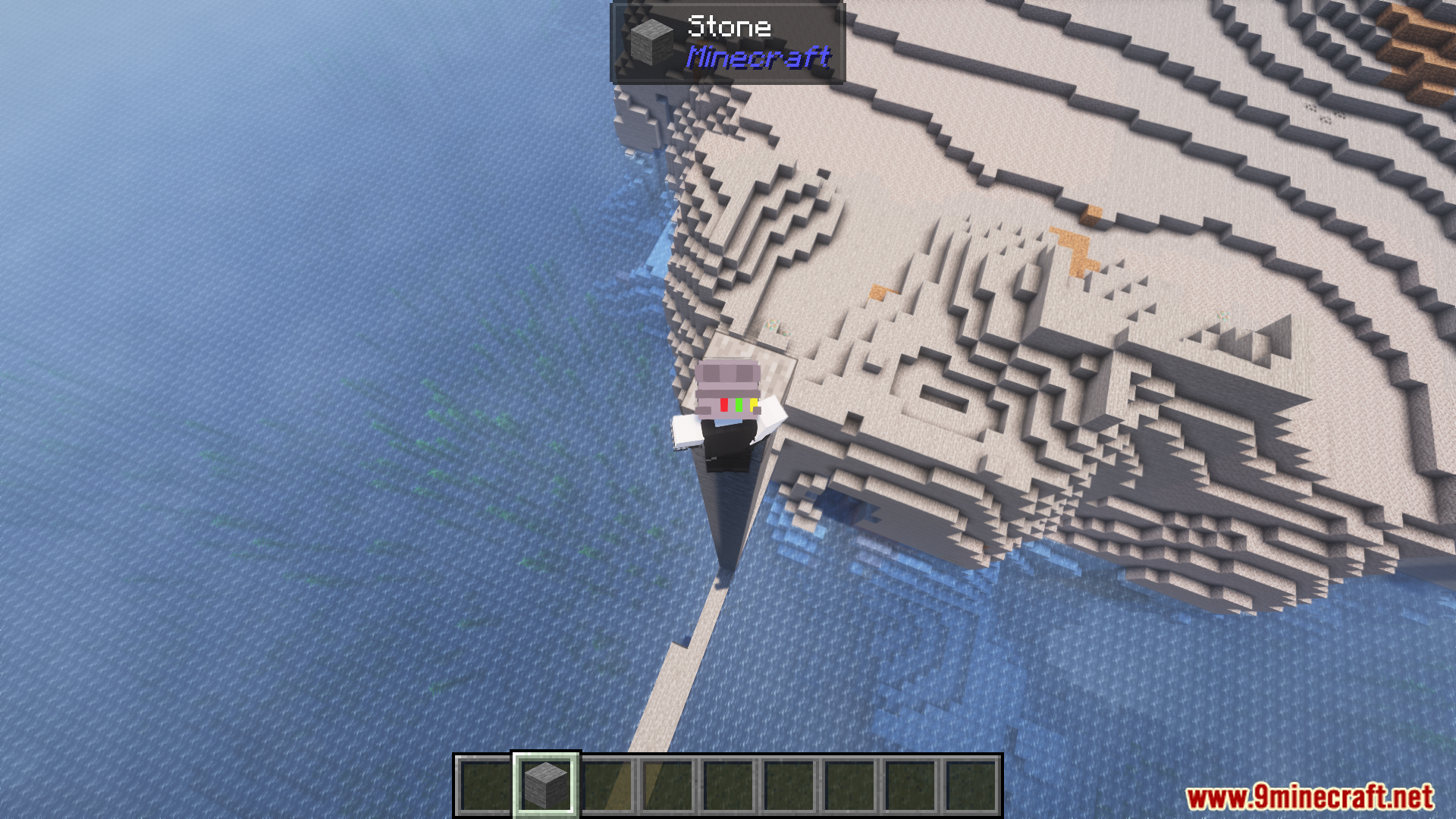
10 images from the Pro Placer Mod page.
You May Also Like
Wikis that share the most with this one
More mod wikis on the site
The most downloaded mods that have a wiki here
A few wikis from each of the other kinds