

 DownloadPrism Flight Geometry Mod
Get the files on 9Minecraft
Guides
Step-by-step, in-game.
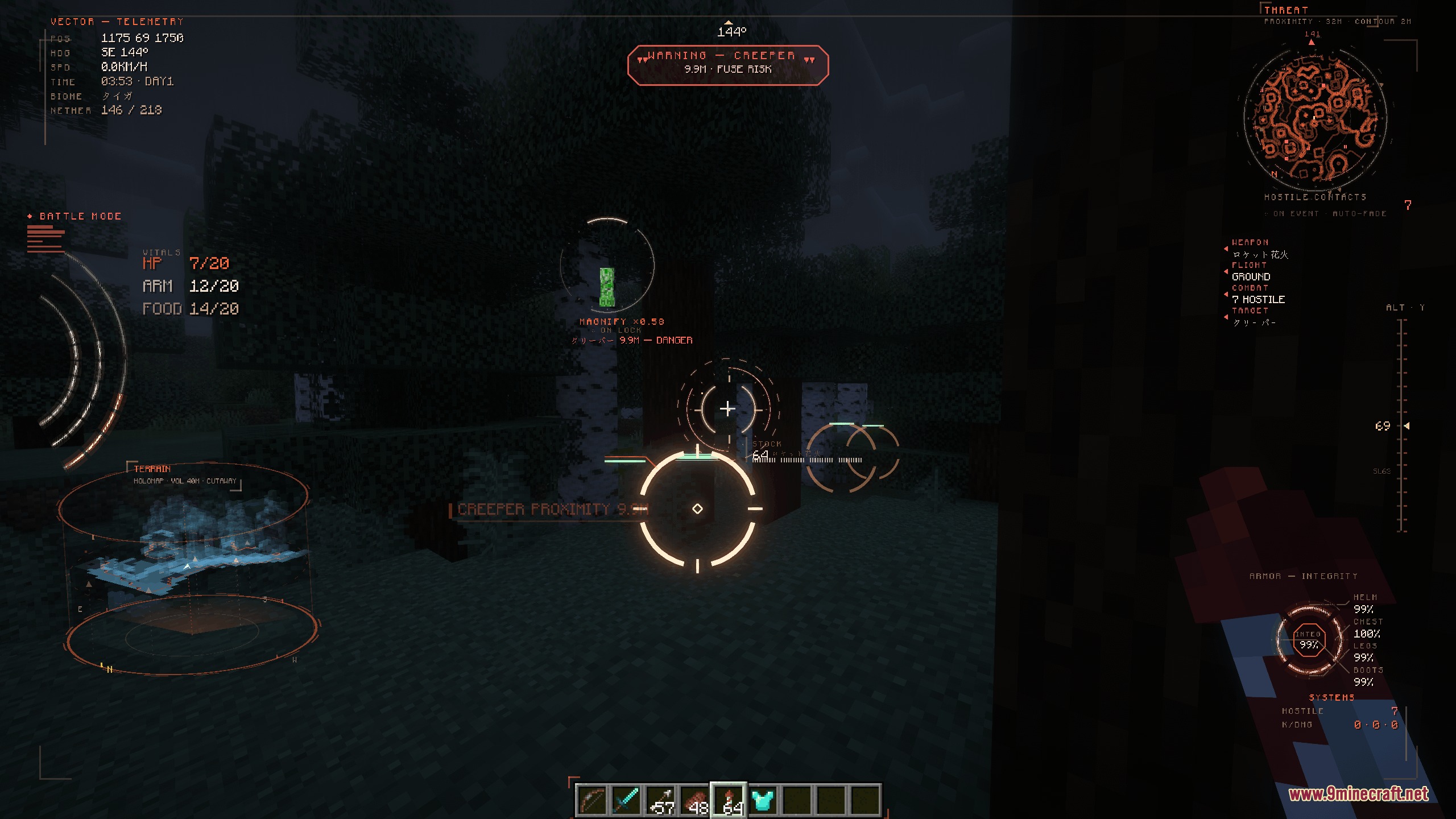
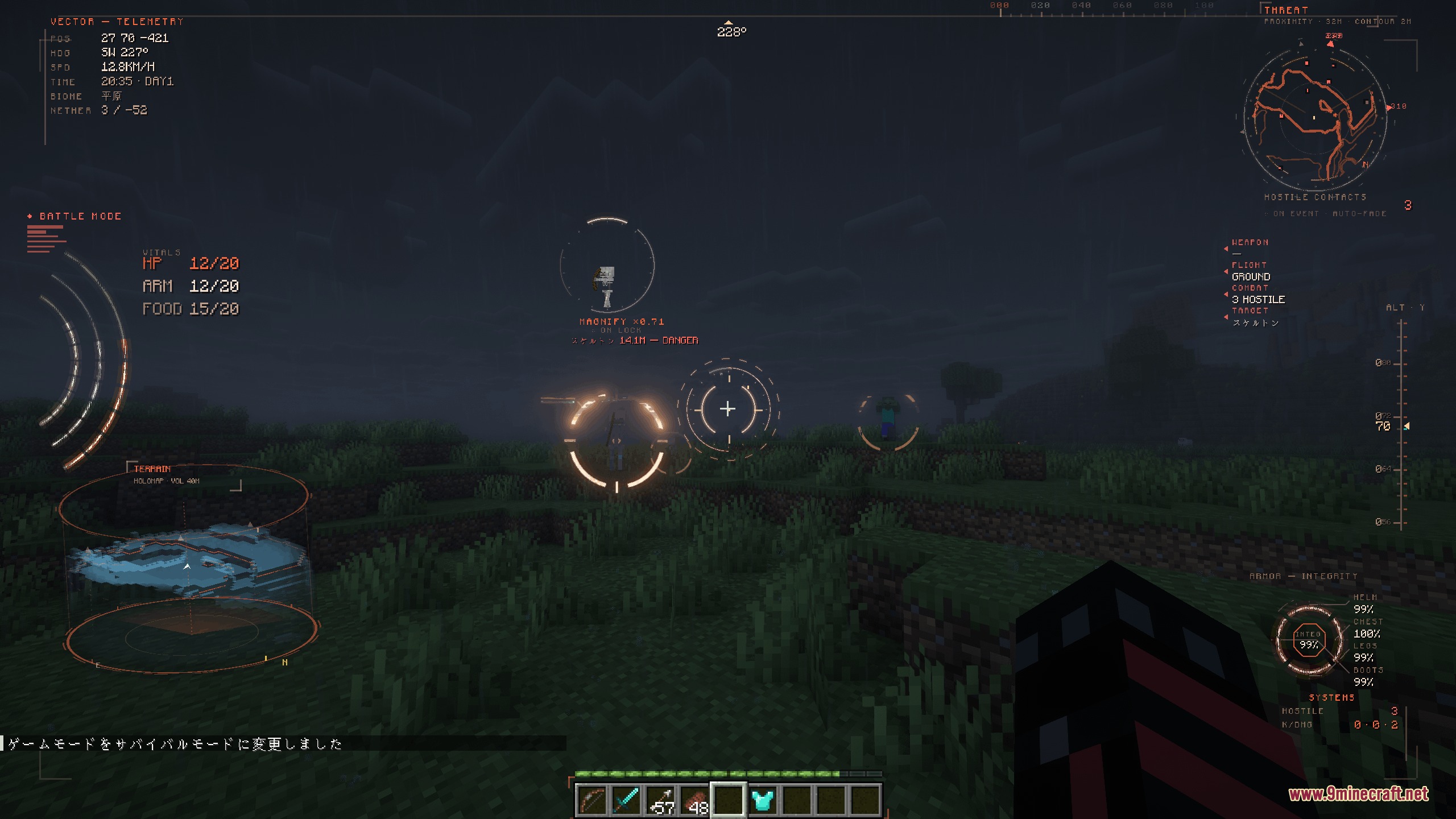
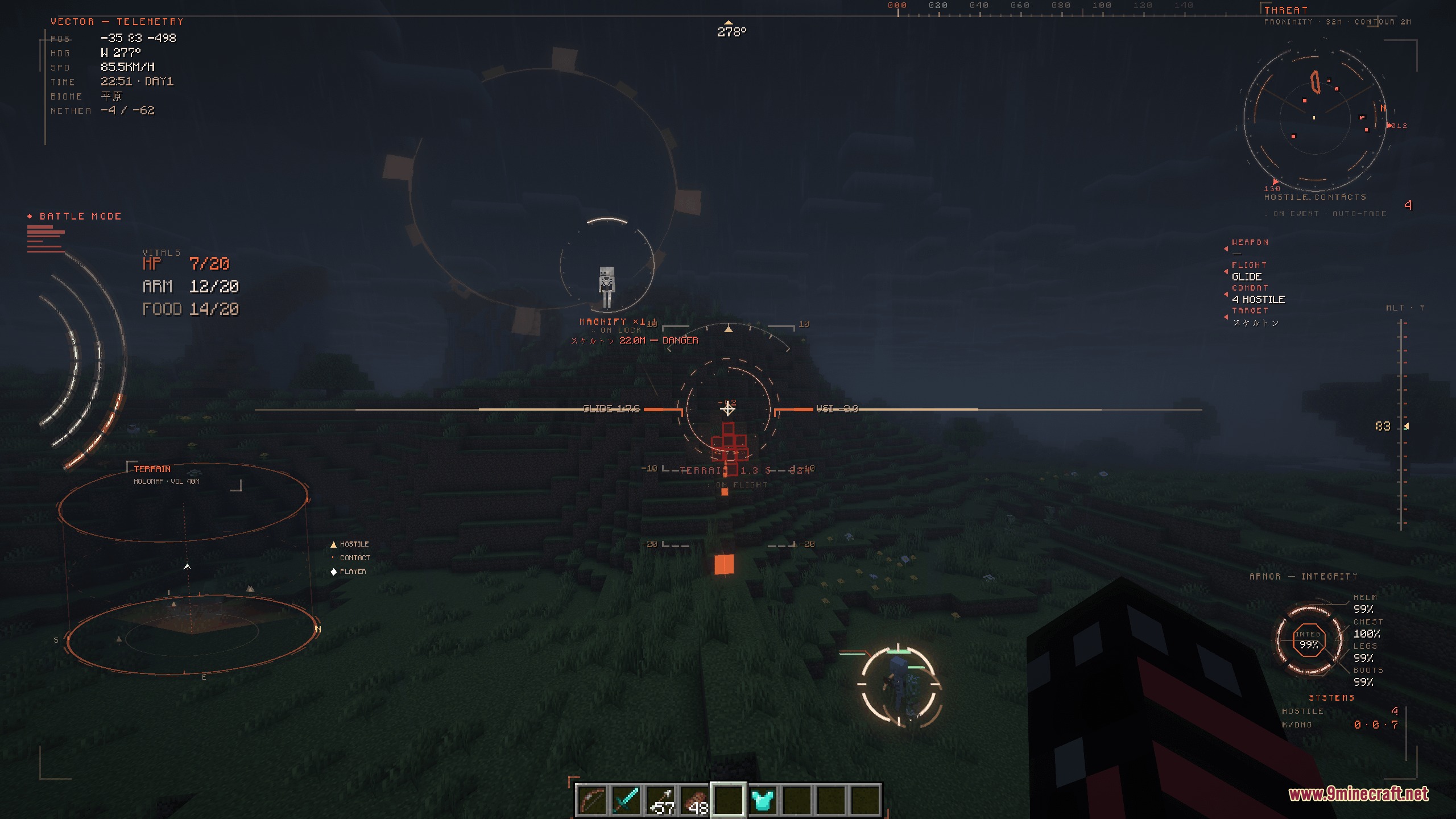
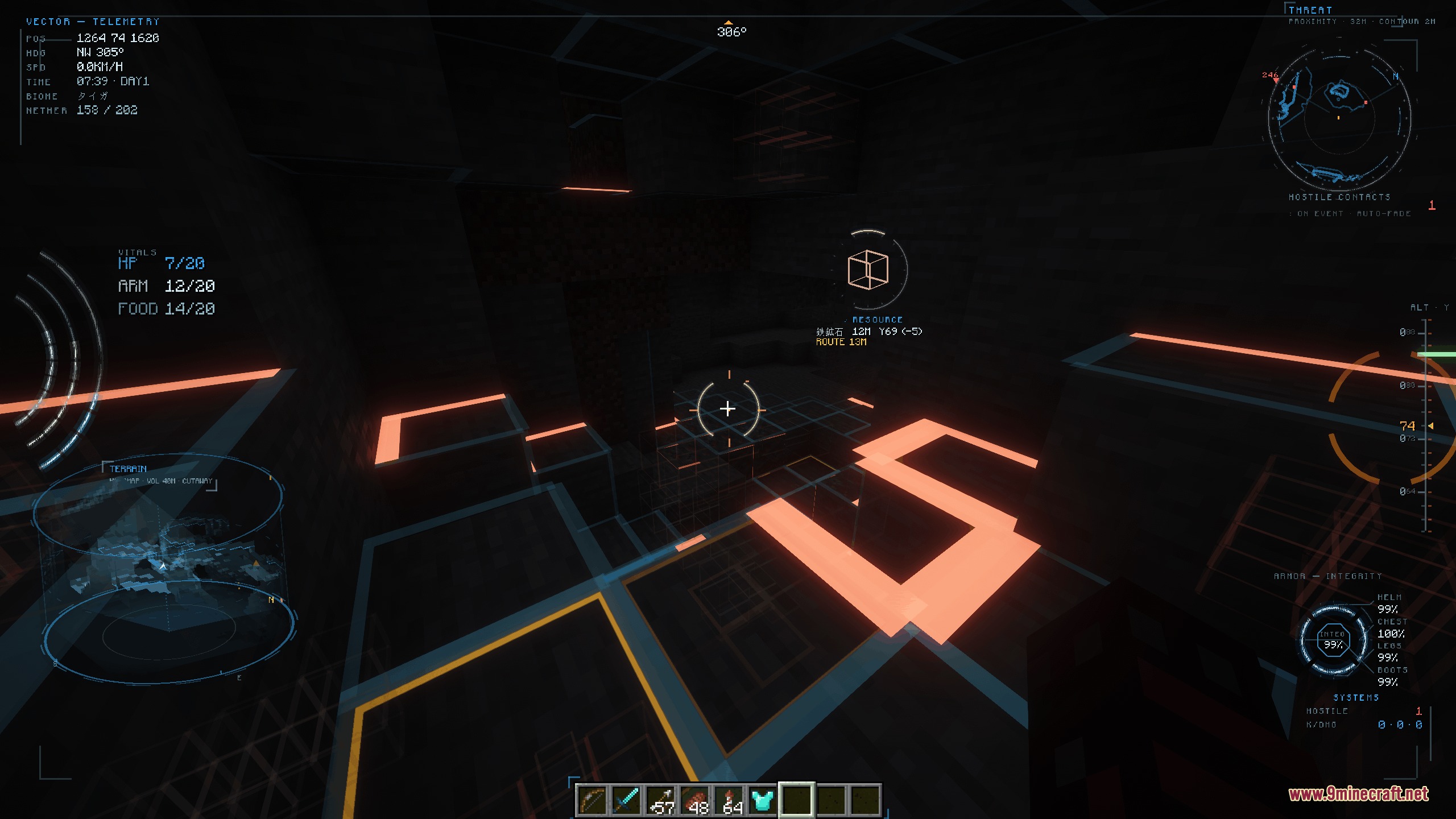
Configure Fair Play and Disable Unfair FeaturesUnderstanding Default Safety Settings The mod ships with potentially unfair tools disabled by default: ore scanning,…Monitor Combat Threats While FlyingActivating Battle Mode When multiple hostile mobs approach or attack you simultaneously, the mod automatically…Set Up Your First Flight DisplayOpening the Instrument Panel When you first equip an elytra and take to the air, press J to activate the flight…Use Scope View for Precision NavigationActivating Scope View Press C to enter scope view mode. This zoomed perspective lets you examine terrain details and…
Frequently asked questions
How do I turn on the flight display?
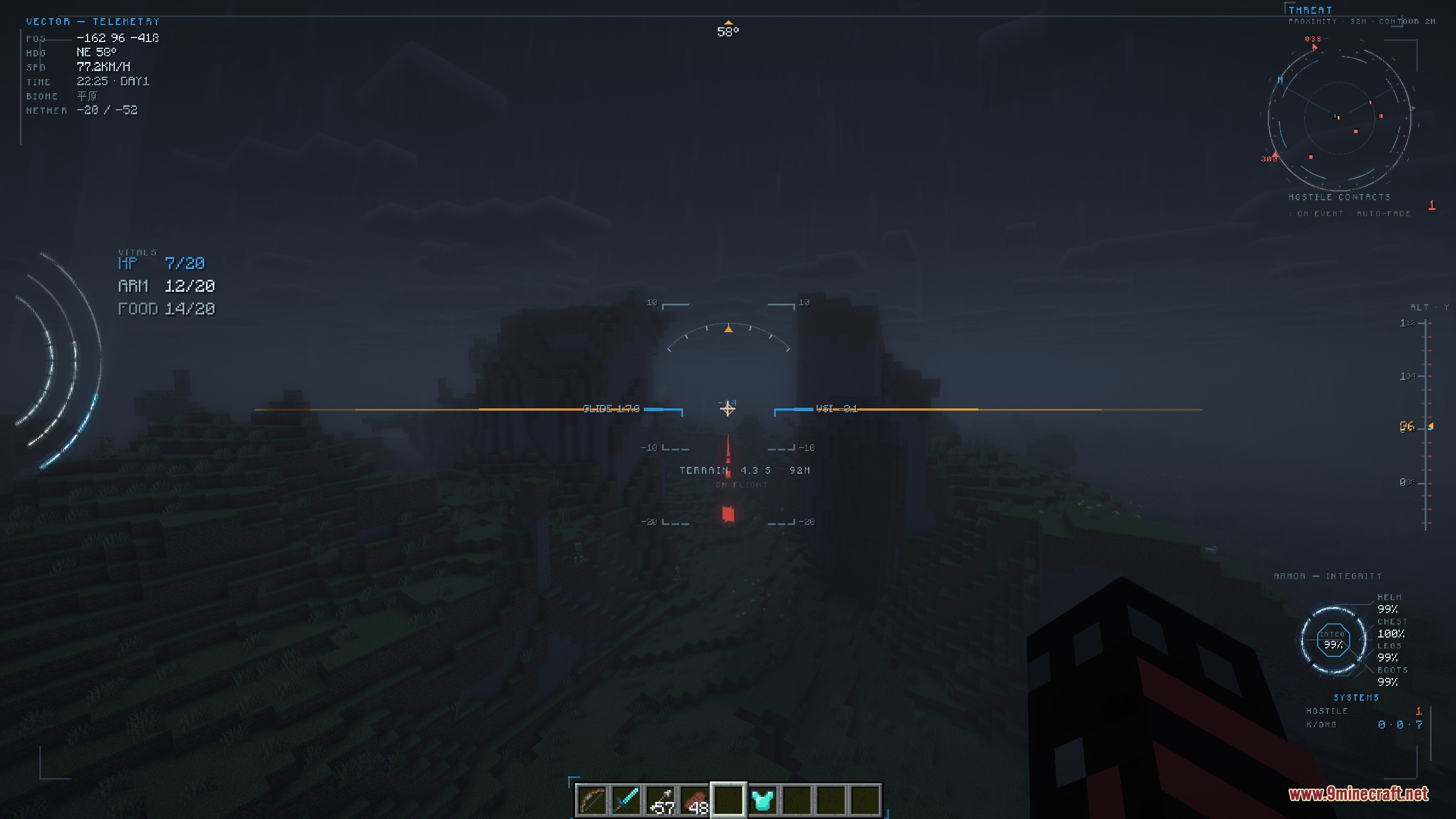
Press J to open or close the instrument display. If you want to customize which panels appear, press H to open the theme menu or use /vectorhud to toggle specific HUD elements.
What do the numbers and gauges mean on the flight instruments?
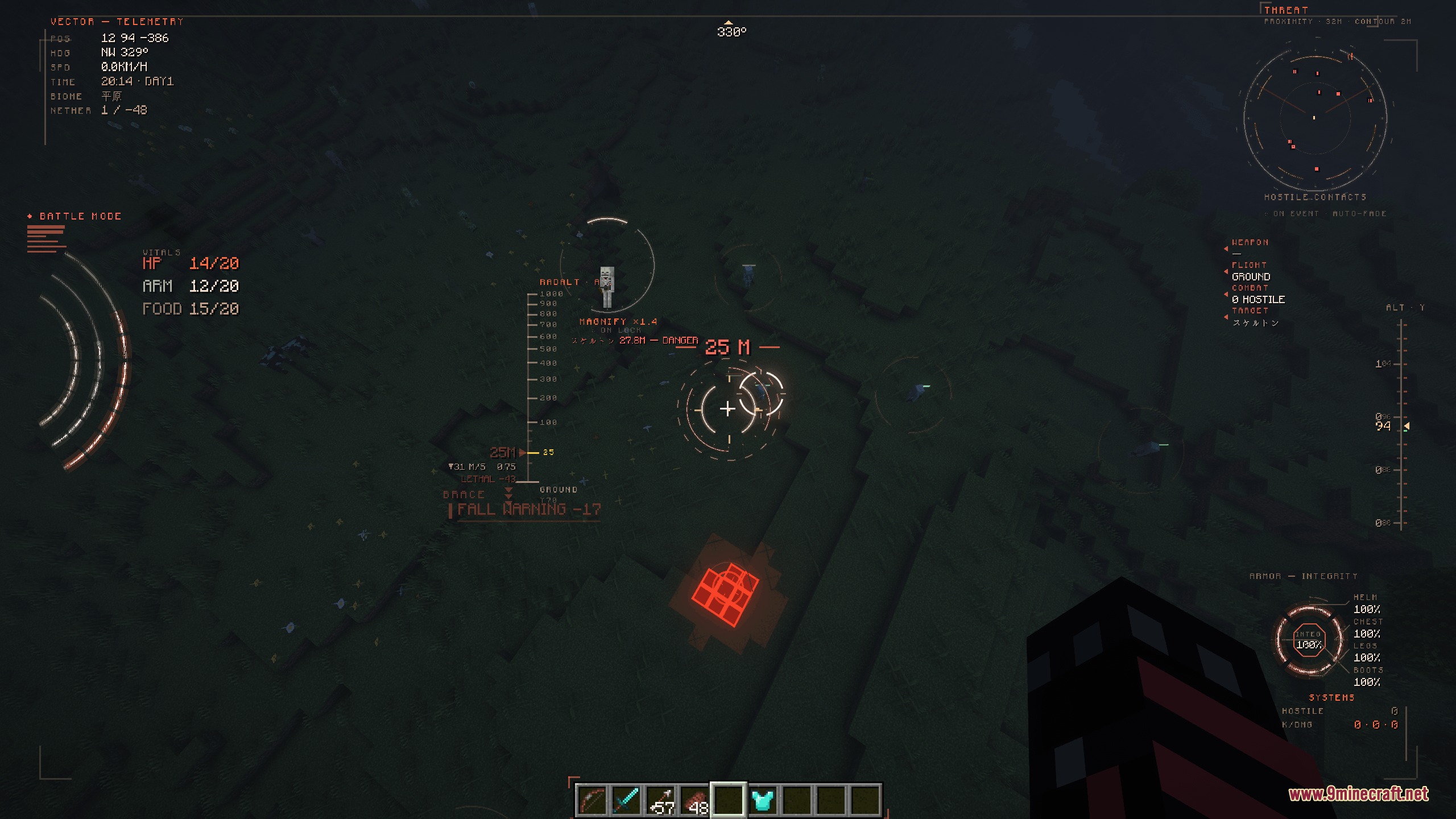
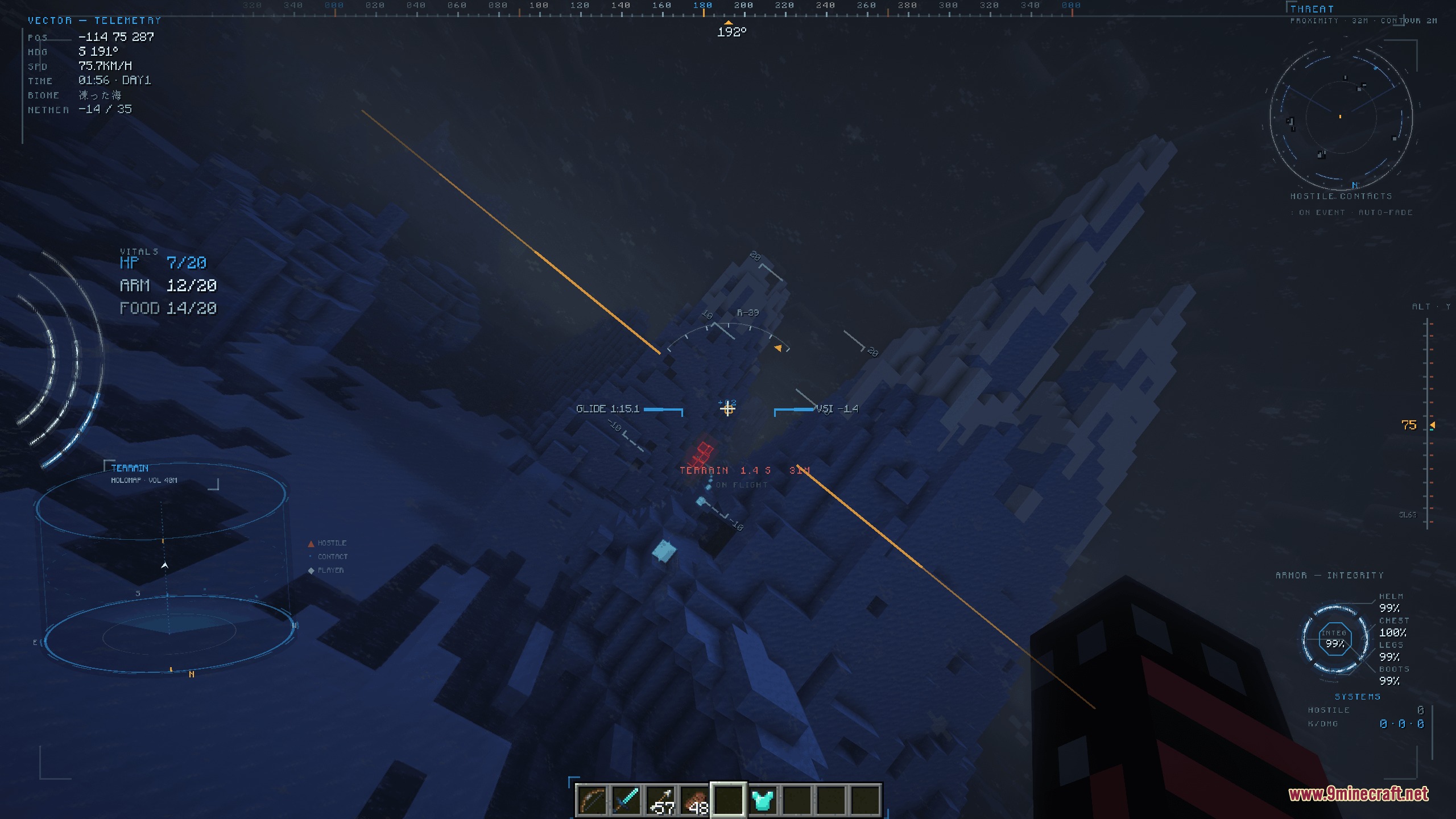
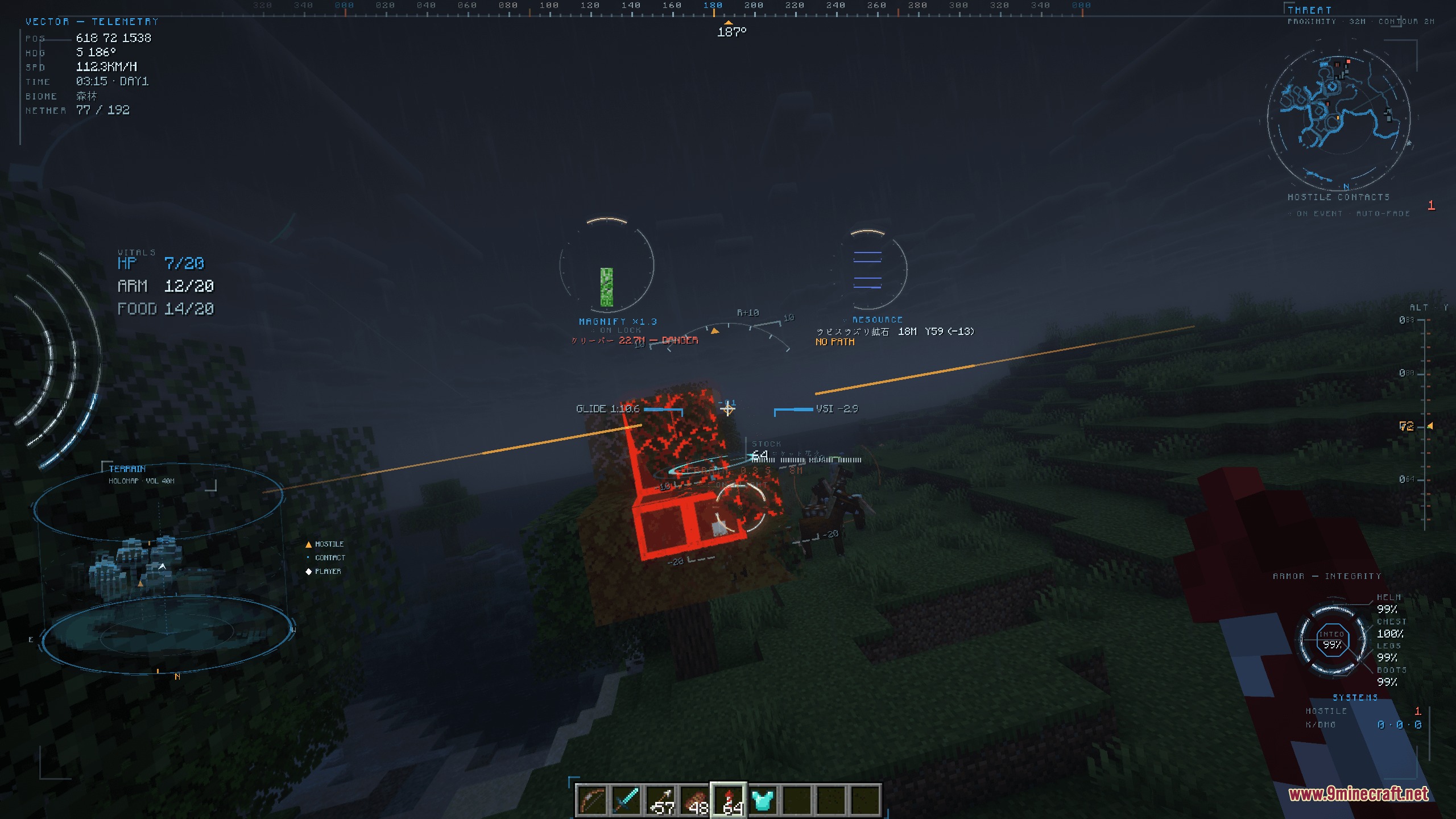
The display shows your ground speed, altitude, climb rate, heading direction, and glide ratio during elytra flight. The artificial horizon helps you see your pitch angle relative to the ground, and the altitude tape on the side tracks your height in real time.
How do I switch between different visual themes?
Press H to open the theme menu and select from ten distinct themes like Apex, Ghost, Raptor, and Minimal. Your choice is saved automatically in the config file.
See all 10 Prism Flight Geometry questions ›
Gallery
9 images from the Prism Flight Geometry Mod page.
You May Also Like
Wikis that share the most with this one
 Prism Skies Shaders
Wikis on the same theme: light
More mod wikis on the site
The most downloaded mods that have a wiki here
A few wikis from each of the other kinds