

 DownloadPrism Interface Control Mod
Get the files on 9Minecraft
Guides
Step-by-step, in-game.
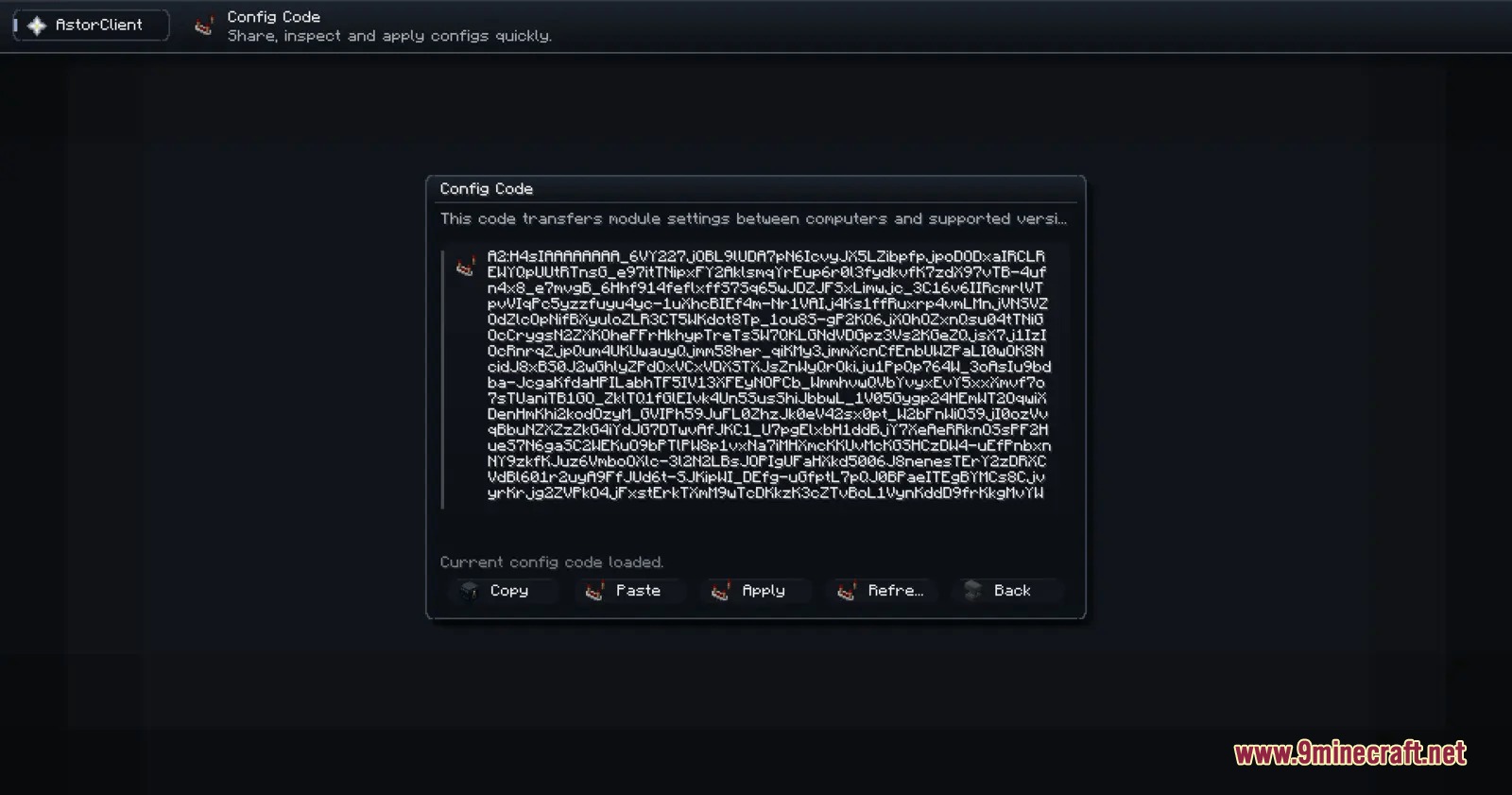
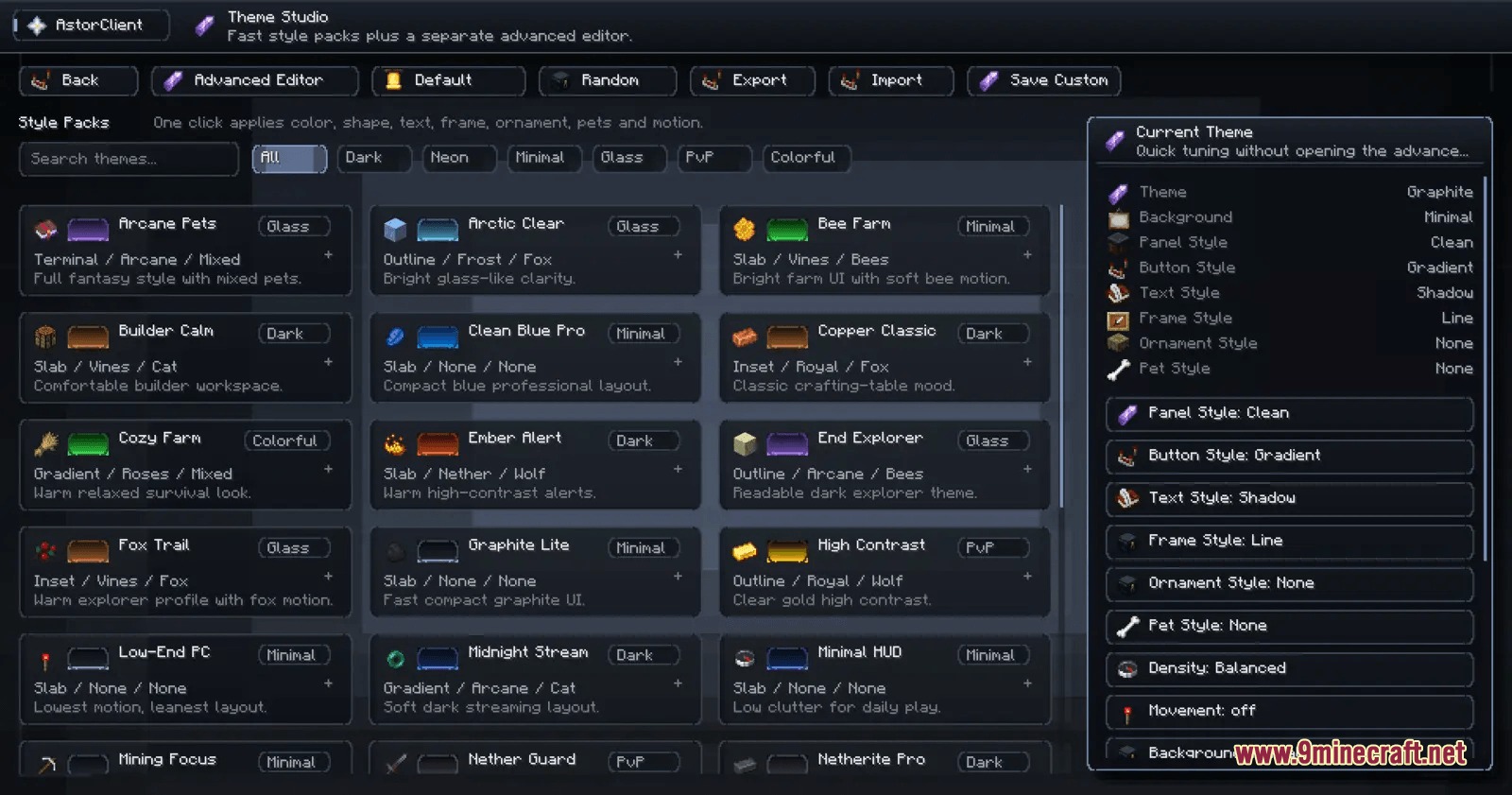
Customize Your HUD Colors and ThemeAccess the Theme Studio Press Right Shift and navigate to the theme studio from the main menu. This is where all…Monitor Armor Durability and Inventory at a GlanceEnable Armor and Inventory Widgets Press Right Shift and open the module manager. Search for and toggle on the armor…Set Up Your First Minimap and WaypointsEnable the Minimap Widget Press Right Shift to open the main client menu. Search for "minimap" in the module manager…Share Your HUD Setup Between Game ProfilesExport Your Current Layout Press Right Shift and navigate to the settings menu. Look for the configuration code or…
Frequently asked questions
How do I open the mod menu?
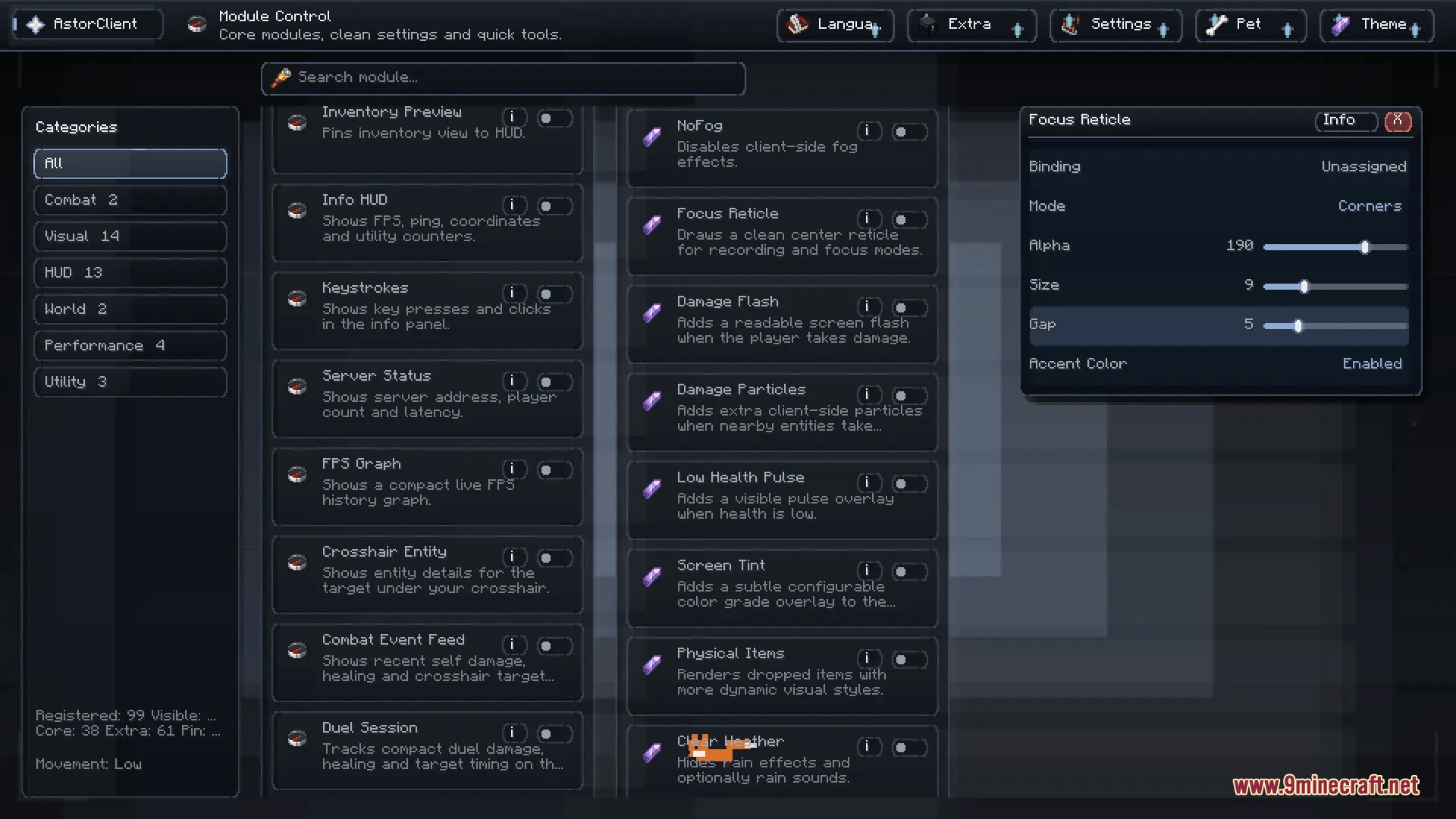
Press Right Shift while in-game to open the main Prism Interface Control menu. From there you can access the module manager, HUD editor, theme studio, and settings.
Can I move widgets around after I place them?
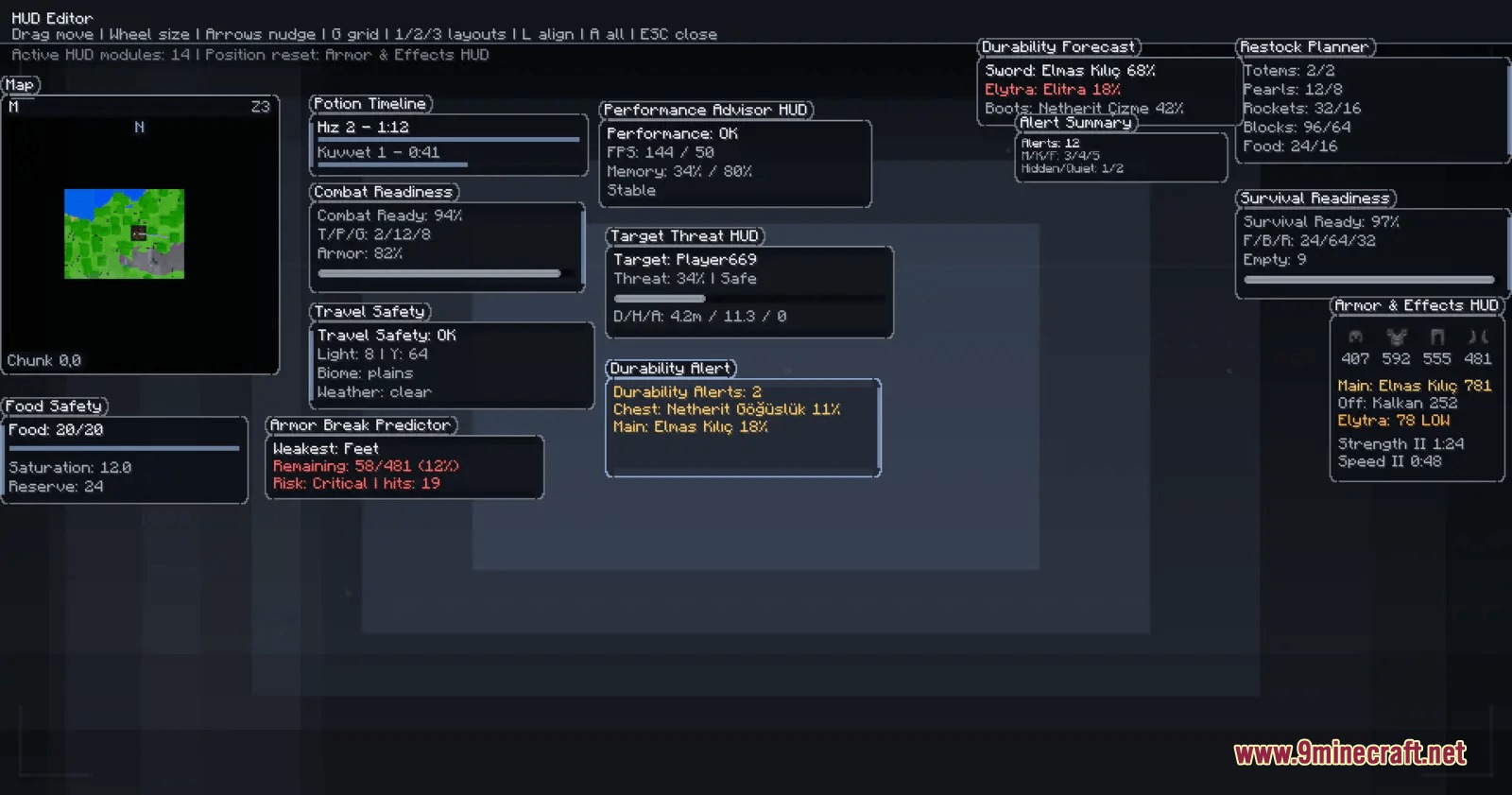
Yes, open the HUD editor (accessible from the main menu) and you can drag any active widget to reposition it, or resize it by dragging its edges. Your changes save automatically.
How do I turn off widgets I don't want to see?
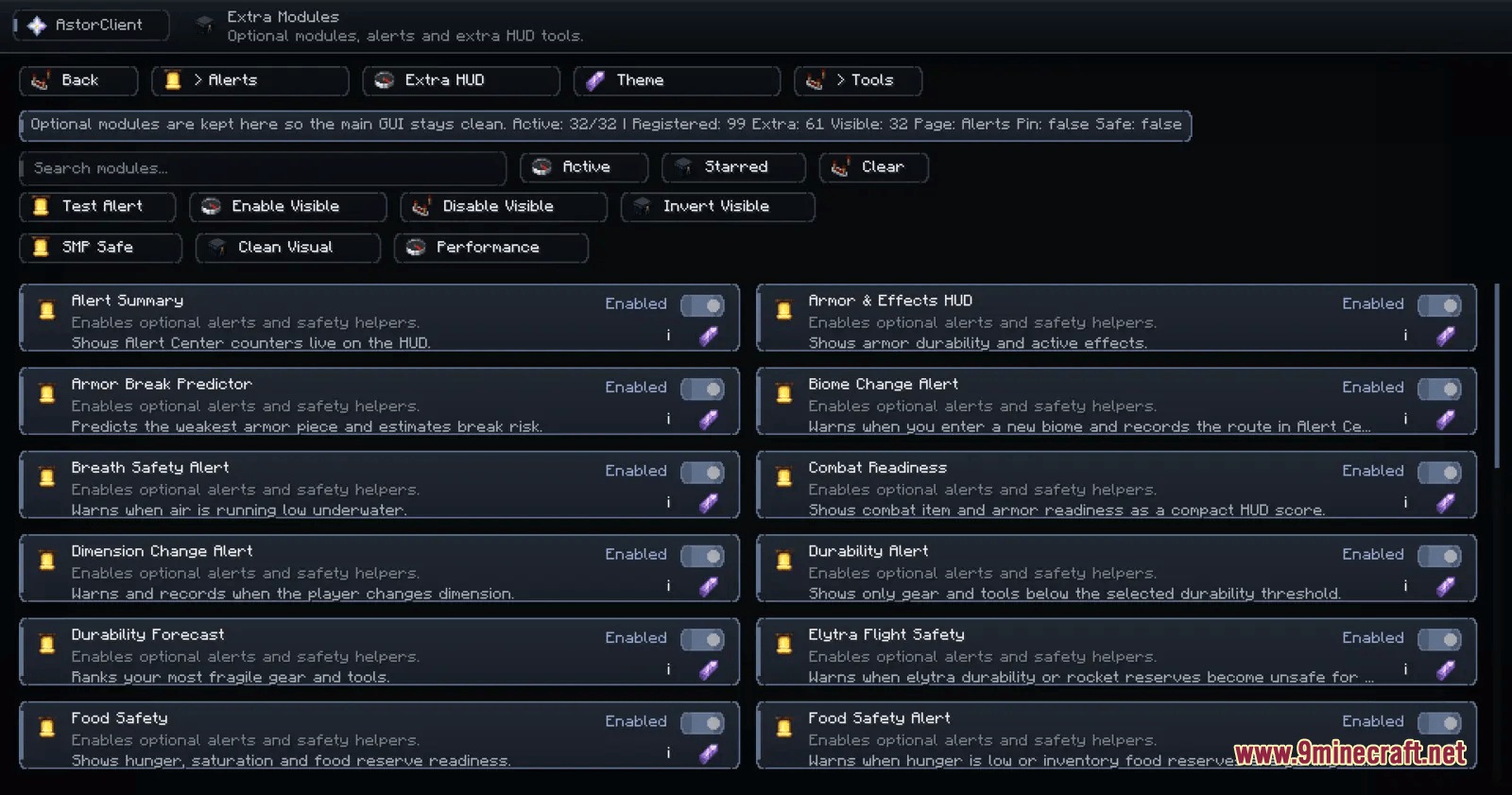
Open the module manager from the main menu and toggle off any widget or tool you don't need. You can search by name or use the favorites system to quickly find what you're looking for.
What's the waypoint system and how do I use it?
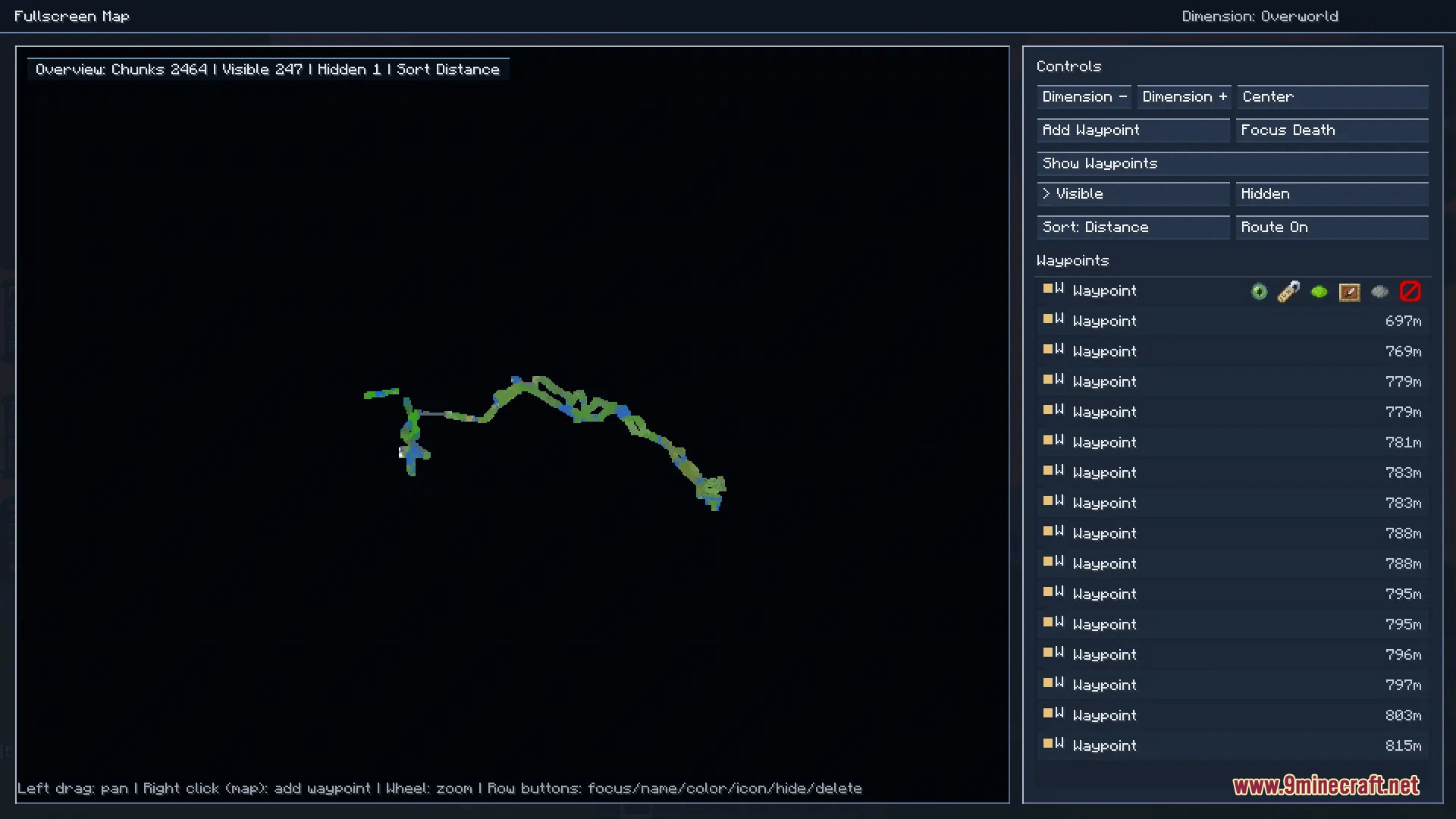
The waypoint system lets you mark and track locations on your minimap and fullscreen map. You can set waypoints to create navigation routes and see them displayed as you explore.
See all 10 Prism Interface Control questions ›
Gallery
9 images from the Prism Interface Control Mod page.
You May Also Like
Wikis that share the most with this one
 Prism Skies Shaders
More mod wikis on the site
The most downloaded mods that have a wiki here
A few wikis from each of the other kinds