

 DownloadLinguify Clearview Mod
Get the files on 9Minecraft
Guides
Step-by-step, in-game.
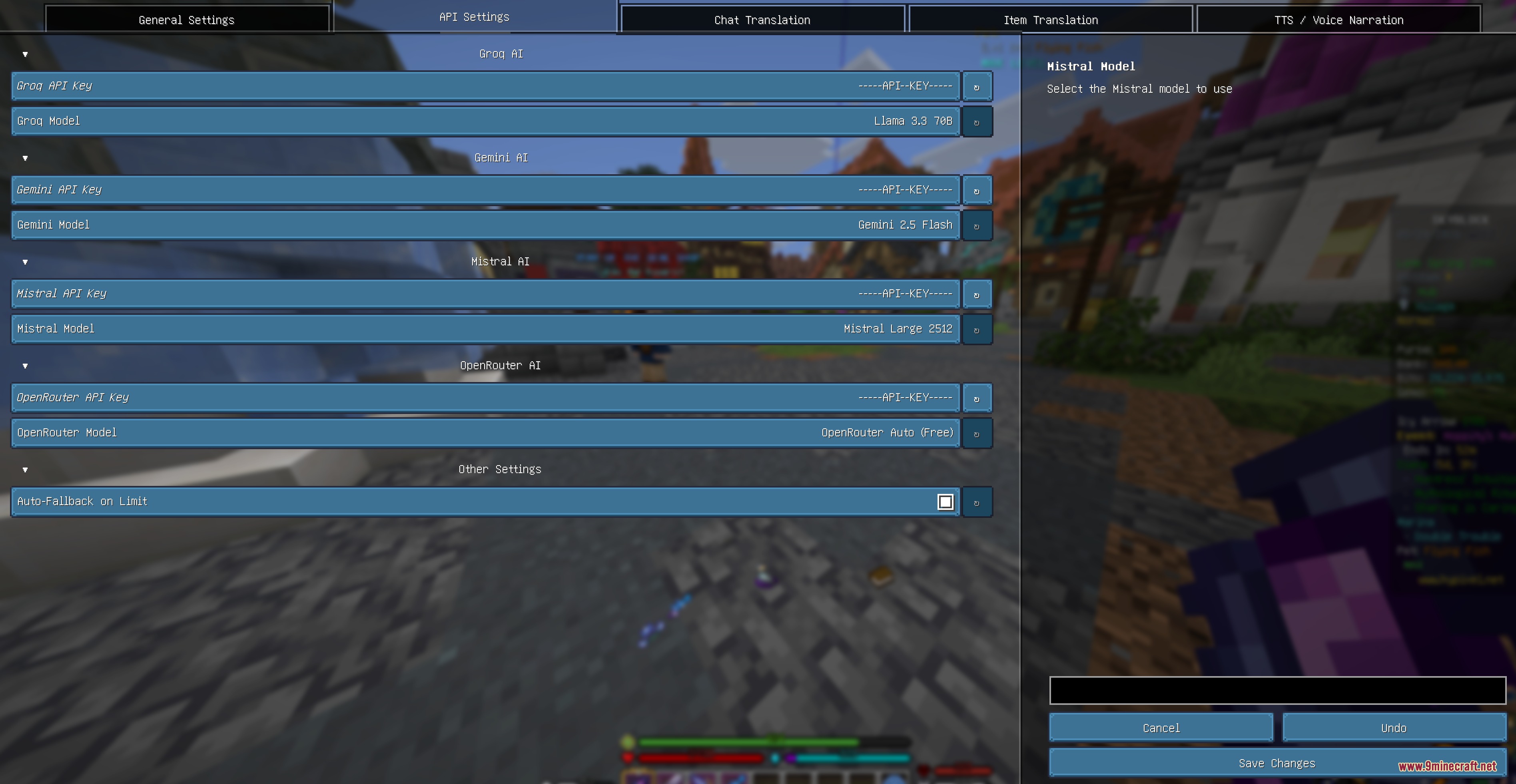
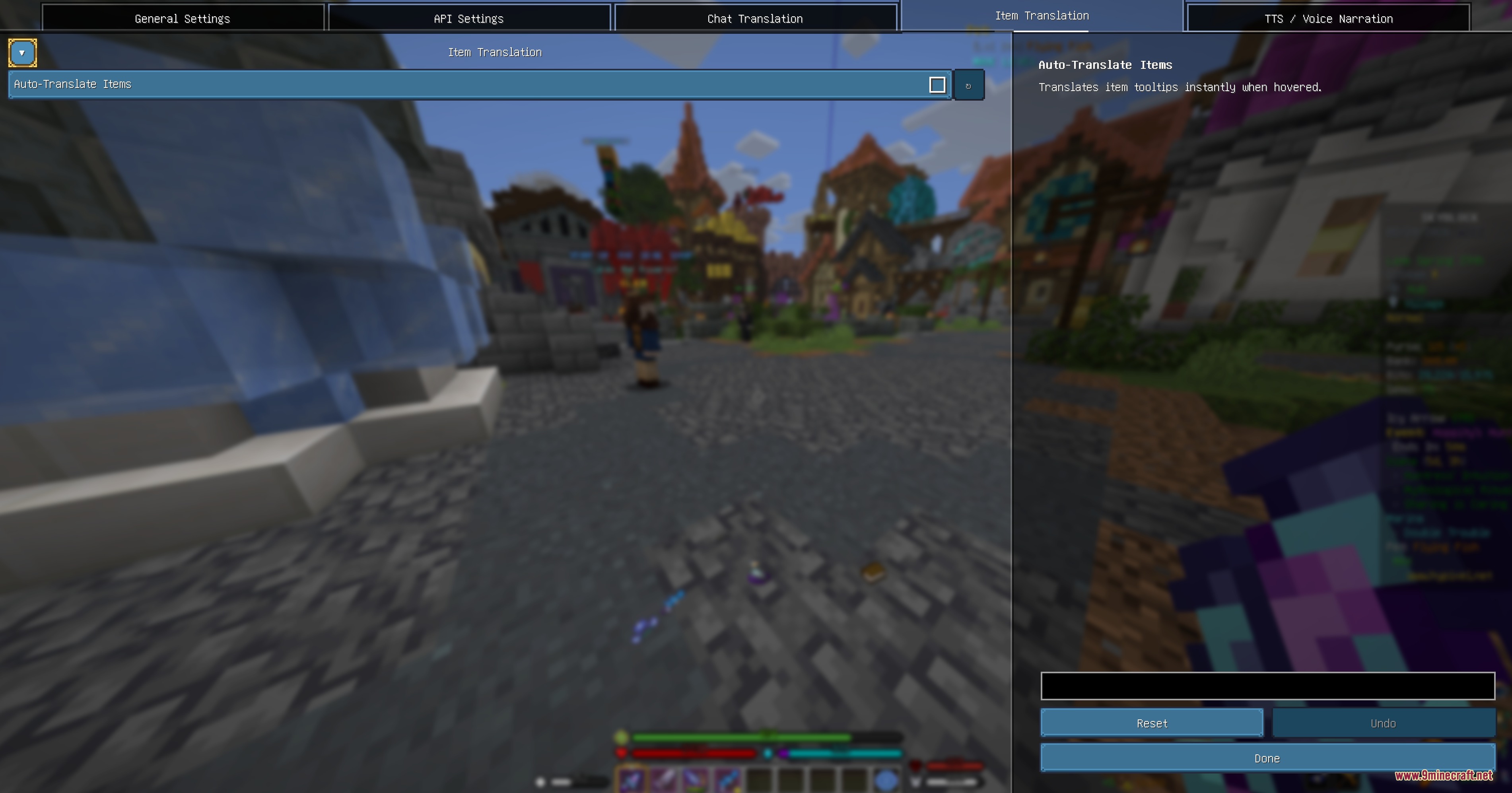
Configure Multiple Translation Engines and API KeysSelecting Your Translation Provider The mod supports both free and AI-powered translation engines: 1. Press Z or…Filter Chat Translations to Affect Only NPC MessagesSeparating NPC and Player Chat On multiplayer servers, you may want to translate only NPC dialogue while leaving…Translate Item Tooltips and LoreTranslating Item Descriptions When you need to understand an item's lore or tooltip: 1. Open your inventory 2. Hover…Translate NPC Dialogue in Real-Time During GameplayQuick Translation During Conversation When an NPC speaks to you in a language you don't understand, the mod displays…
Frequently asked questions
How do I start translating things right after installing the mod?
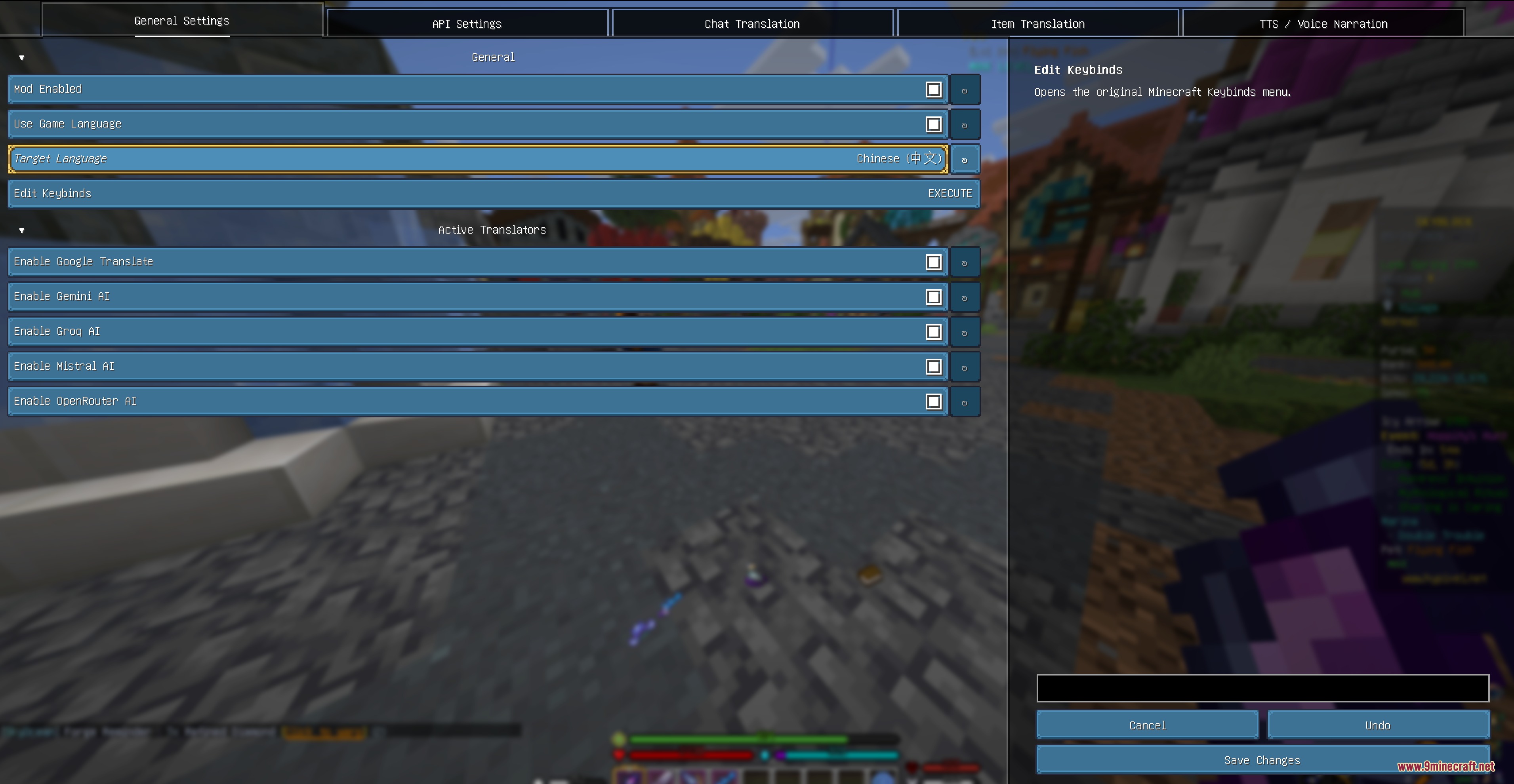
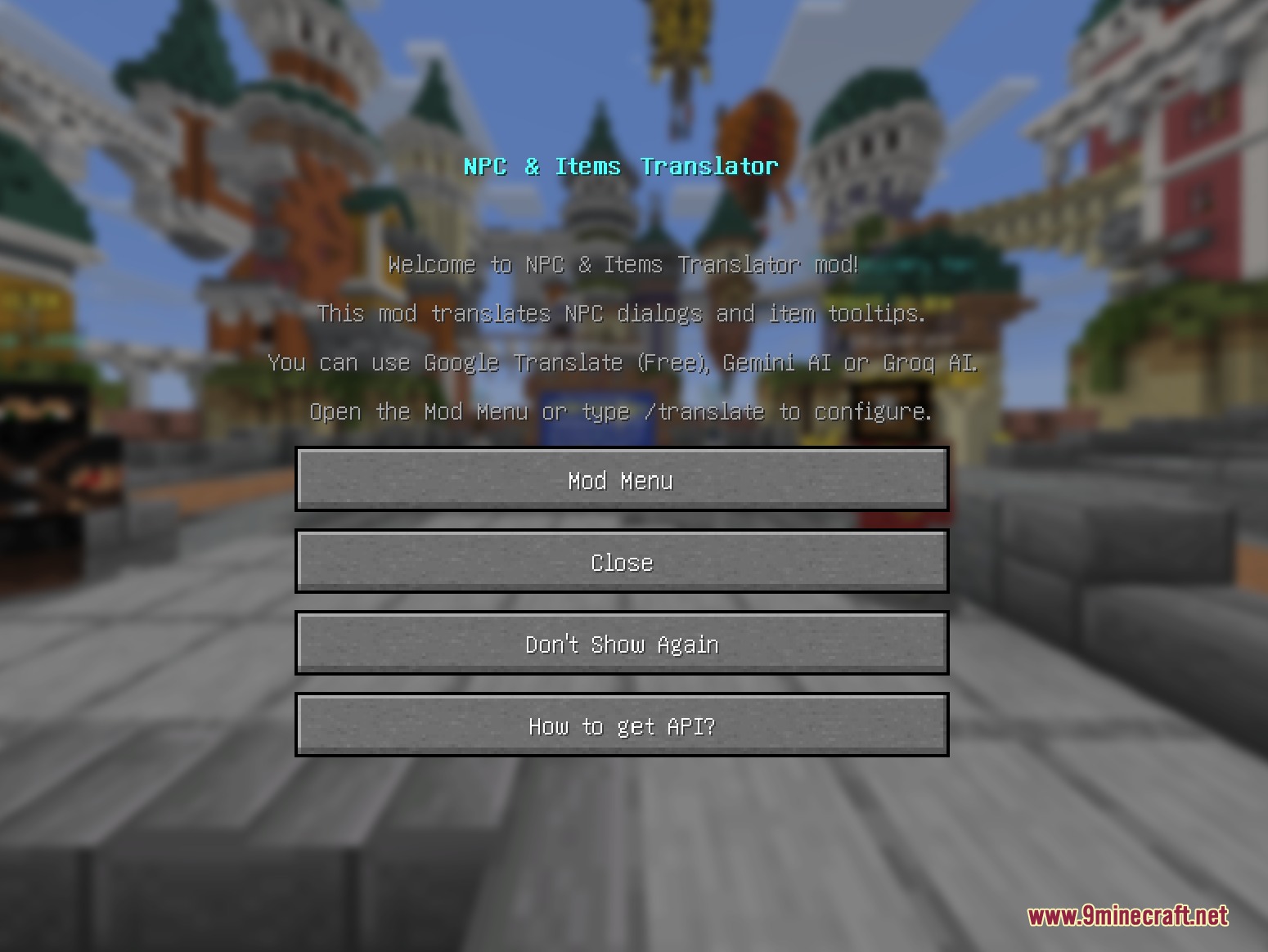
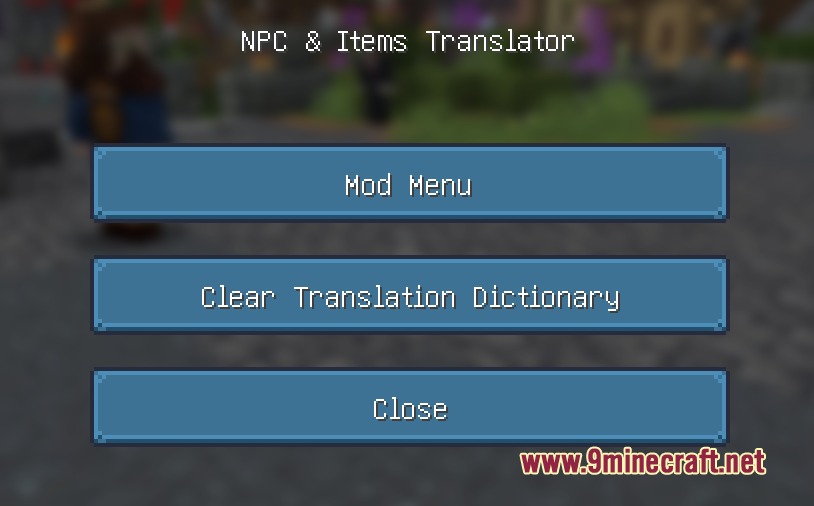
Press Z in-game or use /translate to open the configuration menu, select your target language and preferred translation engine, then close the menu. You're ready to translate—click the [Translate] tag next to NPC messages or hover over items and press G to translate tooltips.
Why are my item colors disappearing when I translate?
The mod is designed to preserve color codes automatically, so this shouldn't happen. If colors are missing, check that you're using a translation engine that supports color retention in your /translate settings, or try switching to a different provider.
Can I translate only NPC dialogue and leave player chat alone?
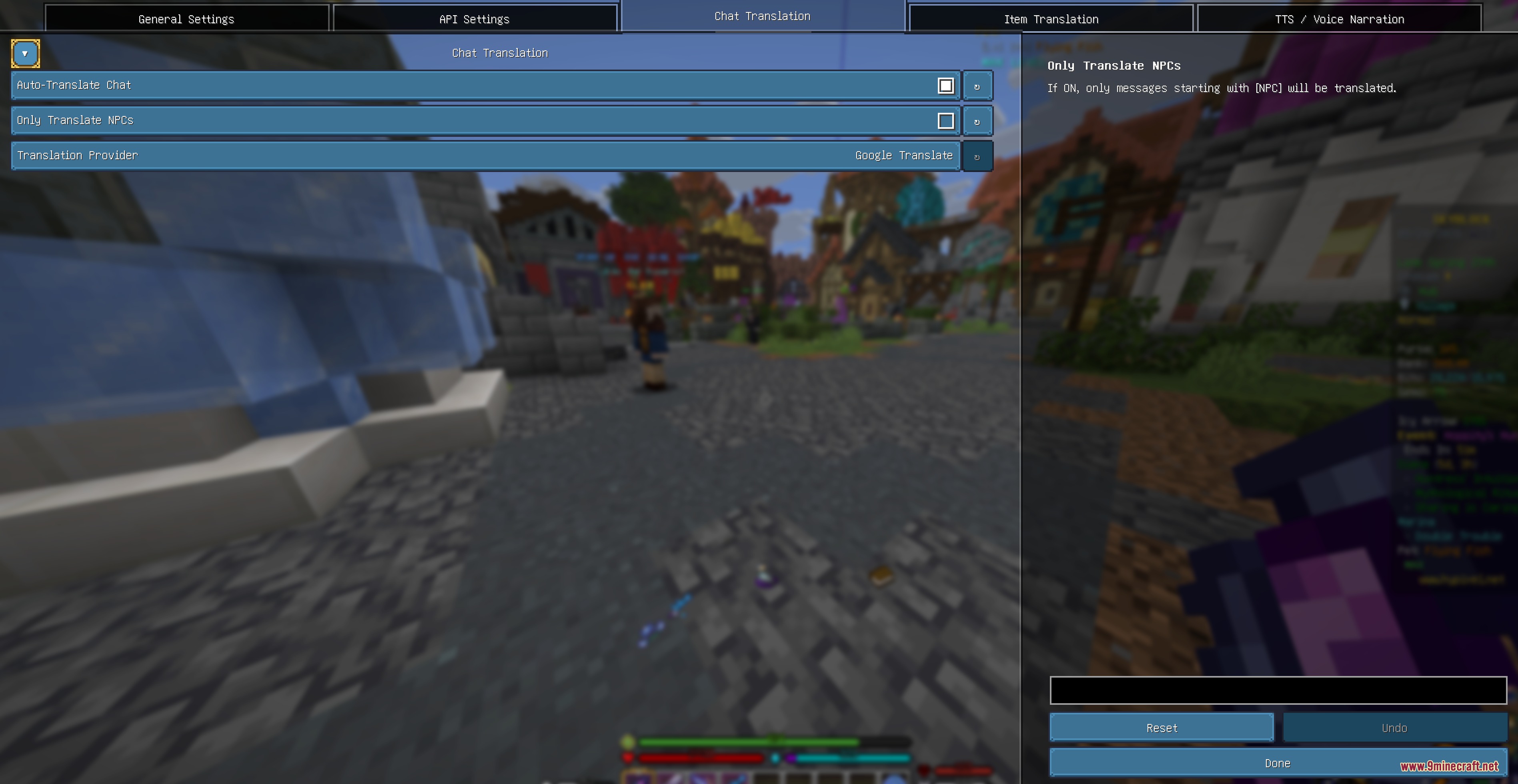
Yes—open /translate and enable the NPC-only filter option under chat translation settings. This will prevent the mod from translating messages from regular players while still translating NPC text.
How do I switch back to the original text after translating?
Click the language tag next to a translated message to swap back to the original, or press V while hovering over a translated item tooltip to revert it instantly.
See all 10 Linguify Clearview questions ›
Gallery
8 images from the Linguify Clearview Mod page.
You May Also Like
Wikis that share the most with this one
More mod wikis on the site
The most downloaded mods that have a wiki here
A few wikis from each of the other kinds