

 DownloadLegion of the Rings Mod
Get the files on 9Minecraft
Guides
Step-by-step, in-game.
Build and Deploy Your First Army SquadHire and Tag Your Troops Start by opening the hiring screen and recruiting faction soldiers—Rohirrim, Gondor, or…Control Unit Movement and Combat BehaviorGive Follow and Stay Orders Interact with any hired soldier to open their status menu. From this interface, you can…Manage Multiple Armies and Recall Distant UnitsOrganize Armies with Custom Tags Assign different custom tags to create specialized squads—"archers," "cavalry,"…Track and Defeat Your Nemesis RivalsUnderstanding the Nemesis System When an NPC defeats you in combat, they become a persistent rival with a unique…
Frequently asked questions
How do I hire my first troops?
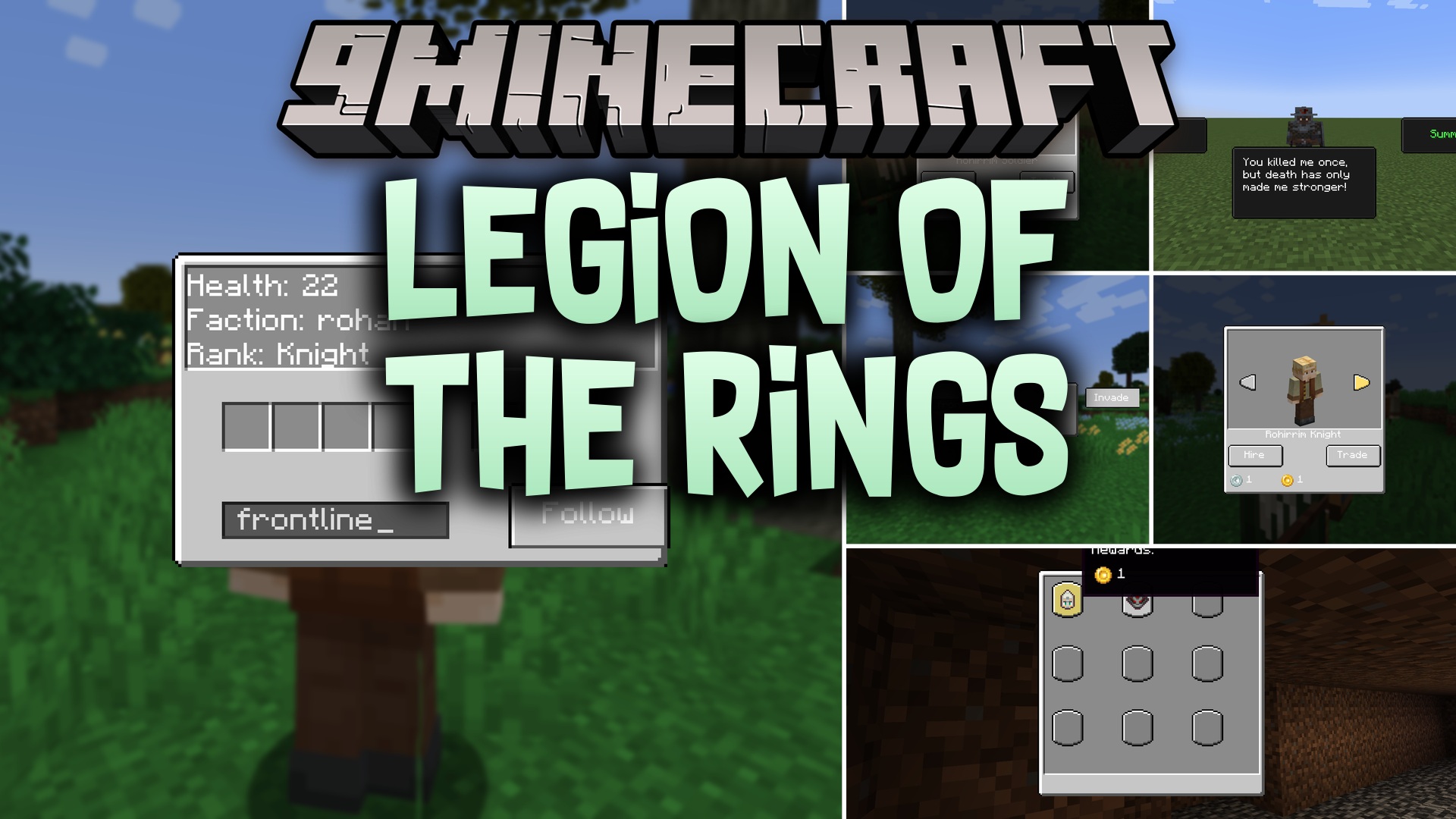
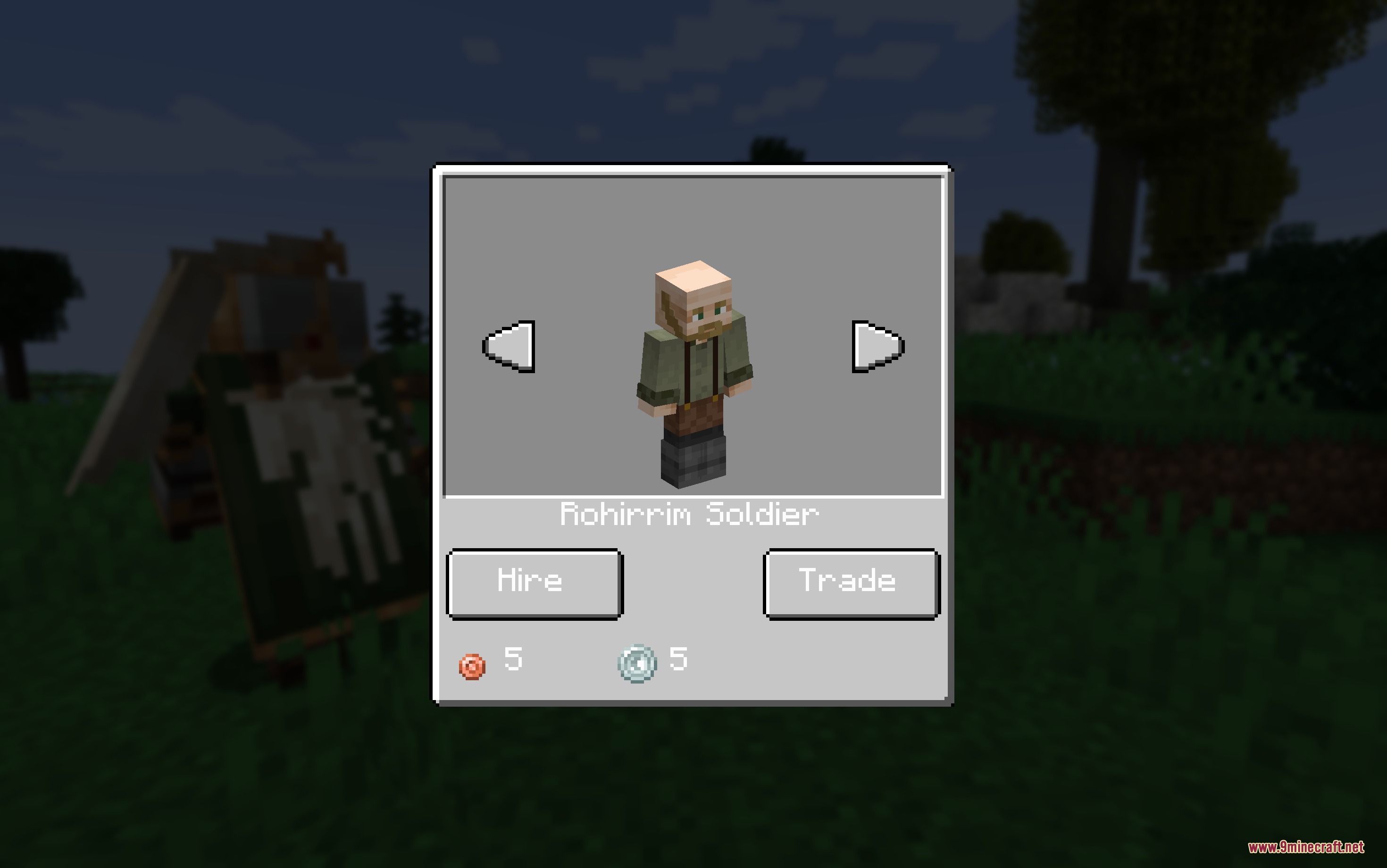
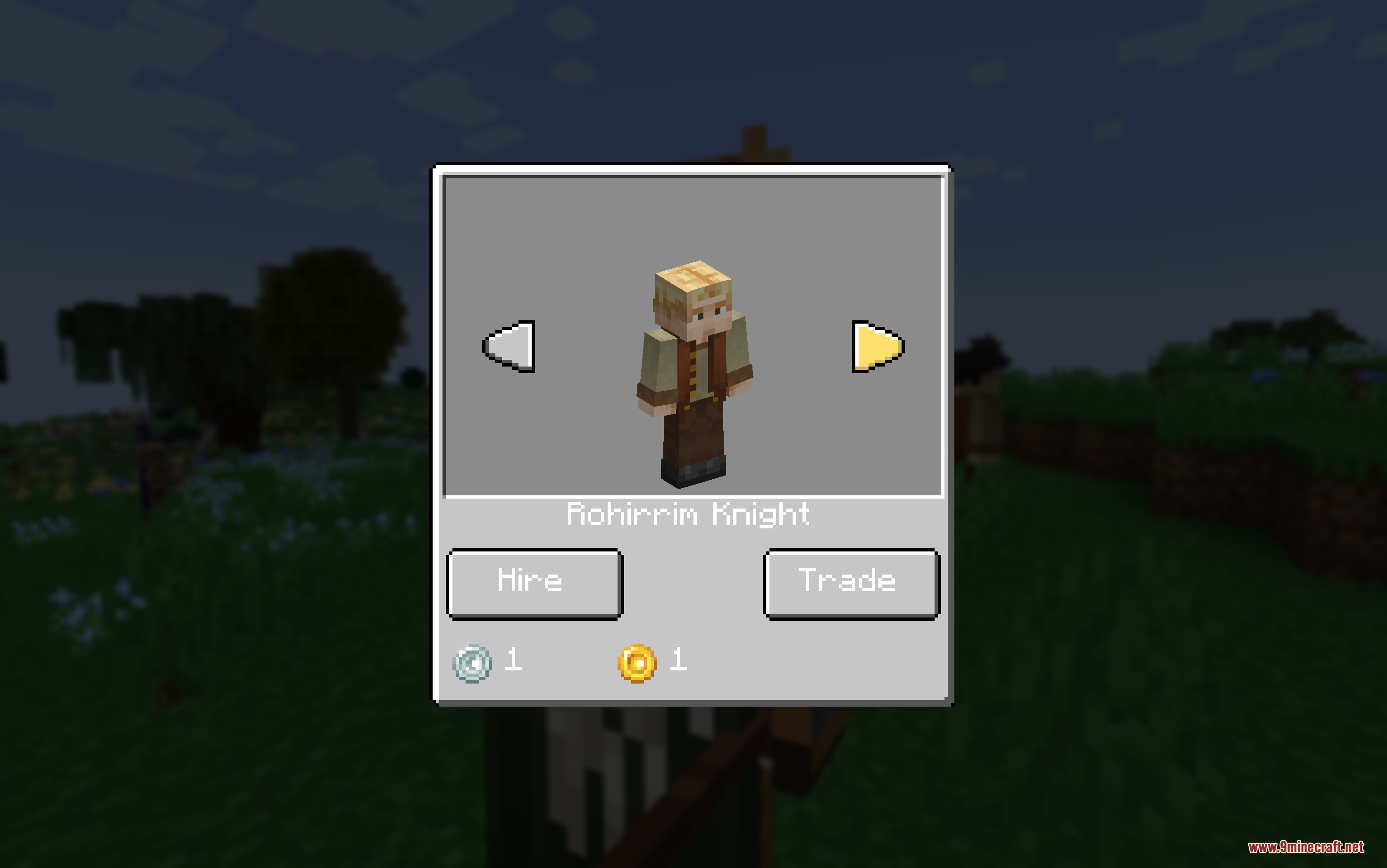
Open the hiring screen (accessed through the war interface or by interacting with faction NPCs) and select a unit type. You'll need silver and gold coins to complete the recruitment—the cost varies by unit tier and faction.
What's the difference between Follow and Stay orders?
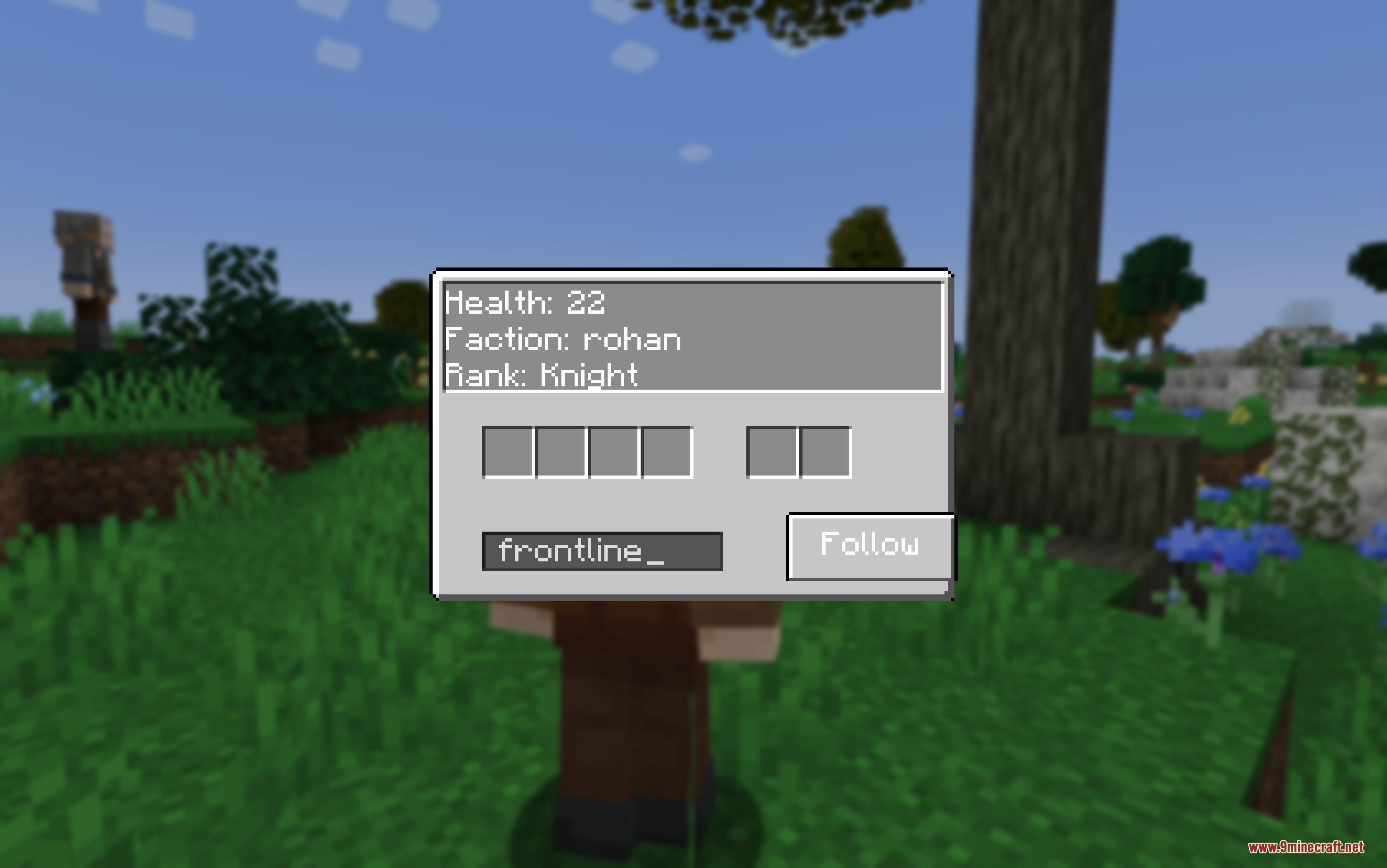
Follow orders make your units move with you and engage enemies you target automatically. Stay orders lock units in place, so they'll defend that position and only attack threats that come to them.
How do I summon my army from far away?
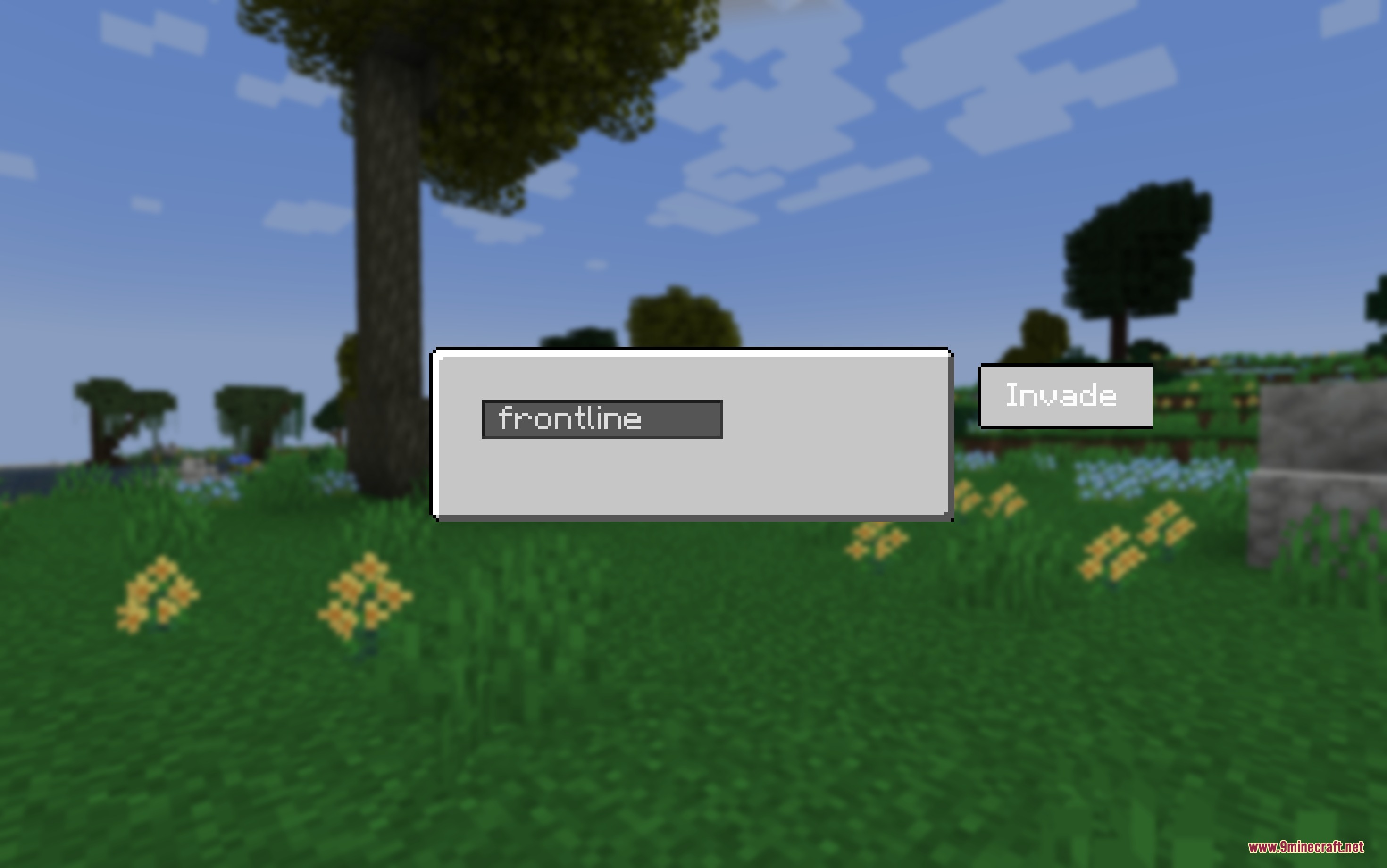
Open the invasion menu (press I and enter your army tag), then click the invasion button to teleport your entire squad directly to your location, even if they're in unloaded chunks.
Can I organize my troops into different squads?
Yes—assign custom army tags to your hired units by interacting with them and setting their tag. You can then summon specific tagged groups separately using the invasion menu.
See all 10 Legion of the Rings questions ›
Gallery
8 images from the Legion Of The Rings Mod page.
You May Also Like
Wikis that share the most with this one
Wikis on the same theme: mobs
More mod wikis on the site
The most downloaded mods that have a wiki here
A few wikis from each of the other kinds