

 DownloadIronbound Linkage Mod
Get the files on 9Minecraft
Guides
Step-by-step, in-game.
Adjust Train Spacing and BehaviorAccess Configuration Settings Open the Ironbound Linkage Mod configuration menu. This is where you control how your…Create Your First Minecart TrainGather Your Materials Before linking carts, you'll need an iron chain in your main hand and at least two minecarts…Disconnect Minecarts from a TrainPrepare Your Axe Hold any axe in your main hand. This is the only tool needed to break train connections. Disconnect…Troubleshoot Train Linking ProblemsVerify You Have the Right Items Confirm you're holding an iron chain in your main hand when attempting to link carts.…
Frequently asked questions
Do I need a special item to link minecarts together?
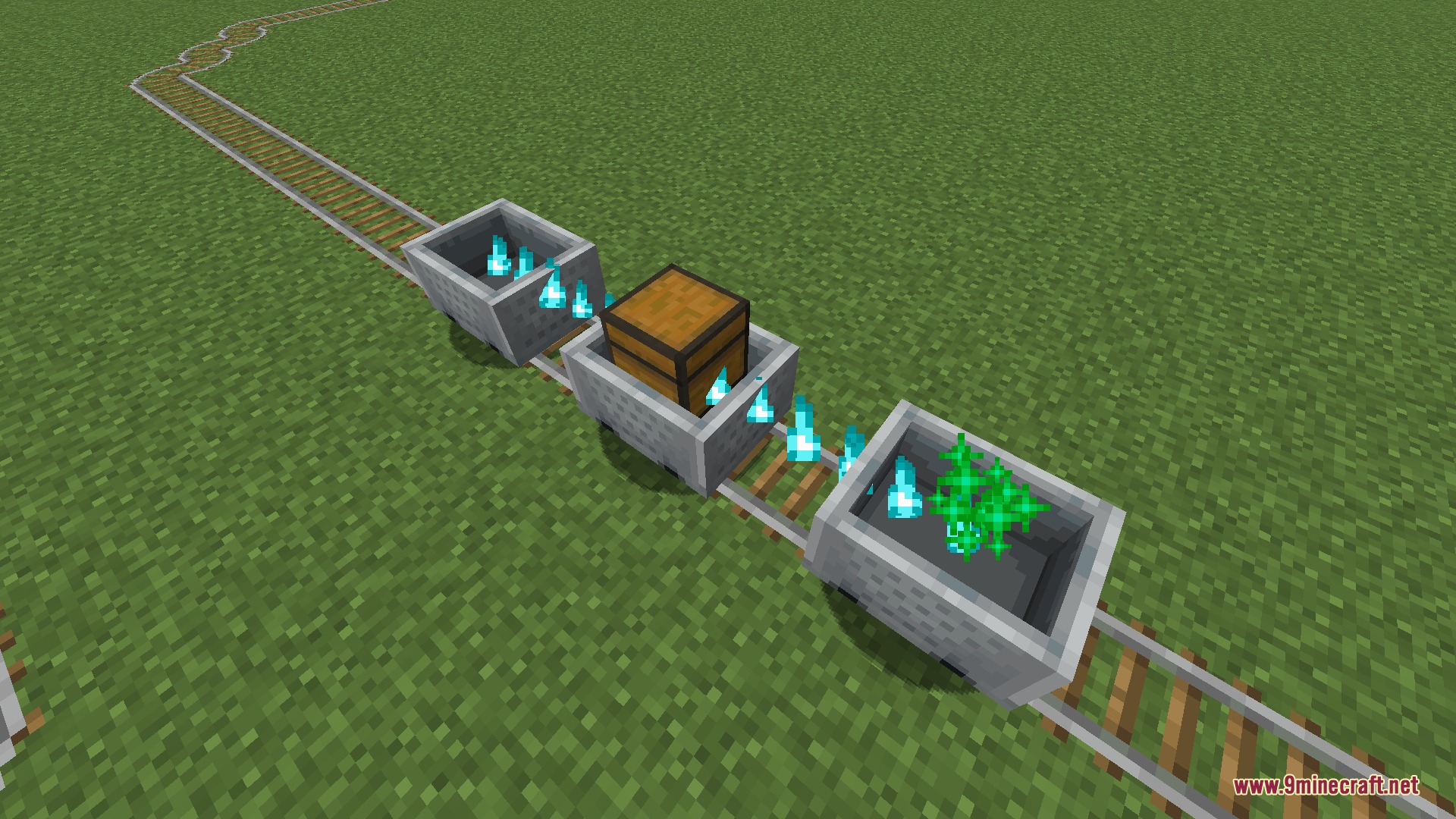
Yes, you need to hold an iron chain in your main hand to link carts. Sneak and right-click each cart in sequence to attach them together.
Why won't my minecarts stay connected?
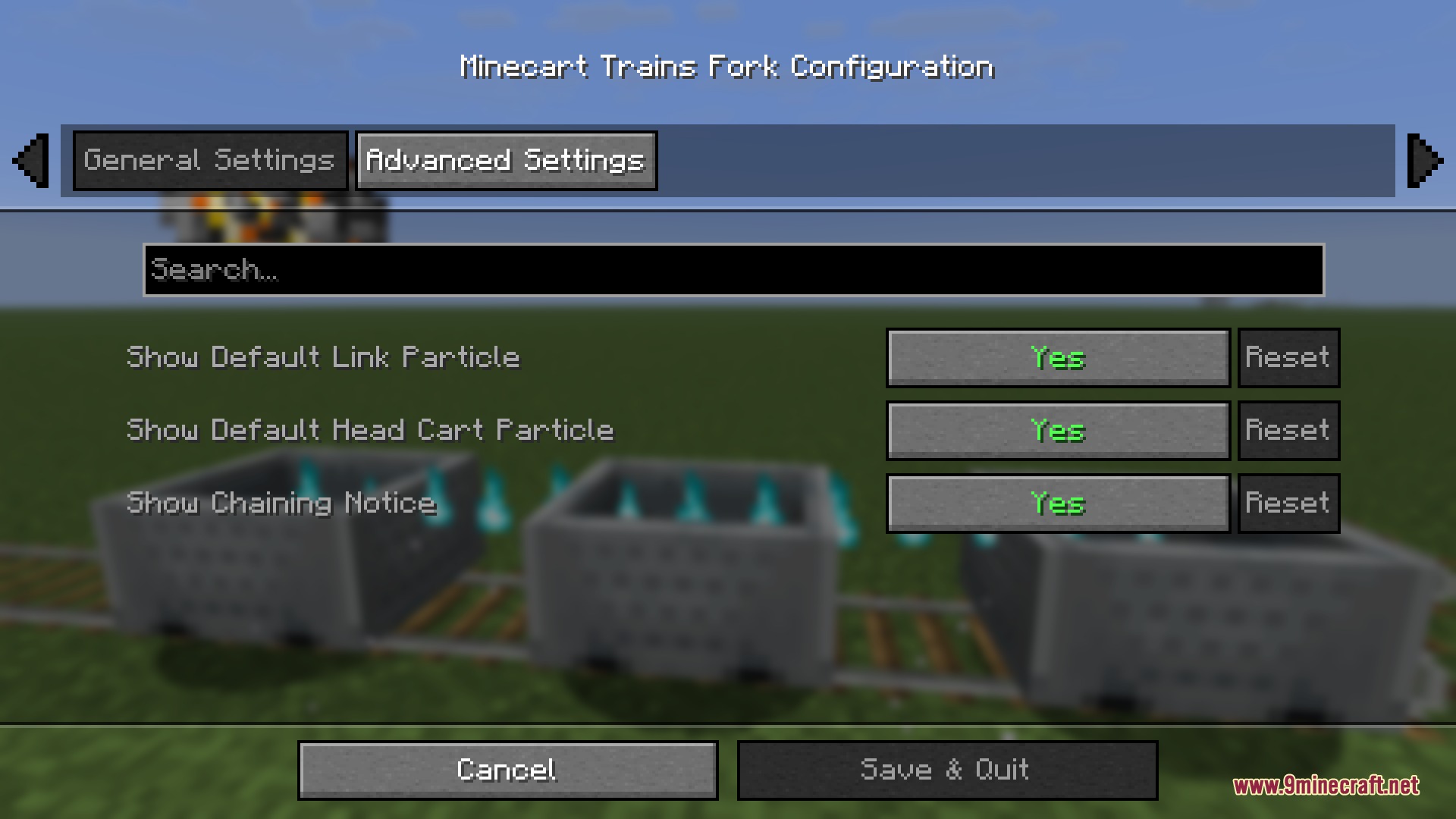
Make sure you're holding an iron chain and sneaking when you right-click each cart. If carts keep separating on curves or slopes, check your cartSpacing configuration—it may be set too wide for your track layout.
Can I disconnect just one cart from the middle of a train?
Yes, hold any axe in your main hand, sneak, and right-click the cart you want to remove. The carts before it will stay linked, and the carts after it will form a new train behind.
What happens to the other carts when I disconnect the lead cart?
When you disconnect the lead cart, the remaining carts will stop moving unless you have brakingAfterTrainSeparation disabled in the config—then they'll continue rolling.
See all 10 Ironbound Linkage questions ›
Gallery
7 images from the Ironbound Linkage Mod page.
You May Also Like
Wikis that share the most with this one
Wikis on the same theme: iron
More mod wikis on the site
The most downloaded mods that have a wiki here
A few wikis from each of the other kinds