

 DownloadGive Me A New Splash Text Mod
Get the files on 9Minecraft
Guides
Step-by-step, in-game.
Change the Splash Text on the Main MenuBasic Usage Once the mod is installed, changing splash texts is simple and requires no configuration. Steps 1. 2.…Find Rare and Special Splash TextsUnderstanding Splash Text Rarity Minecraft includes hundreds of splash texts with varying rarity. Some appear…Understand What Splash Texts Are AvailableThe Splash Text Pool This mod cycles through Minecraft's complete built-in splash text library. These texts are the…Use This Mod Without Interrupting GameplayWhen the Mod is Active This mod only functions on the main menu screen. Once you've loaded into a world, the splash…
Frequently asked questions
How do I change the splash text?
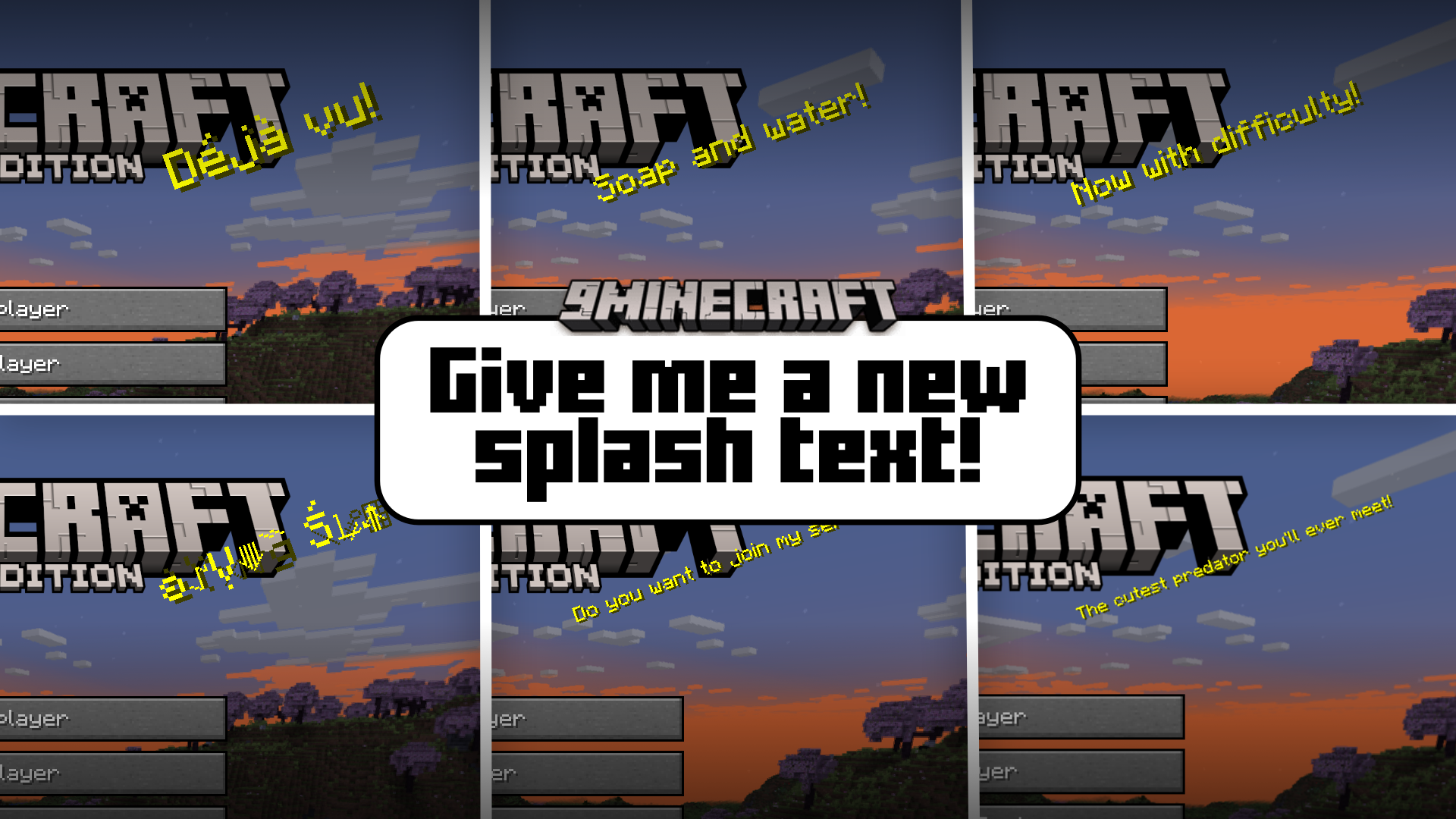
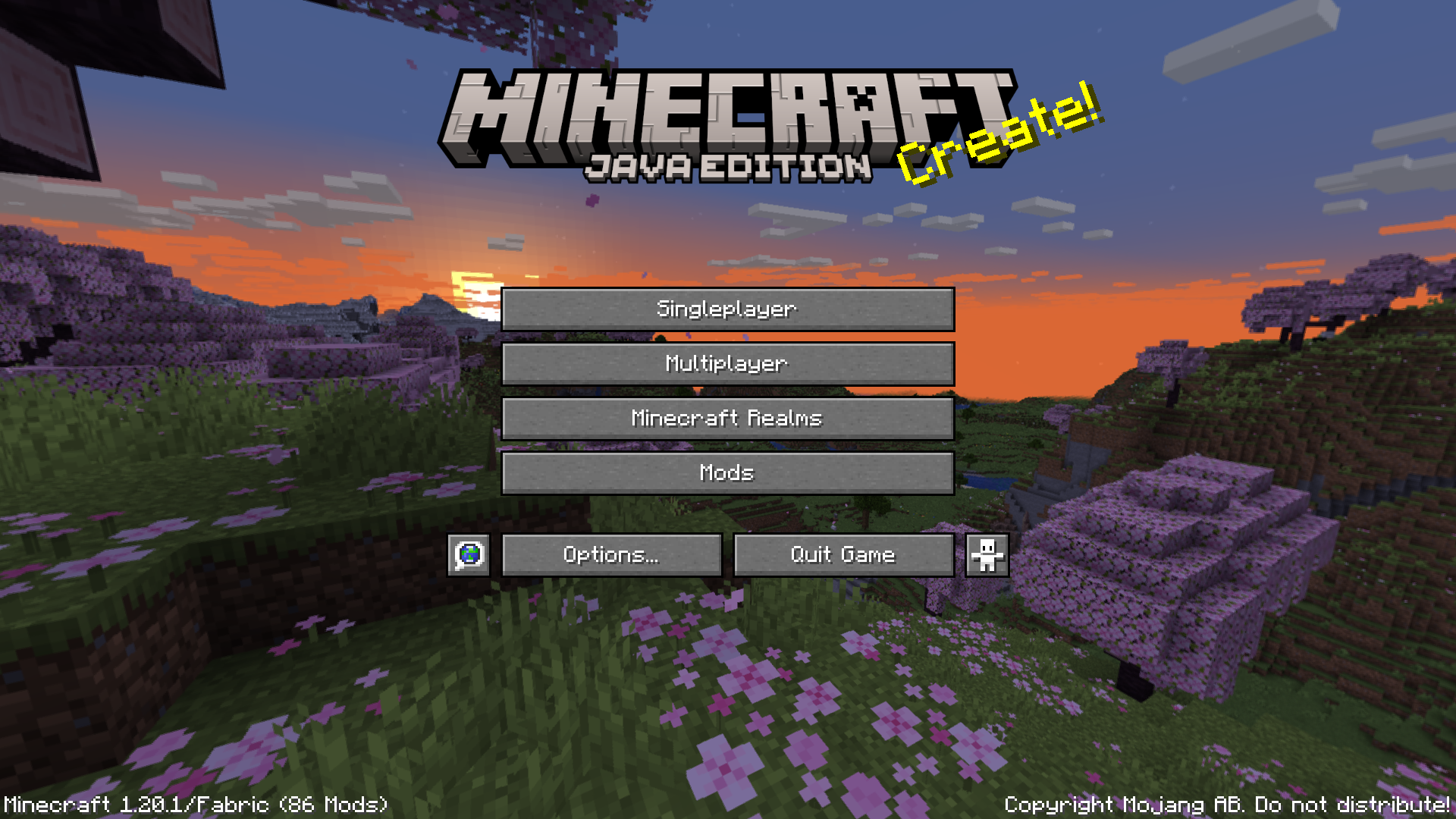
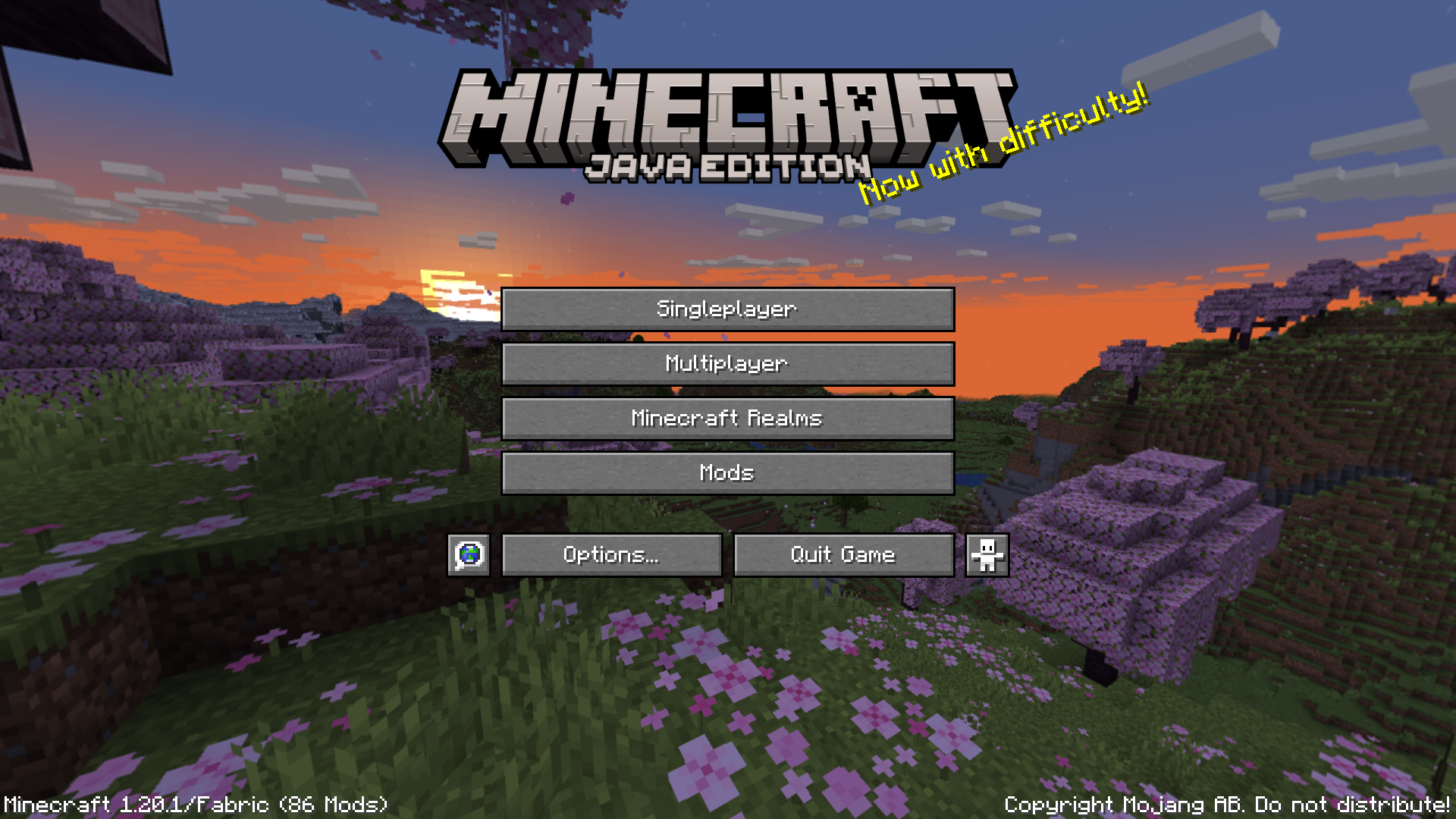
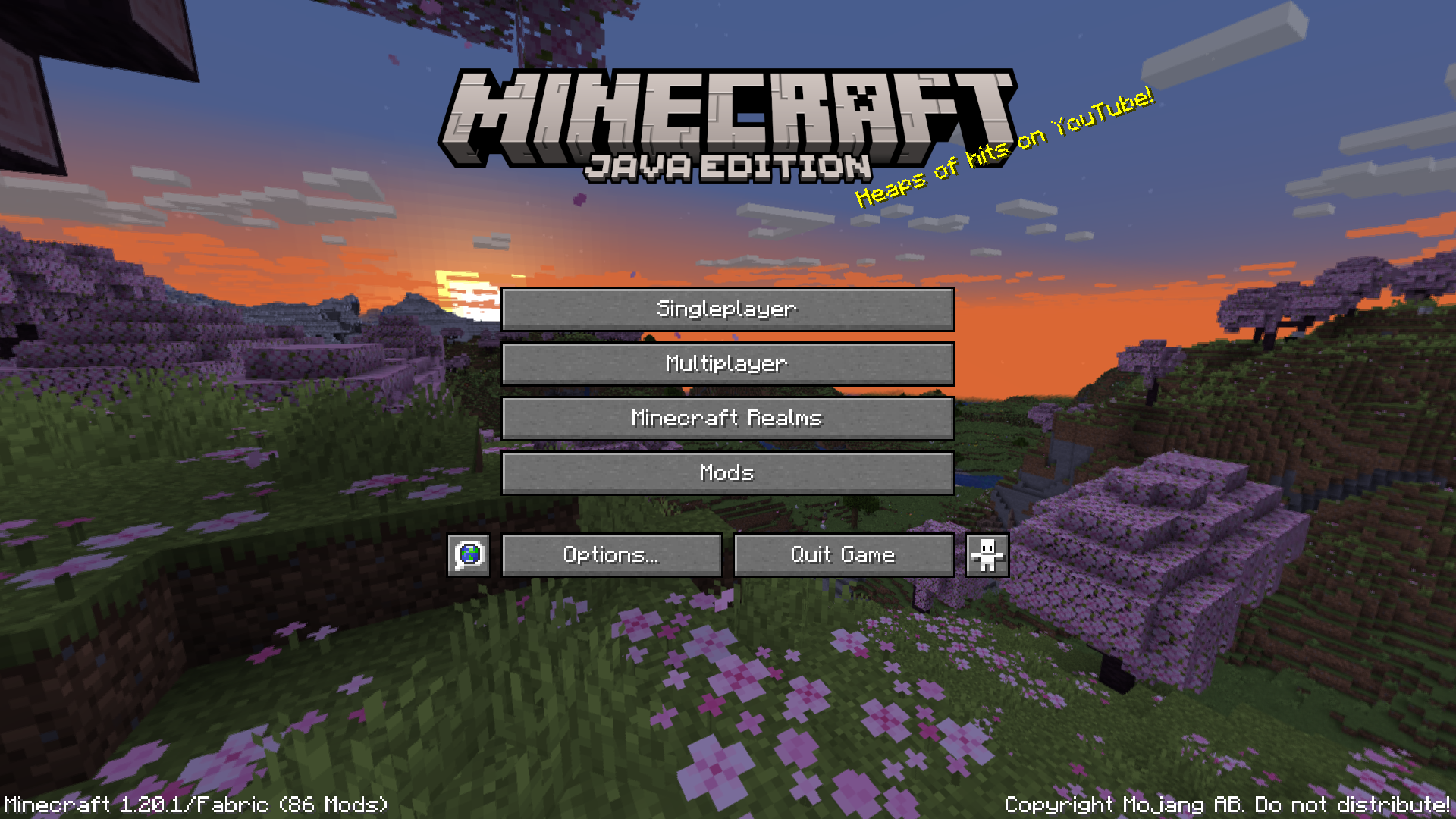
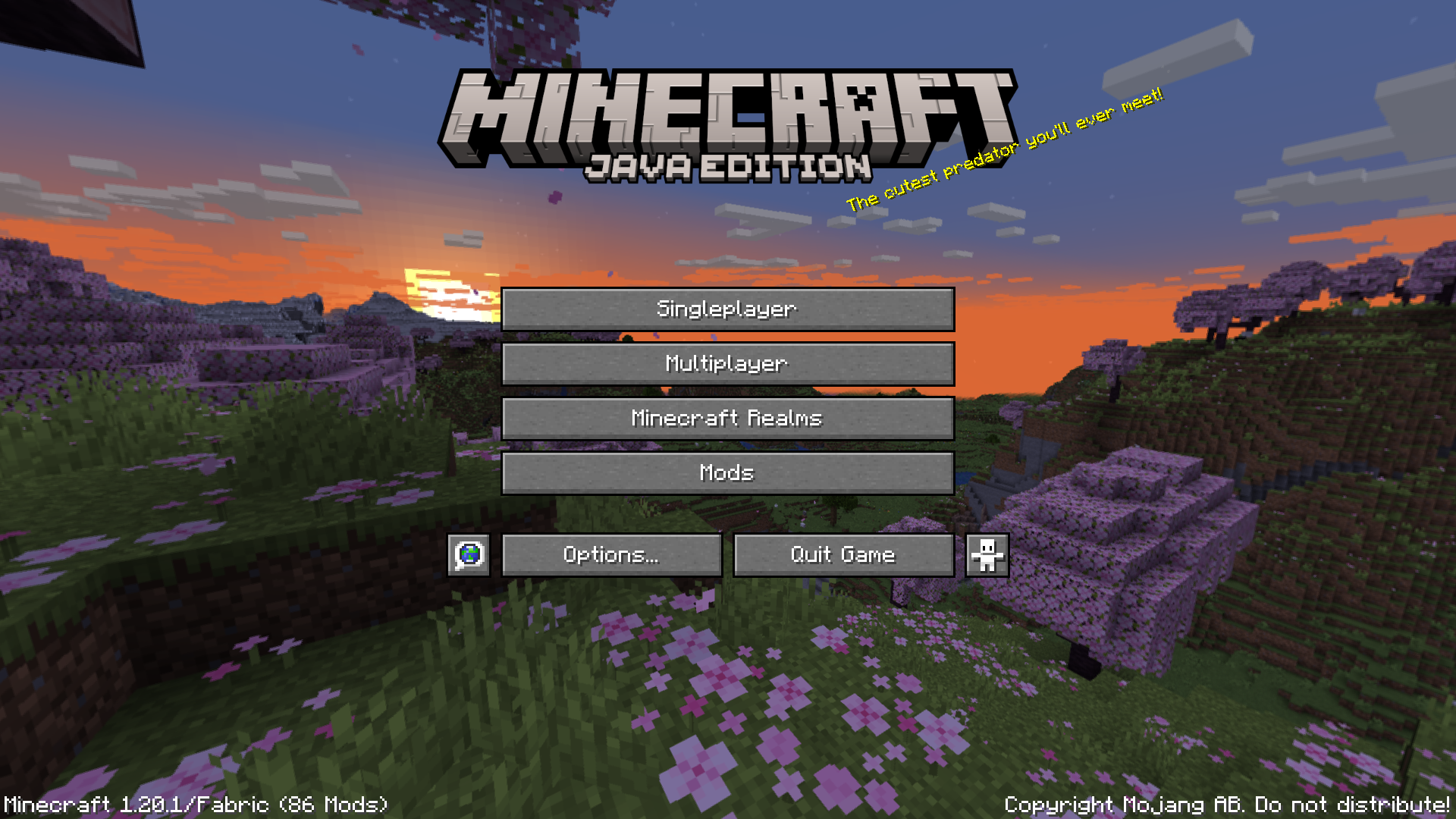
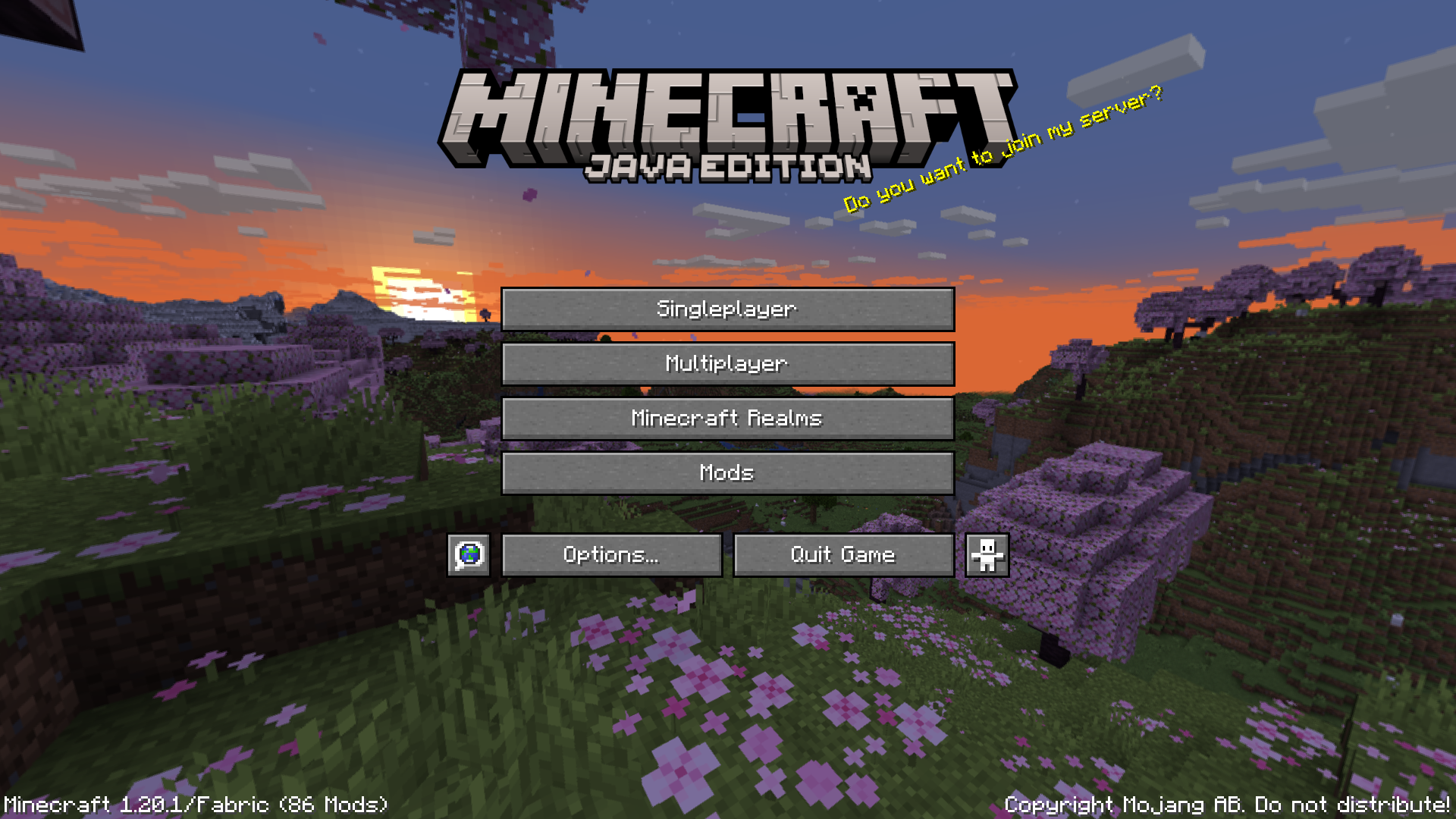
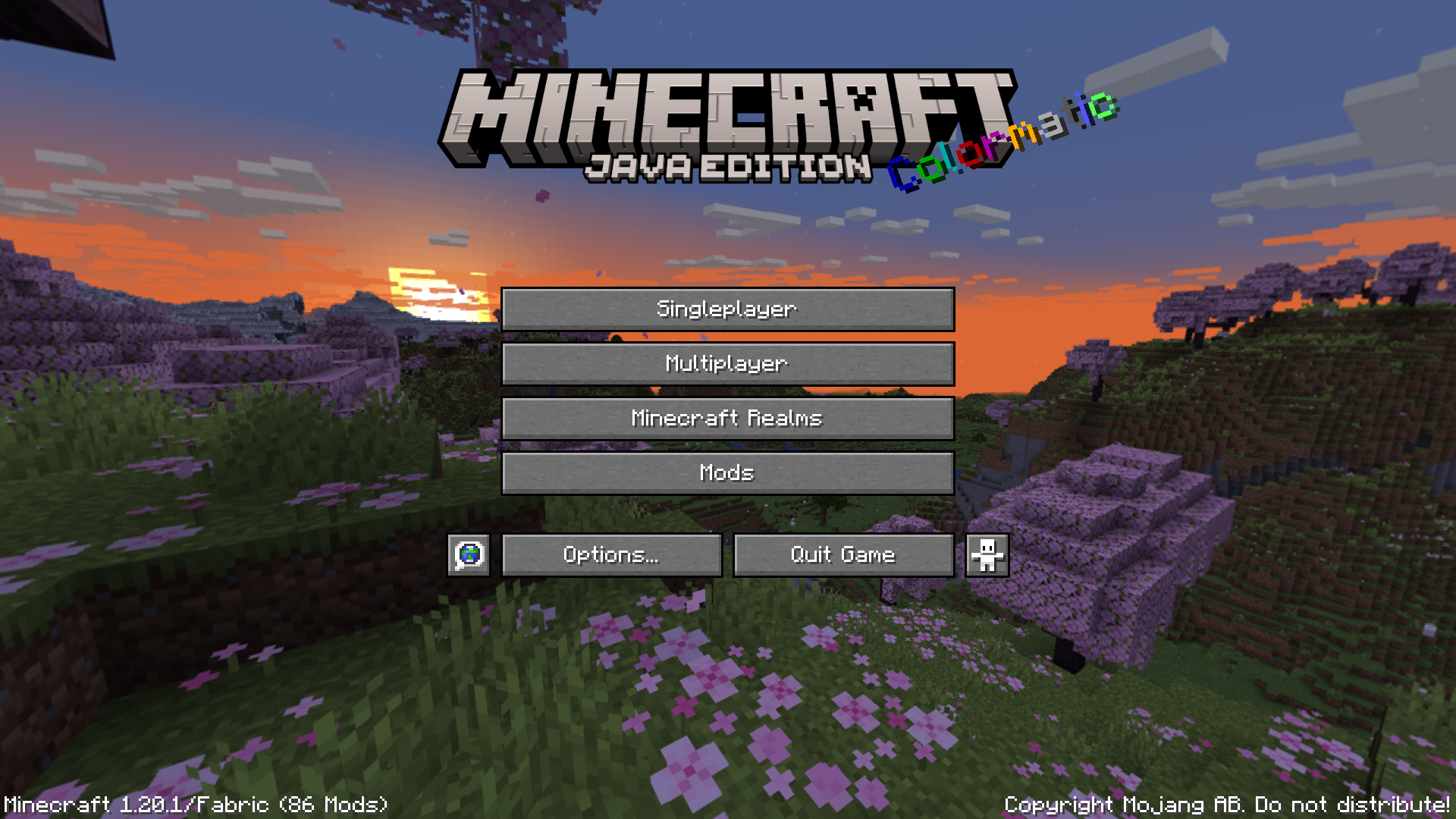
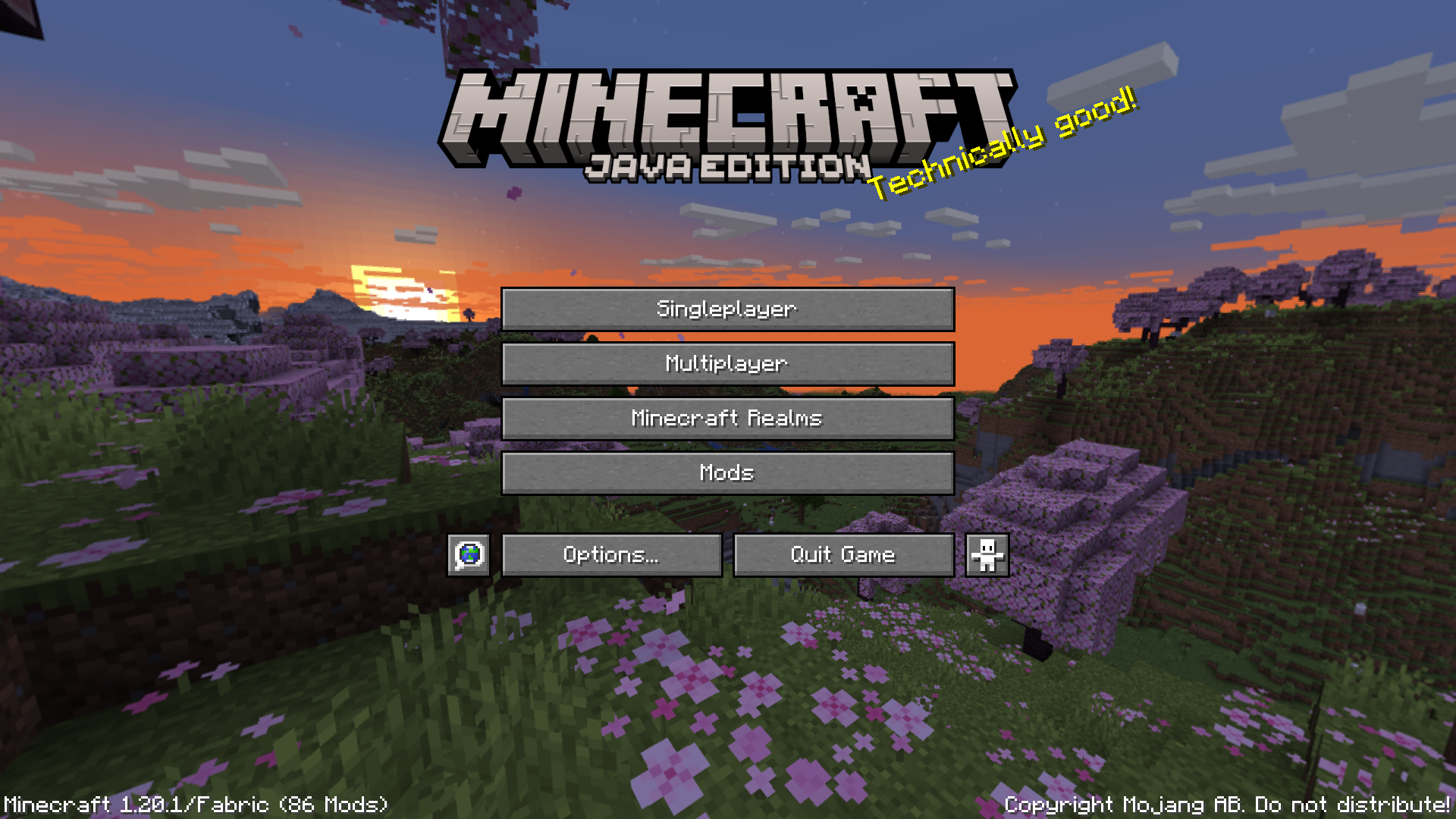
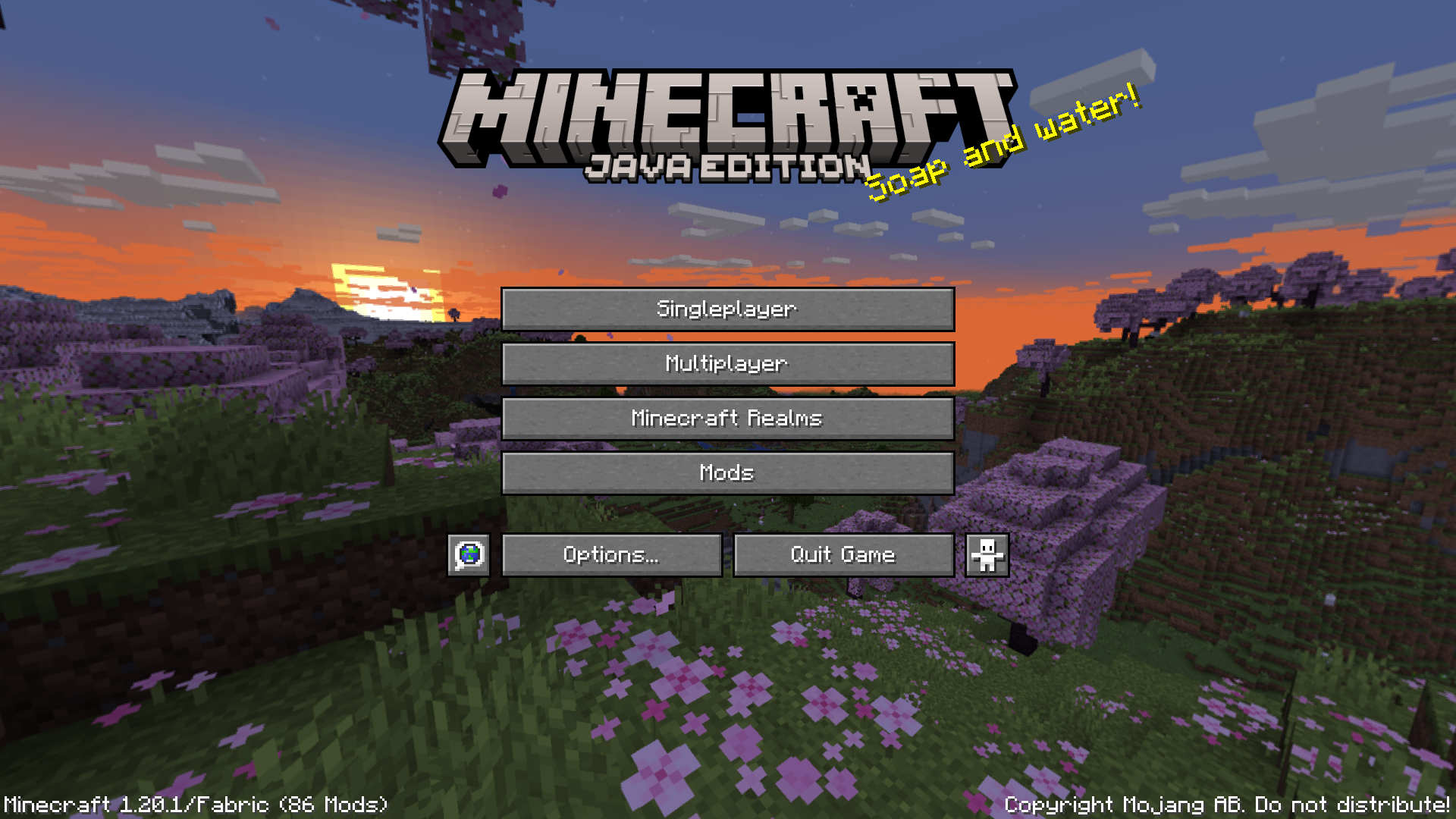
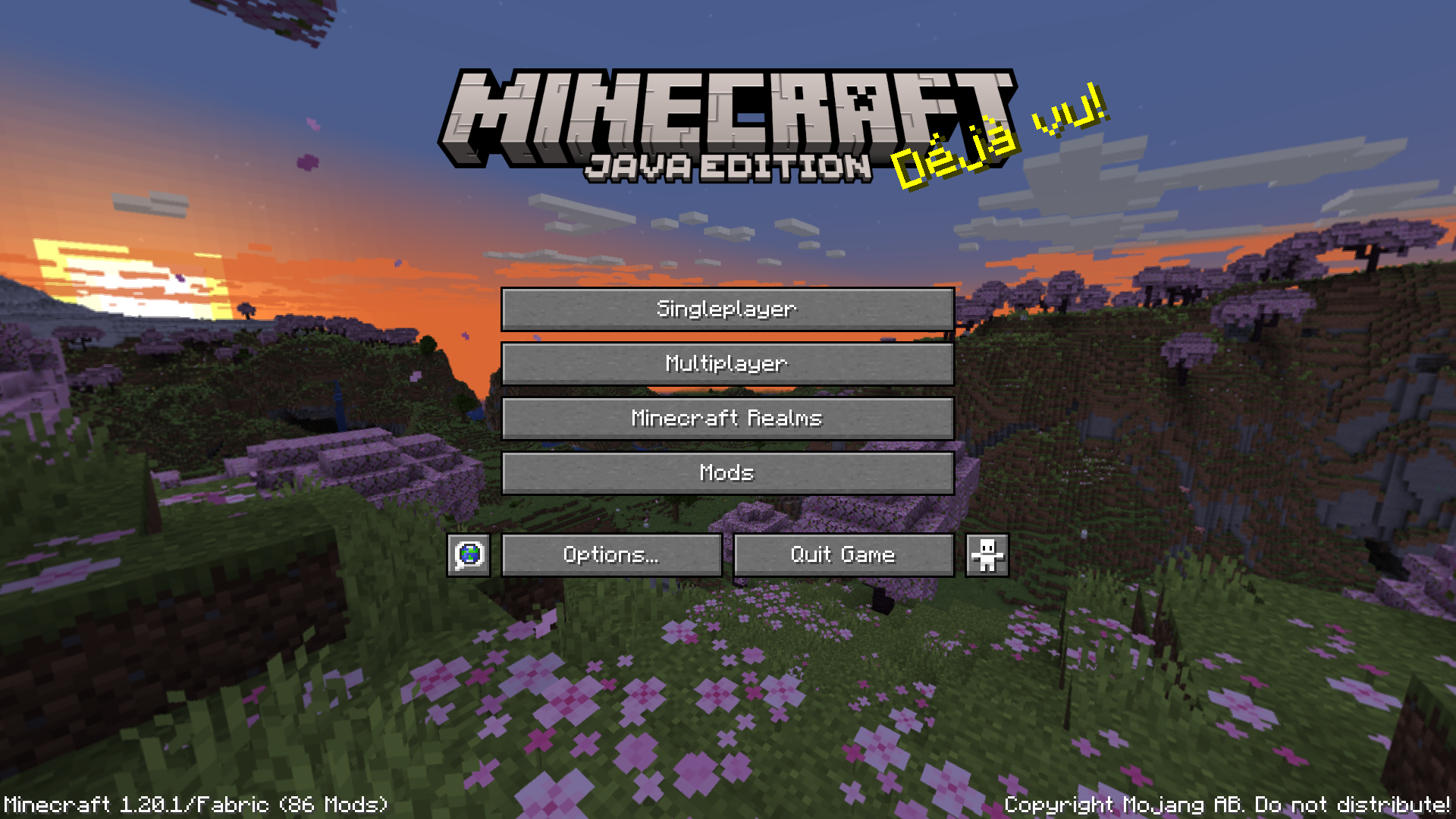
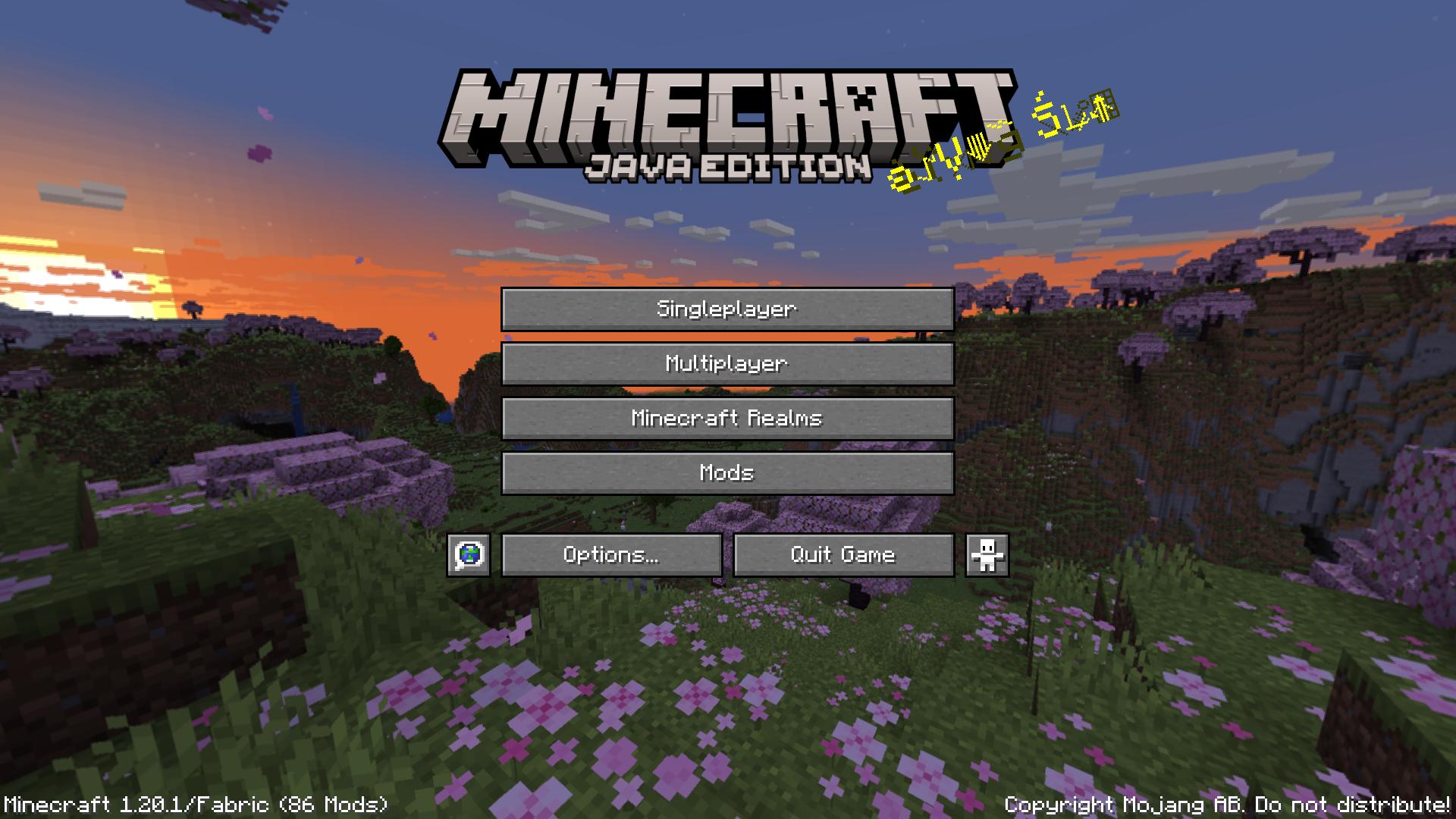
Left-click on any empty space on the main menu screen (avoid clicking buttons). The splash text will instantly change to a different one from Minecraft's pool.
Can I cycle backwards through splash texts?
Left-clicking cycles forward through the splash texts. There is no built-in way to go backwards, so you'll need to keep clicking forward if you overshoot one you wanted to see.
Do I have to keep reopening the menu to see new splash texts?
No—that's the whole point of this mod. You can stay on the main menu and click to cycle through splash texts without closing and reopening the game.
Will this mod affect my gameplay or performance?
No, this mod only affects the main menu screen and has no impact on world performance or gameplay mechanics.
See all 10 Give Me A New Splash Text questions ›
Gallery
11 images from the Give Me A New Splash Text Mod page.
You May Also Like
Wikis that share the most with this one
More mod wikis on the site
The most downloaded mods that have a wiki here
A few wikis from each of the other kinds