

 DownloadFast Trading Mod
Get the files on 9Minecraft
Guides
Step-by-step, in-game.
Fixing the Quick Trade Button Not WorkingCheck Your Inventory If the quick trade button does nothing, the most common cause is not having enough of the…How to Use the Quick Trade Button to Max Out a Villager TradeFinding the Quick Trade Button Open a villager's trading GUI as you normally would by right-clicking the villager. In…Making Sure You Have Enough Materials Before Quick TradingWhy Materials Matter The quick trade button only performs as many trades as your inventory can support. If you are…Speeding Up Emerald Farming in a Trading HallSet Up Your Loop A common emerald farm uses one villager that buys a farmable item you produce in bulk, and other…
Frequently asked questions
How do I start using the Fast Trading Mod?
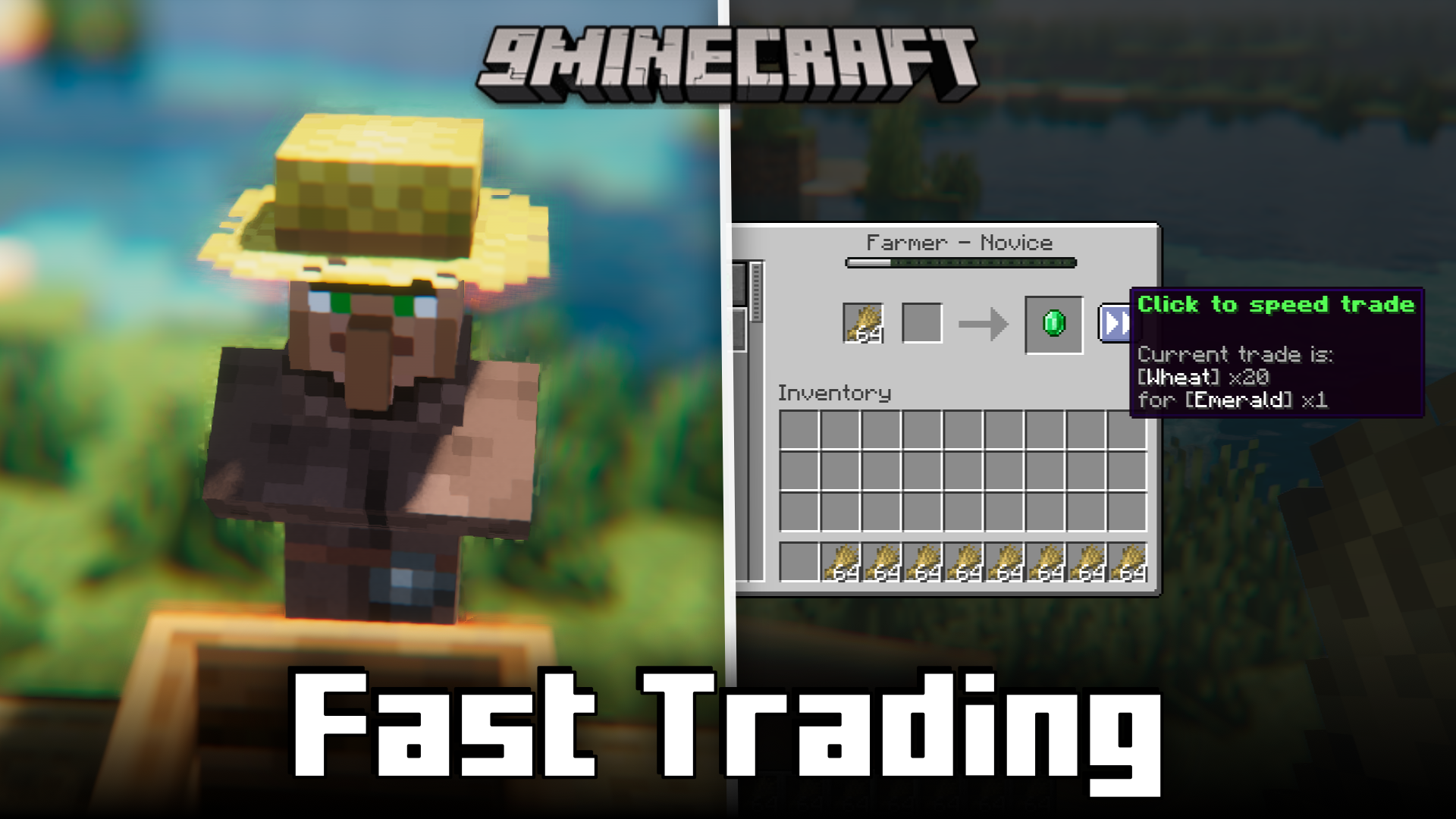
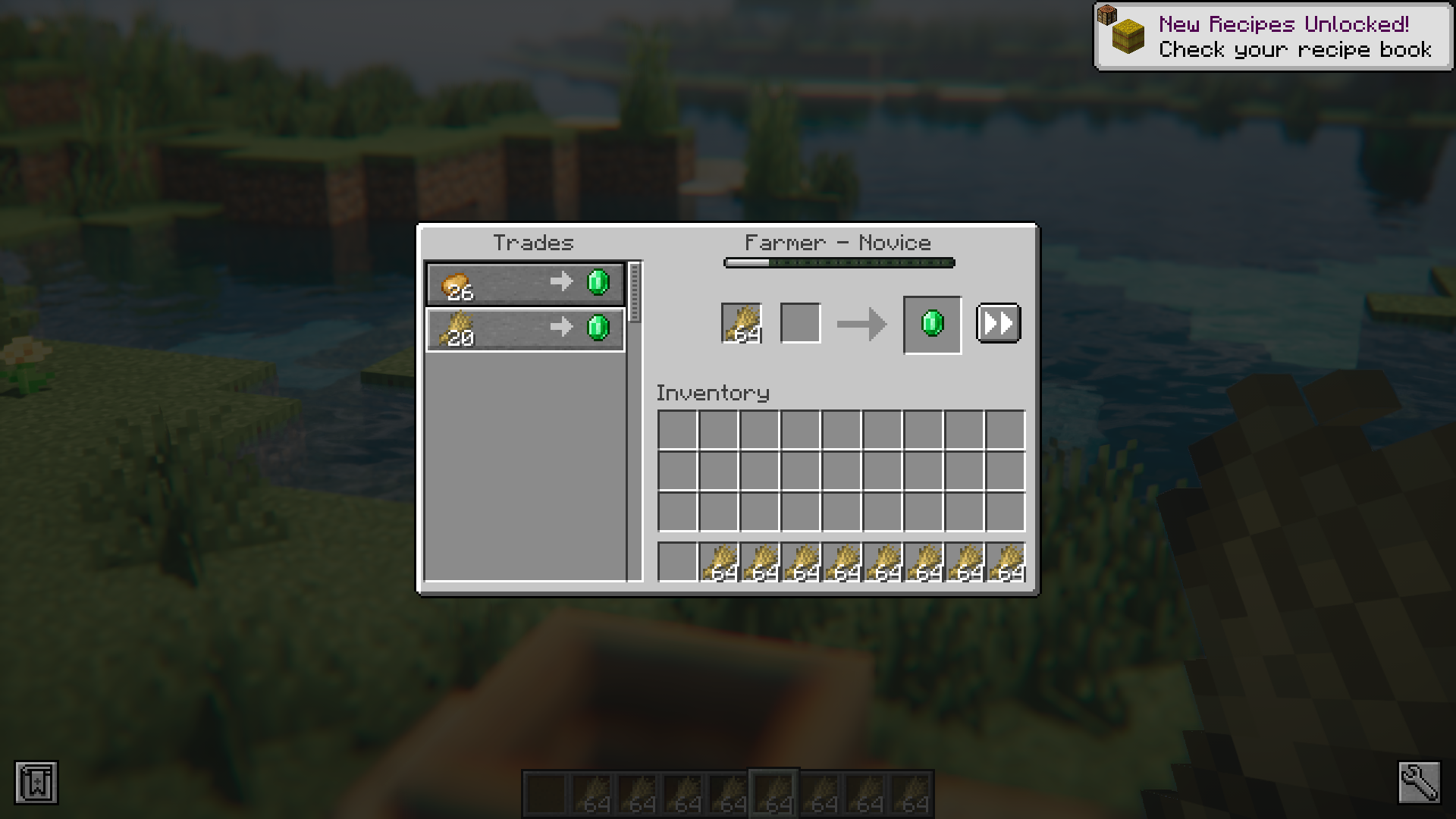
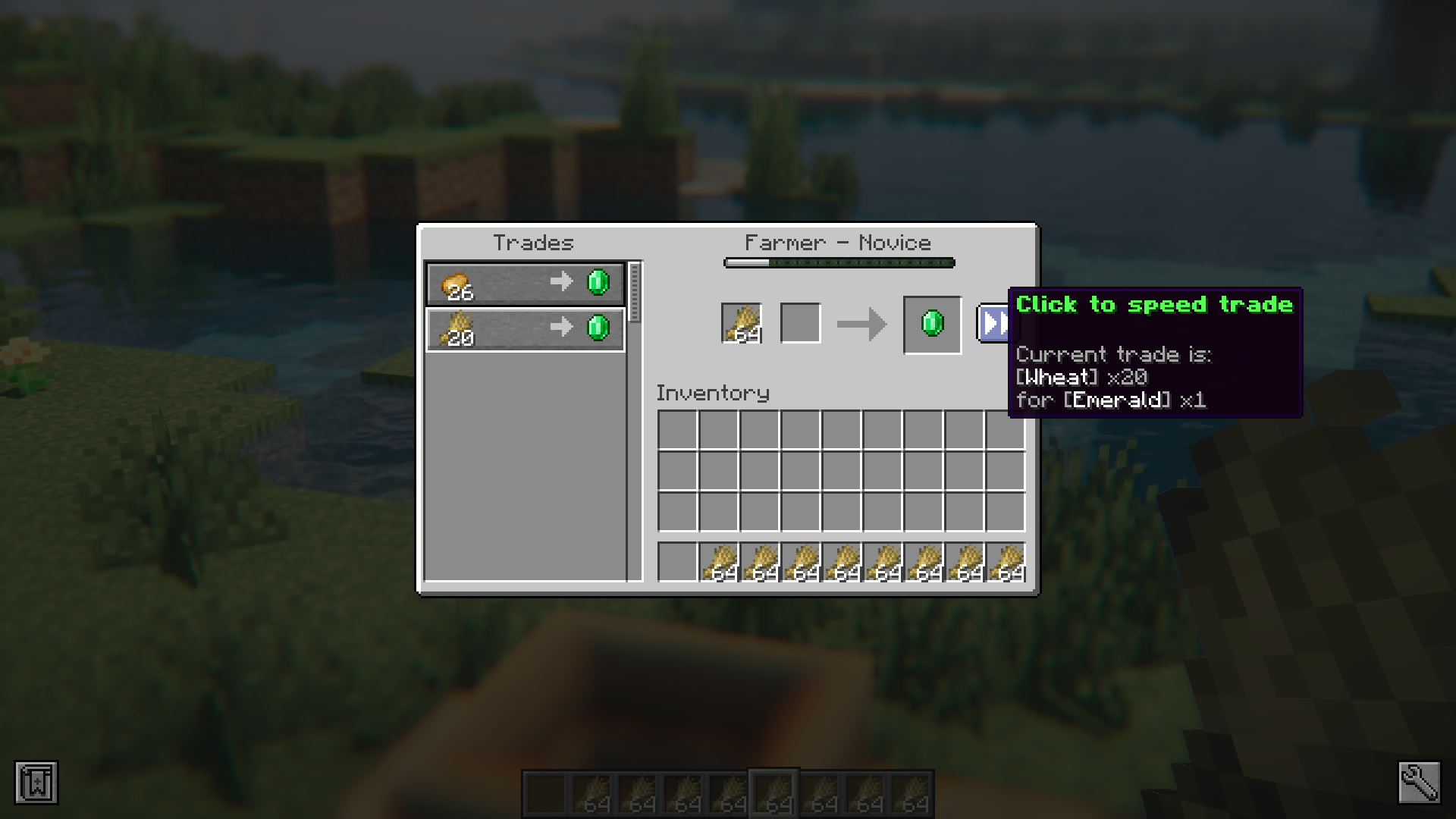
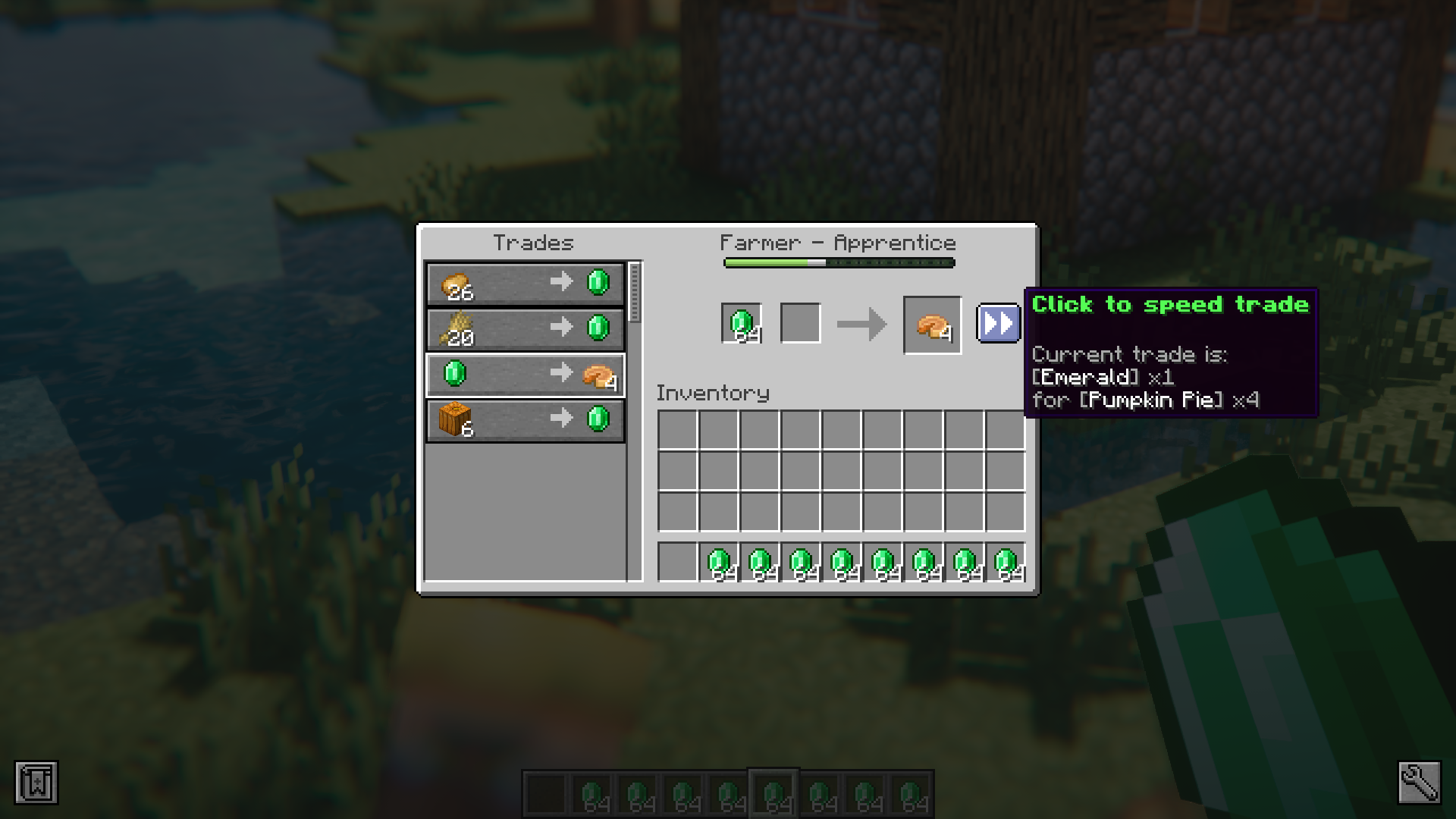
Open any villager's trading GUI as you normally would and look for the quick trade button added next to each trade entry. Click it to automatically perform that trade as many times as possible until it locks.
What does the quick trade button actually do?
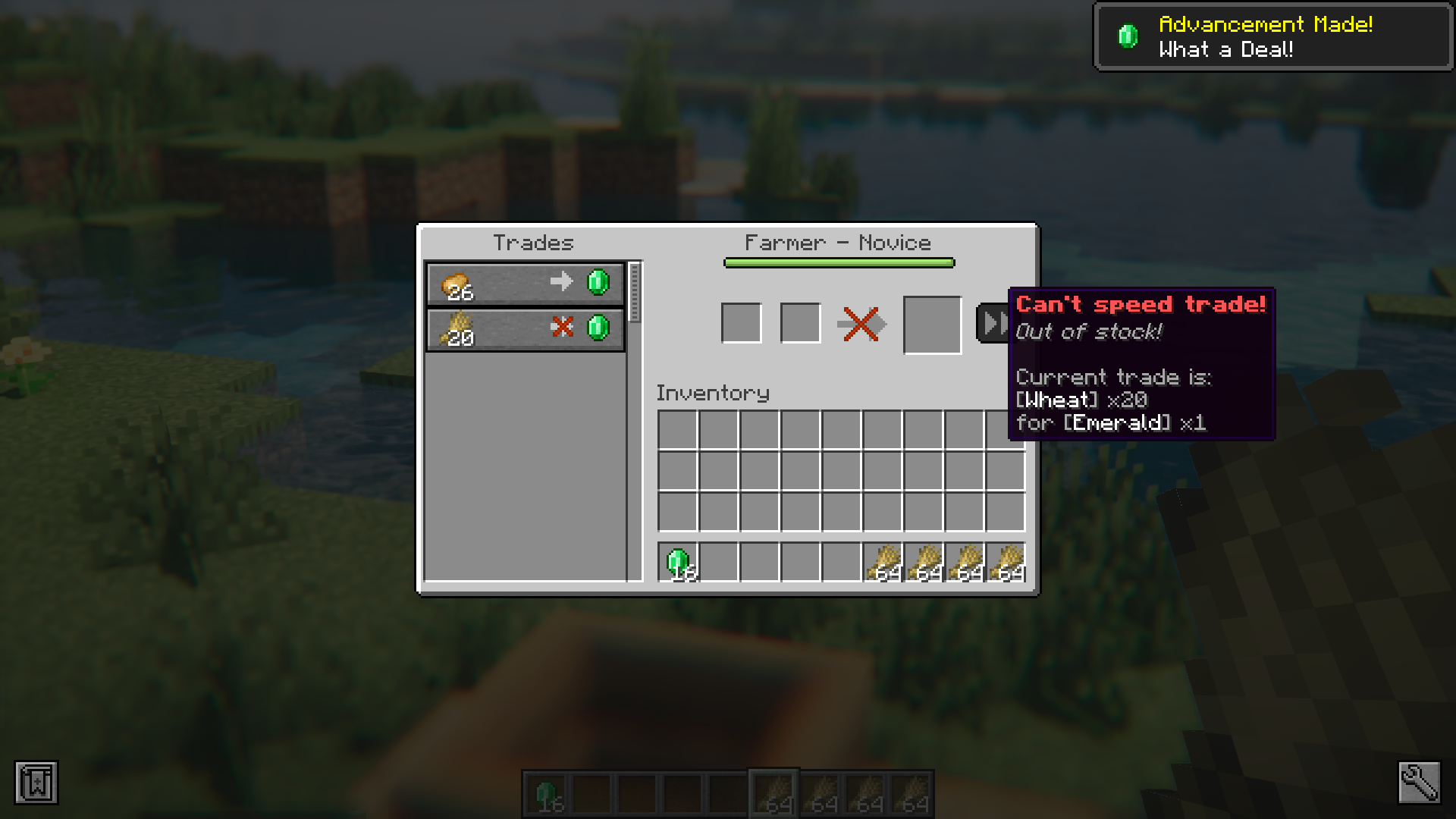
It repeats a single selected trade for you in one click, running it until the trade is maxed out and locked or until you run out of materials. You don't have to spam-click the trade output slot anymore.
Does quick trading work on all villager trades?
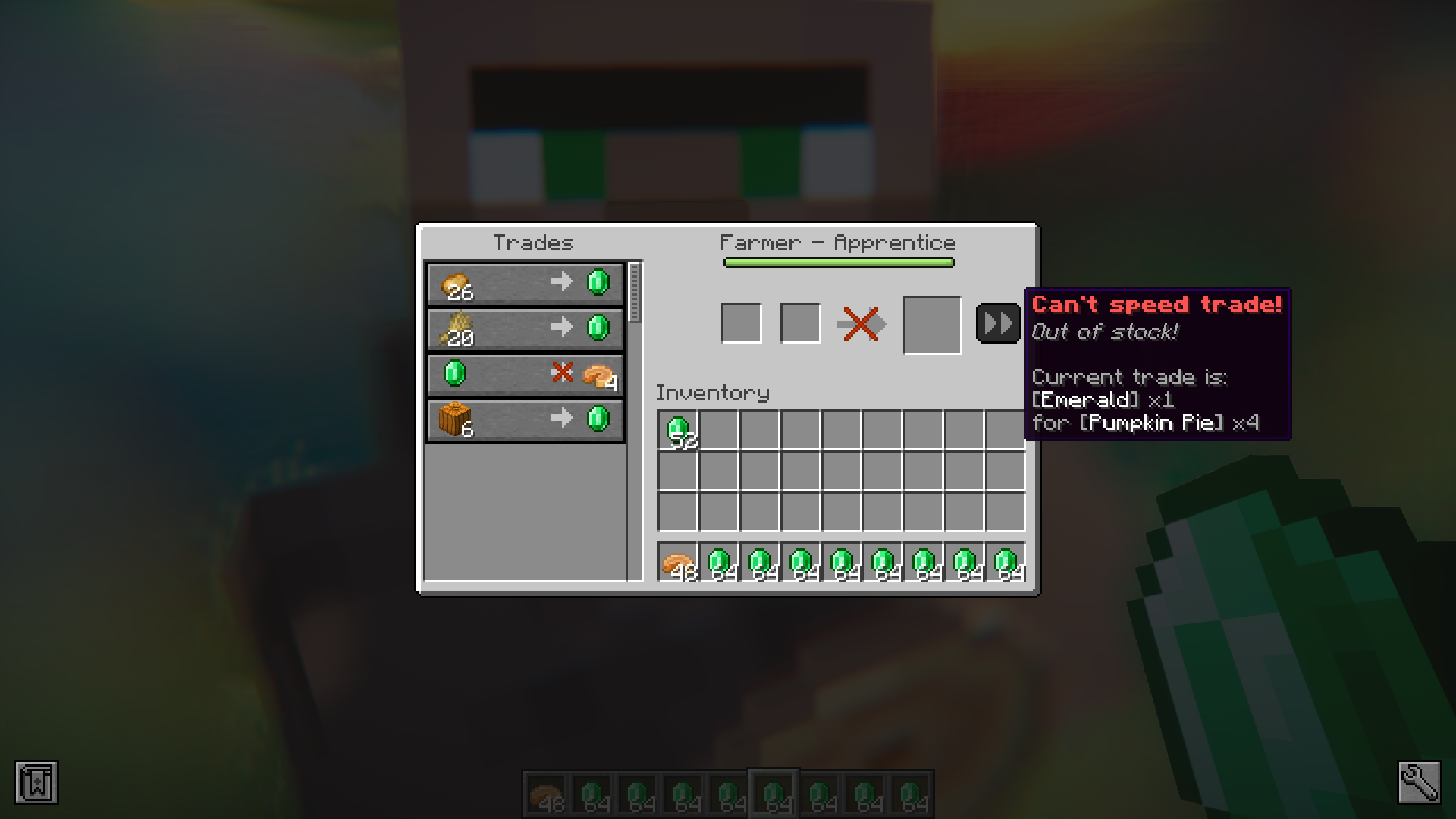
It works on any trade the villager offers, including enchanted books and gear, as long as you have enough of the required input items in your inventory. Trades that are already locked can't be quick traded further.
Why did my quick trade stop early?
The most common cause is running out of the required input item or emeralds partway through. The button only performs trades you can actually afford, so restock your materials and click again.
See all 10 Fast Trading questions ›
Gallery
7 images from the Fast Trading Mod page.

You May Also Like
Wikis that share the most with this one
More mod wikis on the site
 Farworld Mod
The most downloaded mods that have a wiki here
A few wikis from each of the other kinds