DownloadEnder Storage Energy
Get the files on 9Minecraft
Guides
Step-by-step, in-game.
Create Multiple Independent Power NetworksUnderstand Color Coding Each Ender Battery has colored pads on top. The combination of colors you select determines…Secure Your Ender Batteries with Private ChannelsLock a Battery to Your Player To prevent other players from using your power network, you need to lock your Ender…Set Up a Long-Distance Power NetworkCreate Your First Link Place two Ender Batteries in different locations. On the top of each battery, you'll see…Switch an Ender Battery Between Input and Output ModeLocate the Mode Button On the front face of your Ender Battery , you'll see an "M" button. This is your mode toggle.…
Recipes
Every recipe the mod adds, grouped by how it is made.
Blocks
 Ender Battery
Frequently asked questions
How do I start using Ender Batteries?
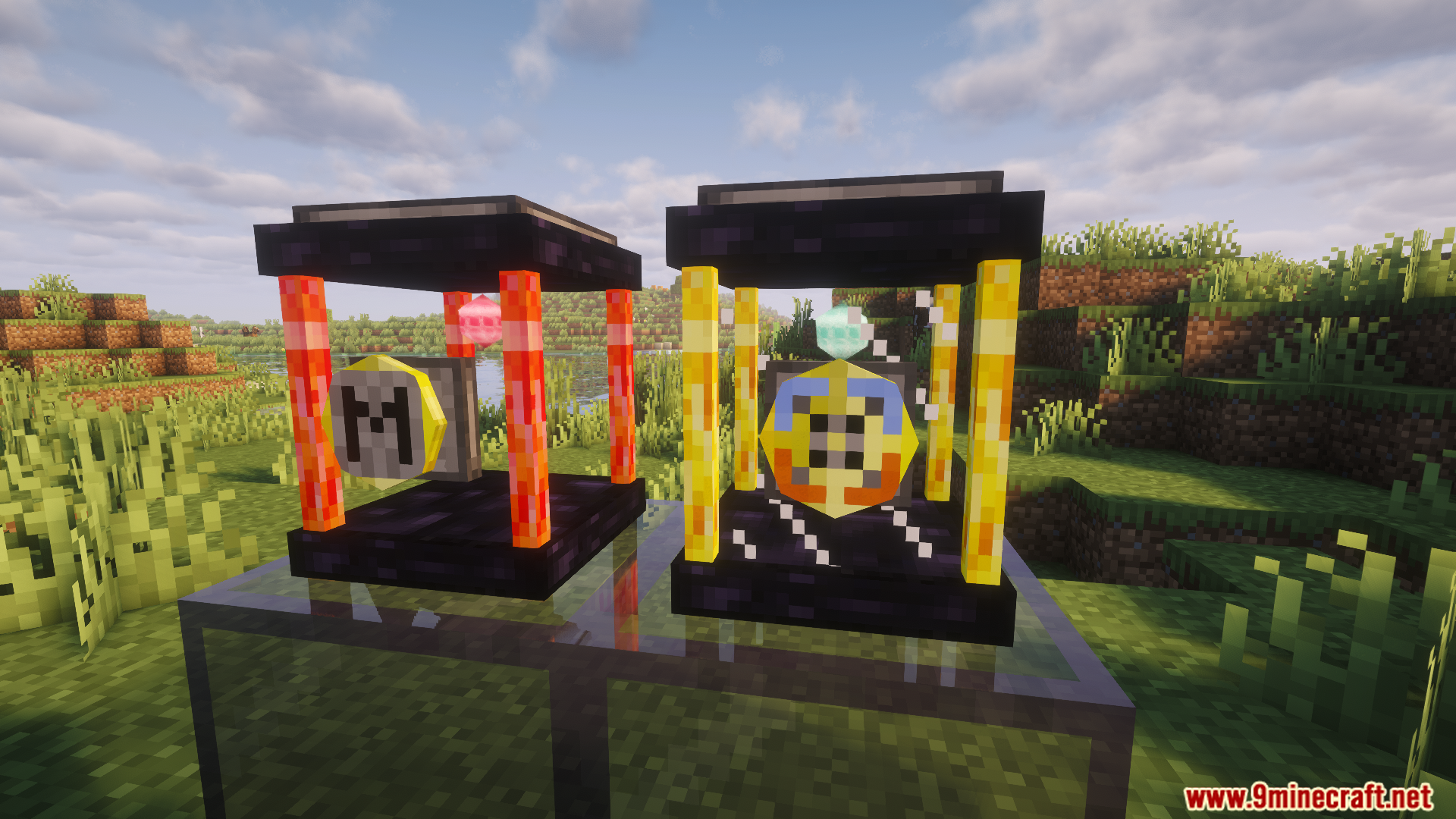
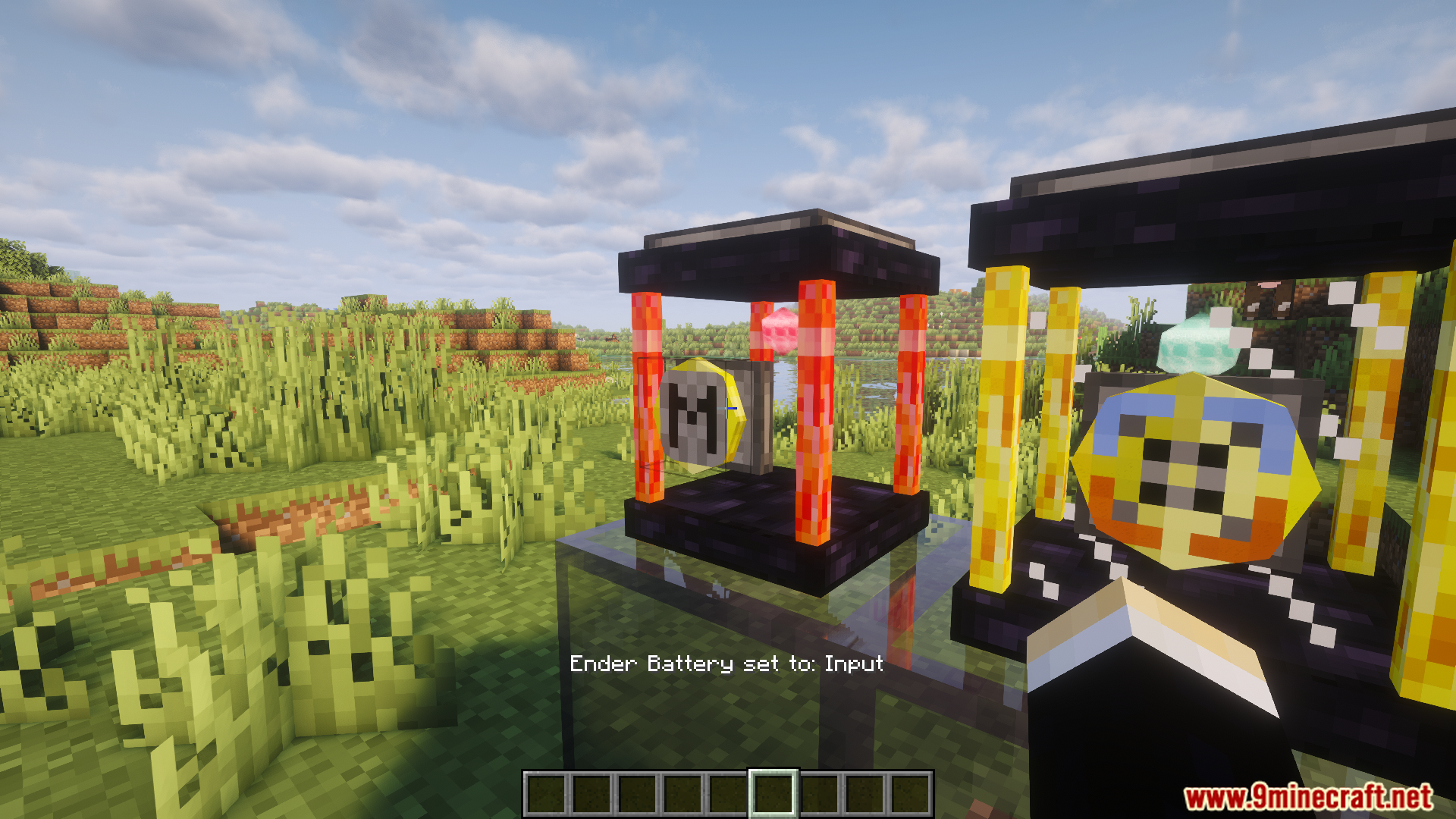
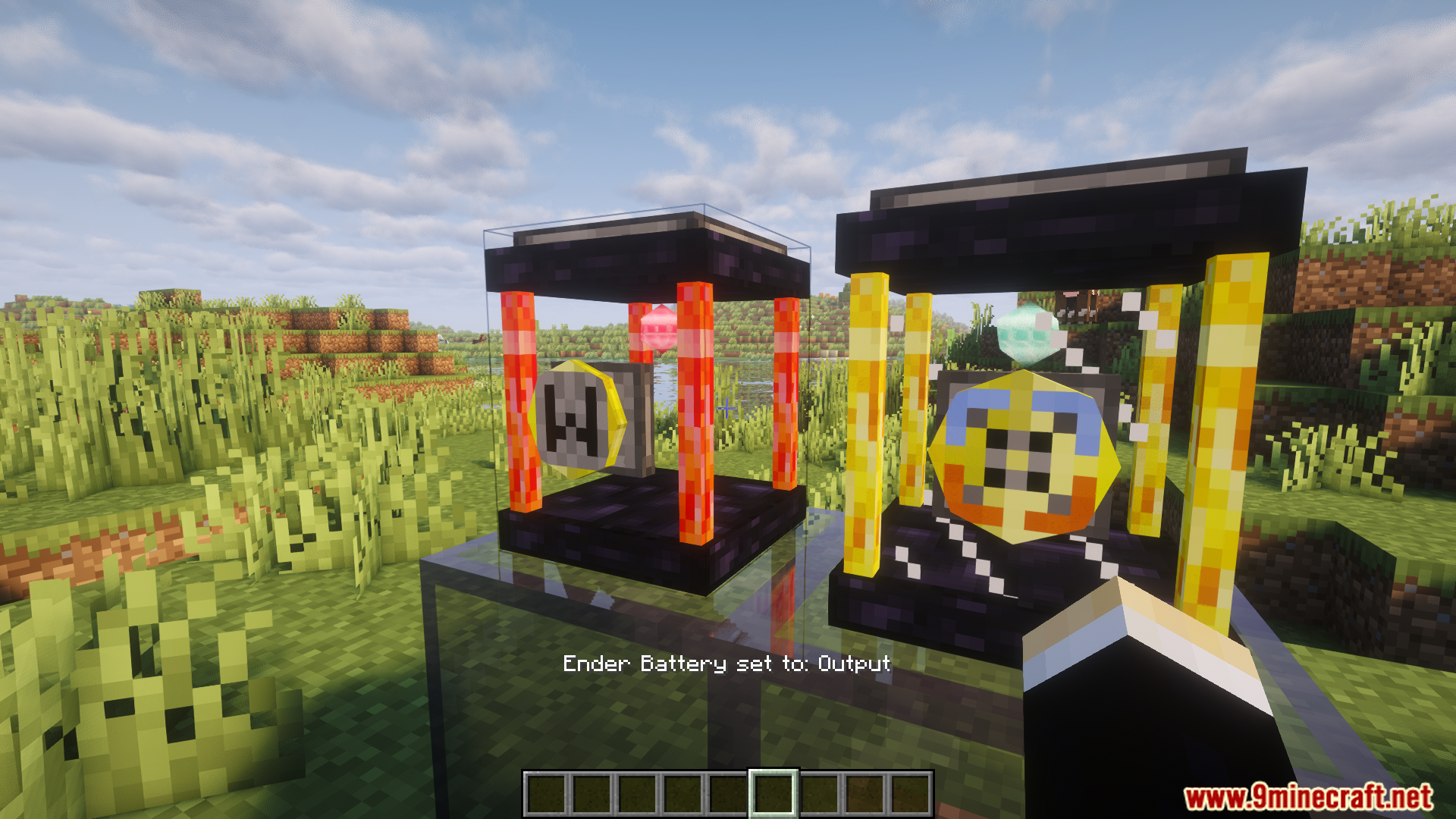
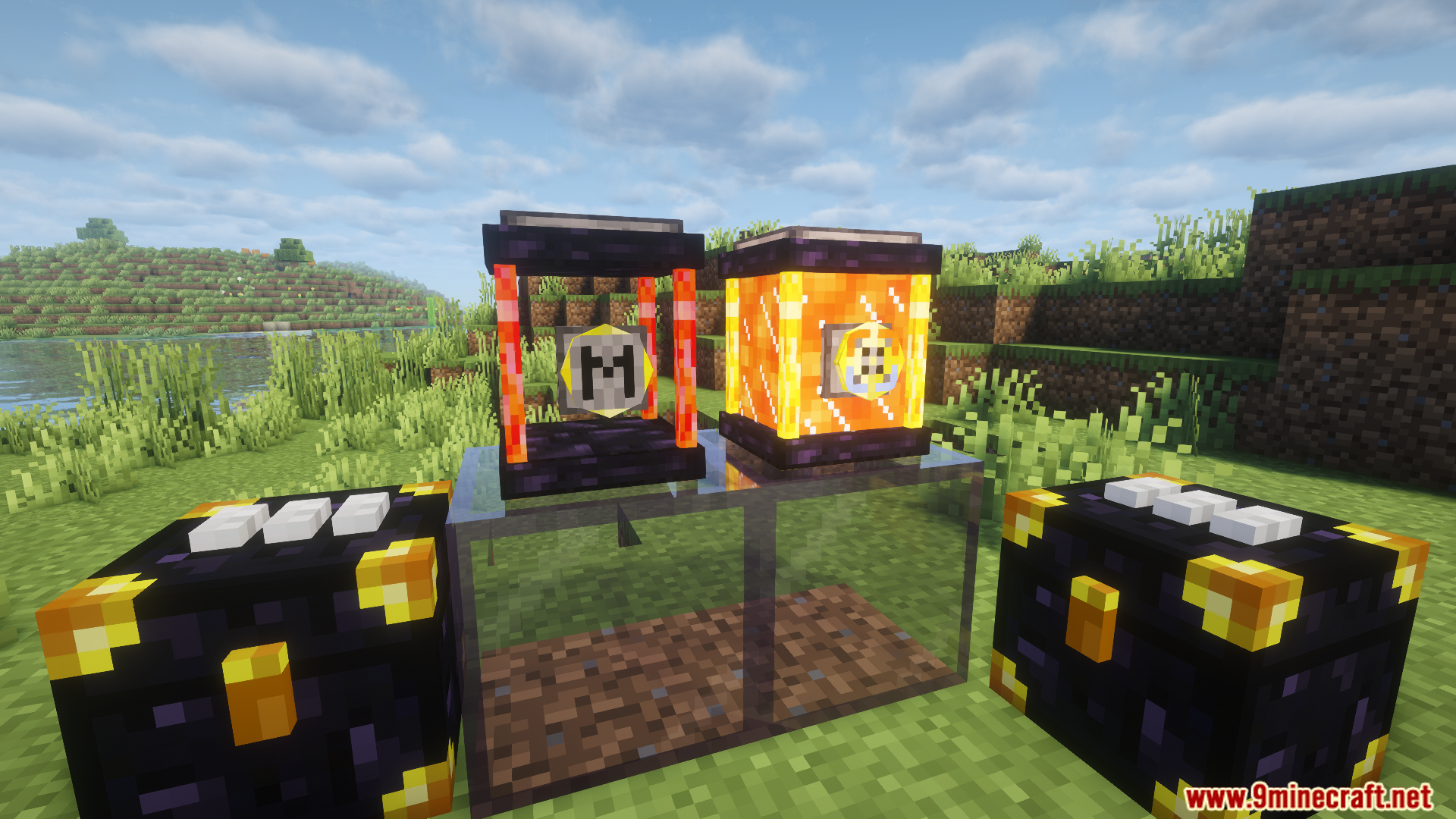
Place an Ender Battery next to a machine or power source, then adjust the color codes on top to assign it to a network channel. Use the "M" button on the front to set it to input mode if receiving power, or output mode if sending power to machines.
Can I send power across dimensions with Ender Batteries?
Yes, Ender Batteries work across dimensions just like Ender Chests and Ender Tanks from the base mod. As long as both batteries share the same color code, power will transfer between them regardless of dimension.
What's the difference between input and output mode?
Input mode allows the battery to receive RF energy from adjacent machines or cables, while output mode lets it send stored power to nearby machines. Click the "M" button on the battery's front face to toggle between these modes.
How do I make sure other players can't use my Ender Batteries?
Place a diamond on the lock symbol of your Ender Battery to secure it with a private channel. Only you will be able to use that specific color-coded frequency.
Can I have multiple separate power networks with different color codes?
Yes, you can create as many independent networks as you want by using different color combinations on the top pads of your batteries. Each unique color code acts as its own isolated power channel.
Do Ender Batteries lose power over time?
No, Ender Batteries store power indefinitely and will not leak or drain energy when not in use, making them ideal for long-term energy storage and transport.
Can I connect cables directly to an Ender Battery?
Yes, you can attach RF cables or conduits to the sides of an Ender Battery just like you would with other power-accepting blocks. The battery will respect its input/output mode setting.
What happens if I set two batteries to the same color but both in output mode?
Both batteries will attempt to output power simultaneously on the same channel, which can cause conflicts. Always ensure one battery is in input mode and the other in output mode for each color-coded pair.
Do Ender Batteries work with mod power systems other than RF?
Ender Batteries are designed specifically for RF energy. Compatibility with other power systems depends on whether those mods have integrated RF support.
How much power can an Ender Battery hold and transfer?
Check the battery's tooltip or interface for its storage capacity and transfer rate, as these values depend on your mod configuration and may vary between setups.
You May Also Like
Wikis that share the most with this one
Wikis on the same theme: storage
More mod wikis on the site
The most downloaded mods that have a wiki here
A few wikis from each of the other kinds
Gallery
8 images from the Ender Storage Energy Mod page.