

 DownloadEasyLAN Mod
Get the files on 9Minecraft
Guides
Step-by-step, in-game.
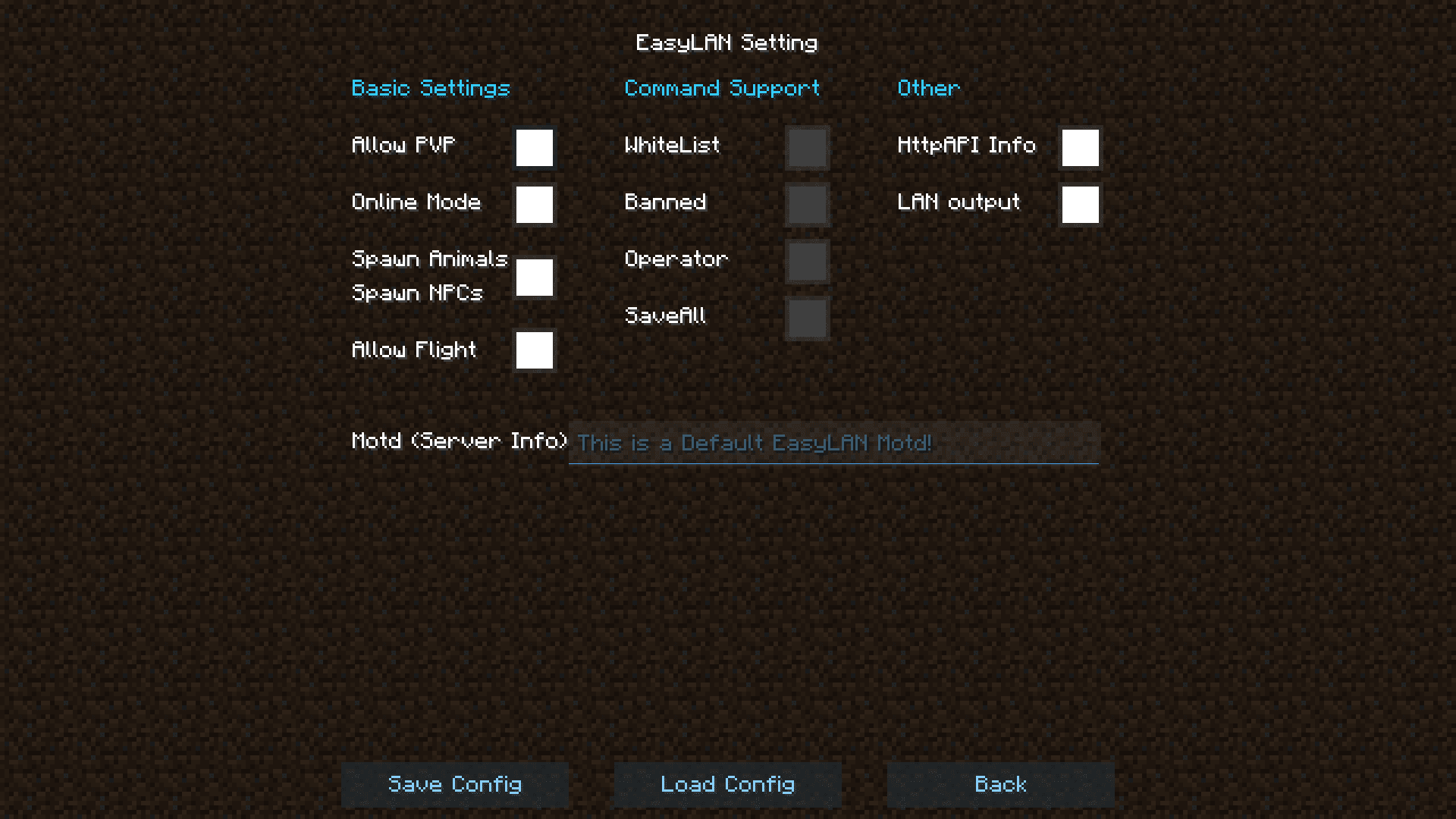
How to Change the Port, Max Players, and MOTD of a LAN ServerCustom Section Options The Custom group in the EasyLAN screen controls the three settings players most often want to…How to Open the EasyLAN Configuration Screen for Your LAN WorldStarting a LAN World First EasyLAN does not create a server on its own — it hooks into the vanilla LAN server…How to Toggle PVP, Online Mode, Flight, and Mob Spawning on a LAN ServerThe Server Basic Settings Group EasyLAN exposes several vanilla server properties as simple on/off toggles in the…How to Use Whitelist and Ban Commands on an EasyLAN ServerCommand Support in EasyLAN The mod's Server Command Support section enables the standard vanilla whitelist and ban…
Frequently asked questions
How do I open the EasyLAN config screen?
Open your singleplayer world to LAN as usual, then click the EasyLAN configuration button that appears on the LAN screen. The config screen only shows up while the LAN server is running, so start the LAN world first.
Does EasyLAN work on a normal server or only LAN worlds?
EasyLAN is built for LAN servers you host from your own PC through the singleplayer 'Open to LAN' option. It does not configure dedicated or rented servers.
Can I change the port after the LAN server is already running?
No, the port is set when the LAN server starts, so you need to stop the LAN world and open it to LAN again with the new port. Change the port in the EasyLAN screen before confirming.
See all 10 EasyLAN questions ›
Gallery
6 images from the Easylan Mod page.





You May Also Like
Wikis that share the most with this one
More mod wikis on the site
The most downloaded mods that have a wiki here
A few wikis from each of the other kinds