

 DownloadCreate New Furnitures
Get the files on 9Minecraft
Guides
Step-by-step, in-game.
Build Decorative Structures with Pillars and BridgesUnderstanding Pillar Variants The mod offers both small and tall decorative pillars in Andesite and Brass. These…Craft Your First Chair Using the StonecutterSetting Up the Stonecutter Place a Stonecutter block on the ground in your base. This is your primary tool for…Create a Coordinated Furniture Set for Your FactoryChoosing Your Material Palette Decide on one or two casing types for visual consistency. Andesite creates a…Light Up Your Workshop with Mod Furniture LampsAdding Illumination to Your Build The mod includes matching lamps that coordinate with your furniture pieces. These…
Recipes
Every recipe the mod adds, grouped by how it is made.
Blocks
75 blocks · showing 24. Browse all →
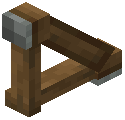 Andesite Angle Girder
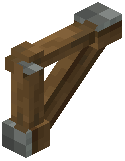 Andesite Angle Girder Facing Up
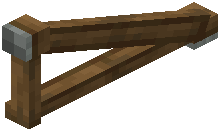 Andesite Angle Girder Wide
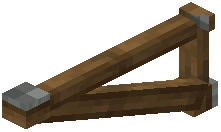 Andesite Angle Girder Wide Facing Up
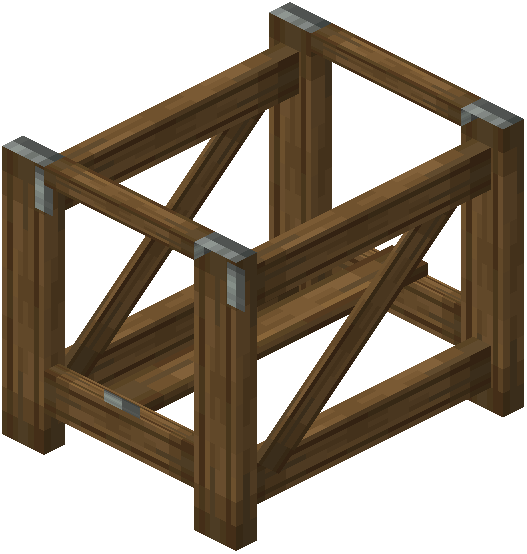 Andesite bridge bottom
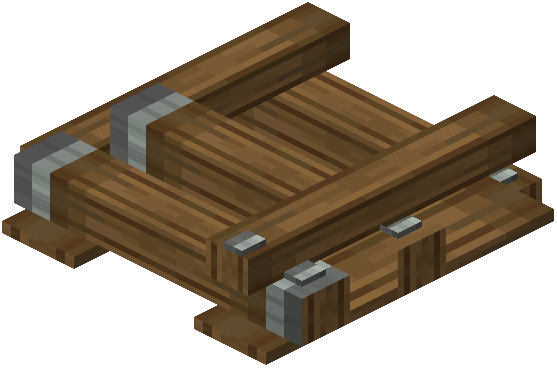 Andesite bridge top center
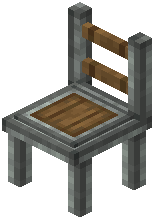 Andesite Chair
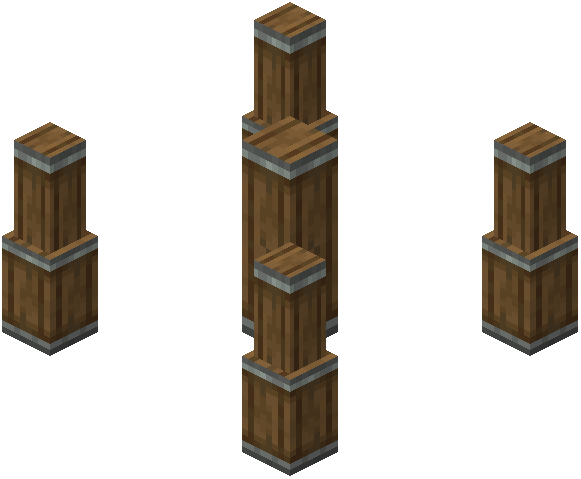 Andesite fat pillar base
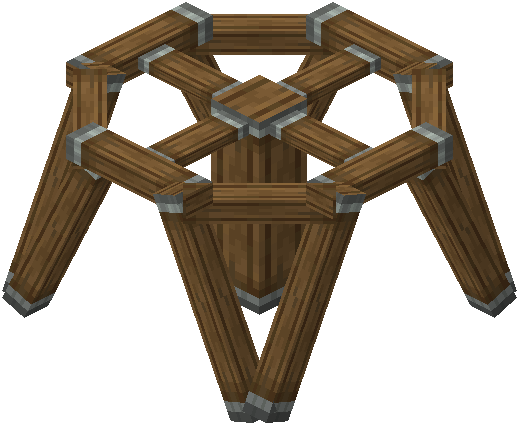 Andesite fat pillar base up
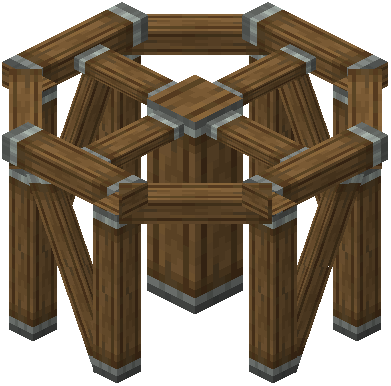 Andesite fat pillar column
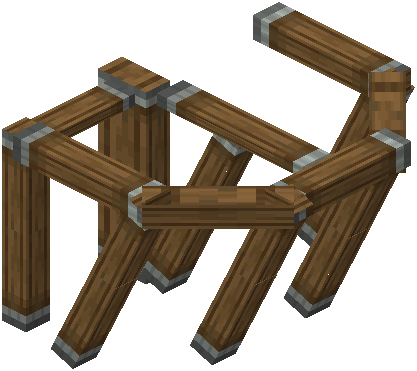 Andesite fat pillar top center
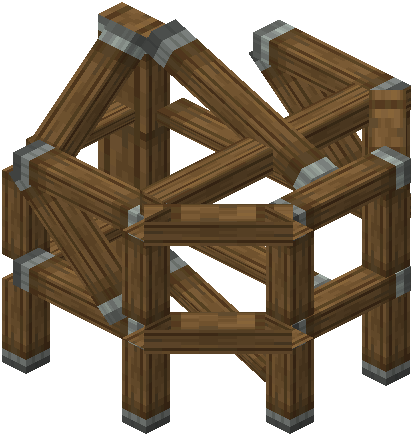 Andesite fat pillar top centre up
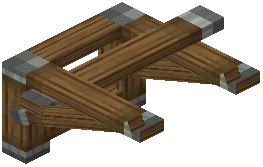 Andesite fat pillar top side long
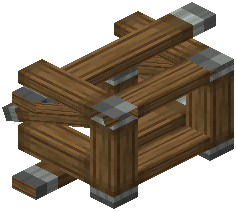 Andesite fat pillar top side med
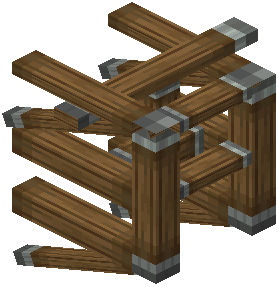 Andesite fat pillar top side short
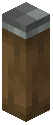 Andesite Fence
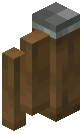 Andesite Fence 1 Corner
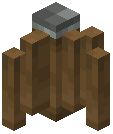 Andesite Fence 2 Corner
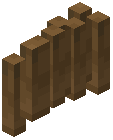 Andesite fence 2 sides
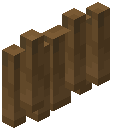 Andesite fence 2 sides model 2
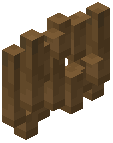 Andesite fence 2 sides model 3
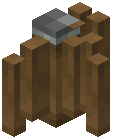 Andesite Fence 3 Corner
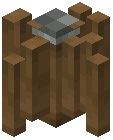 Andesite Fence 4 Corner
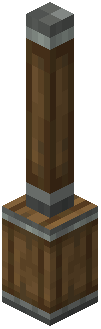 Andesite Pillar
Frequently asked questions
How do I start making furniture with this mod?
Place a Stonecutter and put a casing (Andesite, Copper, Brass, or Railway) into its input slot. The Stonecutter will show you available furniture recipes for that casing type, and you can select chairs, tables, stools, or pillars to craft.
Can I sit on the chairs and stools?
Yes, right-click on any chair or stool you've placed to sit down. This is useful for taking a break while working in your factory or workshop.
What casings work with this mod?
The mod supports Andesite Casings, Copper Casings, Brass Casings, and Railway Casings. Each casing type produces furniture with a distinct industrial aesthetic.
Do I need to craft furniture manually or can I automate it?
You craft furniture through the Stonecutter interface manually. The mod doesn't add automated crafting recipes, so each piece requires you to interact with the Stonecutter.
What decorative blocks does this mod add besides seating?
The mod includes small and tall decorative pillars in Andesite and Brass, plus matching lamps and bridge structures to complement your industrial builds.
Can I use these furniture pieces with other Create machines?
The furniture is primarily decorative and functional for sitting. It's designed to blend visually with Create machinery and assembly lines rather than interact mechanically with them.
Are there different color options for the furniture?
Yes, the mod offers four distinct color options across its furniture pieces, allowing you to coordinate your seating and tables with different parts of your factory.
Do the lamps from this mod produce light?
Yes, the mod includes matching lamps that light up your workshop and factory spaces, helping you detail and illuminate your industrial builds.
Can I use these blocks in survival mode?
Yes, all furniture and decorative blocks can be crafted and placed in survival mode through the Stonecutter once you have the required casings.
Will this mod cause performance issues in my factory?
The mod adds decorative and seating blocks that shouldn't significantly impact performance. Like any visual mod, performance depends on your system and how many blocks you place overall.
You May Also Like
Wikis that share the most with this one
Wikis on the same theme: furniture
More mod wikis on the site
The most downloaded mods that have a wiki here
A few wikis from each of the other kinds
Gallery
12 images from the Create New Furnitures Mod page.


