

 DownloadCreate Automotives Mod
Get the files on 9Minecraft
Guides
Step-by-step, in-game.
Build and Fuel Your First Steam CarCrafting the Boilerbox The Boilerbox is the core component of your steam car. Craft it using a mechanical crafter…Customize Your Car with UpgradesFinding and Installing Upgrades Your car has upgrade slots represented by green boxes on the body. These slots allow…Master Car Controls and Driving MechanicsBasic Driving Controls Once seated and the engine is running, use W to accelerate forward and S to reverse. Use A and…Troubleshoot Common Driving IssuesCar Won't Start or Move If your car isn't responding, check the fuel tank first—it may be empty. Right-click the…
Frequently asked questions
How do I make my first steam car?
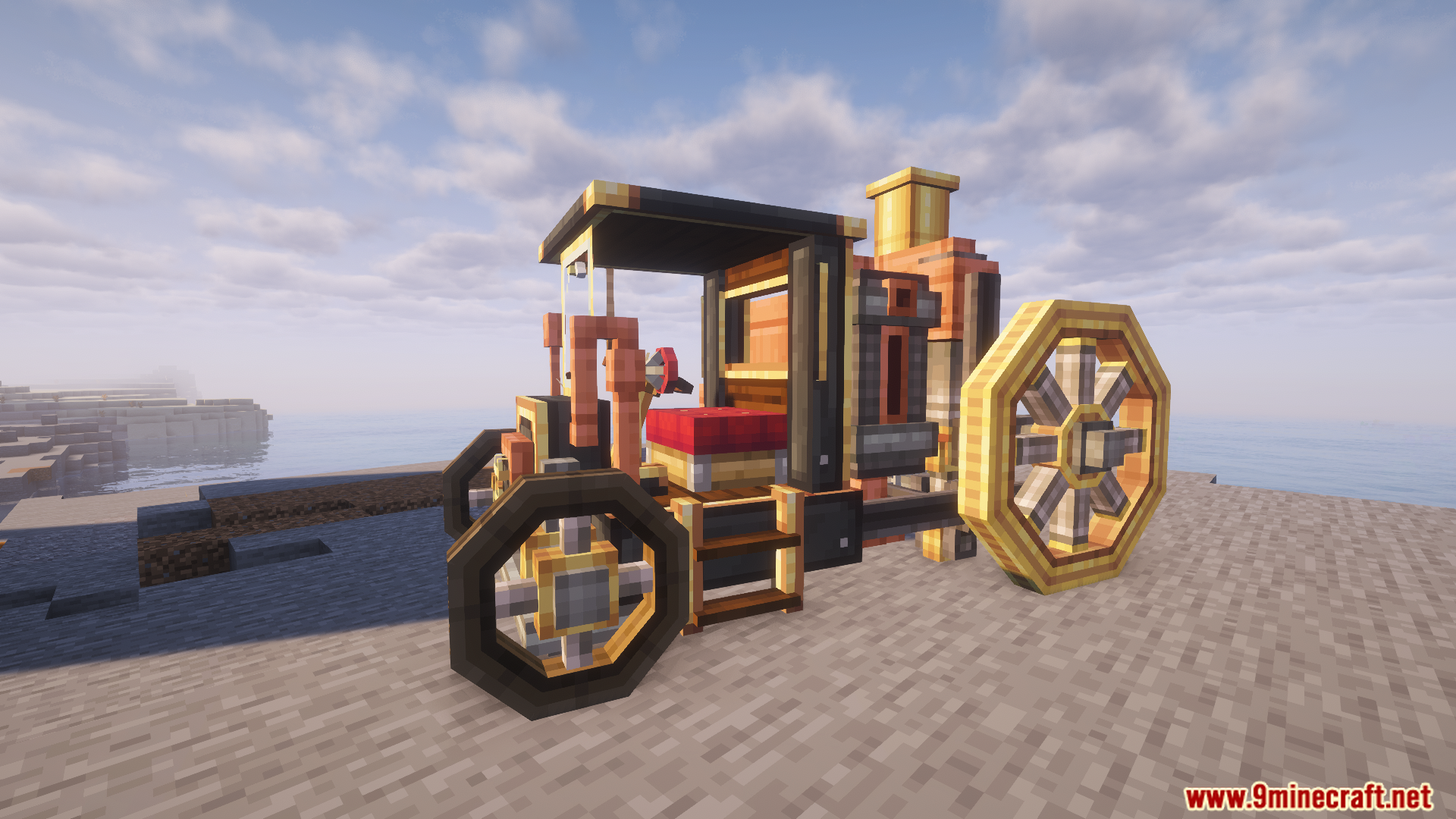
Craft a Boilerbox using a mechanical crafter, then place it in the world. Right-click the seat to sit inside, and you'll have a basic vehicle ready to fuel and drive.
Why won't my car move?
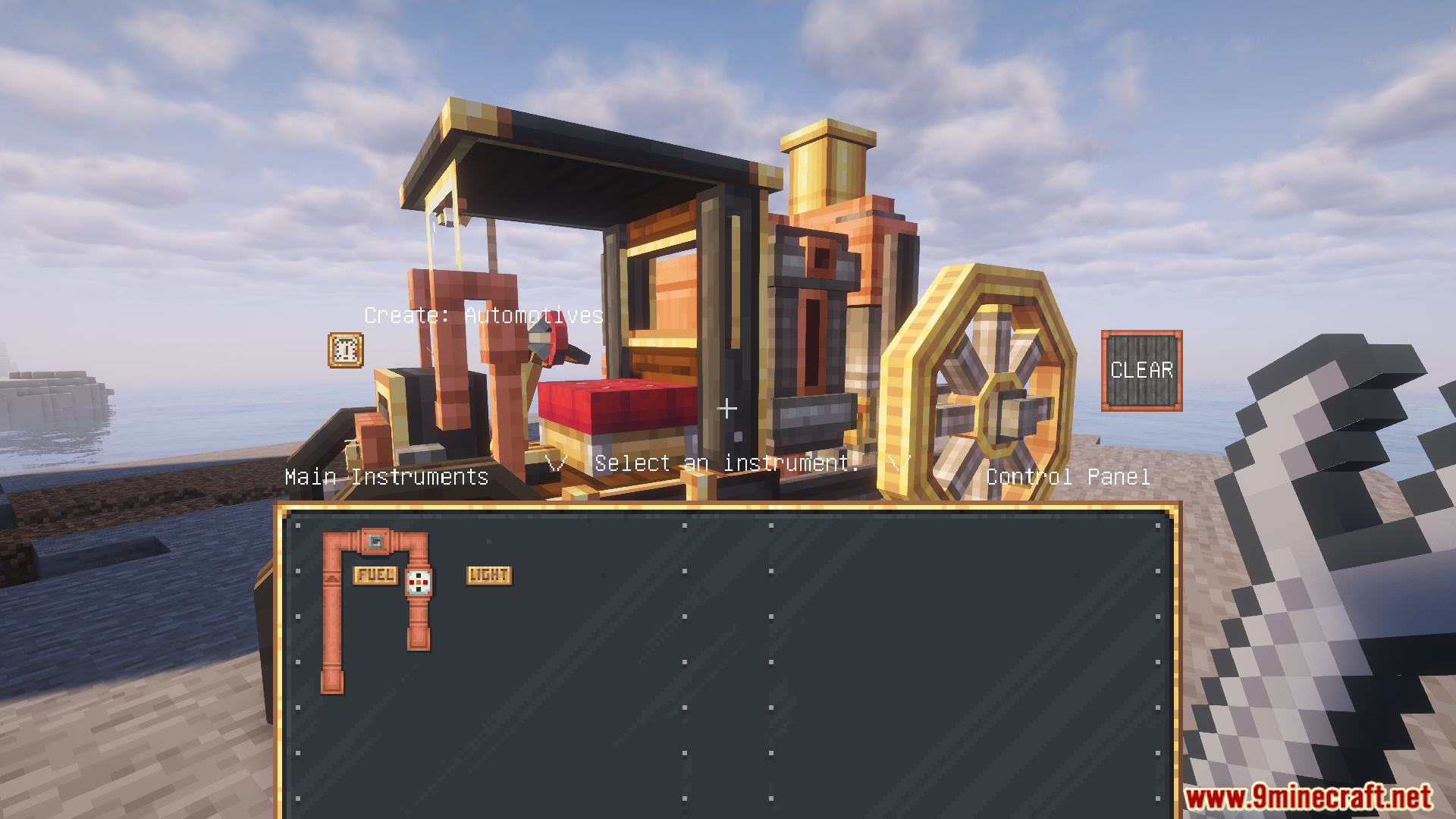
Make sure you've filled the left-side fuel tank with lava buckets and opened the fuel valve by pressing U and holding it. Without fuel flowing to the engine, the car won't respond to movement inputs.
What do the upgrade slots do?
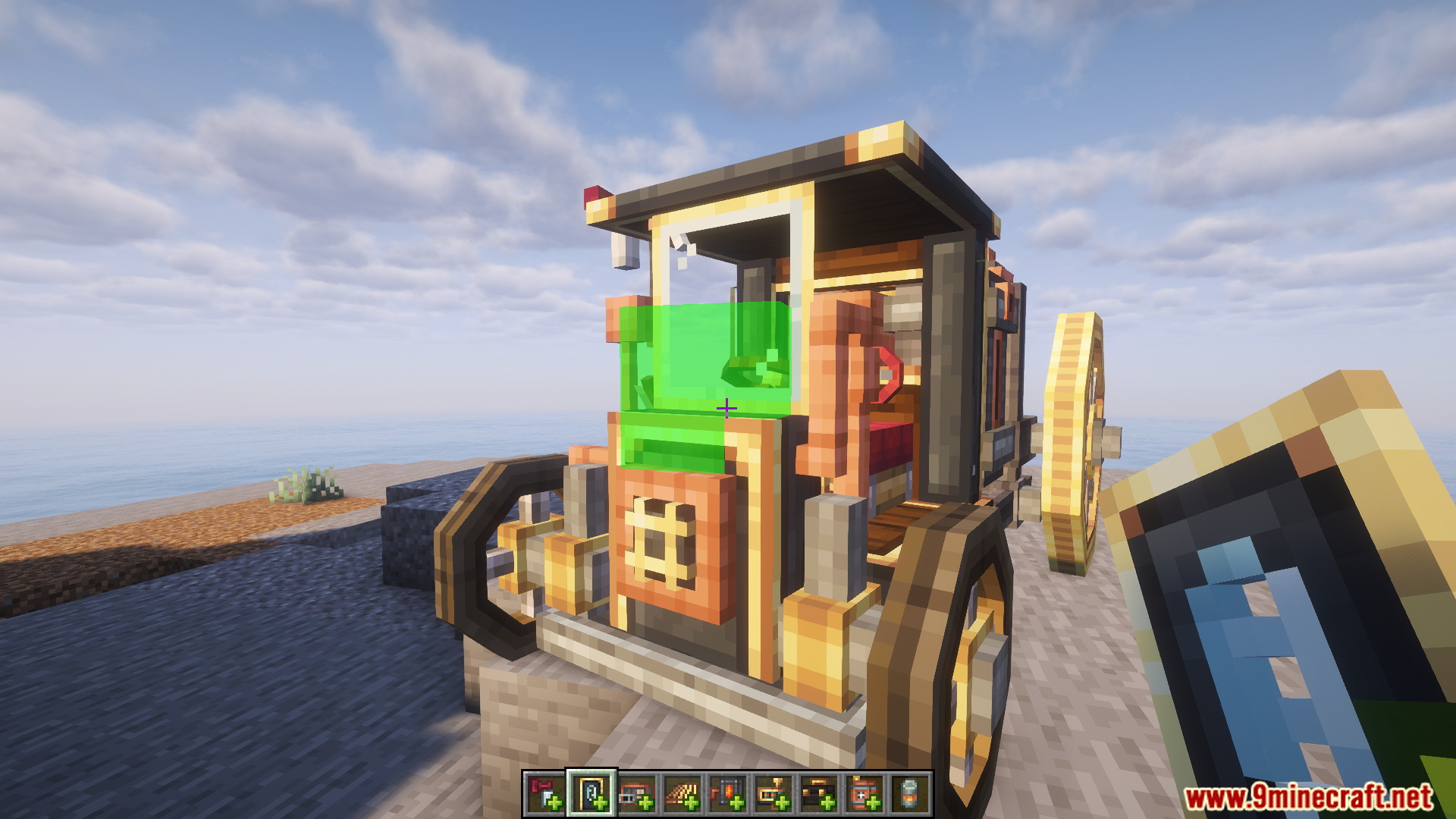
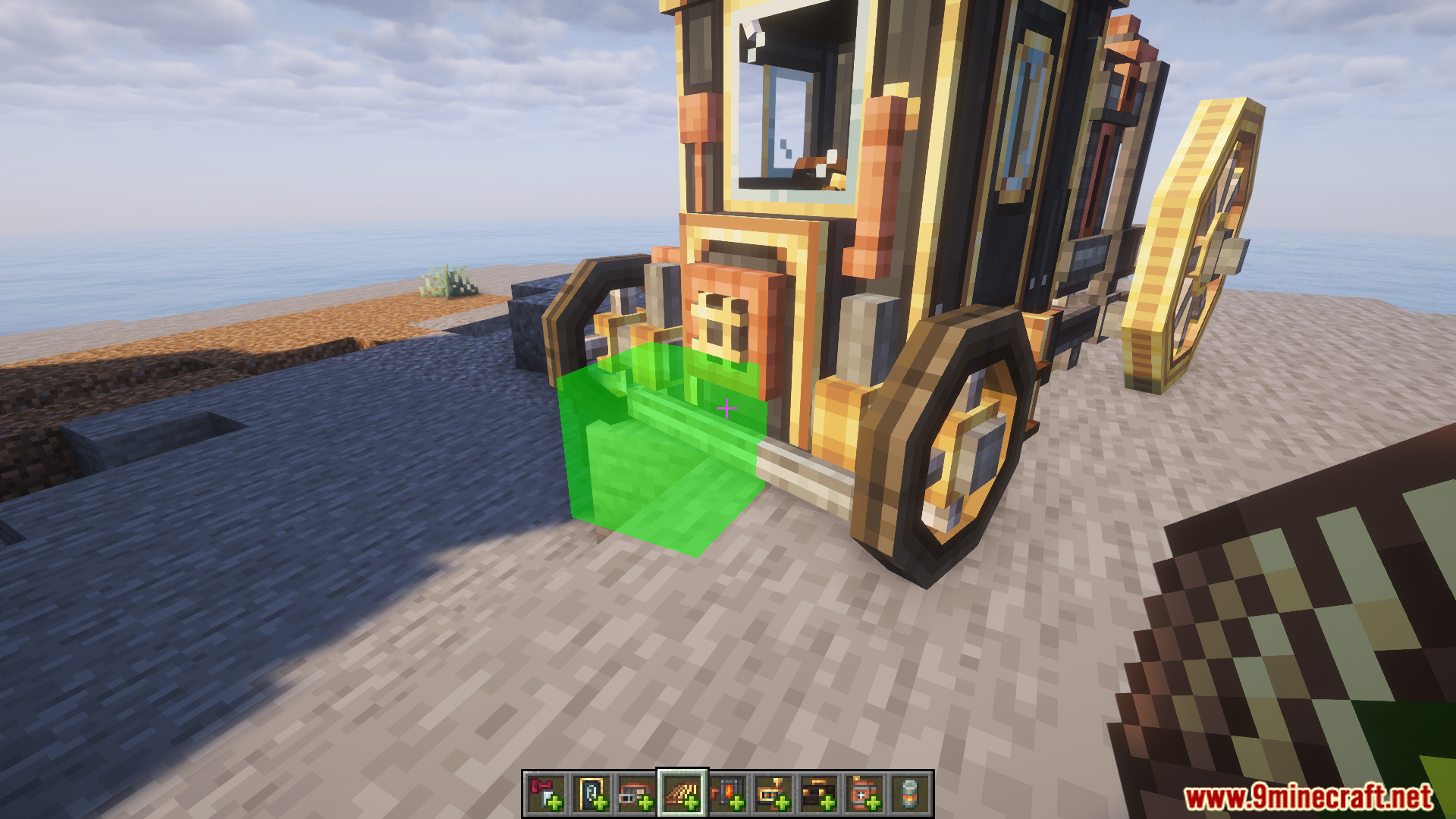
Right-click the green boxes on your car to add special parts that modify how your vehicle performs, such as improving speed, handling, or other capabilities. Different upgrades change your car's behavior in different ways.
How do I control the car while driving?
Use WASD to move, Space to activate boosters, C to honk the whistle, and N to engage the handbrake. Press U to open the control panel where you can manage the fuel valve.
See all 10 Create Automotives questions ›
Gallery
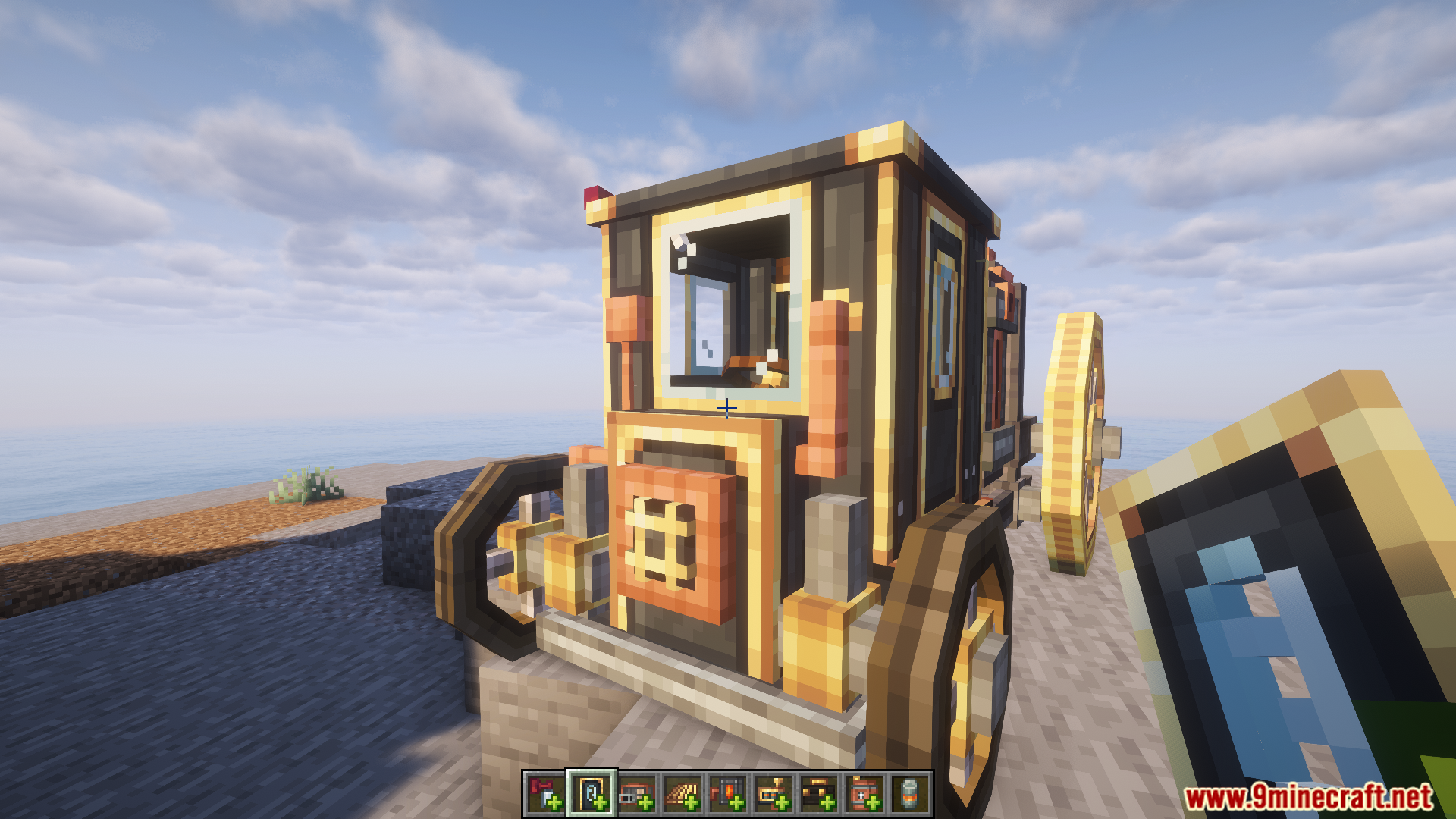
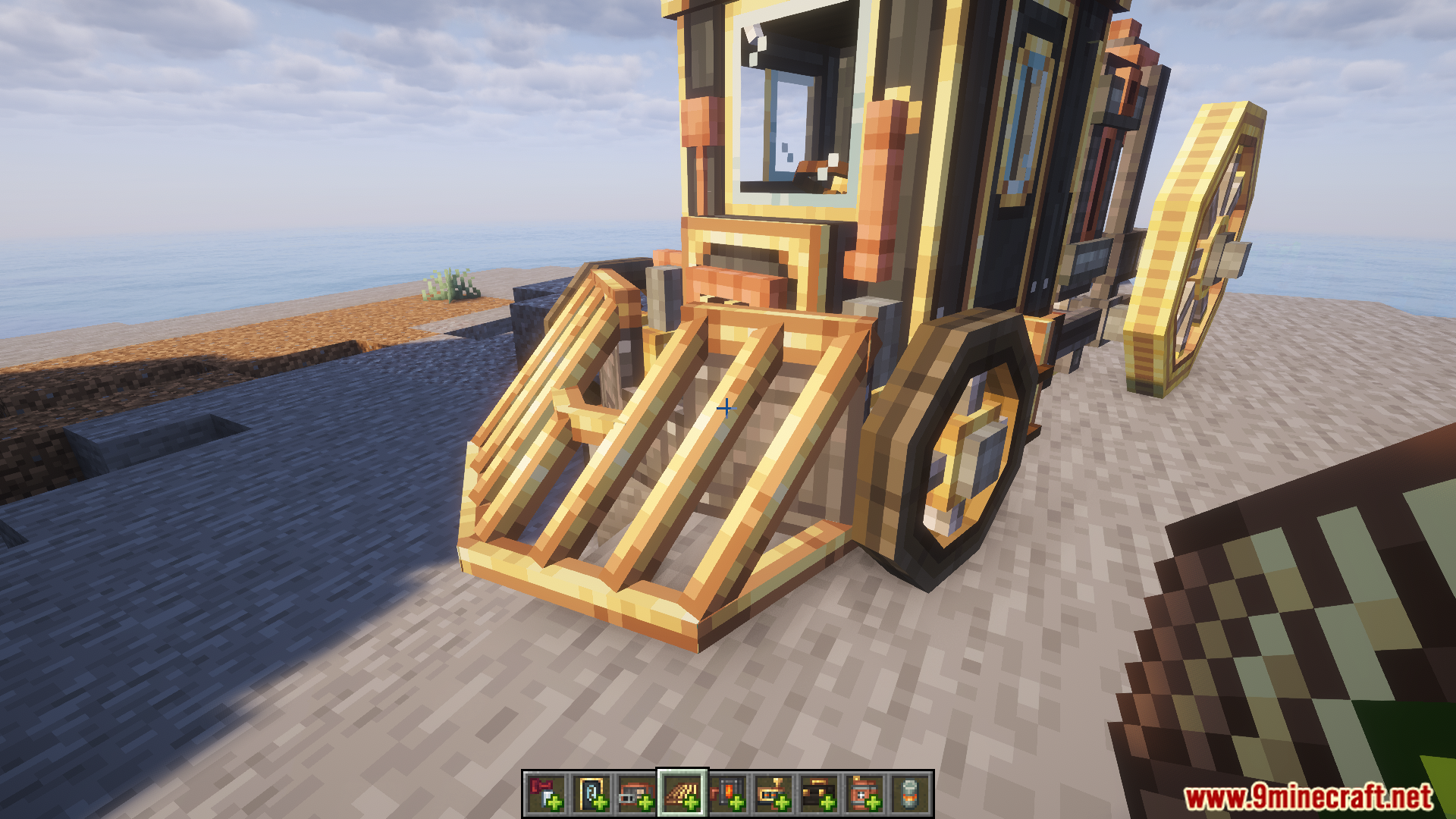
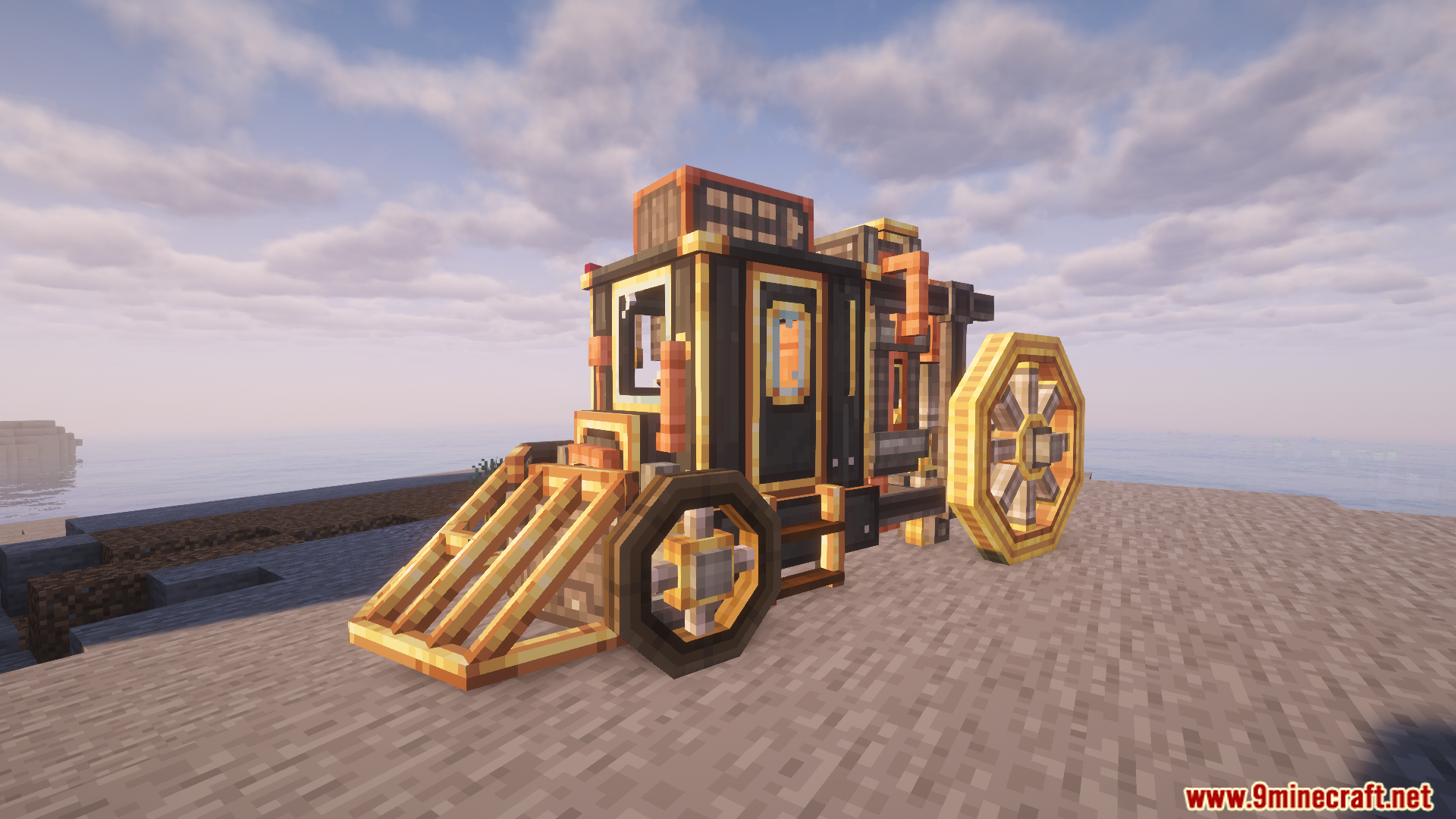
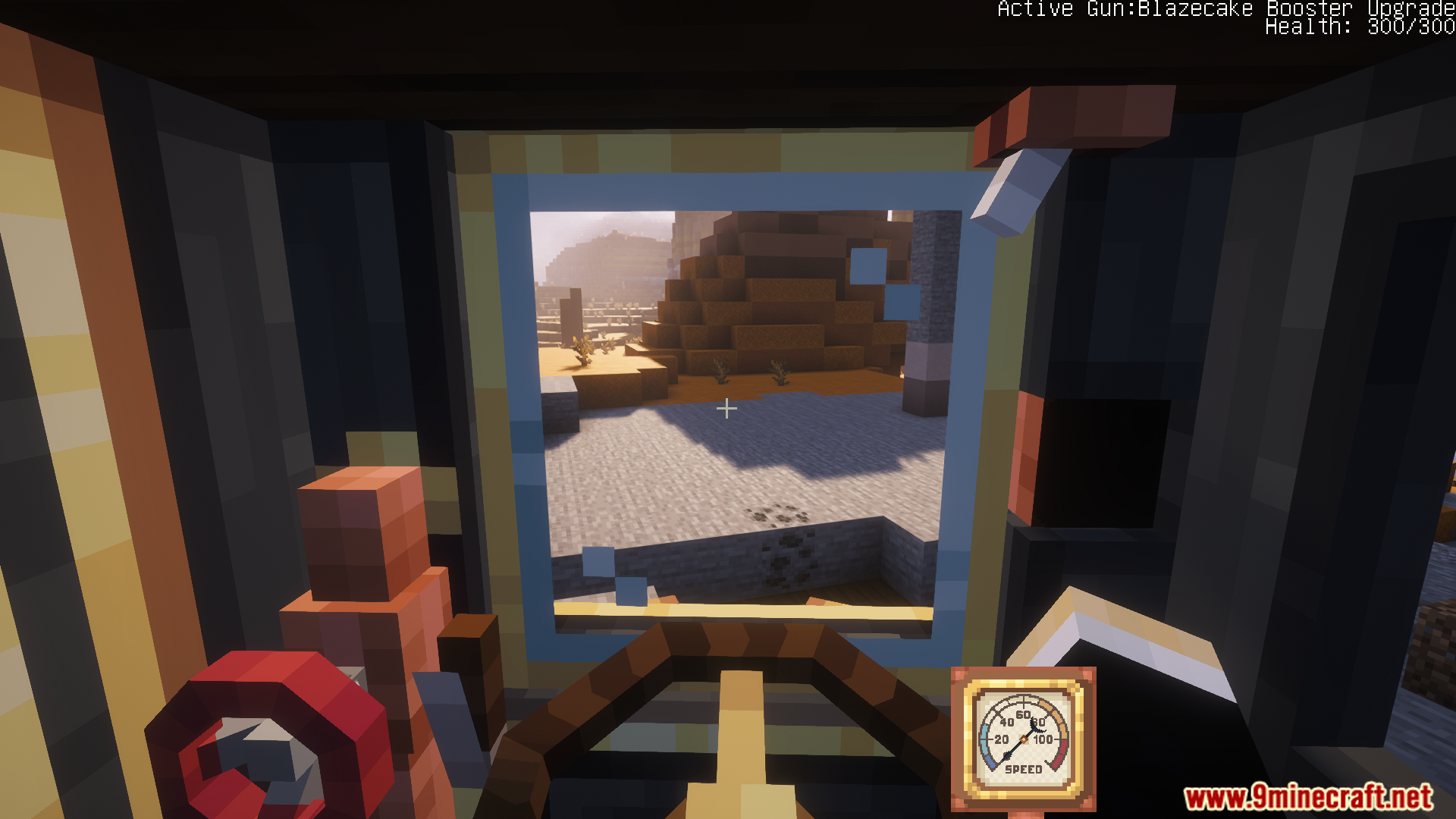
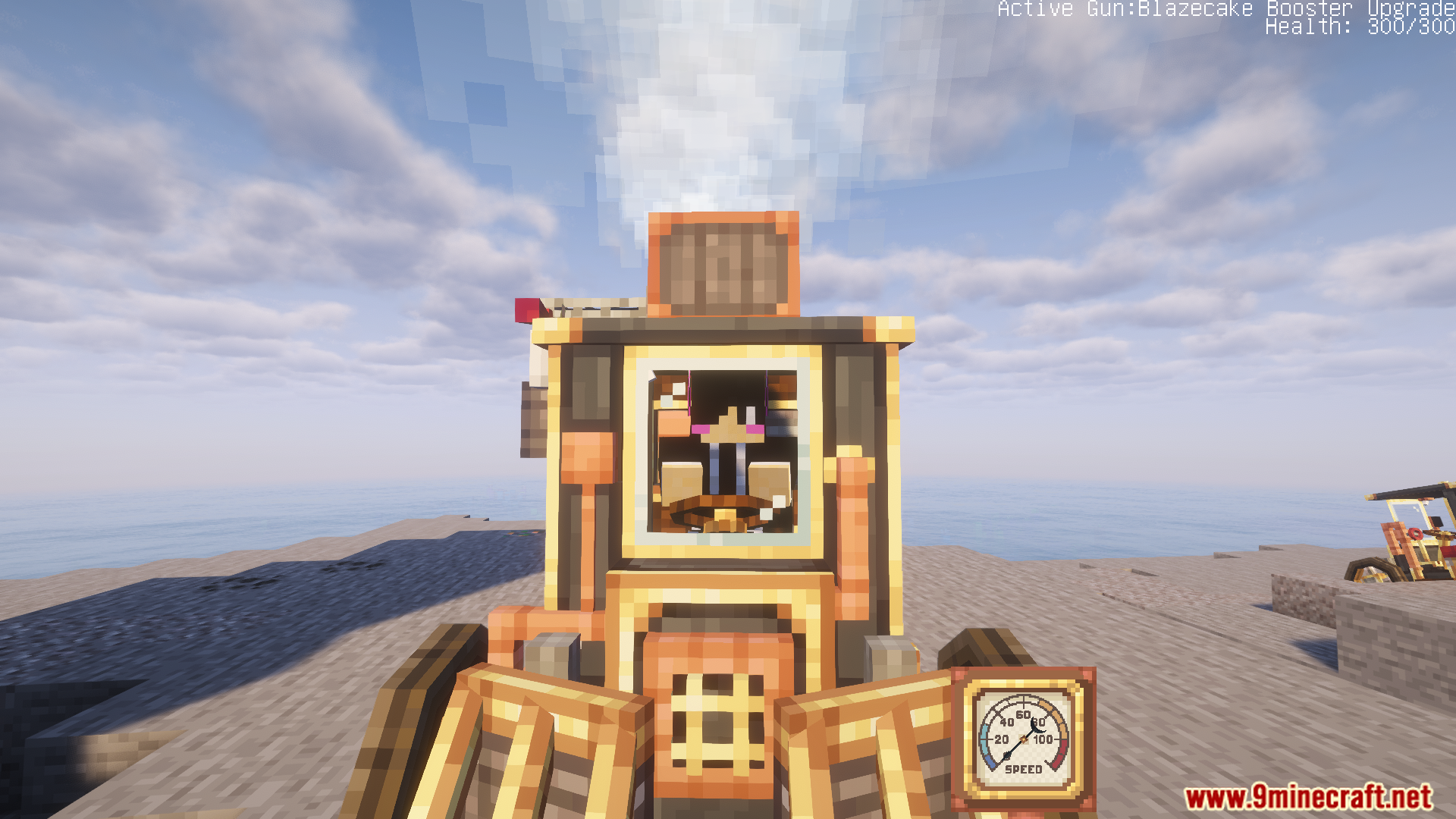
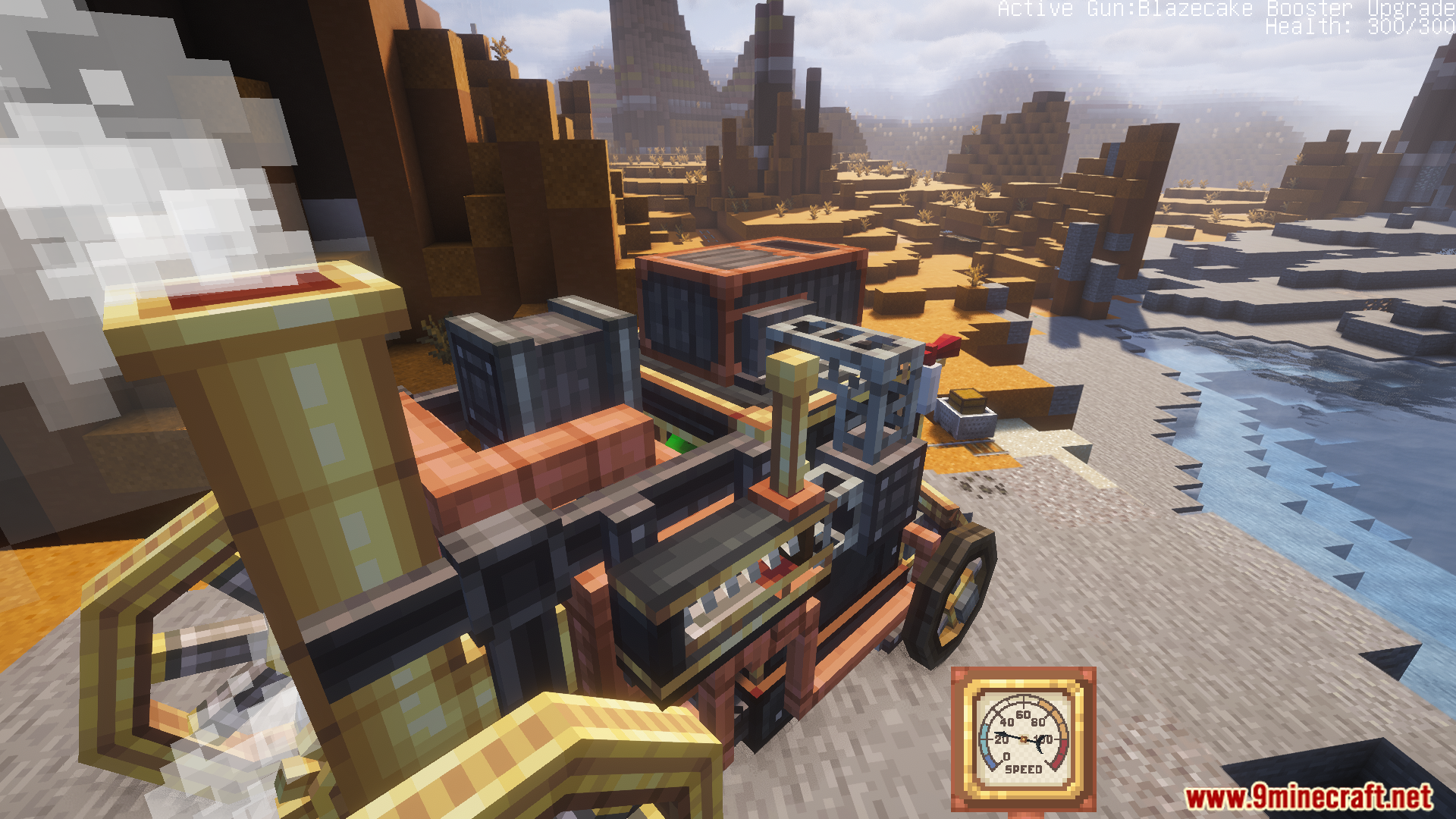
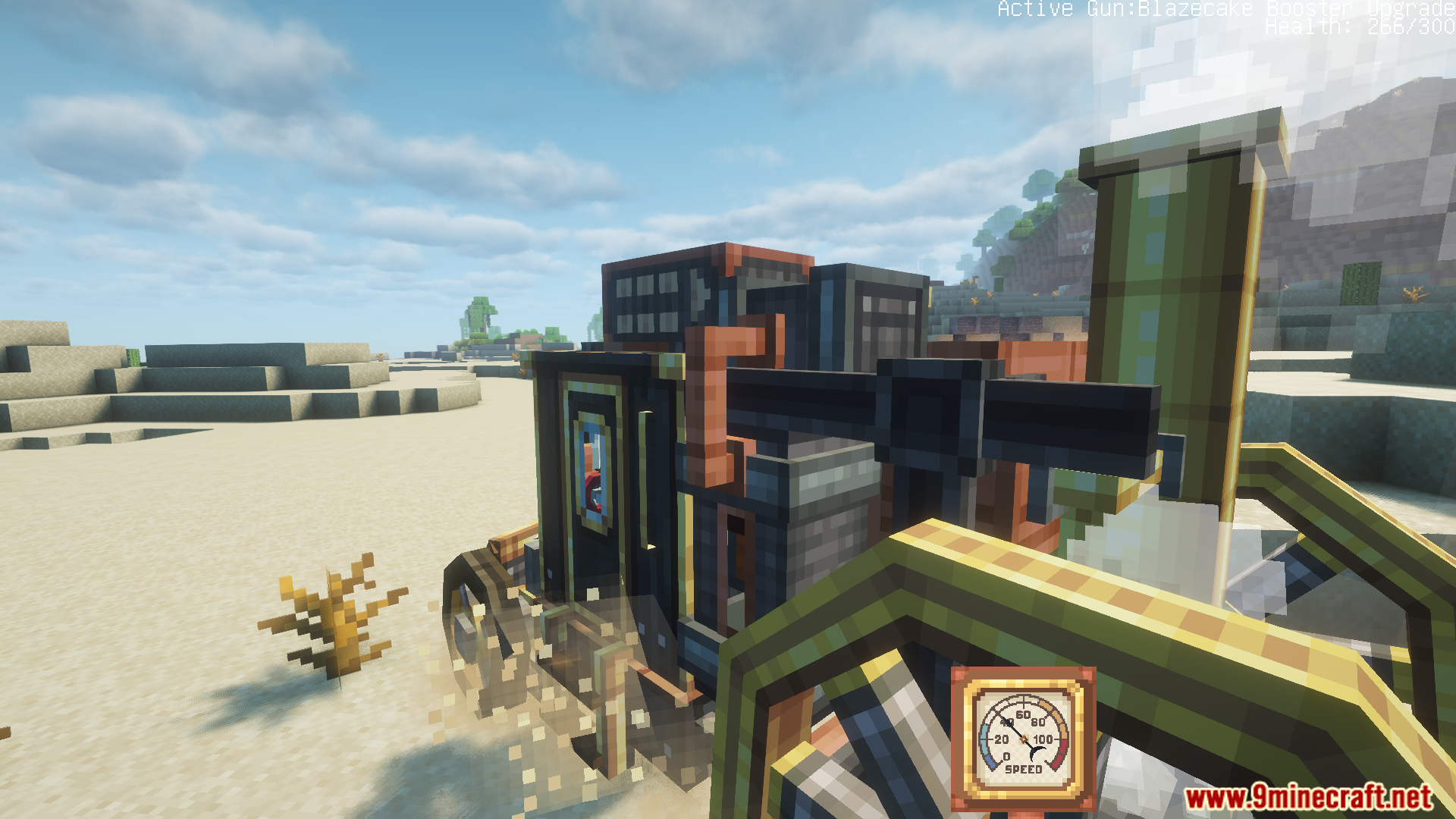
12 images from the Create Automotives Mod page.
You May Also Like
Wikis that share the most with this one
More mod wikis on the site
The most downloaded mods that have a wiki here
A few wikis from each of the other kinds