

 DownloadConfiguration API
Get the files on 9Minecraft
Guides
Step-by-step, in-game.
Editing Config Files by Hand (YAML, JSON, and Properties)Where the Files Live Configuration API stores each mod's settings in a file whose format the mod author chose: YAML ,…How to Open and Edit a Mod's Config Screen In-GameFinding the Config Button On Forge and NeoForge, open the Mods menu from the main menu or pause screen. Each…Resetting a Config to Defaults or Recovering a Broken ConfigResetting Through the GUI Most Configuration API screens include a reset action in the Footer . Depending on the mod,…Understanding Server-to-Client Config Sync (Why Some Options Are Greyed Out)What Synchronization Does Configuration API can automatically push server-side config values to every connected…
Configuration
Every setting in the mod config file, with what it changes.
| Option | What it does |
|---|---|
add_element | Add element |
advanced_modeAdvanced mode | Will toggle rendering of advanced configuration fields for all mods |
apply | Apply |
back | Back |
character_value_empty | Character field cannot be empty! |
configuration | Configuration options |
configuration-test | Development-only test config |
false | Disabled |
true | Enabled |
hide_backgroundHide background | Hides config screen background, can be useful for various HUD element configuration adjustments. Does nothing in main menu |
not_enough_arguments | Not enough command arguments |
open | Open |
restart_required | Requires game restart to be applied |
revert | Revert changes |
revert_default | Revert to default |
save_and_close | Save & Close |
configs_saved | Saved successfully |
color_dialog | Select color |
select_config | Select config |
synchronized | Server-side controlled |
Description
| Option | What it does |
|---|---|
advanced | Advanced |
game_restart | After game restart |
none | Always |
main_menu | In main menu |
Frequently asked questions
How do I open a mod's config screen in-game?
Open the Mods menu, then click the Config button next to the mod (Forge/NeoForge) or use ModMenu and click the config icon on the mod's entry (Fabric). The screen opens with Header, Content, and Footer sections for editing that mod's options.
Why is the Config button missing for some mods?
Only mods that actually use the Configuration API and register a config screen will show a Config button. If a mod has no config or doesn't use this API, there's nothing to open, so no button appears.
Why are some options greyed out and I can't change them?
Those options are server-synchronized, meaning the server's value overrides yours while you're connected. Disconnect from the server (or change them in singleplayer) to edit them, since the server pushes its values to clients on join.
What does @Configurable.Synchronized actually do?
It marks a config field so the server automatically sends its value to every connecting client. Clients then display and use the server's value instead of their own local one, which is why the option becomes read-only in-game.
See all 10 Configuration API questions ›
Gallery
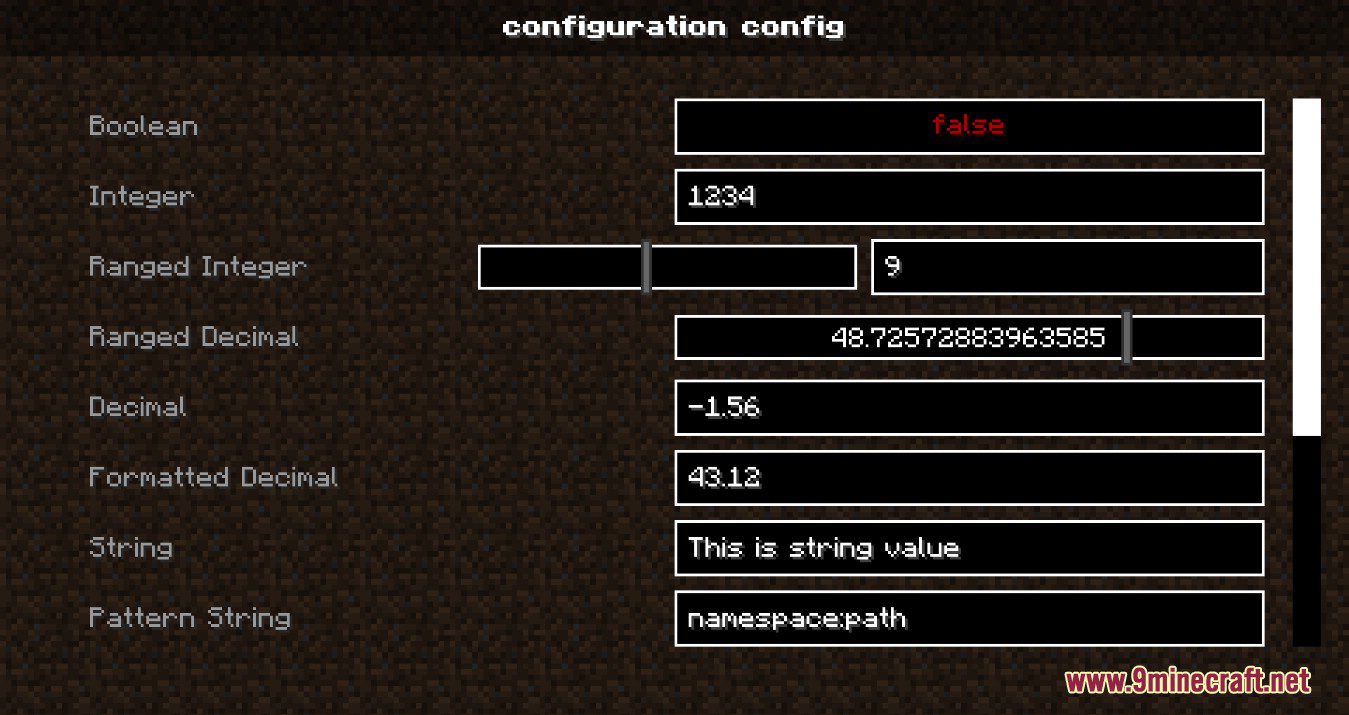
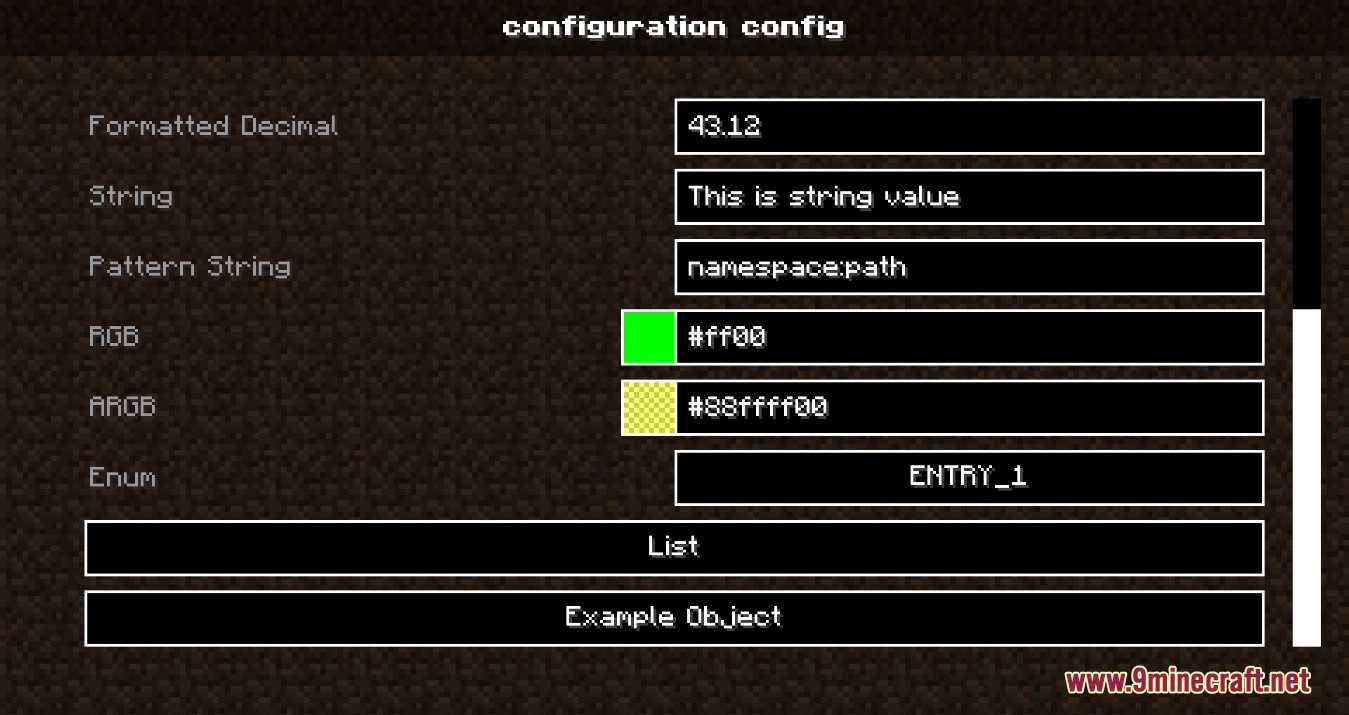
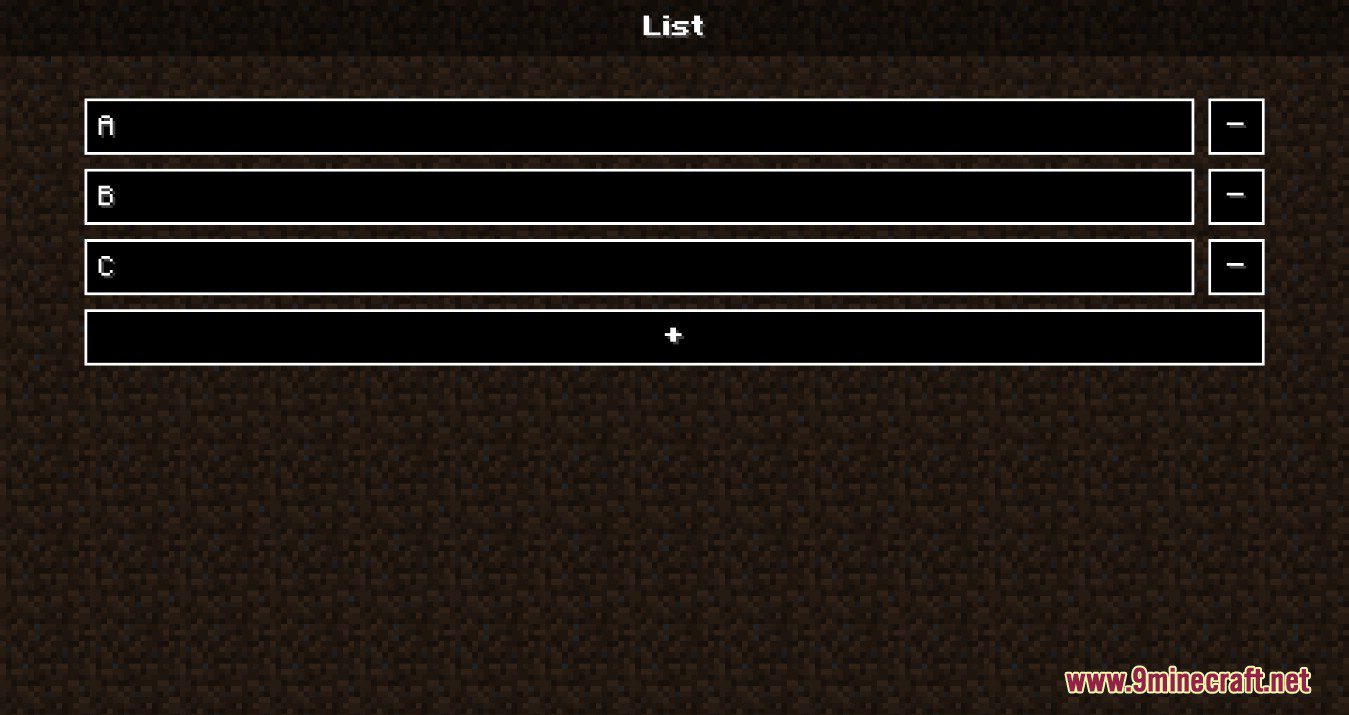
6 images from the Configuration Api page.
You May Also Like
Wikis that share the most with this one
Integrated Villages Configuration Data PackConfig Editor Render ModConfig Manager ModConfigurable Cane ModConfigurable Despawn Timer ModConfigurable Extra Mob Drops ModConfigurable Furnace Burn Time ModConfigurable Mob Potion Effects ModConfigurable Waterlogging ModConfigured Defaults ModConfigured ModConfluence Music Mod
More mod wikis on the site
 Completed Blocksets Mod
The most downloaded mods that have a wiki here
A few wikis from each of the other kinds