

 DownloadConfigurable Furnace Burn Time Mod
Get the files on 9Minecraft
Guides
Step-by-step, in-game.
Configure Furnace Speed Without Mod MenuFinding the Config File If you don't have Mod Menu installed, you can still configure the mod by editing its config…Reset Furnace Burn Time to Vanilla DefaultReturning to Normal Speed If you've changed the burn time modifier and want to restore the original Minecraft…Slow Down Furnace Smelting for Survival DifficultyWhy Slow Smelting? You might want to increase smelting time to make survival mode more challenging, or to balance…Speed Up Smelting in Your FurnaceAccessing the Configuration To make furnaces smelt items faster, you need to adjust the burn time modifier. If you…
Frequently asked questions
How do I change the furnace burn time after installing the mod?
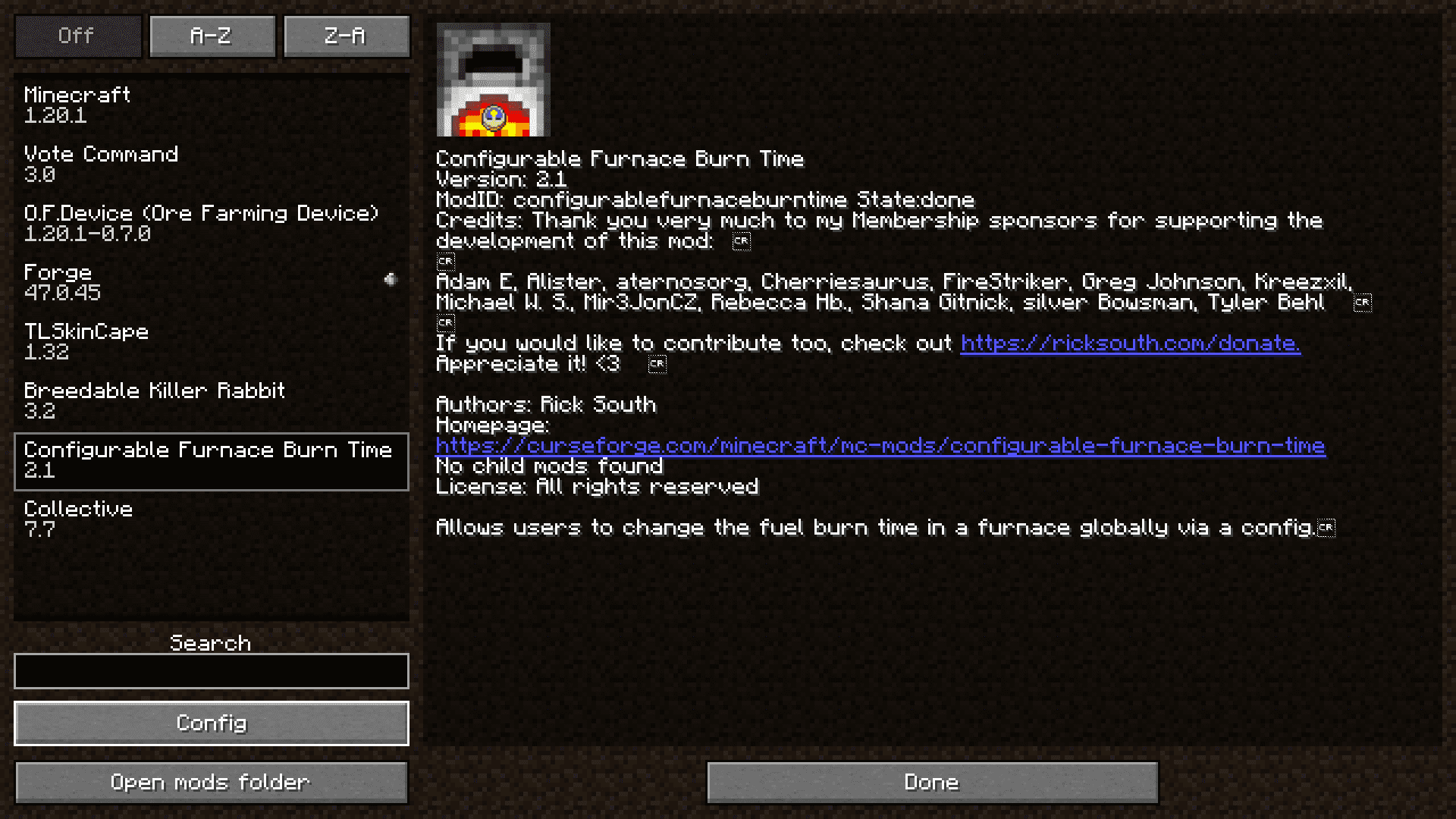
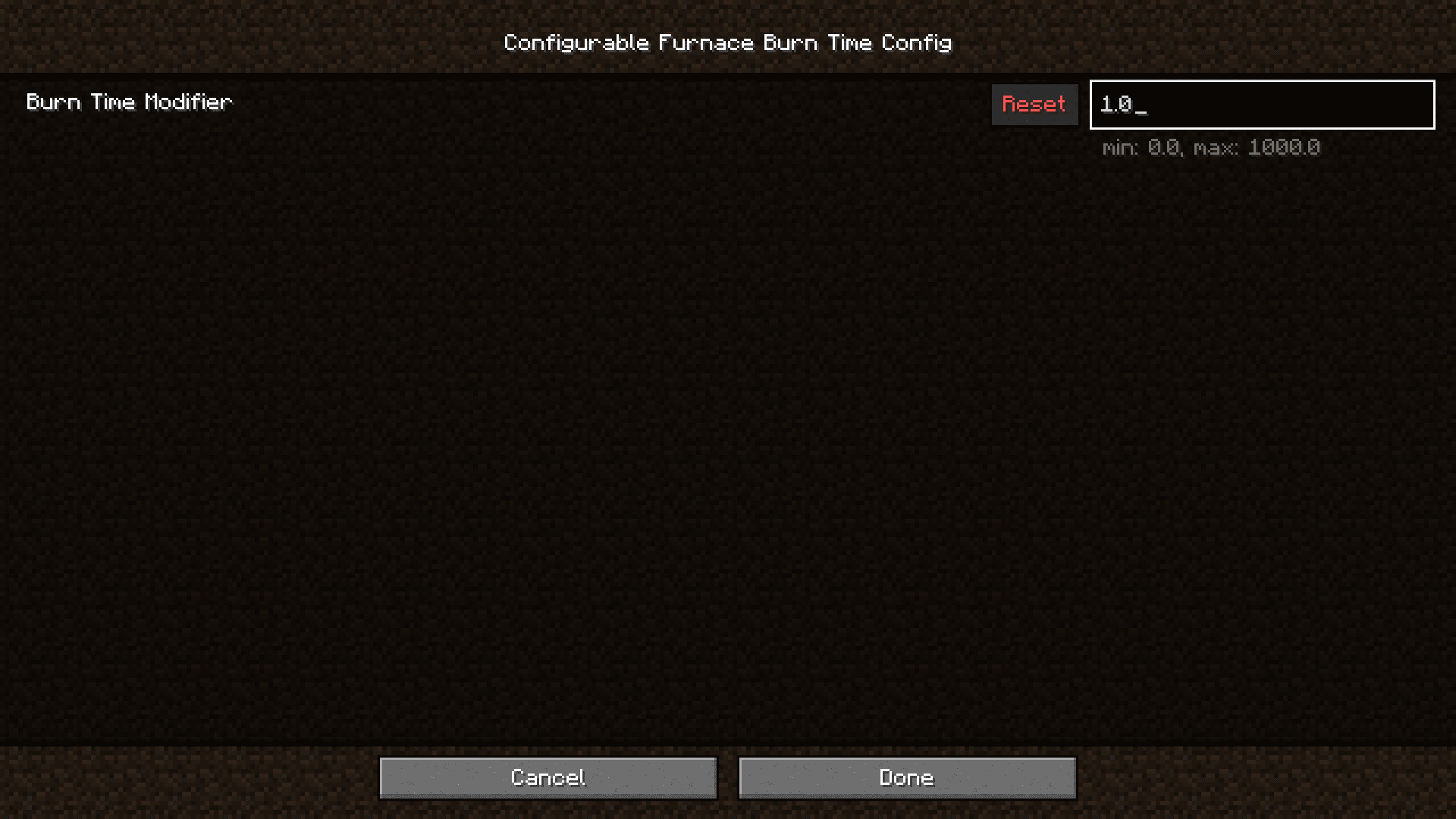
Open Mod Menu in-game and find Configurable Furnace Burn Time in the mods list, then adjust the burn time modifier value. If you don't have Mod Menu installed, you can edit the config file directly in your config folder with any text editor.
What does setting the modifier to 0.5 actually do?
Setting it to 0.5 makes all items smelt twice as fast, since they burn for 50% of the normal time. Lower numbers = faster smelting, higher numbers = slower smelting.
Can I make furnaces smelt items instantly?
You can set the modifier very low (close to 0) to make smelting nearly instant, but setting it to exactly 0 will prevent items from smelting at all. A value like 0.1 will give you very fast smelting without breaking the mechanic.
Does this mod affect blast furnaces and smokers too?
Yes, the burn time modifier applies to all furnace-type blocks including blast furnaces and smokers, since they all use the same smelting system.
See all 10 Configurable Furnace Burn Time questions ›
Gallery
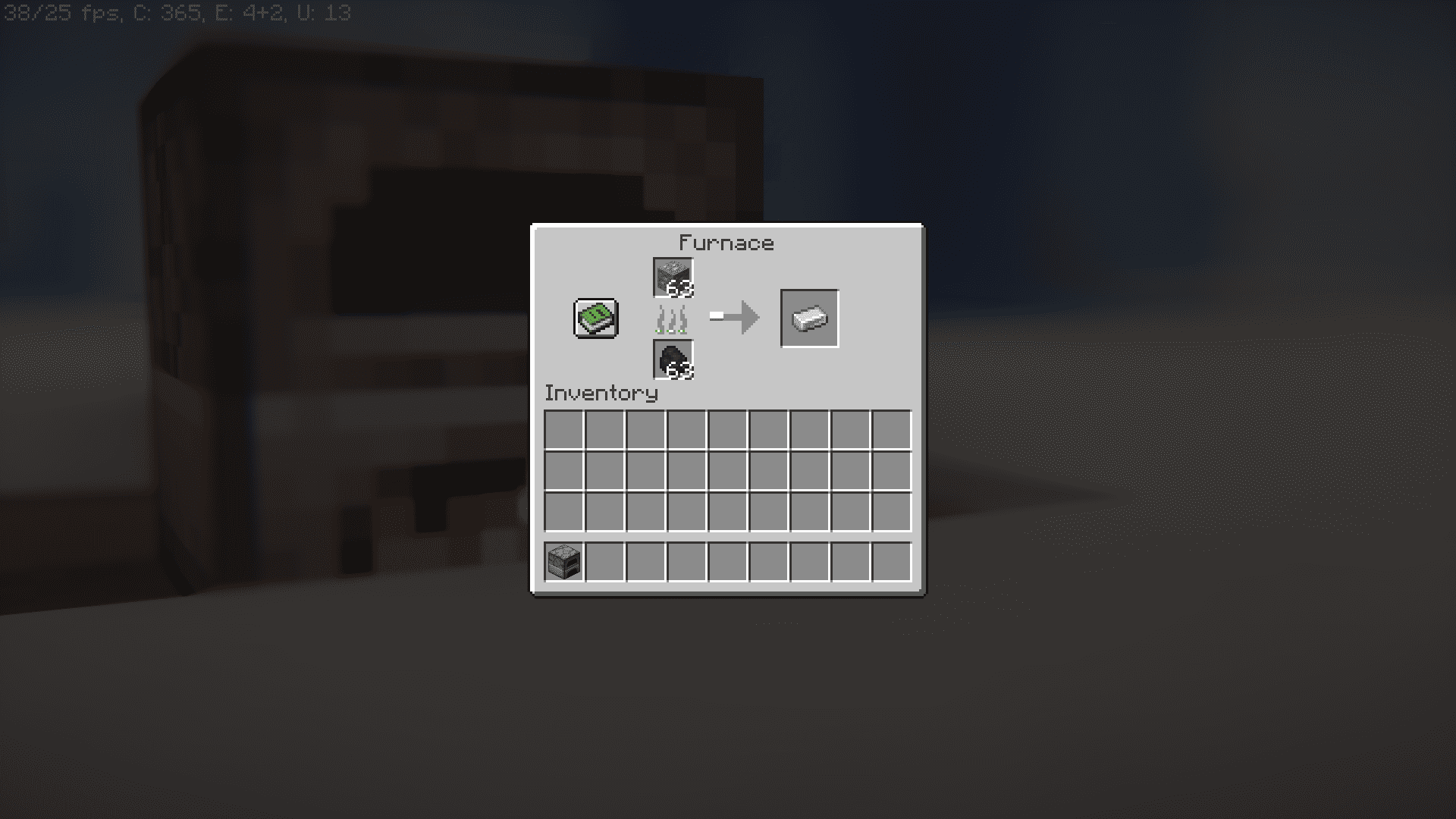
5 images from the Configurable Furnace Burn Time Mod page.
You May Also Like
Wikis that share the most with this one
More mod wikis on the site
The most downloaded mods that have a wiki here
A few wikis from each of the other kinds