

 DownloadChisel Reborn Mod
Get the files on 9Minecraft
Guides
Step-by-step, in-game.
How to Automate or Speed Up ChiselingPre-Carve in Bulk Carving blocks one at a time in the world is slow. A better workflow is to carve a large batch…How to Carve a Block with the ChiselGetting Started Hold the Chisel in your hand and look at a block you want to decorate. Right-clicking a block with…How to Find Out Which Blocks the Chisel SupportsTrial and Error Is the Fastest Method The Chisel supports a wide range of blocks, but the exact list depends on which…How to Use Chisel Variants in BuildsMixing Variants for Detail One of the main reasons to use the Chisel is to break up large flat surfaces. Instead of a…
Frequently asked questions
How do I get started with Chisel Reborn?
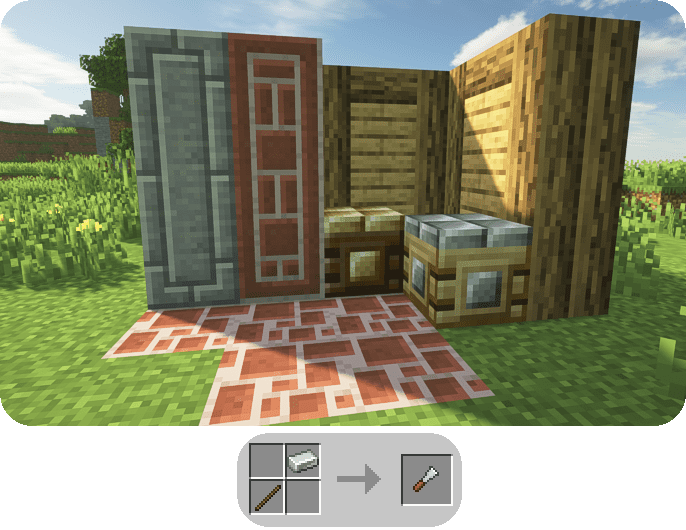
Craft a Chisel and right-click any supported block with it to open the chisel menu. From there you pick a variant and it swaps the block in place, so you can start experimenting immediately without any setup.
How does the chisel menu work?
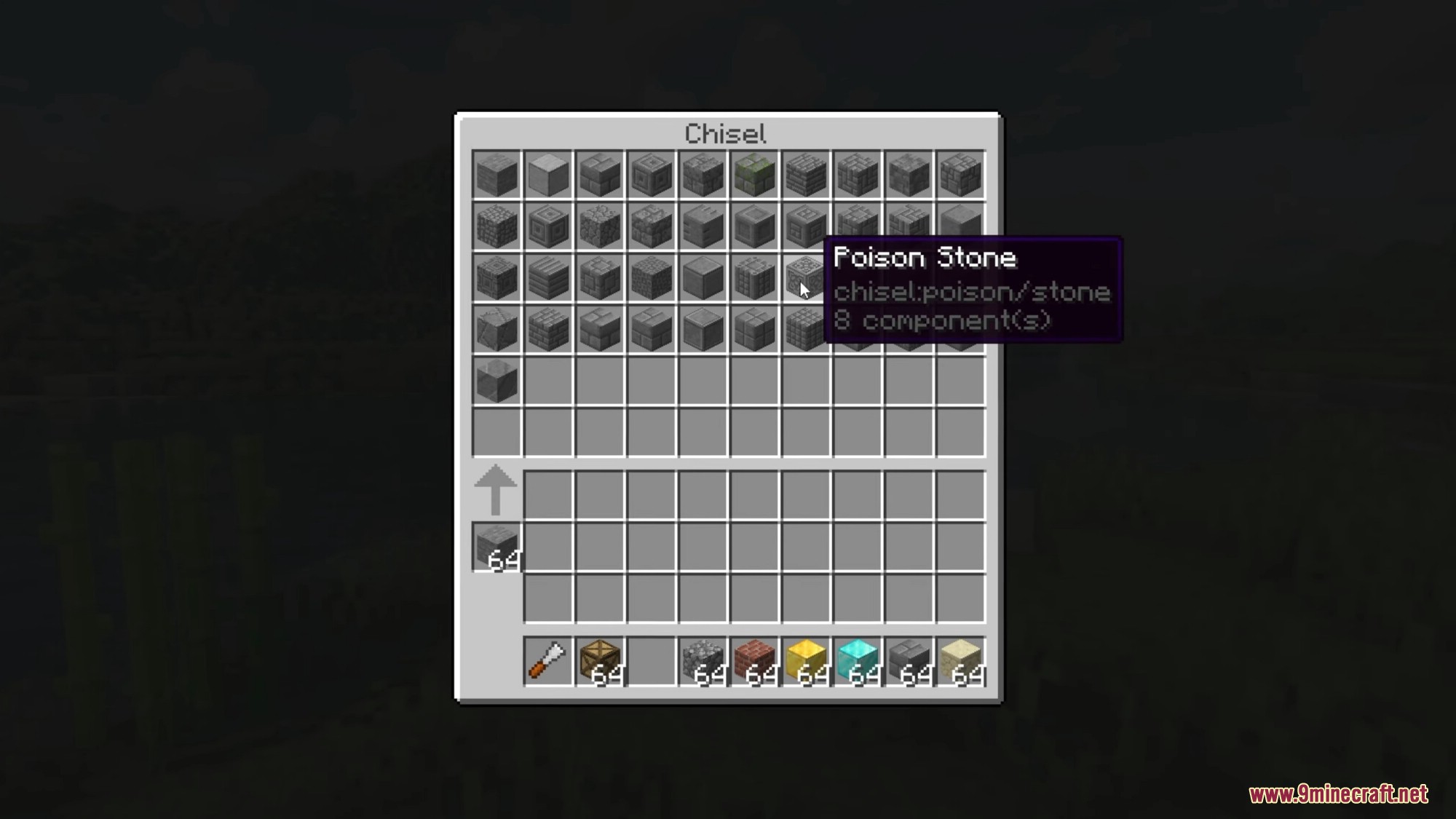
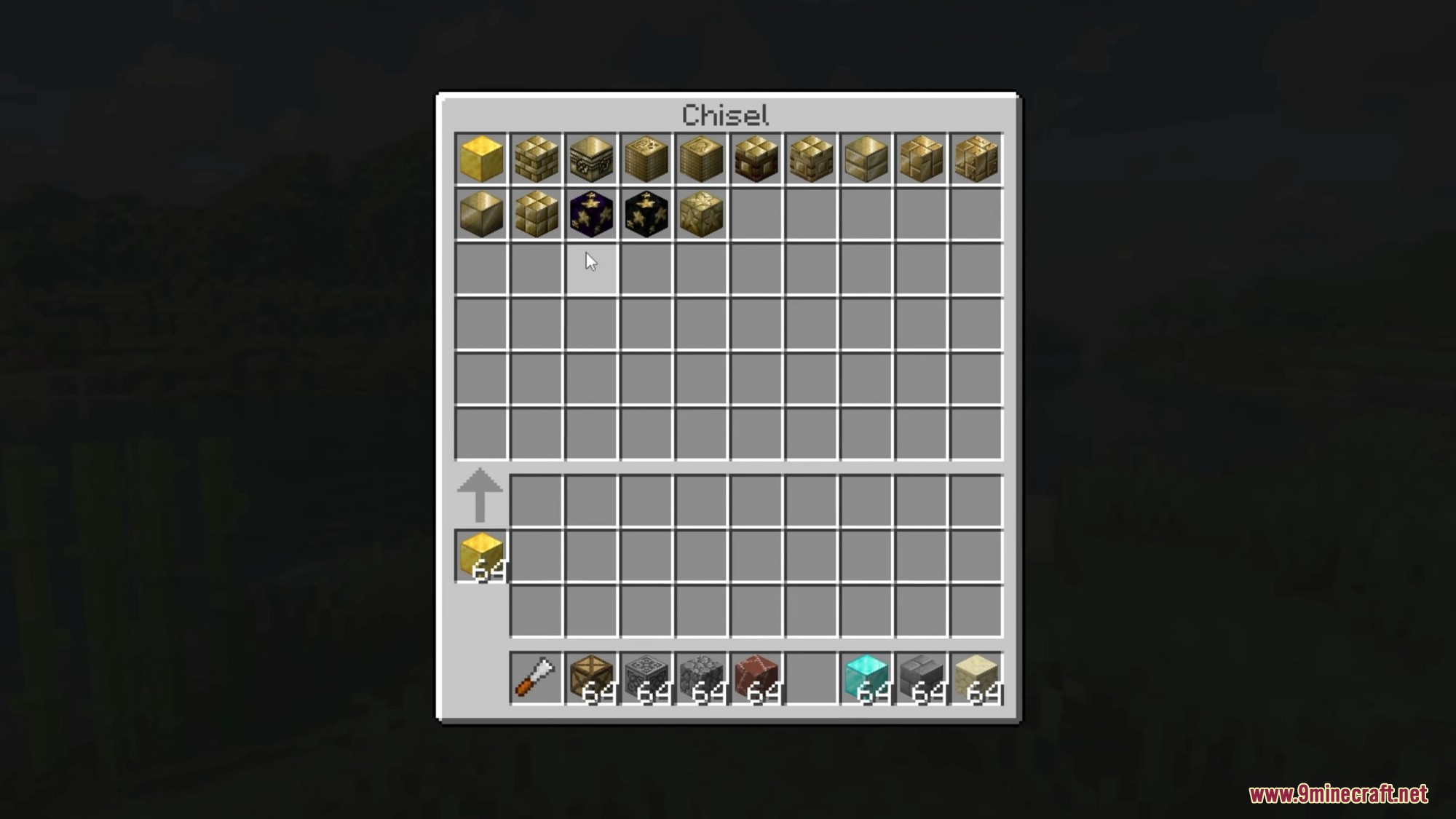
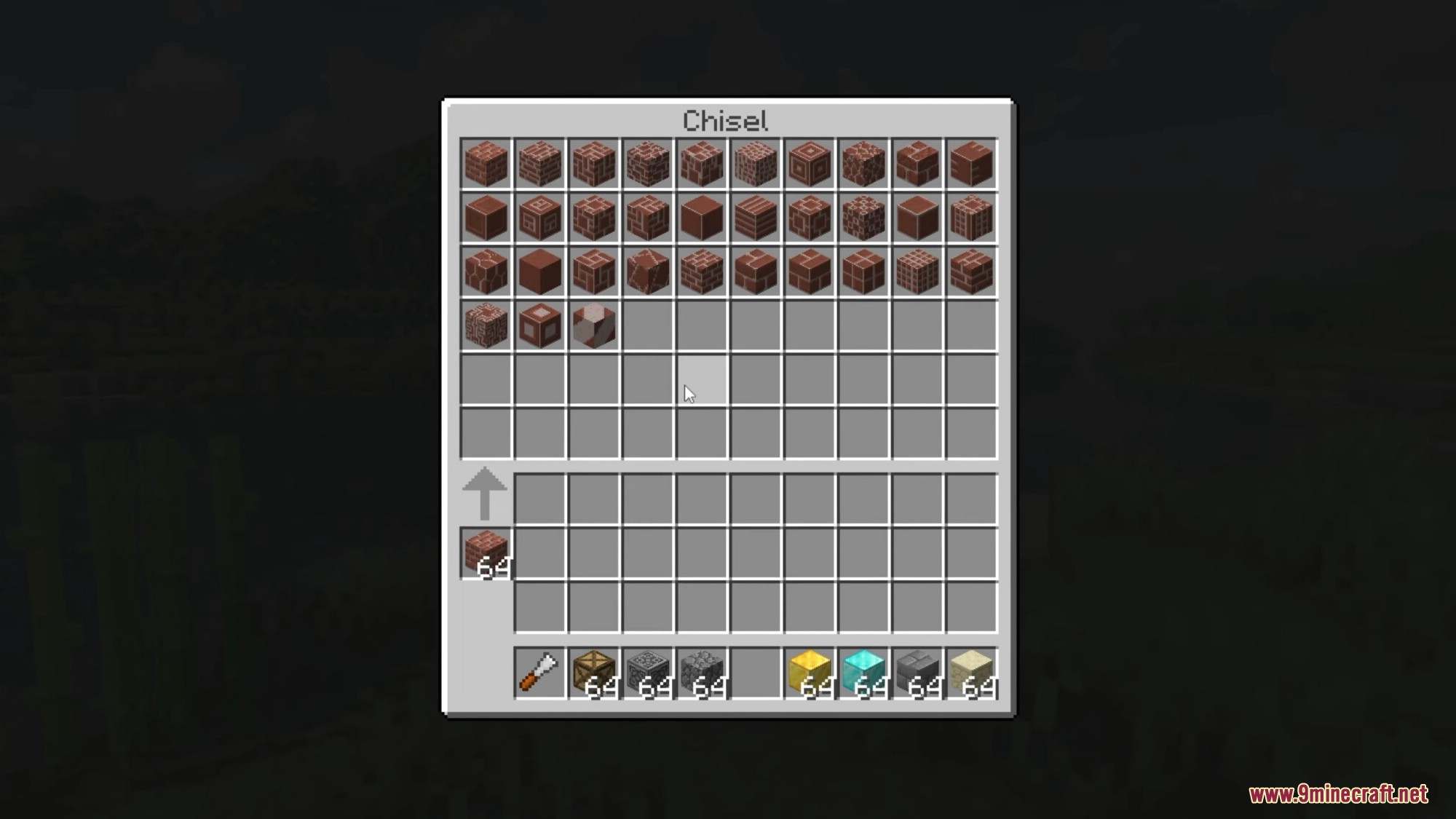
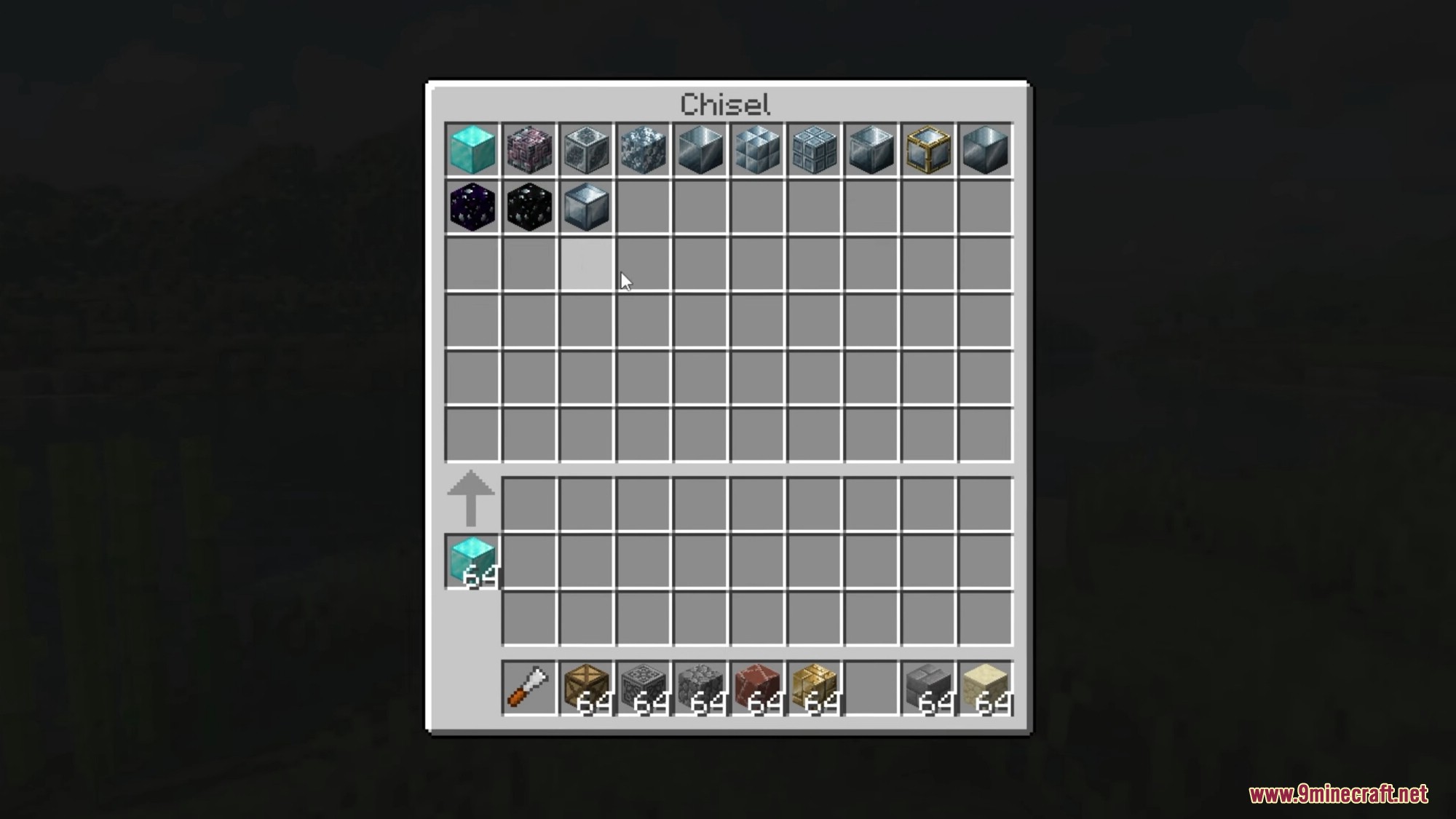
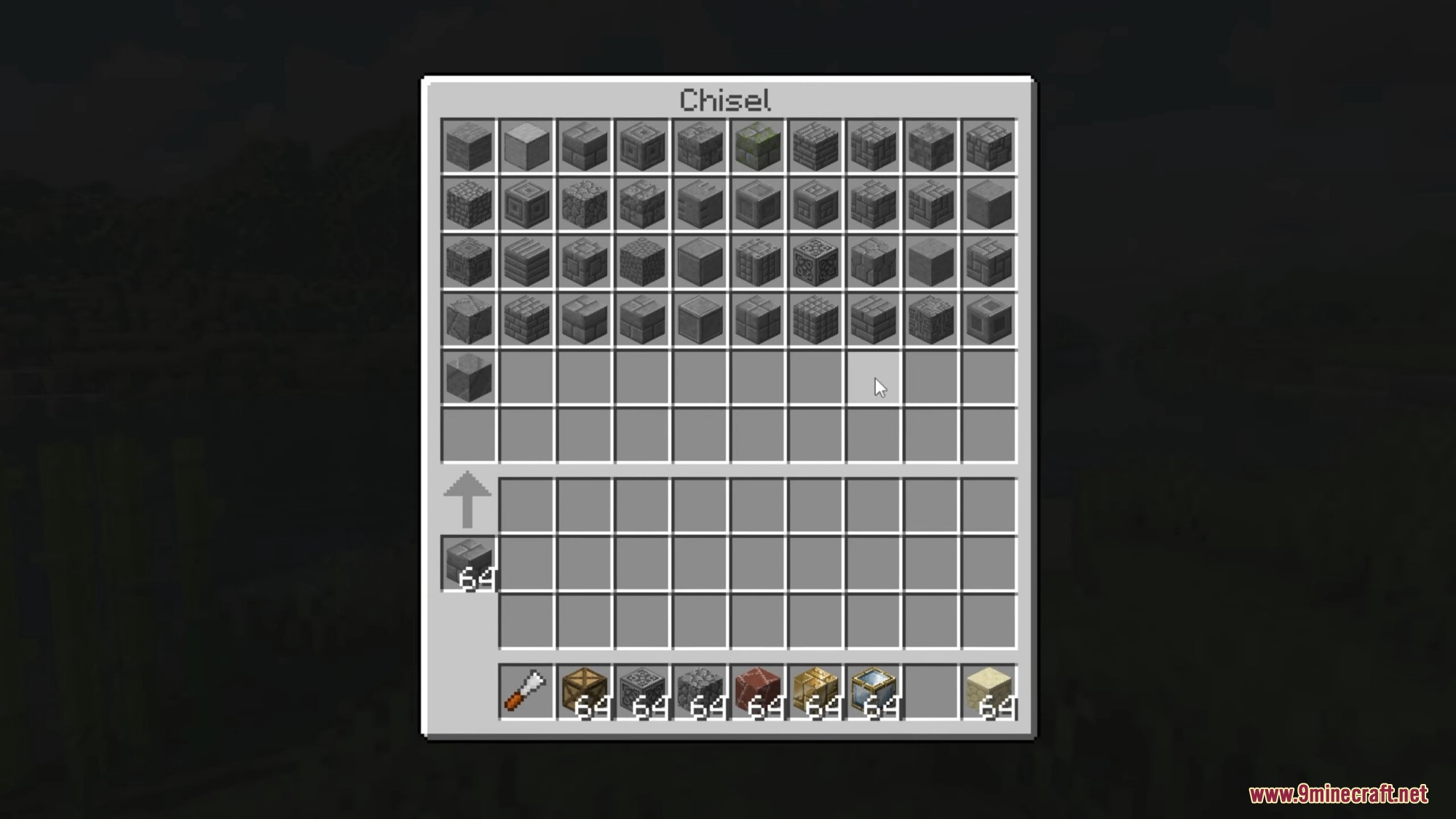
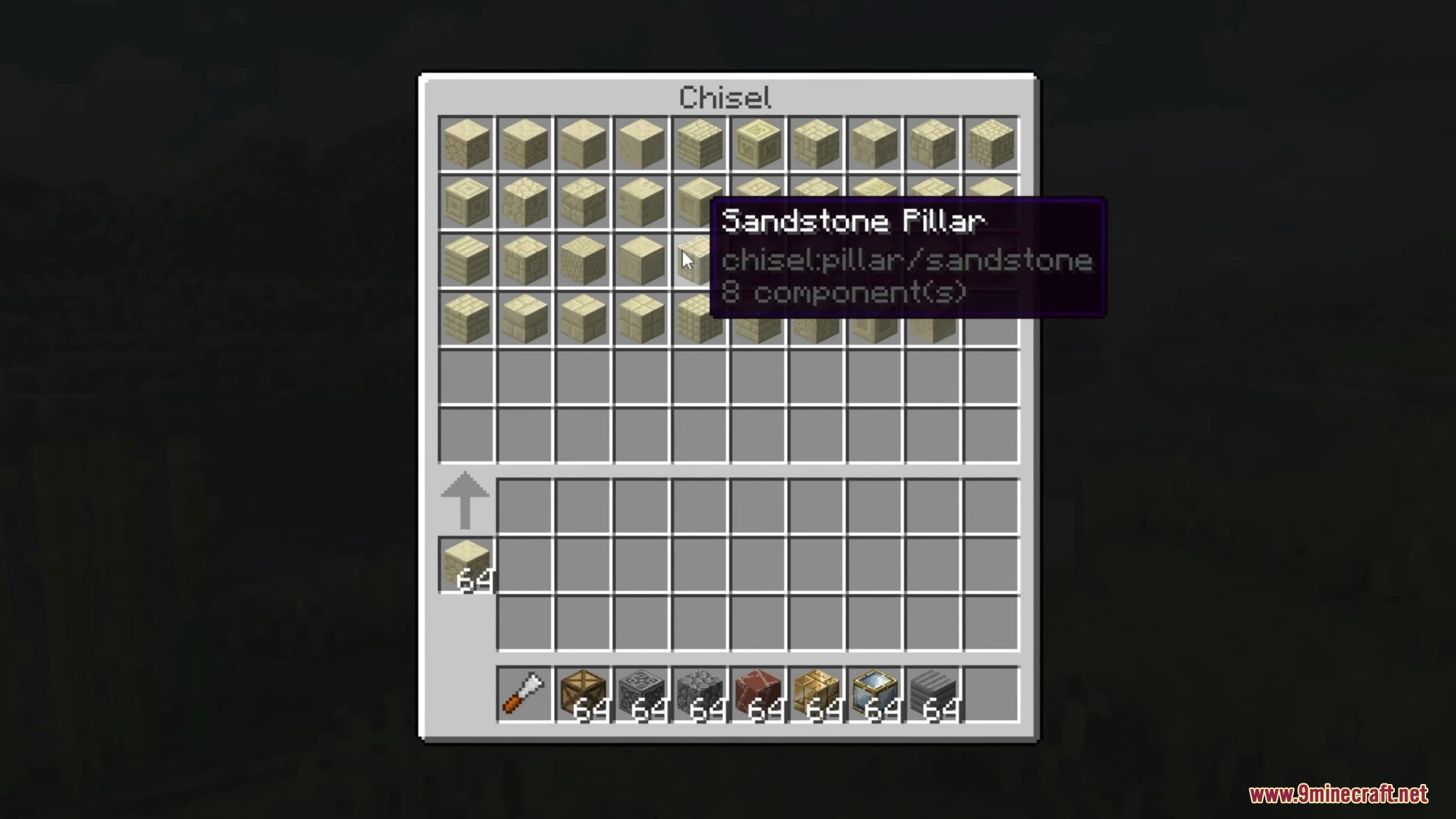
Right-clicking a block with the Chisel opens a GUI showing every variant that block supports. Click a variant to apply it, and the block changes in the world right where it stands.
Why won't the chisel work on my block?
Not every block has chisel variants, so if the menu doesn't open or shows nothing, that block simply isn't supported. Try a vanilla stone, wood, or metal block first to confirm the tool is working.
Can I chisel blocks in bulk instead of one at a time?
Yes, the Chisel supports a mode that applies the same variant to multiple connected blocks at once. Check the tool's mode toggle in the GUI or keybind to switch between single and area chiseling.
See all 20 Chisel Reborn questions ›
Gallery
12 images from the Chisel Reborn Mod page.
You May Also Like
Wikis that share the most with this one
Wikis on the same theme: car
More mod wikis on the site
The most downloaded mods that have a wiki here
A few wikis from each of the other kinds