

 DownloadCartographer Zone Painter Mod
Get the files on 9Minecraft
Guides
Step-by-step, in-game.
Mark Danger Zones and Areas to AvoidIdentifying Hazardous Areas Danger zones might include active mob spawners, lava lakes, deep ravines, or PvP hotspots…Mark Your Base Location on the MapOpening the Zone Painter Open Xaero's Minimap or World Map while in your world. Look for the Zone Painter tool in the…Organize Multiple Bases or Outposts with Different ColorsPlanning Your Color Scheme Assign each base or outpost a unique, easily distinguishable color. For example: red for…Paint a Road or Trade Route Between LocationsPlanning Your Route Before painting, mentally trace the path you want to mark—whether it's a nether highway,…
Frequently asked questions
How do I open the zone painter tool?
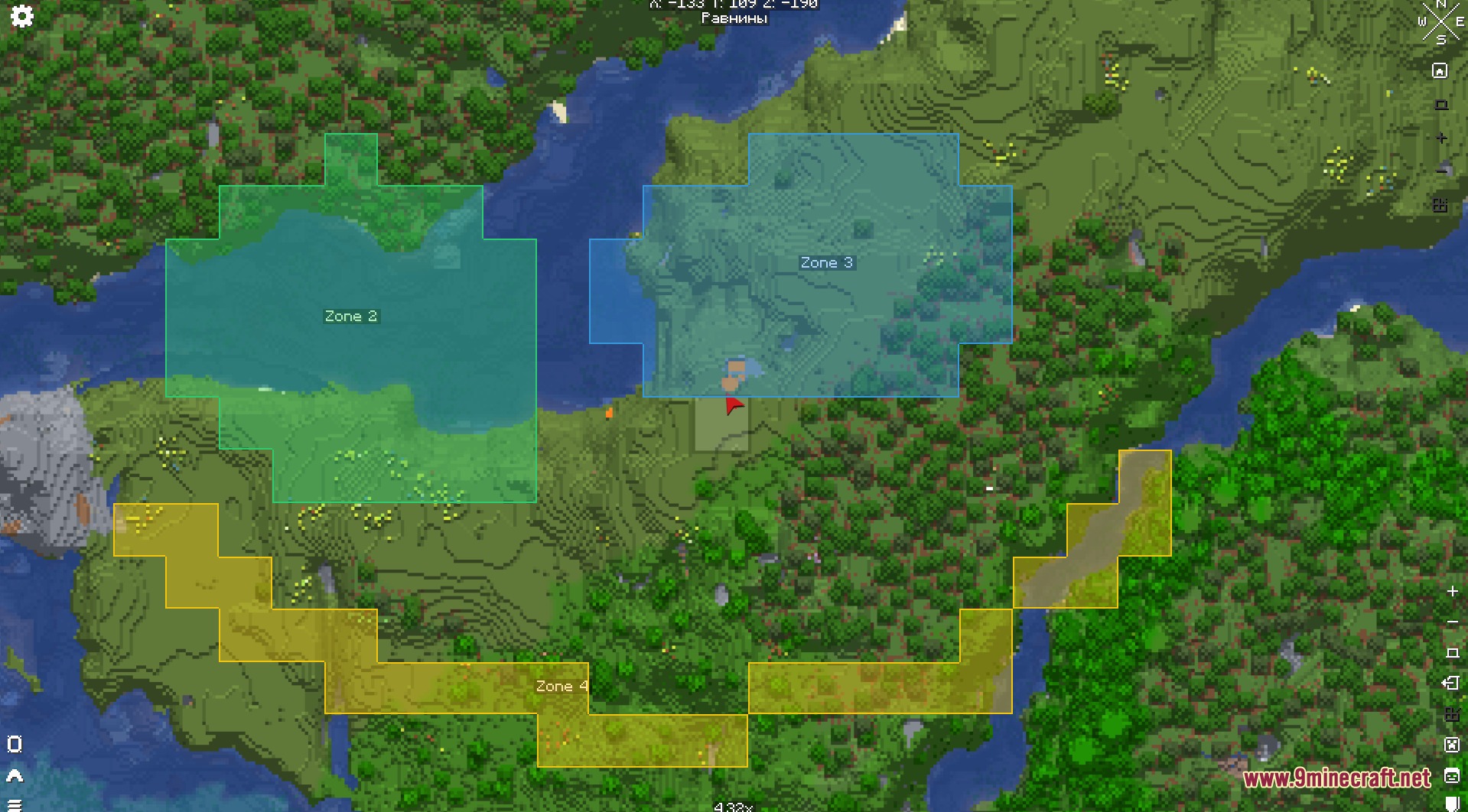
Open Xaero's Minimap or World Map and look for the zone painter button in the map interface. Once clicked, you'll enter drawing mode where you can create and edit zones.
Can I use this mod on multiplayer servers?
Yes, the mod works entirely client-side, so you can paint zones on any server without needing the server to have any plugins installed. Your zones are only visible to you.
Do my zones save automatically?
Yes, zones are saved automatically per world and per dimension. When you load that world again, all your marked areas will still be there.
Can I change a zone's color after I've created it?
Yes, you can rename zones and change their colors anytime by accessing the zone settings in the map interface.
See all 10 Cartographer Zone Painter questions ›
Gallery
4 images from the Cartographer Zone Painter Mod page.
You May Also Like
Wikis that share the most with this one
 Combat Zone Mod
Wikis on the same theme: car
More mod wikis on the site
The most downloaded mods that have a wiki here
A few wikis from each of the other kinds