

 DownloadCarry On Extend Mod
Get the files on 9Minecraft
Guides
Step-by-step, in-game.
Fixing Shift + Q when nothing gets thrownIf you press Shift + Q and the block or mob stays in your hands, or the item you were holding gets dropped instead,…How to change the throw key from Shift + QIf Shift + Q is awkward or clashes with another control, you can rebind it in the game's controls. Steps 1. Open the…How to pick up a mob and throw it out of your wayA mob blocking a doorway, a farm path or a boat dock can be moved quickly by picking it up and tossing it. Steps 1.…How to throw a carried chest or block with Shift + QCarry On Extend lets you toss a block you are carrying instead of setting it down carefully. This is handy for moving…
Frequently asked questions
How do I throw a block or mob with Carry On Extend?
Pick up the block or mob with Carry On as usual, then press Shift + Q while you're holding it. It leaves your hands and is tossed away from you a short distance.
Do I need the main Carry On mod for this to work?
Yes. Carry On Extend only adds the throw action to Carry On, so you need Carry On installed to pick things up. If you aren't carrying anything, the throw key has nothing to act on.
Shift + Q isn't doing anything, what's wrong?
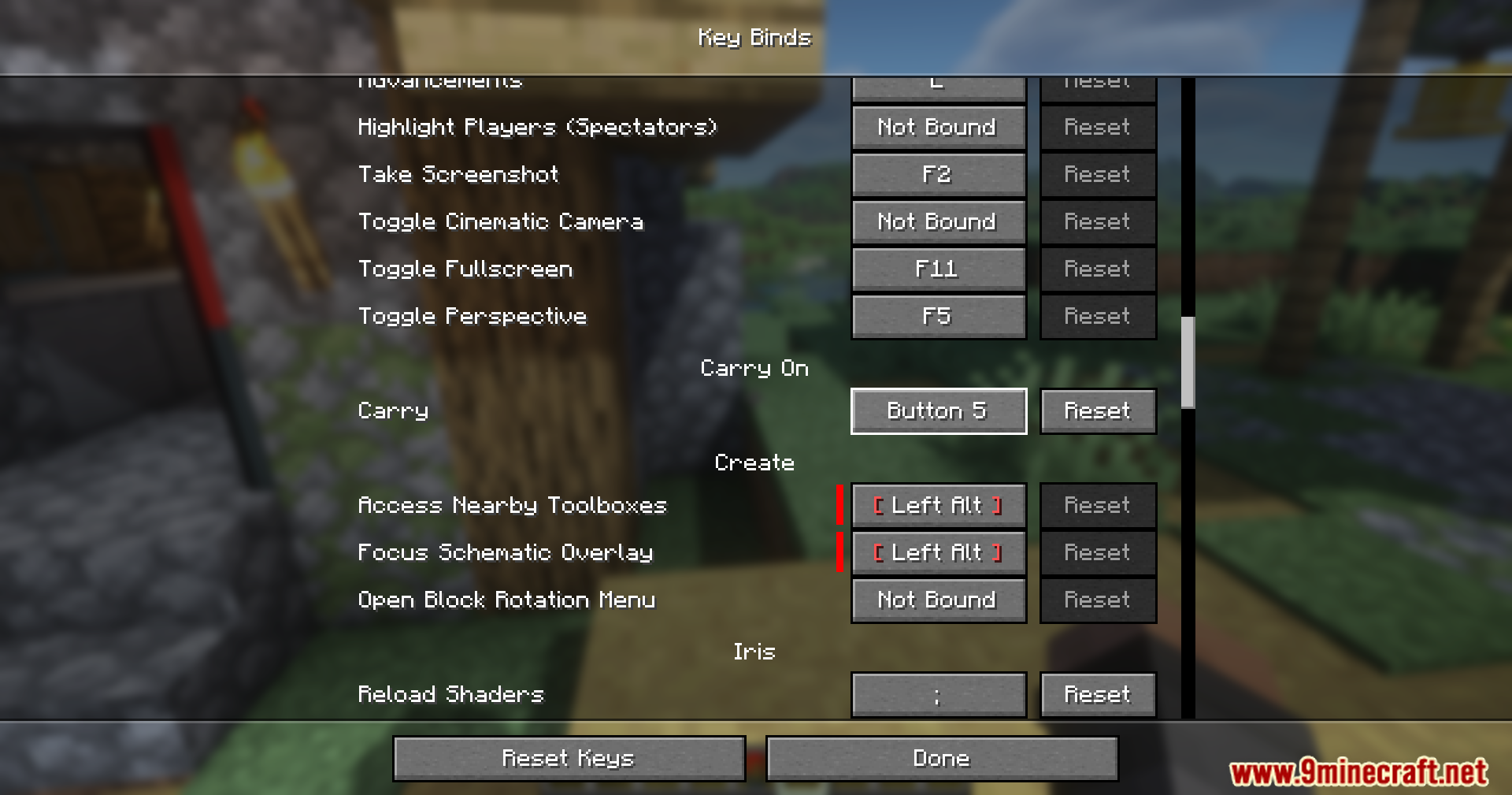
First check that you're actually carrying a block or mob, because the key does nothing with empty hands. Then open Controls in Minecraft's key binds menu and check that the throw key is still bound and isn't conflicting with another mod's key. Conflicting keys are highlighted there.
How do I change the throw key?
Open Options > Controls > Key Binds and find the throw entry for carried objects. Click it and press the key or key combination you want. The default is Shift + Q.
See all 10 Carry On Extend questions ›
Gallery
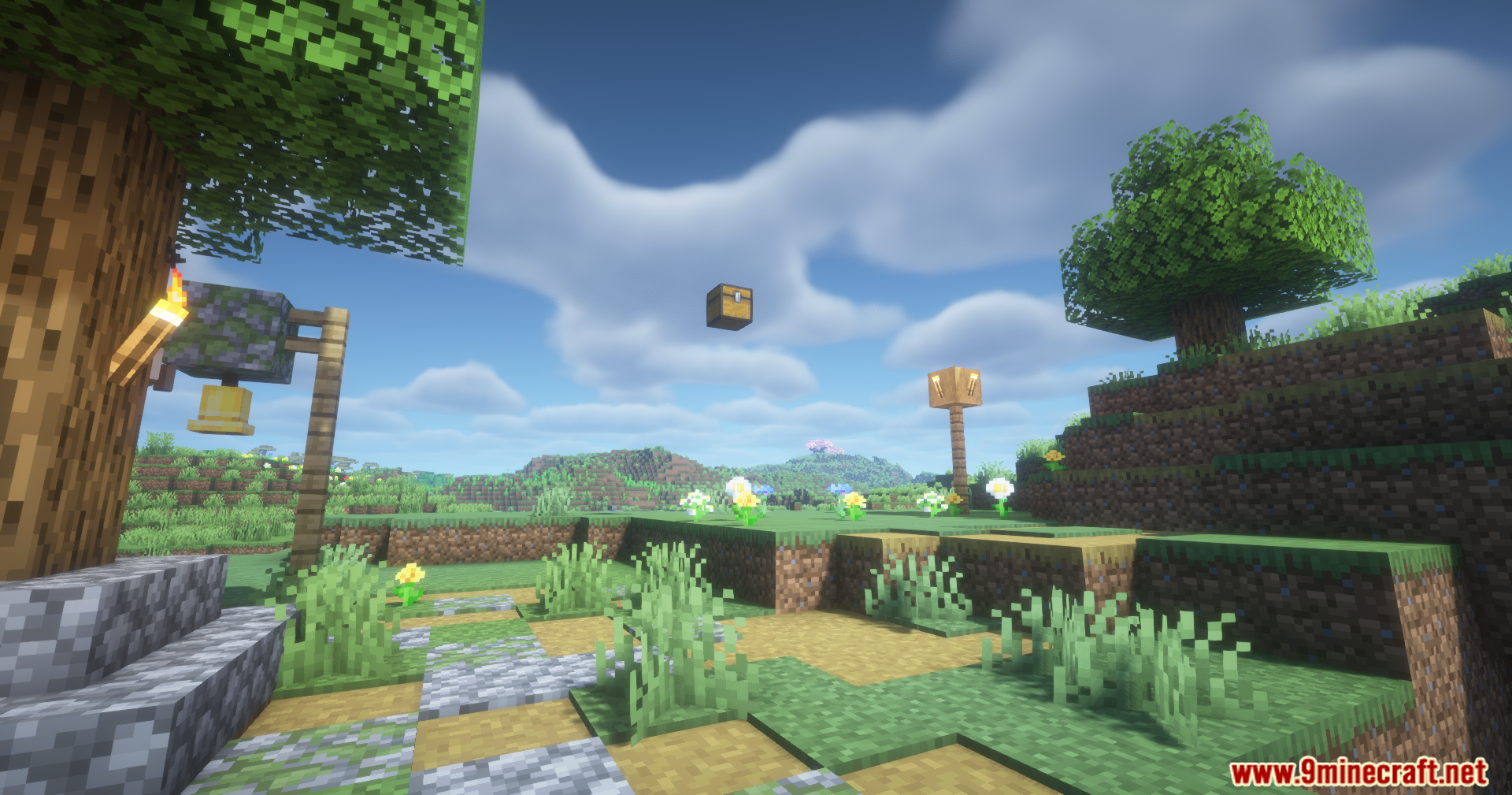
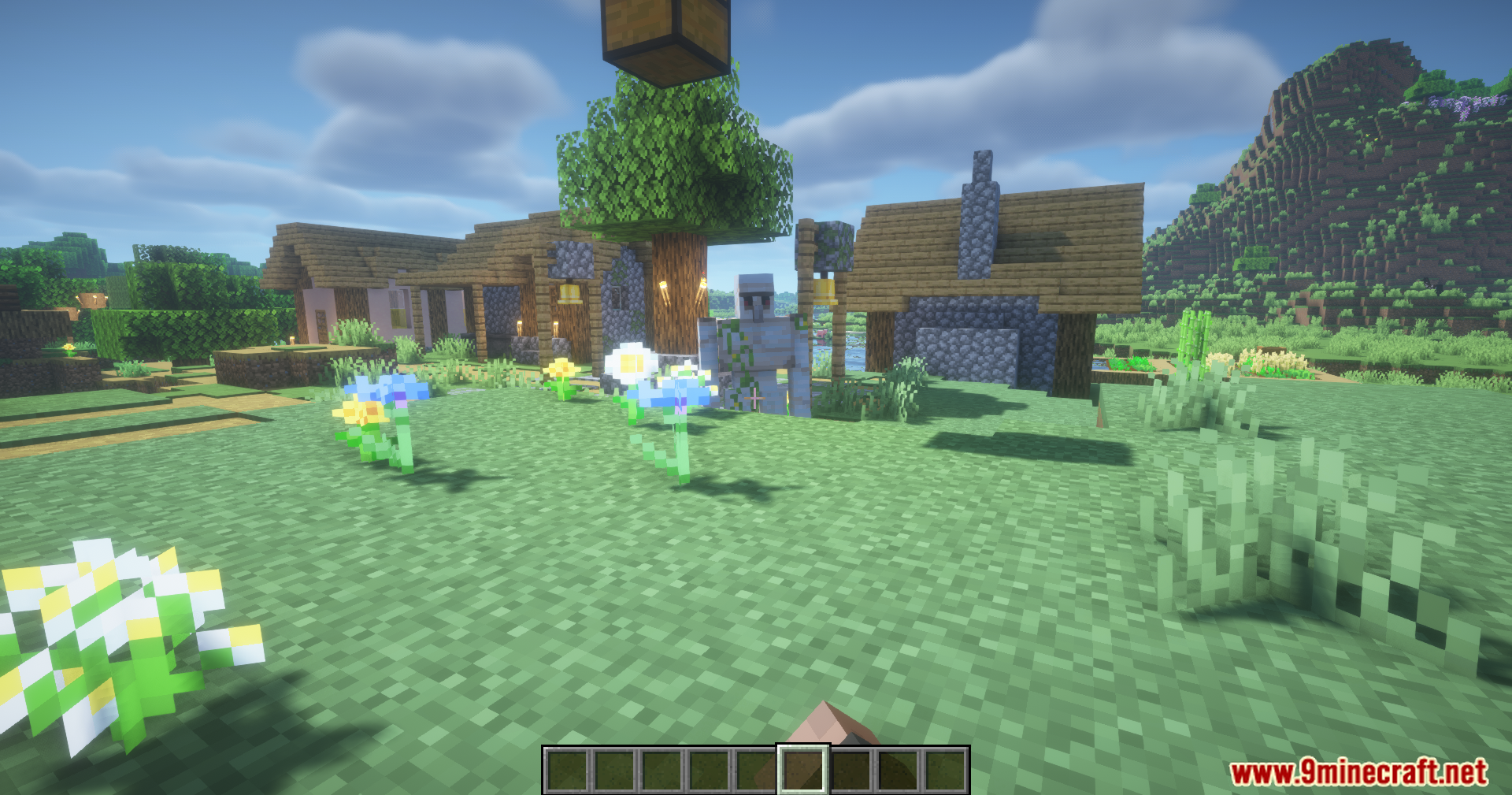
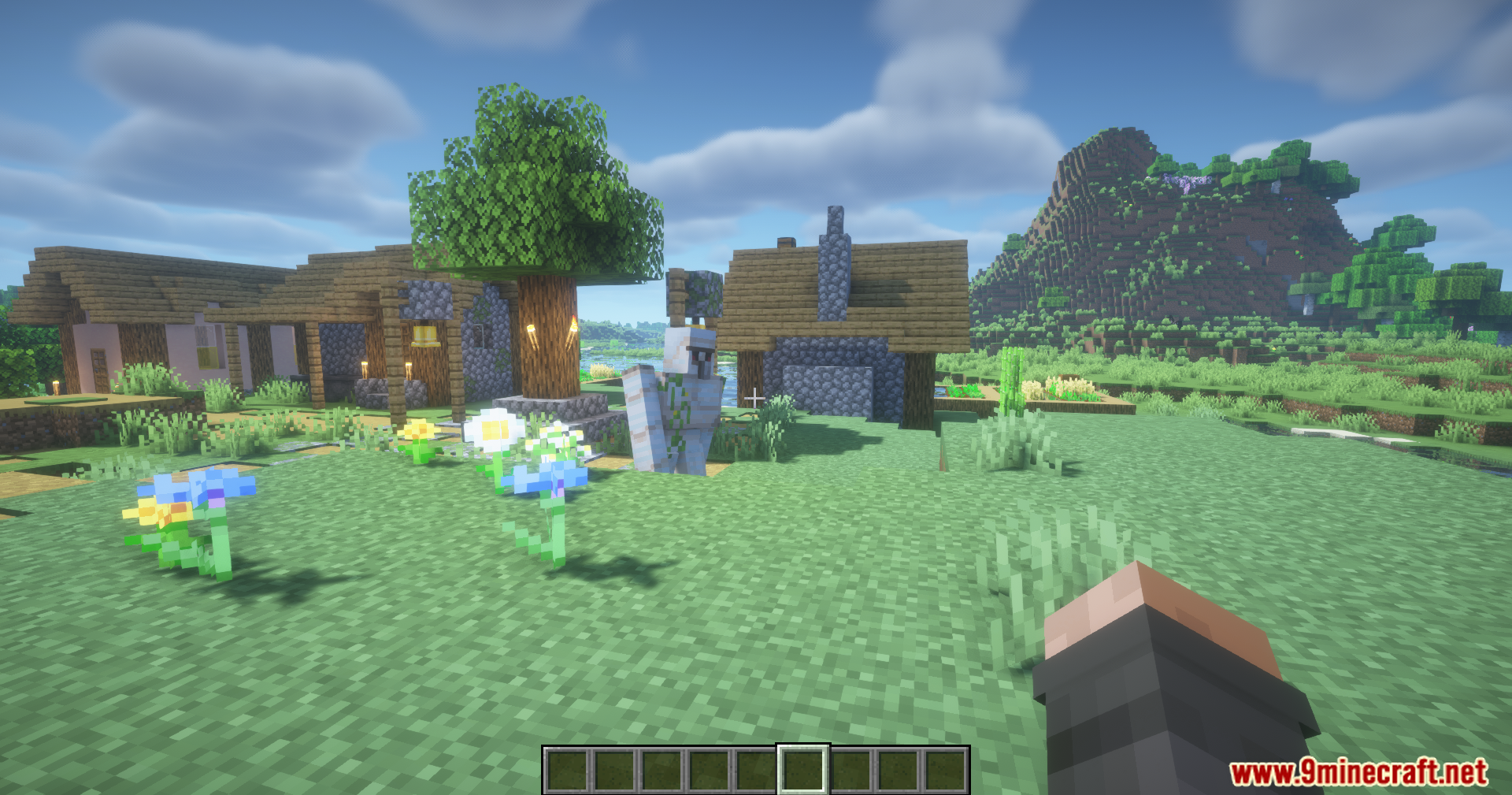
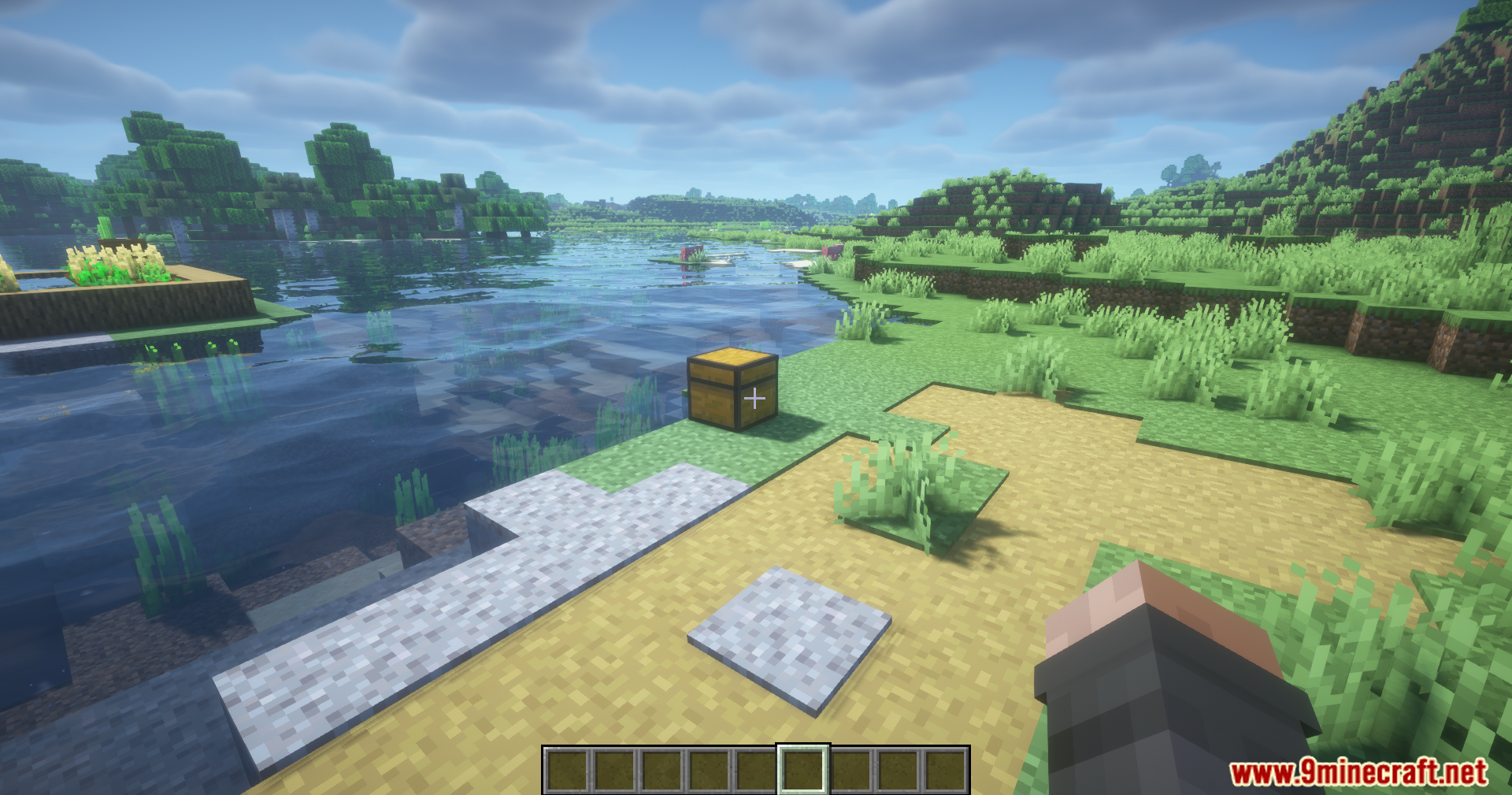
12 images from the Carry On Extend Mod page.
You May Also Like
Wikis that share the most with this one
Wikis on the same theme: car
More mod wikis on the site
The most downloaded mods that have a wiki here
A few wikis from each of the other kinds