

 Capes Mod
 DownloadCape Better Capes Mod
Get the files on 9Minecraft
Guides
Step-by-step, in-game.
Cape Better Capes Mod GuideUsing Capes in Cape Better Capes Cape Better Capes adds a self-contained cape system that works entirely inside…How to Add Your Own Custom Cape ImagePreparing the image Custom capes support high resolutions, up to 4K, so you are not limited to tiny pixel art. Use a…How to Open the Cape Selection Screen and Equip a CapeOpening the selection screen With the mod installed, press the cape menu keybind. The default is N , but if another…Managing Cape Visibility, Keybinds and ConflictsRebinding the cape key If pressing N does nothing, another mod or a vanilla function has taken that key. Go to…Why Other Players Can't See Your Cape (And How to Fix It)This is by design Capes added by this mod are rendered only on clients that have the mod installed . If a friend on a…
Frequently asked questions
What does the Cape Better Capes Mod add to Minecraft?
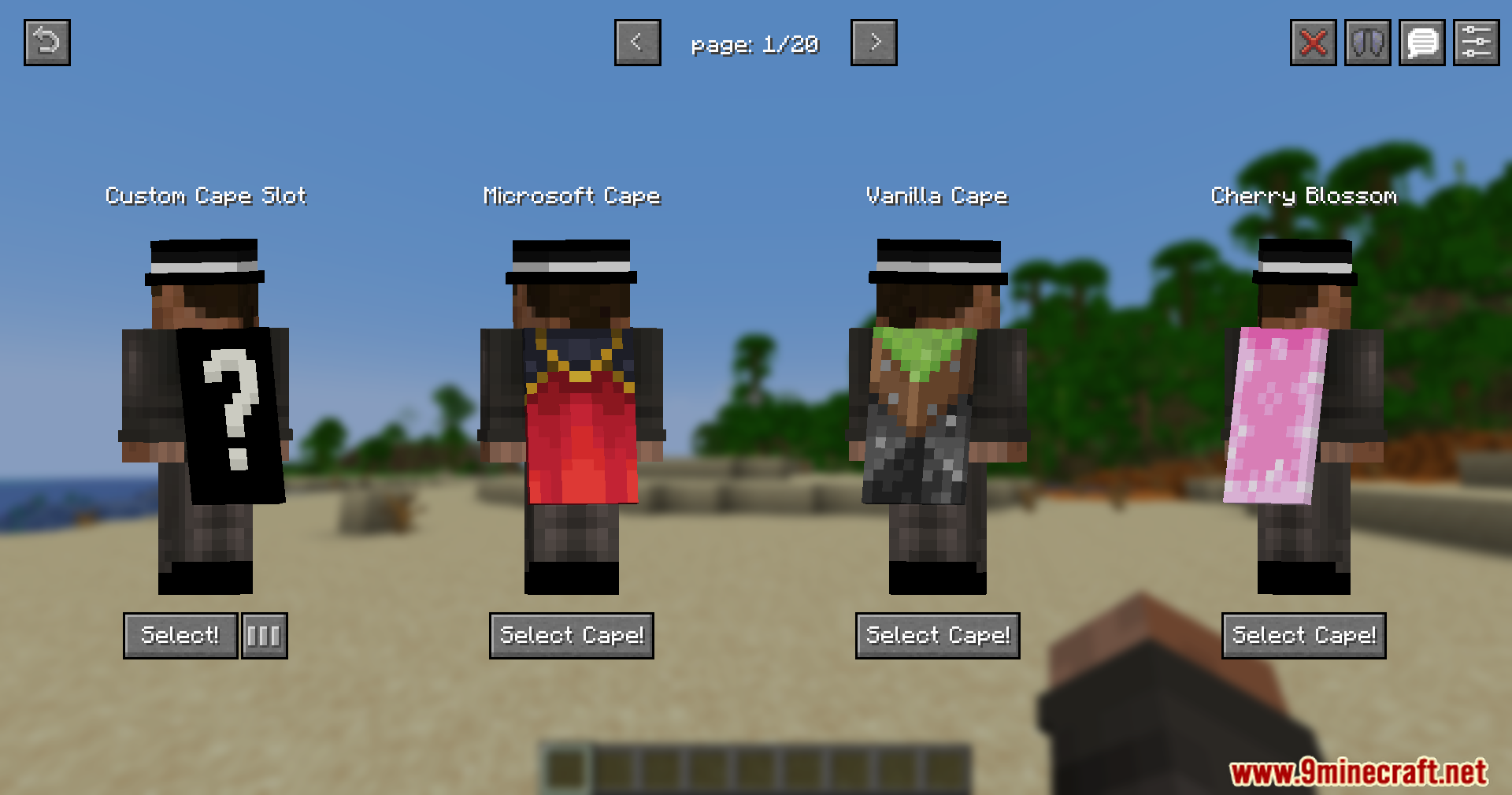
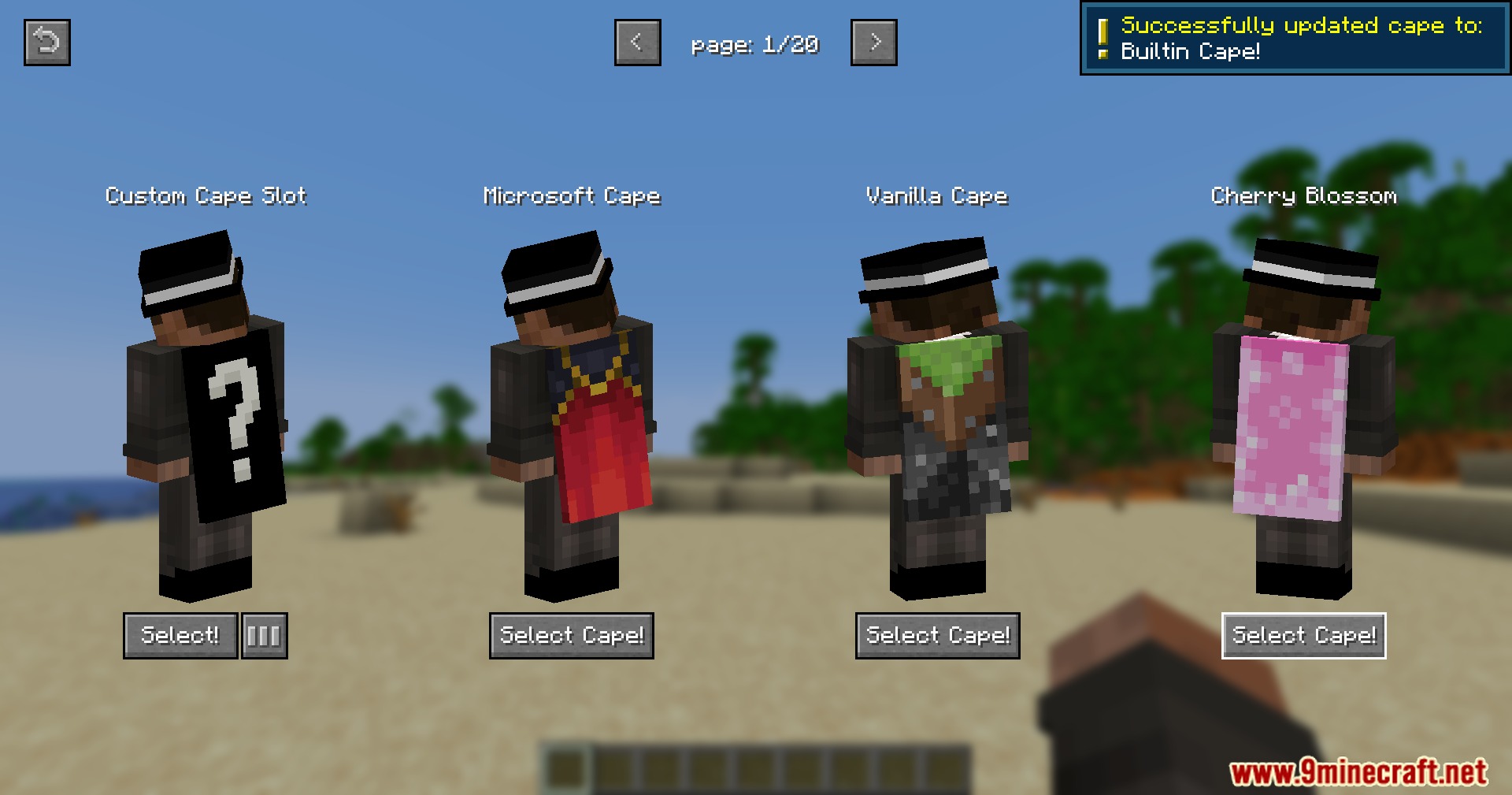
It adds a simple cape system with built-in designs and support for high-resolution custom capes. Capes are managed through an in-game selection screen.
Who can see my cape when I'm wearing one?
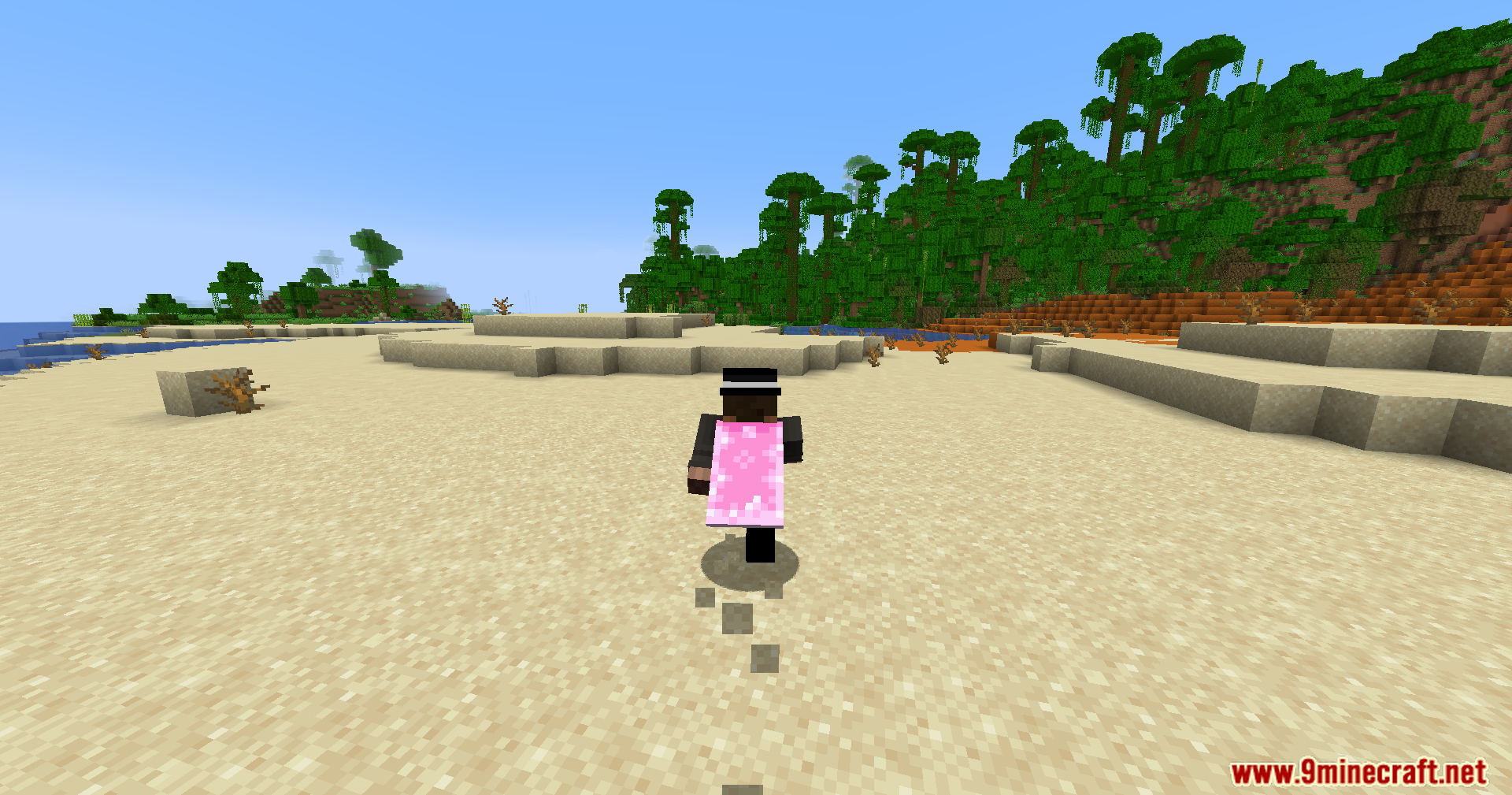
Only players who also have the mod installed can see your cape. Players without the mod will not see it.
How do I open the cape selection screen?
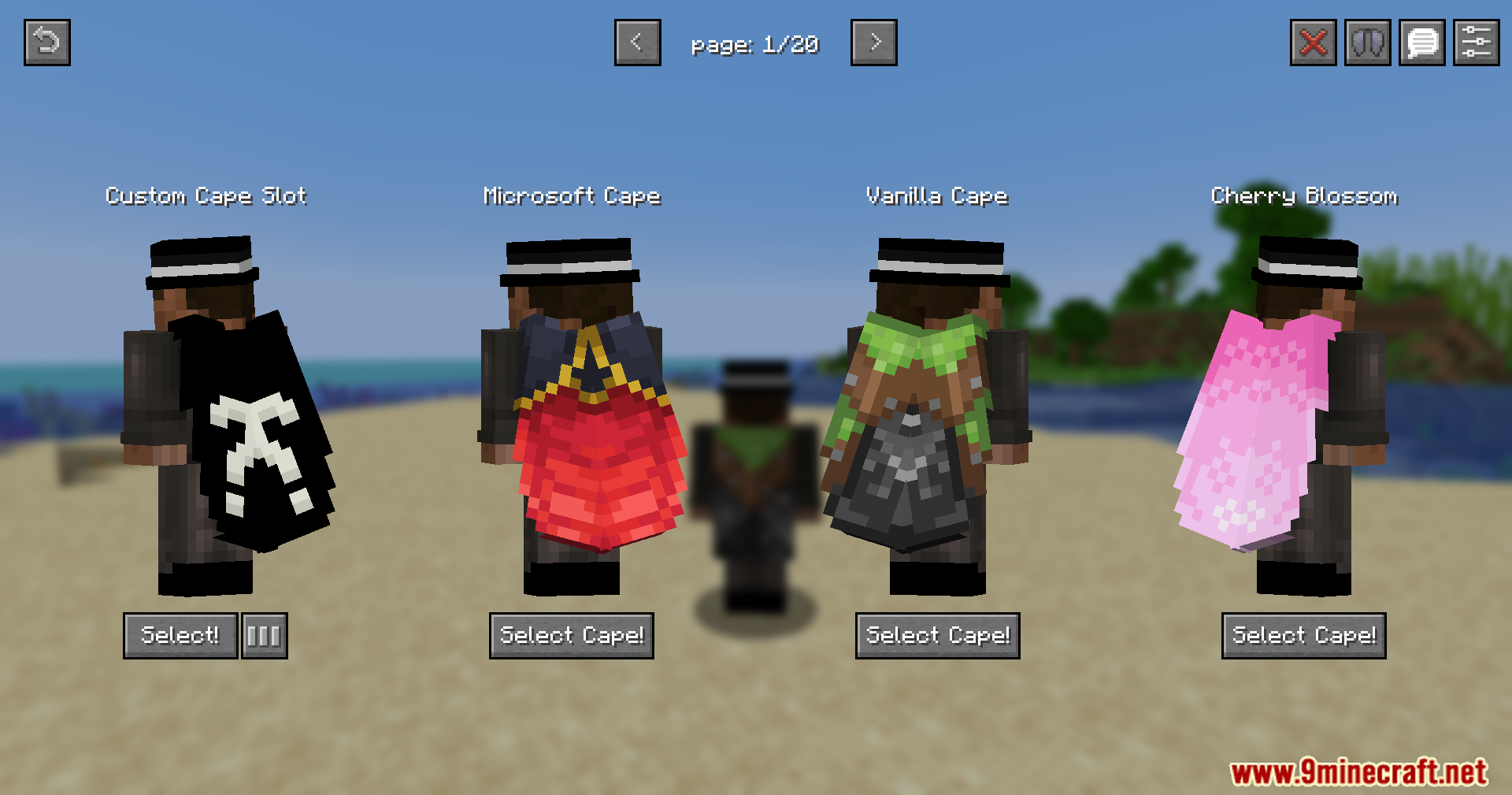
You open it with a keybind, which defaults to N, or through the Skin Customization tab. From there you can pick and manage your cape.
What designs come with the mod?
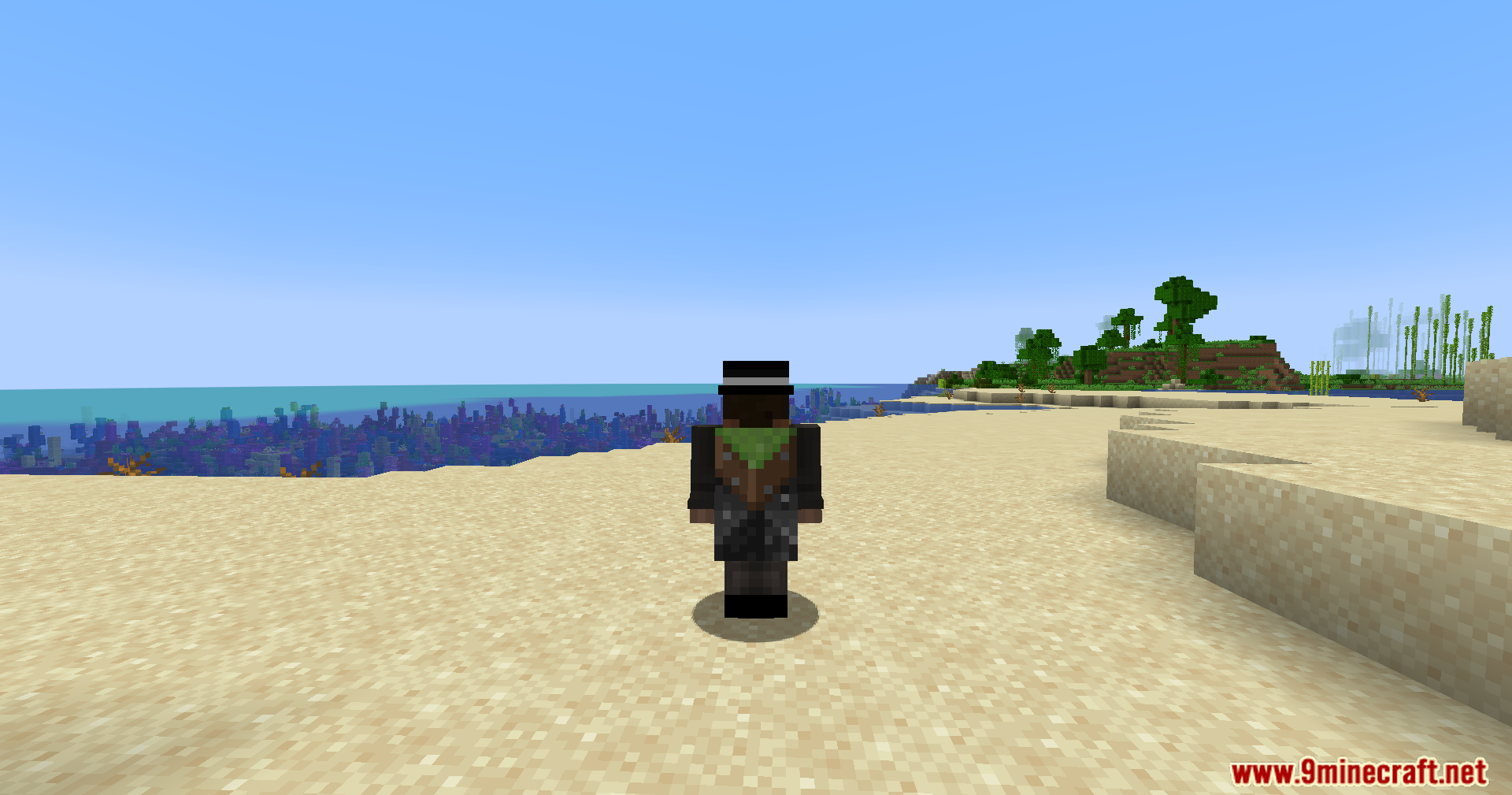
The mod includes a pre-installed cape library with multiple designs. You can also upload your own custom capes.
See all 6 Cape Better Capes questions ›
Gallery
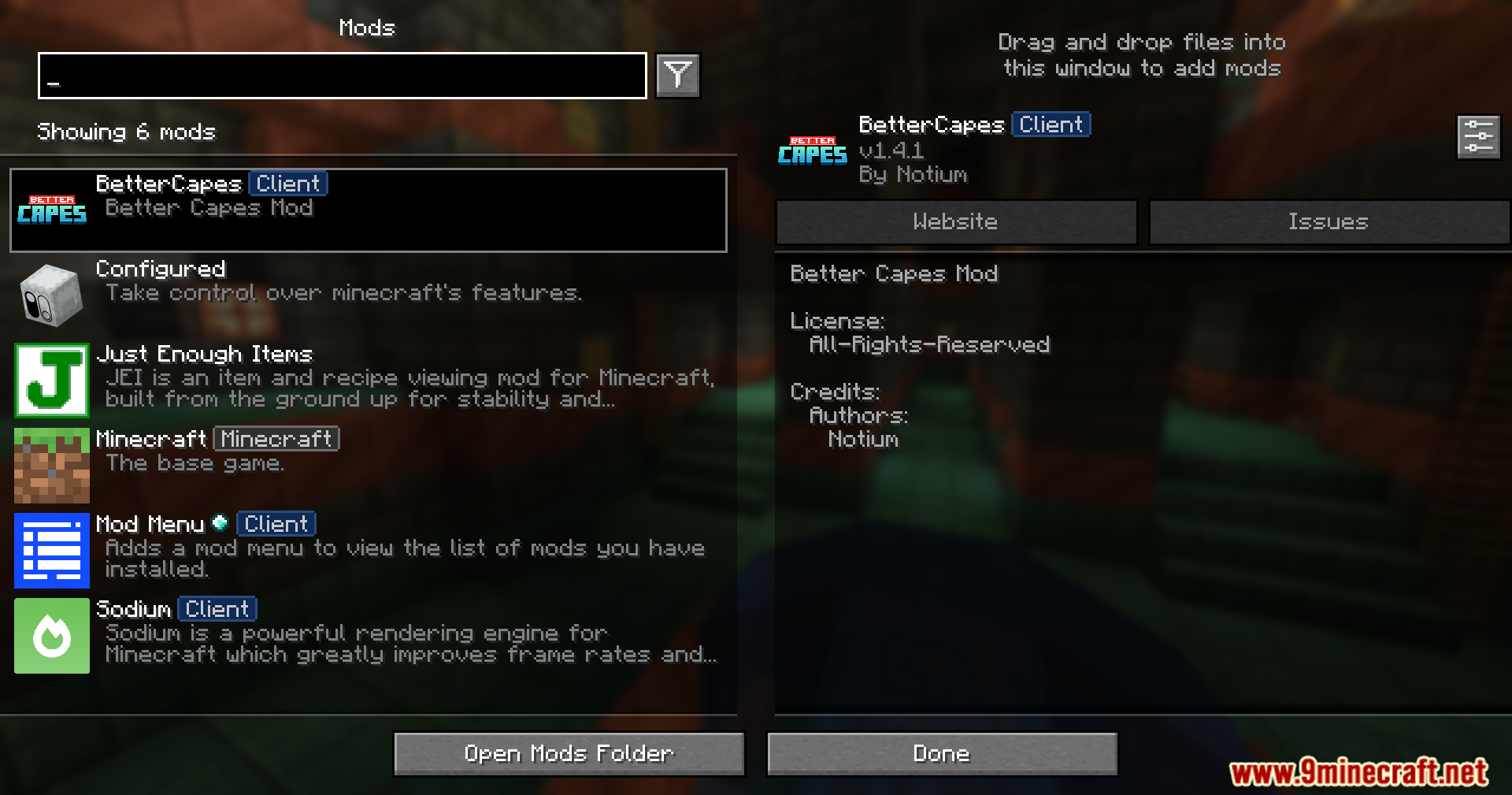
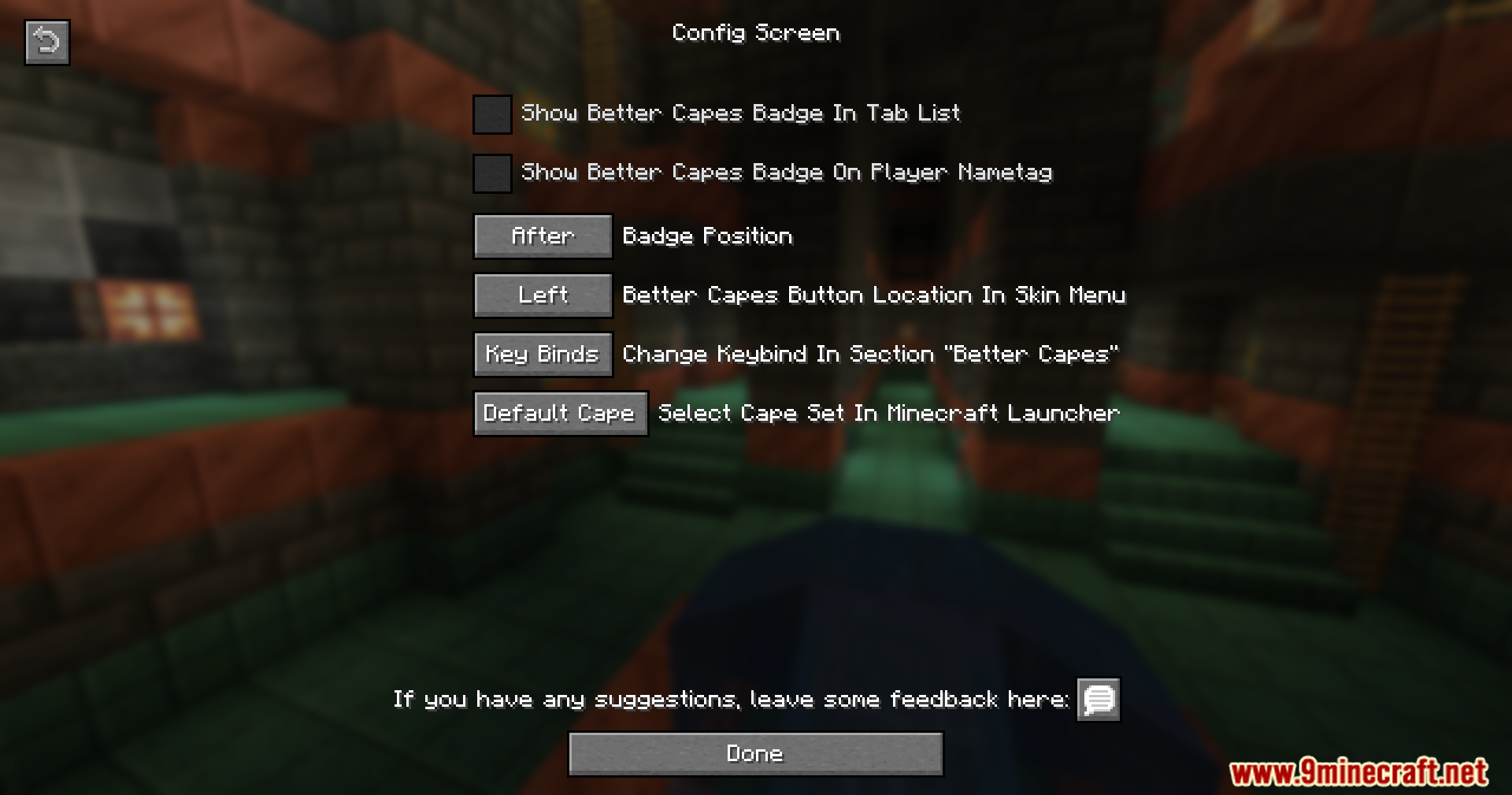
11 images from the Cape Better Capes Mod page.

You May Also Like
Wikis that share the most with this one
More mod wikis on the site
The most downloaded mods that have a wiki here
A few wikis from each of the other kinds