

 DownloadCable Facades
Get the files on 9Minecraft
Contents (5)
Guides
Step-by-step, in-game.
Fixing Facades That Won't Stay or Look WrongCommon Causes If a Facade will not attach, check that you are actually clicking the cable and not an adjacent block.…How to Disguise a Cable with a FacadePlacing the Facade A Facade is a cover that sits over a cable so the cable looks like a normal block from the…Making Cables Look Like a Wall or FloorChoosing the Right Facade To hide cables inside a wall or under a floor, craft Facades from the same block used for…Using the Facade Wrench to Remove or Rotate FacadesWhat the Wrench Does The Facade Wrench is the tool for adjusting Facades after they are placed. Rather than breaking…
Recipes
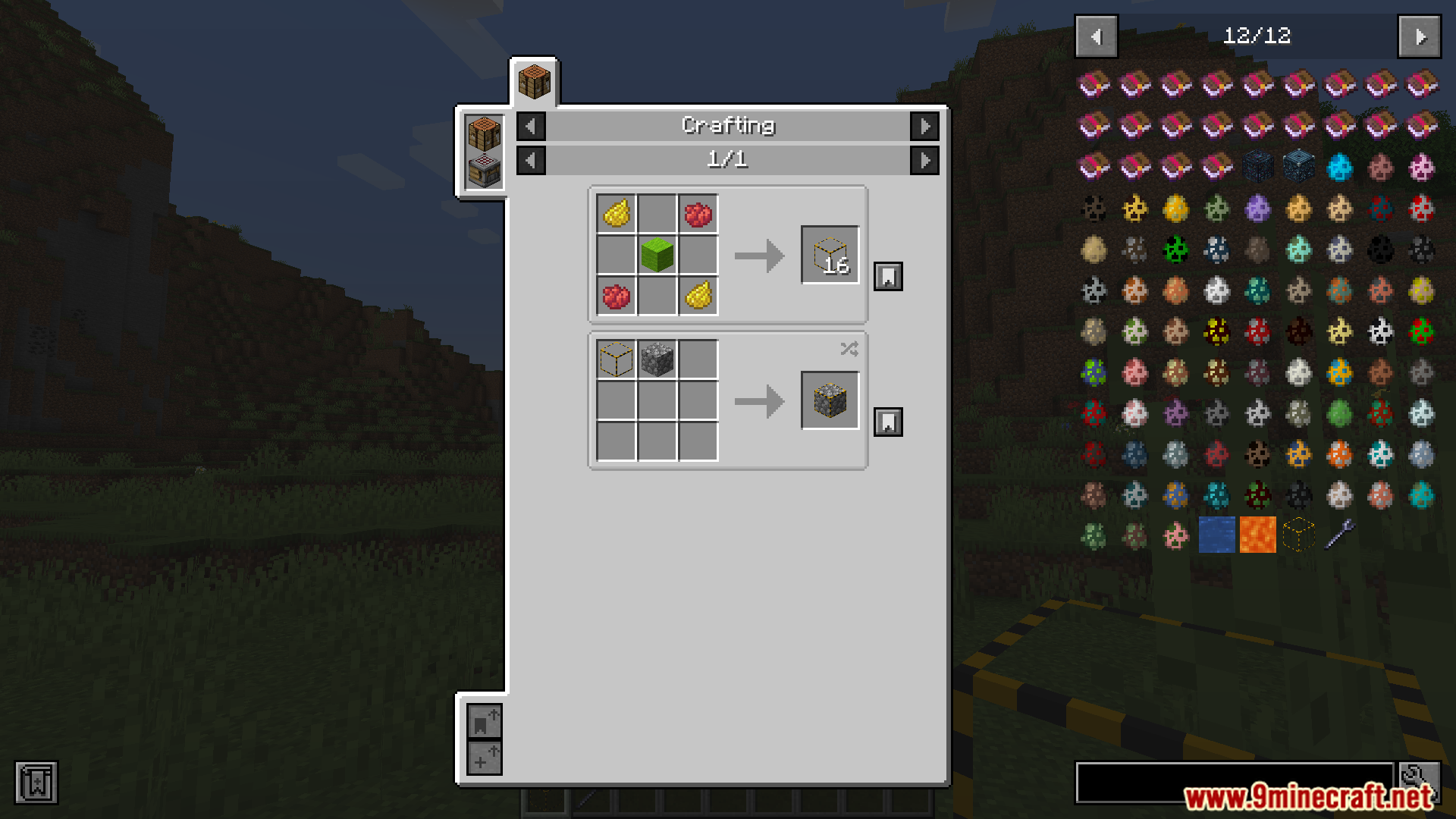
Every recipe the mod adds, grouped by how it is made.
Items
 Directional Facade
 Facade
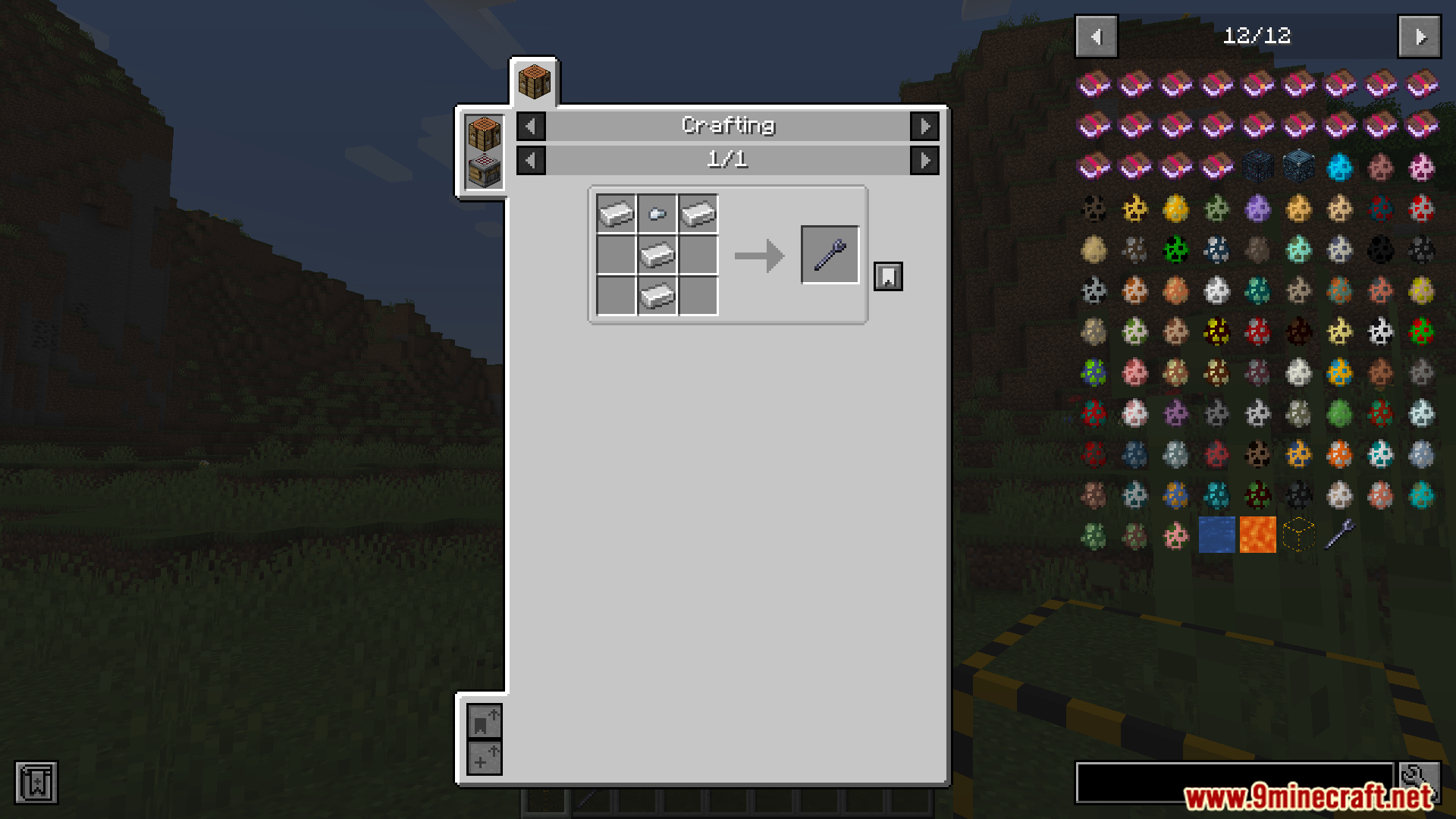
 Facade Wrench
Frequently asked questions
How do I get started with Cable Facades?
Craft a Facade Wrench and a few Facades, then place a cable and right-click it with a Facade to disguise it. The Directional Facade variant is used when you want the disguise to face a specific direction rather than matching all sides.
What's the difference between a Facade and a Directional Facade?
A regular Facade disguises a cable uniformly, while a Directional Facade lets you control which face of the cable shows the disguise. Use Directional Facades when you need different looks on different sides of the same cable.
How do I remove a facade once it's placed?
Right-click the disguised cable with the Facade Wrench to strip the facade off and reveal the cable underneath. Sneak while using the wrench if you want to avoid accidentally removing facades while building.
How do I rotate a facade to face a different direction?
Use the Facade Wrench on the facade to cycle its orientation. Each use rotates the disguise to the next valid facing, so keep clicking until it lines up with the surrounding blocks.
Why won't my facade stay on the cable?
Facades only attach to cables that support disguises, and they can pop off if the cable is broken or if another block occupies the space. Make sure the cable is intact and nothing is overlapping the facade's position.
Can I disguise cables as any block?
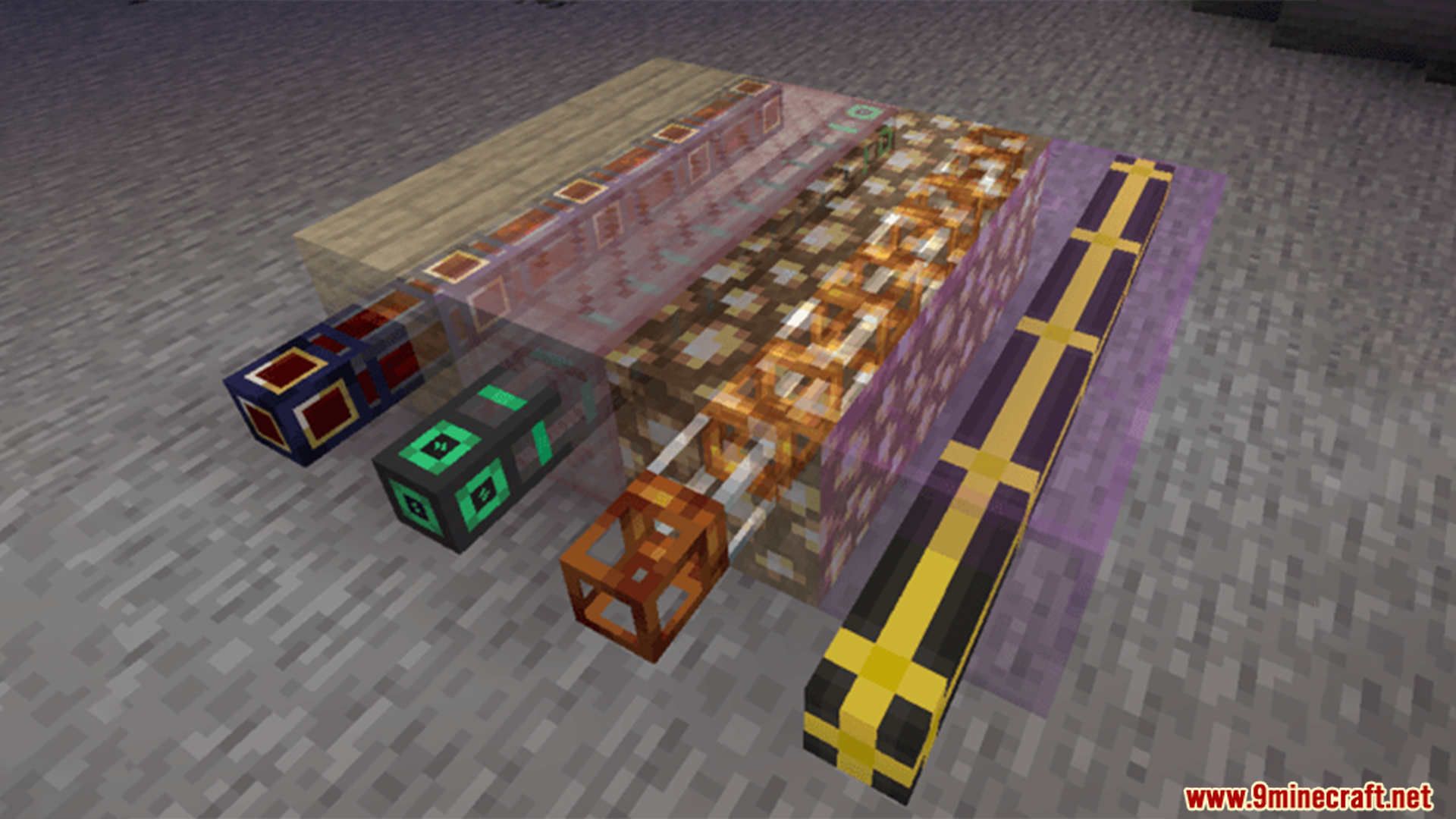
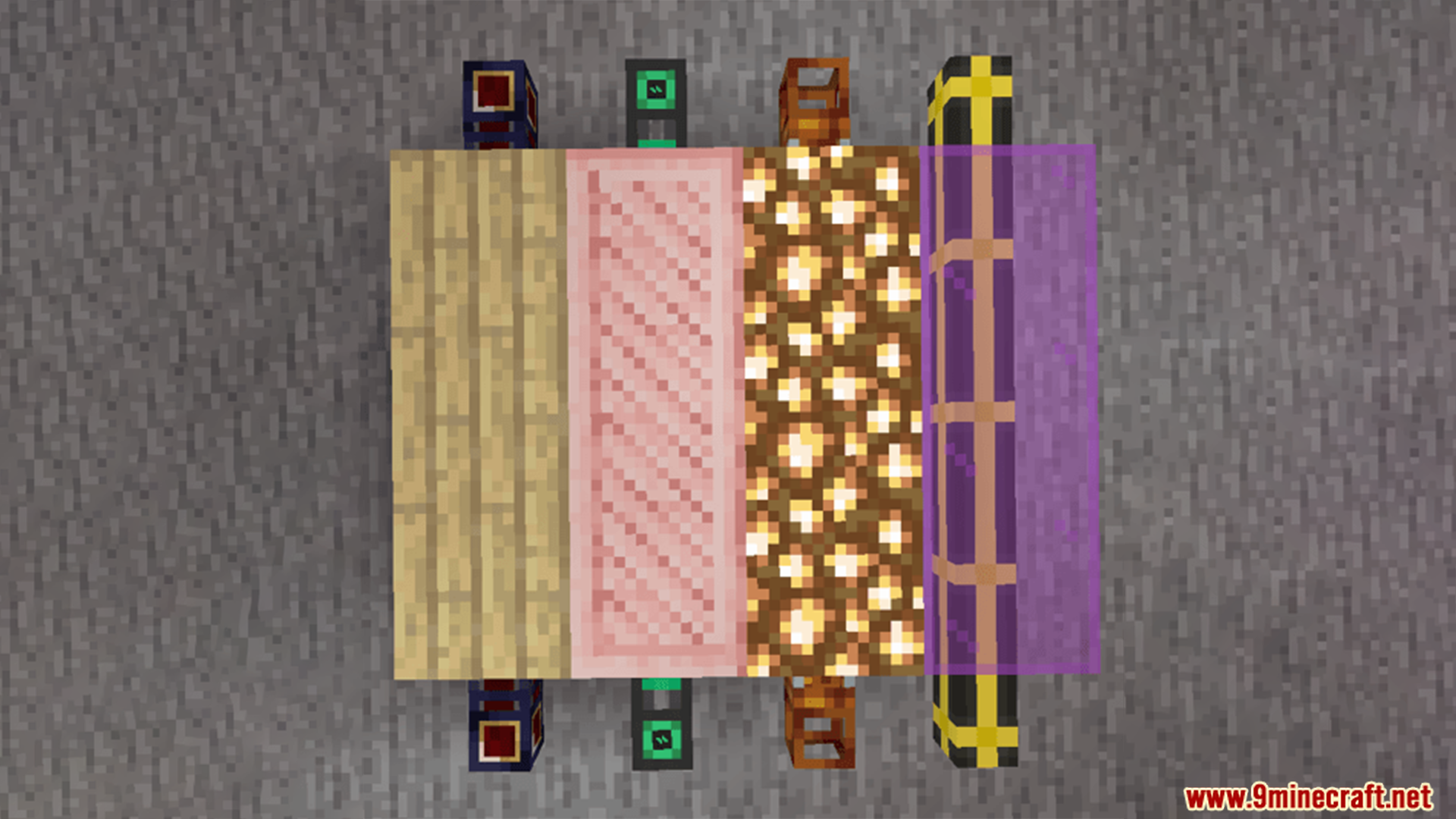
Facades copy the appearance of the block you craft them from, so you can disguise cables as most full blocks. Transparent or non-full blocks may not render correctly as facades.
How do I make cables look like a wall or floor?
Place your cables along the wall or floor line, then apply facades made from the same block as the surrounding surface. Use Directional Facades so the textured face points outward and matches the neighboring blocks.
Do facades affect cable performance or cause lag?
Facades are visual only and don't change how cables transfer items, fluids, or energy. Large numbers of facades can add rendering load, so avoid spamming them in huge builds if you notice frame drops.
Does this mod work with other cable or pipe mods?
Cable Facades is designed around its own cable system, so disguises won't apply to cables from unrelated mods. Check whether the other mod has its own facade or cover system if you want to hide its cables.
My facade looks wrong or shows the wrong texture, how do I fix it?
Break the facade with the wrench and reapply it, making sure you're using the correct block type and orientation. If the texture still looks off, the block you're copying may not be fully supported as a facade.
Gallery
7 images from the Cable Facades Mod page.
You May Also Like
Wikis that share the most with this one
More mod wikis on the site
The most downloaded mods that have a wiki here
A few wikis from each of the other kinds