

 DownloadBytebuddies
Get the files on 9Minecraft
Guides
Step-by-step, in-game.
Build a Hauler Robot for Item TransportEquip Your Hauler Assign the hauler role by giving your robot a chest and clipboard . This robot becomes your…Create an Efficient Mining RobotAssign the Miner Role Give your robot cobblestone and a pickaxe to convert it into a miner. Place the Docking Station…Customize Your Robot's Appearance and AbilitiesChange Visual Style Access your robot's customization menu to modify its screen color, body material, and face .…Set Up Your First Robot FarmCreate and Equip Your Farmer Robot Start by crafting a robot and placing it near your Docking Station . Give your…
Recipes
Every recipe the mod adds, grouped by how it is made.
Items
67 items · showing 24. Browse all →
 Advanced Battery
 Advanced Storage Cell
 Aluminum Ingot
 Aluminum Nugget
 Aluminum Plating
 Aquatic Motor
 Arc Welder
 Basic Storage Cell
 Biocell Battery
 Black Floppy Disk (Copper)
 Black Floppy Disk (Gold)
 Black Floppy Disk (Iron)
 Blue Floppy Disk (Copper)
 Blue Floppy Disk (Iron)
 Blue Floppy Disk (Gold)
 Bluestone Dust
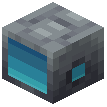 ByteBuddy
 Carbon Alloy
 Carbon Paste
 Charged Steel Ingot
 Charged Steel Nugget
 Charged Steel Plating
 Chip
 Clipboard
Blocks
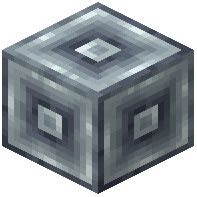 Aluminum Block
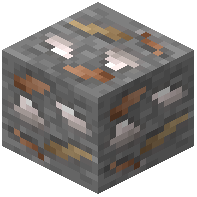 Bauxite Ore
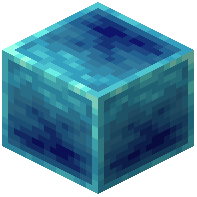 Bluestone Block
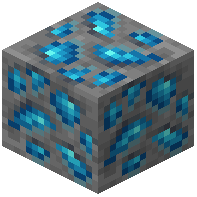 Bluestone Ore
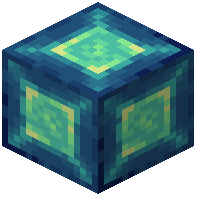 Charged Steel Block
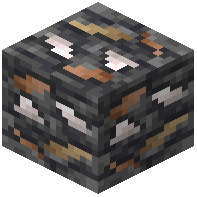 Deepslate Bauxite Ore
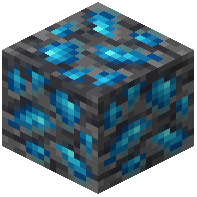 Deepslate Bluestone Ore
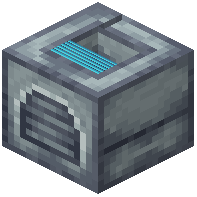 Docking Station
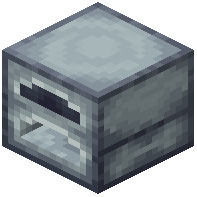 Generator
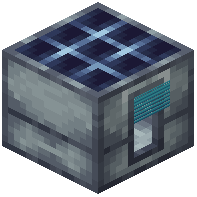 Solar Panel
 Steel Block
Mobs
Creatures this mod adds.
ByteBuddy
Frequently asked questions
How do I make my first robot?
You'll need to craft a robot body using the mod's crafting recipes, then place it down and interact with it to customize its appearance and assign it a role. Once you've given it the appropriate tool and item (like a hoe and wheat for a farmer), it will start working—just make sure it's connected to a Docking Station so it has a home base.
What's the difference between the robot roles?
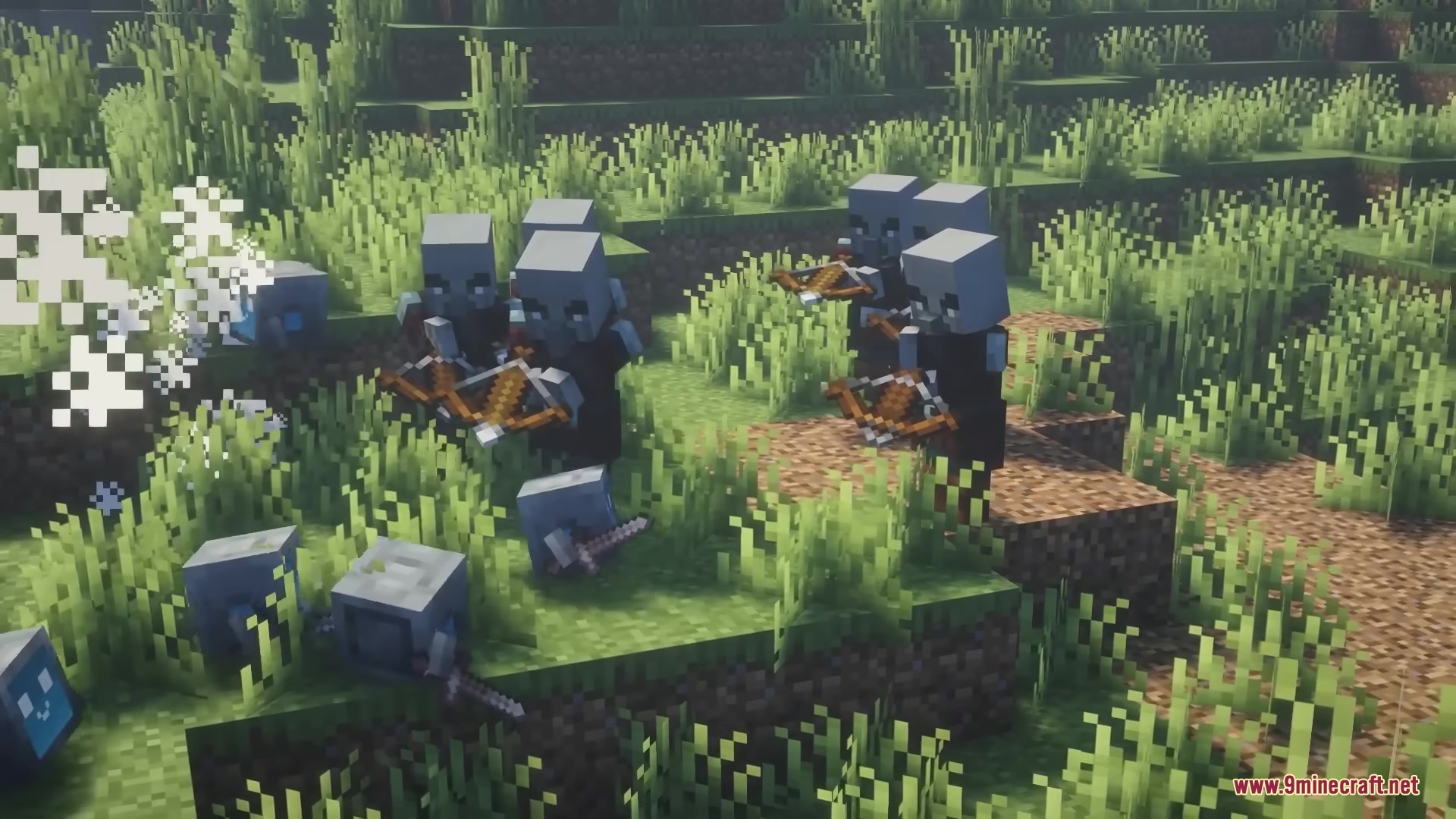
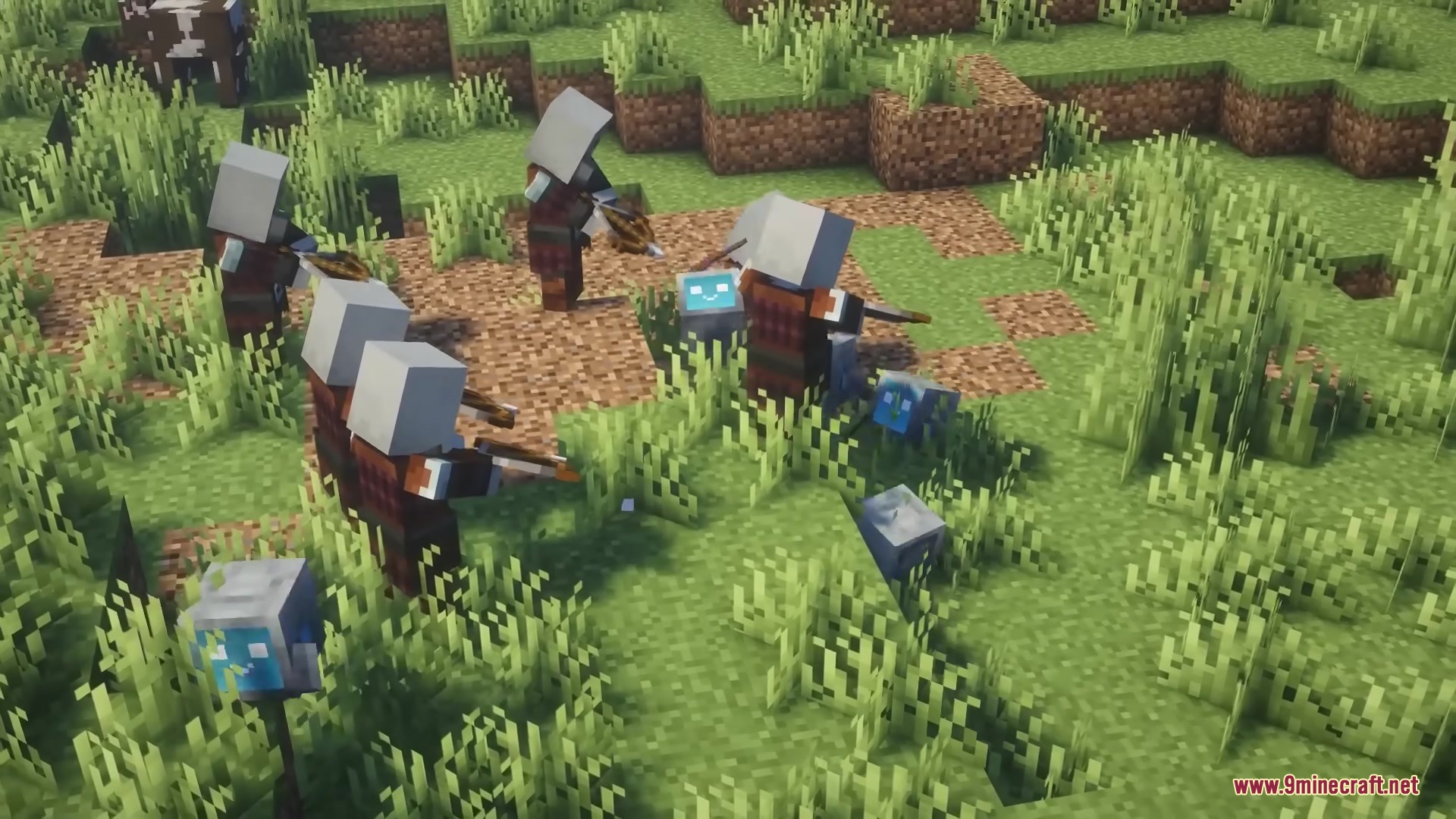
Each role determines what your robot does: Farmers plant and harvest crops with a hoe, Miners break stone and ore with a pickaxe, Haulers move items between chests with a clipboard, and Bodyguards follow you and fight enemies with a sword and shield. You assign a role by giving your robot the matching tool and item.
How do I power my robots?
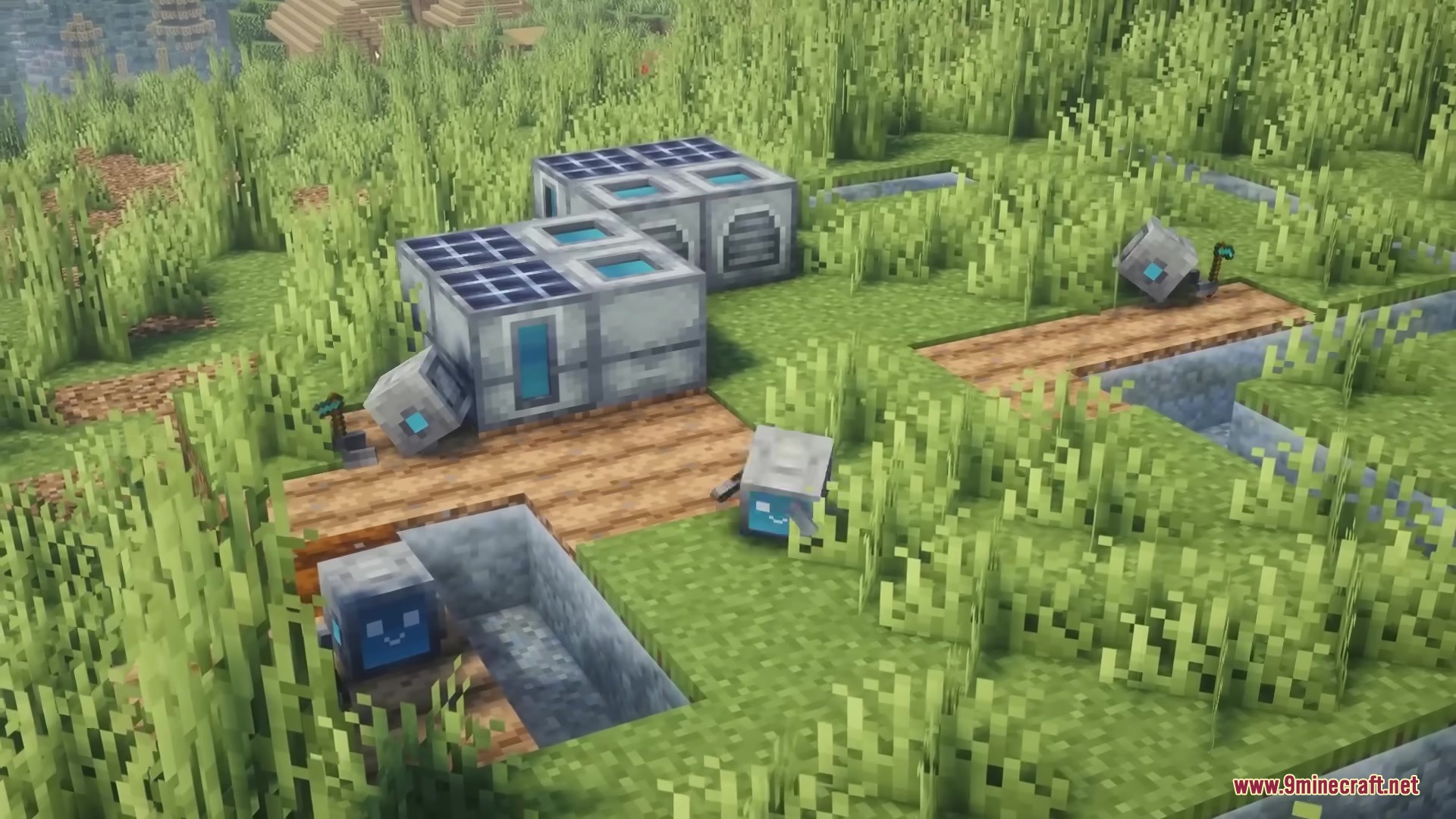
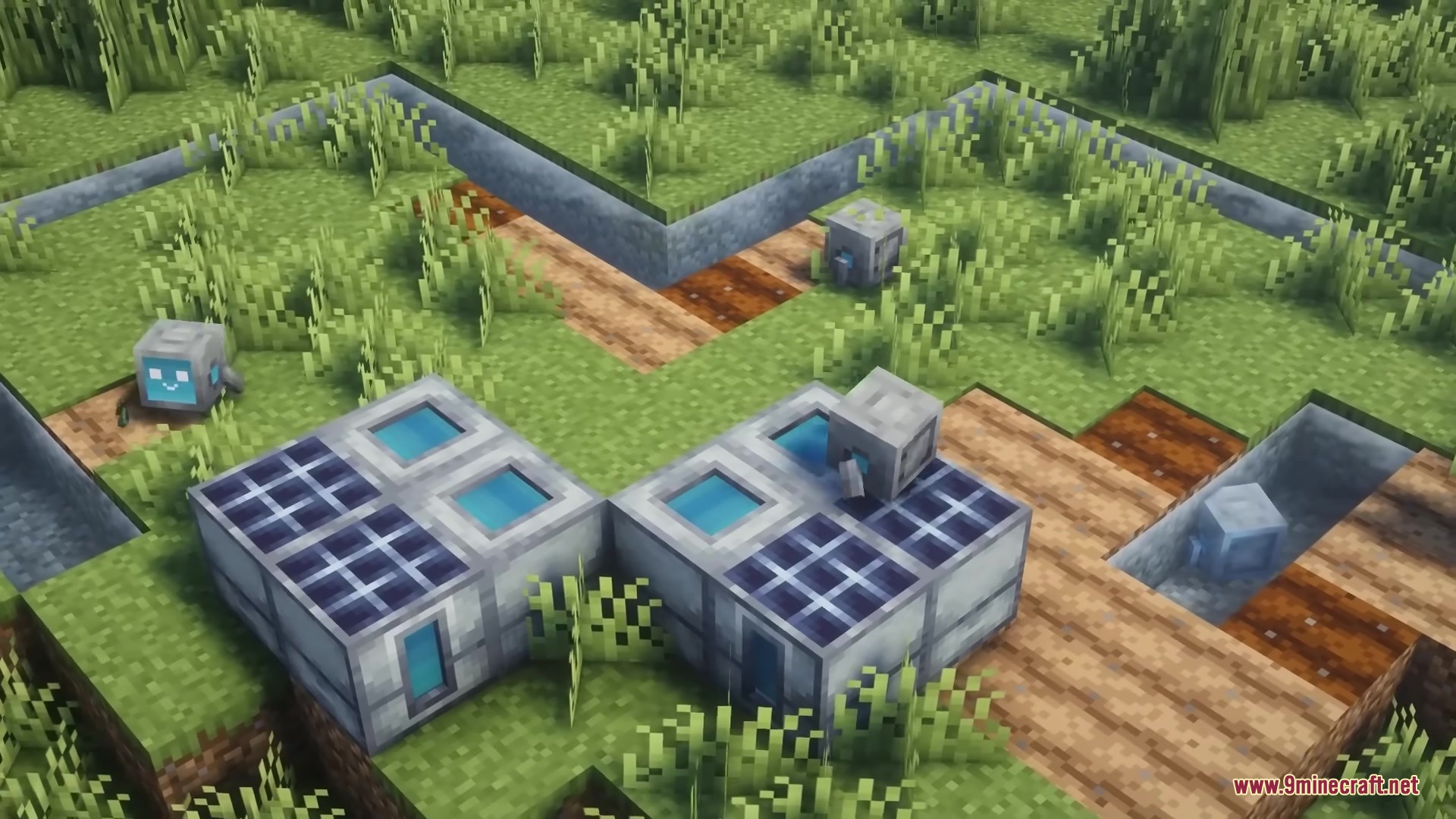
Robots run on batteries that you charge at the Docking Station using either a generator or solar panels. You can craft different battery types to suit your needs, and Green disk upgrades will make your robots use less energy overall.
What do the colored floppy disks do?
Black disks toughen your robot and preserve tool durability, Blue disks extend its working range from the station, Green disks reduce battery consumption, and Red disks speed up work but drain energy faster. You can equip multiple disks to customize your robot's performance.
Should I use Netherite Plating on my robots?
Netherite Plating offers the best armor but significantly slows your robot down, so it's best for stationary workers like farmers. If you need your robot to move quickly, use Charged Steel Plating instead, which gives good protection while actually boosting speed.
Can my robots work underwater?
Yes, if you equip them with Aqua Motors as a utility part, they can swim and continue working underwater. This is useful for underwater mining or farming operations.
Why are my robots fighting over the same job?
You need to connect them to a Smart Hub at your Docking Station, which coordinates their tasks so they don't duplicate work. Without proper hub setup, multiple robots in the same area will target the same resources.
How do I make my robot fly?
Equip it with a Propeller Unit as a utility part, which allows it to hover low above the ground. This helps robots navigate terrain and reach higher areas more efficiently.
Can I heal my robots if they take damage?
Yes, you can equip them with Arc Welders as a utility part, which slowly repair your robot's durability when it's idle at the Docking Station. Alternatively, Black disk upgrades reduce tool wear so repairs are needed less often.
What's the best way to set up a mining robot?
Give your robot a pickaxe and cobblestone to assign it the Miner role, equip it with Blue disks so it can work far from the station, and use Green disks to conserve battery power during long mining sessions. Consider adding Charged Steel Plating so it moves quickly through tunnels.
Gallery
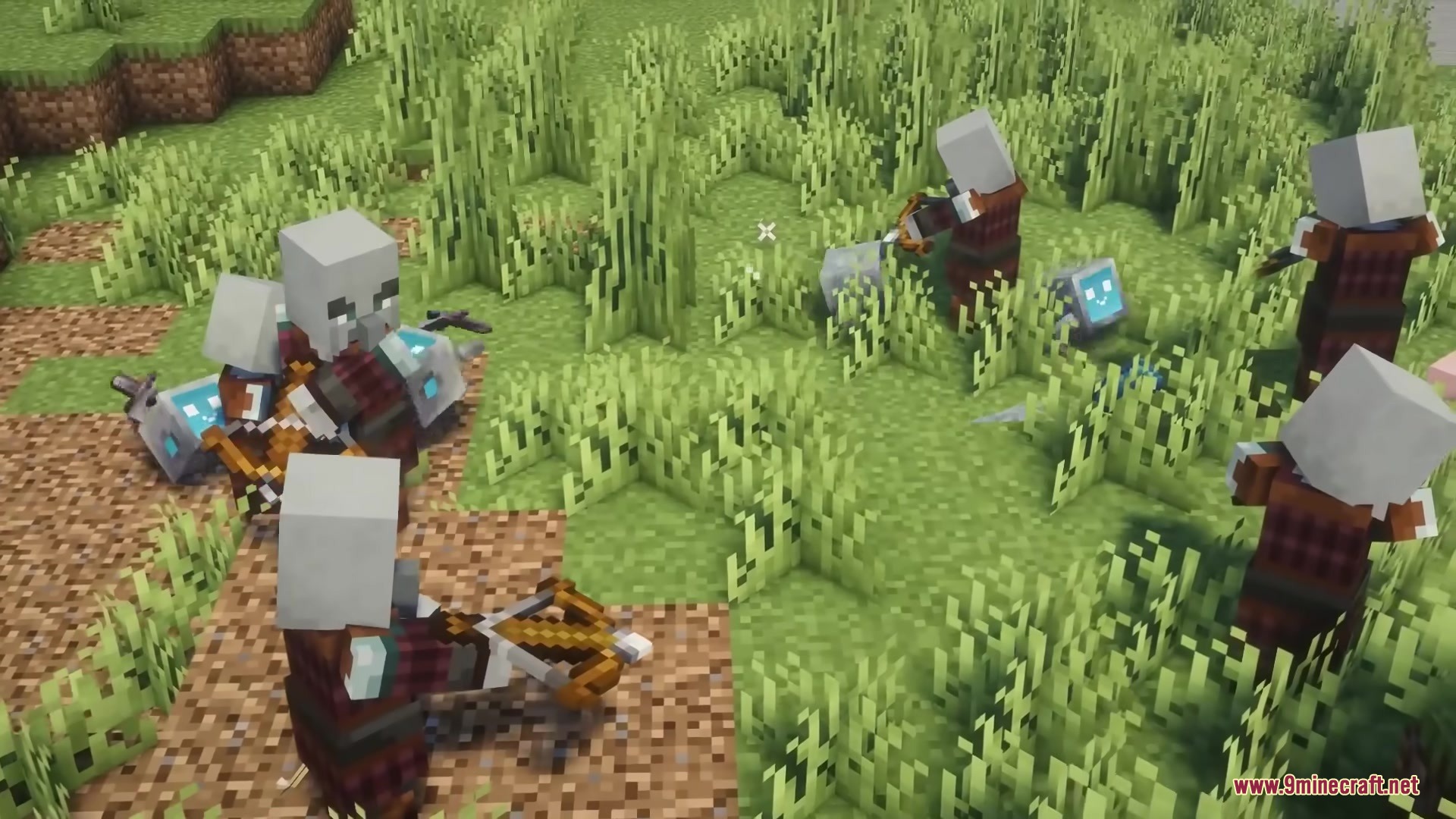
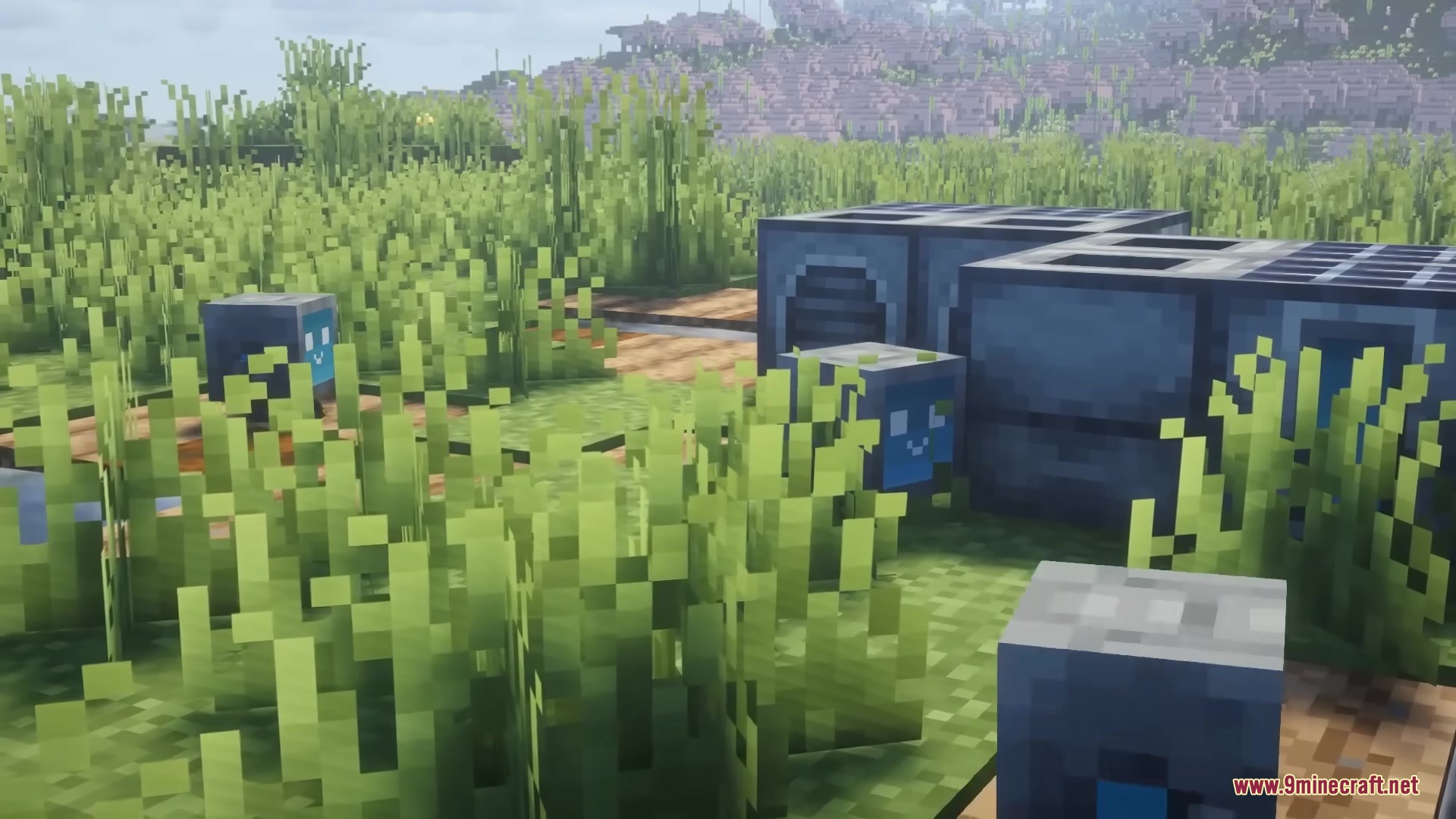
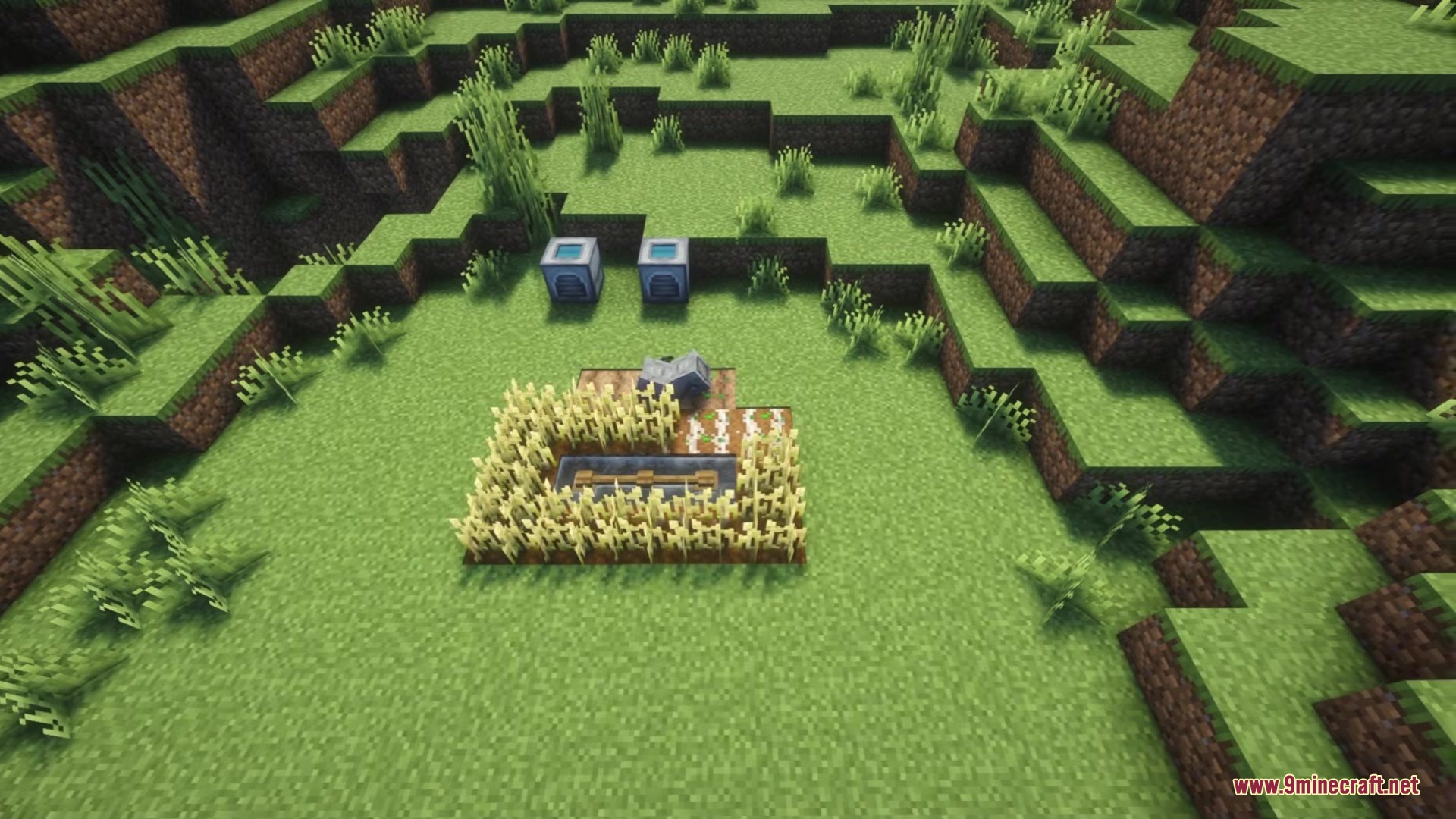
11 images from the Bytebuddies Mod page.
You May Also Like
Wikis that share the most with this one
Wikis on the same theme: tech
More mod wikis on the site
The most downloaded mods that have a wiki here
A few wikis from each of the other kinds