

 DownloadAutodrop Mod
Get the files on 9Minecraft
Guides
Step-by-step, in-game.
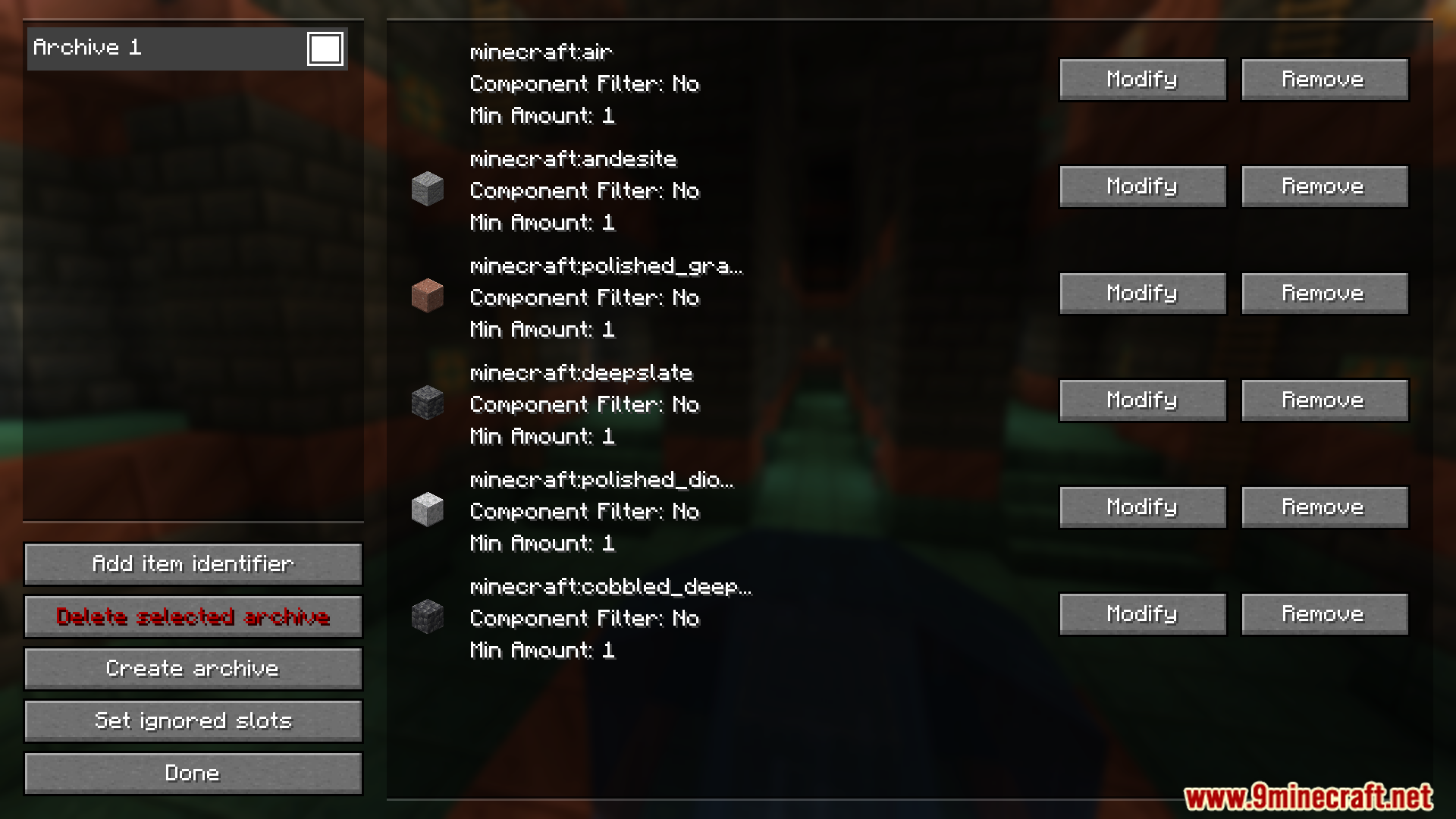
Organize and archive items in your blacklistAccess your blacklist in the GUI Press O to open the configuration menu and view all items currently on your…Prevent accidentally dropping important itemsUnderstand what gets blacklisted Only items you explicitly add to your blacklist will be automatically dropped. Items…Quickly toggle Autodrop on and off during gameplayUse the hotkey for instant control Press J (default hotkey) at any time during gameplay to toggle Autodrop on or off.…Set up your first blacklist to auto-drop junk itemsOpen the configuration menu Press O (default hotkey) to open the Autodrop configuration GUI. This is where you'll…
Frequently asked questions
How do I start using Autodrop Mod?
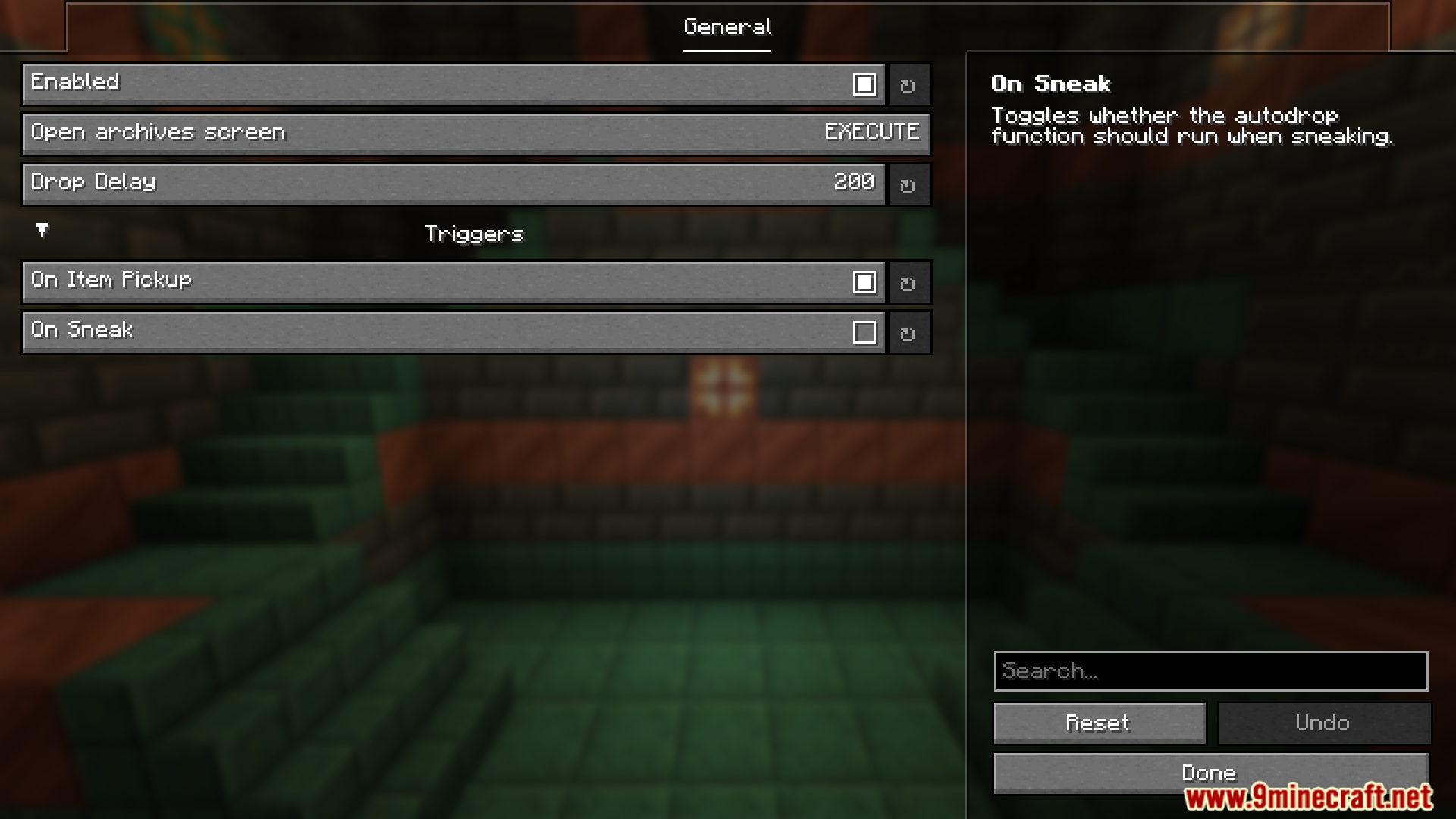
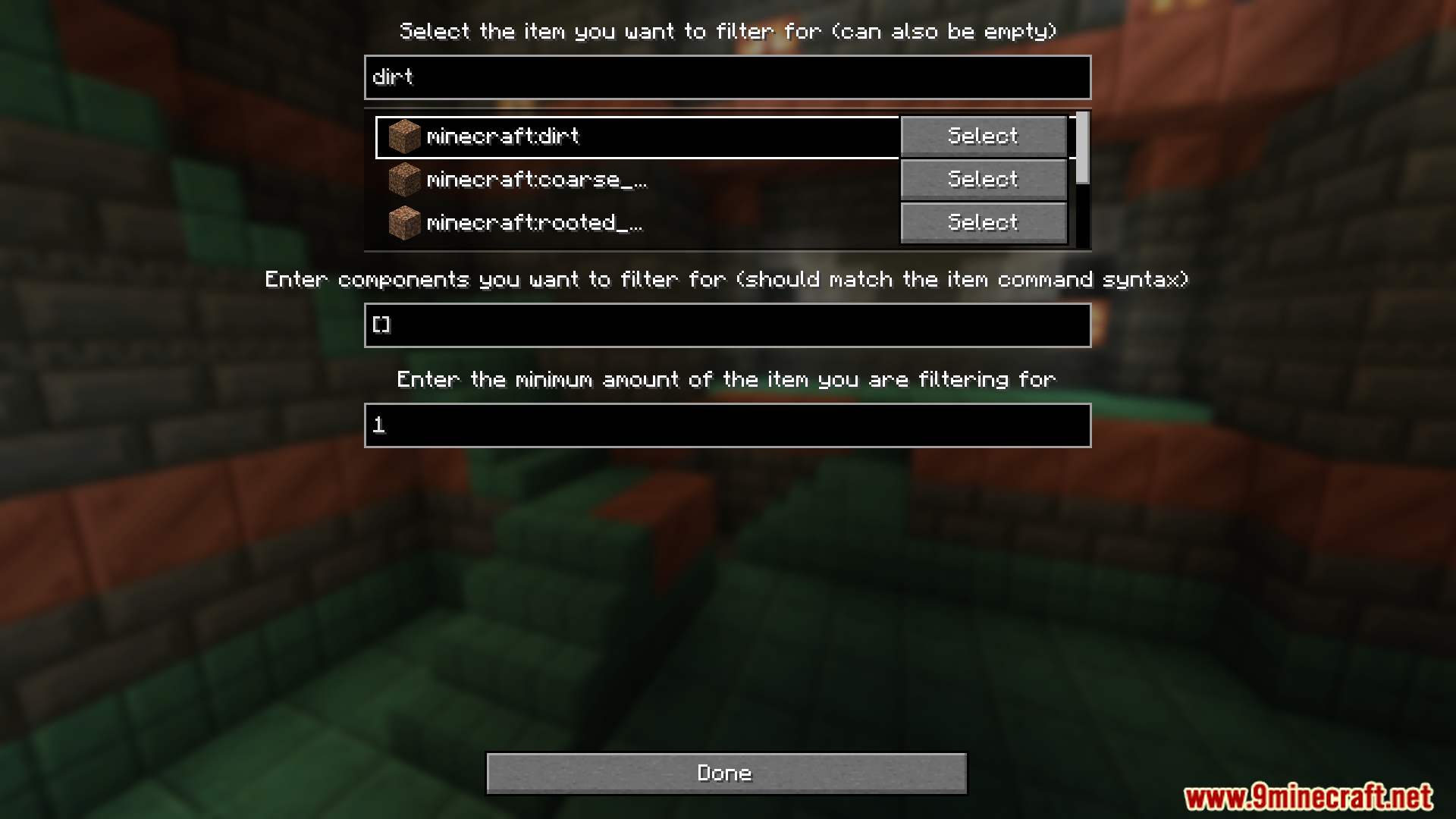
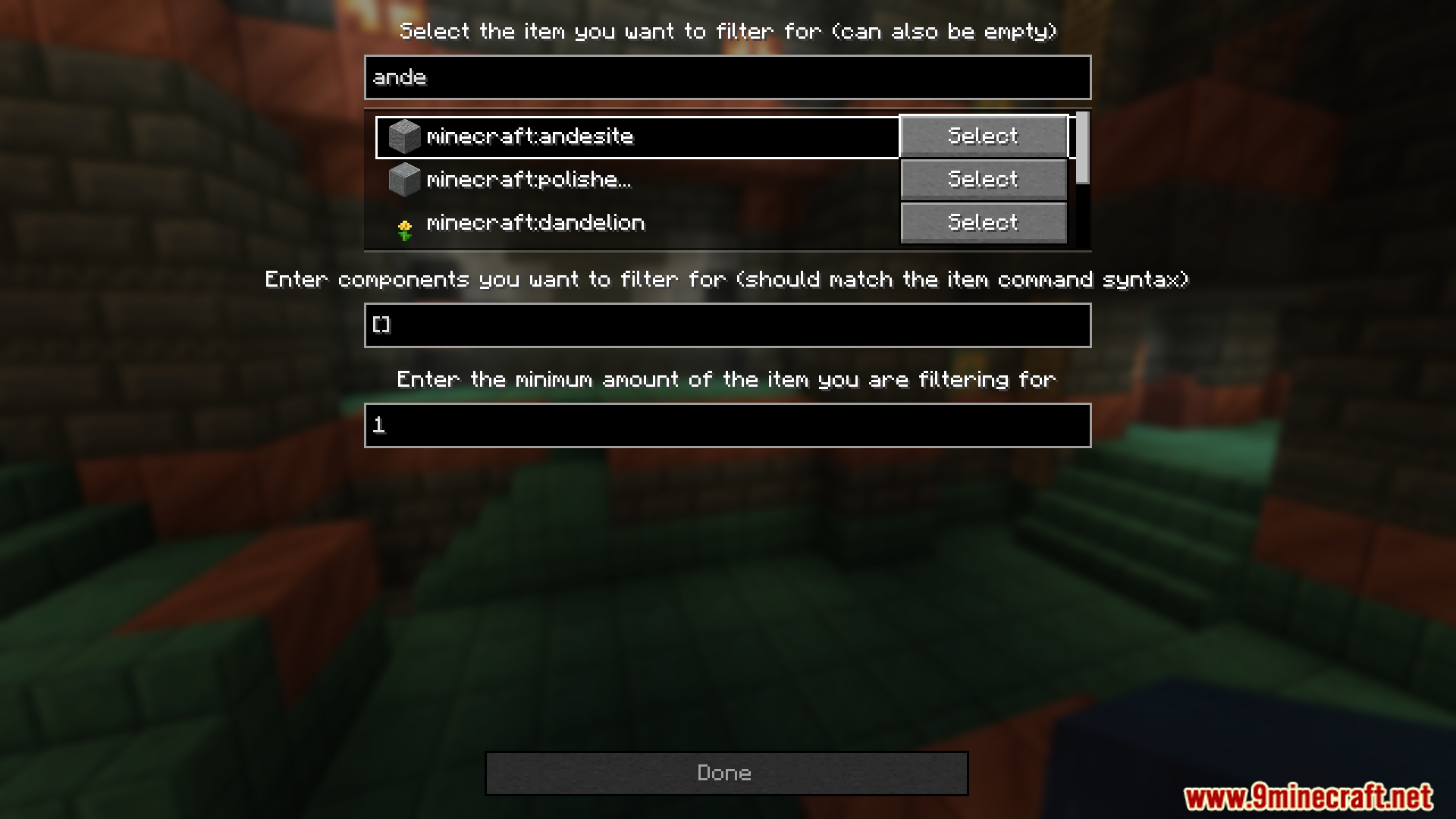
Press 'o' (default) to open the configuration menu, then search for or click on items you want to blacklist. Once added to your blacklist, press 'j' to enable Autodrop and those items will automatically drop from your inventory.
Can I change the hotkeys?
Yes, open the configuration menu (default 'o') and look for the keybind settings to reassign the toggle key and menu key to whatever you prefer.
What's the difference between blacklisting and archiving items?
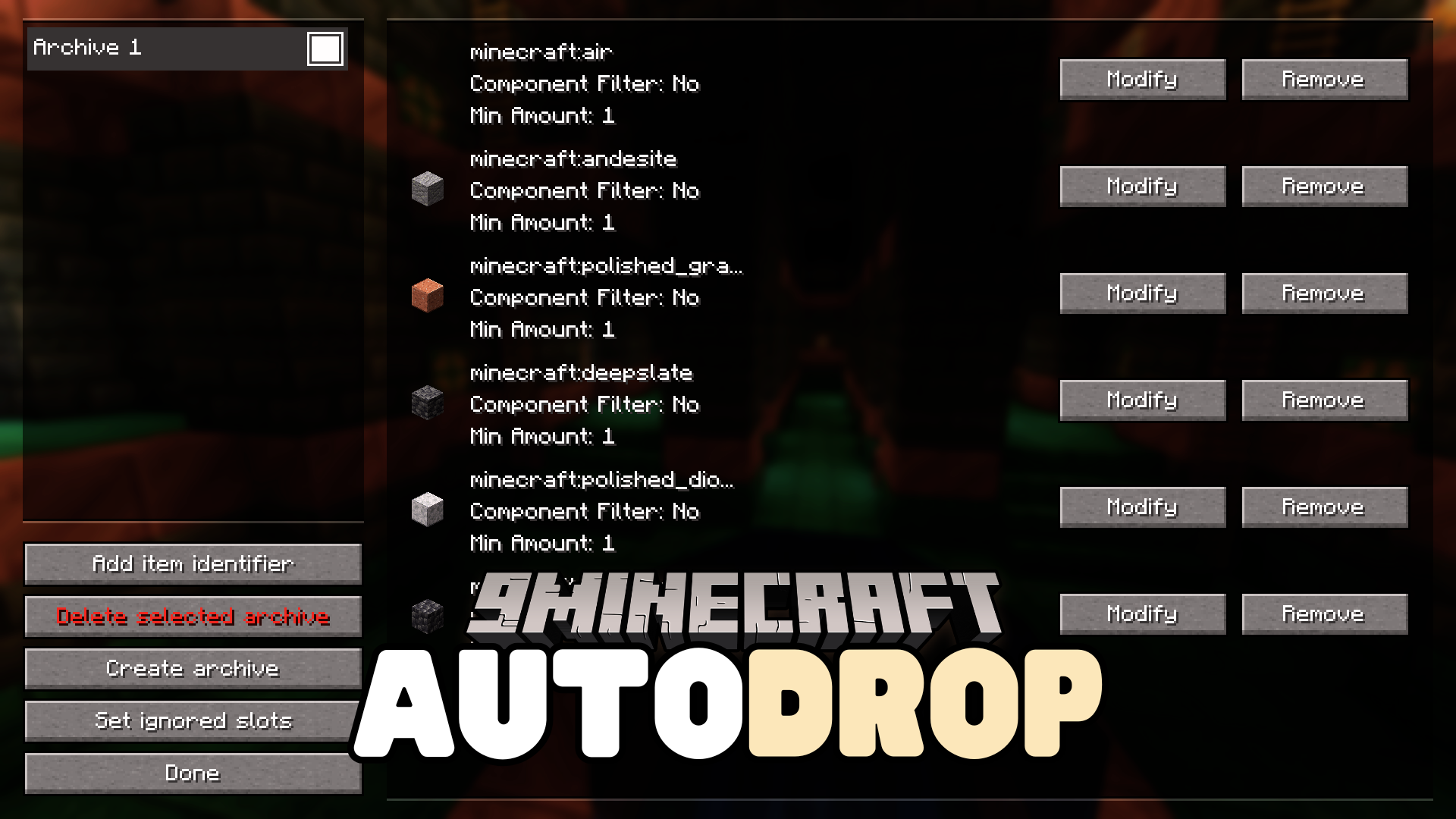
Blacklisted items are actively dropped when Autodrop is enabled. Archived items are stored in a separate section of your blacklist for organization but won't be dropped unless you move them back to the active blacklist.
How do I remove an item from my blacklist?
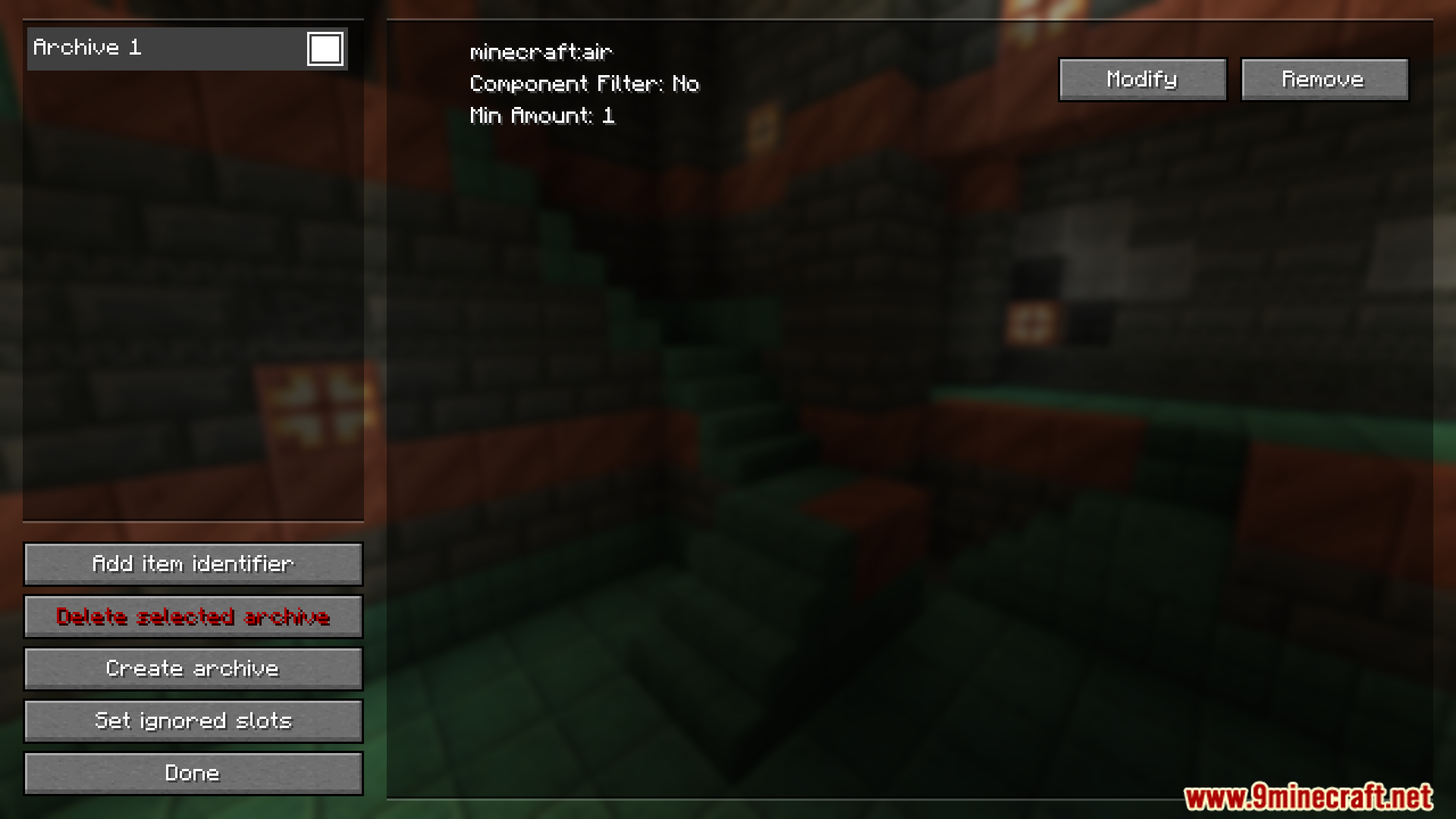
Open the configuration menu with 'o', find the item in your blacklist, and double-click it to remove it or move it to archive depending on your menu layout.
See all 10 Autodrop questions ›
Gallery
11 images from the Autodrop Mod page.
You May Also Like
Wikis that share the most with this one
More mod wikis on the site
The most downloaded mods that have a wiki here
A few wikis from each of the other kinds