

 blocks
 DownloadAntiGhost Mod
Get the files on 9Minecraft
Guides
Step-by-step, in-game.
Fixing Ghost Blocks on Multiplayer ServersWhy Servers Cause More Desync On a multiplayer server your client and the server exchange data over the network, and…How to Fix Ghost Blocks With AntiGhost ModWhat a Ghost Block Is A ghost block is a block that looks present on your client but no longer exists on the server…Setting Up and Using the AntiGhost Refresh KeybindFinding the Keybind AntiGhost is designed to be triggered on demand rather than running constantly. Its core control…Using AntiGhost to Clear Invisible or Desynced BlocksWhy Blocks Go Invisible Invisible blocks are the mirror image of ghost blocks : the server knows a block is there,…
Frequently asked questions
How do I use AntiGhost to get rid of ghost blocks?
What is the default keybind for AntiGhost?
The default refresh key is G. You can change it in your controls settings under the AntiGhost keybind category if it conflicts with another mod or your own preferences.
Does AntiGhost work on multiplayer servers?
Yes, it works on any server because it only sends a standard block-resend request that vanilla clients can also trigger. It does not require server-side installation and won't get you banned on most servers.
Why isn't AntiGhost fixing my ghost blocks?
See all 10 AntiGhost questions ›
Gallery
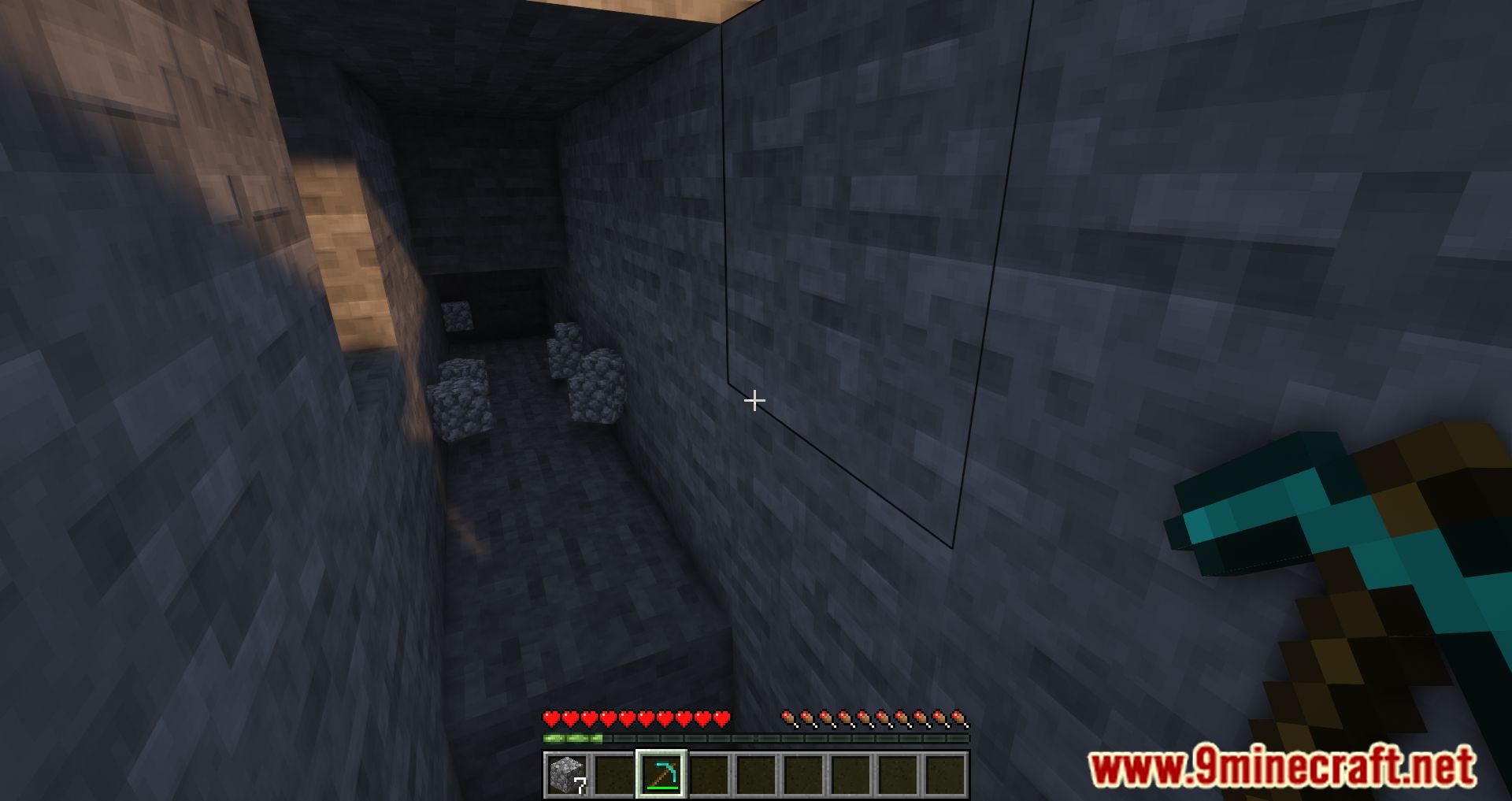
11 images from the Antighost Mod page.


You May Also Like
Wikis that share the most with this one
More mod wikis on the site
The most downloaded mods that have a wiki here
A few wikis from each of the other kinds