

 DownloadSurveyor Map Framework Mod
Get the files on 9Minecraft
Guides
Step-by-step, in-game.
Check Your Map Exploration ProgressViewing Exploration Status Run /surveyor to display comprehensive information about your current map exploration.…Create and Manage Landmarks on Your MapAdding Personal Landmarks Landmarks let you mark important locations on your map. To add a landmark you own, use…Share Your Map Exploration with Other PlayersInitiating a Map Share To share your explored map data with another player, use the sharing command system. Run…Understand How Structures Are Tracked and SharedStructure Discovery and Sharing When you explore and encounter structures like villages, temples, or dungeons,…
Frequently asked questions
Do I need to install this mod if I just want to play normally?
No. Surveyor Map Framework is a library mod designed for developers. You only need it if another mod you're using depends on it—your mod launcher will handle this automatically.
How do I start using Surveyor's map features?
Once installed, Surveyor automatically begins recording terrain, structures, and landmarks as you explore. Use `/surveyor` to check your exploration progress and `/surveyor share [username]` to sync maps with other players.
What's the difference between owned and unowned landmarks?
Owned landmarks (created with `/surveyor add`) belong to you and only you can remove them. Unowned landmarks (created with `/surveyor global`, requires op level 2) are shared with all players and can be managed by operators.
How do I share my map exploration with friends?
Use `/surveyor share [username]` to send a sharing request. Once they accept, you'll both see each other's explored terrain and discovered structures in real-time.
See all 10 Surveyor Map Framework questions ›
Gallery
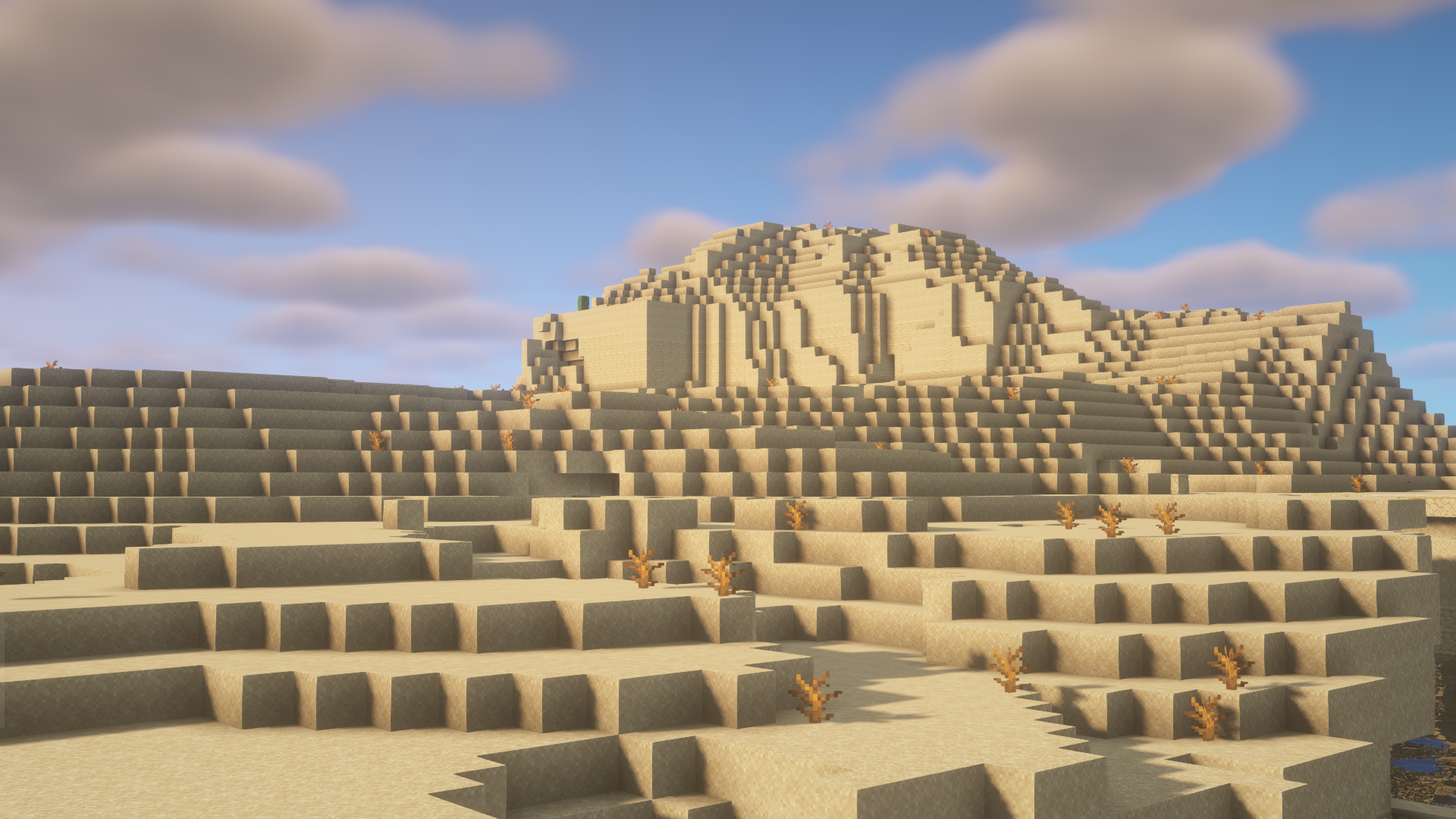
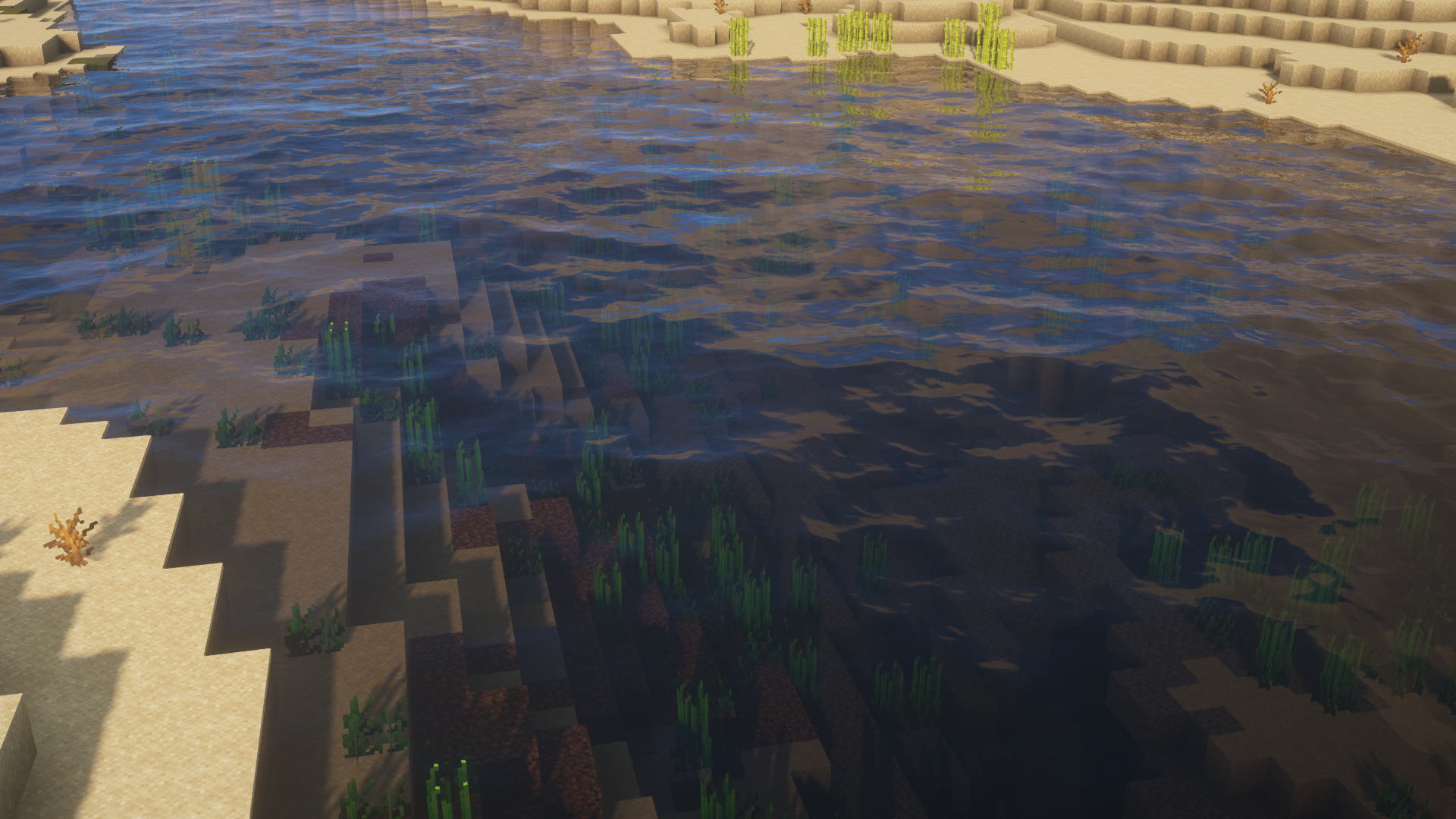
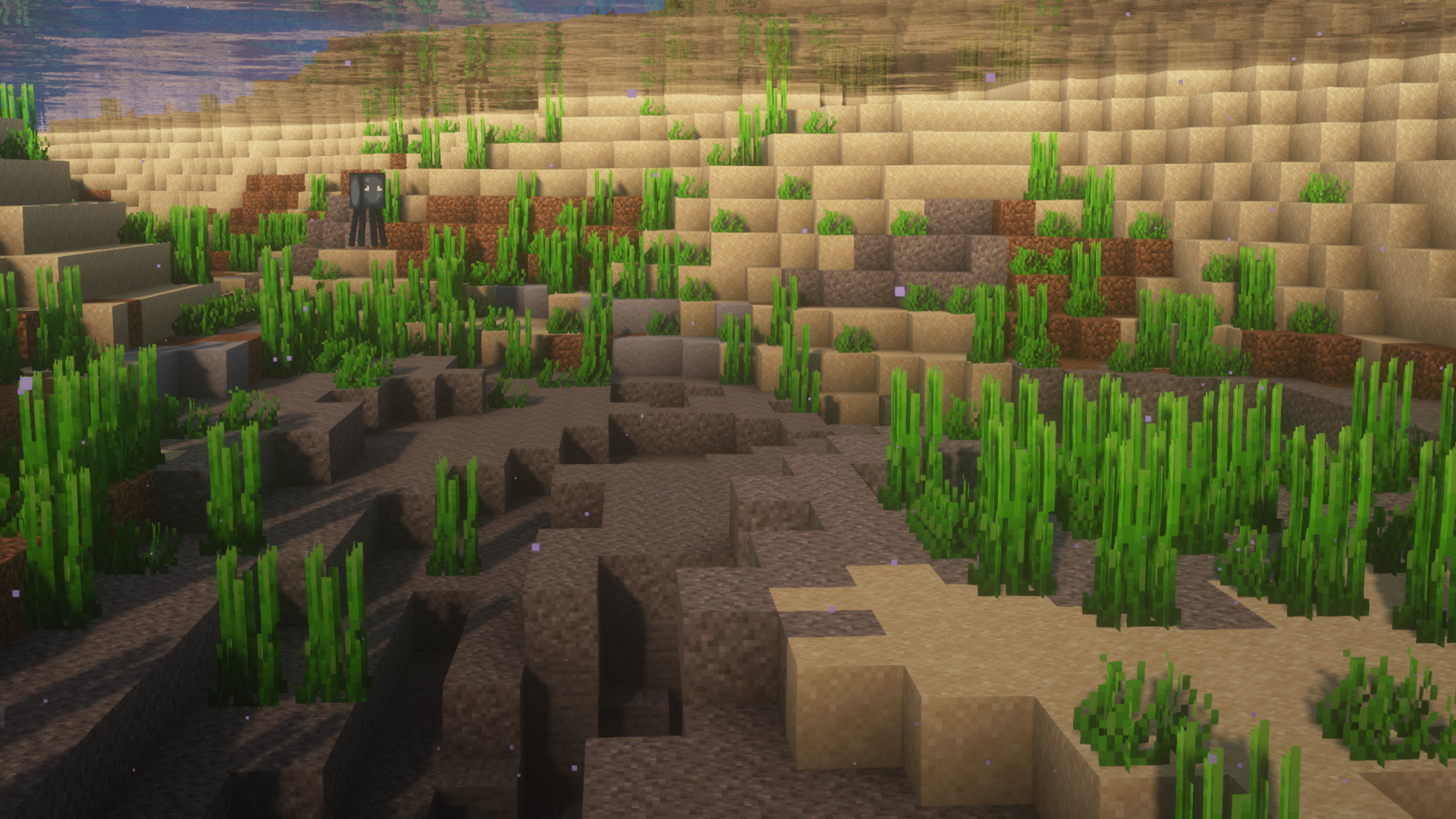
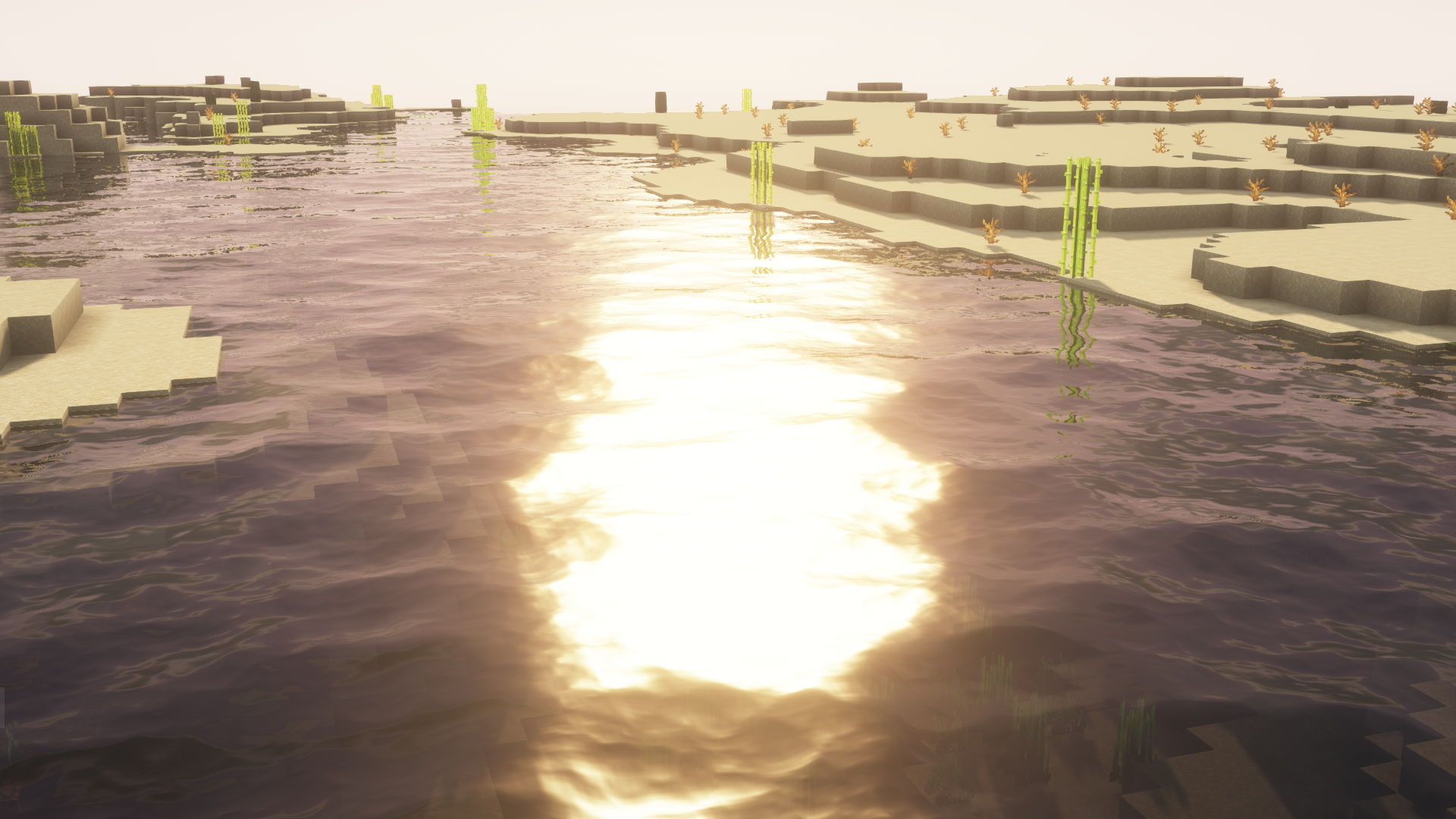
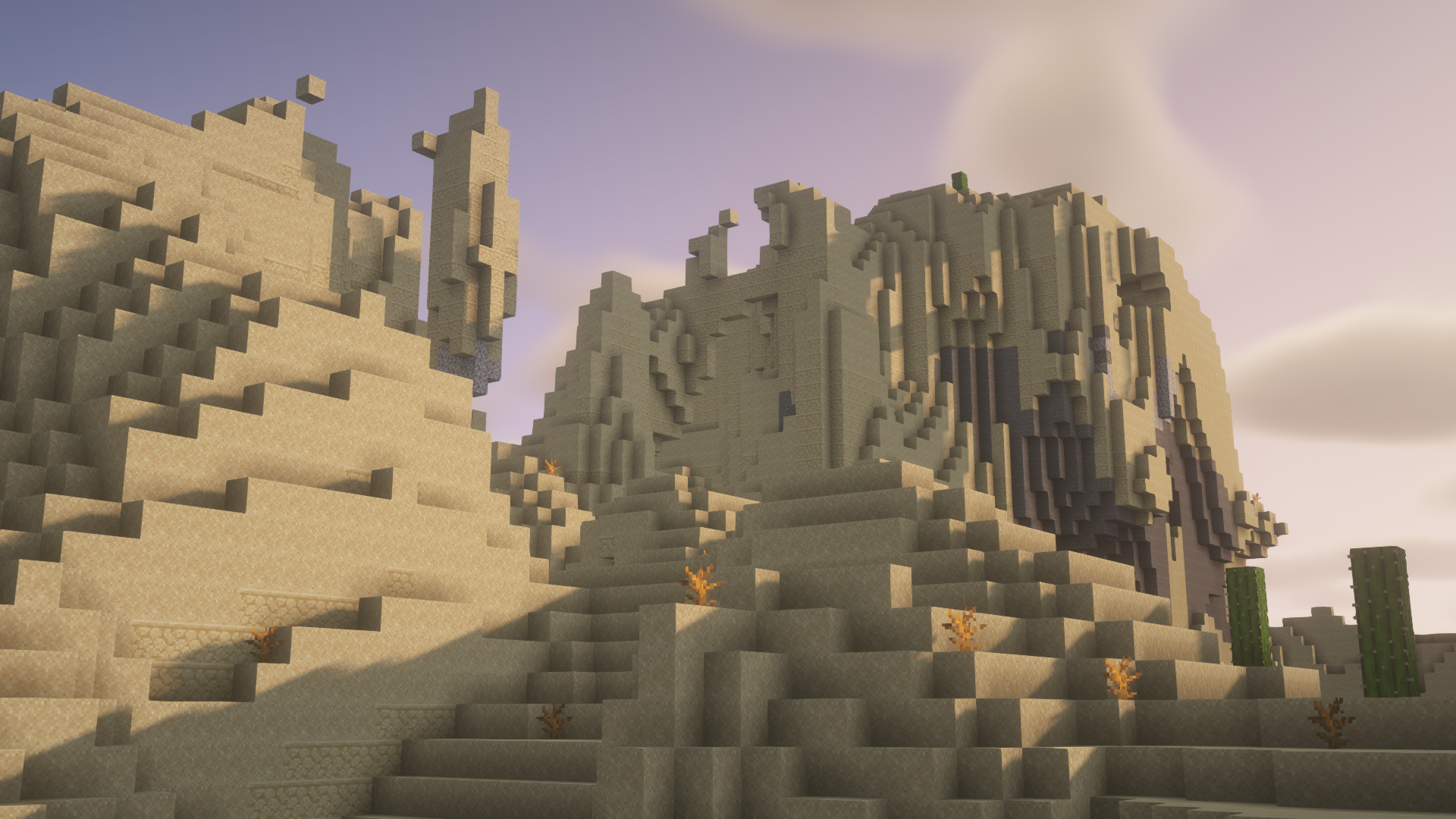
6 images from the Surveyor Map Framework Mod page.

You May Also Like
Wikis that share the most with this one
Wikis on the same theme: tool
More map wikis on the site
The most downloaded mods that have a wiki here
A few wikis from each of the other kinds