

 DownloadJourneyMap Web Map Mod
Get the files on 9Minecraft
Guides
Step-by-step, in-game.
Access Your Map from Another Device on Your NetworkFinding Your Web Map Address Once JourneyMap Web Map is running, it hosts a local web server on your computer. To…Set Up JourneyMap Web Map on a Secondary MonitorDisplaying the Web Map Fullscreen Using a second monitor for your map improves navigation without blocking your game…Troubleshoot the Web Map Not Loading or UpdatingCommon Connection Problems If your web map won't load or appears blank: 1. Verify Minecraft is running — The web…View Waypoints and Markers on the Web MapAccessing Waypoint Information The web map displays all waypoints and markers you've created in JourneyMap: 1. Open…
Frequently asked questions
How do I access the web map after installing the mod?
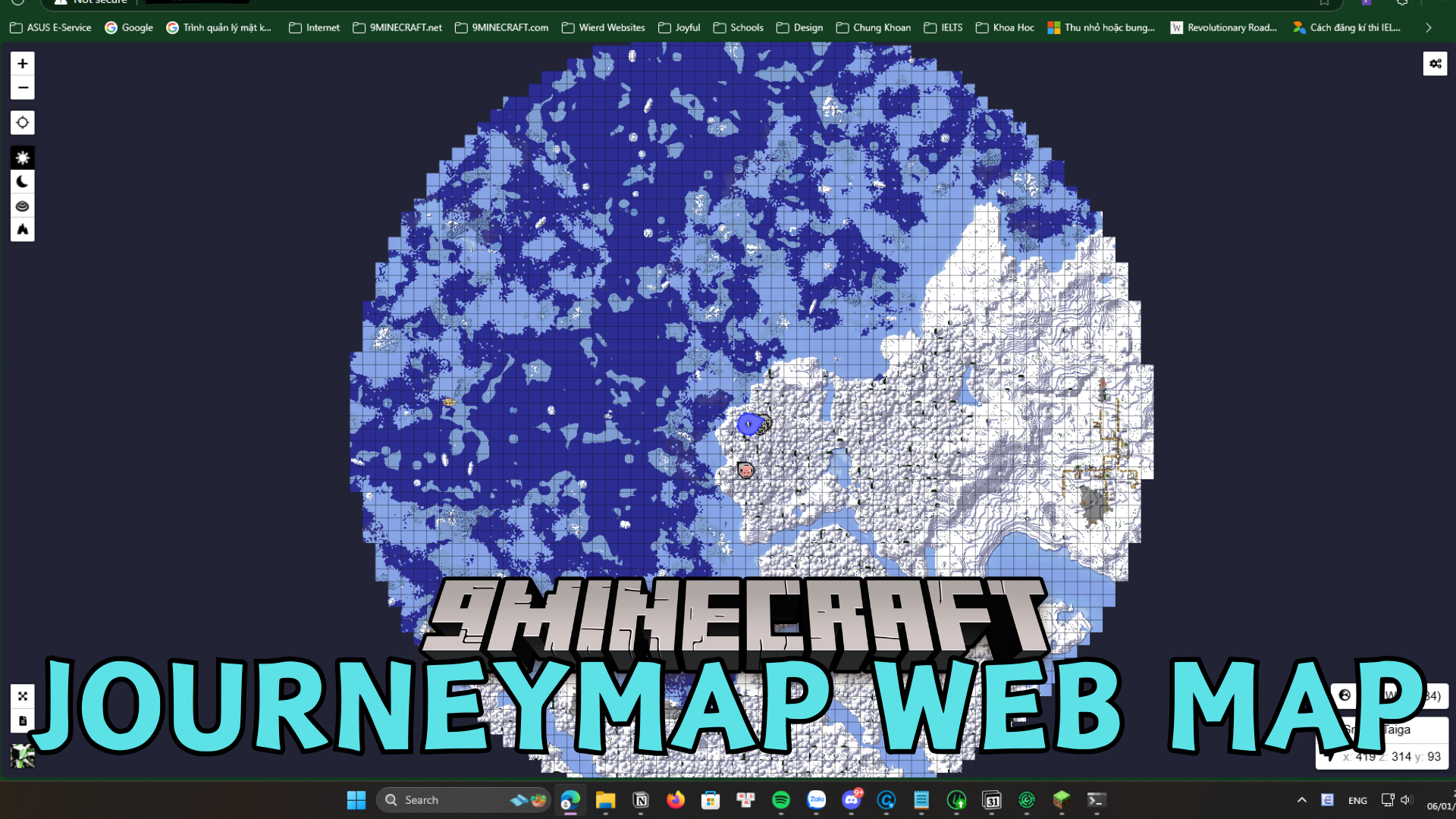
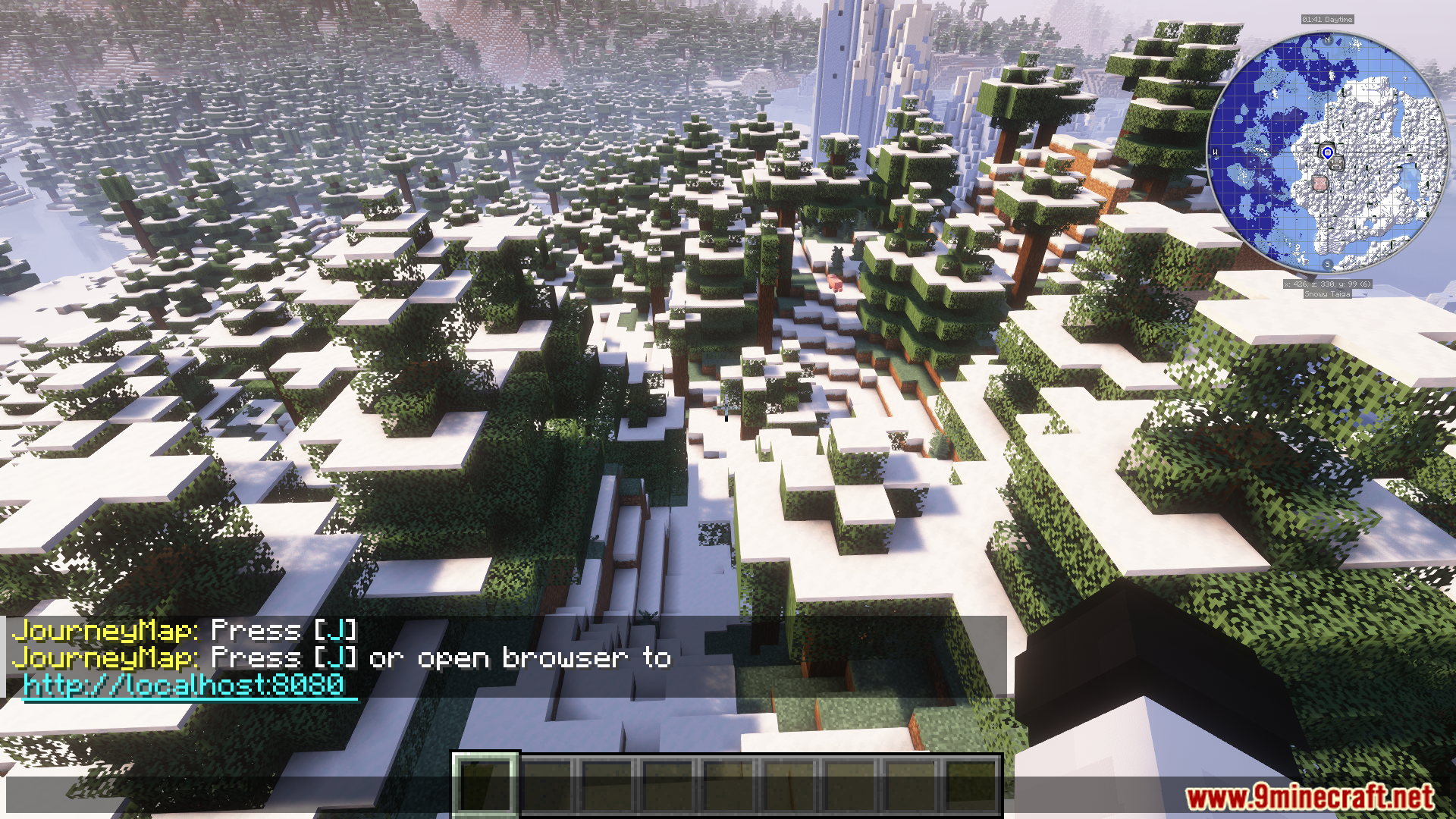
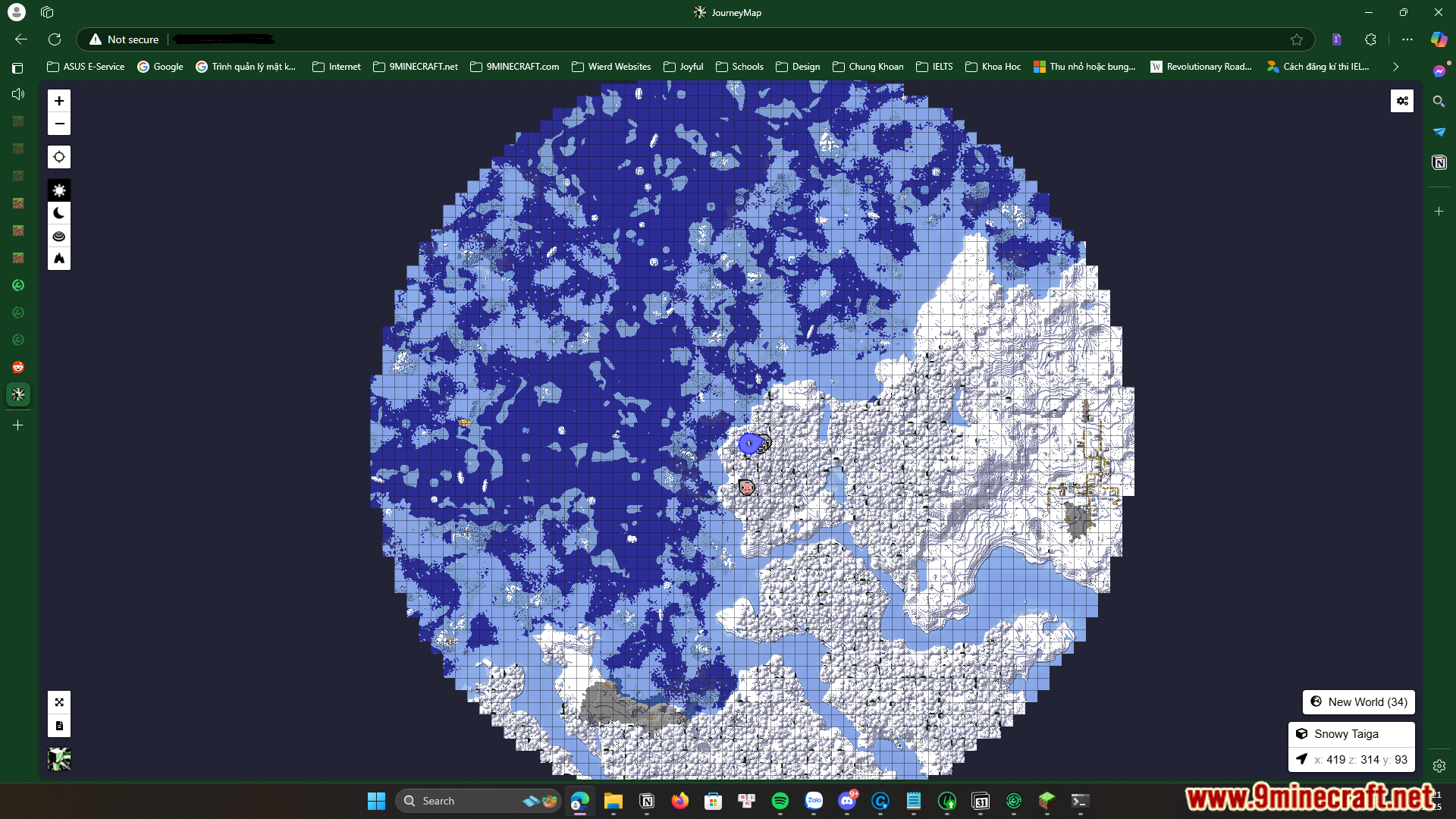
Start your game and load a world, then open your web browser and navigate to localhost:8080 (or the port shown in your JourneyMap settings). The web map should load automatically once JourneyMap has initialized.
Can I view the web map on my phone or tablet?
Yes, if your phone or tablet is on the same network as your computer. Find your computer's local IP address in your network settings, then navigate to that IP address with the same port number (for example, 192.168.1.100:8080) in your mobile browser.
Why isn't the web map updating in real-time?
Check that JourneyMap is actively mapping your world and that the web map server is running—you should see a confirmation message in chat when you load in. If the map still doesn't update, try refreshing your browser or restarting the game.
Do I need to enable anything in JourneyMap settings for the web map to work?
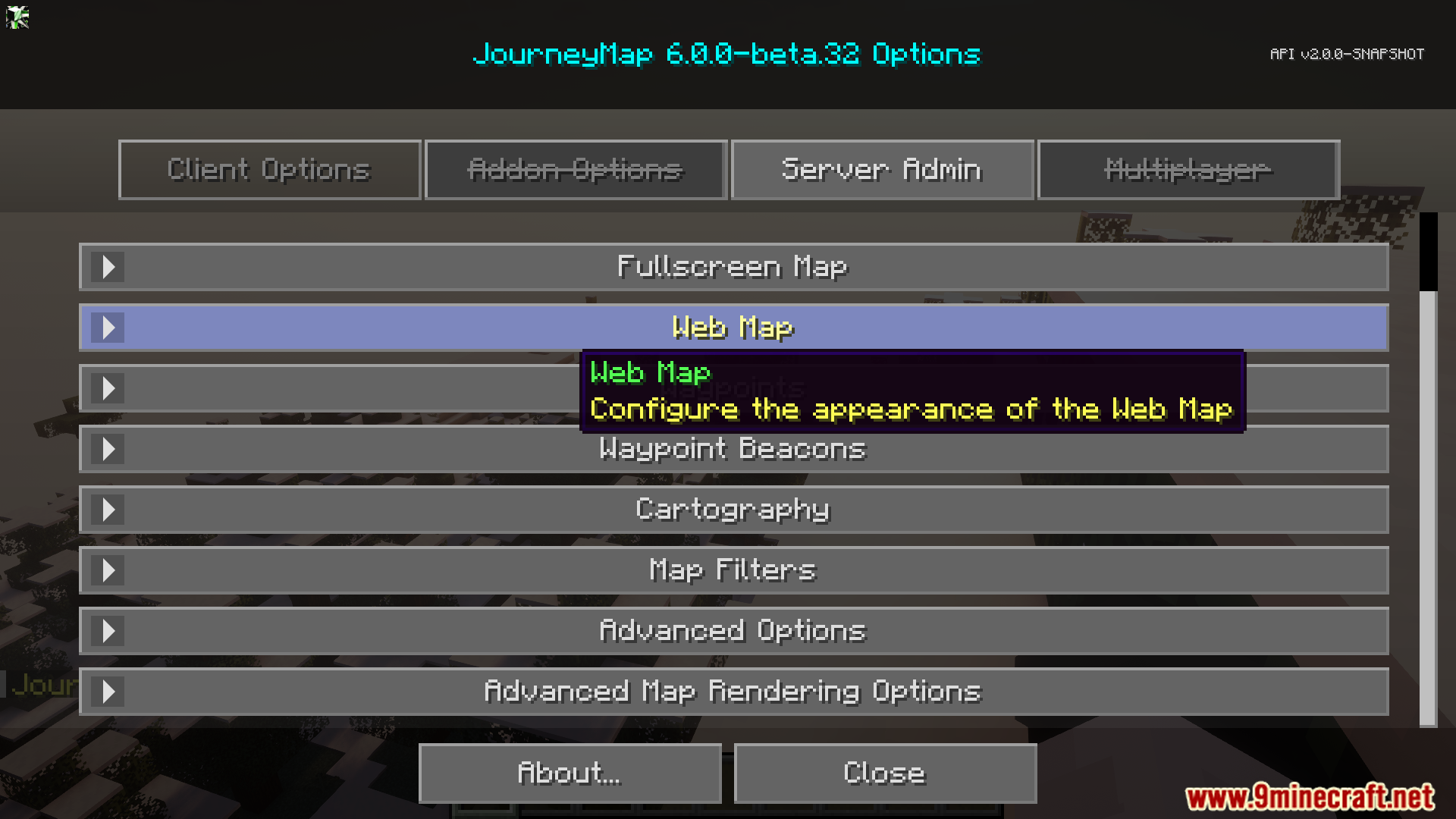
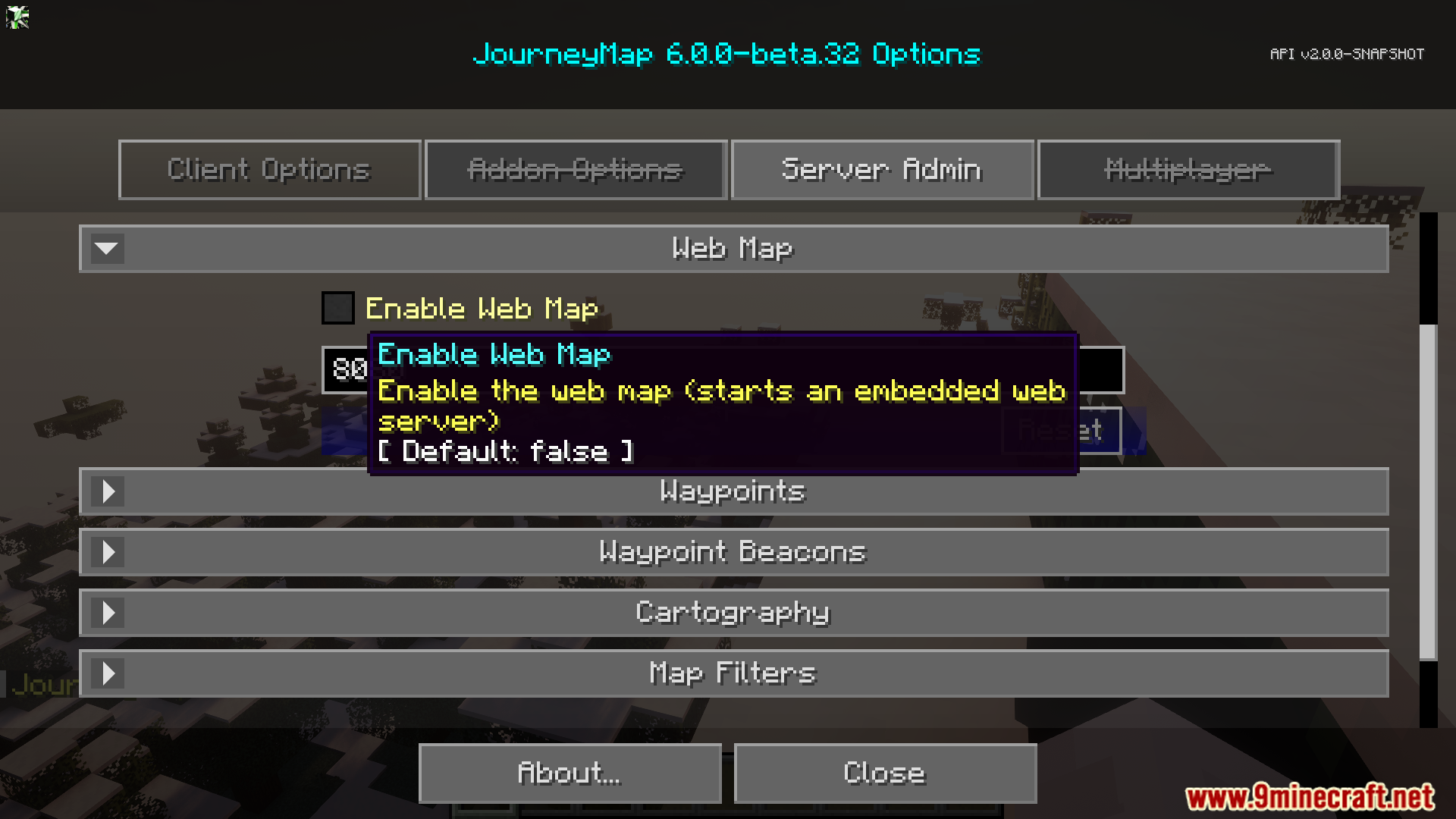
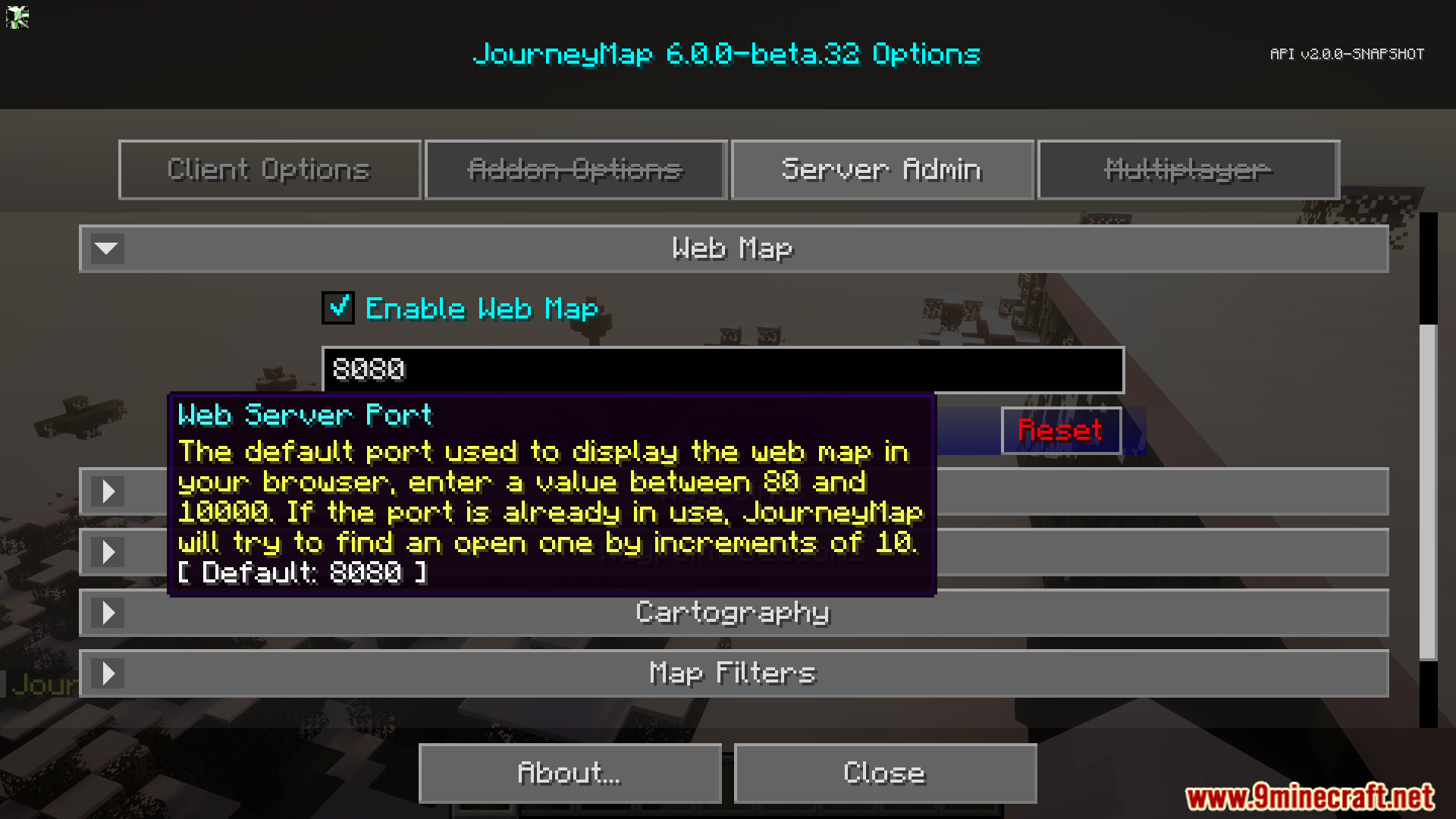
The web map should work with default JourneyMap settings, but check that JourneyMap's mapping feature is enabled and that you haven't disabled the web server in the mod's configuration.
See all 10 JourneyMap Web Map questions ›
Gallery
7 images from the Journeymap Web Map Mod page.
You May Also Like
Wikis that share the most with this one
More map wikis on the site
The most downloaded mods that have a wiki here
A few wikis from each of the other kinds