

 DownloadTa Te’s Extra Trims Data Pack
Get the files on 9Minecraft
Guides
Step-by-step, in-game.
Apply a Custom Trim Pattern to Your ArmorGather Your Materials First, collect the pattern item you want to use. Common options include Diamond Block for the…Change the Color of Existing Armor TrimSwap Out Your Trim Color If you want to keep your current trim pattern but change its color, you don't need to start…Convert Items into Trim Colors Using the StonecutterPrepare Your Color Materials While many items work directly as trim colors in the Smithing Table, the Stonecutter…Remove All Trim Decorations from ArmorClean Your Armor Sometimes you want a fresh start. Removing trim decorations is simple and doesn't require any…
Frequently asked questions
How do I apply a trim pattern to armor that doesn't have one yet?
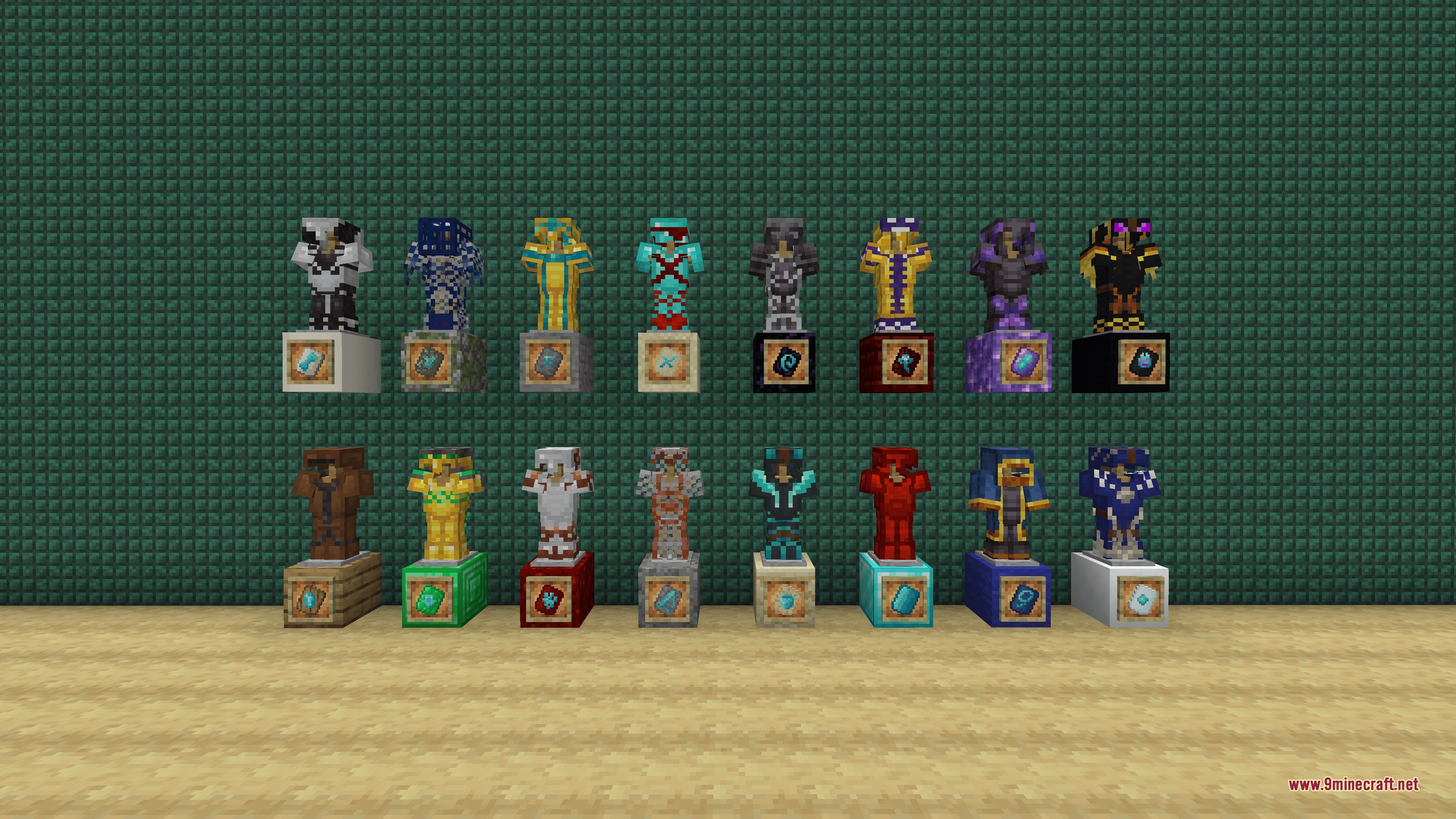
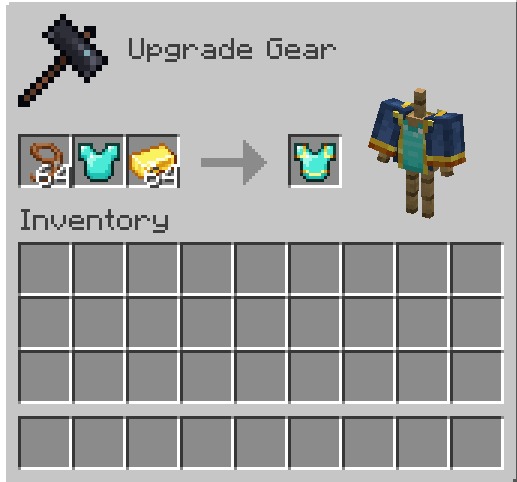
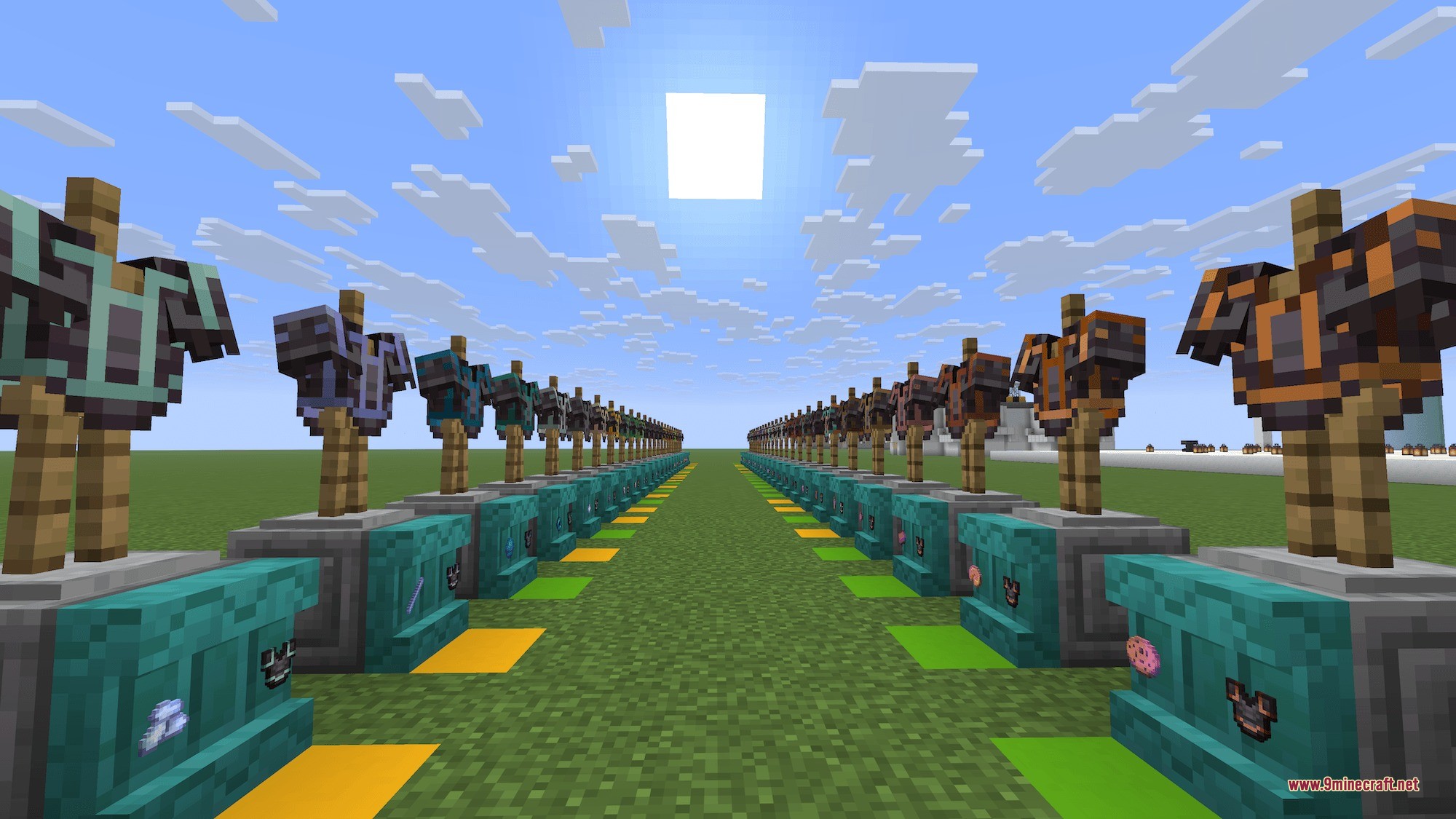
Place your armor piece in the Smithing Table along with a pattern item (like Diamond Block, Lead, TNT, Dragon Head, or Water Bucket) and the smithing table will apply that pattern to your armor.
What items can I use to create trim colors?
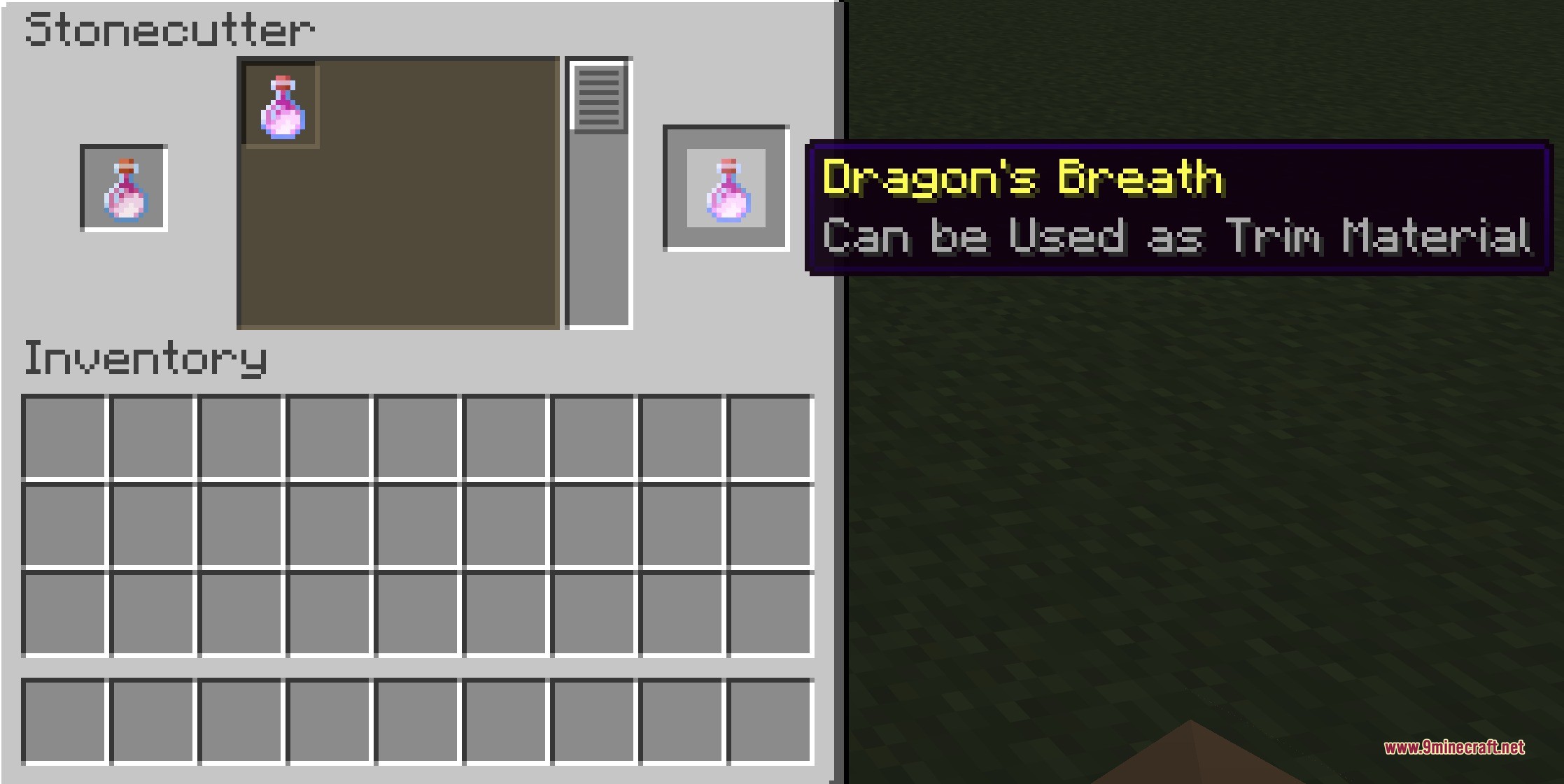
You can use food items like Cake and Pumpkin Pie, mob drops like Blaze Rod and Slime Ball, or special items like Dragon's Breath and Echo Shard—convert any of these into usable color materials using the Stonecutter.
How do I convert an item into a trim color?
Place the material item (like Dragon's Breath or Bone) into the Stonecutter, and it will turn into a usable color material that you can apply to your armor.
Can I change the color of armor that already has a trim?
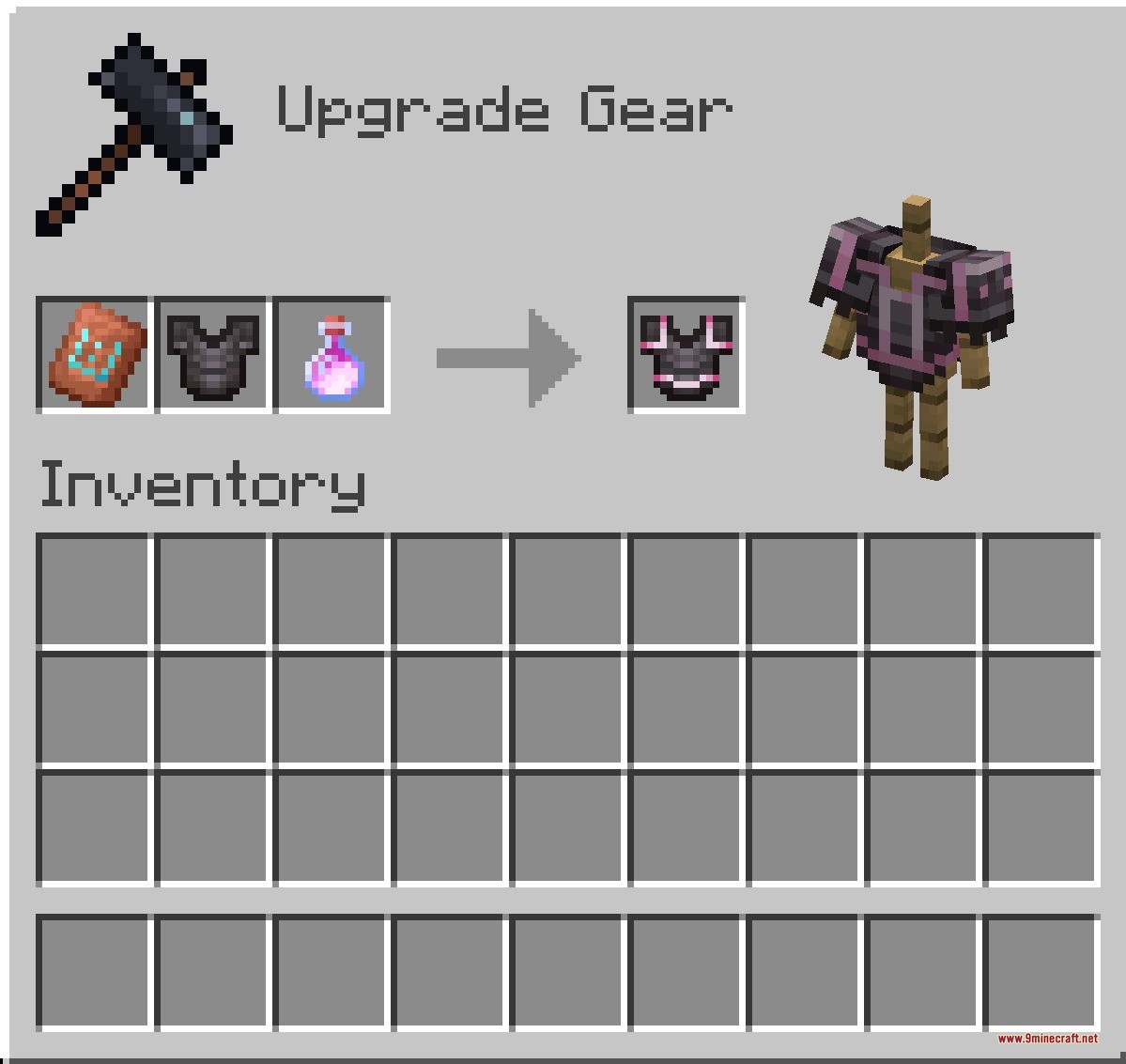
Yes, drop your trimmed armor onto a Smithing Table along with a new color material, and the old color will be swapped out for the new one.
See all 10 Ta Te’s Extra Trims questions ›
Gallery
6 images from the Ta Tes Extra Trims Data Pack page.
You May Also Like
Wikis that share the most with this one
Wikis on the same theme: armor
Armor Upgrades Data PackColorful Trims Data PackSword Armor Trims Data PackMore Armor and Tools Data PackCraftable Horse Armor Data PackIce And Fire Smithing Data PackDark Blades Armor Trims Data PackForged Sovereign Regalia Data PackObsidian Items Tools and Armor Data PackTa Te’s Extra Armors and Elytras Data PackCompatible Protection Enchantments Data PackEnder Dragon Loot X Advanced Netherite Compat Data Pack
More data pack wikis on the site
Survivor’s Elegy Data PackSuper Powers Data PackStructures Plus Data PackStructory Data PackStony Cliffs Are CoolStone Drops Data PackStackable Enchants Data PackSprawl and Pathing Data PackSpore Inquisition Data PackSpellblades Spell Tweaks Data PackSpellblades N Such Unlimited Temp Fix for Prominence II Data PackSpell Enchants for All Prominence II Data Pack
The most downloaded mods that have a wiki here
A few wikis from each of the other kinds