

Placing Connectors
Small Connectors and Large Connectors are the anchor points for your electrical network. Place one on a power source (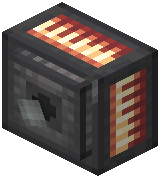 Alternator,
 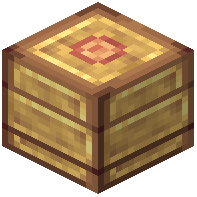 Accumulator) and another on the machine you want to feed, then run
  Copper Wire or
  Electrum Wire between them. The
  Small Connector With Light gives a visual indicator that power is flowing.
Connector Modes
Connectors can operate in different modes depending on how you configure them — typically an input/output distinction so power flows the direction you intend. Right-click or use the mod's config tool (often a wrench) to cycle modes. If a machine isn't receiving power, the most common cause is a connector set to the wrong direction or a wire that isn't actually bridging two connectors.
Routing Wires
- Wires can be run along walls and around corners; connectors act as junctions.
- Keep runs short where possible — long runs lose efficiency, which is why Electrum Wire exists.
- Use Large Connectors for high-demand machines and Small Connectors for low-draw devices.
Troubleshooting Checklist
1. Is the source actually producing charge?
2. Are both ends connected by an unbroken wire?
3. Are connector modes set input→output correctly?
4. Is a  Capacitor or Accumulator buffering the load?