
Smooth Craft Texture Resource Pack Wiki

Smooth Craft Texture Resource Pack Wiki & Guide
Java EditionResource Pack
wiki.9minecraft.net/smooth-craft-texture-resource-pack/
The community wiki and guide for Smooth Craft Texture Resource Pack — guides, recipes, items and mechanics.
What this pack changes
Every texture group the pack replaces, counted from the pack itself.
| Area | Textures replaced |
|---|---|
| Blocks | 1,419 |
Pack format 99 (Minecraft 1.21.9)1,419 texture files in total
Guides
Step-by-step, in-game.
Blending Terrain and Foliage in Outdoor LandscapingBuilding with Smoothed Stone, Wood, and Brick PalettesEnabling and Ordering Smooth Craft Texture Resource PackMining in Caves and Navigating the Nether
Blocks
344 blocks · showing 24. Browse all →
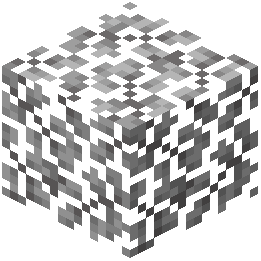 Acacia Leaves
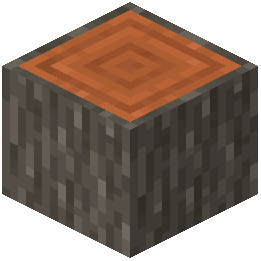 Acacia Log
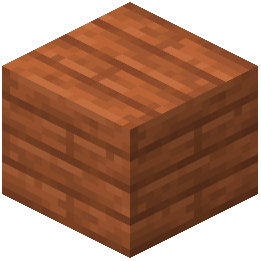 Acacia Planks
 Acacia Sapling
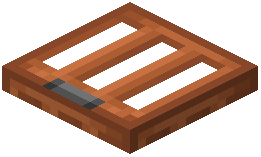 Acacia Trapdoor
 Activator Rail
 Allium
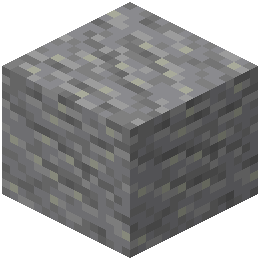 Andesite
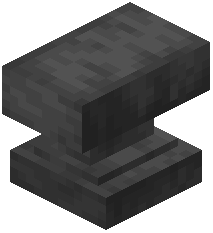 Anvil
 Attached Melon Stem
 Attached Pumpkin Stem
 Azure Bluet
 Beacon
 Bedrock
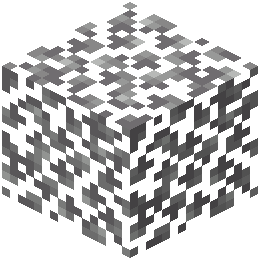 Birch Leaves
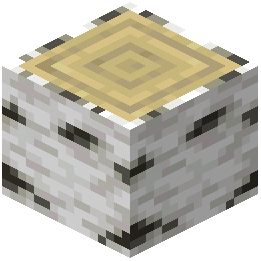 Birch Log
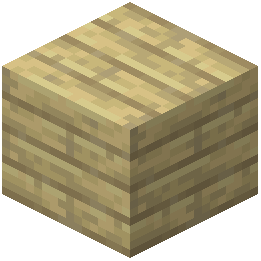 Birch Planks
 Birch Sapling
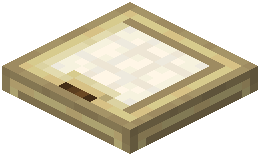 Birch Trapdoor
 Black Concrete
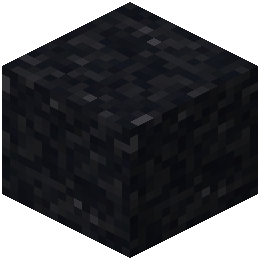 Black Concrete Powder
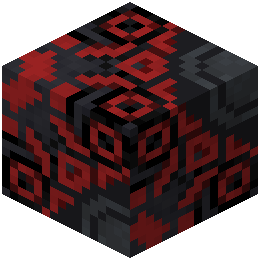 Black Glazed Terracotta
 Black Shulker Box
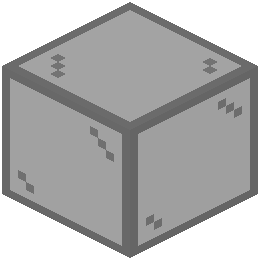 Black Stained Glass
Frequently asked questions
How do I turn on the smooth craft textures in game?
Open the Options menu, click on Resource Packs, and move Smooth Craft Texture Resource Pack from the left column to the right column. Click Done to reload the game's graphics and apply the smoothed surfaces.
Why are my blocks still showing the default textures after enabling?
Another resource pack or mod that changes core block graphics is likely sitting above Smooth Craft in your load order. Move Smooth Craft to the very top of the active Resource Packs list so its textures take priority.
Does this pack change items and inventory menus or just blocks?
It updates both the user interface and the item sprites in your inventory to match the simplified block aesthetic. Objects you hold and see in menus will have the same clean, modern style as the terrain.
Is it hard to tell different ores apart in caves with the smoothed textures?
No, ore blocks and cave materials are designed with crisp surface details while keeping the classic vanilla identity intact. Each ore remains distinct and easy to spot against the smoothed stone.
Does smooth craft work in the nether?
Yes, the Nether environment is included in the visual overhaul. It features cleaned netherrack blocks and simplified lava textures to make navigating the dimension clearer.
Can I use this with other mods?
Yes, it works alongside any mods that do not alter core block graphics. If you use mods that add completely new custom blocks, those specific blocks will simply remain in their own default style while vanilla blocks use the smoothed textures.
Why do biome grass and leaves look slightly different in color?
The pack adjusts color palettes across biomes and building materials to create better visual balance. Natural foliage and grass blocks are simplified so that outdoor terrain blends together more smoothly.
Will using this resource pack mess up the look of existing builds or villages?
Because the pack maintains the original look and identity of familiar vanilla blocks, existing builds and villages will keep their intended design. Wood planks, stone variants, and bricks are simply given softer color gradients and cleaner patterns.
Does this need to be on the server or just my client?
Since it only replaces visual textures, item sprites, and the user interface, it only needs to be enabled on your client. You can use it on any multiplayer server without the server needing it installed.
How do I make stone and brick gradients blend better when building?
The pack already refines stone variants and brick blocks with smooth color gradients and removes harsh visual noise. You can place different vanilla stone and wood types directly next to each other, and their softened surfaces will transition naturally.
Related mods
Other wikis you may find useful.