

 DownloadDynamic Surroundings Resource Pack
Get the files on 9Minecraft
Guides
Step-by-step, in-game.
How to Configure Dynamic Surroundings for Better PerformanceDynamic Surroundings adds a lot of ambient effects, and on lower-end systems those effects can cost frames. The mod…How to Fix Dynamic Surroundings Conflicts with Shaders and Other ModsDynamic Surroundings touches fog, sky rendering, and audio, which are exactly the areas shaders and other ambience…How to Get the Most Out of Dynamic Surroundings in Caves and at NightDynamic Surroundings is at its best underground and after dark, where its ambience and effects change how the game…How to Make Dynamic Surroundings Sounds and Fog Fit Your PlaystyleThe default Dynamic Surroundings experience is tuned for immersion, but many players want it quieter, scarier, or…
Frequently asked questions
How do I know Dynamic Surroundings is actually working?
Load into a world and listen for ambient biome  sounds, birdsong, or wind that vanilla doesn't play, and watch for fog and aurora effects at dawn, dusk, or night. If you hear nothing, check that the pack is enabled and that its sound volume sliders aren't turned down.
How do I turn off specific sounds like footsteps or cave ambience?
Open the  Dynamic Surroundings configuration screen and toggle the individual sound categories off rather than muting the whole mod. Each category (footsteps, biome sounds, weather, cave effects) has its own switch so you can keep the visuals while silencing the audio.
Why is my fog so thick that I can't see anything?
Fog density is controlled by the mod's fog settings and is often amplified by biome or weather conditions. Lower the fog intensity in the config or disable biome-specific fog if you want clearer visibility while keeping other effects.
Does Dynamic Surroundings work with shaders?
It can run alongside shaders, but both mods touch fog and sky rendering, so you may get doubled fog or broken auroras. If visuals look wrong, disable the mod's fog and sky effects and let your shader pack handle those instead.
See all 10 Dynamic Surroundings questions ›
Gallery
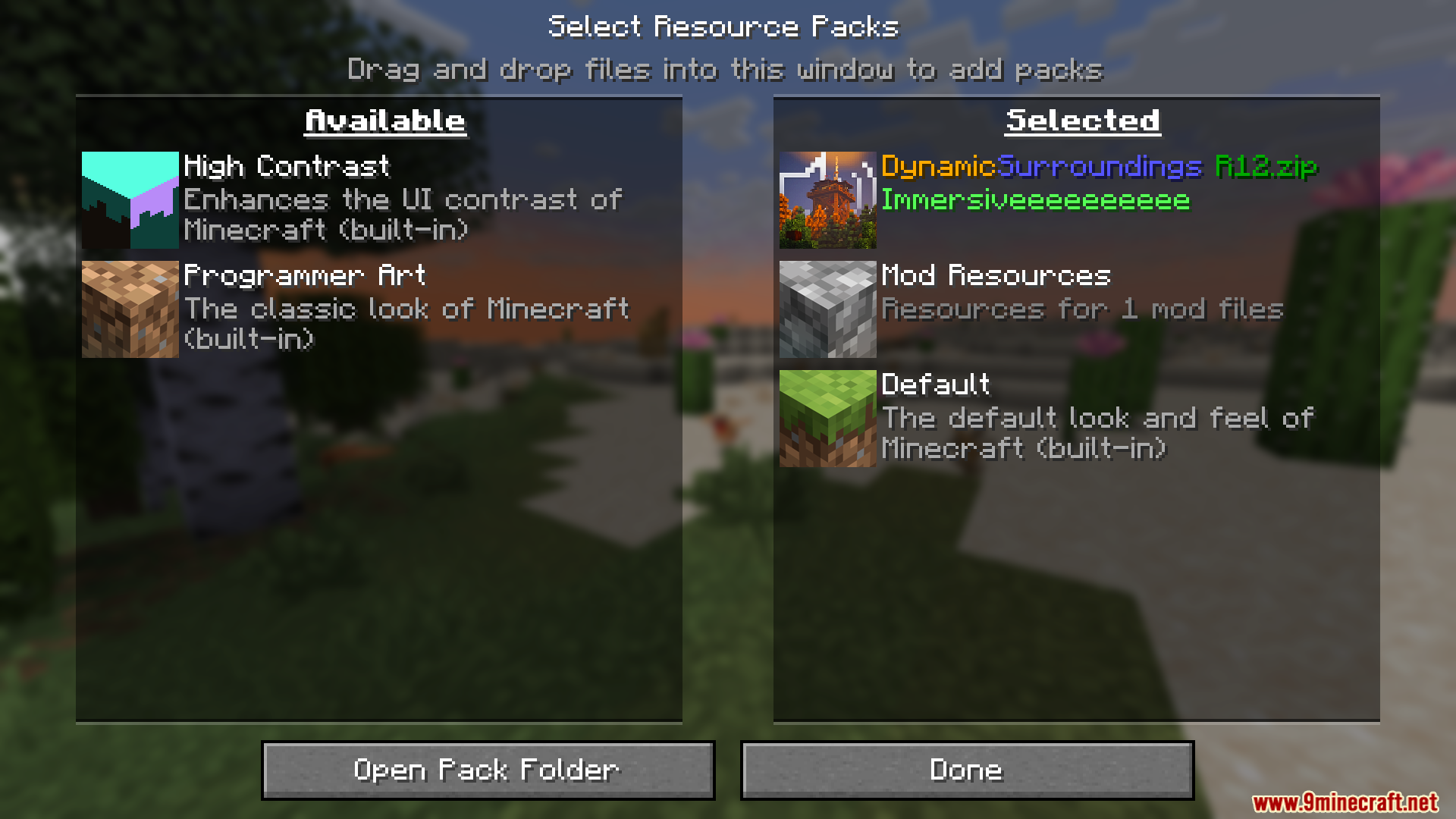
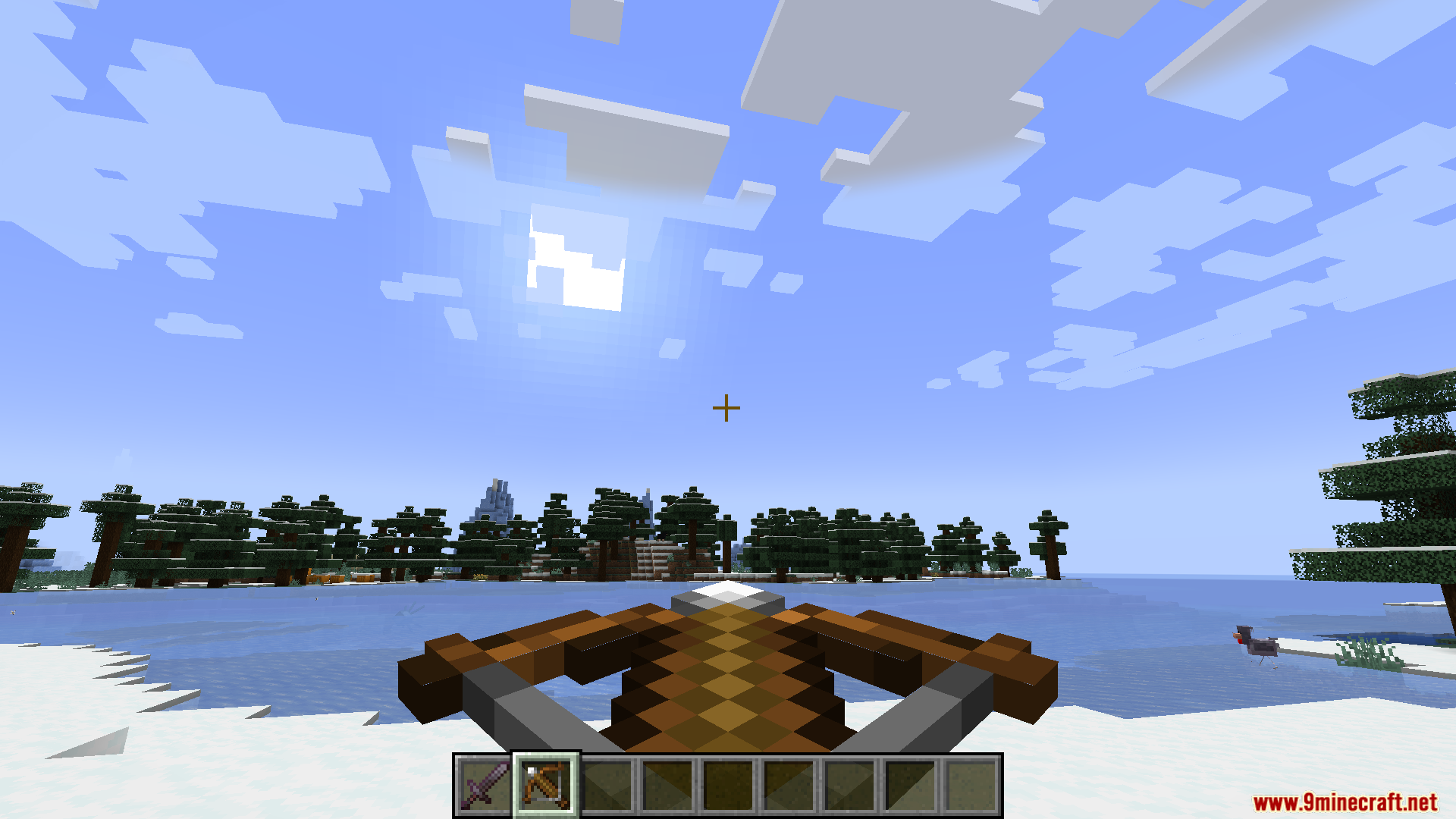
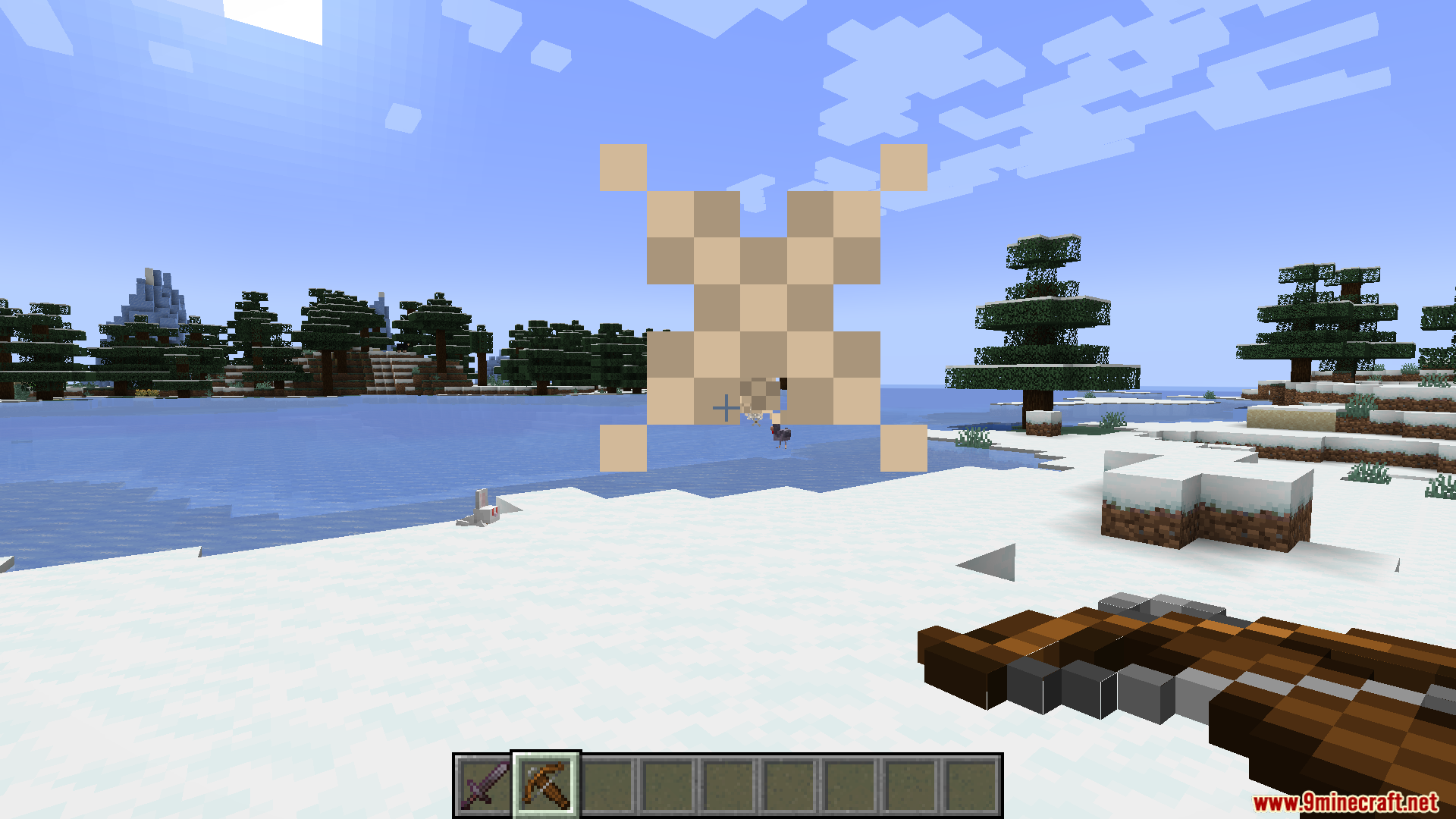
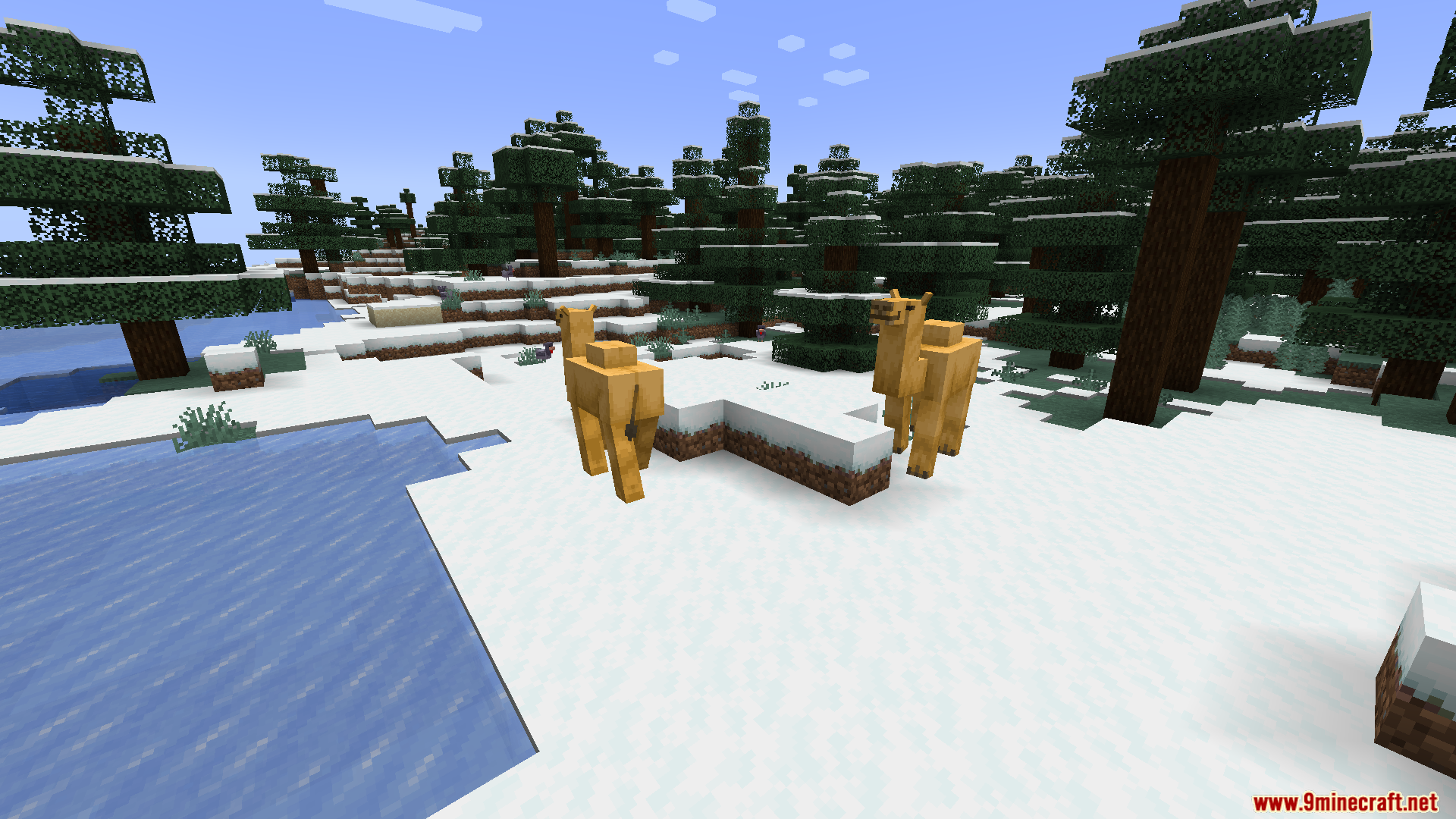
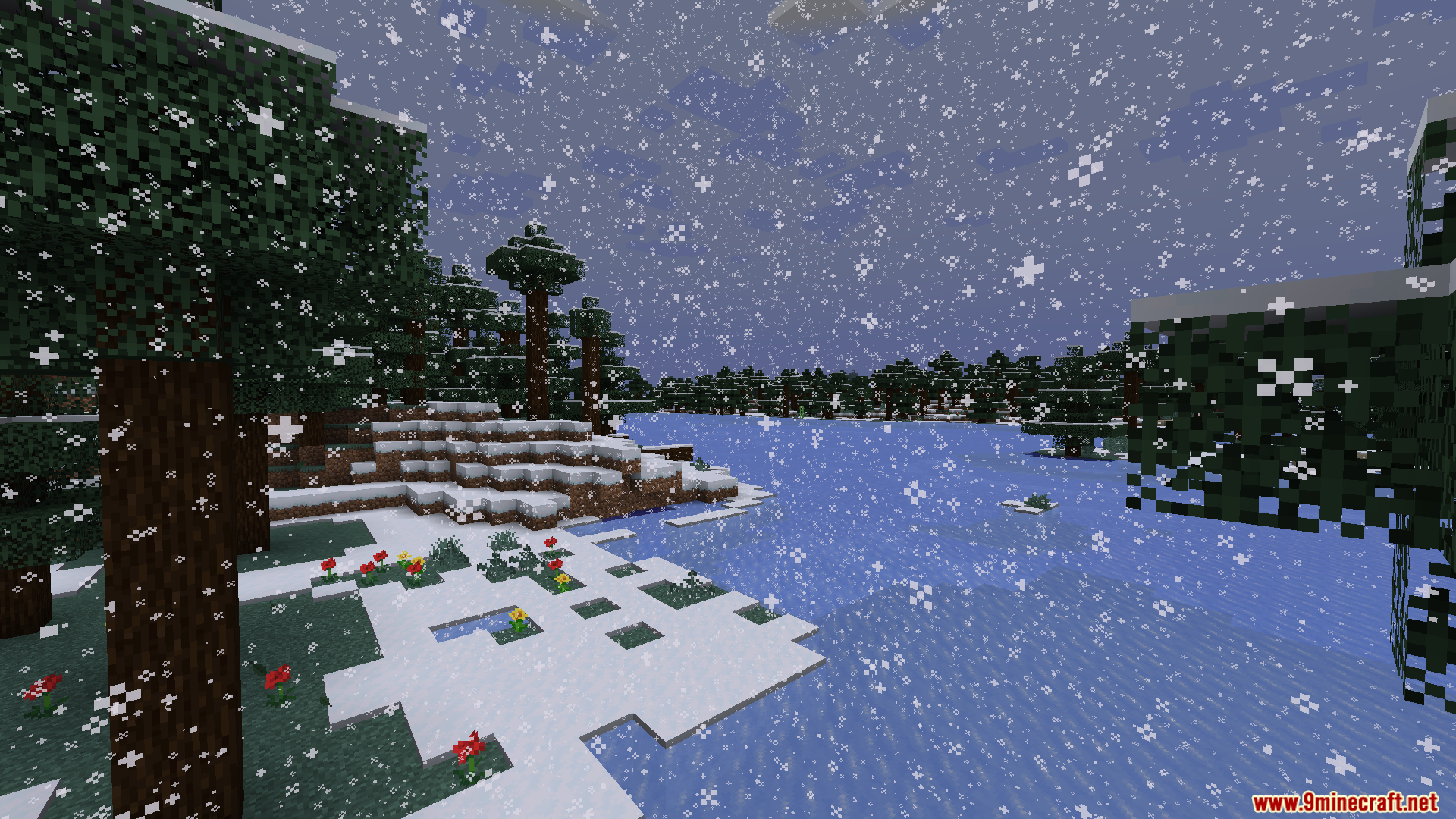
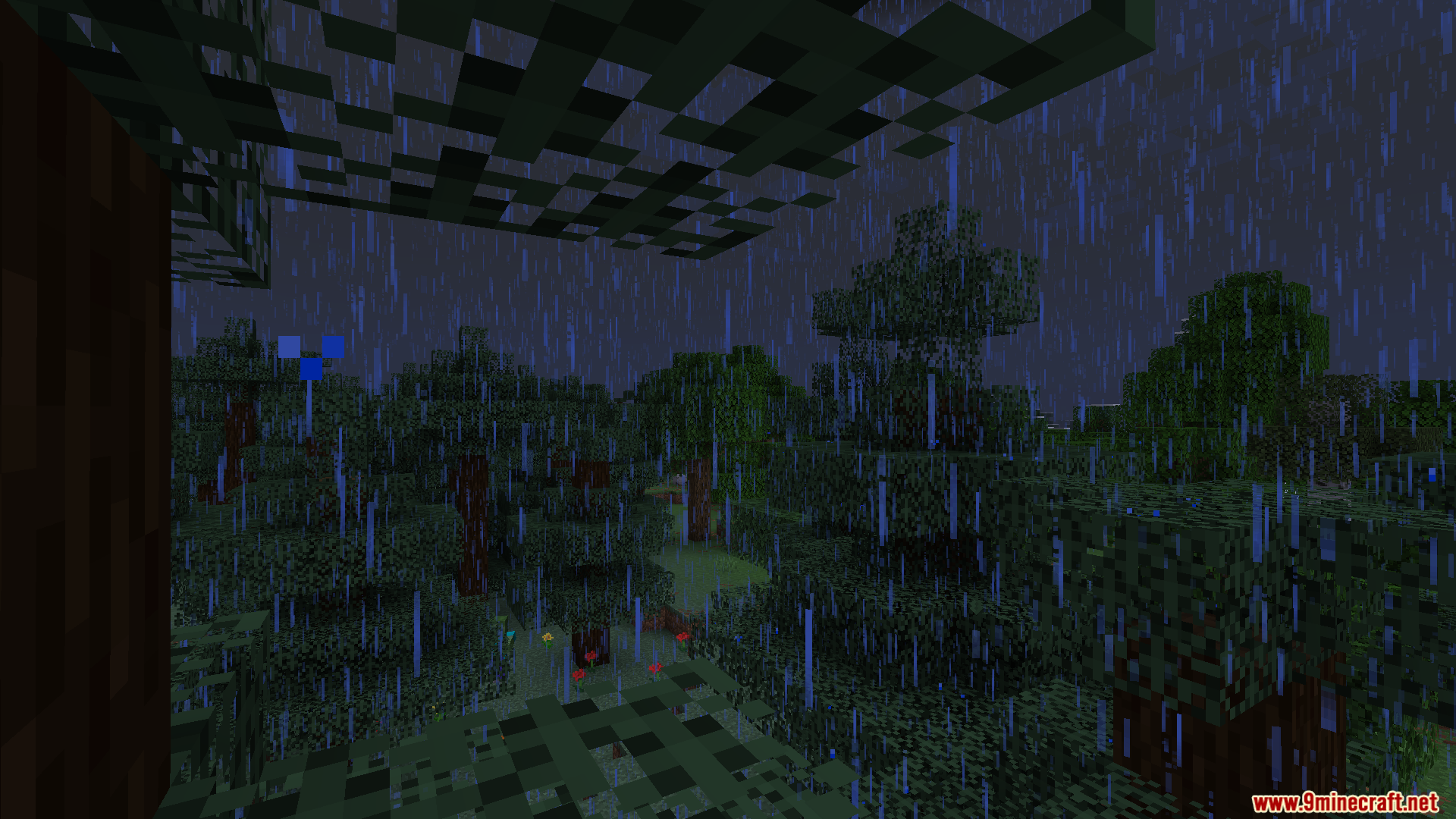
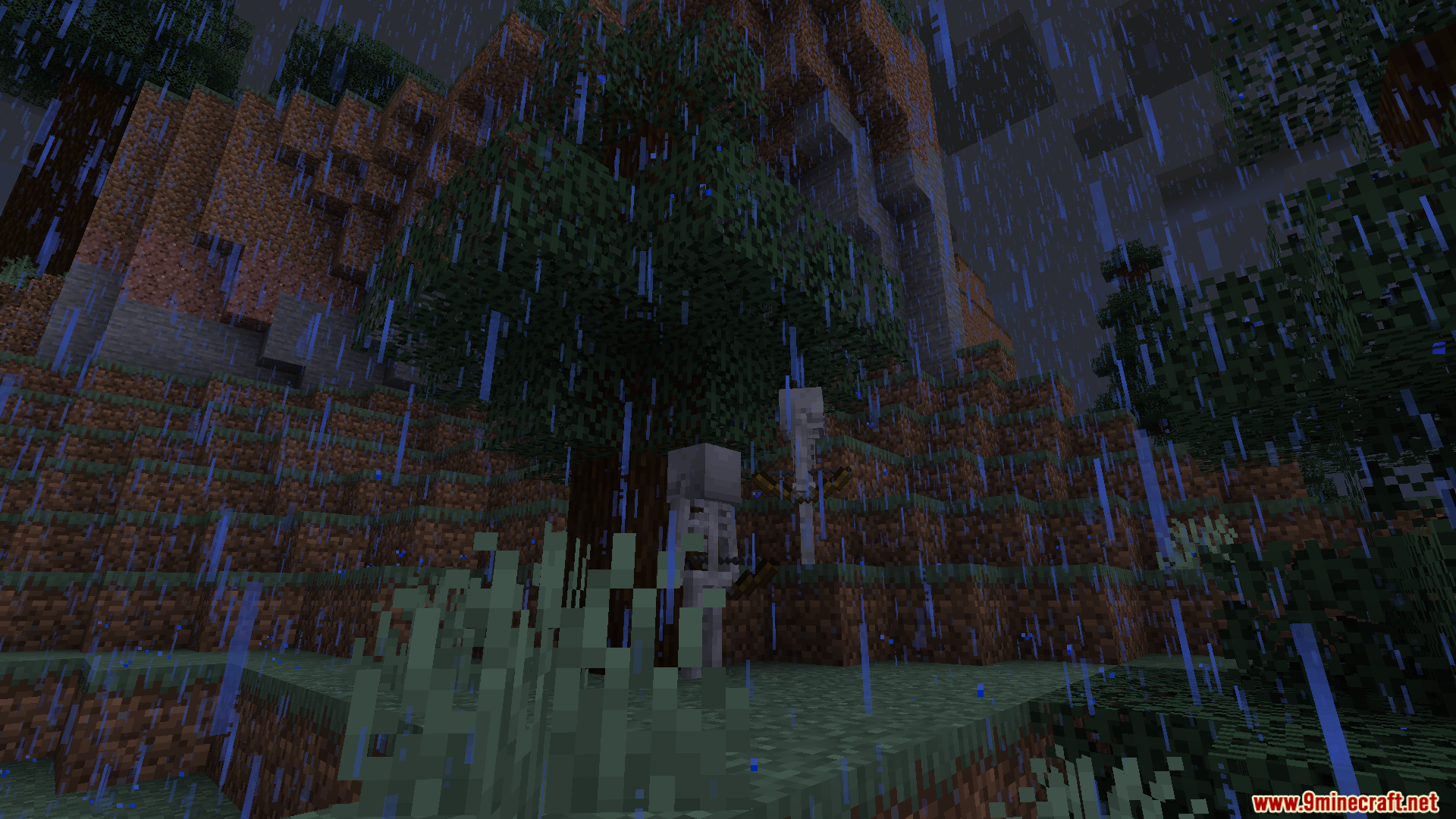
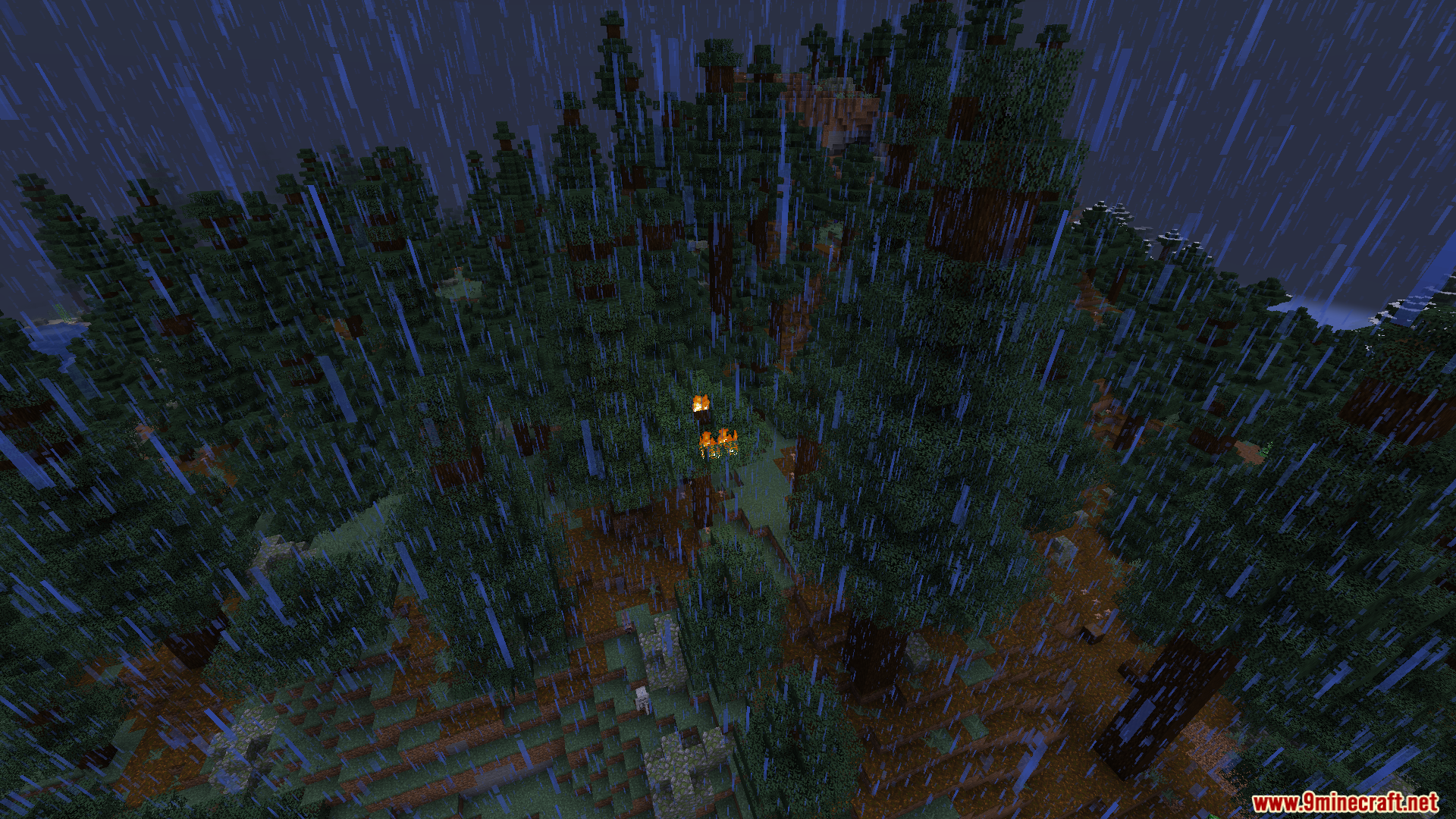
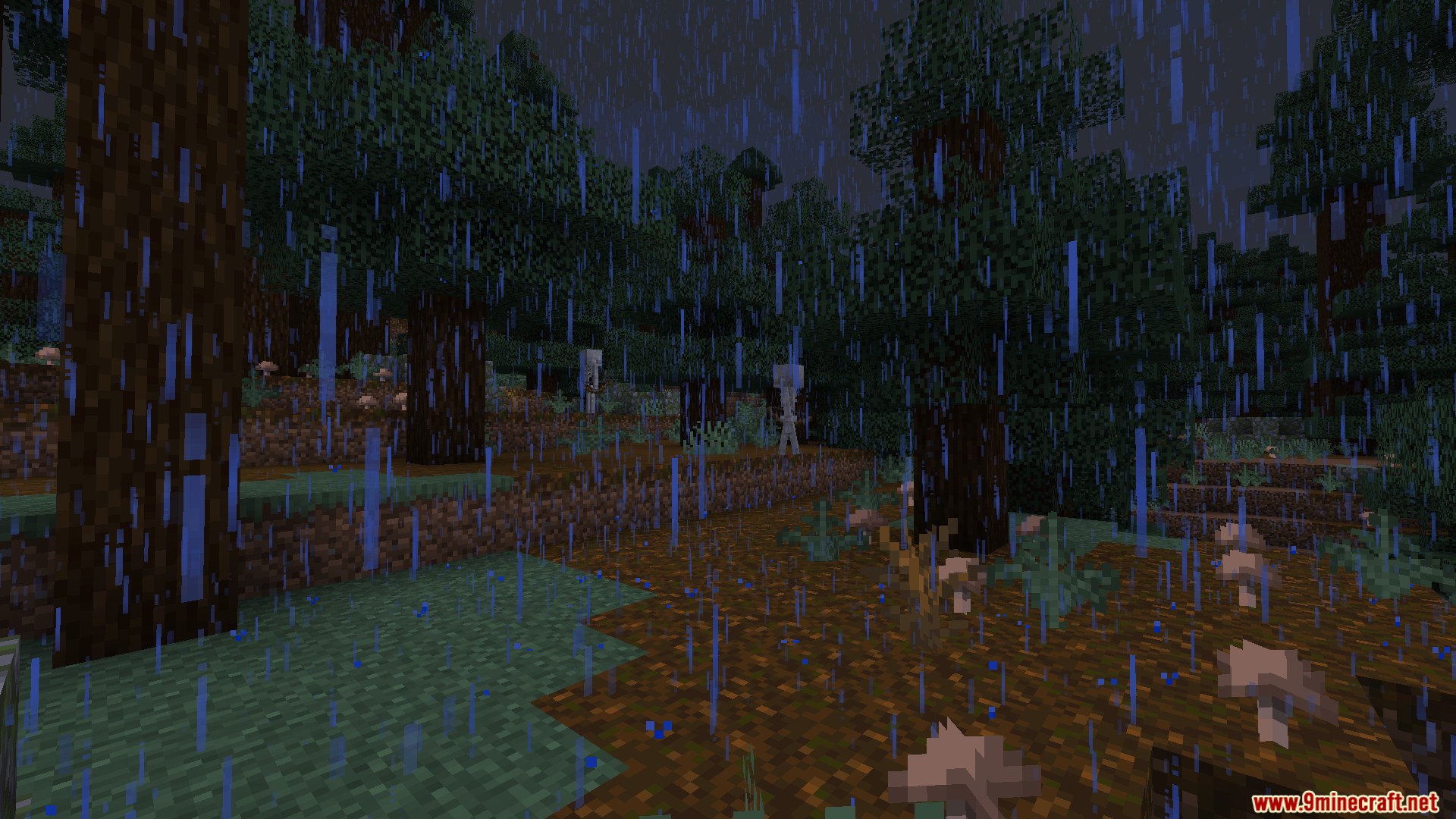
10 images from the Dynamic Surroundings Resource Pack page.

You May Also Like
Wikis that share the most with this one
More resource pack wikis on the site
Dungeons Water Resource PackDungeons Stone Resource PackDungeons Dirt Resource PackDungeons Crit Sound Resource PackDungeons Cobblestone Resource PackDungeons Chest Resource PackDuck Toons Shader RP Resource PackDTW 3D Tools and Weapons Resource PackDrodi’s Shield Resource PackDrodi S Arsenal Resource PackDrippy Armors Resource PackDreamsphere 256X256 Resource Pack
The most downloaded mods that have a wiki here
A few wikis from each of the other kinds