

 DownloadApocalypse GUI Resource Pack
Get the files on 9Minecraft
Guides
Step-by-step, in-game.
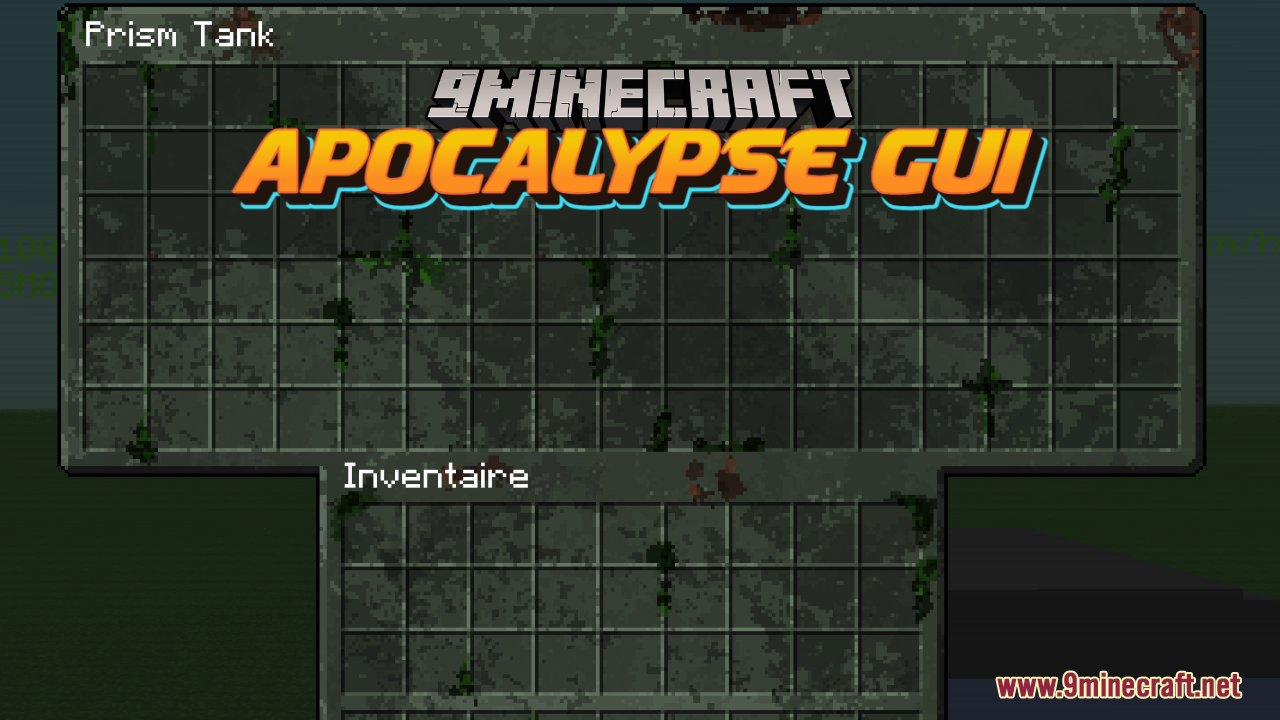
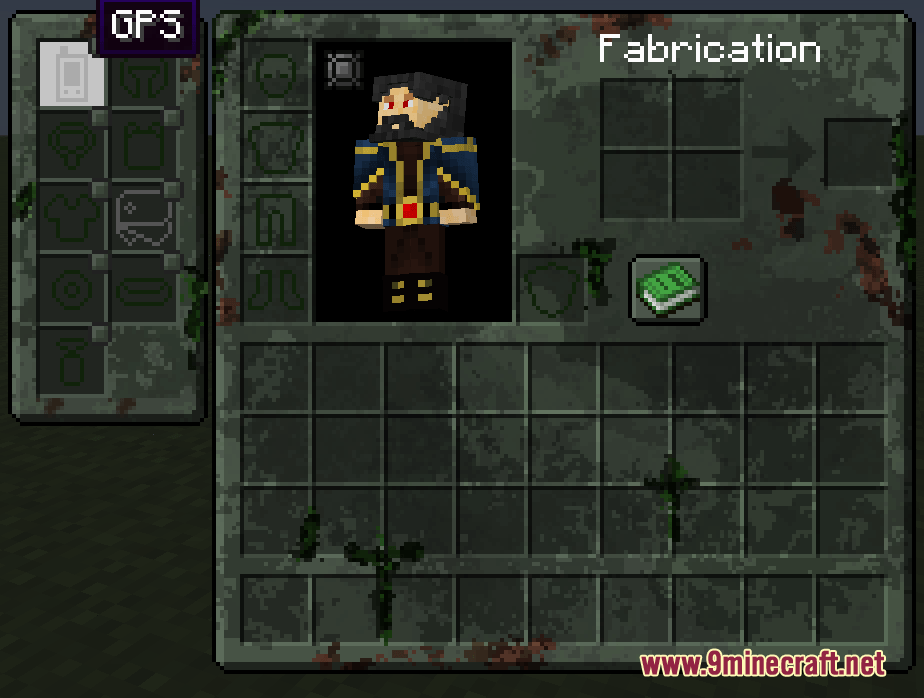
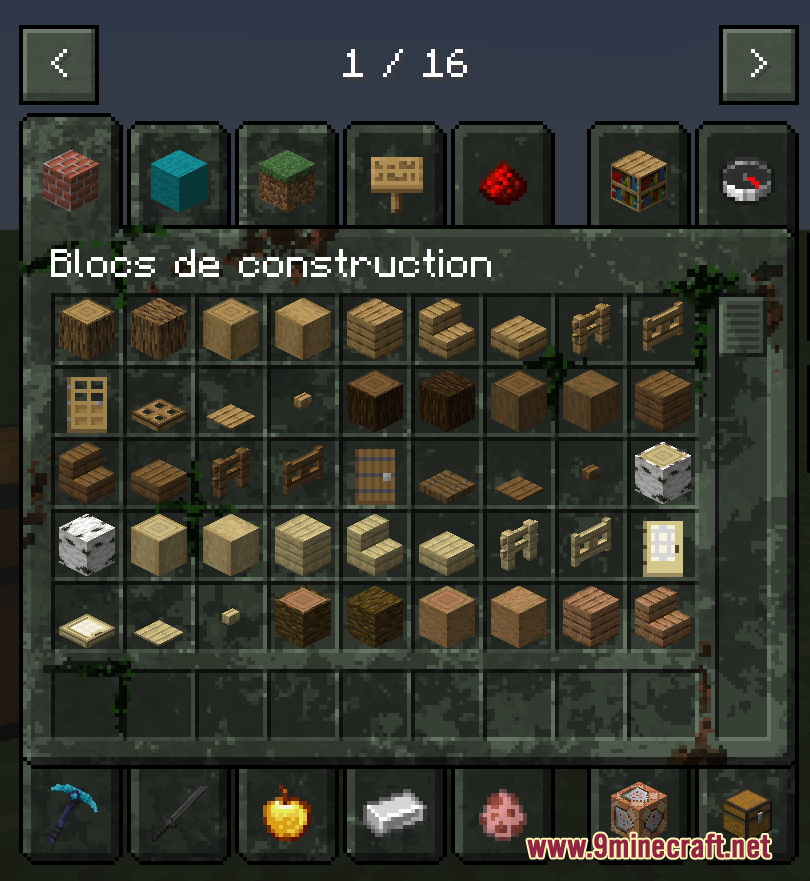
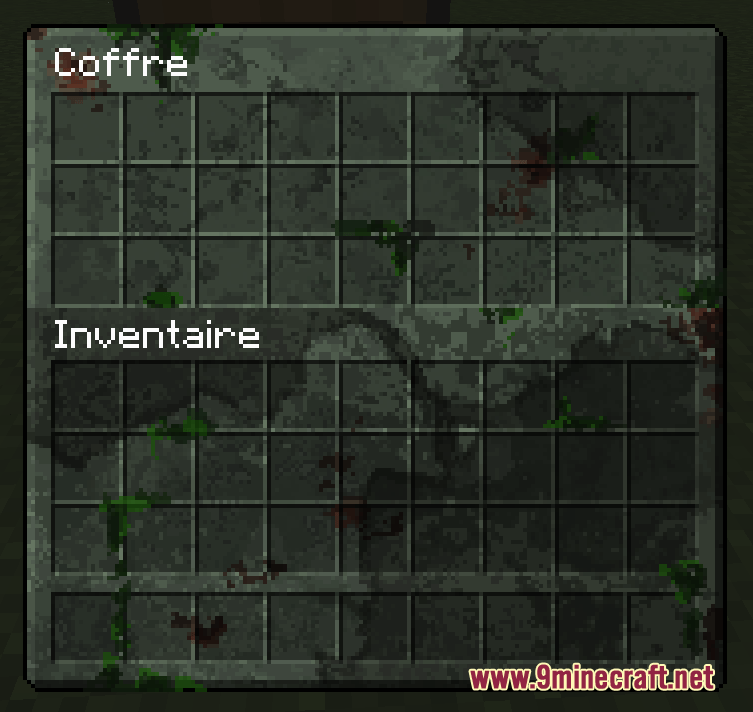
Customize Text Readability in Dark Apocalypse GUI ScreensUnderstand the Design Philosophy Apocalypse GUI applies heavy weathering, bloodstains, and mossy textures to create…Make Your Entire Modpack Look Consistent with Apocalypse GUICheck Mod Compatibility Apocalypse GUI includes custom screen skins for dozens of popular mods. Before installing,…Switch Between Apocalypse GUI and Vanilla Menus Without RestartingUse Resource Pack Toggle 1. Press Esc to open the pause menu 2. Navigate to Options → Resource Packs 3. Locate…Understand What Screens Are and Aren't Restyled by Apocalypse GUICovered Screens Apocalypse GUI reskins the core vanilla menus: inventory, pause screen, hotbar, chests, crafting…
Frequently asked questions
Why do some mod menus still look vanilla even though I have Apocalypse GUI installed?
Apocalypse GUI only reskins screens from mods it's been designed to support—check the mod list in the wiki to see if your mod is included. If a mod isn't listed, its custom menus won't be themed, though the base game screens will still have the apocalypse look.
Can I use Apocalypse GUI with other GUI resource packs?
Resource packs stack based on load order, so if another GUI pack is loaded after Apocalypse GUI, it will override the apocalypse styling. Load Apocalypse GUI last in your resource pack list to ensure it takes priority.
The text in dark menus is hard to read—how do I fix this?
Check the guide 'Customize Text Readability in Dark Apocalypse GUI Screens' for options to adjust contrast and font visibility without losing the apocalypse aesthetic.
Do I need to restart my game if I enable or disable Apocalypse GUI?
No—you can toggle the resource pack on and off from the resource pack menu, and the changes will apply immediately to most screens without restarting.
See all 10 Apocalypse GUI questions ›
Gallery
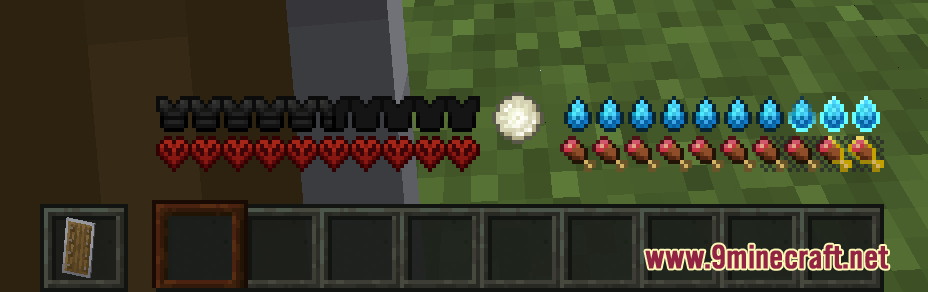
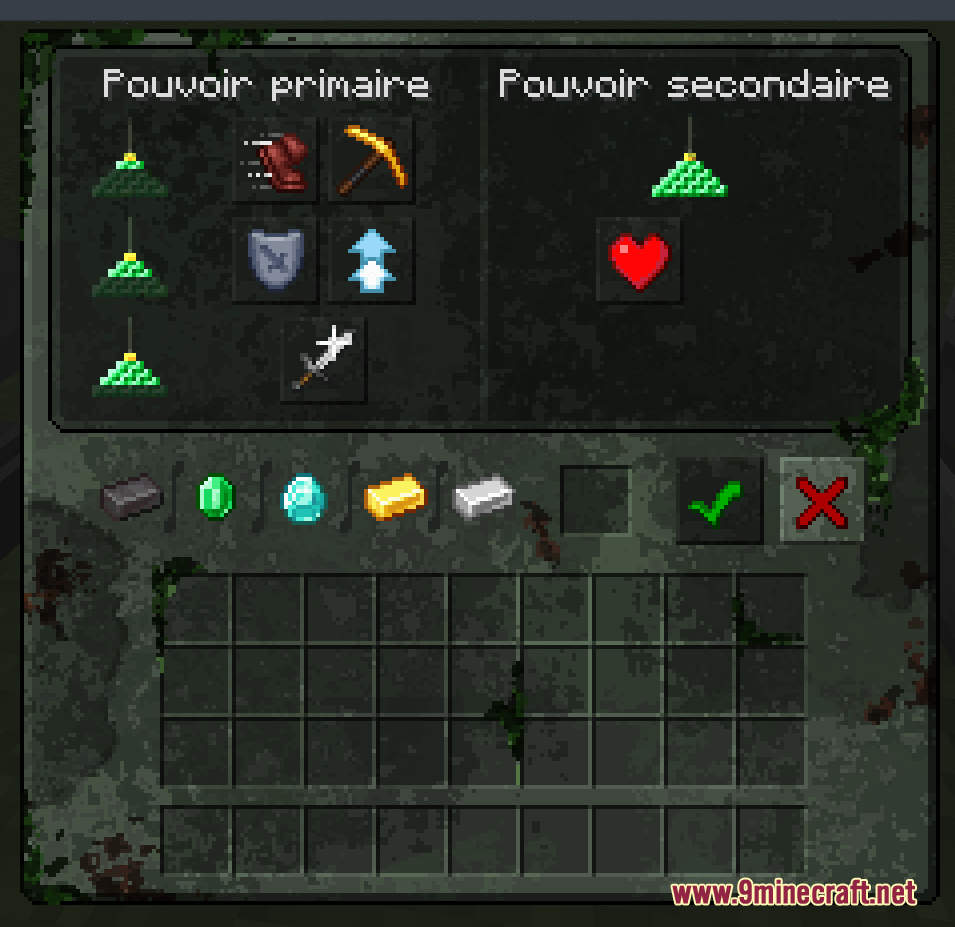
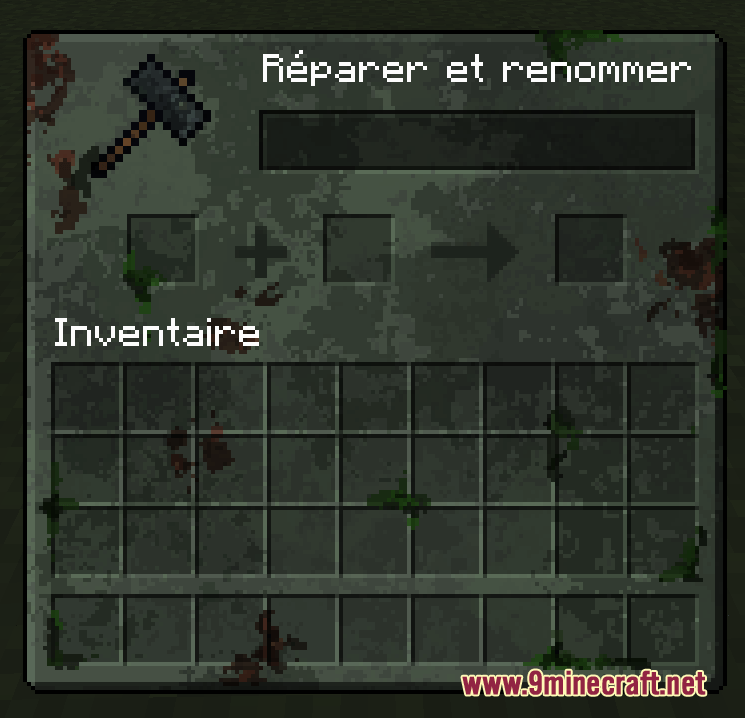
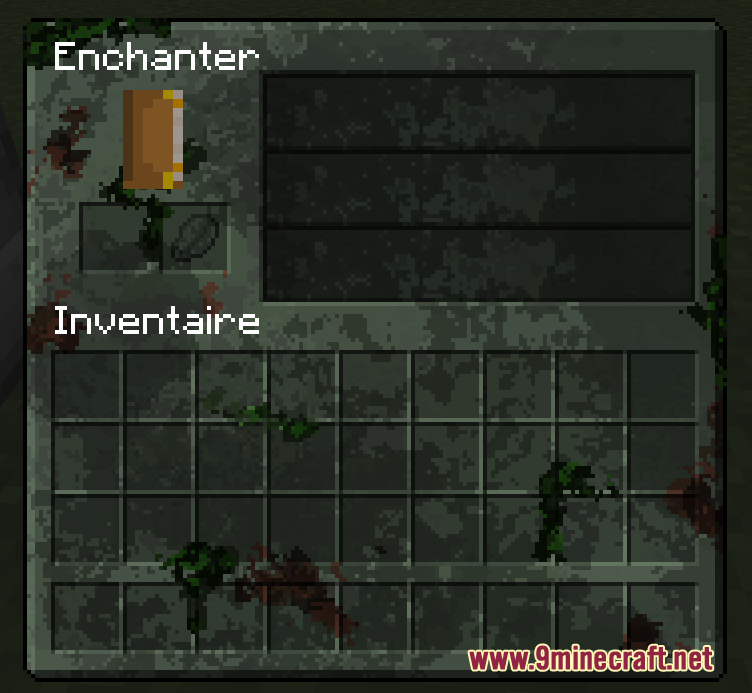
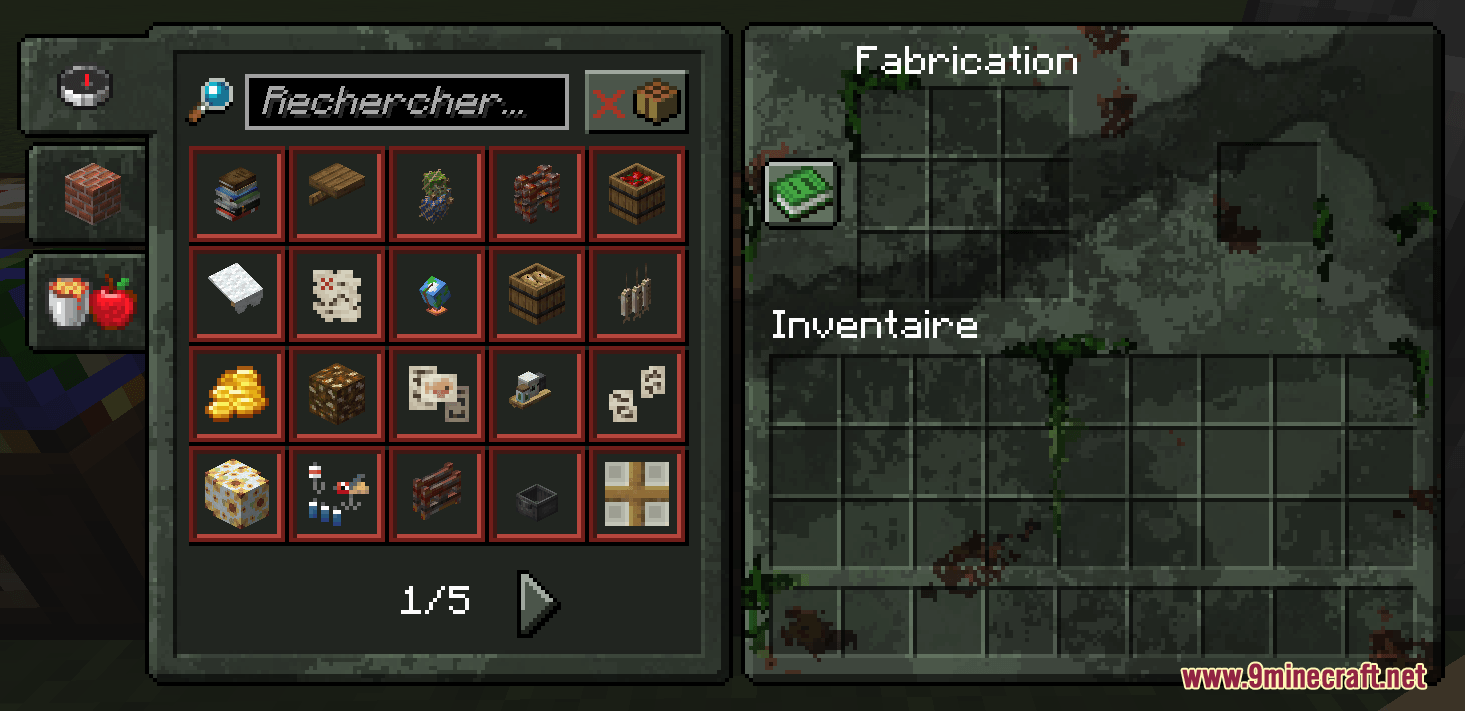
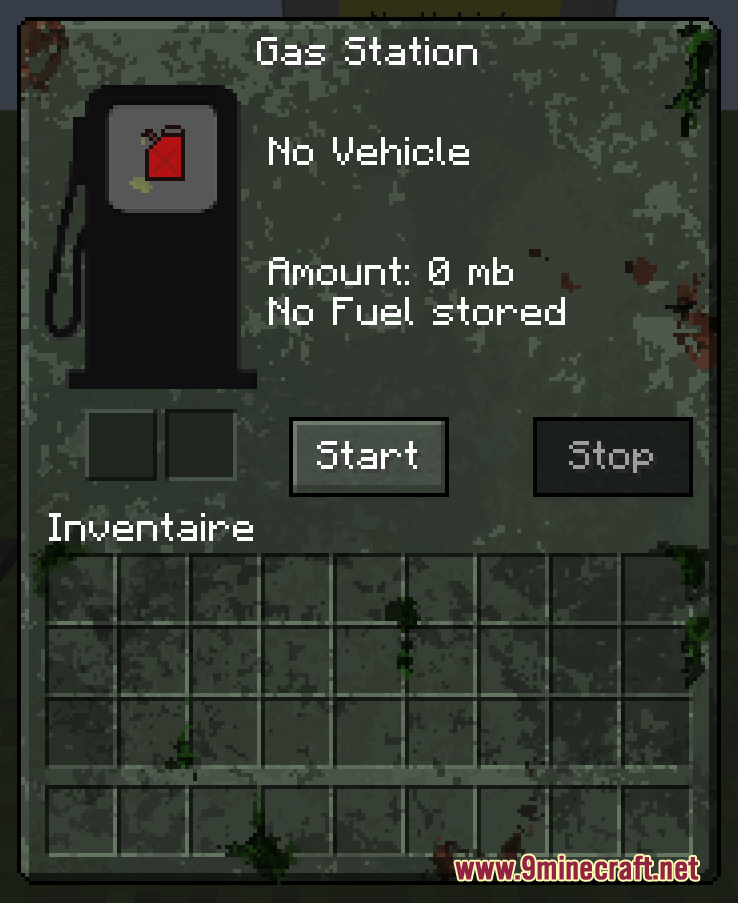
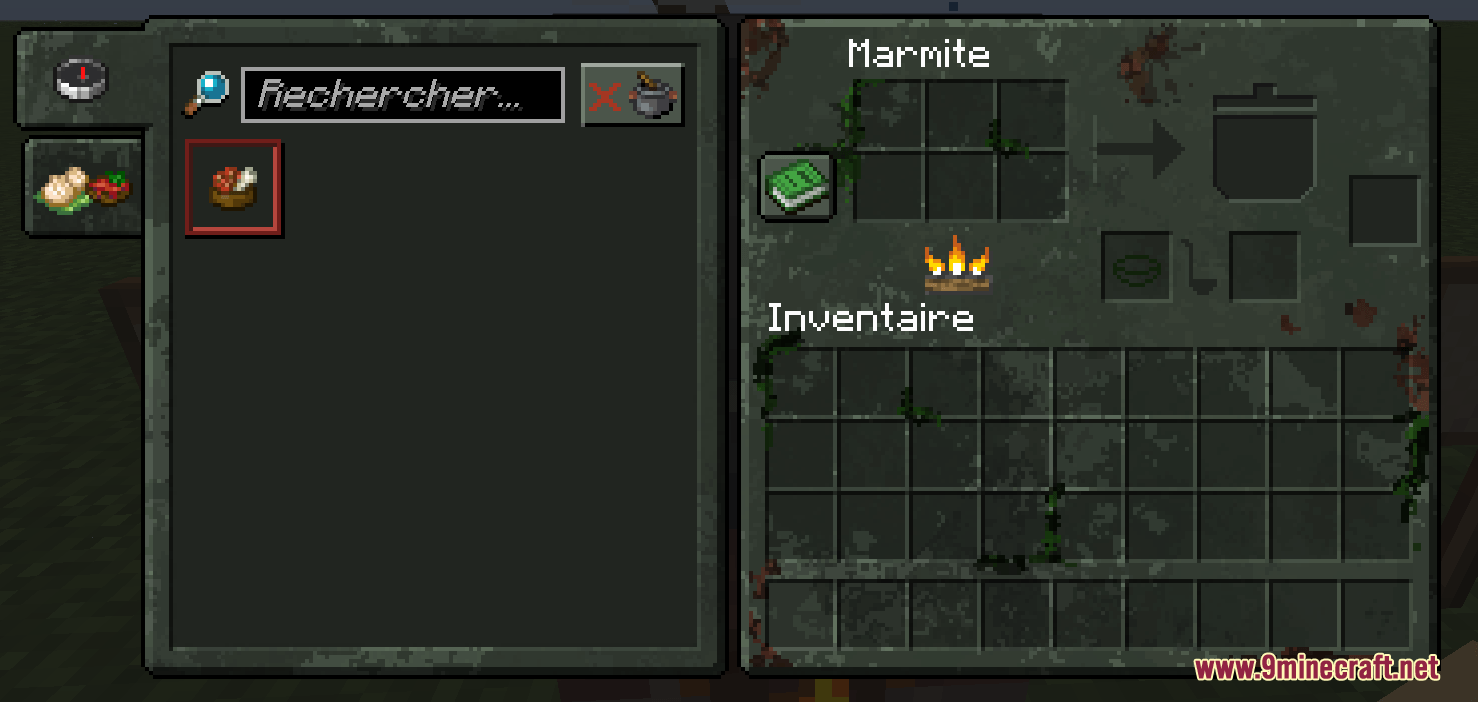
11 images from the Apocalypse Gui Resource Pack page.
You May Also Like
Wikis that share the most with this one
Apocalypse Bunker MapApocalypse Begins ModpackITV1 Zombie Apocalypse MapUltimate Zombie ApocalypseSolar Apocalypse RefabricatedAmstellhd Zombie Apocalypse Resource PackWorld Destroying Apocalypse Zombie ModpackAnimated Furnaces Resource PackAnimated Items Resource PackAnimated Ore Resource PackAnimated Totem Of Undying Resource PackAnime Waifu Beds #20 Resource Pack
More resource pack wikis on the site
Anime Waifu Totem Resource PackAnime Waifu Beds Resource PackAnime Waifu Beds #26 Resource PackAnimated Dragon Elytra Resource PackAnimated and Emissive Ice and Fire and Spartan Weaponry Resource PackAngular Essence Resource PackAngel Hare Textures Resource PackAn X-Shaped Crosshair Resource PackAmong Us Totem Resource PackAmendments Spanish Translation Resource PackAmberstone Textures Pack Resource PackAmazing Mace 3D Resource Pack
The most downloaded mods that have a wiki here
A few wikis from each of the other kinds