

 DownloadAn X-Shaped Crosshair Resource Pack
Get the files on 9Minecraft
Guides
Step-by-step, in-game.
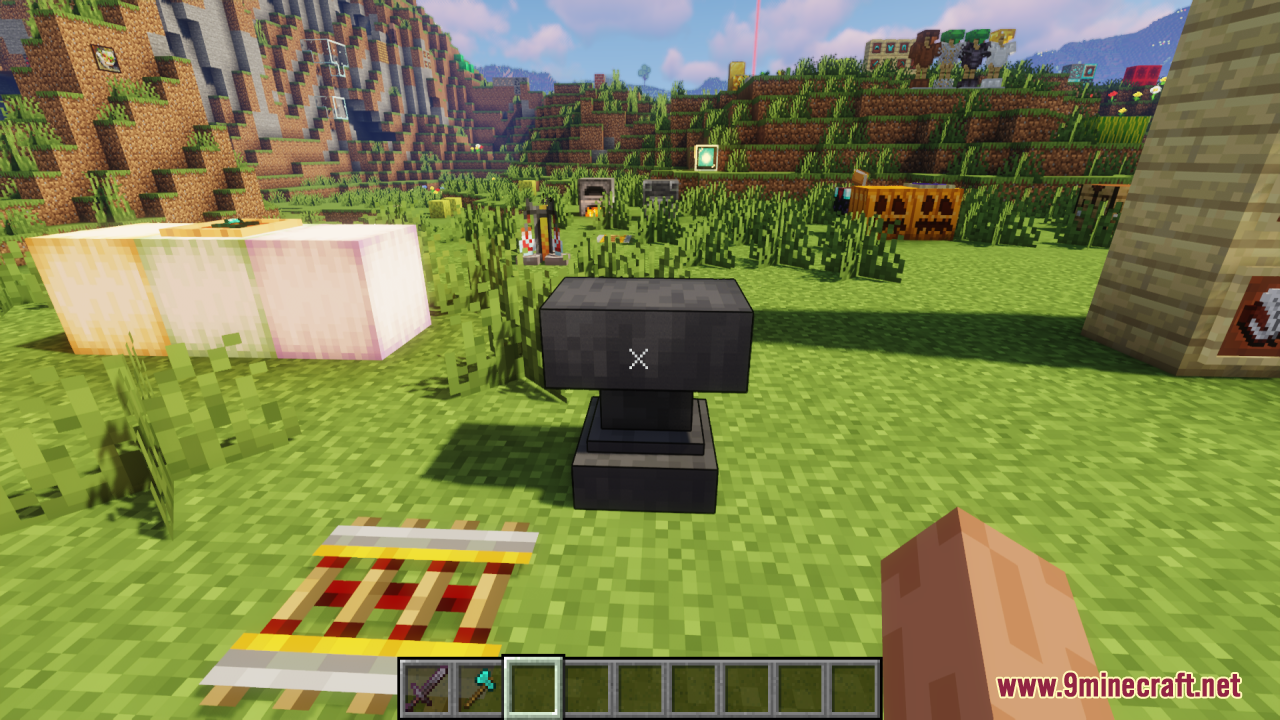
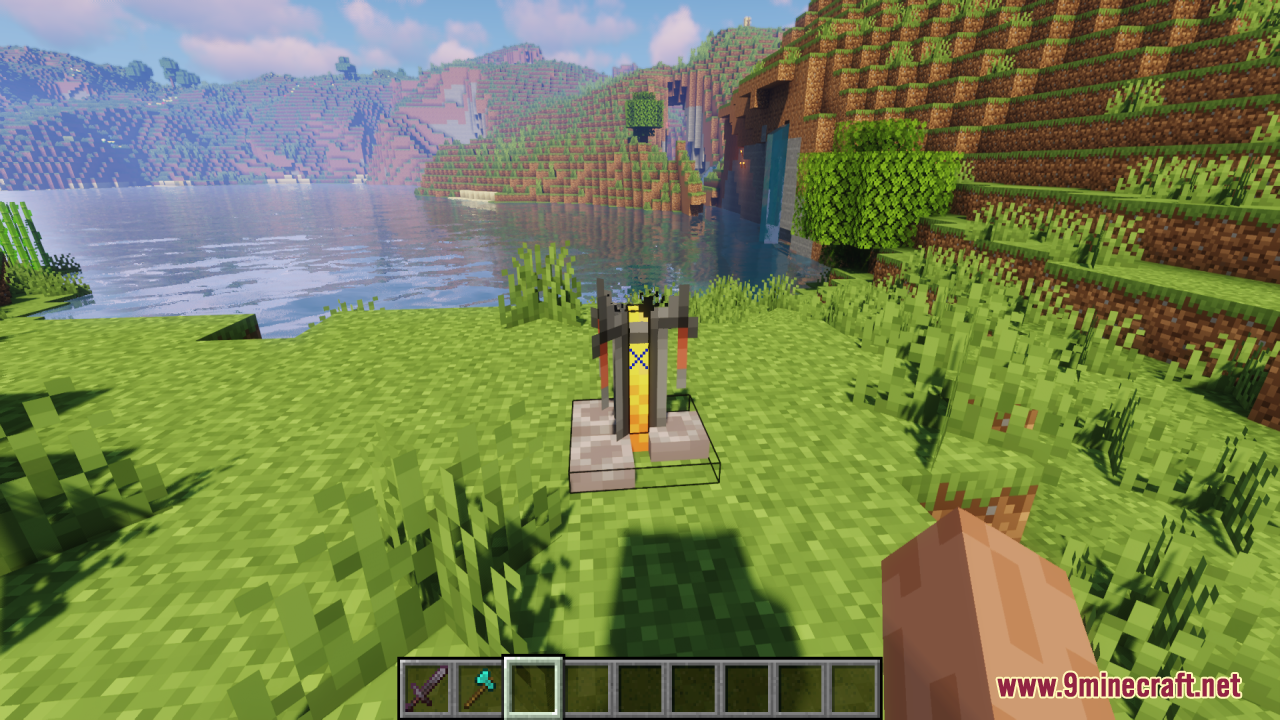
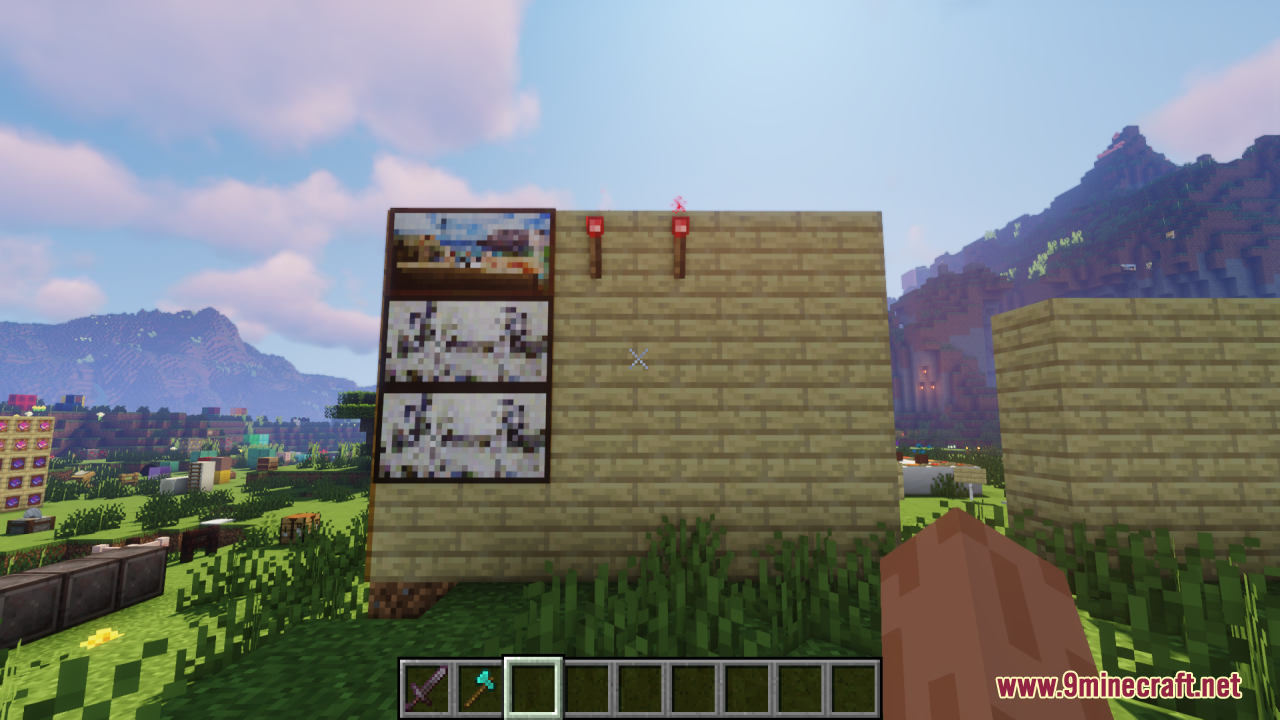
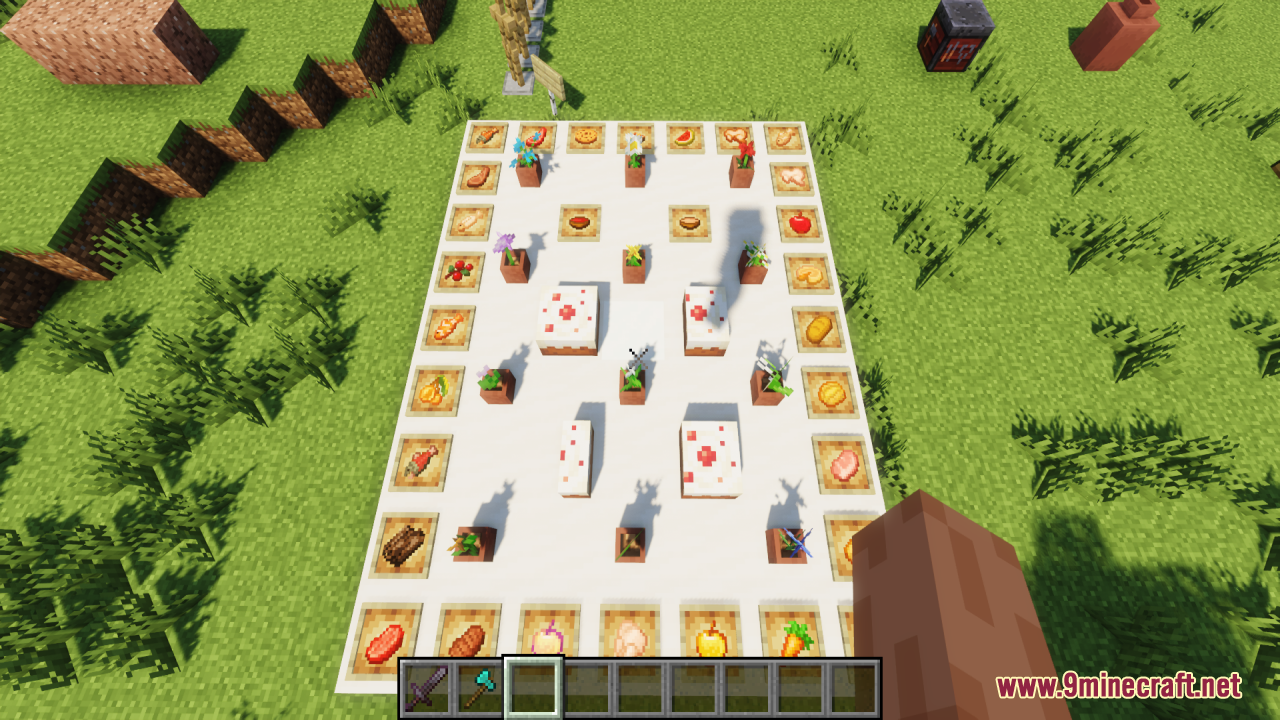
Customize Your Crosshair Experience Across Different Game ModesUsing the X Crosshair in Survival, Creative, and Multiplayer The X-shaped crosshair works consistently across all…Improve Your Aim During PvP Combat Using the X CrosshairWhy the X Design Helps The X-shaped crosshair removes the extra visual clutter around your center point, making it…Switch Between Your X Crosshair and Default CrosshairToggle the Resource Pack On and Off You can easily switch between the X-shaped crosshair and Minecraft's default…Use the X Crosshair for Accurate Block PlacementPrecision Building with the X Shape The X-shaped crosshair isn't just for combat—it's excellent for building. The…
Frequently asked questions
How do I activate the X crosshair after installing the pack?
Open your Resource Packs menu in Settings, find this pack in the Available list, and click the arrow to move it to Active. The X crosshair will appear immediately in your next game session.
Can I switch back to the normal crosshair without uninstalling?
Yes, go to Resource Packs in Settings and move this pack back to the Available list. Your default crosshair will return the next time you load the game.
Does the X crosshair work in both Java and Bedrock?
This pack is designed for Java Edition. Bedrock Edition has different resource pack formats and may not be compatible.
Will the X crosshair affect my performance or FPS?
No, this is a texture-only pack that simply replaces the crosshair image, so it has no impact on performance.
See all 10 An X-Shaped Crosshair questions ›
Gallery
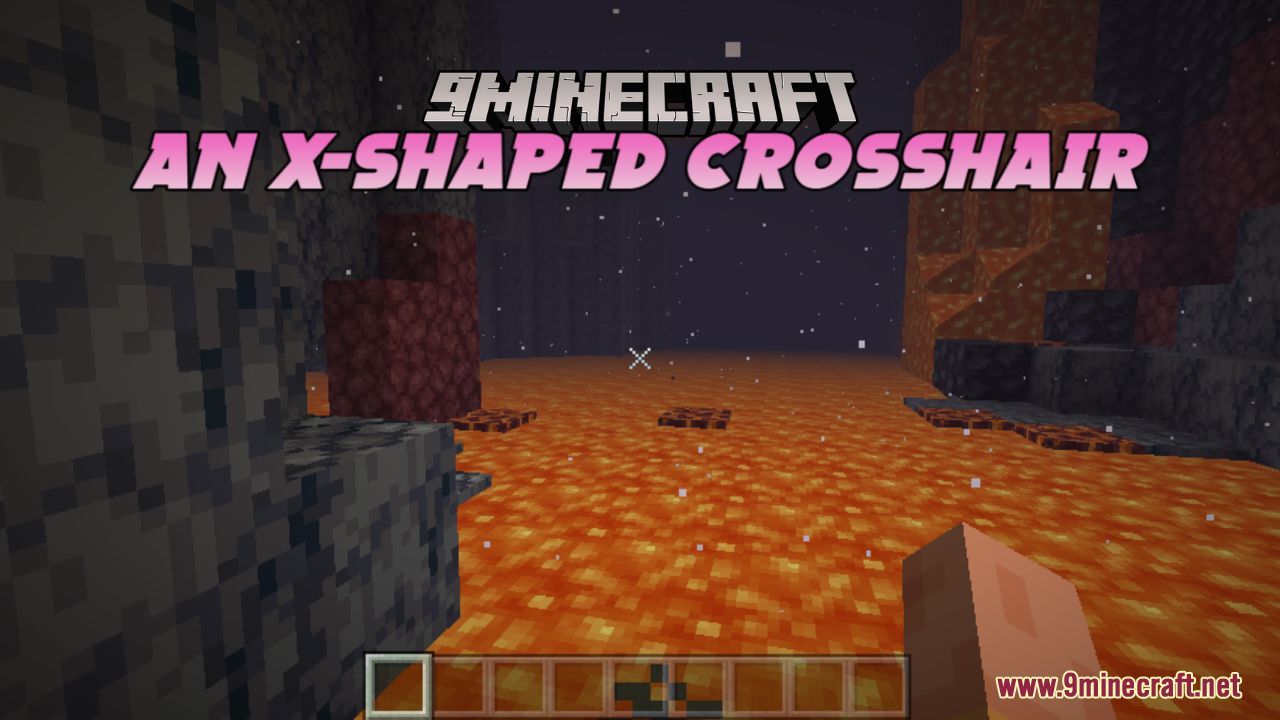
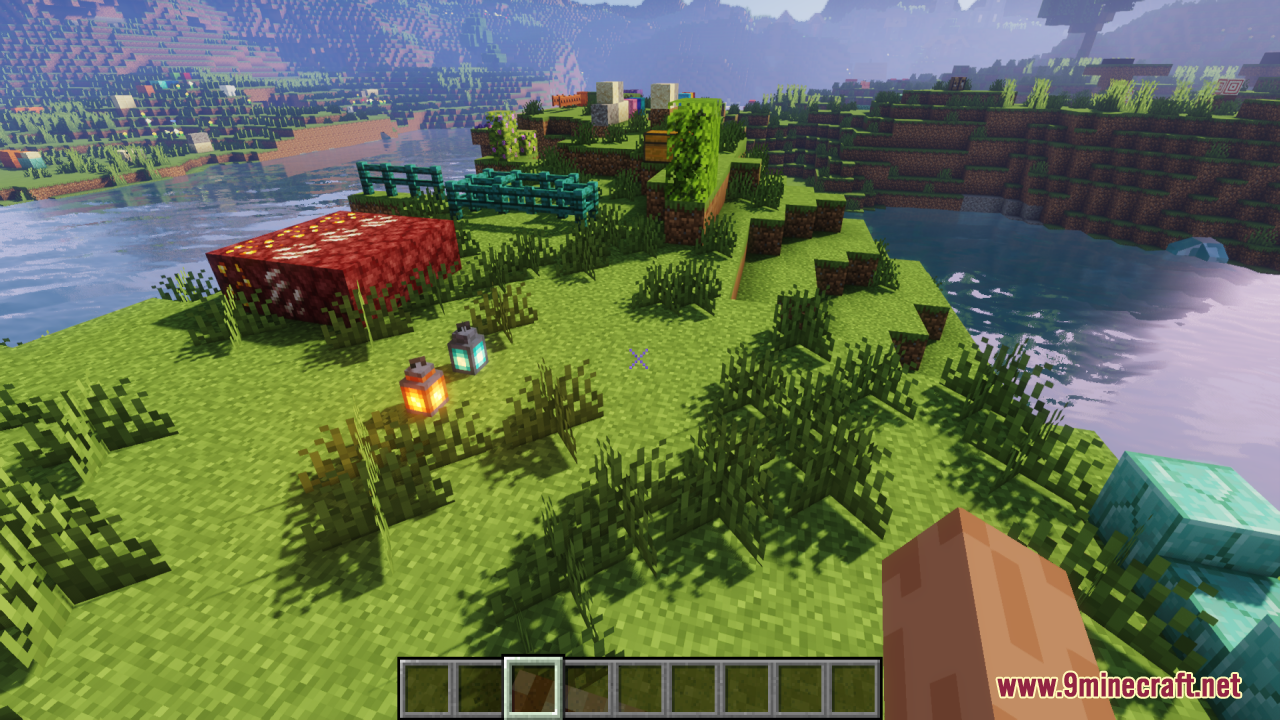
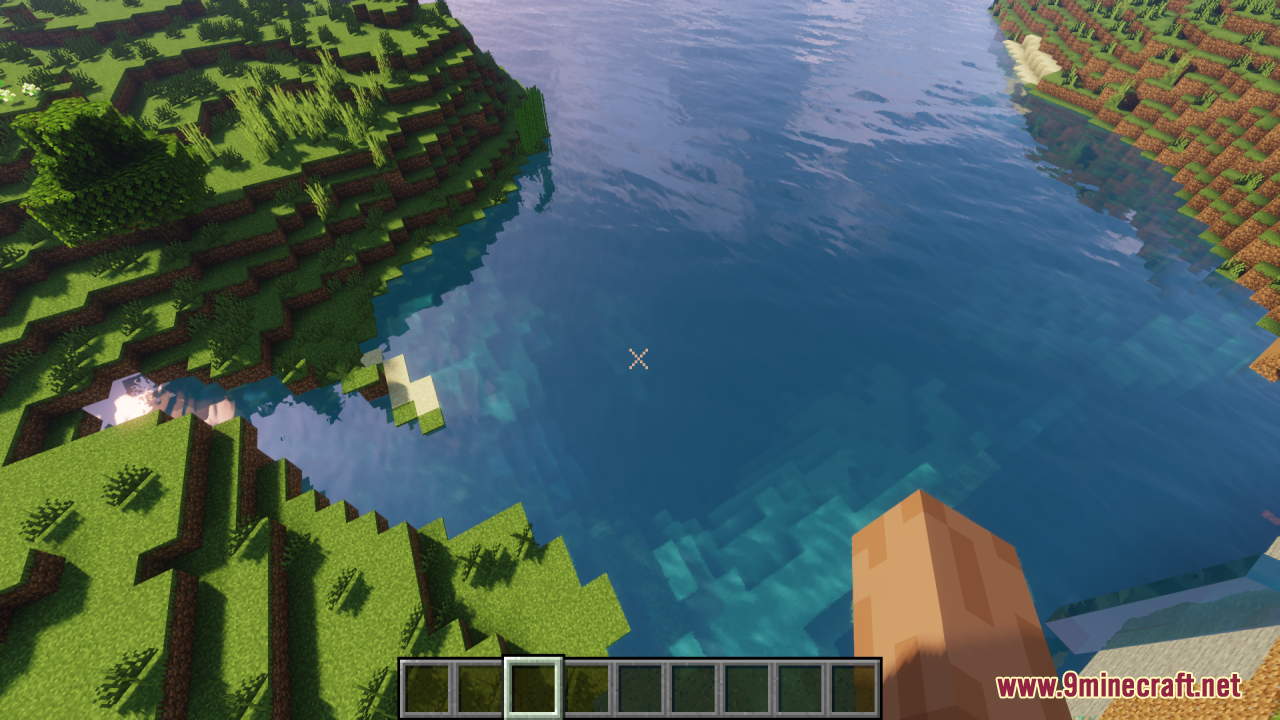
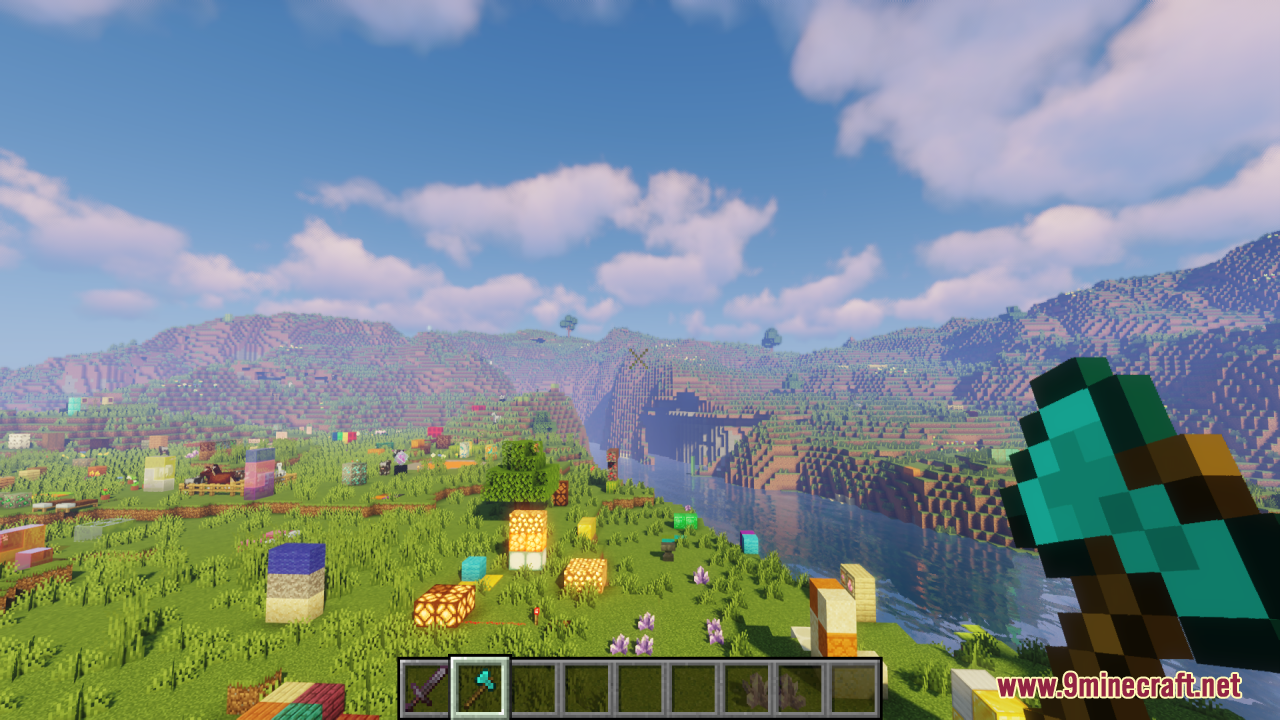
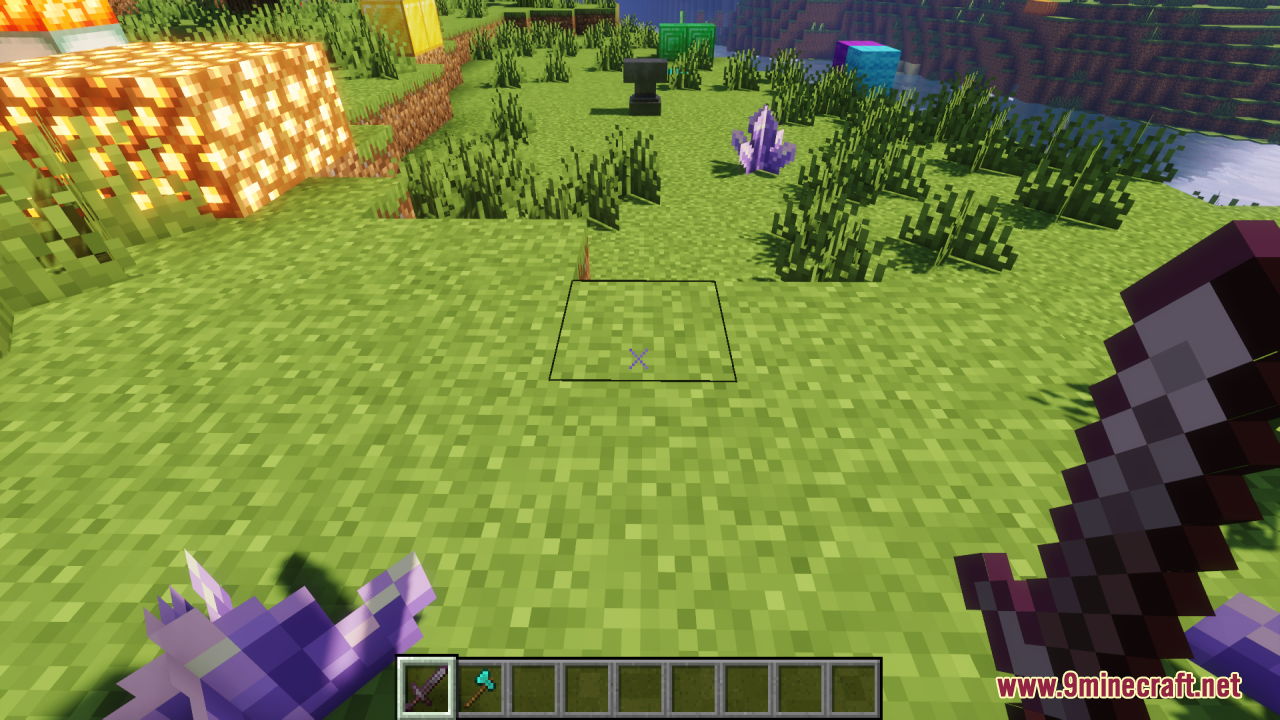
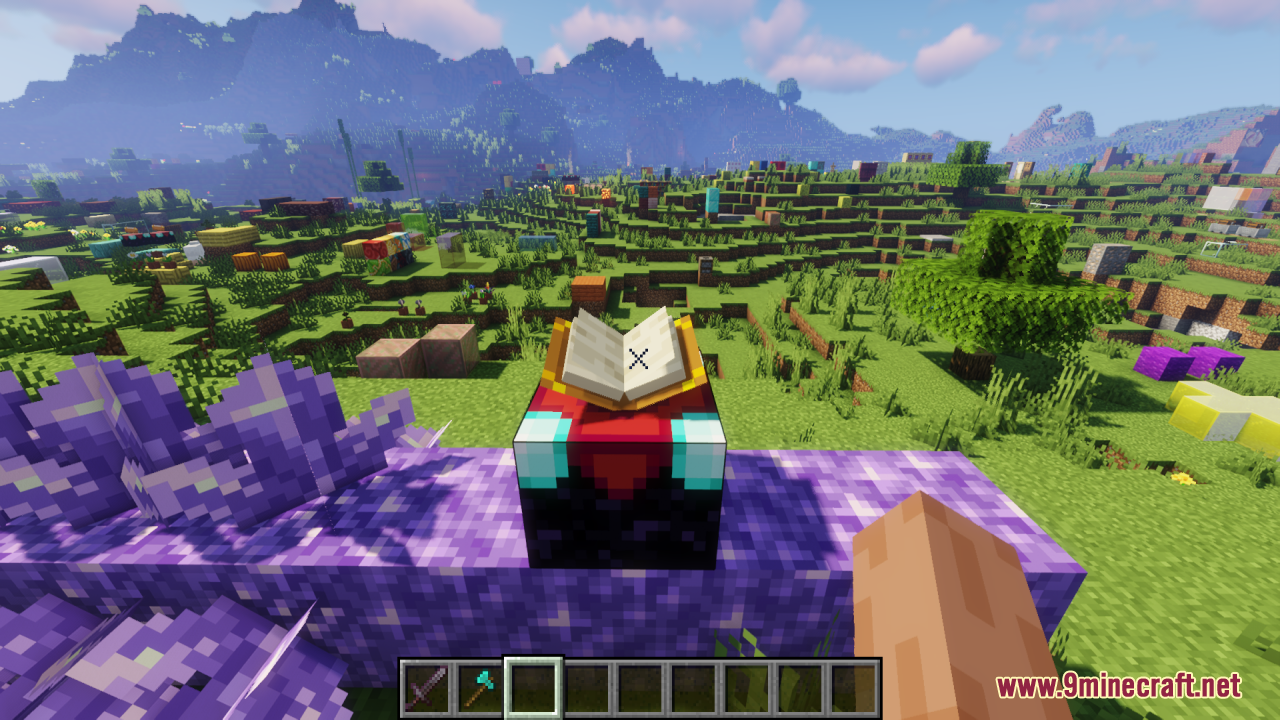
12 images from the An X Shaped Crosshair Resource Pack page.
You May Also Like
Wikis that share the most with this one
Crosshair Tweaks ModCustom Crosshair ModCentered Crosshair ModCrosshair Indicator ModCrosshair V3 Resource PackCrosshair Addons Public ModCrosshair TXF Resource PackDOT Crosshair Resource PackCrosshair CUBE Resource PackDynamic Crosshair Compat ModModern Crosshair Resource PackCentral Crosshair Resource Pack
More resource pack wikis on the site
Amstellhd Zombie Apocalypse Resource PackAmong Us Totem Resource PackAmendments Spanish Translation Resource PackAmberstone Textures Pack Resource PackAmazing Mace 3D Resource PackAlya Pack Resource PackAlternative Rain Sounds Resource PackAlternative Custom Player Animations Resource PackAL’s Squids & Nautiluses Resource PackAL’s Spiders Revamped X Fresh Animations Resource PackAls Ghasts Revamped X Fresh Animations Resource PackAL’s Enderman Revamped X Fresh Animations Resource Pack
The most downloaded mods that have a wiki here
A few wikis from each of the other kinds