

 DownloadRiveria NPC Model
Get the files on 9Minecraft
Guides
Step-by-step, in-game.
Create Dynamic NPC Dialogue and Quest HooksEdit the Dialogue Section Open your NPC's YAML file and find the Dialogue or Interact block. Each NPC supports…Customize NPC Animations and Idle BehaviorAccess the ModelEngine Blueprint Locate the NPC's blueprint file in plugins/ModelEngine/blueprints/ . Each character…Place Multiple NPCs in a Town or MarketplacePlan Your Layout Decide where each NPC will stand in your town square or marketplace. Sketch out positions so…Set Up an NPC Shop with Custom ItemsConfigure the Shop YAML Open the MythicMobs mob file for your chosen NPC (for example, flora_npc.yml ). Locate the…
Frequently asked questions
Do I need both ModelEngine and MythicMobs for this mod to work?
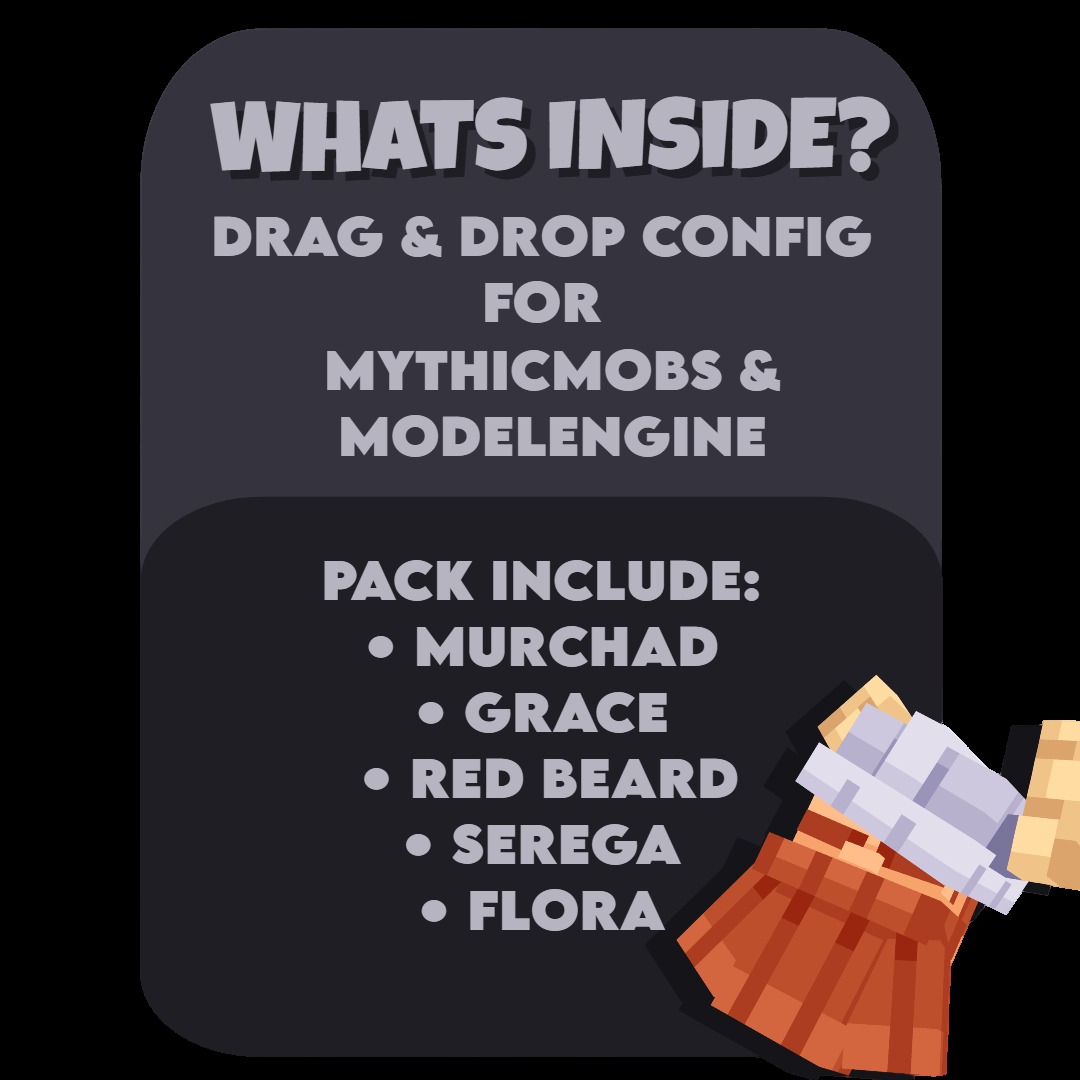
Yes, both plugins are required. ModelEngine handles the 3D character models and animations, while MythicMobs spawns and controls the NPC behavior. The mod won't function without either one.
How do I spawn an NPC at a specific location?
Stand where you want the NPC to appear and run `/mm m s [npc_name]` (for example, `/mm m s flora_npc`). The NPC will spawn at your feet facing the direction you're looking.
Can I make an NPC stay in one spot or do they wander?
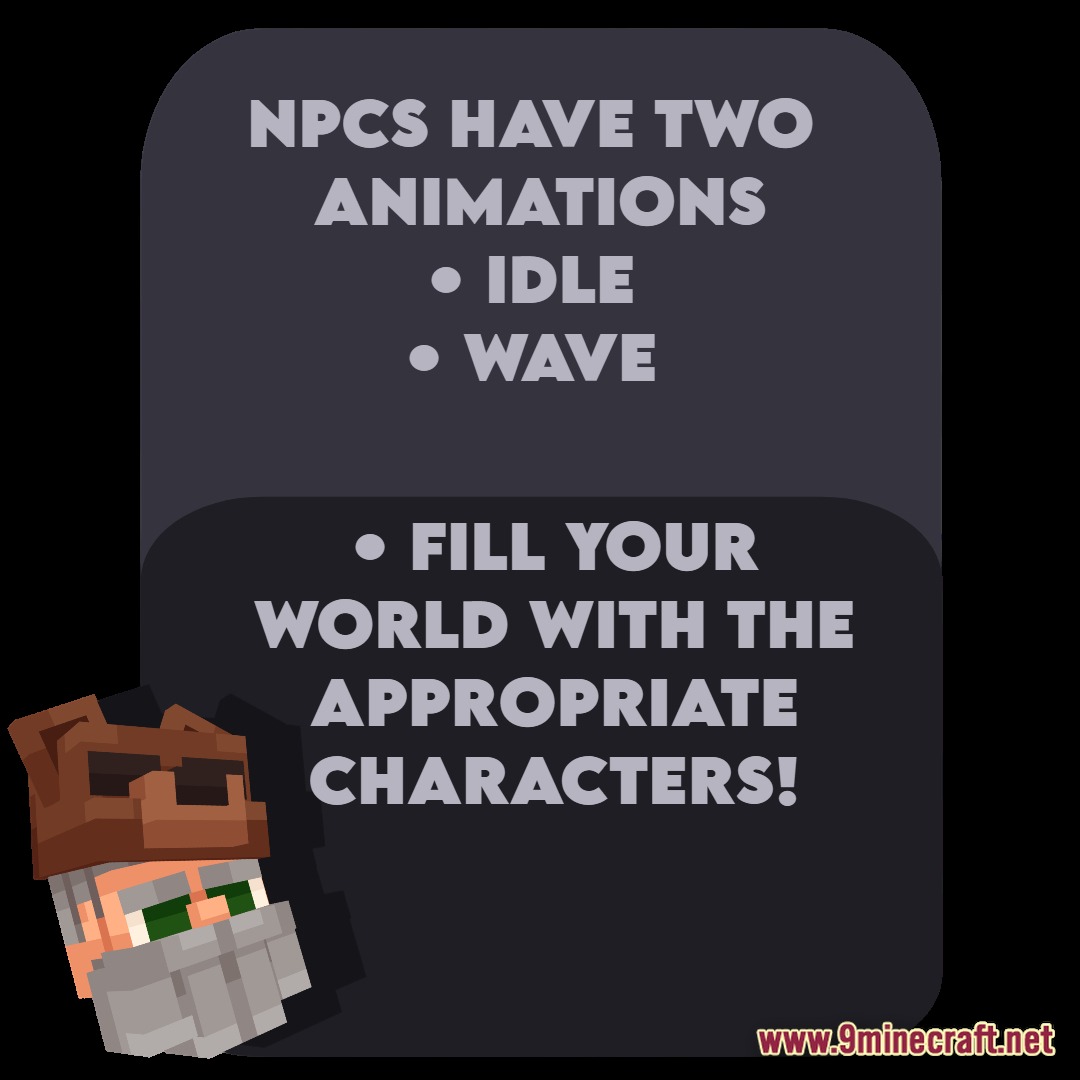
You can control this in the YAML configuration file for each NPC. Edit the idle behavior settings to make them stationary, patrol a set path, or wander freely within a defined area.
What happens if I want to change what an NPC says or sells?
Open the NPC's YAML file in the MythicMobs folder and edit the dialogue and shop sections. After saving, run `/mythicmobs reload` to apply the changes without restarting the server.
See all 10 Riveria NPC Model questions ›
Gallery
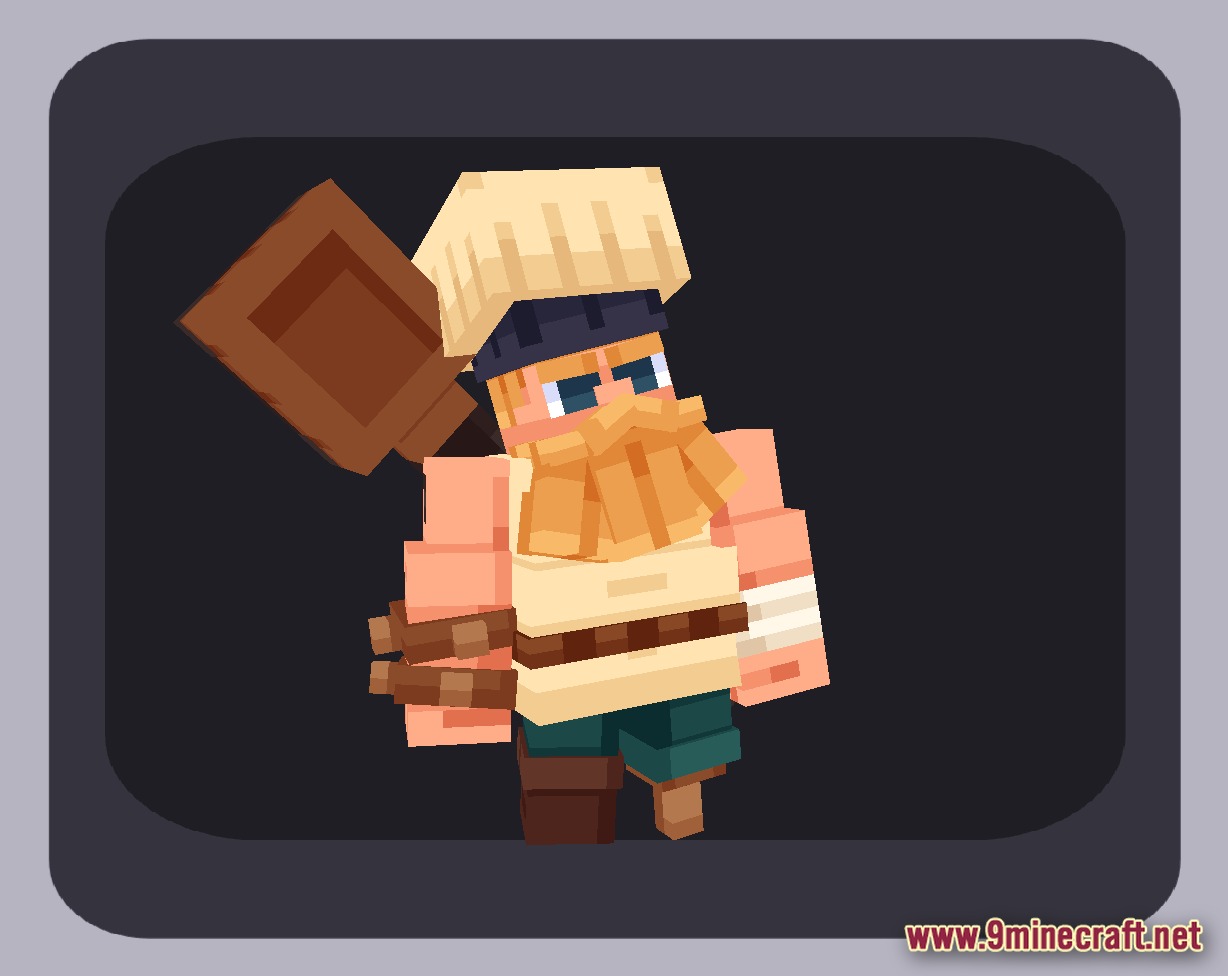
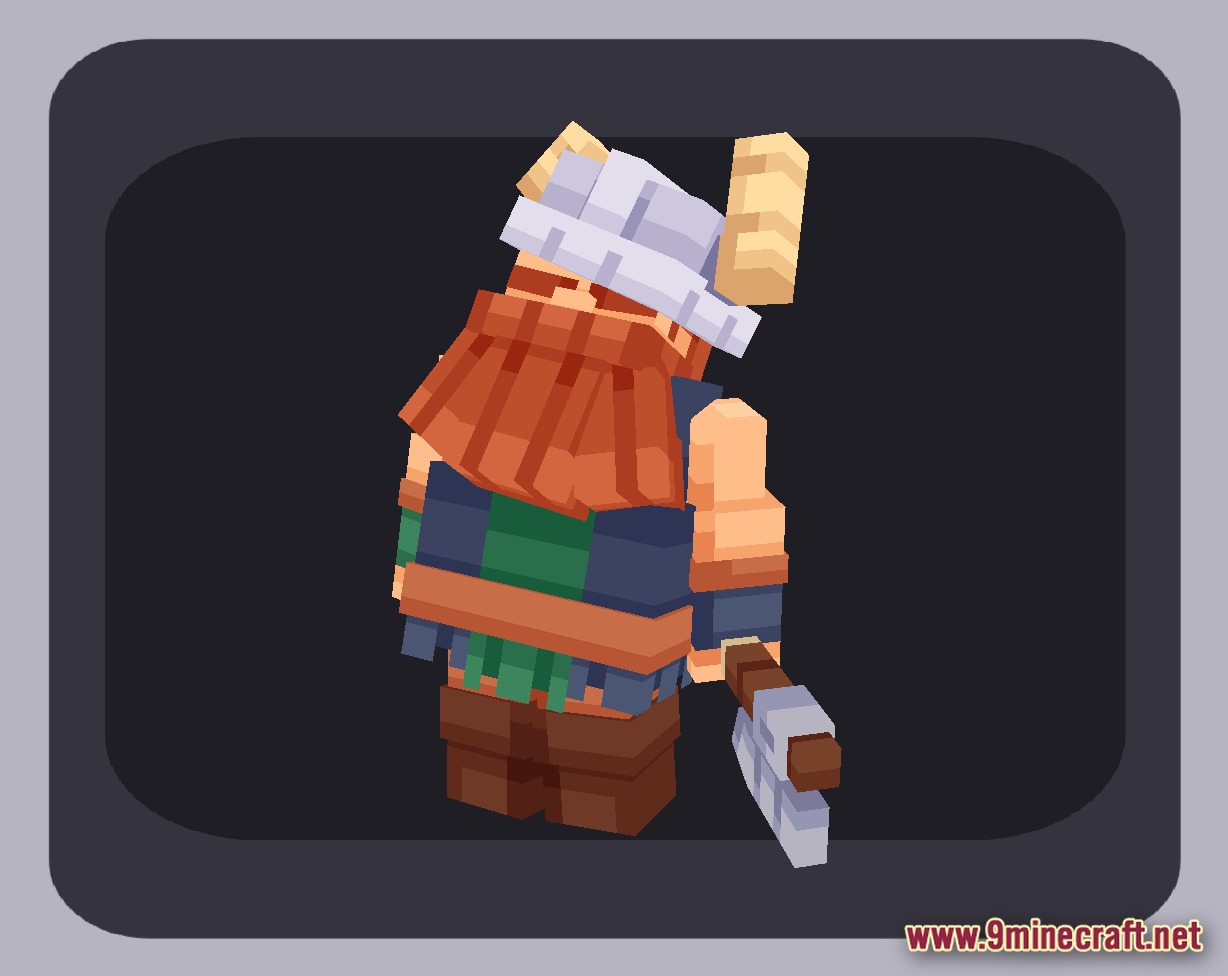
6 images from the Riveria Npc Model page.
You May Also Like
Wikis that share the most with this one
More mod wikis on the site
The most downloaded mods that have a wiki here
A few wikis from each of the other kinds