

 DownloadRideHud Mod
Get the files on 9Minecraft
Guides
Step-by-step, in-game.
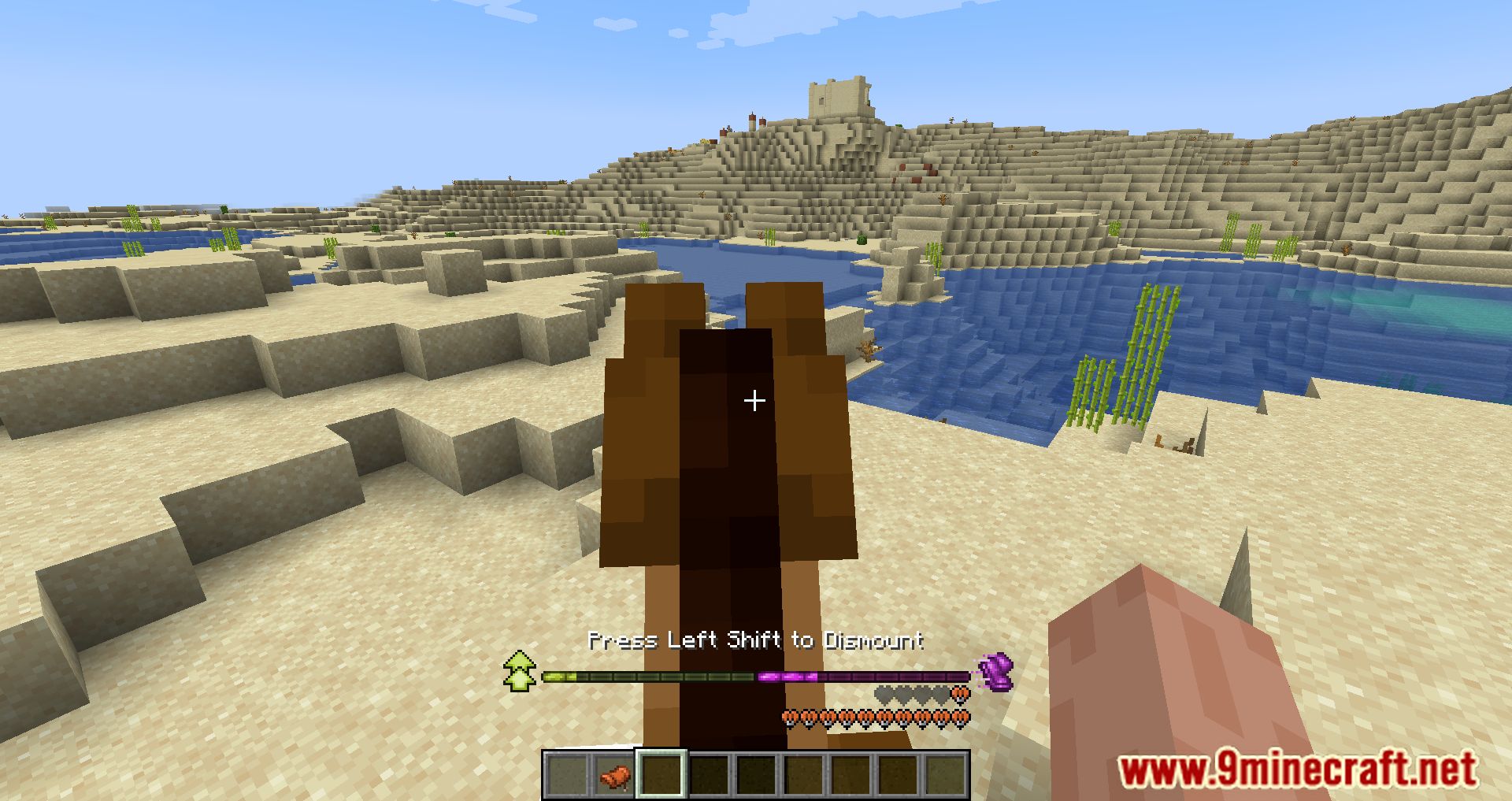
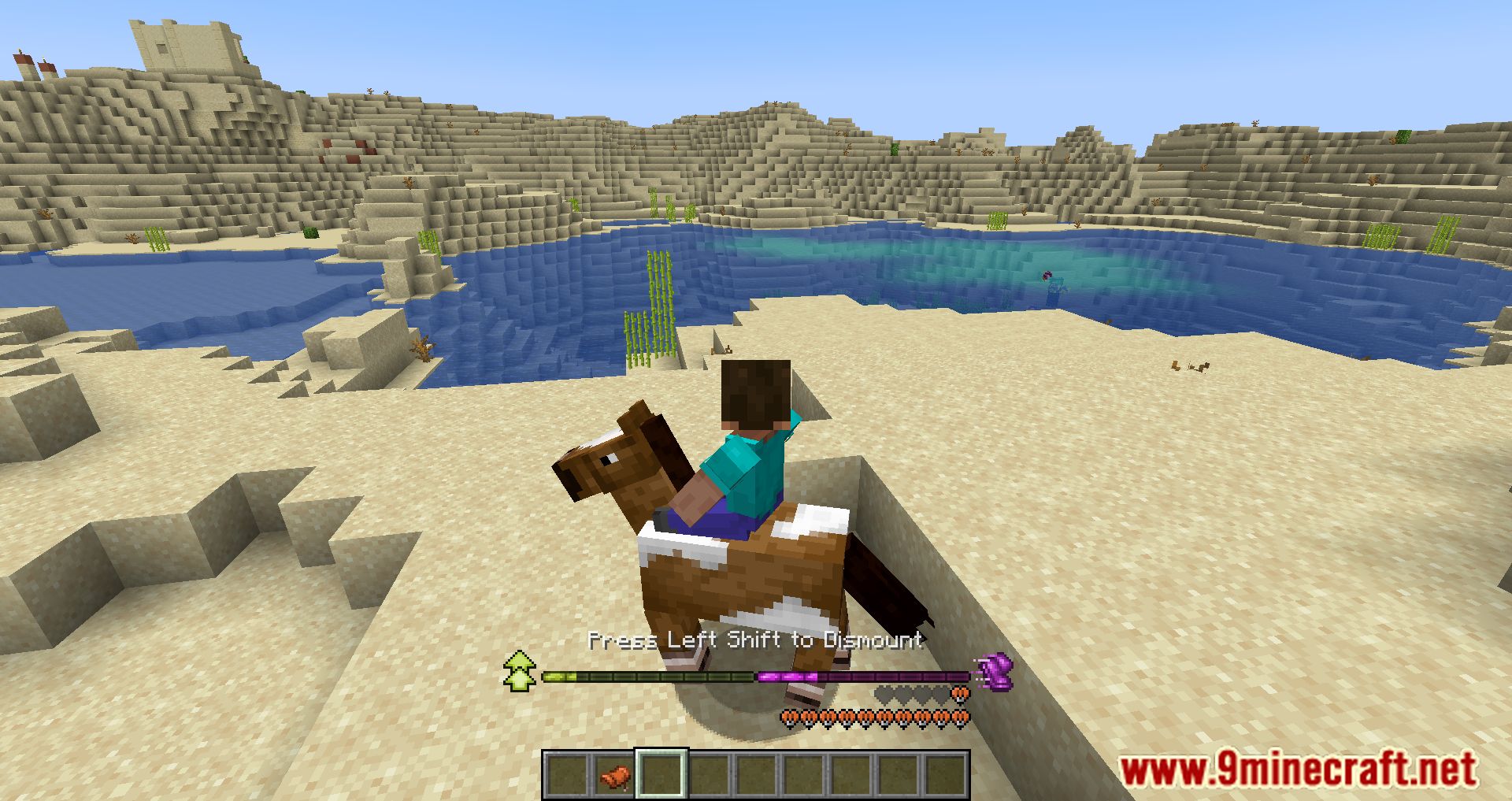
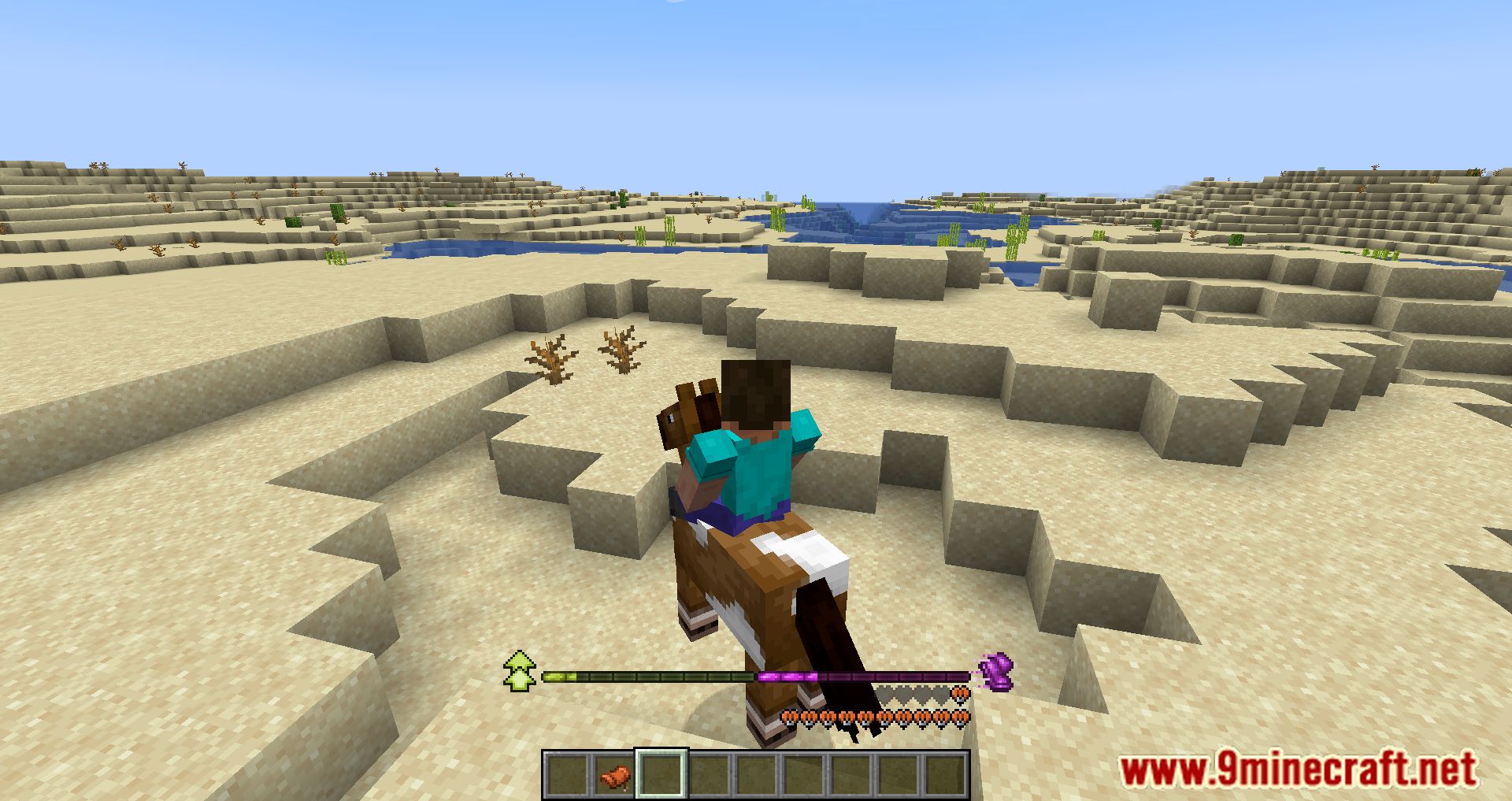
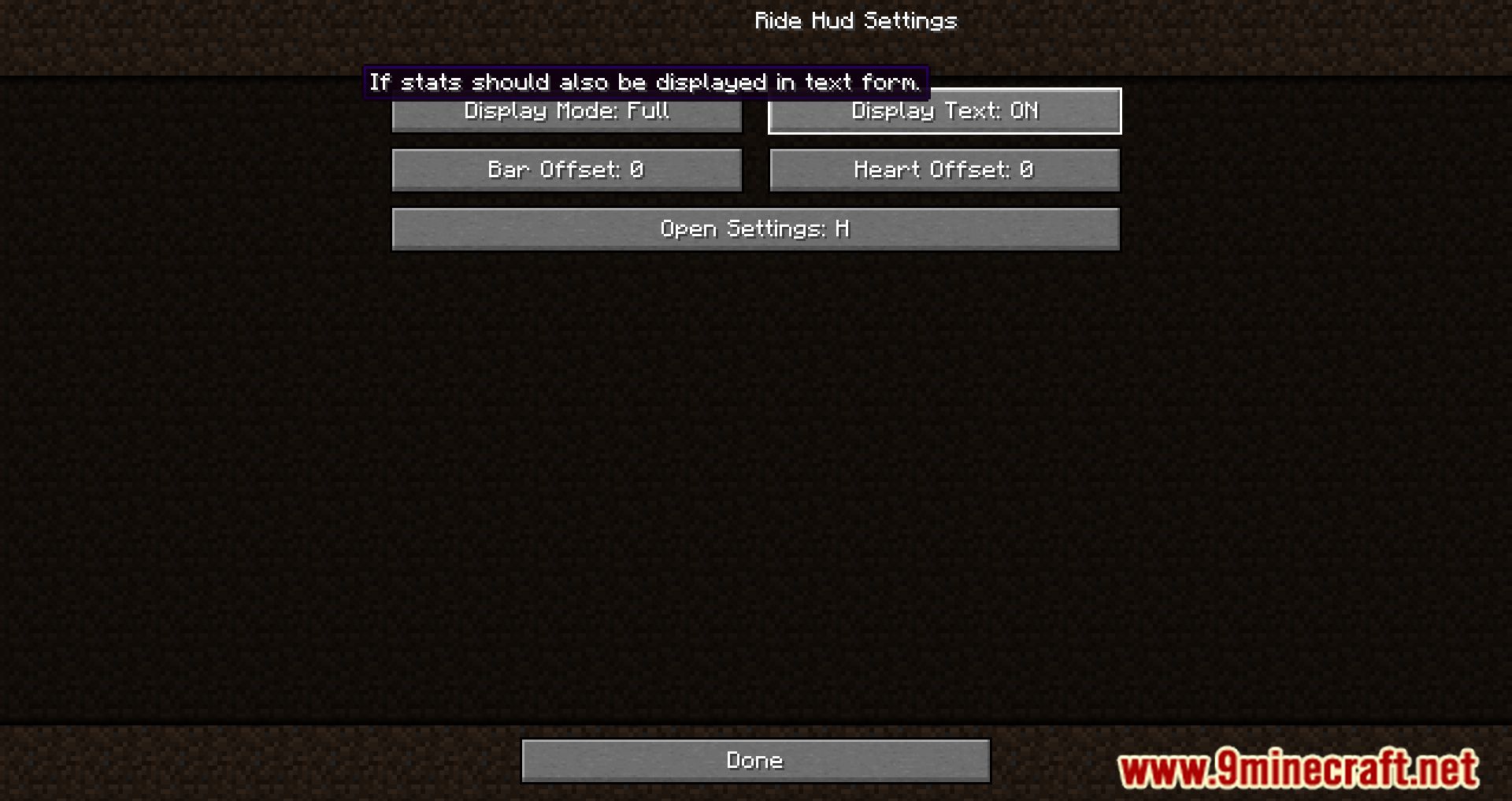
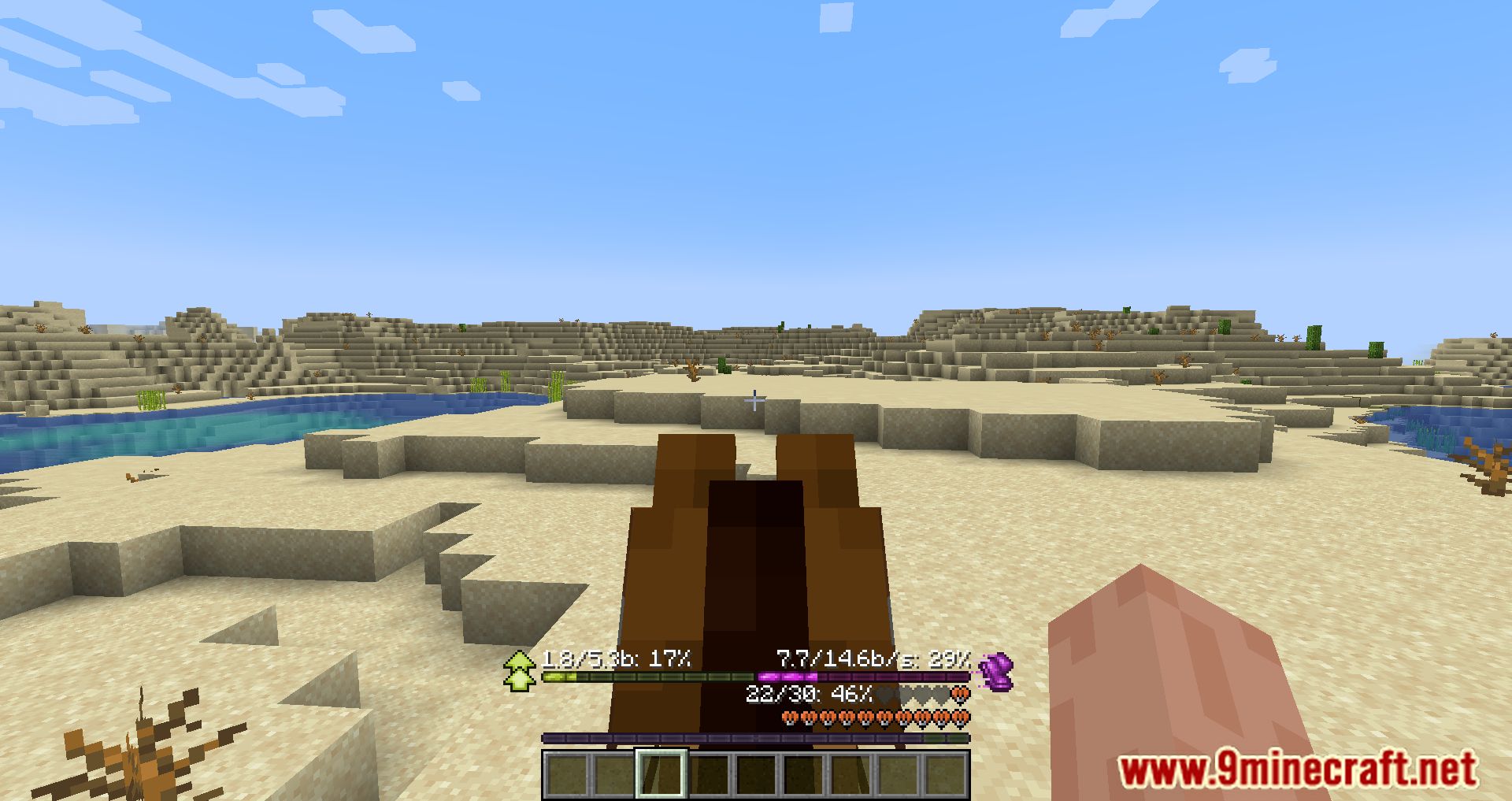
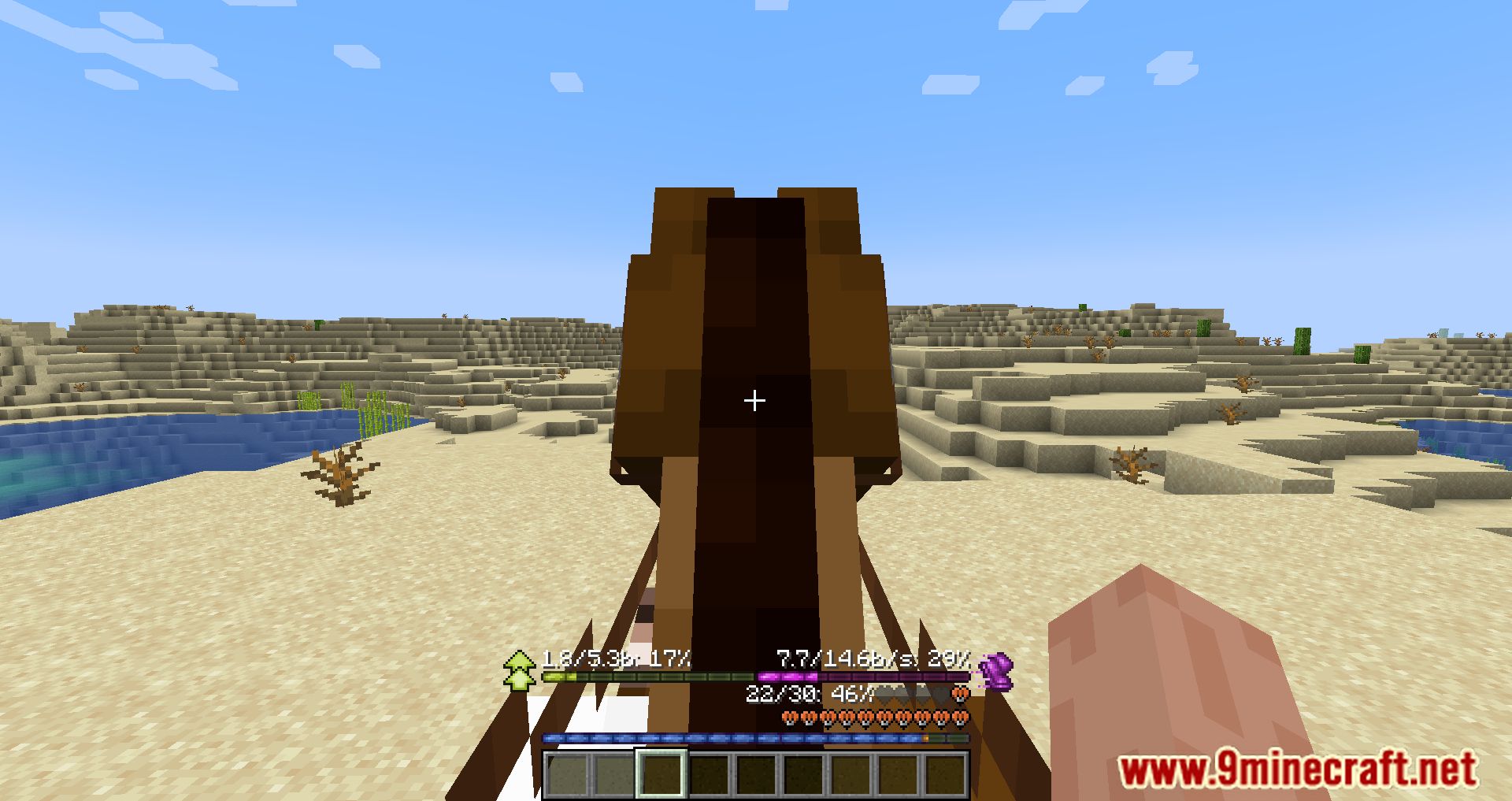
Customize Your Horse Stats DisplayOpening the Settings Menu While riding a horse, donkey, mule, or llama, press the H key to open the RideHud settings…Interpret Your Mount's Health and ConditionReading the Health Display RideHud shows your mount's health using hearts , styled to match vanilla Minecraft. Each…Resolve HUD Conflicts with Other ModsIdentifying Overlaps If RideHud's hearts or bars are overlapping with elements from other mods (like Better Mount Hud…Understand Speed and Jump Height BarsHow the Bars Work RideHud displays two separate bars for your mount's capabilities: Jump height bar : Shows how high…
Frequently asked questions
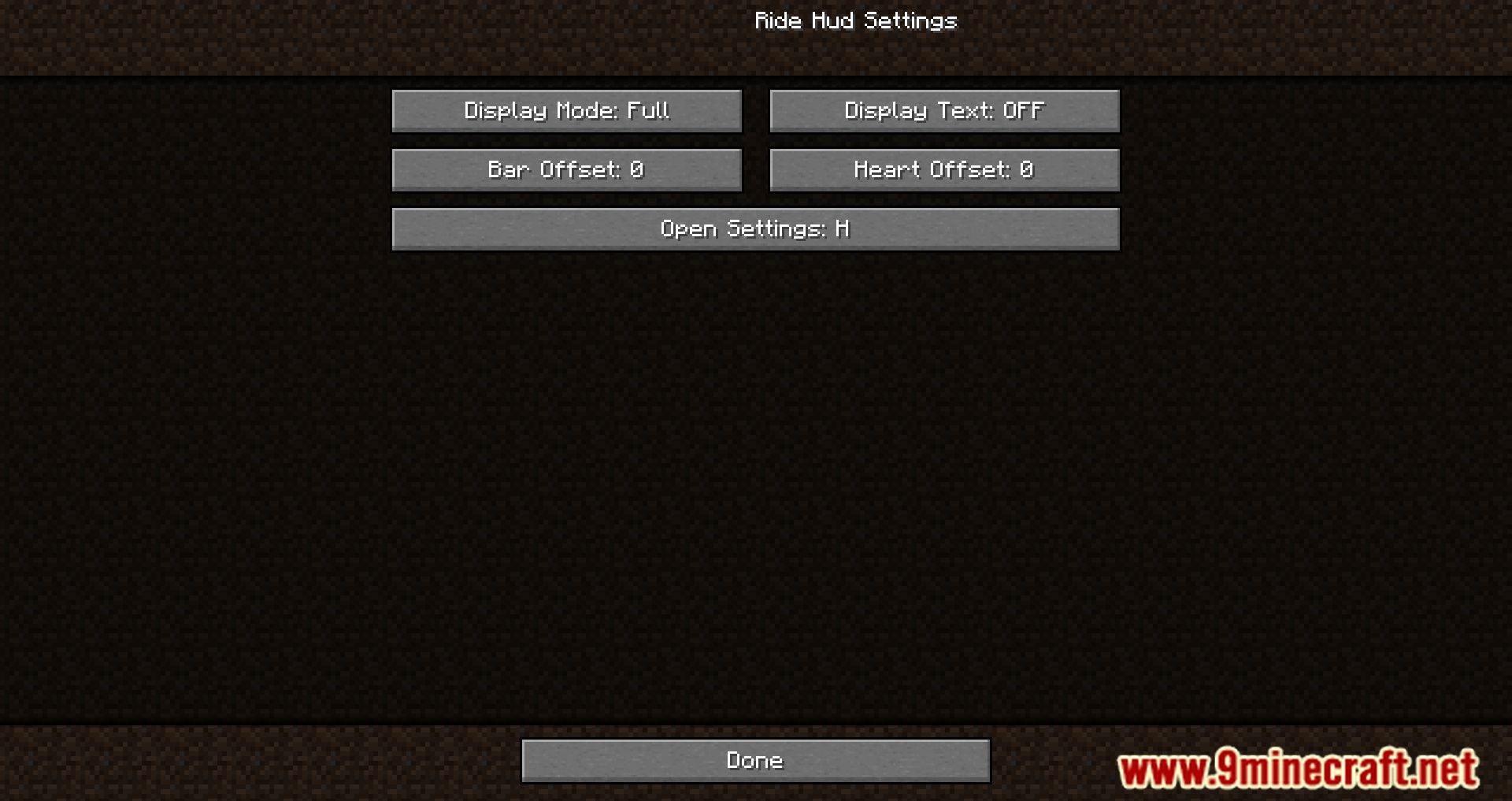
How do I open the RideHud settings?
What do the transparent hearts mean?
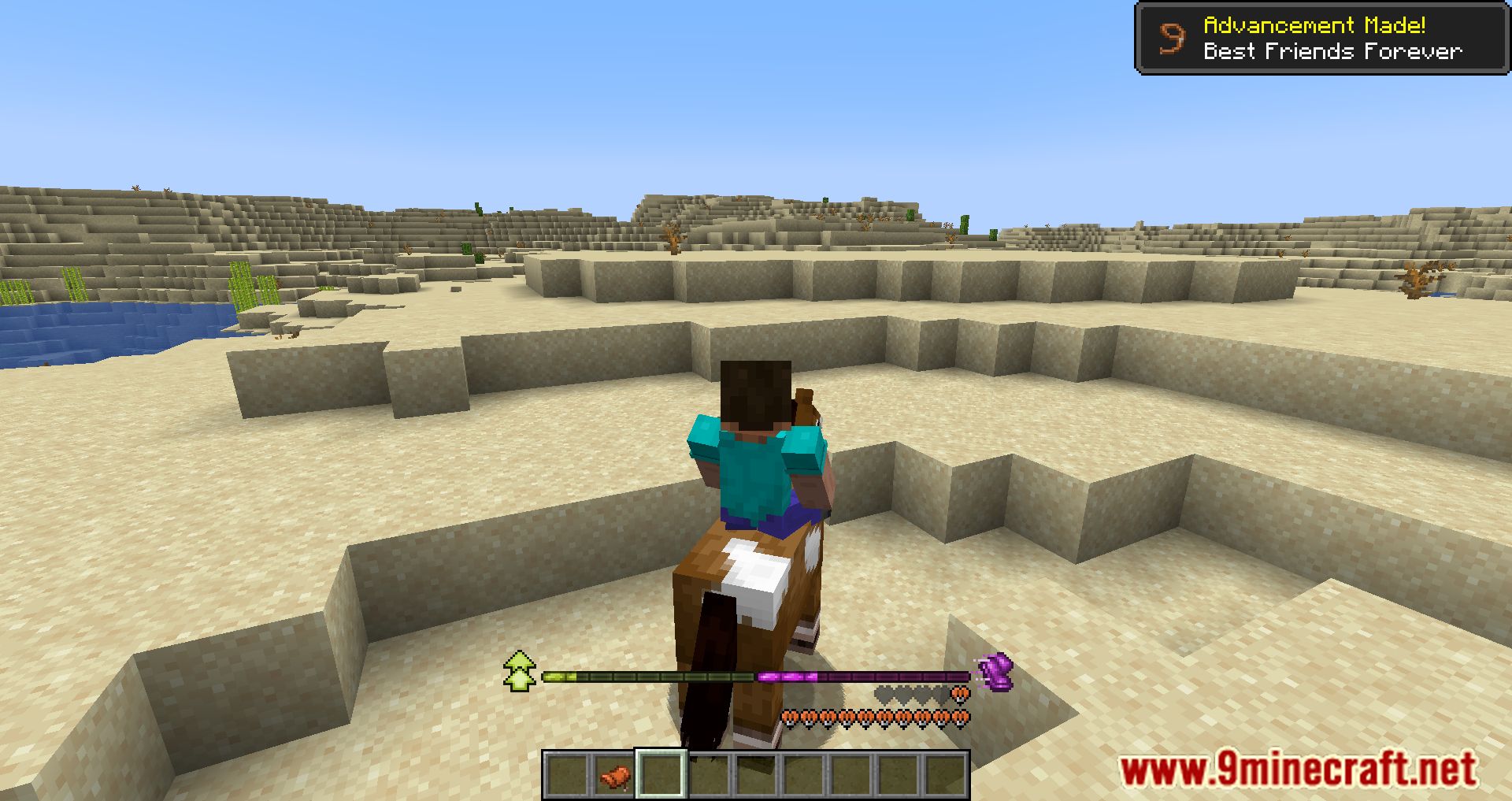
Transparent hearts represent health points your mount hasn't taken damage on yet—they show the maximum health available. As your mount takes damage, those transparent hearts become filled, indicating lost health.
How do I know what speed my horse is actually going?
By default, the speed bar shows your horse's maximum possible speed. Enable "de-OP-ified" display mode in the settings to see your current speed instead, which updates as you ride.
What's the difference between the jump height bar and speed bar?
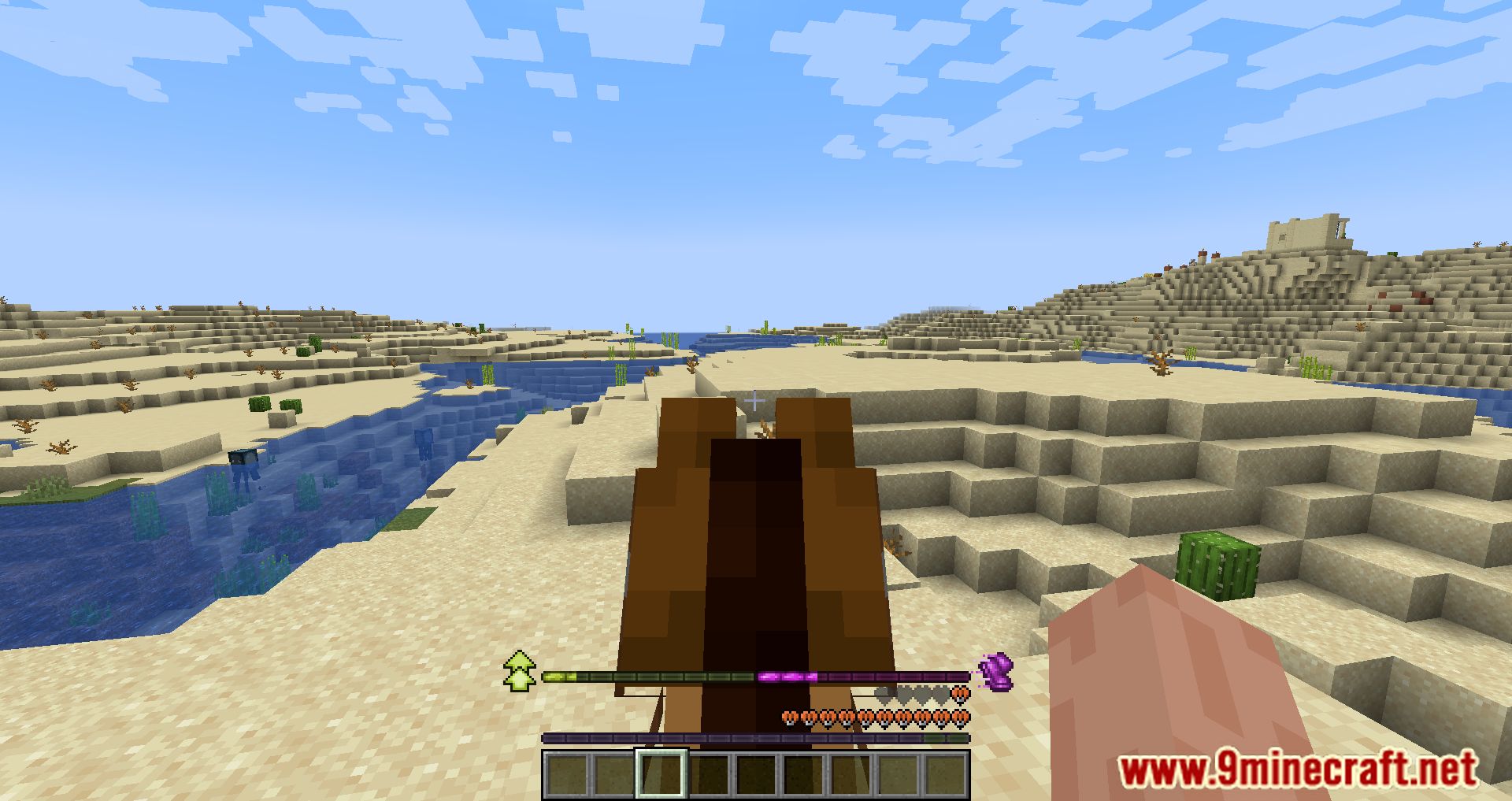
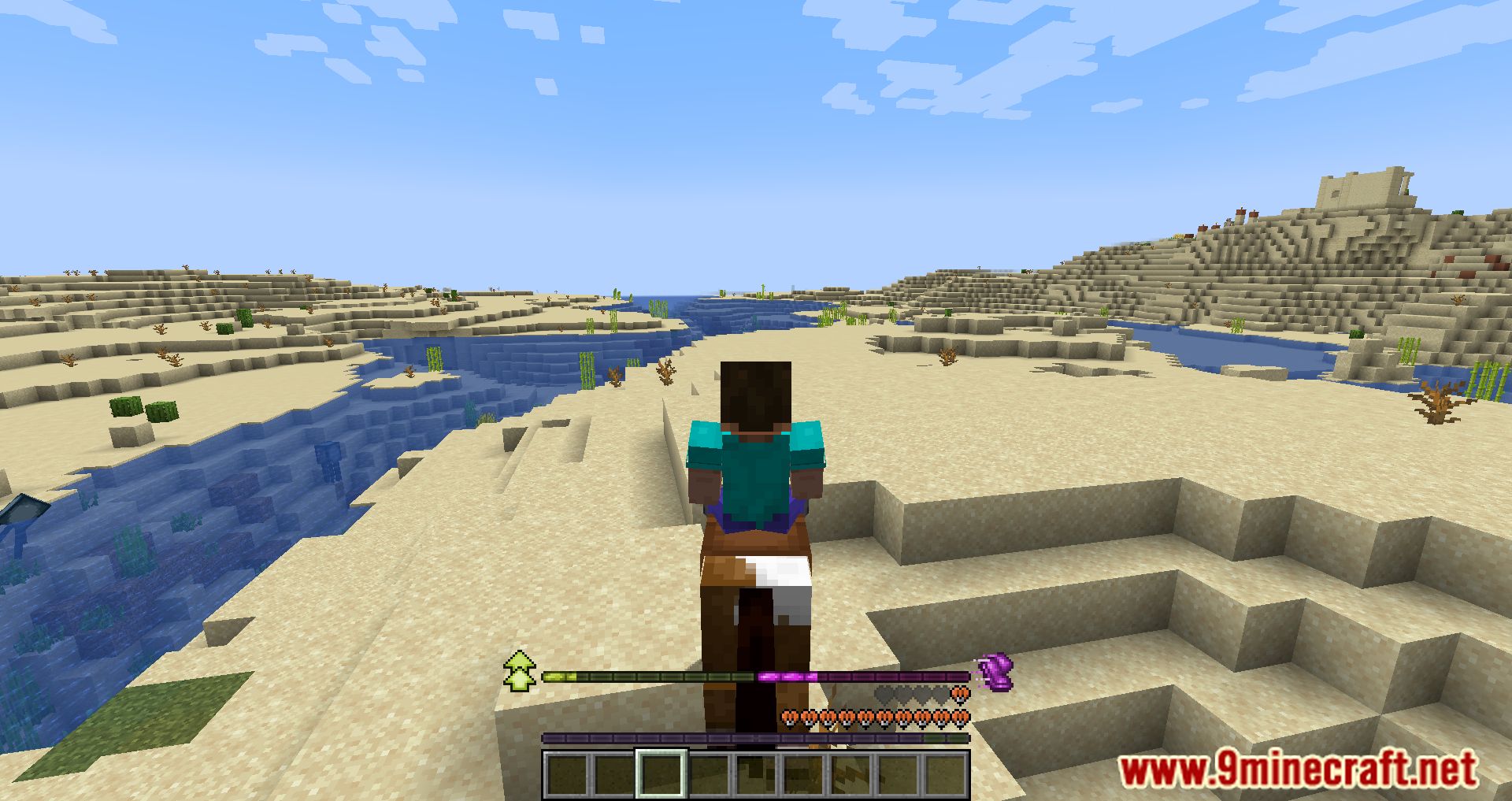
The jump height bar shows how high your mount can jump relative to the minimum and maximum possible jump heights. The speed bar displays how fast your mount can travel in the same way—both are comparative ranges, not absolute values.
See all 10 RideHud questions ›
Gallery
12 images from the Ridehud Mod page.

You May Also Like
Wikis that share the most with this one
Wikis on the same theme: mobs
More mod wikis on the site
The most downloaded mods that have a wiki here
A few wikis from each of the other kinds