

 DownloadZume Mod
Get the files on 9Minecraft
Guides
Step-by-step, in-game.
How to Change Zume Mod Zoom KeybindsOpening the Controls Menu If Z , - , or = clash with another mod or feel awkward, Zume Mod lets you rebind all of its…How to Troubleshoot Zume Mod Zoom Not WorkingCheck the Basics First If pressing Z does nothing, work through these steps in order: 1. Confirm the mod is actually…How to Use Zume ModZooming In and Out Zume Mod adds an advanced zoom to Minecraft that works differently from simple FOV-reduction mods.…How to Use Zume Mod Zoom In-GameBasic Zoom Controls Once Zume Mod is installed, zooming is handled entirely through keybinds rather than the scroll…How to Zoom In Smoothly Without Losing Your AimWhy Zoom Feels Jerky Zume Mod works by reducing your FOV, which magnifies the area around your crosshair. Because the…
Frequently asked questions
What does the Zume Mod do?
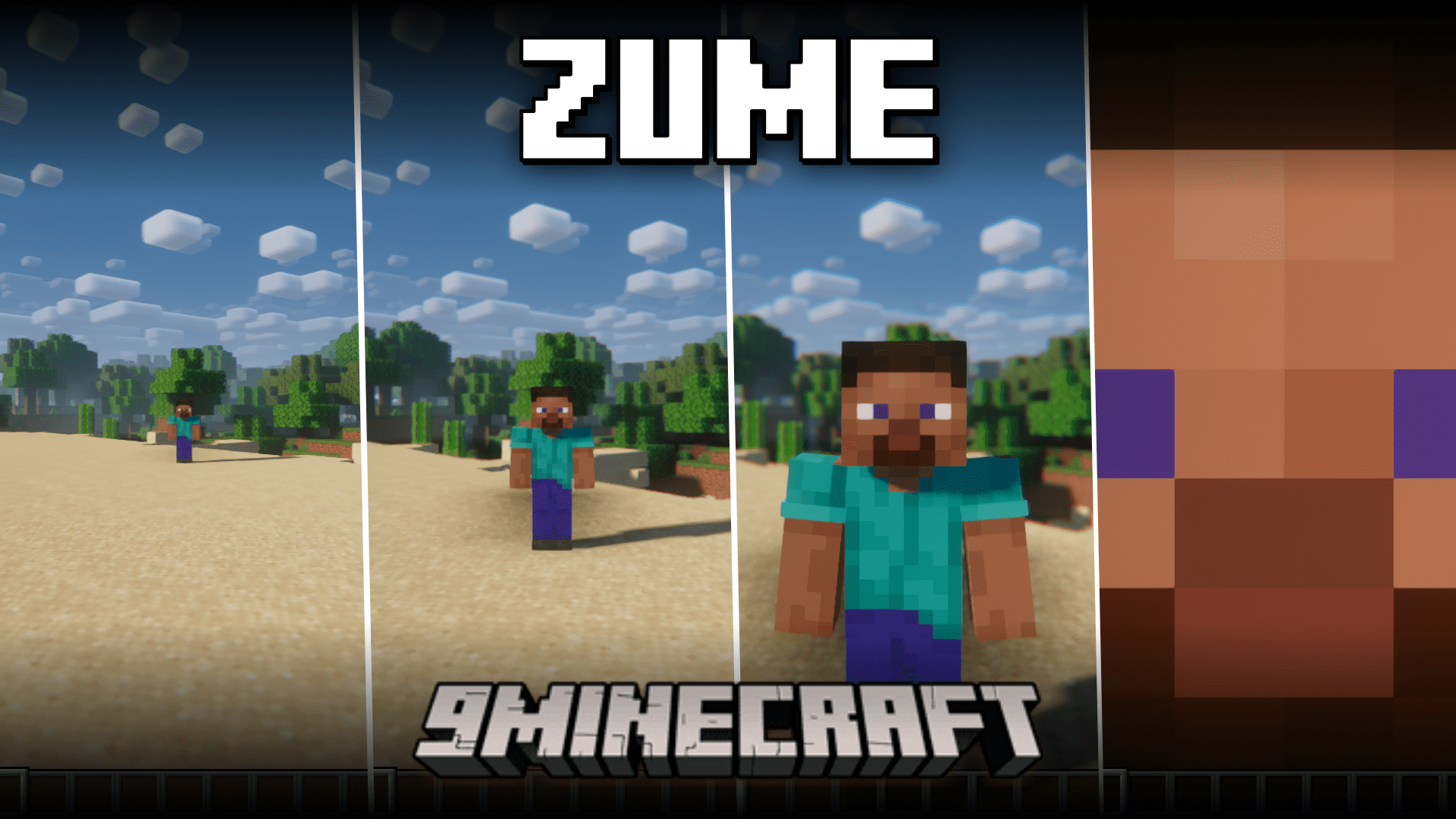
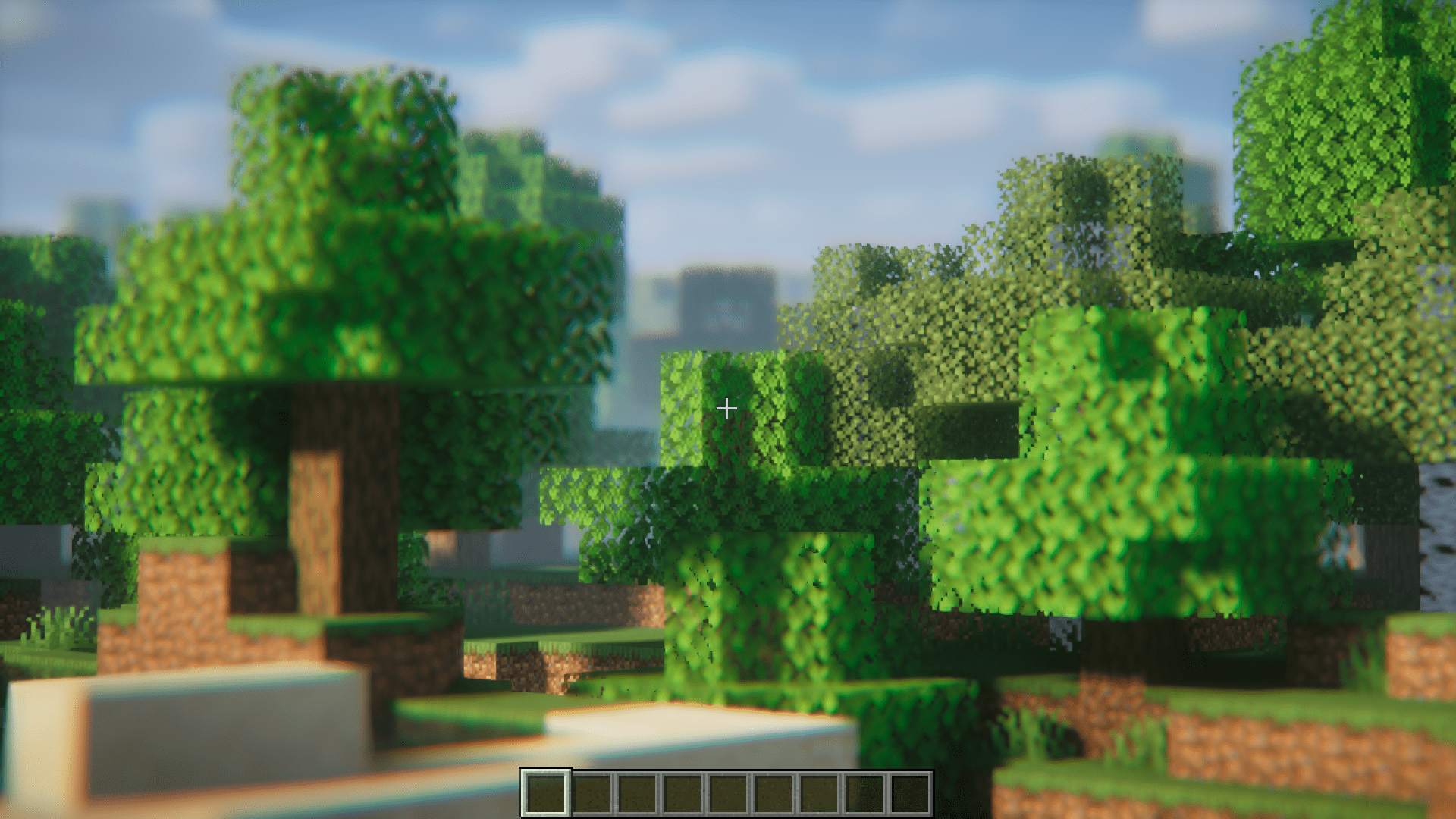
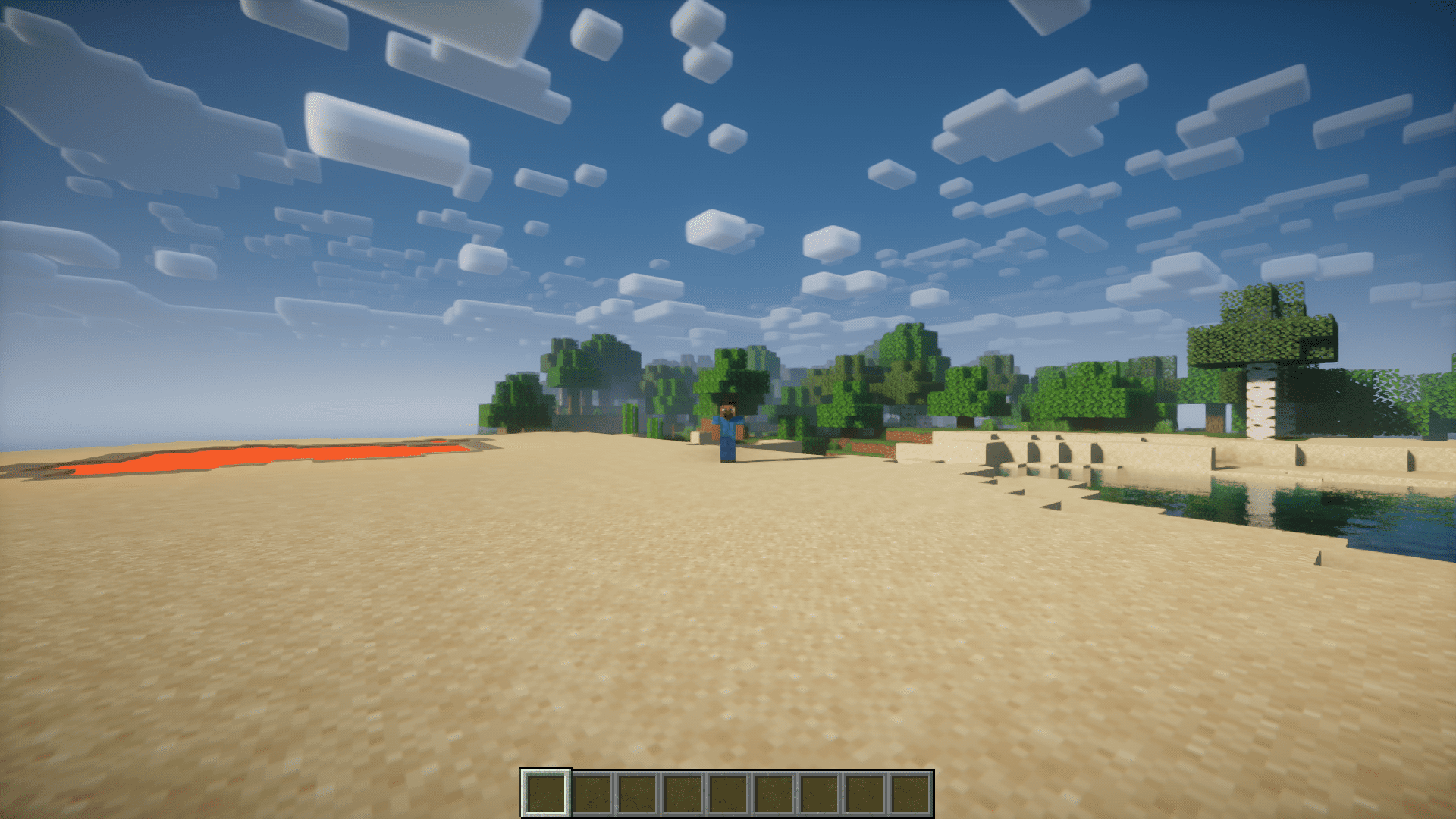
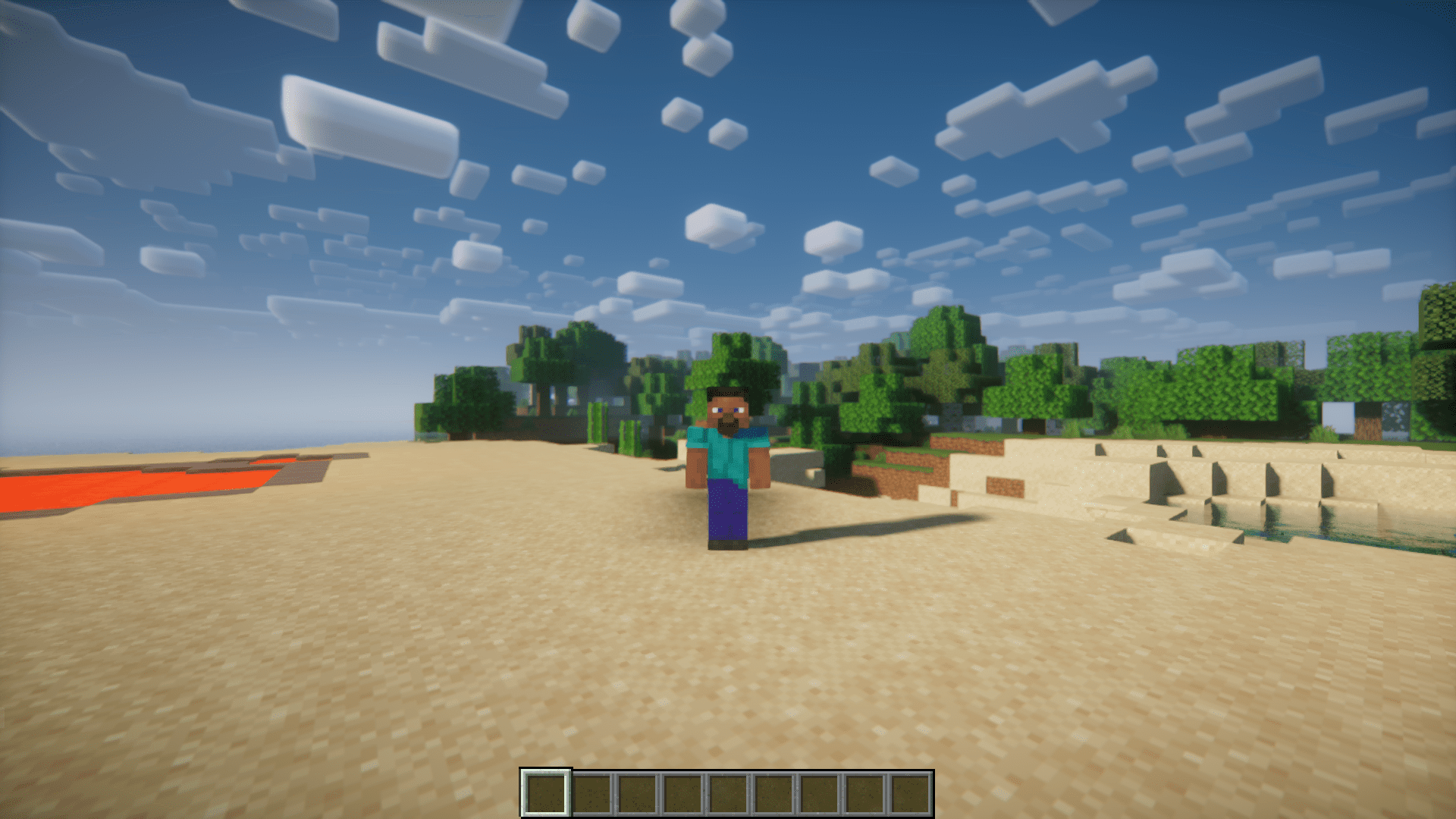
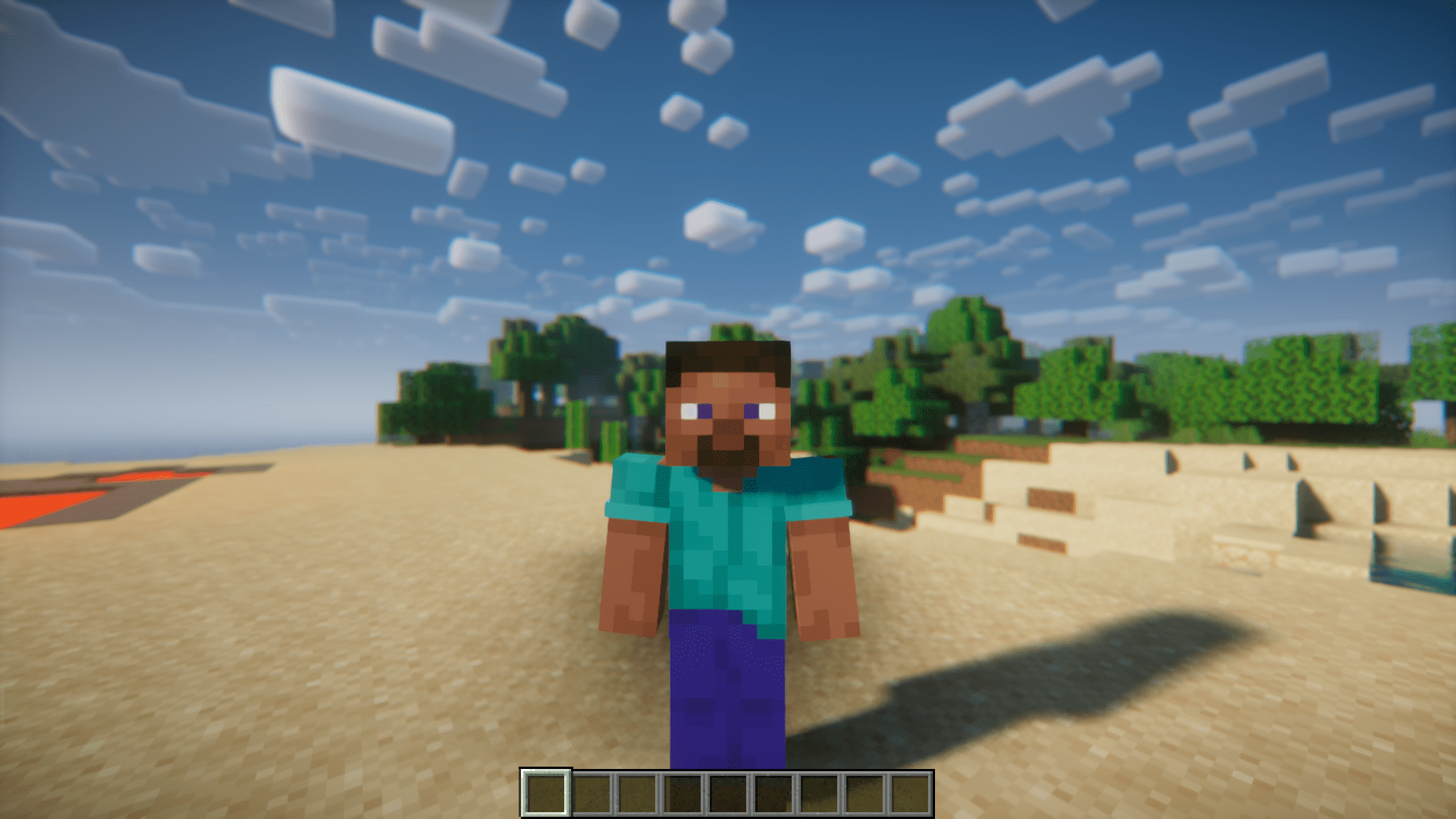
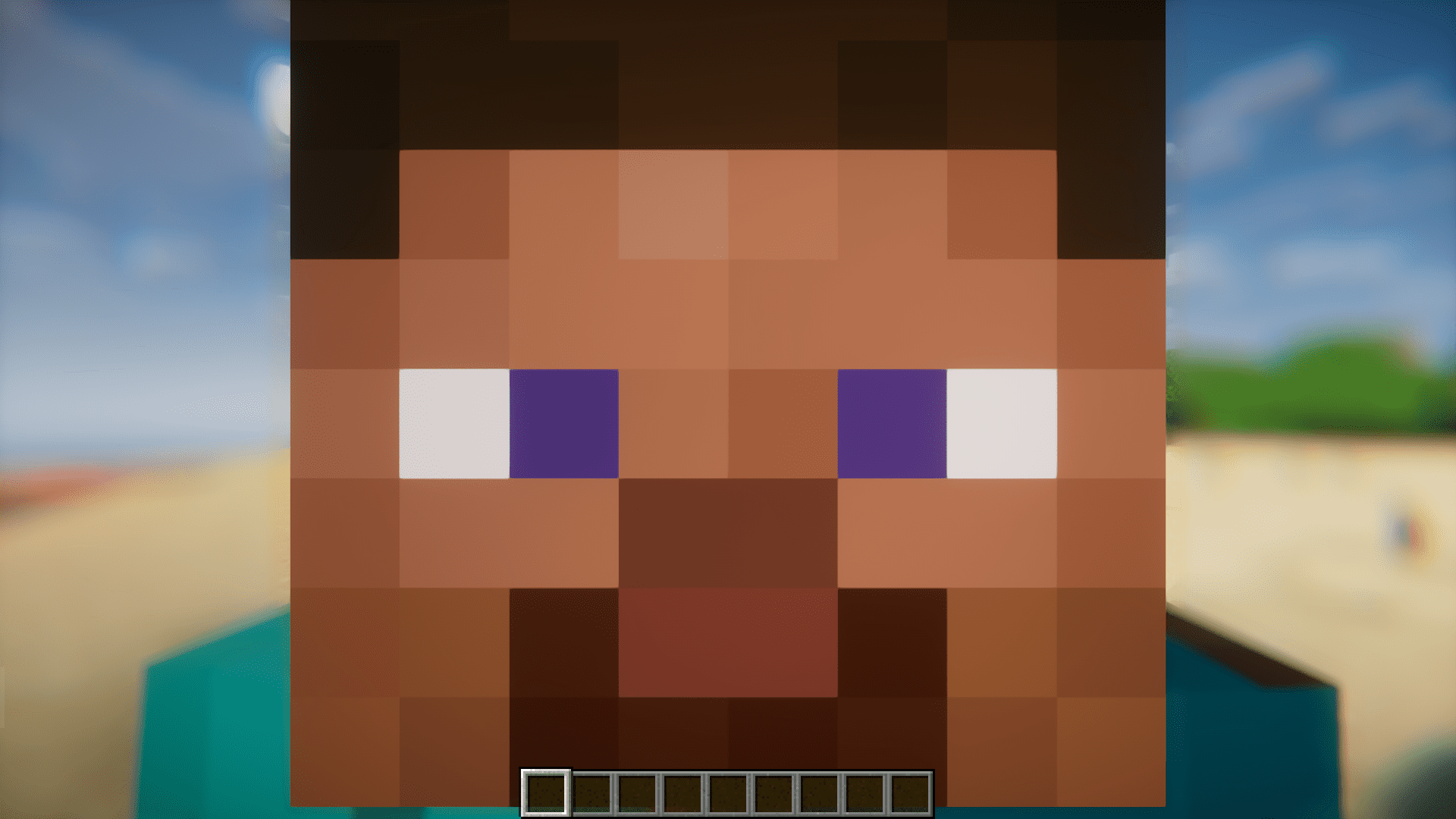
It adds an advanced zoom to Minecraft that lets you see distant objects clearly. The zoom works by reducing your FOV, similar to other zoom mods but with more control.
Which key opens the zoom in Zume Mod?
Pressing the Z key on your keyboard activates the zoom effect. You can change this keybind in the settings if you prefer.
How do you zoom in and out further while using Zume Mod?
Once zoomed in, press the "=" key to zoom in more and the "-" key to zoom out. These dedicated keys give you fine control over the zoom level.
Can you change the Zume Mod keybinds?
Yes, the keybinds are configurable to your liking. You can reassign the zoom, zoom-in, and zoom-out keys in the controls menu.
Gallery
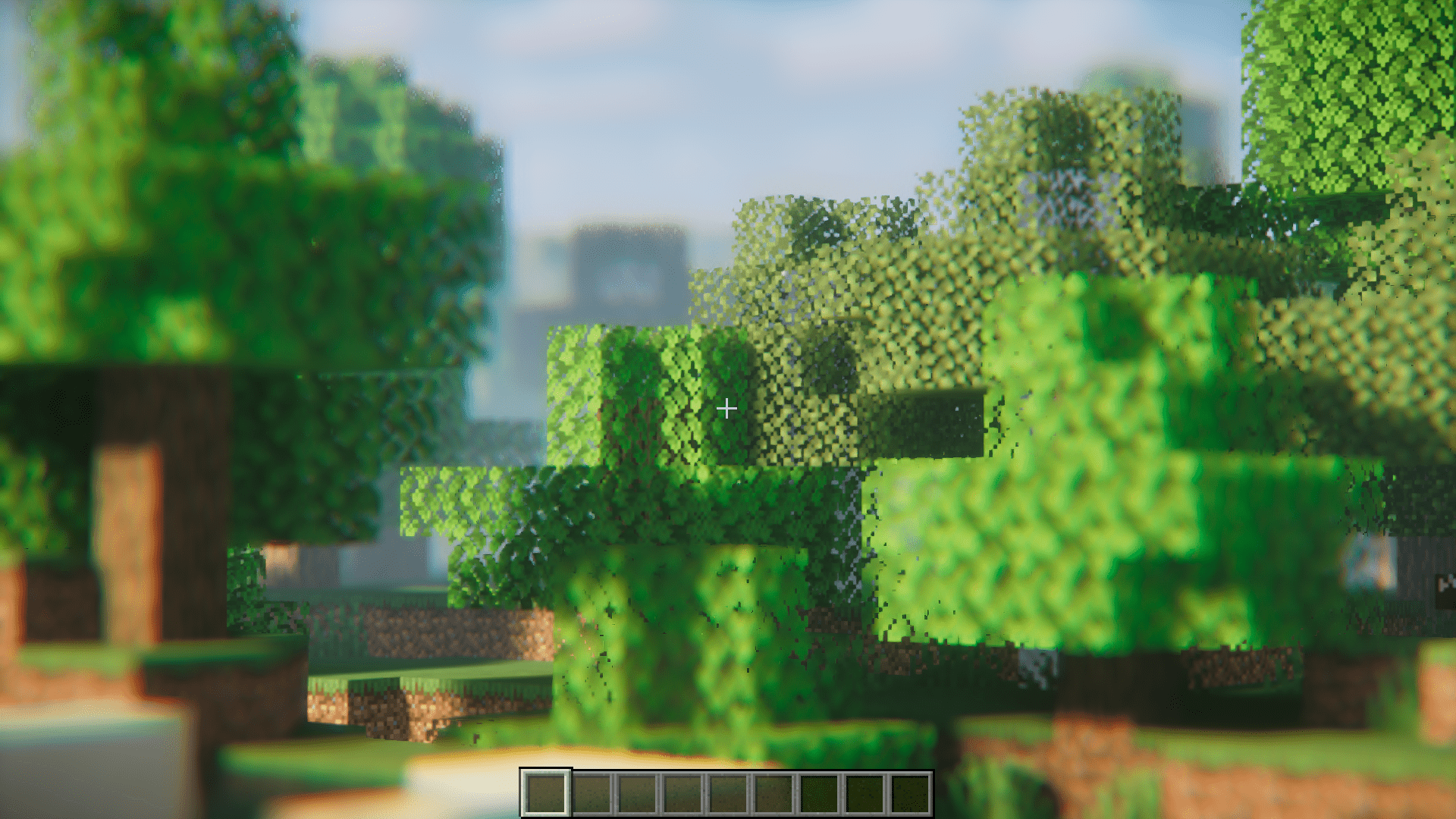
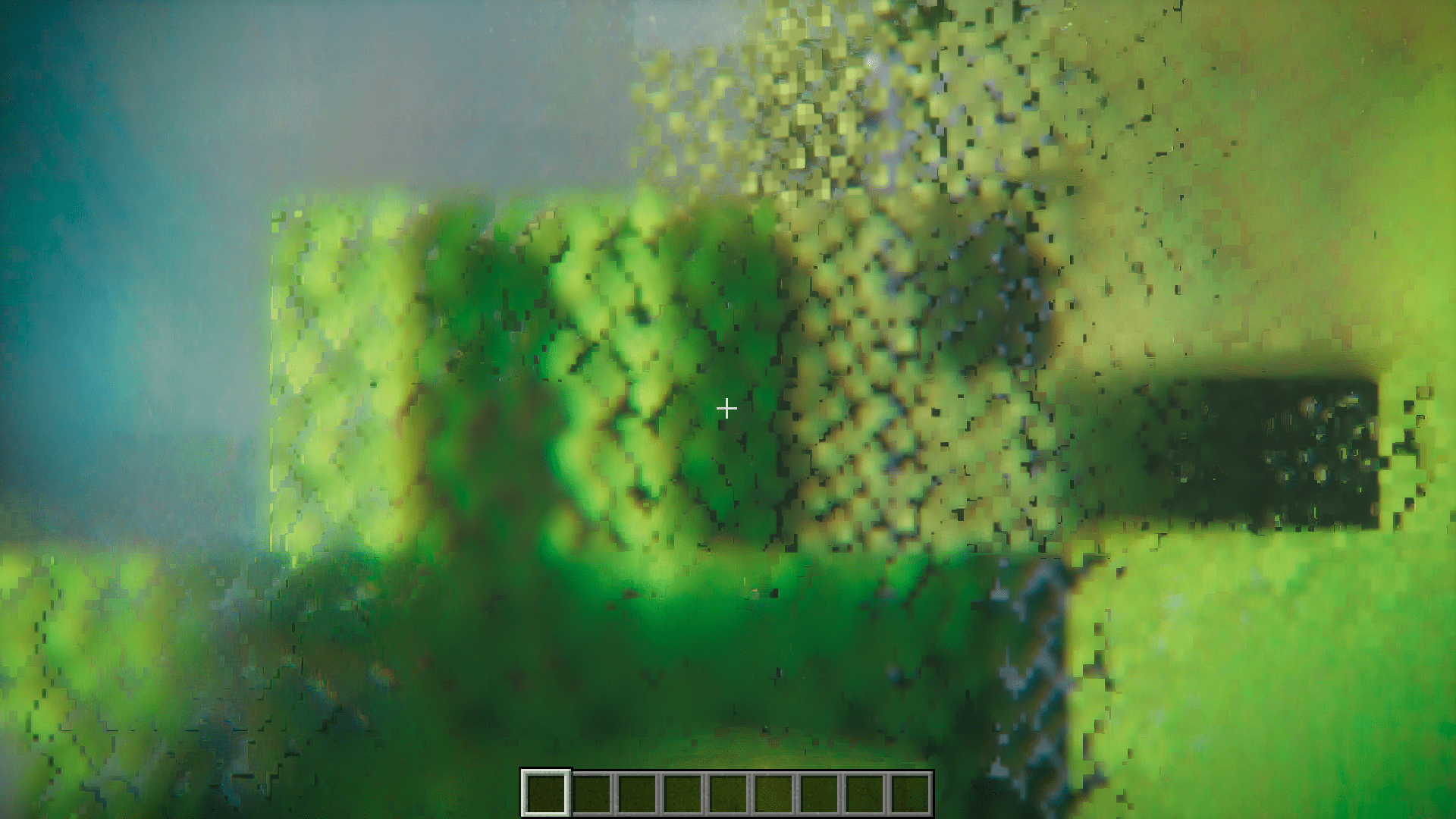
12 images from the Zume Mod page.
You May Also Like
Wikis that share the most with this one
More mod wikis on the site
The most downloaded mods that have a wiki here
A few wikis from each of the other kinds