

 DownloadWaystones
Get the files on 9Minecraft
Contents (8)
What a Warp Portal Is
A Warp Portal is a player-built gateway that links two locations, including across dimensions (Overworld to Nether, Overworld to End, etc.). Unlike 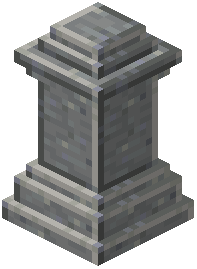 Waystones, portals are physical structures you walk through.
Building the Frame
Build a rectangular frame from a valid portal block — typically obsidian or a mod-specific block. The minimum size is similar to a Nether portal. Once the frame is complete, use a  Portal Scroll or
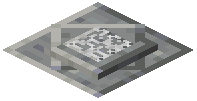 Warp Plate on the inside to ignite it.
Linking Two Portals
After igniting, right-click the portal to open a destination menu. Select the Waystone or 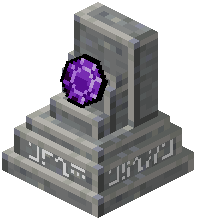 Portstone you want this portal to connect to. The portal now acts as a two-way gate: walking in sends you to the linked destination, and the destination portal (if one exists) sends you back.
Warp Plates as Anchors
A Warp Plate is a flat block you can place on the ground. Standing on it teleports you to a chosen Waystone. Use Warp Plates at the exit of a portal to create a landing pad, or as a trapdoor-style quick-travel point in a base.
Cross-Dimension Notes
Portals handle dimension changes automatically. You do not need a matching portal on the other side — the mod will place you at the linked Waystone. If no Waystone exists at the destination, the portal cannot be linked.
Fuel and Cooldowns
Some configs require fuel or impose a cooldown between portal uses. If your portal stops working, check the GUI for a status message.


