

 DownloadThe Plopper
Get the files on 9Minecraft
Guides
Step-by-step, in-game.
Expand Your Plopper's Collection Range with UpgradesUnderstanding Range Upgrades By default, your Plopper collects items in a 2-block radius cube. Each Range Upgrade…Integrate Ploppers into a Piped Item SystemConnecting Pipes The Plopper outputs items through its bottom face by default. Attach item pipes (such as Itemducts…Set Up Your First Plopper for Automatic Item CollectionCrafting and Placement Craft a Plopper using the shapeless recipe, then place it where items will spawn—above a farm,…Troubleshoot Items Not Being CollectedCheck Your Range Verify that items are spawning within your Plopper's collection radius. By default, this is only 2…
Recipes
Every recipe the mod adds, grouped by how it is made.
Items
 Range Upgrade
Blocks
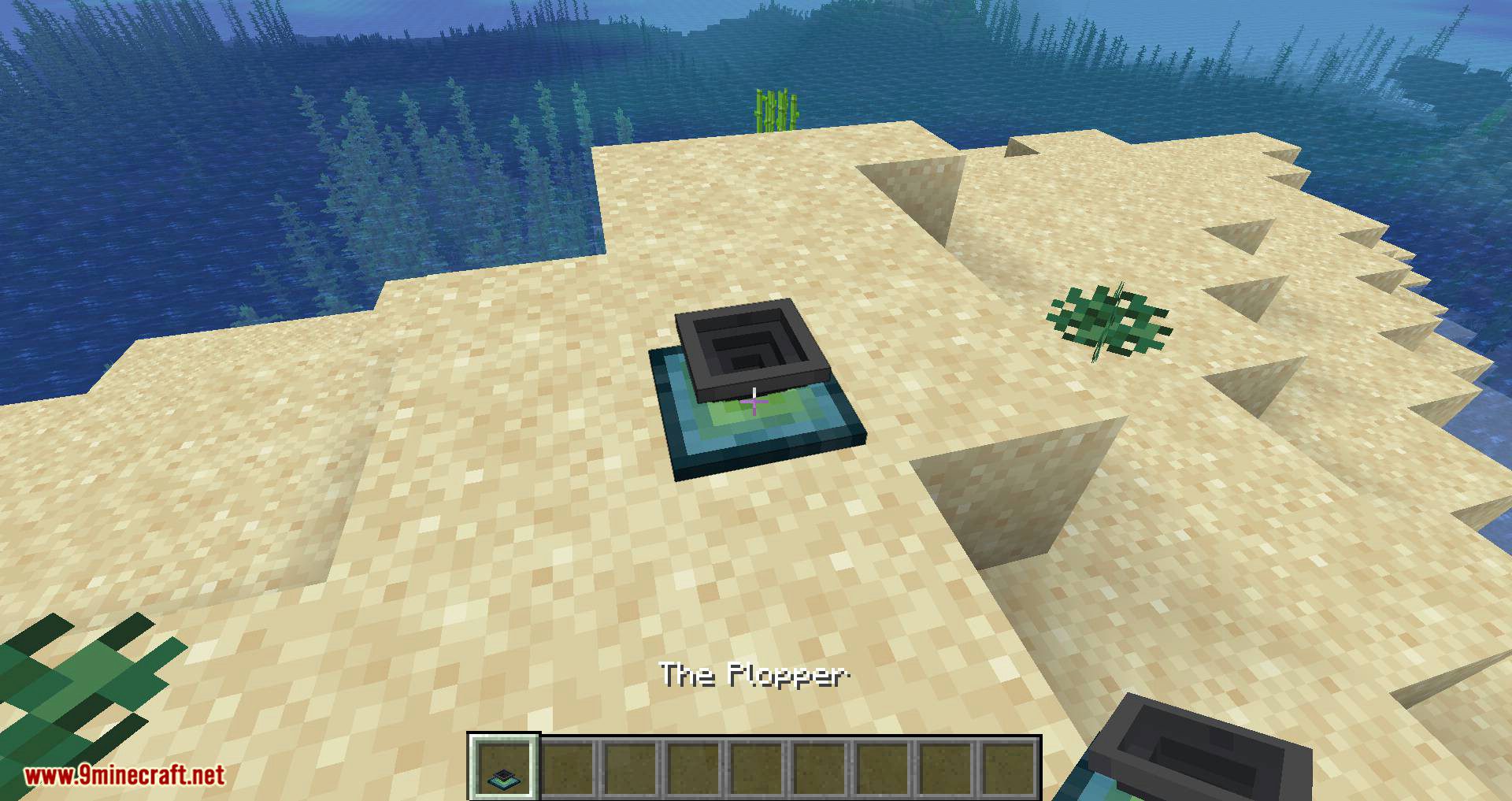
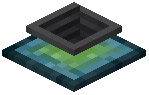 The Plopper
Configuration
Every setting in the mod config file, with what it changes.
| Option | What it does |
|---|---|
bypassOutputSideBypass output side | If set to true, the plopper will output items to e.g. pipes at all sides instead of just the bottom. |
displayParticlesDisplay particles | Whether particles should show up every time the plopper picks up an item. |
playSoundPlay sound | Whether a sound should be played when an item gets picked up by the plopper. |
Frequently asked questions
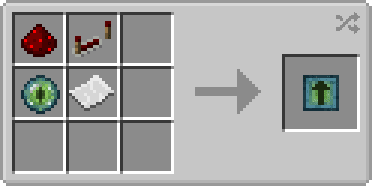
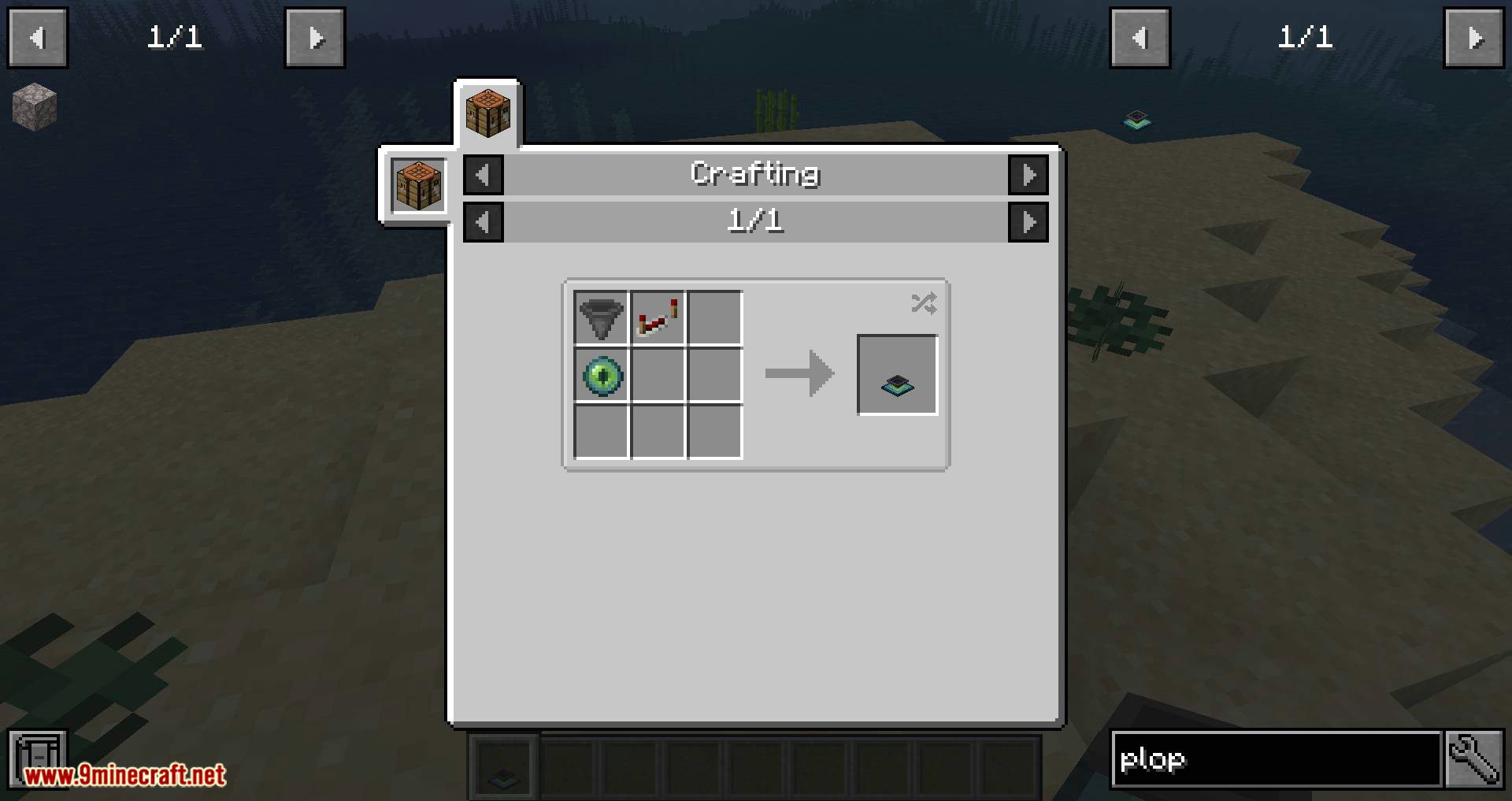
How do I craft a Plopper?
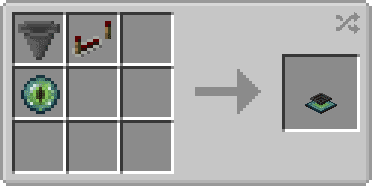
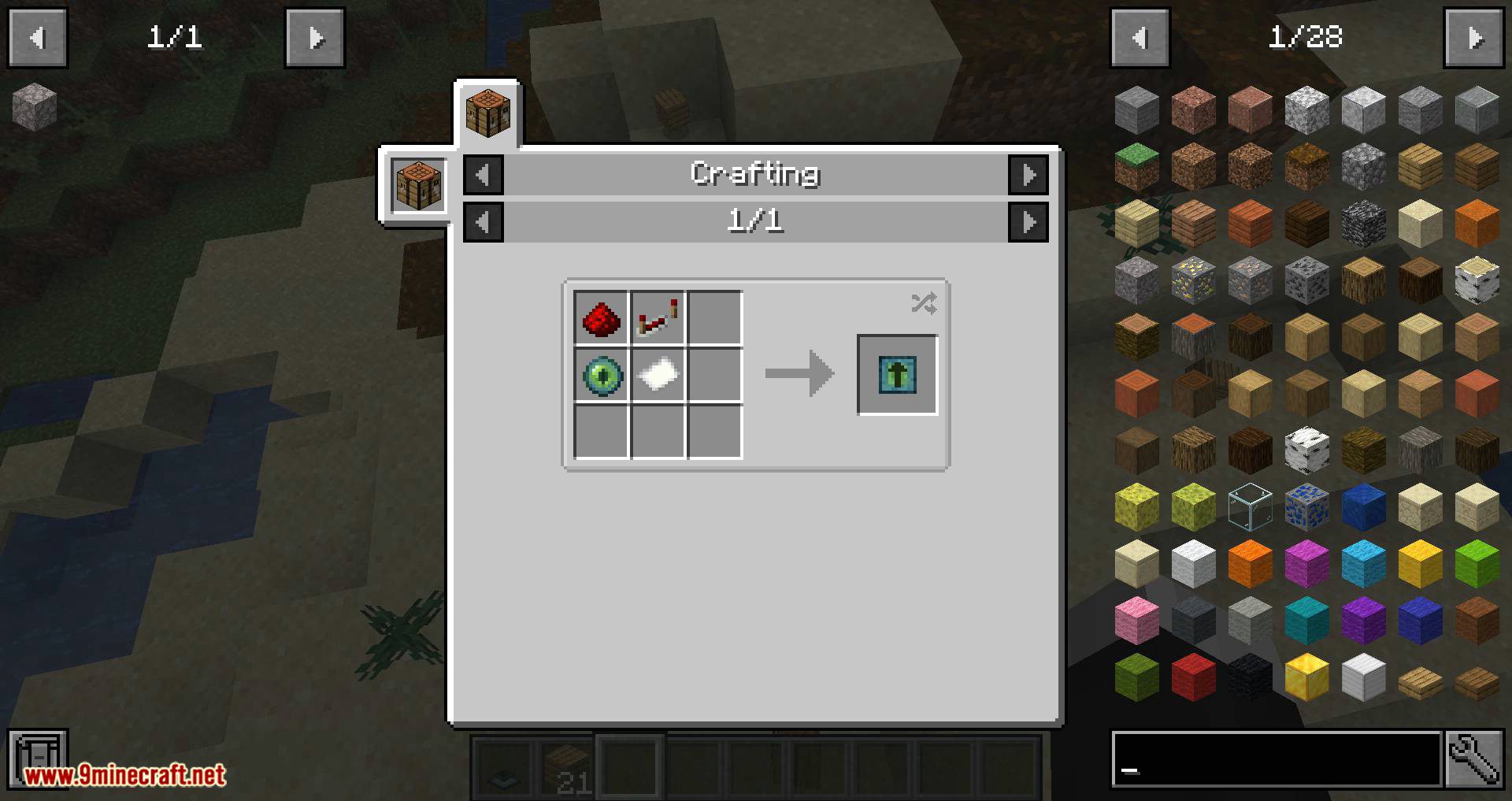
The Plopper uses a shapeless recipe, so ingredient order doesn't matter. Check the wiki's crafting section for the exact materials needed, then combine them in any crafting table.
What's the default range of a Plopper?
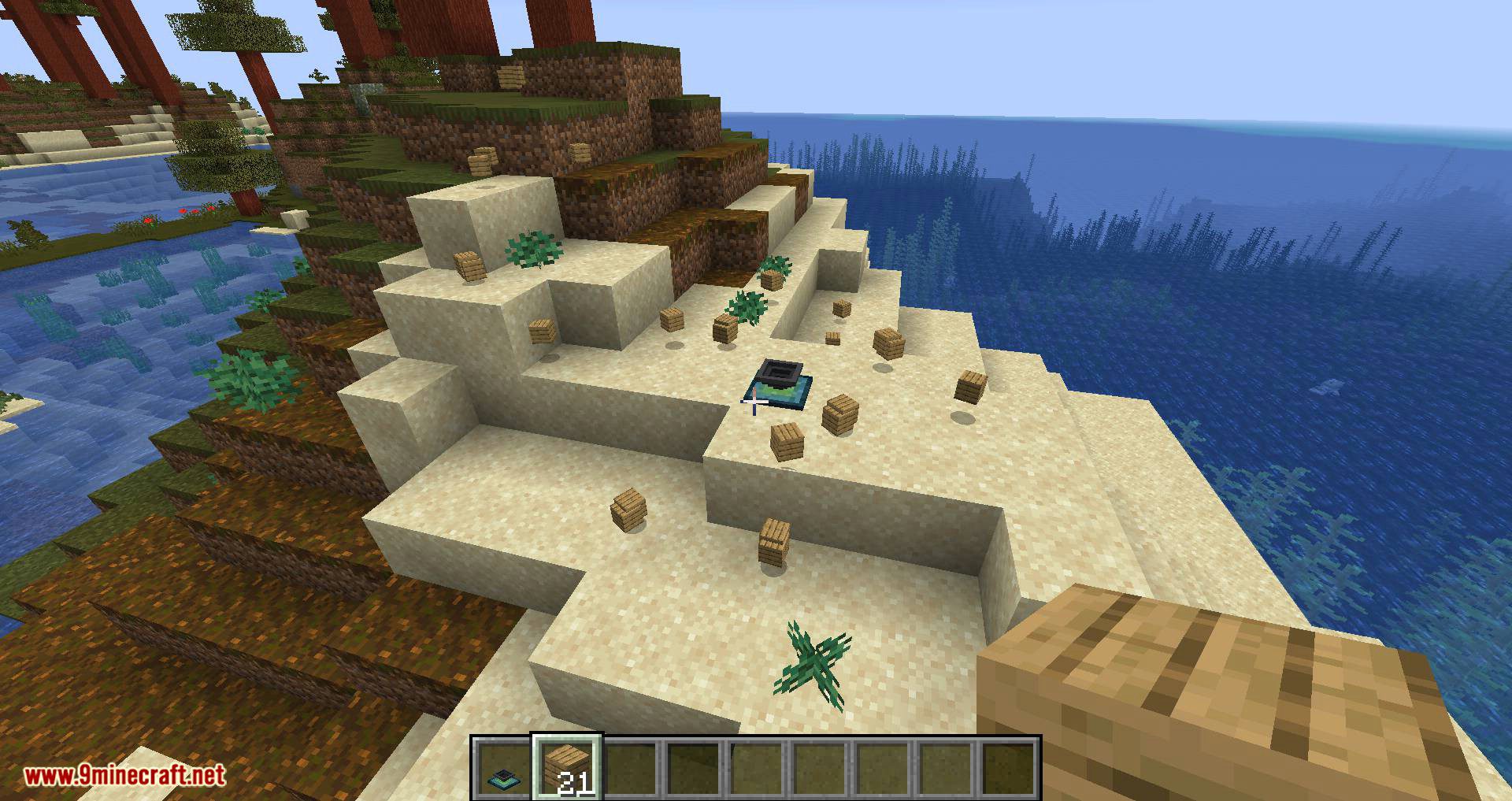
By default, a Plopper collects items in a 2-block radius in all directions (up, down, north, south, east, west), forming a cube around it.
How do I increase The Plopper's range?
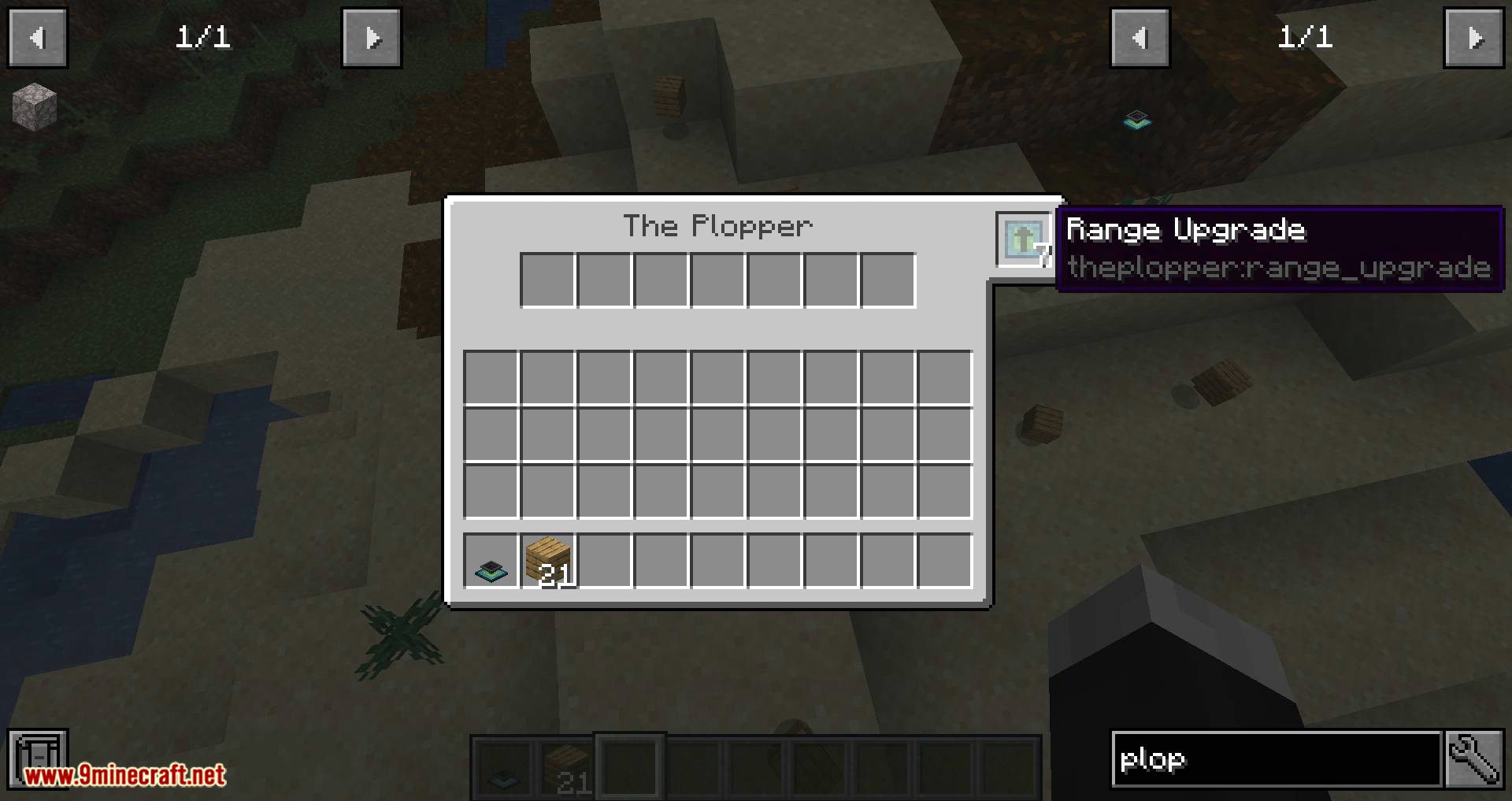
Craft Range Upgrades and place them on the Plopper—each upgrade adds 2 blocks to the collection radius, up to a maximum of 16 blocks total with 7 upgrades.
Can I put items into a Plopper?
No, the Plopper is output-only by design and is not meant to function as storage. You can only extract items from it, not insert them.
How do I get items out of a Plopper?
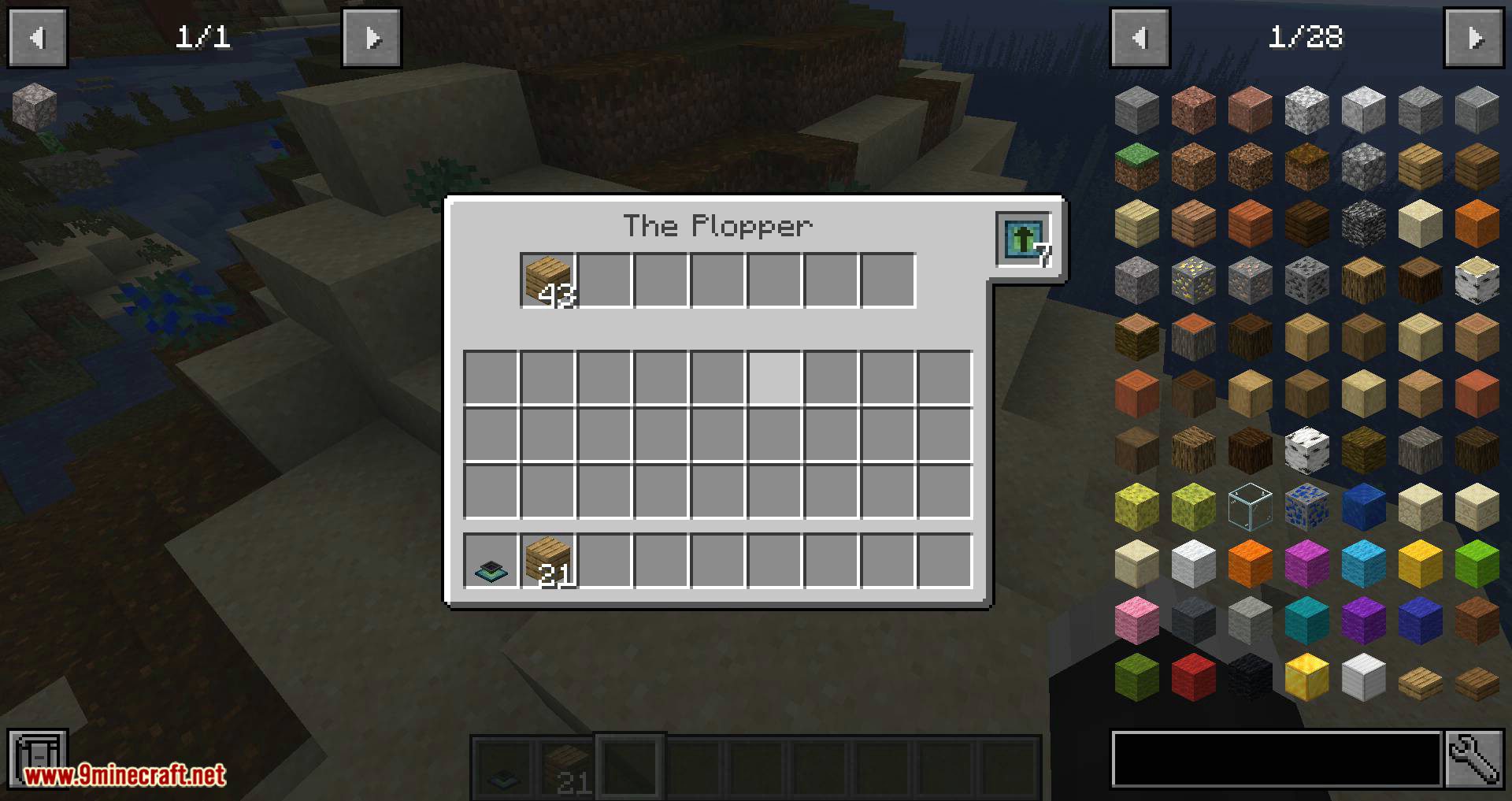
Right-click the Plopper to open its inventory, or connect pipes (like Itemducts) to the bottom to extract items automatically. By default, only the bottom outputs to pipes, but you can toggle this in the config.
Can pipes connect to all sides of a Plopper?
By default, pipes only connect to the bottom. Enable the `bypassOutputSide` config option to allow pipes to extract from all sides of the block.
Why isn't my Plopper picking up items?
Check that items are within the Plopper's range (shown as a cube around it), and verify the block has power if required by your modpack. Also ensure no other mods are blocking item collection in that area.
Can I turn off the particles and sounds?
Yes, set `displayParticles` to false to hide pickup particles, and `playSound` to false to mute the pickup sound in the mod's config file.
Does The Plopper work with other mods' pipes?
The Plopper is compatible with standard pipe systems like Itemducts from Thermal Expansion and other mods that use Minecraft's item pipe protocols.
What happens if multiple Ploppers overlap their ranges?
Both Ploppers will attempt to collect items in the overlapping area, so items may be picked up by whichever Plopper processes them first—this is useful for redundancy but not guaranteed to split items evenly.
Gallery
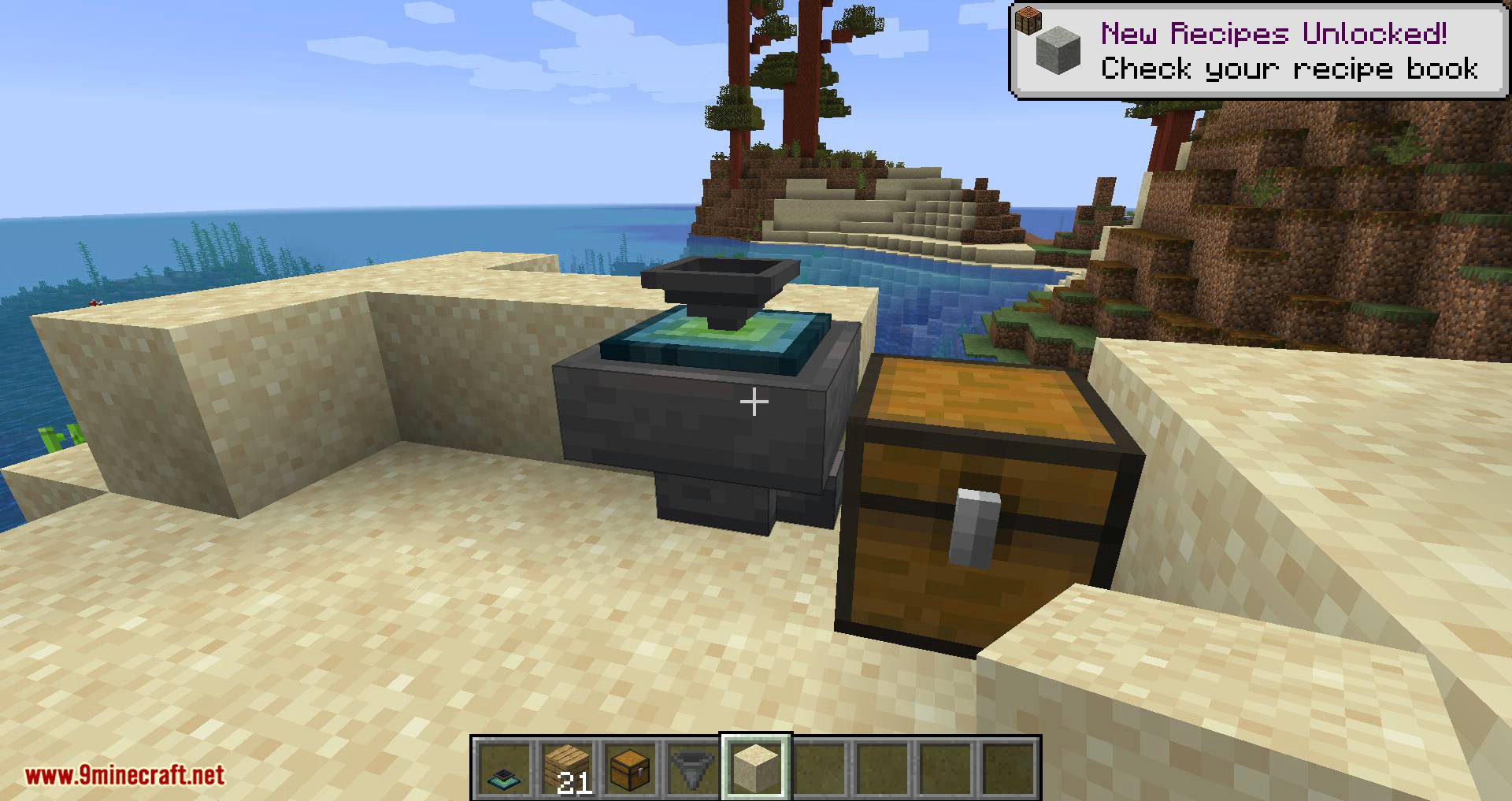
12 images from the The Plopper Mod page.
You May Also Like
Wikis that share the most with this one
More mod wikis on the site
The most downloaded mods that have a wiki here
A few wikis from each of the other kinds