

 DownloadSpiffyHUD Mod
Get the files on 9Minecraft
Guides
Step-by-step, in-game.
How to Add Custom Images and Overlays to Your HUDBeyond rearranging vanilla elements, SpiffyHUD can display your own images and overlays on screen, which is useful…How to Hide Specific HUD Elements in SpiffyHUDSometimes you want a cleaner screen: no crosshair clutter, no chat, no hunger bar during a challenge run. SpiffyHUD…How to Move and Resize HUD Elements with SpiffyHUDSpiffyHUD lets you reposition and resize vanilla HUD elements without touching any config files by hand. Everything…How to Set Up and Switch Between SpiffyHUD Layout ProfilesProfiles let you keep multiple HUD arrangements and swap between them instead of rebuilding your layout every time…SpiffyHUD Mod: Customizing Your HUDRepositioning and Resizing HUD Elements SpiffyHUD is a HUD customization mod that works as an extension of FancyMenu.…
Frequently asked questions
What is the SpiffyHUD Mod?
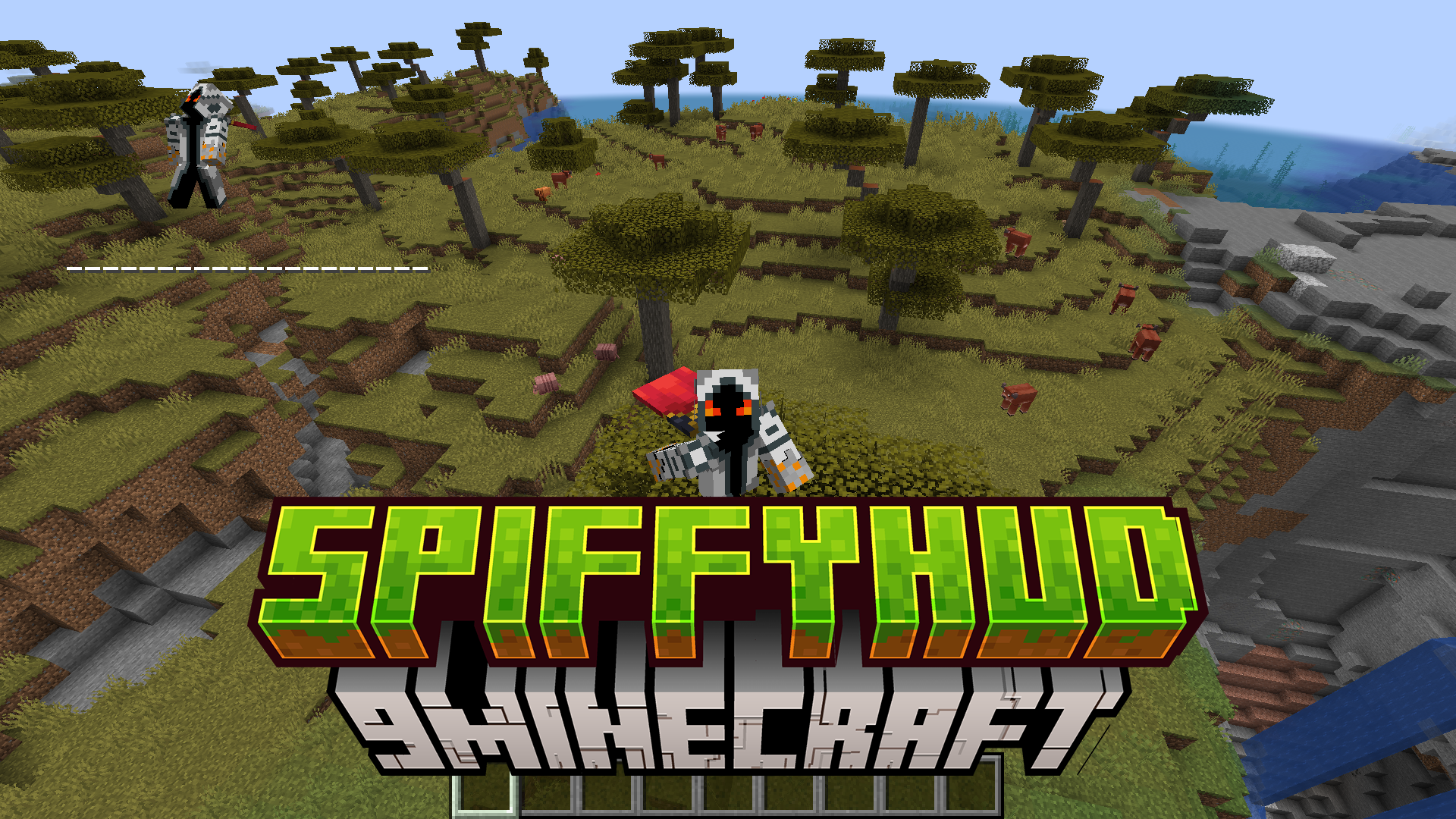
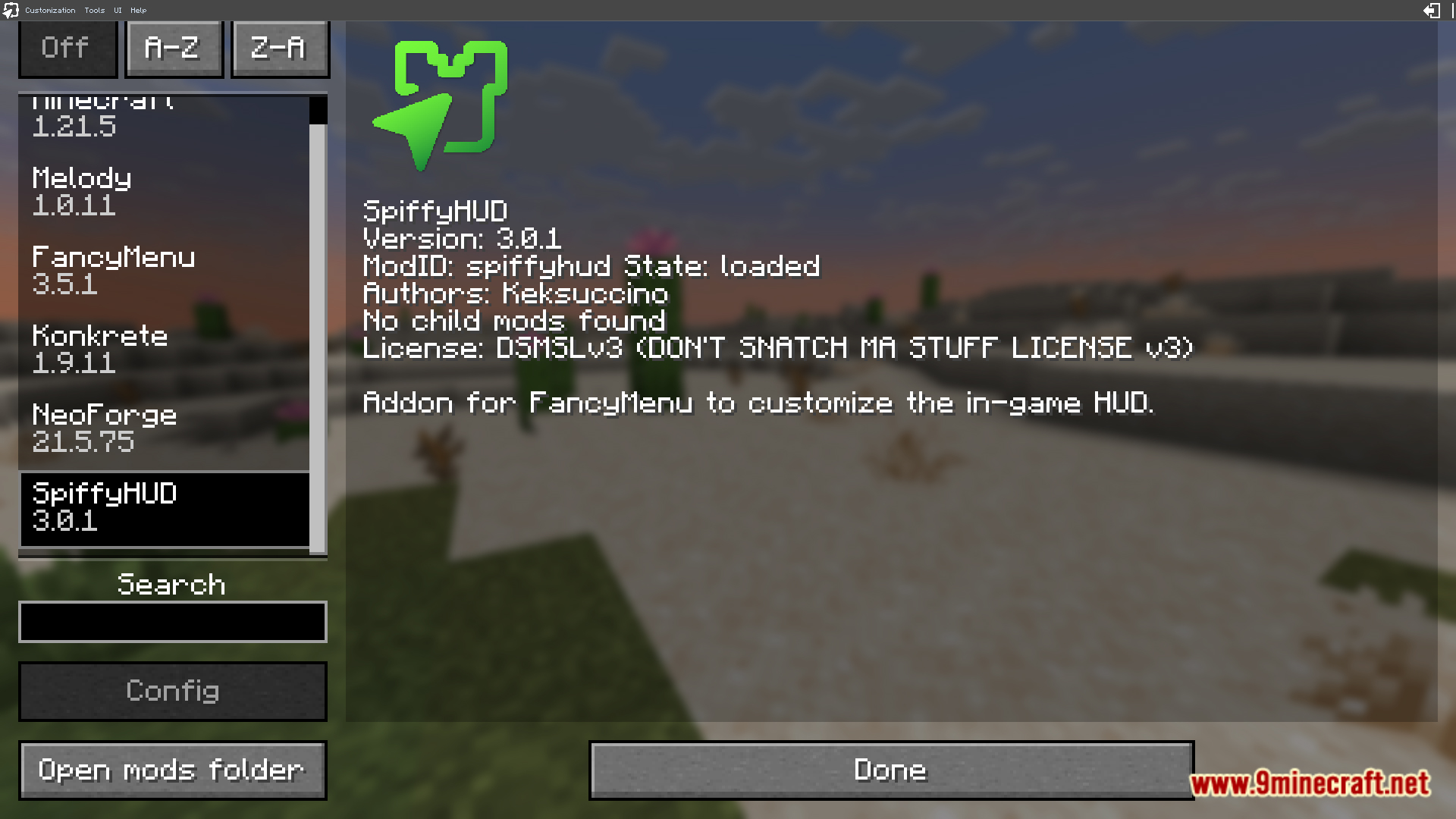
It is a HUD customization mod for Minecraft that acts as an extension of FancyMenu. It lets players personalize their in-game HUD while staying user-friendly.
Do I need FancyMenu to use SpiffyHUD?
Yes, SpiffyHUD is designed as an extension of FancyMenu. It builds on FancyMenu to provide its HUD customization features.
Which HUD elements can I customize with SpiffyHUD?
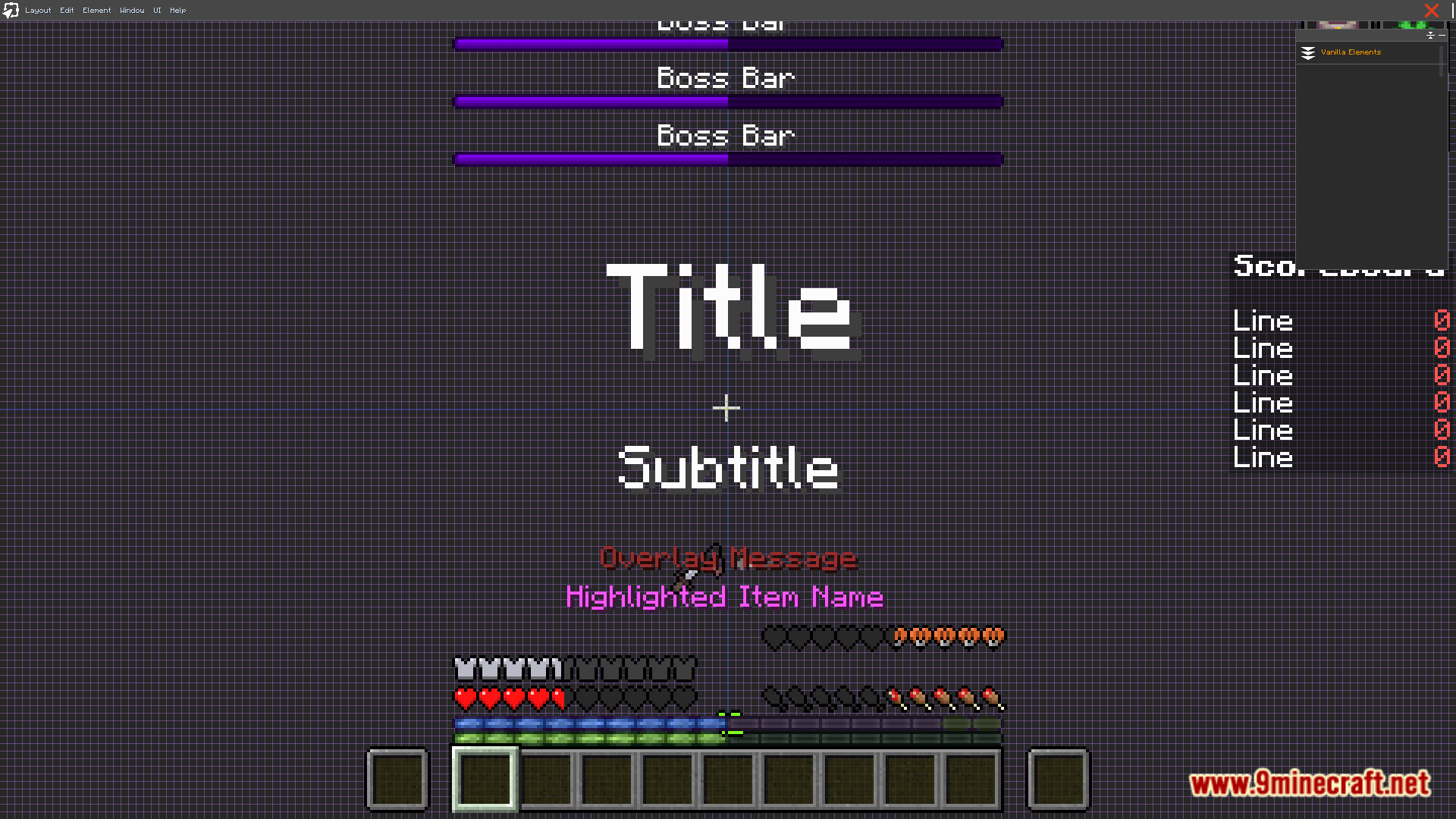
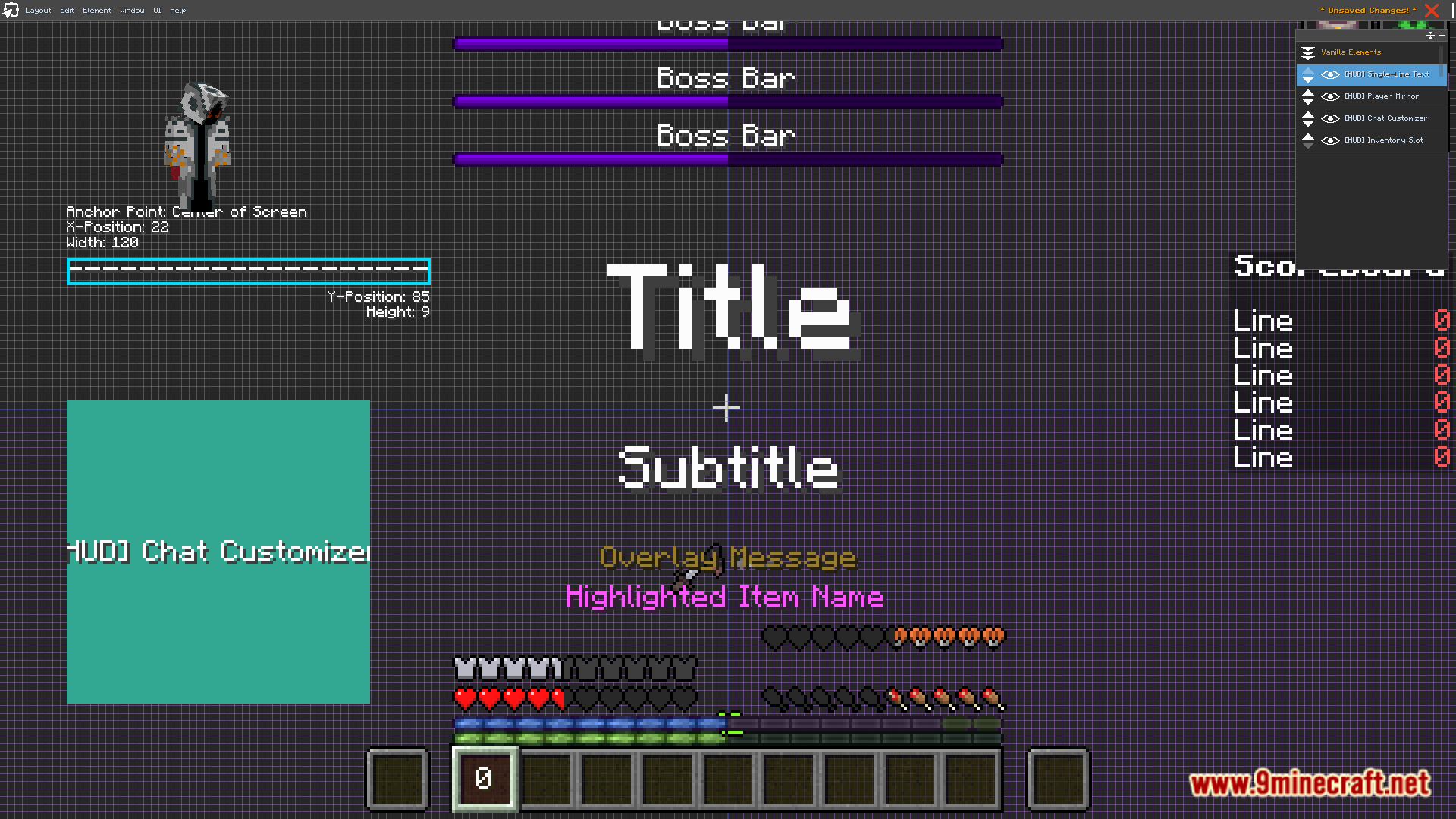
You can move, resize, or hide elements like the hotbar, health, chat, and overlays. This gives flexibility even on high-resolution or unique display setups.
Can SpiffyHUD add new things to my HUD, not just move existing ones?
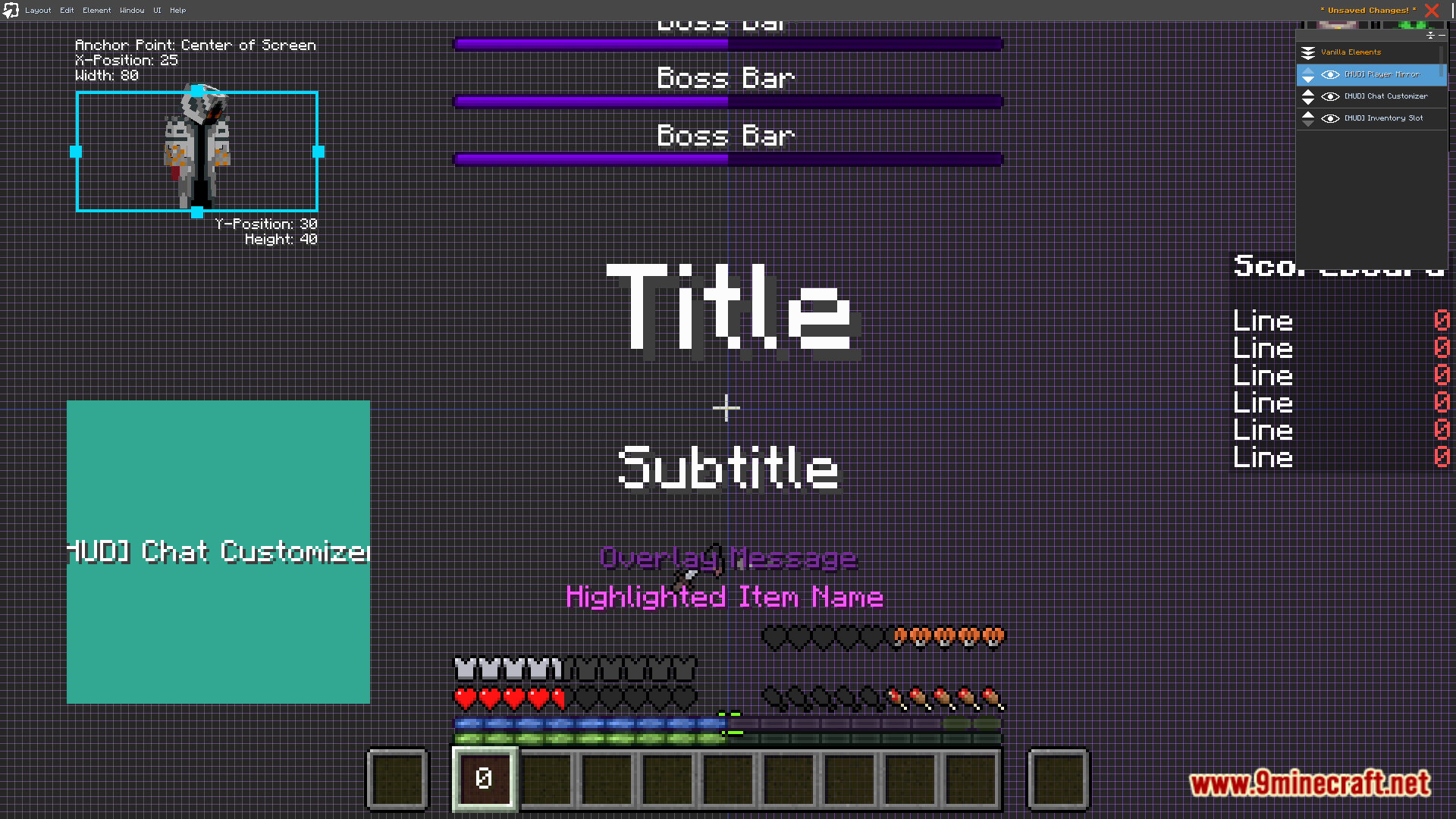
Yes, it supports adding animations, images, or entirely new overlays. So it goes beyond just repositioning vanilla HUD elements.
See all 6 SpiffyHUD questions ›
Gallery
10 images from the Spiffyhud Mod page.
You May Also Like
Wikis that share the most with this one
More mod wikis on the site
The most downloaded mods that have a wiki here
A few wikis from each of the other kinds