

 DownloadScholar Mod
Get the files on 9Minecraft
Guides
Step-by-step, in-game.
Configuration
Every setting in the mod config file, with what it changes.
| Option | What it does |
|---|---|
by_author_color | "by: <author>" Text Color |
enter_title_color | "Enter Book Title" Text Color |
animation | Animation |
book | Book |
book_drop_chance | Book Drop Chance |
book_reading_chance | Book Reading Chance |
book_spawn_chance | Book Spawn Chance |
changeable_author | Changeable Author |
chiseled_bookshelf_tooltip | Chiseled Bookshelf Tooltip |
colors | Colors |
extra_tools | Extra Tools |
hide_offhand_item | Hide Offhand Item |
integration | Integration |
jei | JEI |
lectern_colored_book | Lectern Colored Book |
lectern_tooltip | Lectern Tooltip |
literate_mobs | Literate Mobs |
page_numbers_color | Page Numbers Color |
pause_game | Pause Singleplayer Game |
reading | Reading |
replace_screens_in_hand | Replace In-Hand Screens |
replace_screens_on_lectern | Replace Lectern Screens |
screen | Screen |
selection_color | Selection Color |
Frequently asked questions
What does Scholar Mod do for books in Minecraft?
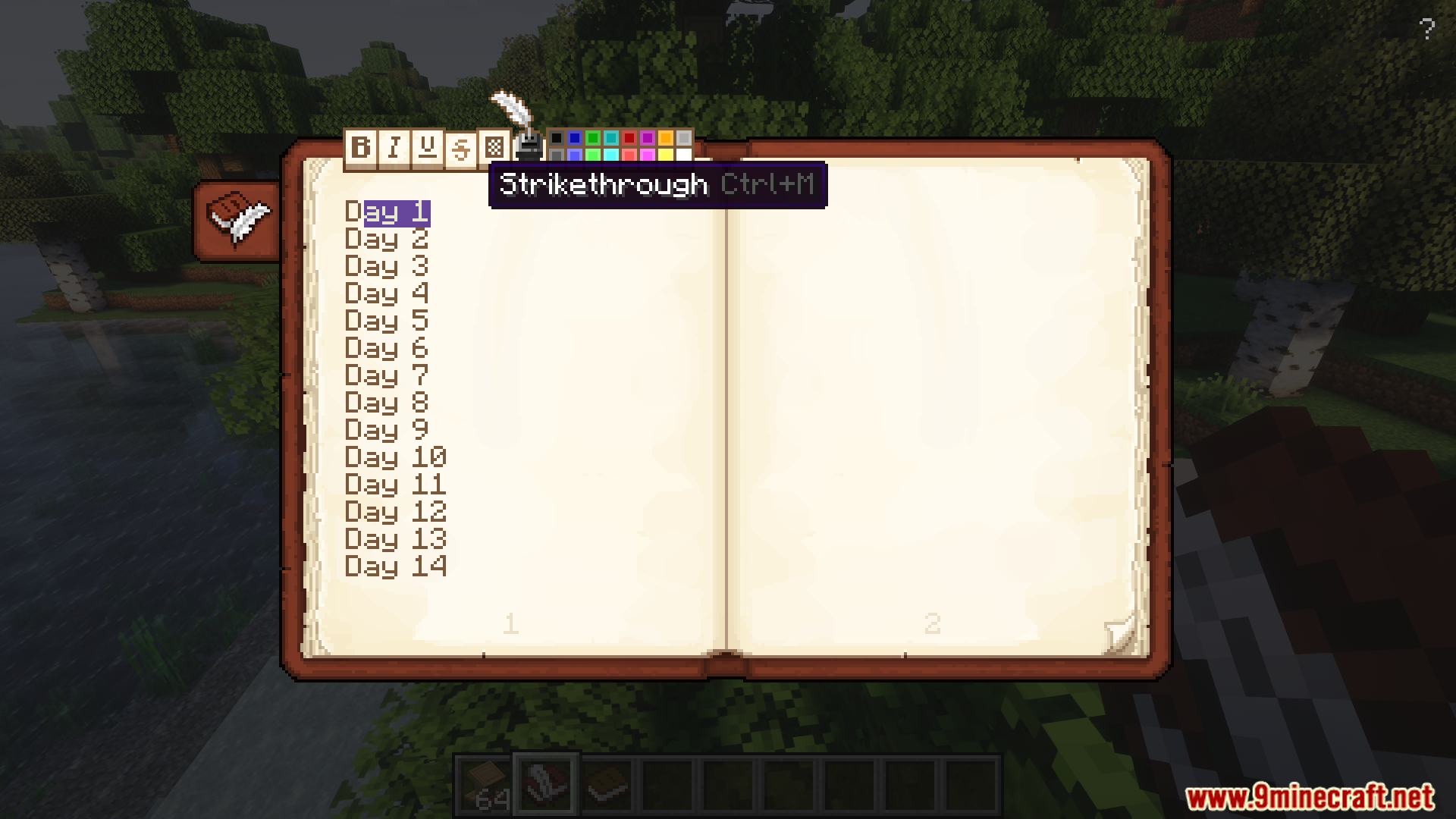
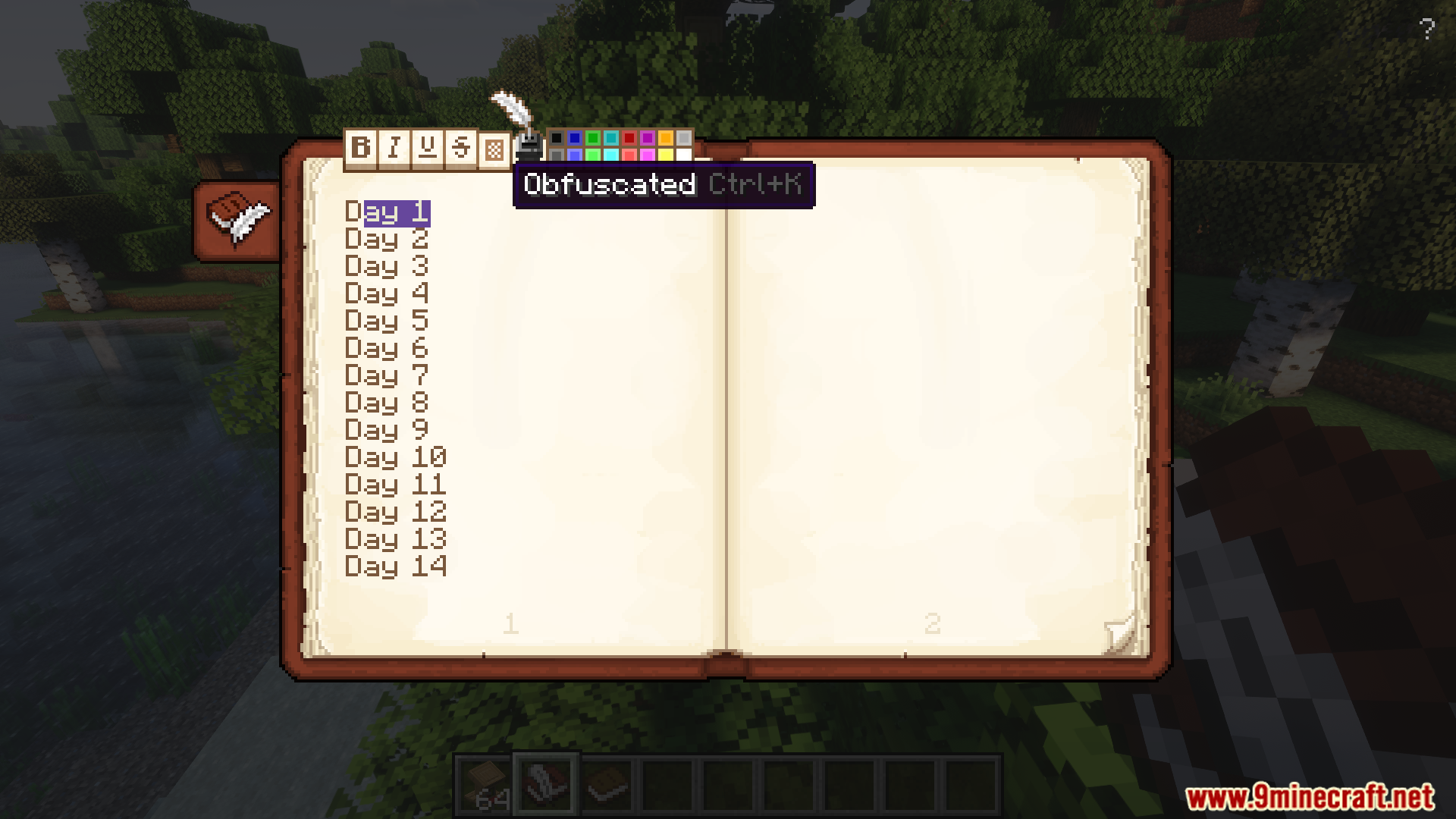
It enhances book mechanics by adding viewing, editing, and organizing features. It also introduces advanced text formatting and improved interfaces for signing and storing books.
Can I edit books in Scholar Mod?
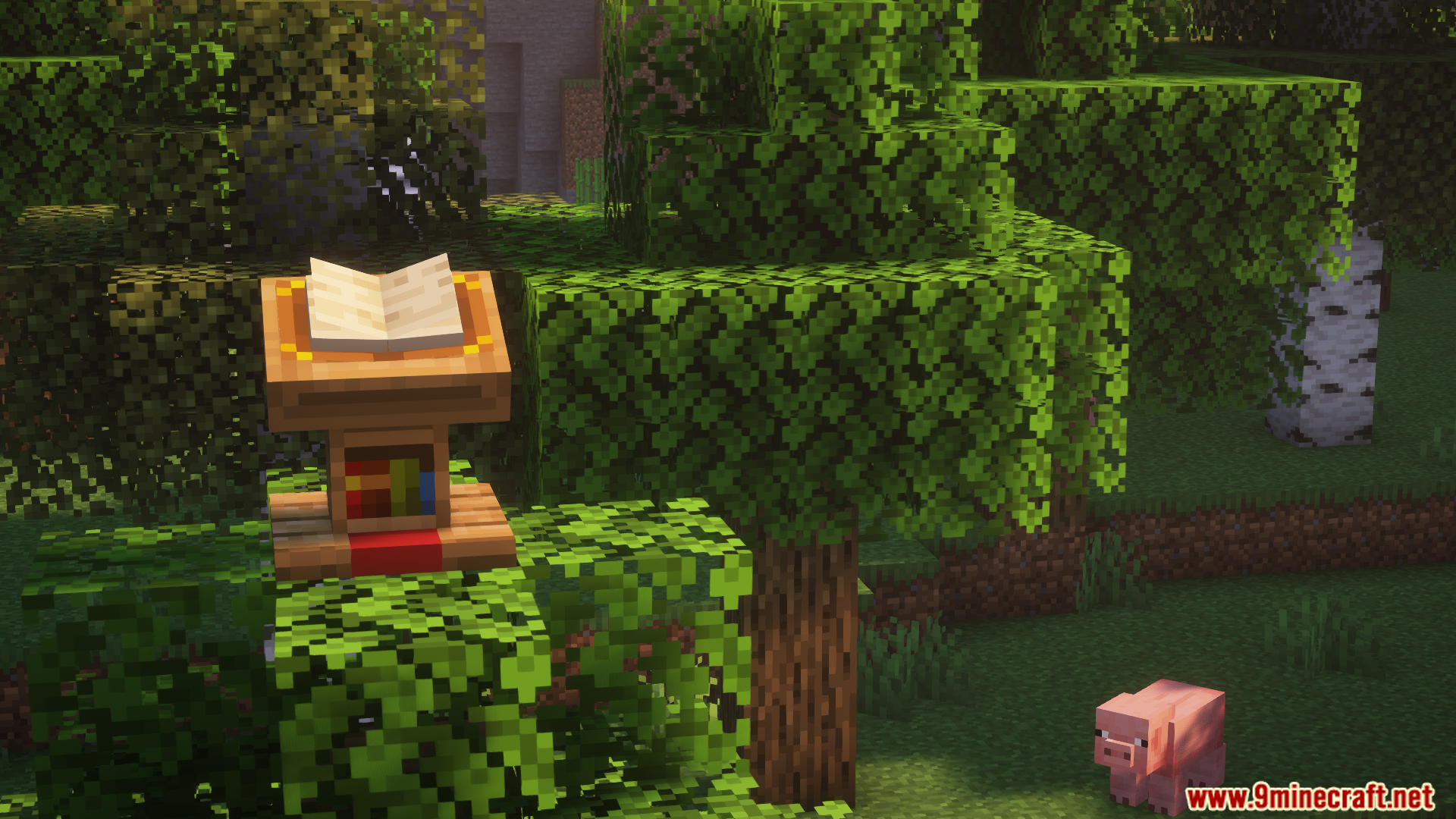
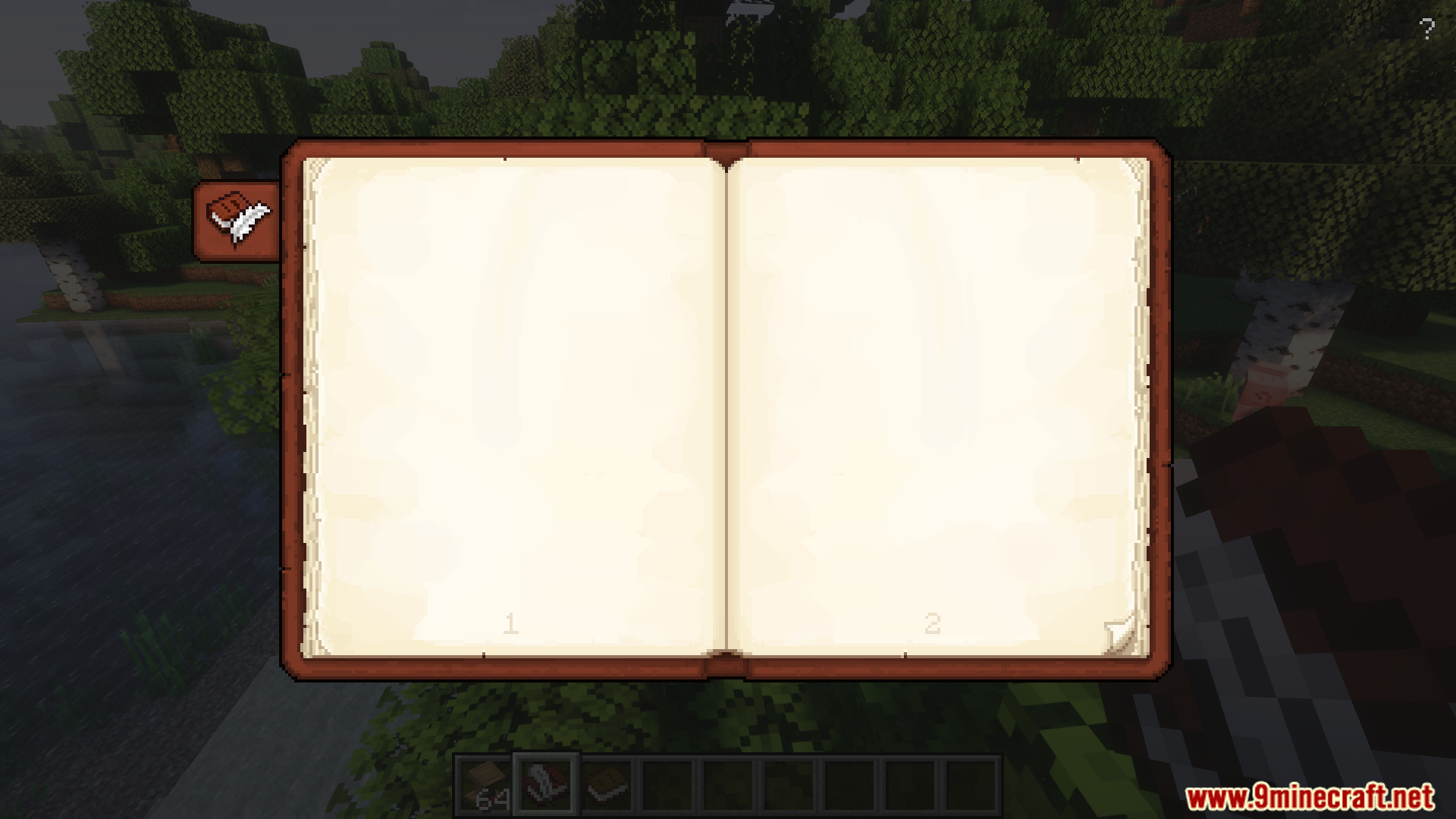
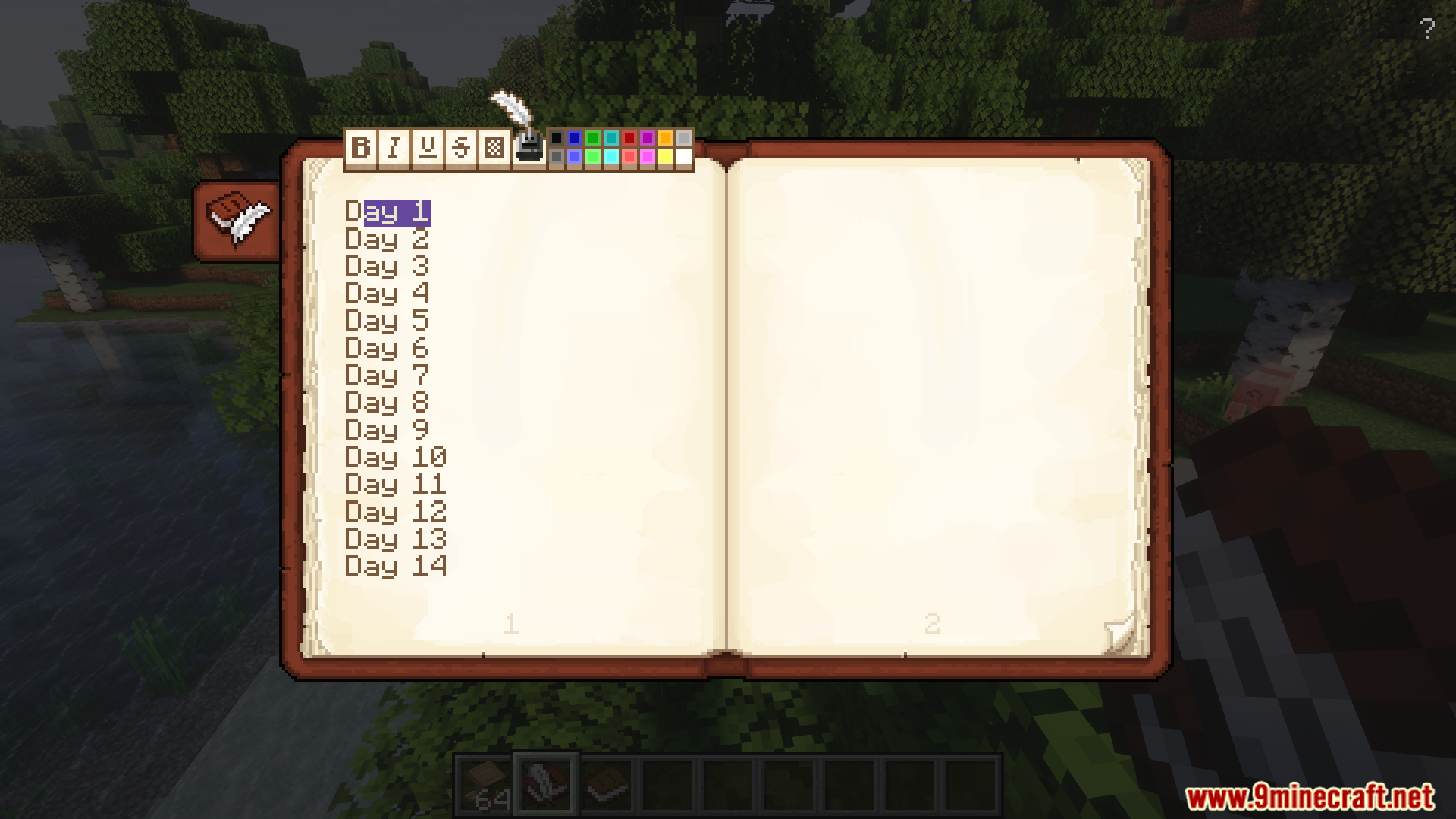
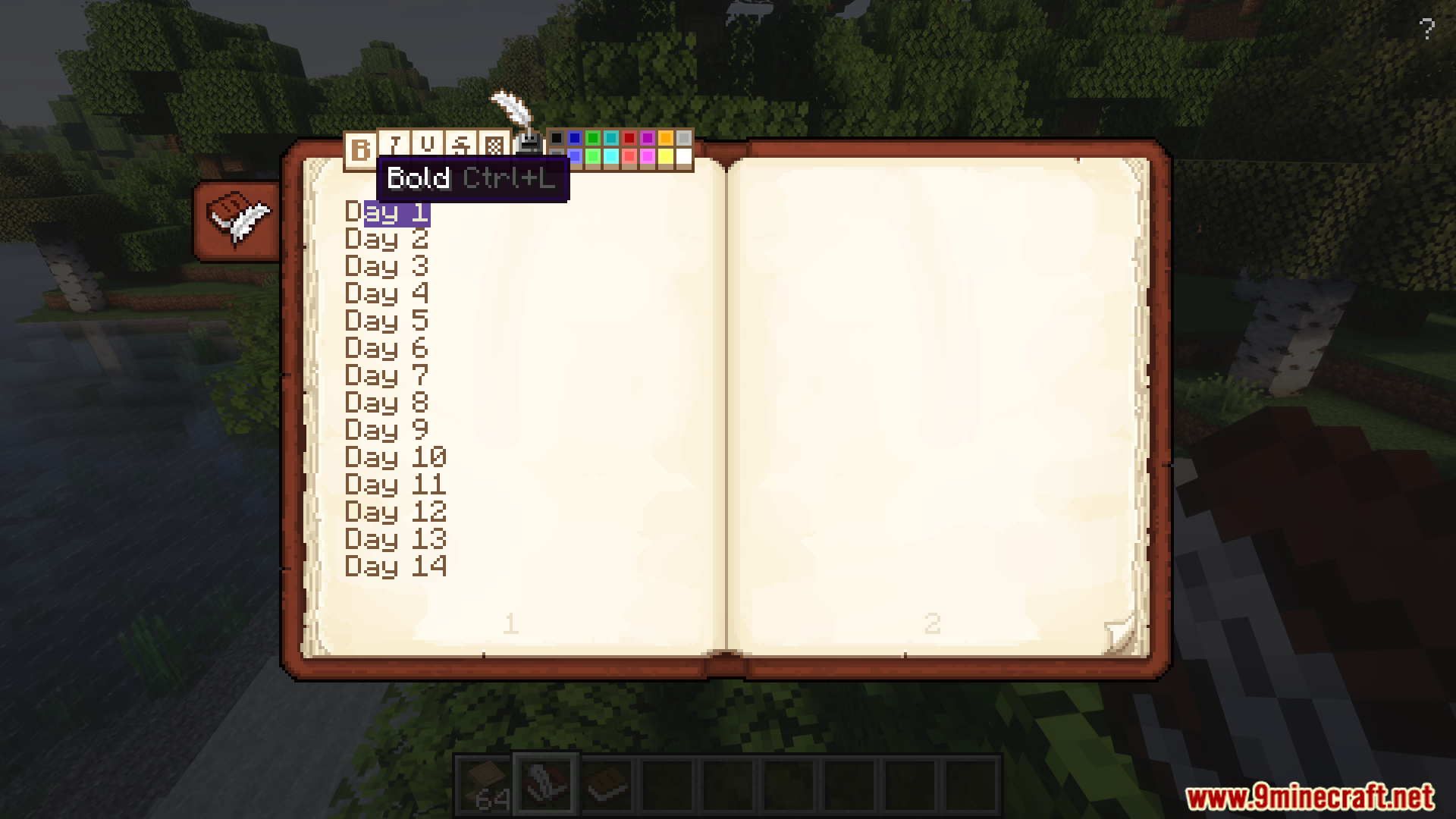
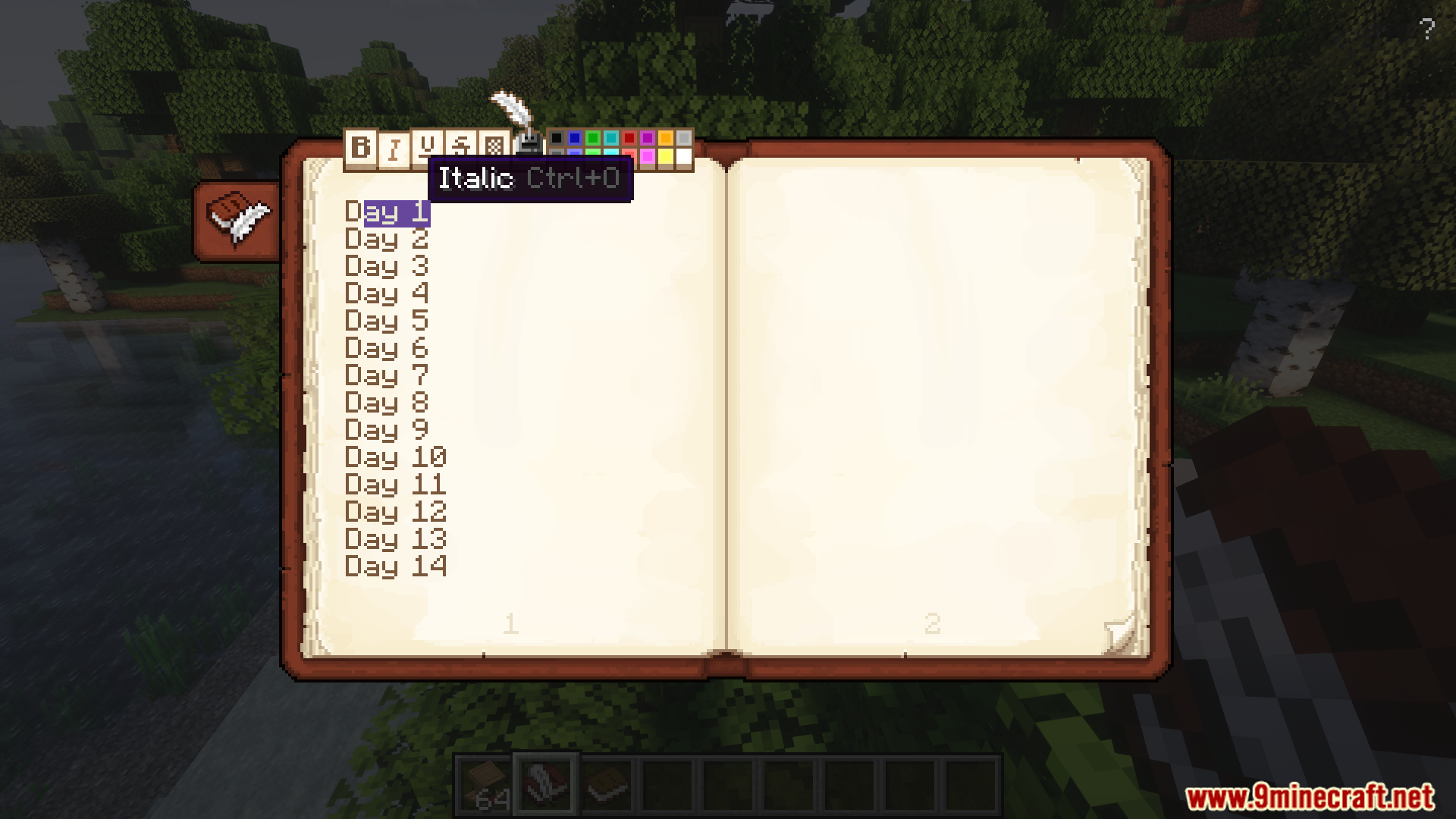
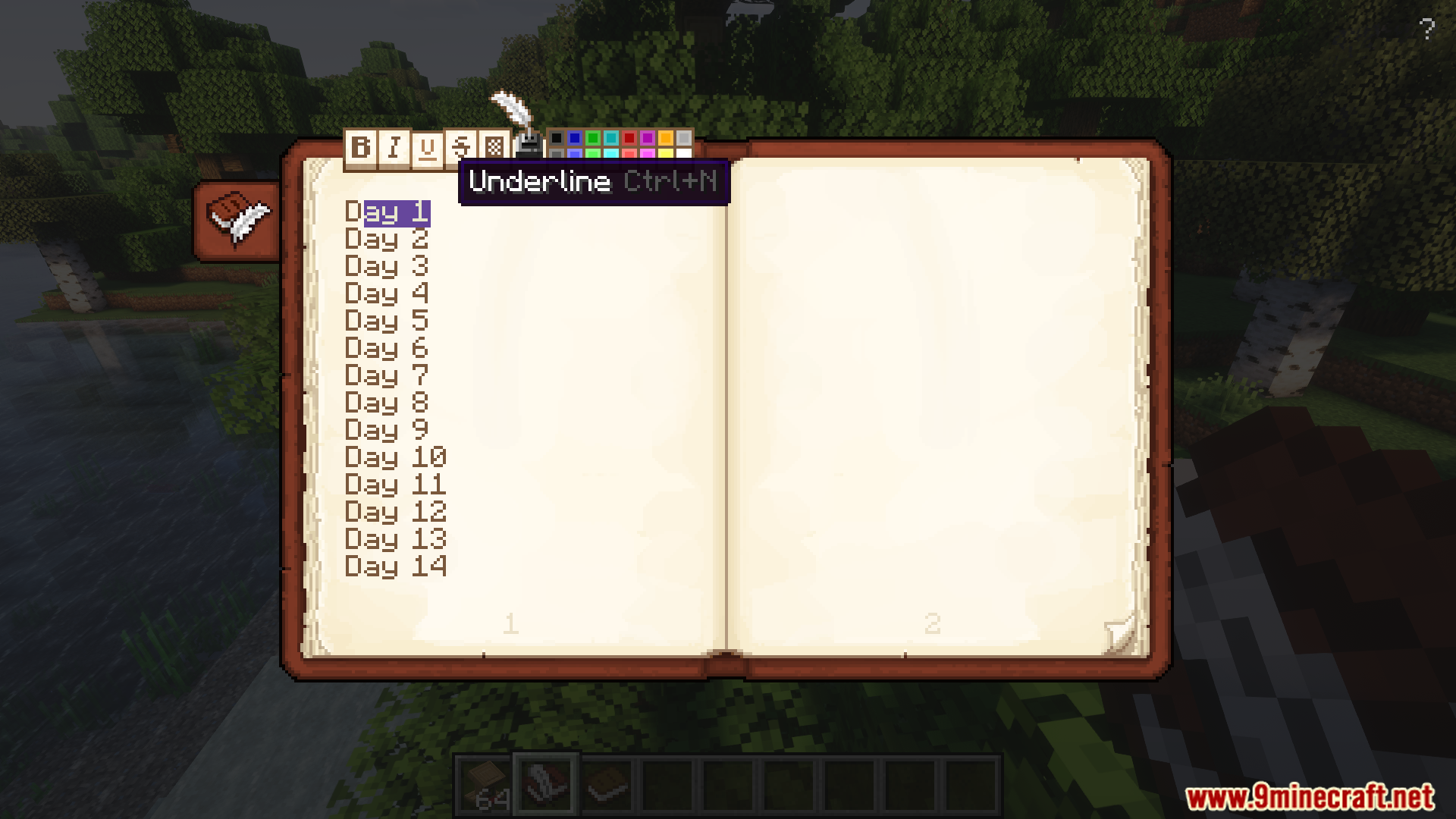
Yes, the mod adds book editing functionality, including editing on a Lectern. It also provides a two-page book viewing and editing UI.
Does Scholar Mod change how books are signed?
Yes, it includes an enhanced book signing UI. This makes the signing process more polished than the vanilla version.
Can books be customized with colors in Scholar Mod?
Yes, the mod adds customizable colored books. It also matches Chiseled Bookshelf colors to the books stored in them.
Gallery
12 images from the Scholar Mod page.


You May Also Like
Wikis that share the most with this one
More mod wikis on the site
The most downloaded mods that have a wiki here
A few wikis from each of the other kinds