DownloadRecurrent Complex Volts
Get the files on 9Minecraft
Guides
Step-by-step, in-game.
Creating and Saving Your Own Custom StructuresSelecting and Marking Your Build The Block Selector tool lets you capture any building or area you've created and add…Customizing Where Structures Spawn (Biome and Dimension Rules)Setting Biome Restrictions By default, structures spawn across many biomes. You can limit them to specific…Finding and Locating Structures in Your WorldUsing the Locate Command Once you've generated a world with Recurrent Complex Volts structures, you can search for…Fixing Structures That Float or Spawn IncorrectlyUnderstanding Terrain Placement Issues Structures sometimes float above water, sink into hills, or clip through…
Items
 Artifact Generation Tag
 Block Selector
 Book Generation Tag
 Floating Block Selector
 Inspector
 Inventory Generation Component Tag
 Inventory Generation Single Tag
 Inventory Generation Tag
Frequently asked questions
How do I start using this mod after installing it?
Type /rc gui in chat to open the structure manager interface. From there you can browse all available structures, preview how they'll look, and adjust their generation settings without editing config files.
Why are structures floating in the air or buried underground?
This usually happens on rough terrain or near water. Adjust the rayAverageMaxHeightSpread setting in your config to improve terrain detection, or use the guide on fixing placement errors to manually correct problem structures.
Can I make structures only spawn in certain biomes?
Yes—open the structure manager with /rc gui, select a structure, and use the biome and dimension rules to whitelist or blacklist specific biomes. You can also set rules to prevent spawning in certain dimensions entirely.
How do I find a specific structure I want to locate in my world?
Use the command /#structures locate <structure-id> and the mod will calculate and show you coordinates where that structure is predicted to spawn naturally.
What's the Block Selector item and how do I use it?
It's an in-game tool that lets you mark the corners of any area you want to save as a structure. Equip it, right-click to set your selection boundaries, then save the marked area as a schematic file to add it to world generation.
Can I import structures from other mods or schematics I downloaded?
Yes—the mod can load schematic files directly, including those made with Create and other structure tools. Place them in the appropriate folder and they'll appear in the structure manager ready to use.
Why do I get crashes when loading old structure files?
The mod includes missing-block protection to prevent crashes from outdated schematics, but if you still experience issues, try regenerating the structure or checking that all required blocks are available in your current version.
Do structures blend naturally with vanilla villages?
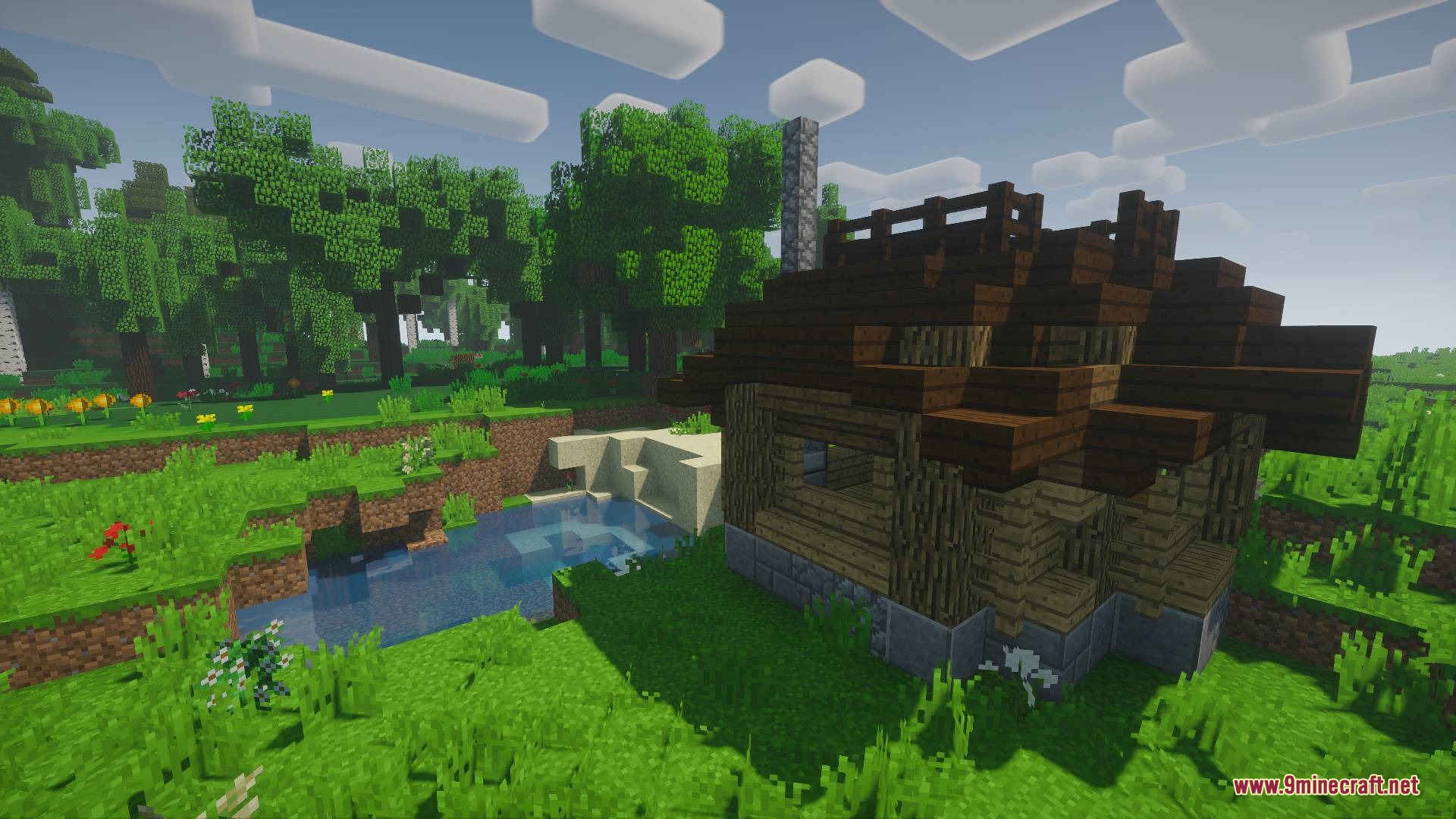
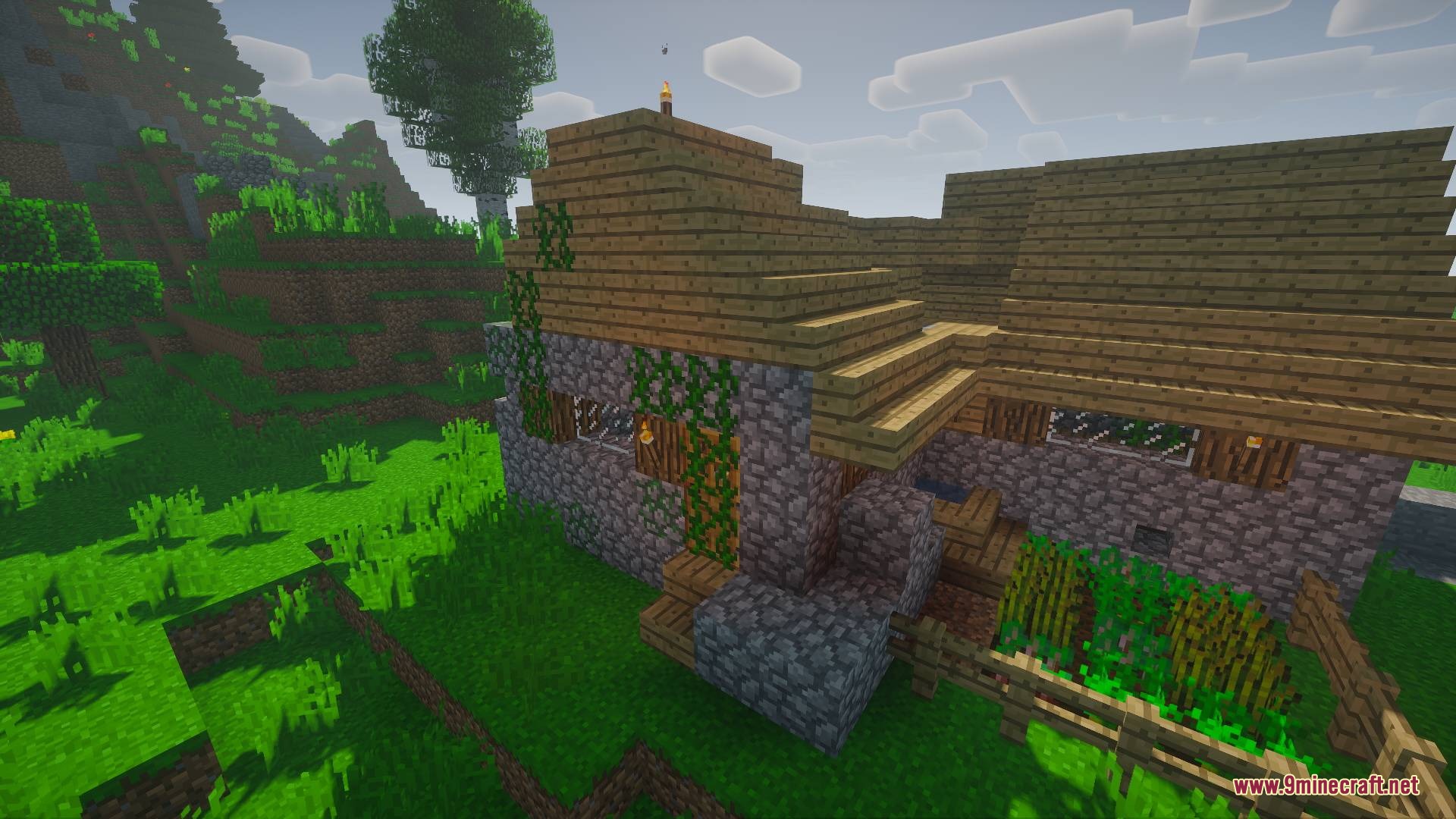
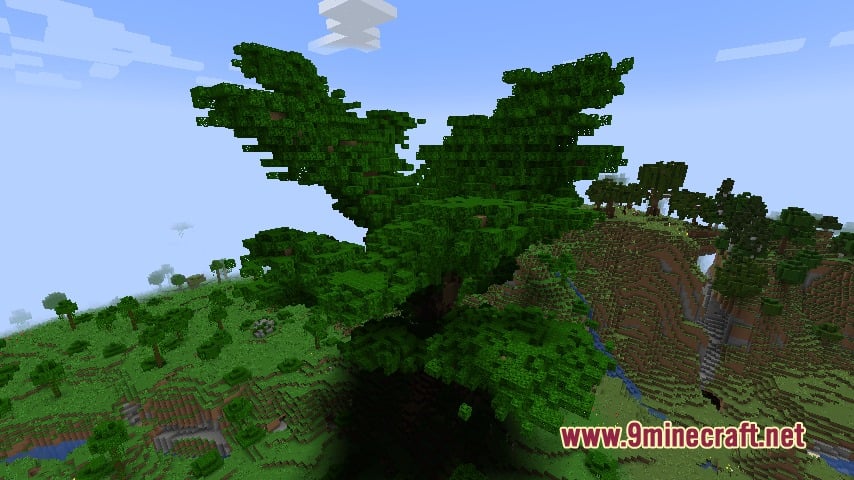
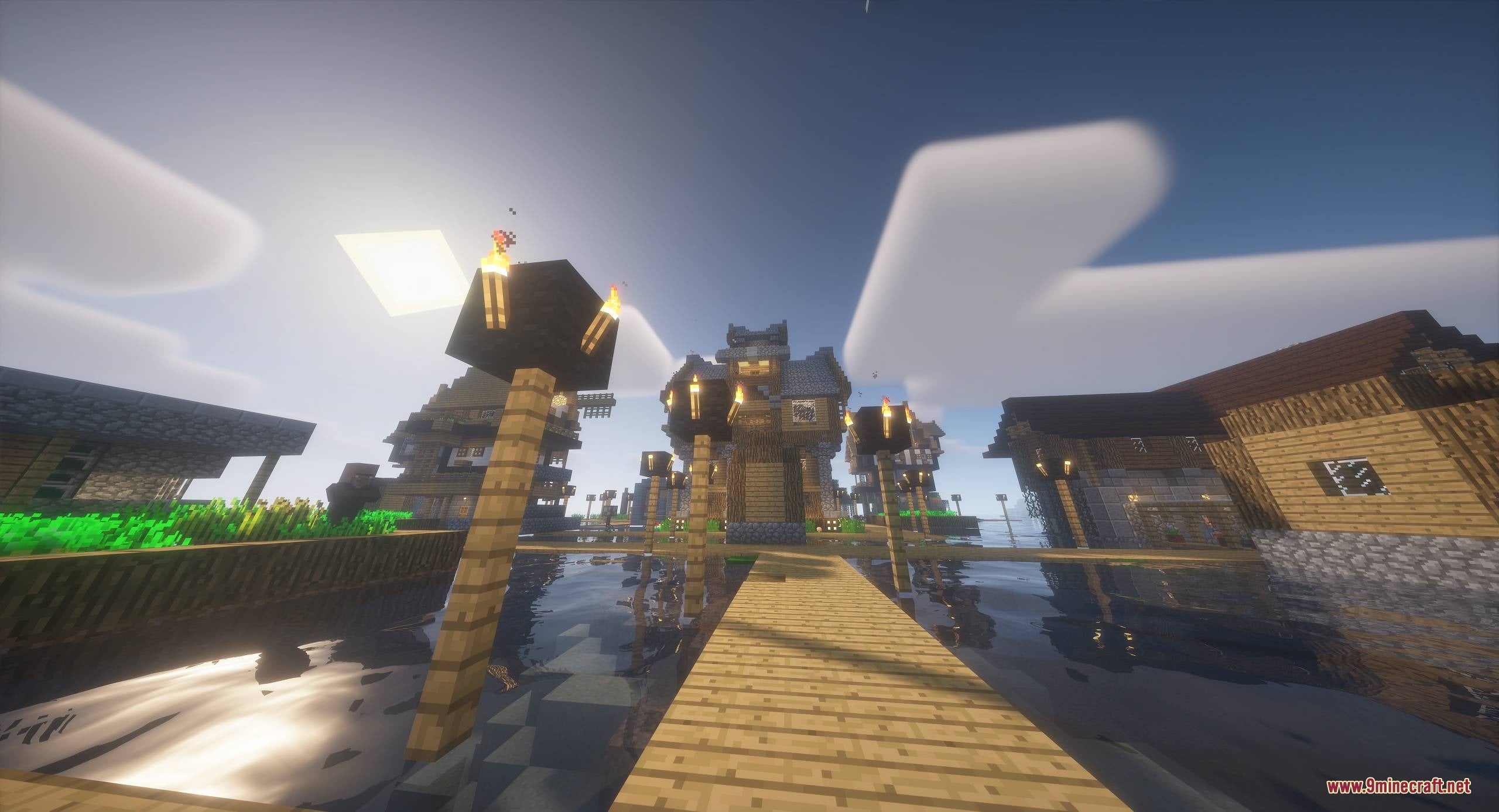
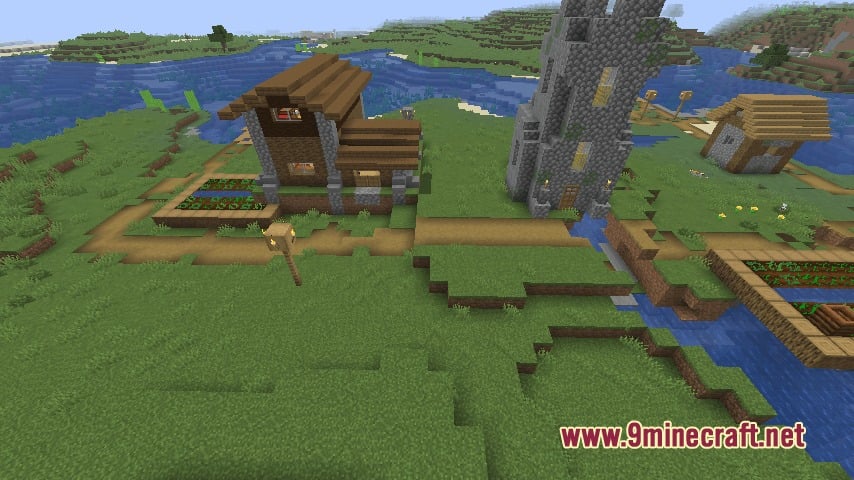
Yes—the mod is designed to merge generated structures smoothly into existing vanilla villages, terrain, and water features so they look like part of the world rather than placed on top of it.
Will this mod cause lag or performance issues?
The mod is optimized for world generation, but performance depends on how many structures you enable and how frequently you set them to spawn. Start with default settings and adjust spawn rates if you notice slowdowns.
Can I customize the loot inside generated structures?
Yes—the mod provides loot generation tags and lets you customize loot tables so you can control what items appear in chests and spawners across all your structures.
You May Also Like
Wikis that share the most with this one
More mod wikis on the site
The most downloaded mods that have a wiki here
A few wikis from each of the other kinds
Gallery
9 images from the Recurrent Complex Volts Mod page.