

 DownloadProductive Metalworks
Get the files on 9Minecraft
Feed the Controller Automatically
Automation starts at the Foundry Controller. Use item pipes, hoppers, or conduits to insert meltable items into the controller's input. A chest full of ore or scrap feeding into the controller means the foundry never runs dry. Make sure the pipe actually targets the controller's input face — many pipes need to be configured to insert, not extract.
Power the Heat
Replace or supplement fuel with a 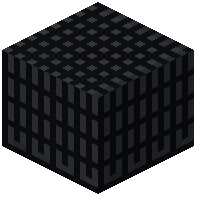 Powered Heating Coil wired to your energy network. This removes the need to hand-feed coal or charcoal. If you keep a fuel-based setup, use a hopper into the fuel slot so it refills itself.
Automate the Output
Attach a  Foundry Tap to a drain and place a
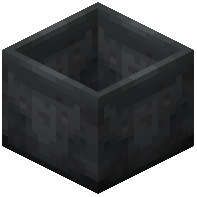 Casting Basin or
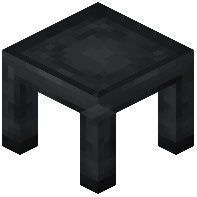 Casting Table below it. Open the tap once and leave it open — as long as the table or basin has room, metal will flow and solidify automatically. Use a hopper or pipe under the casting block to pull finished items into a chest.
Keep It Stable
- Don't let the tank overflow: if the tank is full and nothing is draining, the controller stops accepting input.
- Match your casts: if you're producing gears, keep a
 Gear Cast in the table.
- Use Foundry Windows to visually check the molten level without opening the GUI.
- Test each stage manually before wiring the full loop, so you can isolate which pipe or block is misconfigured.