

 DownloadNet Music Play List
Get the files on 9Minecraft
Guides
Step-by-step, in-game.
Items
 Net Music: Playlist Manual
Configuration
Every setting in the mod config file, with what it changes.
| Option | What it does |
|---|---|
tip | Allows currently playing sounds to continue when the game is paused |
old_gui | Enable legacy interface |
allow_lyric_to_server | Enable Server-side Lyrics [alpha] |
enable_cache | Enable song caching |
music_hud | Enable Song Info HUD |
not_save | Exit Without Saving |
global_cache | Global Cache |
text | I am HUD |
max_import_list | Maximum number of songs to import |
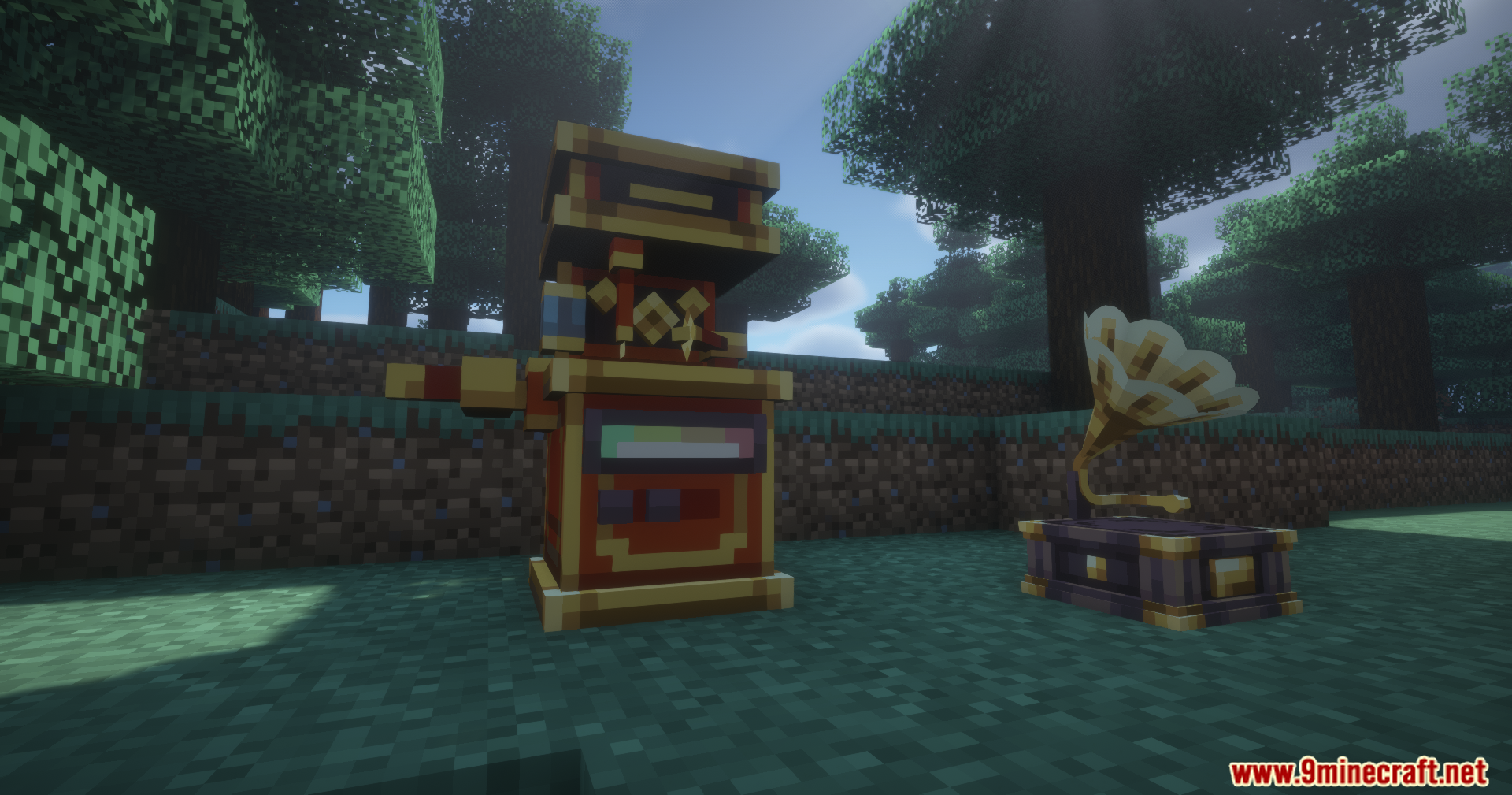
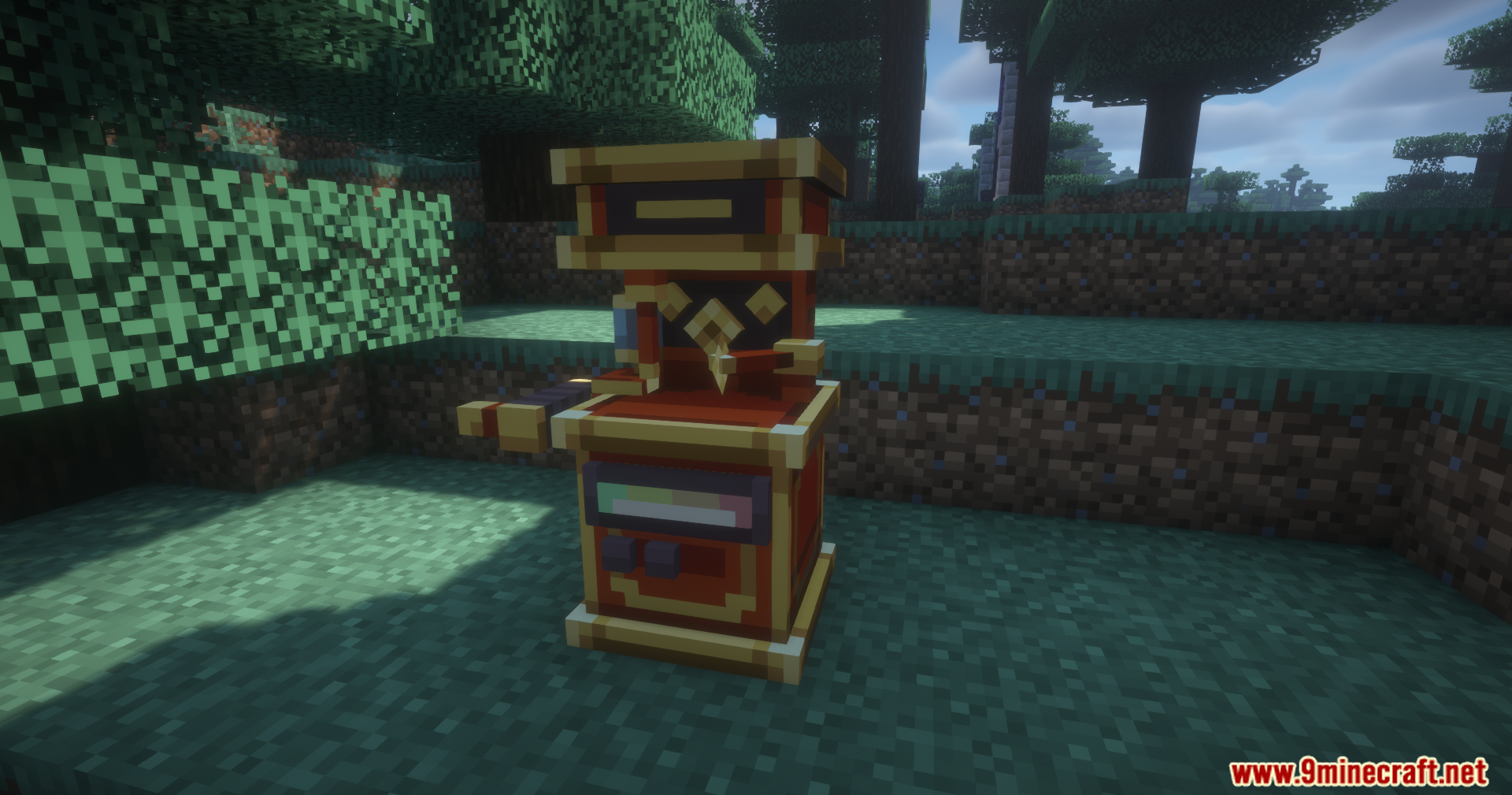
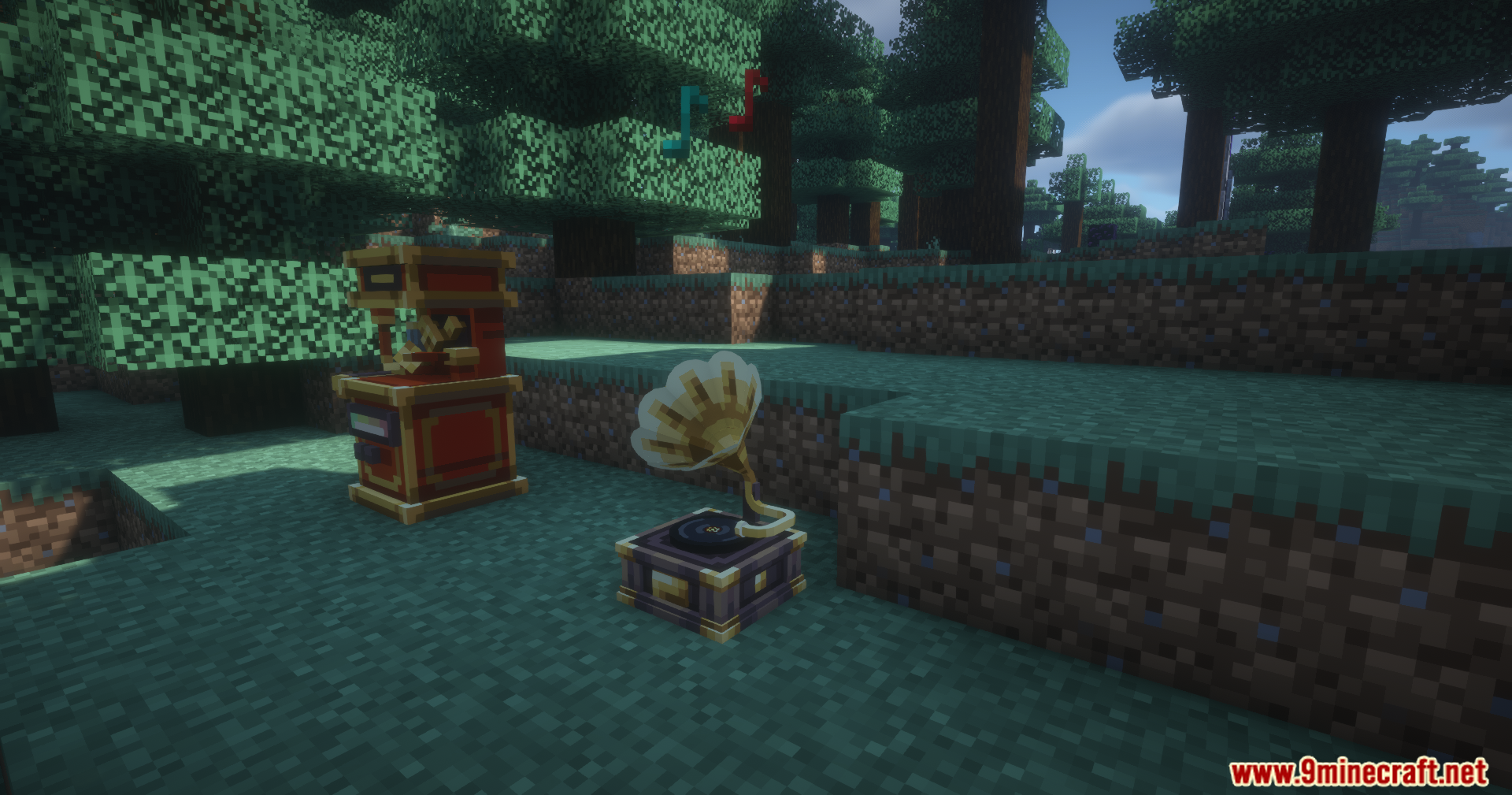
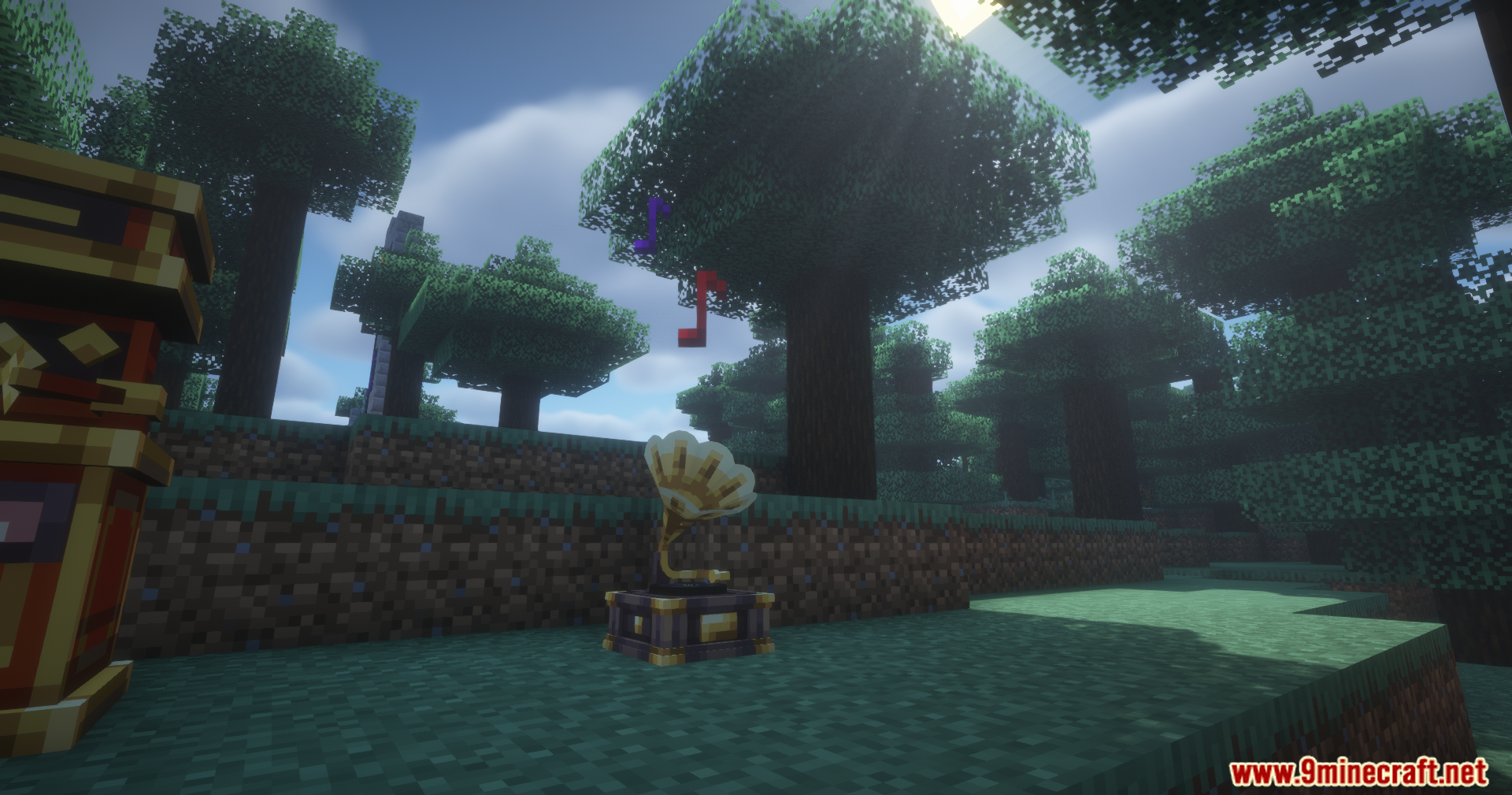
player_block | Music Player Block |
player_entity | Music Player Entity |
no_vip | Play VIP songs without restriction |
select_hud_artist | Quick Song Selection - Artist Display |
select_hud_size | Quick Song Selection - HUD Size |
select_hud_length | Quick Song Selection - Maximum Songs |
reset | Reset |
close | Save and Exit |
set_hud_pos | Song Info HUD Position Adjustment |
not_pause_sound | Sound does not pause when game is paused |
glowing_text | Text outline for quick song selection |
Frequently asked questions
What is the main purpose of the Net Music Play List Mod?
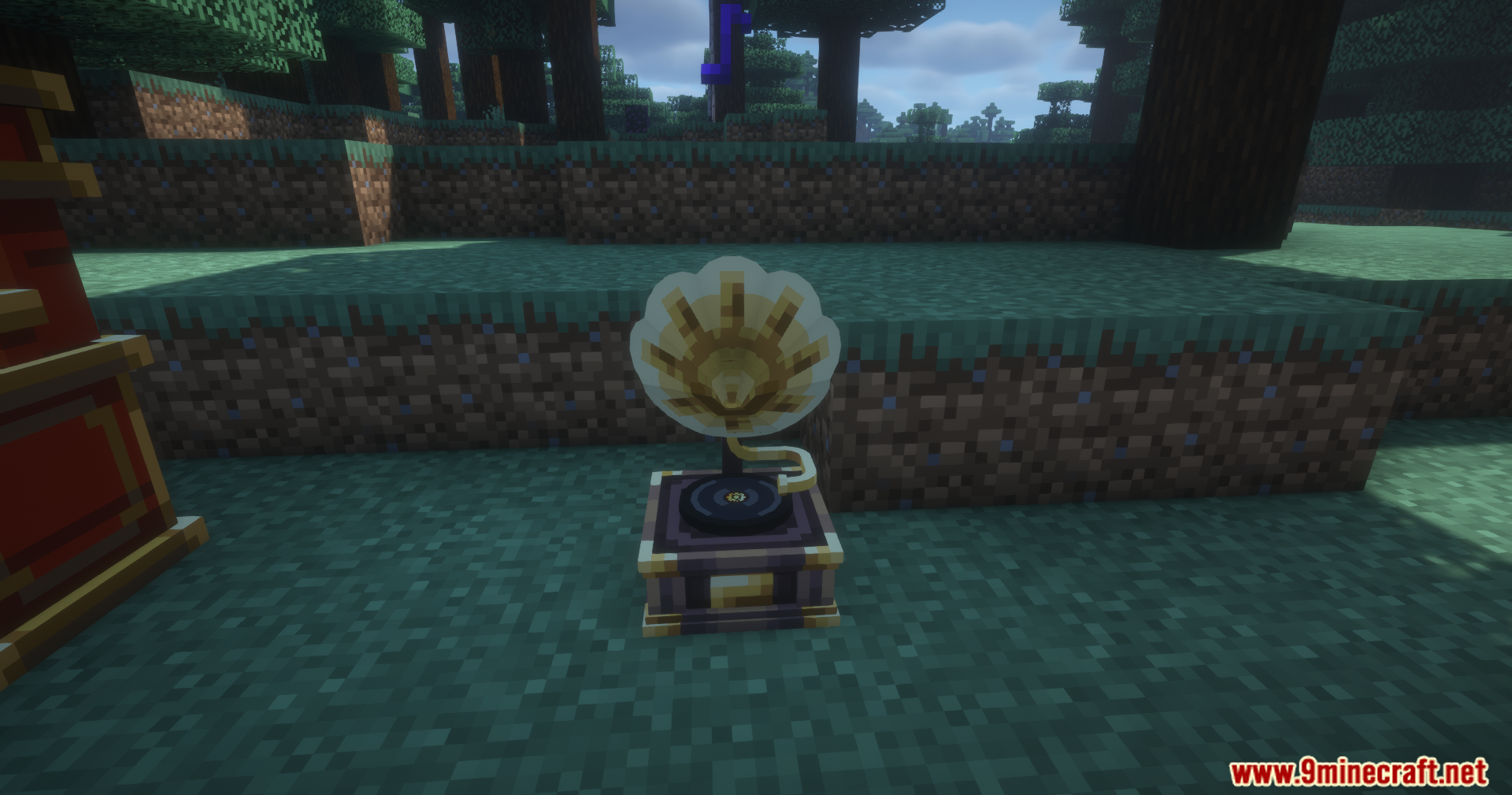
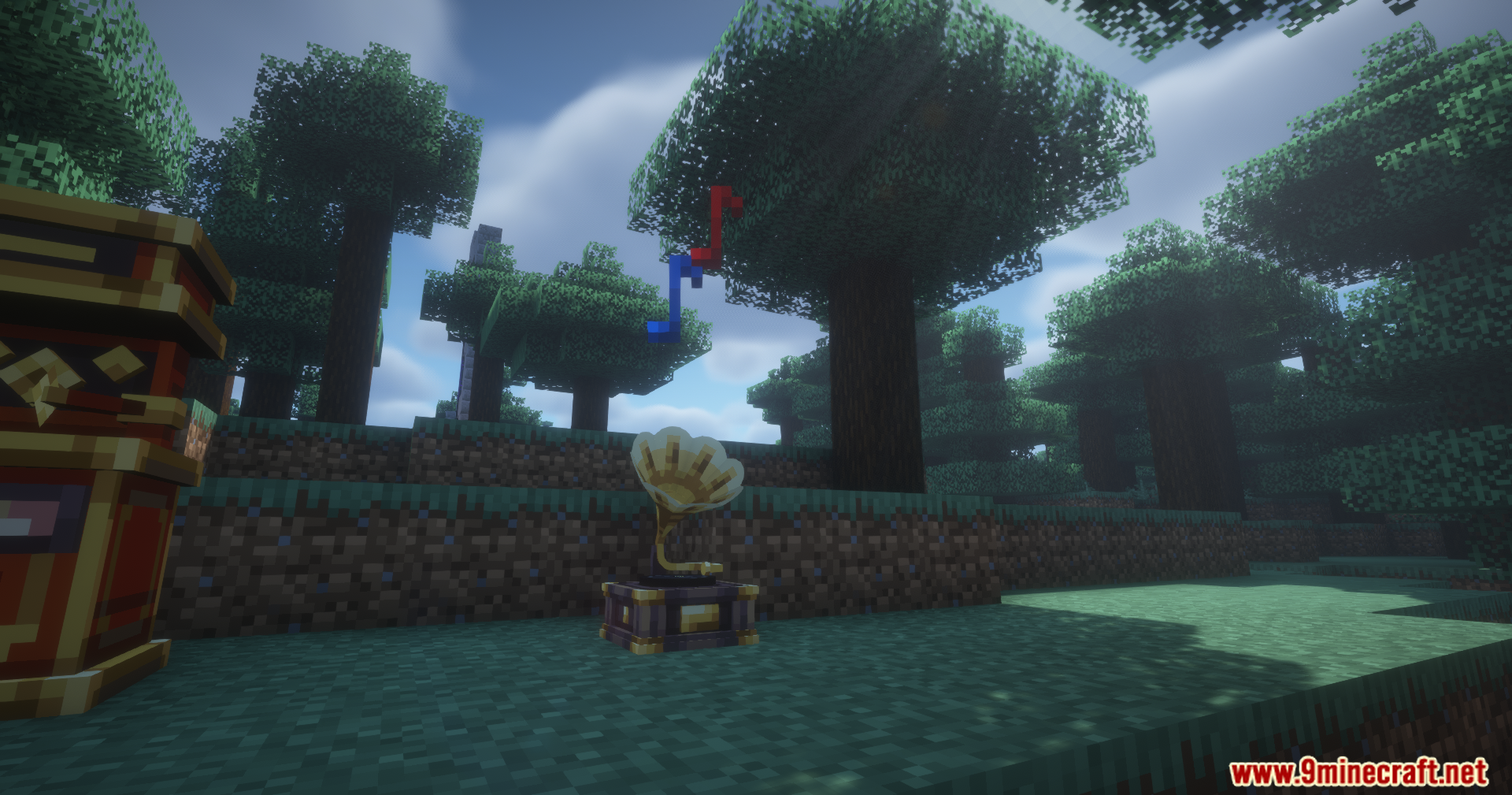
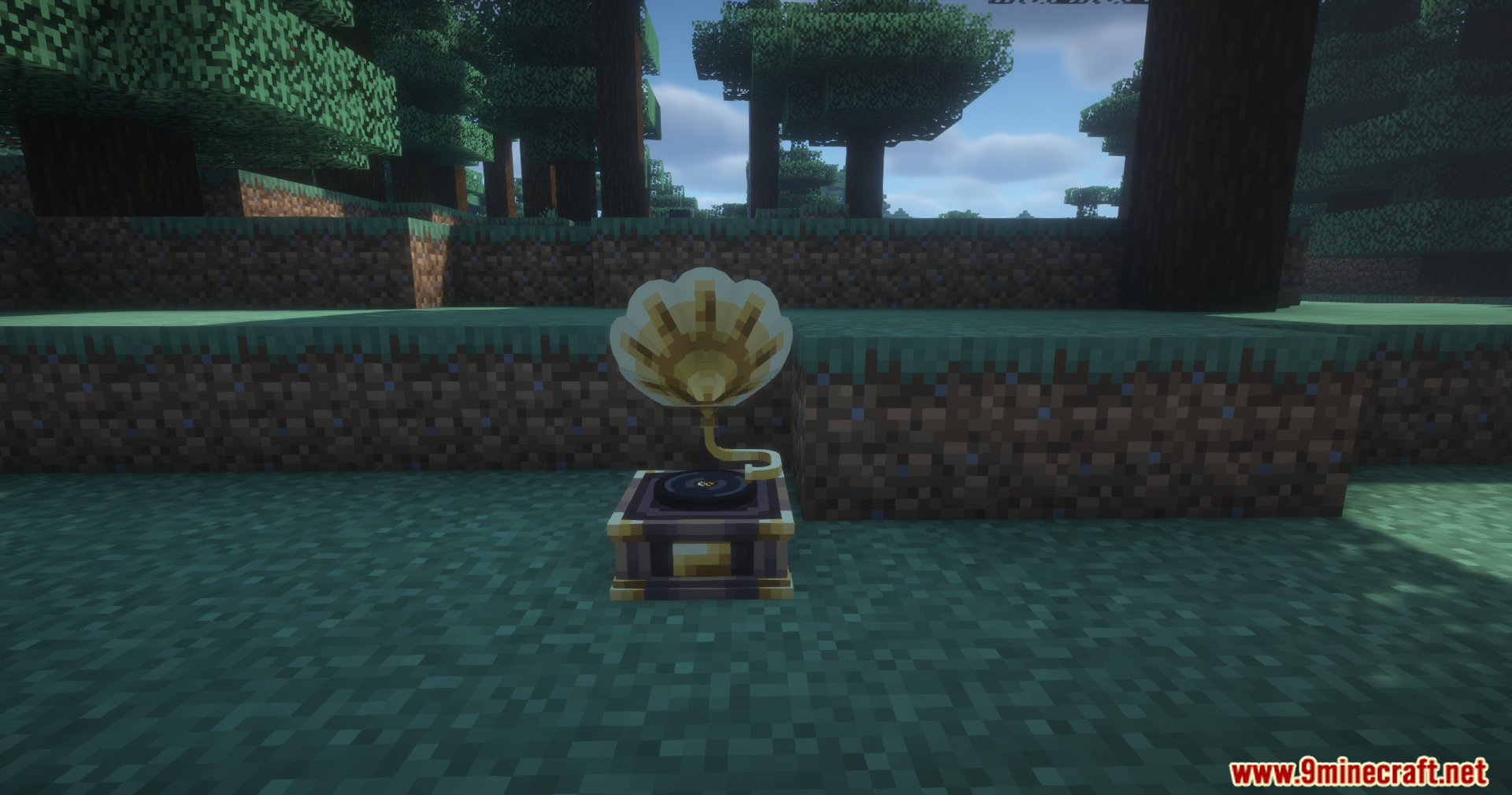
The mod adds custom playlists and portable players to the Net Music mod, allowing you to group favorite songs together and listen to them while exploring the world.
How do you listen to a  playlist you've created?
You can put the finished playlist into a jukebox to hear the songs, or hold the  portable music player item to listen while traveling.
playlist into a jukebox to hear the songs, or hold the portable music player item to listen while traveling.Can you copy playlists in this mod?
Yes, you can put playlists into CD burners to create copies of your custom music discs.
How do you add songs to a playlist?
Hold a playlist item in your hand and click to open its menu, then add your songs into the playlist menu to set up your track list.
playlist item in your hand and click to open its menu, then add your songs into the playlist menu to set up your track list.See all 6 Net Music Play List questions ›
Gallery
11 images from the Net Music Play List Mod page.
You May Also Like
Wikis that share the most with this one
More mod wikis on the site
The most downloaded mods that have a wiki here
A few wikis from each of the other kinds